
Feature-rich and free website map builder with configuration settings for rules, forms, passwords, FTP uploads, previews, and more. #Sitemap creator #Website analyzer #Analyze page #Sitemap #Analyze #Analyzer

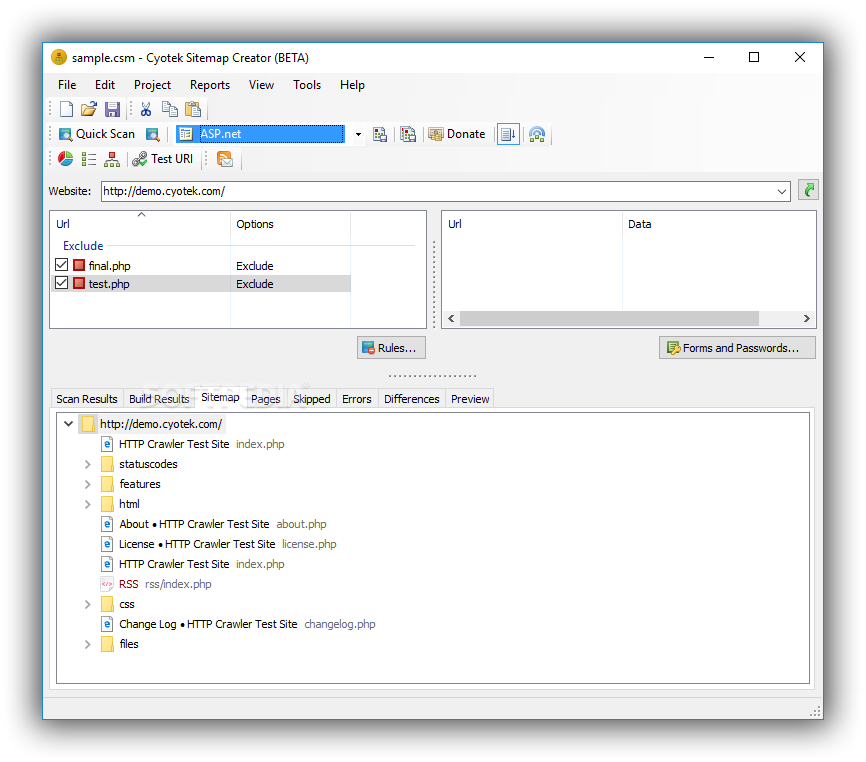
Cyotek Sitemap Creator is a complex software application that can analyze your websites to help you generate sitemaps in various formats. It's capable of detecting missing and slow pages, among others.
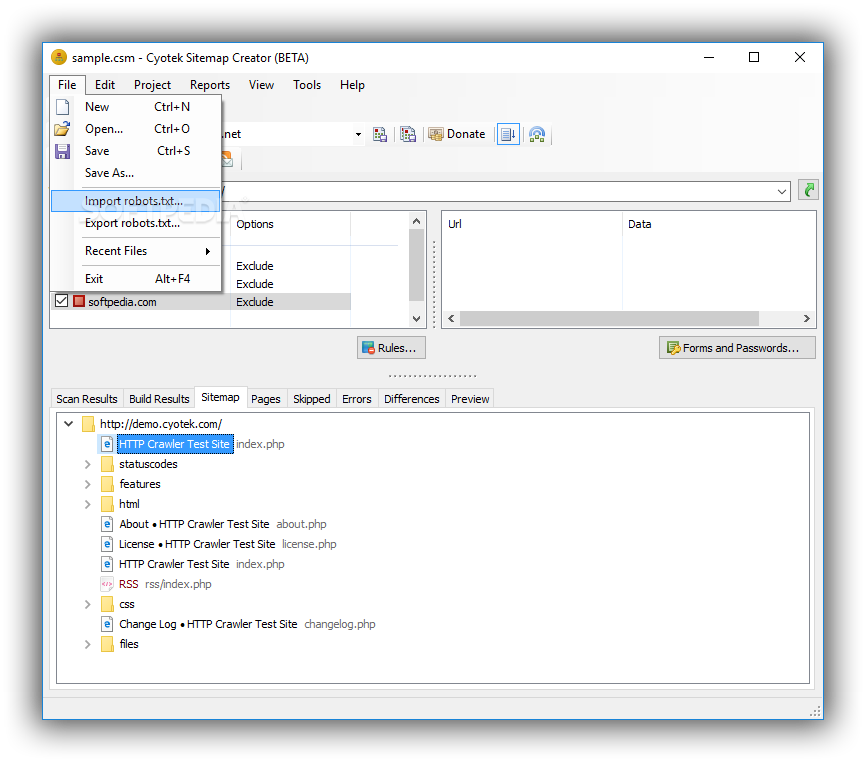
The setup procedure doesn't take a long time to finish, and you can exclude any components when it comes to help files, samples and reports, along with extensions and add-ins: sitemap uploads via FTP, search engine pings, sitemap previews, robots.txt imports/exports, RSS notifications, and visual link maps.
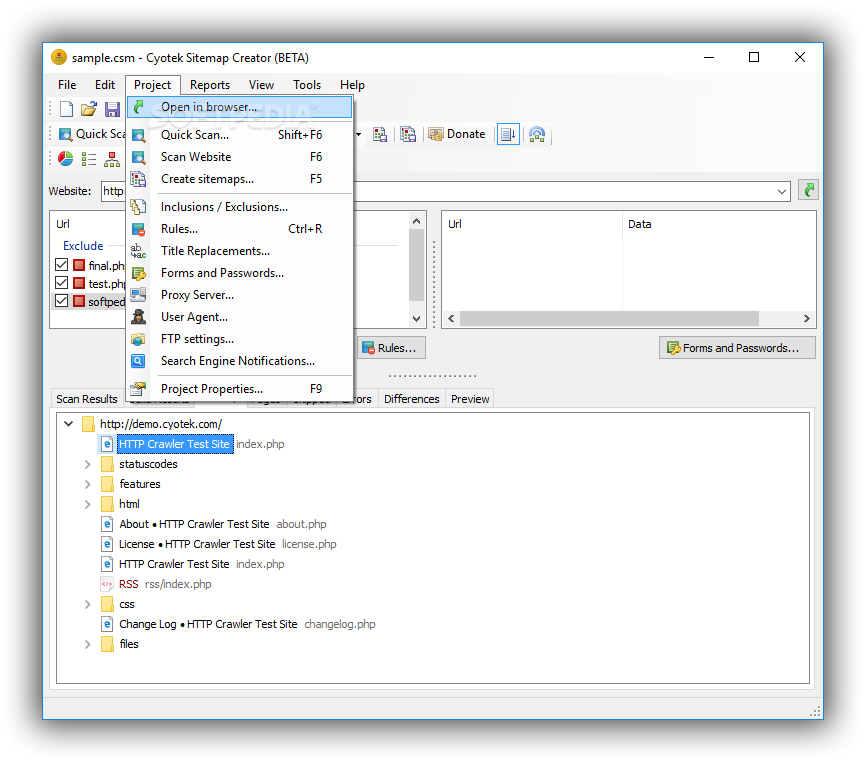
Wrapped up in a pro-grade interface which consists of a large window with a clear-cut structure, Cyotek Sitemap Creator lets you open a website to check for URLs.
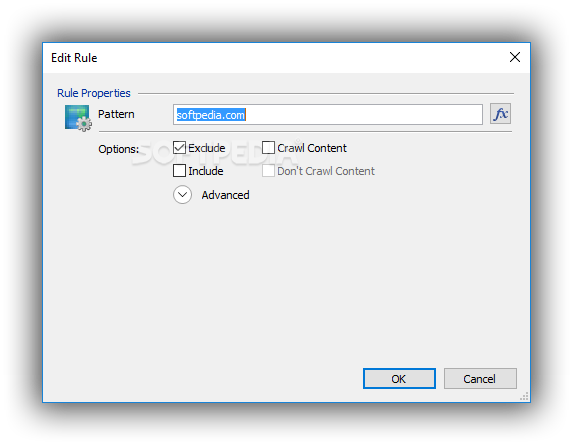
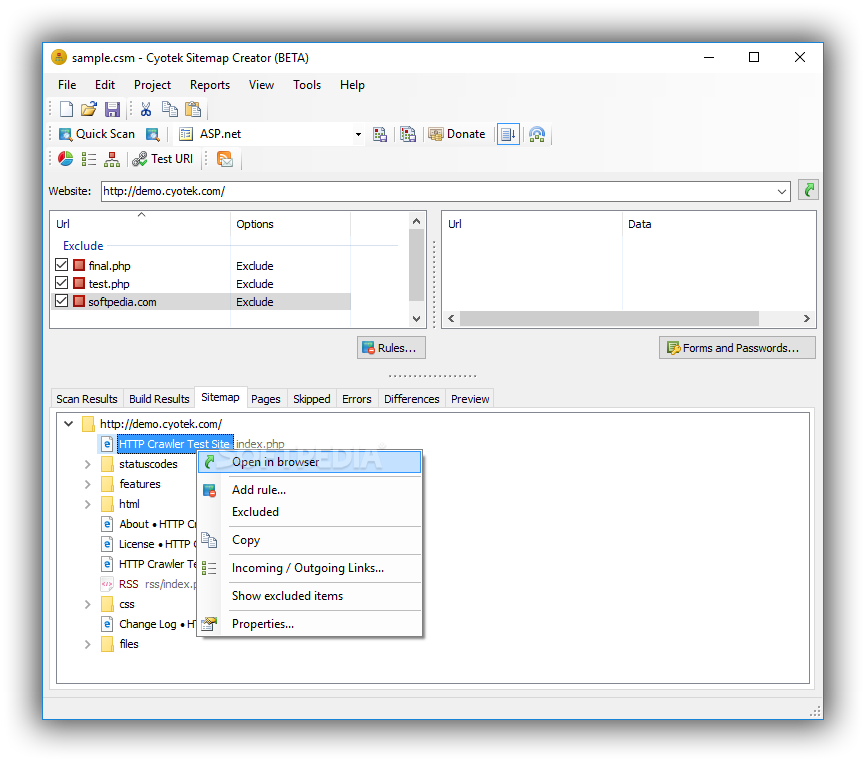
You can define rules when it comes to links, patterns, inclusions, exclusions, crawl content, full URI, images, or forbidding children to inherit the rules in question. What's more, you can manage forms and passwords, import or export the robots.txt file, replace titles, or apply a proxy configuration for connecting to the Internet.
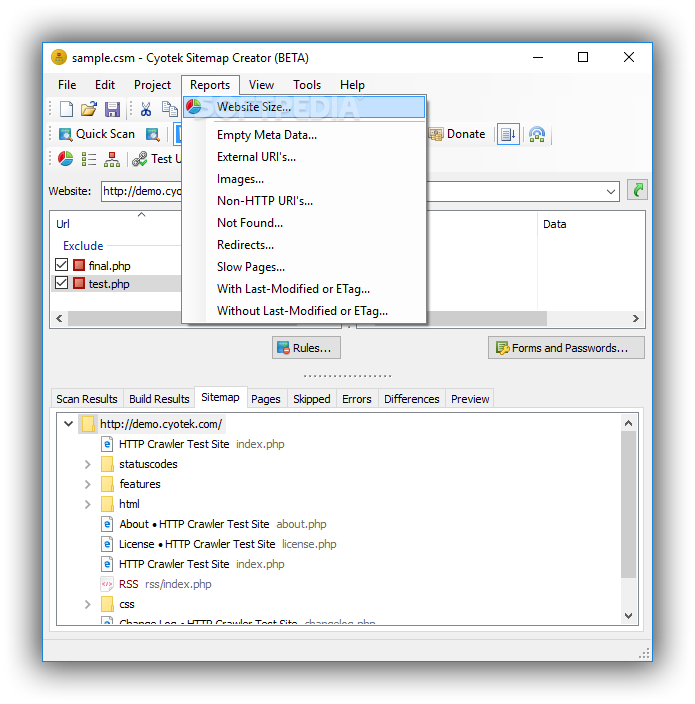
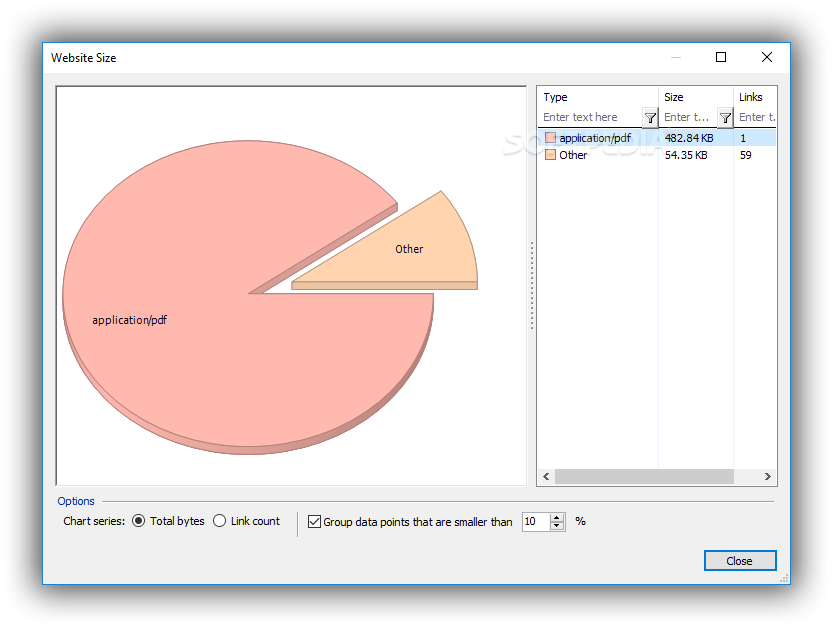
It's possible to select the sitemap provider between ASP.NET, HTML and XML. You can ask the program to automatically upload files via FTP and ping search engines when the sitemap is updated, perform a quick scan after setting the maximum depth level, view charts with the website's size, empty metadata, manage add-ins, clean link maps, and so on. These are just part of the options provided by this software utility.
Everything worked smoothly in our tests, since the app didn't trigger the OS to hang, crash or display error messages. Surprisingly, it had low impact on computer performance, since it needed low CPU and RAM to work properly.
Taking into account its rich features and configuration settings, not to mention the fact that it's free to use, Cyotek Sitemap Creator proves to be a reliable assistant for building sitemaps with detailed rules, and it should meet the requirements of experienced users.
What's new in Cyotek Sitemap Creator 1.2.0 Build 456 Beta:
- Added:
- The original Include Subdomains option has been replaced with a new set of more comprehensive options, allowing for copying of sibling domains, linked resources, or everything
- Although the UI editor for additional hosts stated regular expressions could be used, this was never implemented. Regular expressions can now be used with additional hosts
- Added an address bar to the Capture Form tool to allow access to hidden login URI's, or for any other type of manual navigation
Cyotek Sitemap Creator 1.0.6.1 / 1.2.0 Build 456 Beta
add to watchlist add to download basket send us an update REPORT- runs on:
-
Windows 10 32/64 bit
Windows 2003
Windows 8 32/64 bit
Windows 7 32/64 bit
Windows Vista 32/64 bit
Windows XP - file size:
- 4.2 MB
- filename:
- setup-cyosmc-1.0.6.1.exe
- main category:
- Internet
- developer:
- visit homepage
4k Video Downloader

calibre

ShareX

7-Zip

paint.net

Zoom Client

IrfanView

Microsoft Teams

Windows Sandbox Launcher

Bitdefender Antivirus Free

- Microsoft Teams
- Windows Sandbox Launcher
- Bitdefender Antivirus Free
- 4k Video Downloader
- calibre
- ShareX
- 7-Zip
- paint.net
- Zoom Client
- IrfanView