Softpedia
 

WINDOWS CATEGORIES:


GLOBAL PAGES >>
SOFTPEDIA REVIEWS >>
MEET THE EDITORS >>
WEEK'S BEST
  • Bitdefender Total ...
  • Ocster Backup Pro ...
  • Hard Disk Sentinel...
  • FlashFXP [DISCOUNT...
  • DVDFab DVD Copy [D...
  • Kaspersky Internet...
  • Avast! Internet Se...
  • Avira Internet Sec...
  • Webroot SecureAnyw...
  • McAfee Total Prote...
  • Home > Windows > Internet > Browsers
     Report malware

    Maxthon [Softpedia Edition] 2.5.16.1000 Final

    Softpedia Pick Award
    download button

    Part of the Web Browser download hub
    Downloads: 239,451  View global page  Tell us about an update
    User Rating:
    Rated by:
    Very Good (4.0/5)
    381 user(s)
    Developer:

    License / Price:

    Size / OS:

    Last Updated:

    Category:

    Freeware / $0
    6.6 MB / Windows All
    [view history]
    C: \ Internet \ Browsers

     Read user reviews (18)  Send to friend   Follow (19 users)

    Softpedia Editor's Review for Maxthon [Softpedia Edition]

    EDITOR'S RATING:   4.5/5

    A free IE based browser that uses very little resources with less plug-ins

    Written by Elena Opris on September 4th, 2012

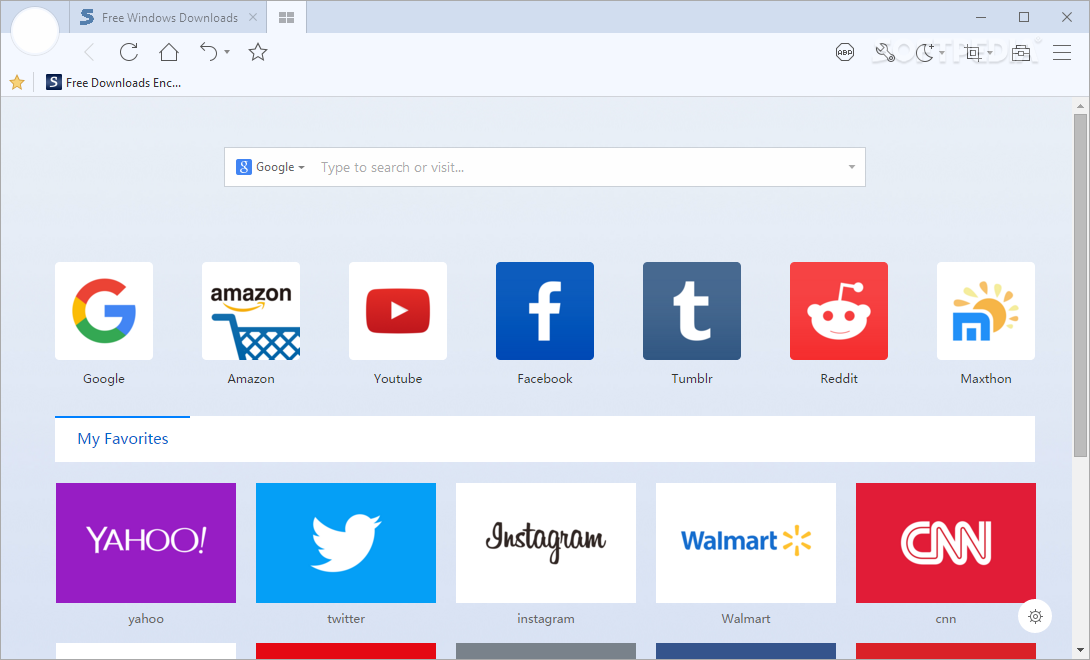
    Maxthon is an IE-based browser that brings something different to the table. Besides encasing the basic functions that any respectable browser should, Maxthon comes with a few extra abilities that might turn it into your browser of choice.

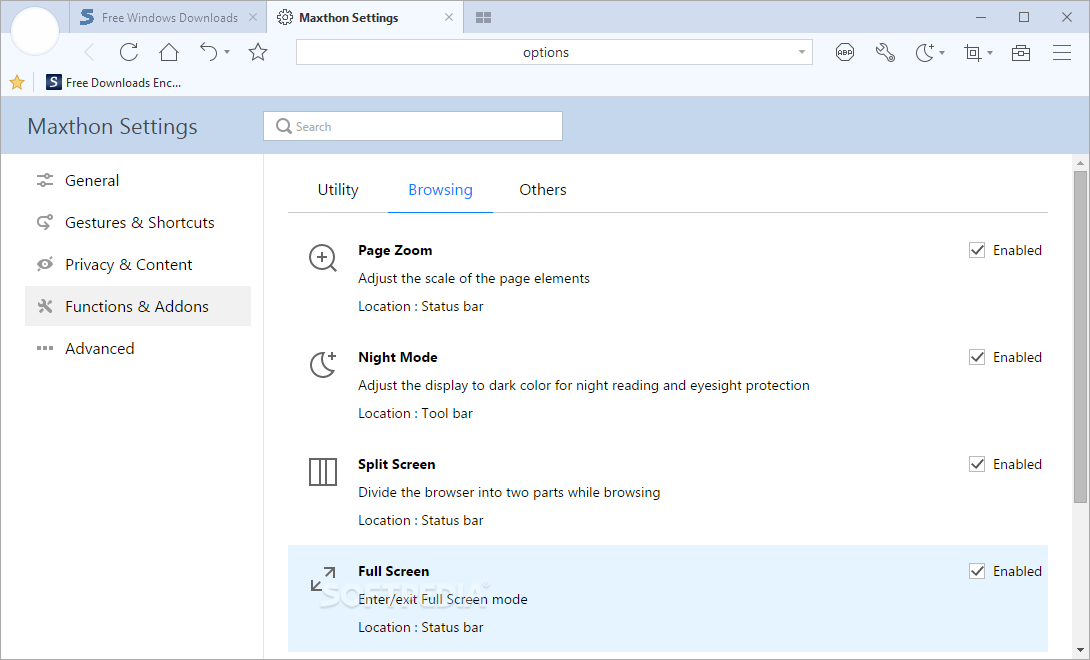
    Maxthon was and still is a source of inspiration for many developers. In a nutshell, it made them think that a browser can still be called a browser even if it’s bundled with features that are totally unrelated with the functionality that an Internet navigator ought to have. For instance, screen capture or translation capabilities are not defining features for a web browser, but Maxthon incorporates them and they’re very much appreciated, too.

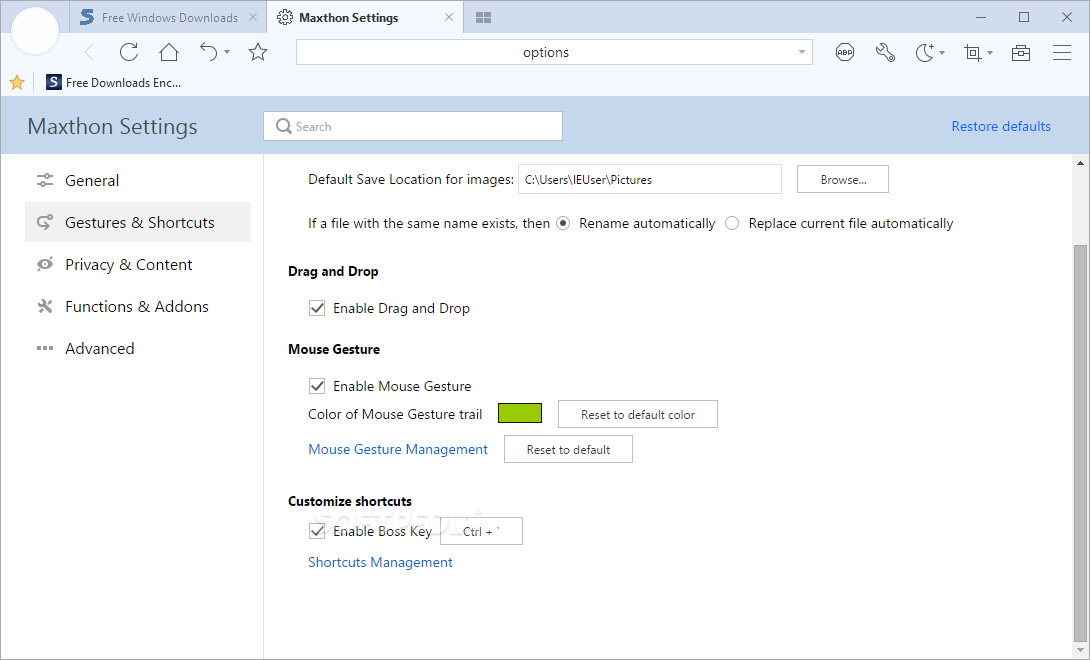
    Besides these additional tools, Maxthon has a rich collection of browser-connected abilities that are also awesome. One of its more cherished advantages lies in the mouse gestures. By holding down the right-button of your mouse, you can perform a gesture that will make Maxthon go back, refresh, open links and many others.

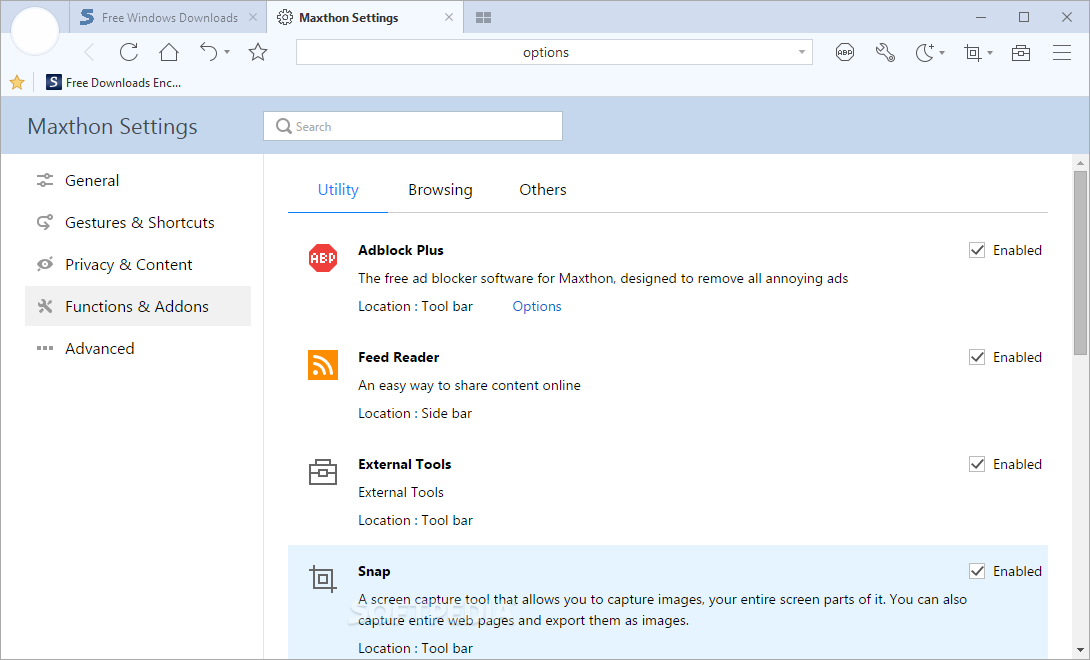
    With Magic Fill you can fill and save form data, while the Ad Hunter module blocks ads and popup windows. The Web Sniffer locates and extracts multimedia files from a page.

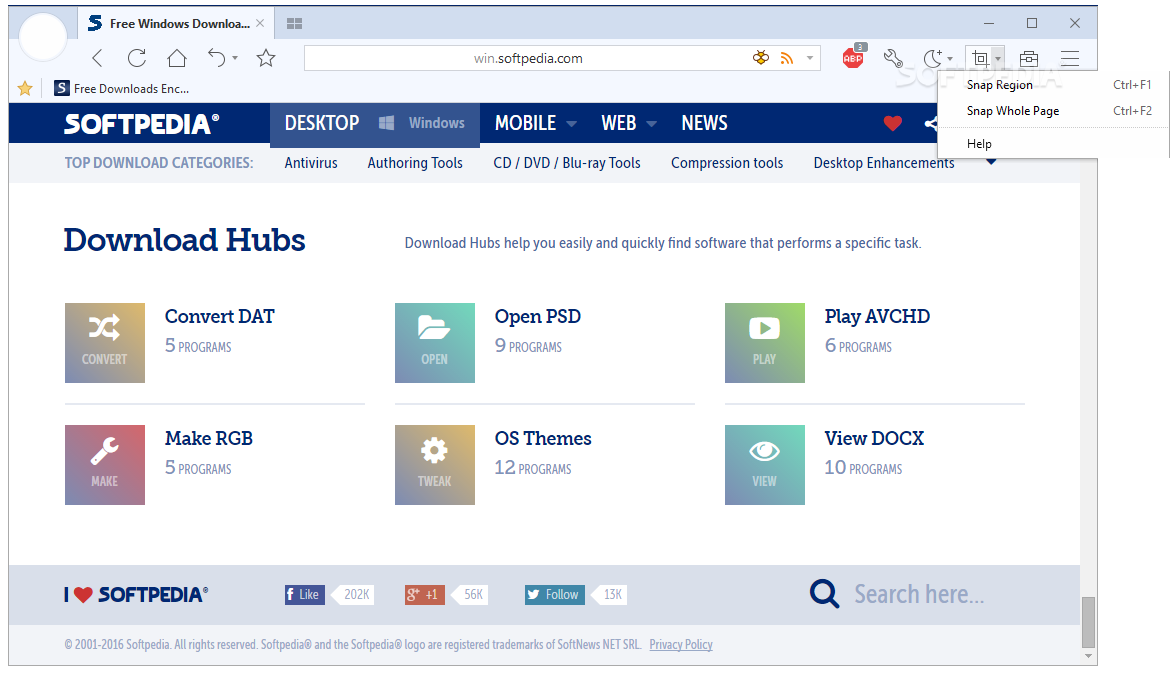
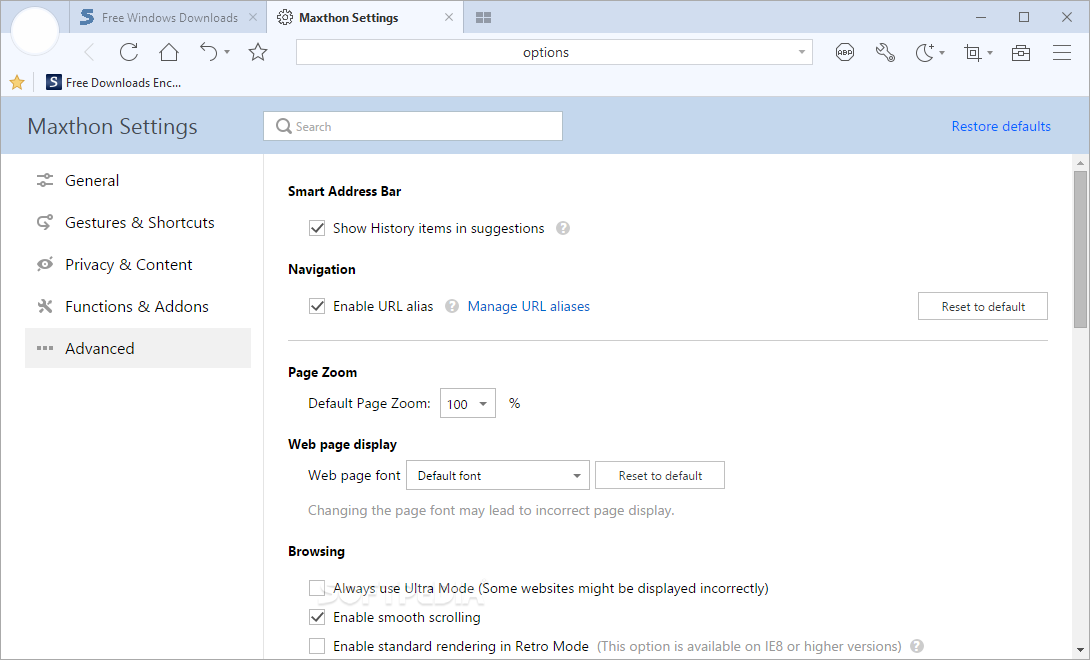
    You can assign nicknames to websites you frequently use, and Maxthon will load it after you type the nickname in the URL bar. Capture the whole content of a page, or only part of it, without having to install any extensions, and change the text in the interface to a language of your choice.

    In conclusion, you can easily get lost in this exciting, completely customizable web browser. Softpedia fans should totally check out our custom made edition for Softpedia feeds and other goodies.


    Read an in-depth analysis in our professional review for Maxthon [Softpedia Edition]

    Maxthon [Softpedia Edition] description

    Here are some key features of "Maxthon [Softpedia Edition]":

    · Easy Surfing - Browsing with Joy

    Tabbed Browsing:
    · All the web pages are arranged as tabs inside main window to ease your navigation.

    · You can find almost all common operations in the Right-click Menu of tabs.

    Mouse Gestures:
    · Hold right mouse button and perform the gestures to access common features such as Back, Forward, Refresh and Close Tab.

    · You can set up your own mouse gestures in Setup Center.

    Maxthon Smart Acceleration:
    · Boost the browsing speed of your frequent visit websites.

    · And the Super Acceleration Mode can improve your browse speed even more.

    Magic Fill:
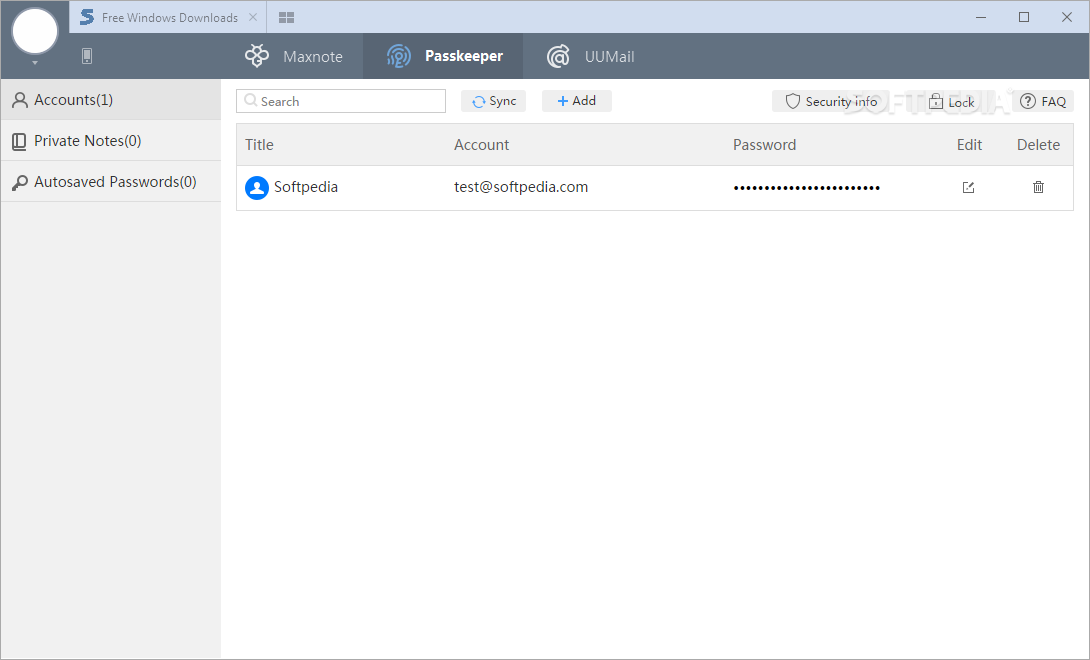
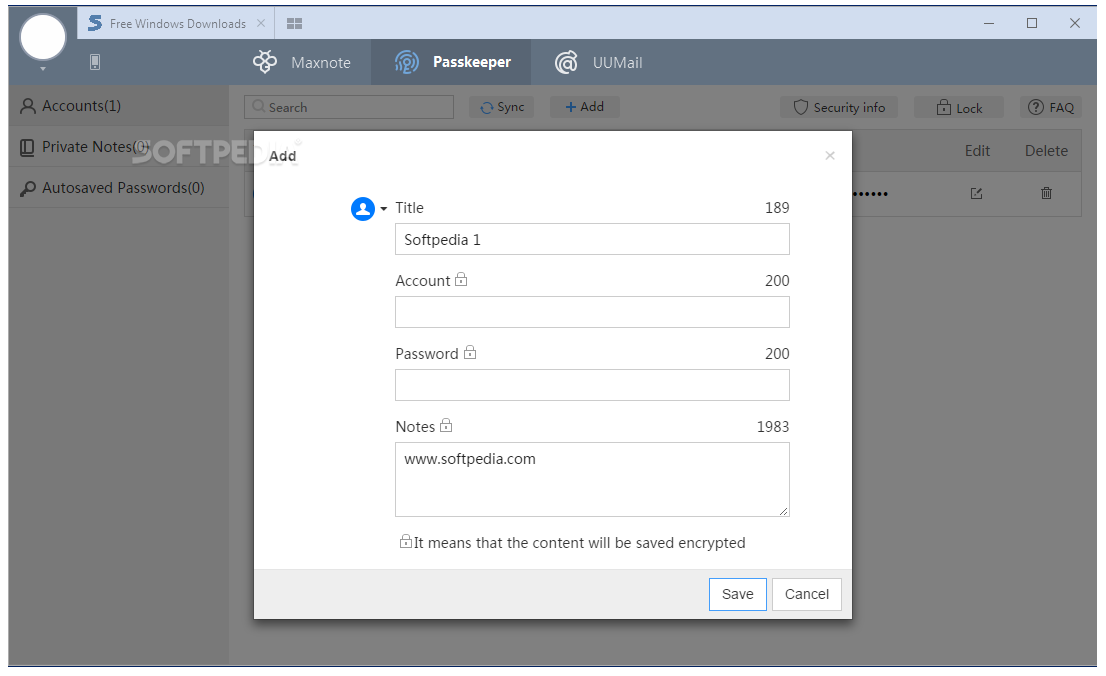
    · Fill all the forms with Magic Fill by a single click. It can recognize almost any form fields automatically.

    · You can also save existing form data for further use.

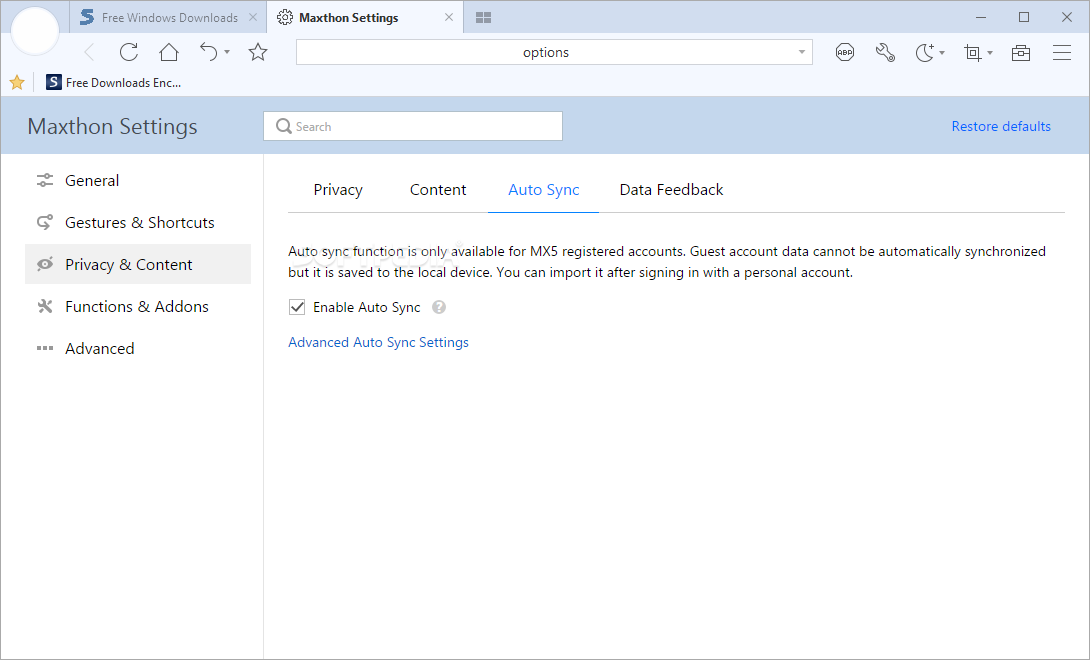
    Feed Reader:
    · With the built-in Feed Reader, you don't have to install other software to subscribe and read RSS 0.9/1.0/2.0 and Atom 0.3/1.0 Feeds.

    · Click on the Feed icon on the Address Bar, or drag & drop the URL into My Subscriptions sidebar to subscribe to a Feed.

    URL Alias:
    · Give a name to your favorite website, and then visit it by simply typing the name in the Address Bar.

    · You can set the URL Alias via Right-click Menu of the tab.

    Utilities:
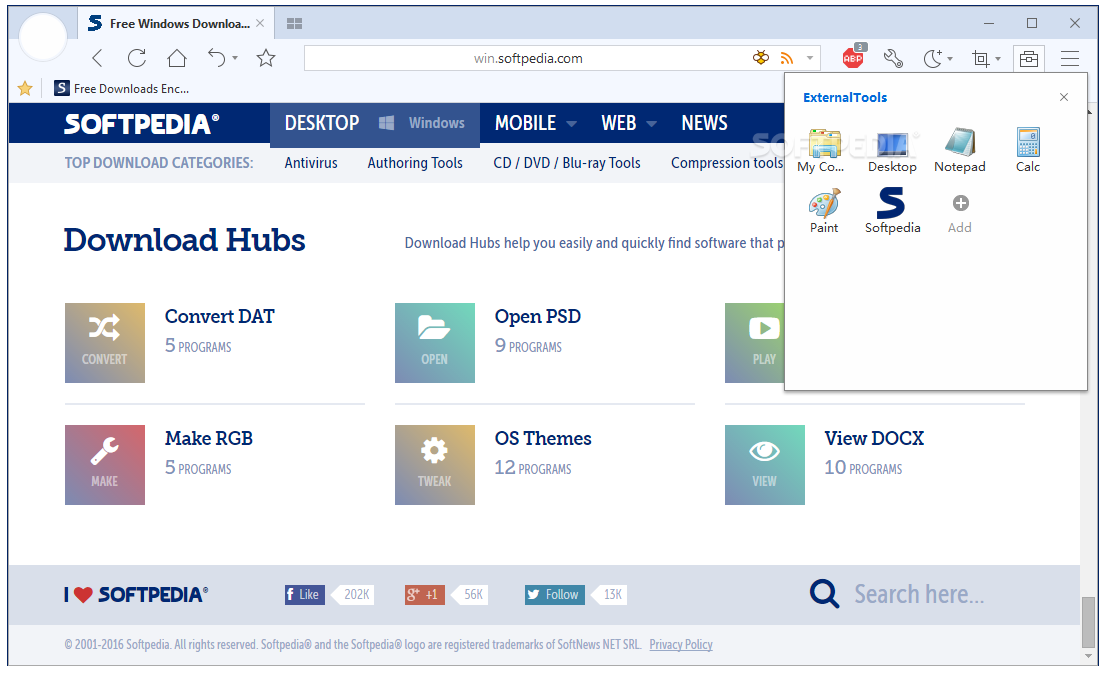
    · You can add shortcuts of your programs in Maxthon, and start them with a single click.

    · You can even set programs to start and shutdown with Maxthon Browser.

    Ad Hunter:
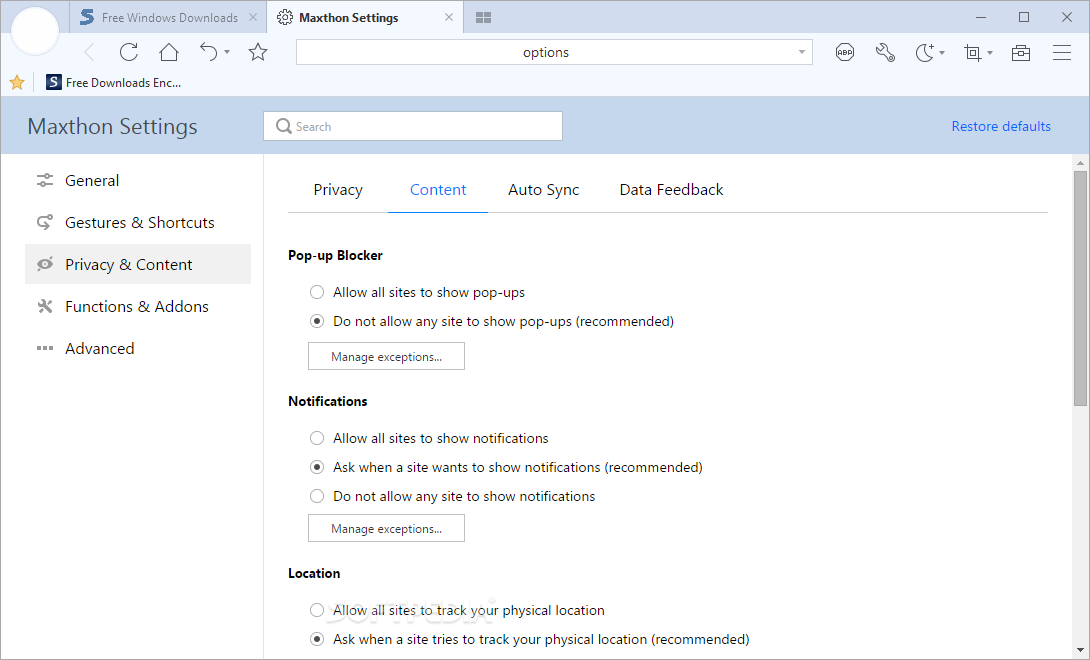
    · Ad Hunter can efficiently clean up the web pages by stopping Popup Windows and removing Ad Content Blocks.

    · You can add content block to the filter with the "Block Page Content..." command in the Right-click Menu.

    Web Sniffer:
    · Web Sniffer can help you find the real URLs of FLV video file on those online video website.

    · You can also set which file types to sniff in the dialog.


    Anti-Freeze:
    · The emergence of Tabbed Browsing Mode and the increasing usage of Ajax Technology in websites might cause frequent freezing while browsing.

    · Maxthon Browser has developed a new technology to solve this problem, makes your surfing more fluent.

    Super Drag&Drop:
    · Type the keywords in Address Bar then press Enter to perform a search. Or simply drag & drop a keyword with your mouse.

    · Click on images when holding the Ctrl key, the image you clicked will be saved to specified folder.

    Undo List:
    · Closed a tab by mistake? There is always a chance to get them back with the Undo List.

    · The Back/Forward History is also saved in the Undo List. You don't need to panic when you've closed a tab by mistake.


    Online Favorites Service:
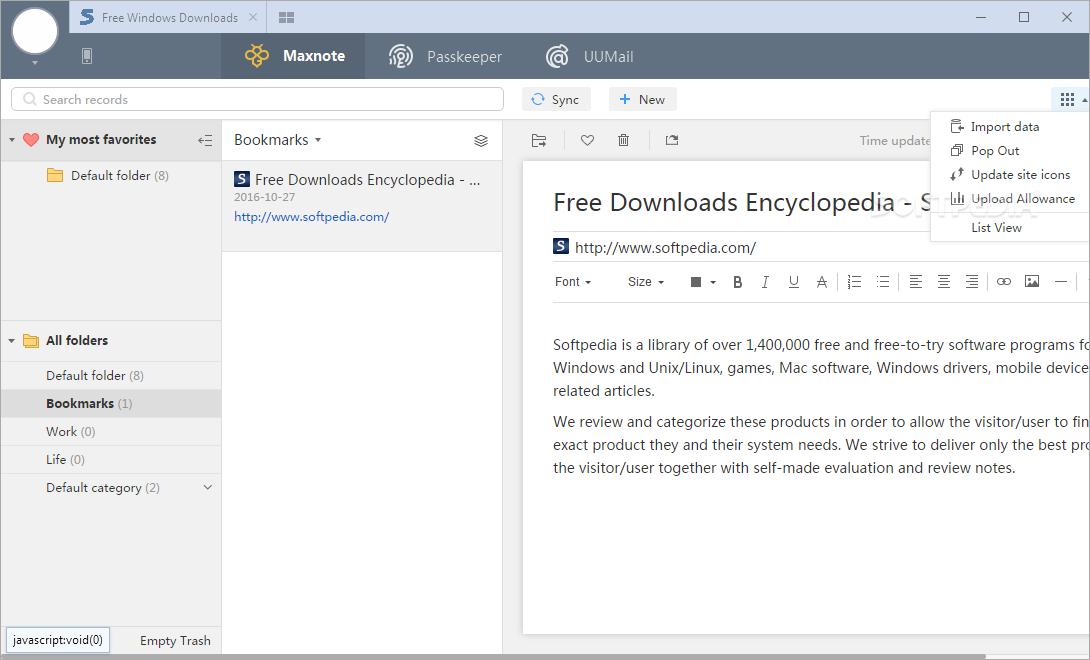
    · Access your Favorites content anywhere with Maxthon Online Favorites Service.

    · The encrypted stand-alone Favorites file format can protect your privacy on a shared computer.

    Super Proxy:
    · Supports connect to internet with HTTP, HTTPS, Socks4, Socks4a, Socks5 proxy servers, also supports proxies that requires authentication.

    · Maxthon Browser can switch between proxies automatically based on your Advanced Proxy Rule setting.

    Web Bar:
    · This little toolbar provides a lots of small features that aid your browsing, and can be toggled on and off easily.

    URL Key:
    · Open one or more website with only one key. It suits for lazy guys like me :p

    · You can set up the key and url list in Setup Center.

    Screen Capture:
    · Capture Full Screen, Selected Area, Selected Window and Page Content as an image.

    · You can set copy the image to Clipboard or save it as a file.


    · Secure Browsing - Be Your Guardian of the Web

    Security Updates:
    · Maxthon Security Updates reduce the risk of certain unpatched Internet Explorer vulnerabilities while browsing.


    Trusted Website Check:
    · Address Bar will show the Trusted icon and its background will turn green when you visit a trusted website.

    · Help you secure your online transactions.

    Clean Private Data:
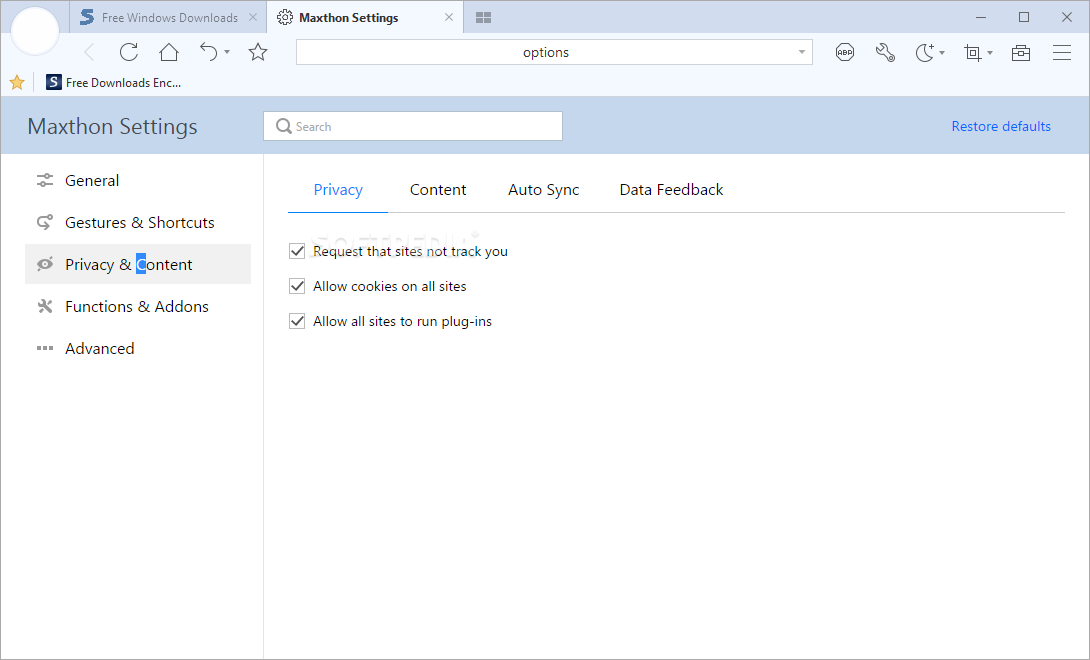
    · You can erase all your browsing information easily.

    · And you can set up to have them cleaned automatically on exit.


    · Fully Customizable - The Way You Surf the World

    Plugins:
    · Add more features into Maxthon Browser with plugins.

    · You can even make some to share with your friends.


    Filter Packs:
    · Remove ads on a specified website or implement a special feature. The whole new Filter Pack system gives you the possibility of modifying web page source code.

    Skins:
    · Install Skins to change the look of your Maxthon Browser and make it different, or create one by yourself.

    Multi-language:
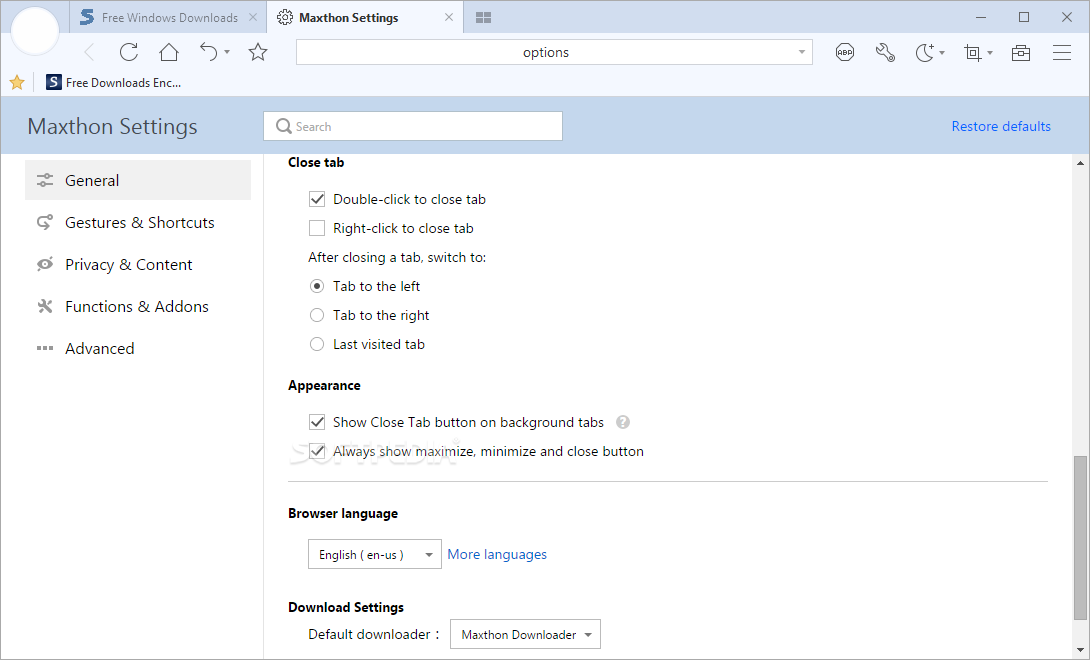
    · Maxthon Browser has Language Packs in 19 different languages, all made by our community users.

    · Let Maxthon speaks your own language.

    Requirements:

    · 800MHz CPU
    · 512MB RAM
    · 64MB Free Hard Disk Space
    · Microsoft Internet Explorer 6.0 or 7.0

    What's New in This Release: [ read full changelog ]

    · Browsing
    · fixed problem that Backspace key is invalid in a new New Account window

       Softpedia guarantees that Maxthon [Softpedia Edition] 2.5.16.1000 Final is 100% FREE, which means it does not contain any form of malware, including spyware, viruses, trojans and backdoors. [read more >]


    TAGS:

    Website Browser | Tabbed Browser | Browse Webpage | browser | tabbed | multi-page

    Go to top

    WindowsGamesDriversMacLinuxScriptsMobileHandheldNews

    SUBMIT PROGRAM   |   ADVERTISE   |   GET HELP   |   SEND US FEEDBACK   |   RSS FEEDS   |   UPDATE YOUR SOFTWARE   |   ROMANIAN FORUM