
Make your Internet surfing sessions more enjoyable by avoiding annoying ads and intrusive trackers using this appealing and intuitive browser. #Secure browser #Ad blocker #Popup blocker #Browser #Blocker #Popup

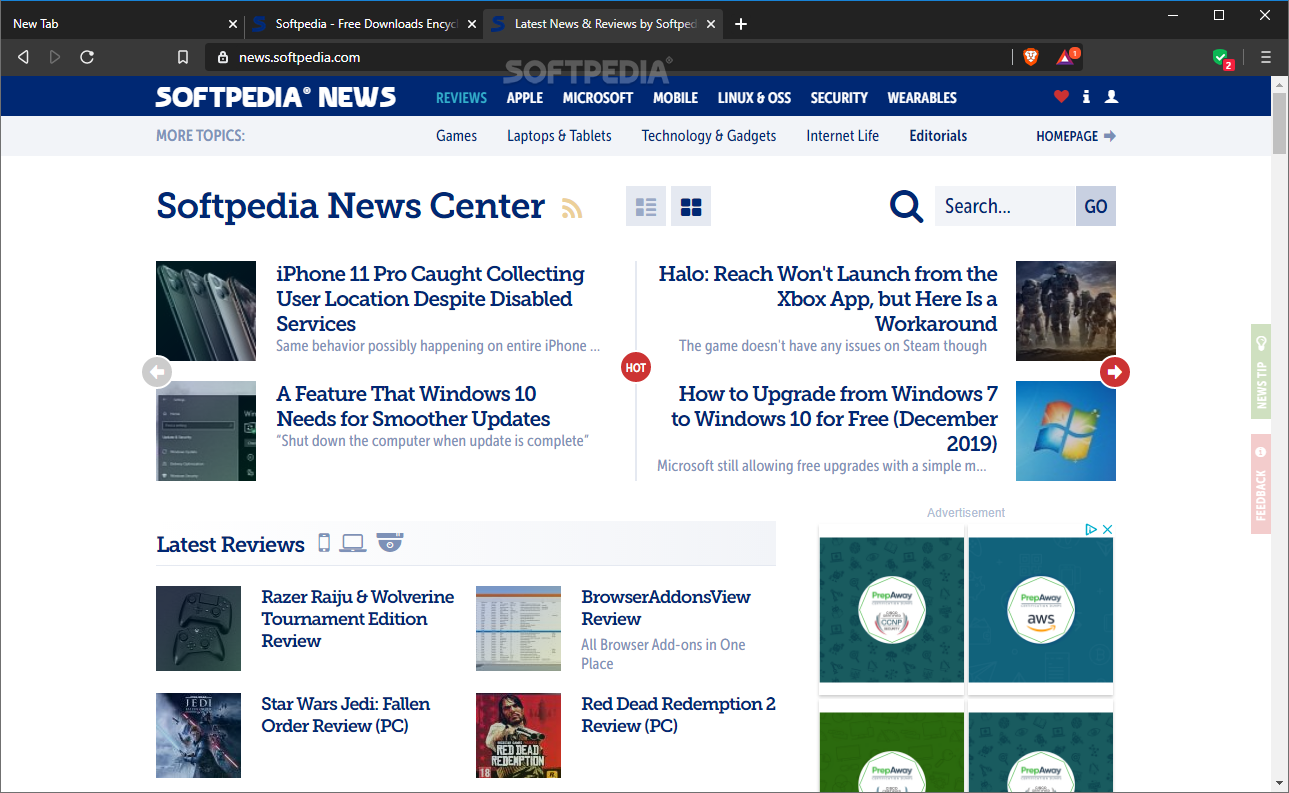
The world of open-source and free browsers has recently welcomed its newest member that goes by the name of Brave after a fairly long beta testing period. Before anything else, it’s worth noting that Brave has a well-established pedigree being the brainchild of Brendan Eich, the creator of JavaScript and co-founder of the Mozilla project.
With that out of the way, let’s jump right into what makes Brave not only a good browser but a special one. Right off the bat, there are two main aspects that make Brave very interesting. The first is represented by its privacy and security engines, while the second is its unique reward system and also its unique philosophy that aims to change how advertising works on the Internet.
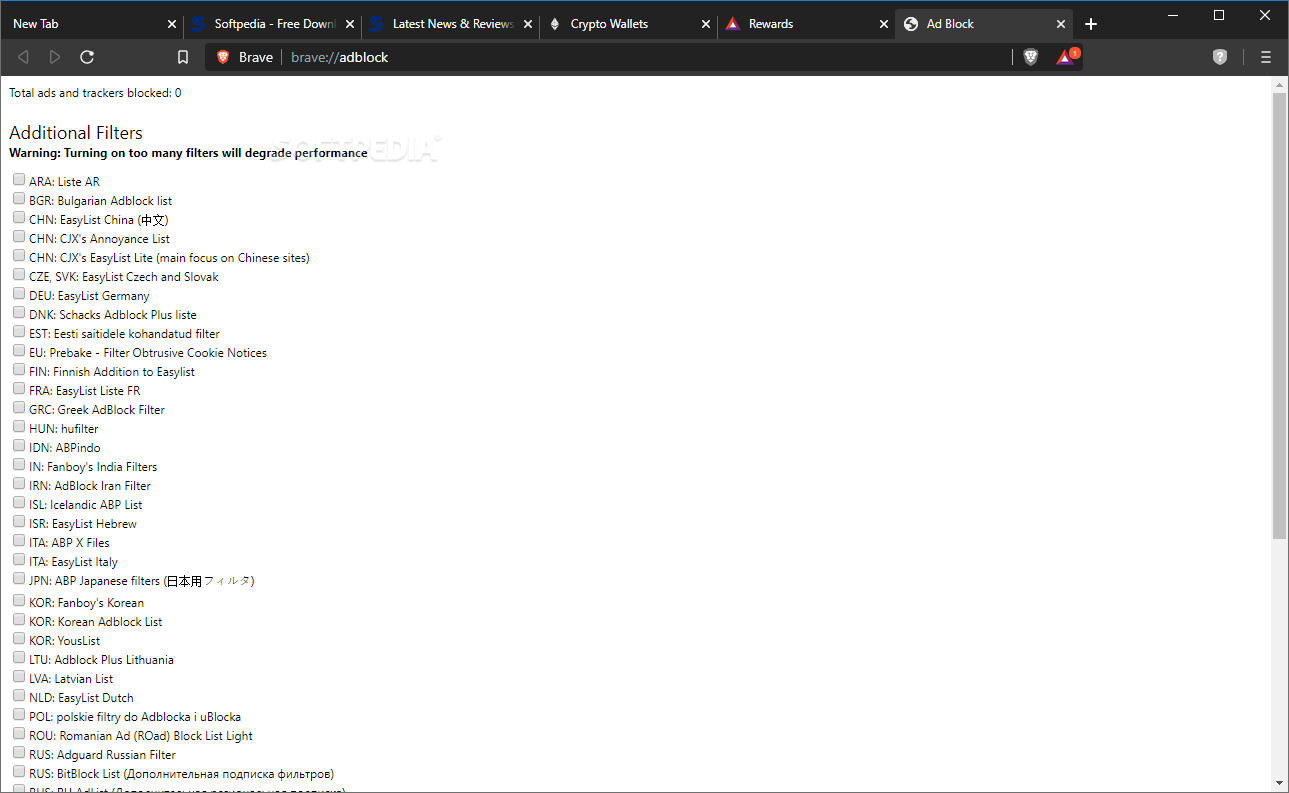
Since the privacy and security aspect will be its selling point for most users out there, we’ll start with that. First and foremost, Brave includes a built-in ad-blocker, not just any ad-blocker – one of the best. This means that you don’t have to go through the trouble of finding and installing the “perfect” third-party extension for this purpose.
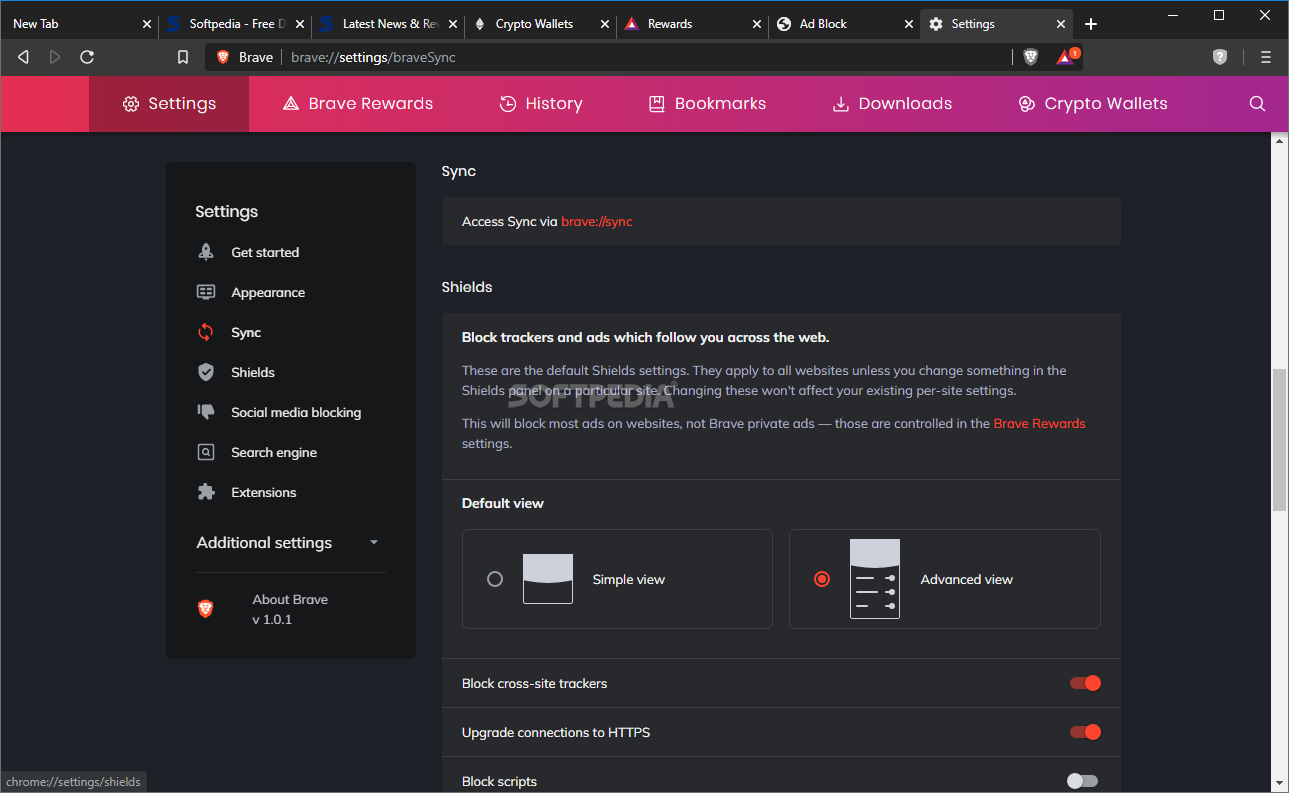
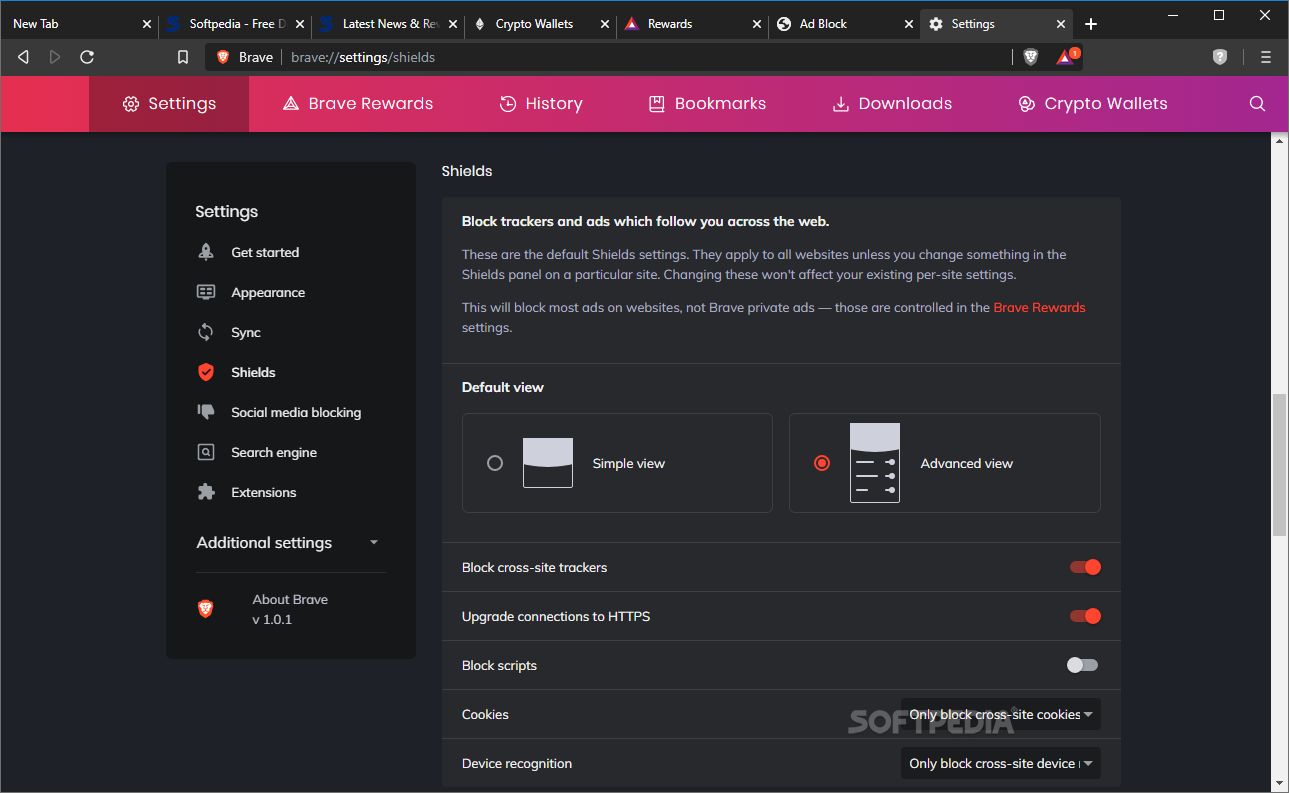
It boasts so many useful features that users don’t have to even lift a finger as malware and extensive trackers are blocked by default. This is accomplished via its handy “shields.” These shields can block third-party sites from tracking your online activity (they block tracking cookies and invasive ads among others).
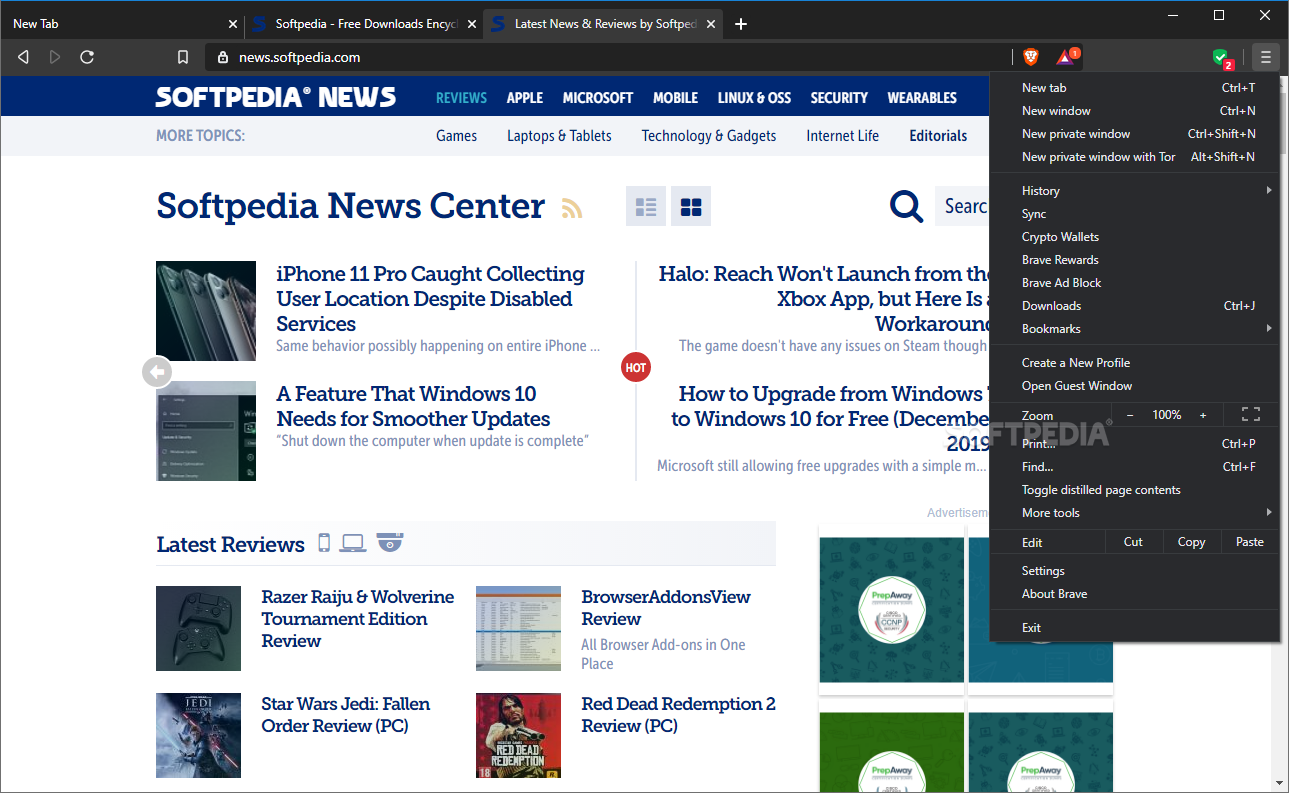
Even though Brave is based on Chromium, which is the basis for Google Chrome, the developers behind the project have “stripped” it clean of all elements that send data back to Google. Speaking of privacy, Brave really takes it very seriously, a fact easily demonstrated by the fact that the browser has built-in access to Tor (onion-routing network). This is handy for perfectly concealing your identity and location online and can even act as a gateway towards the Darknet.
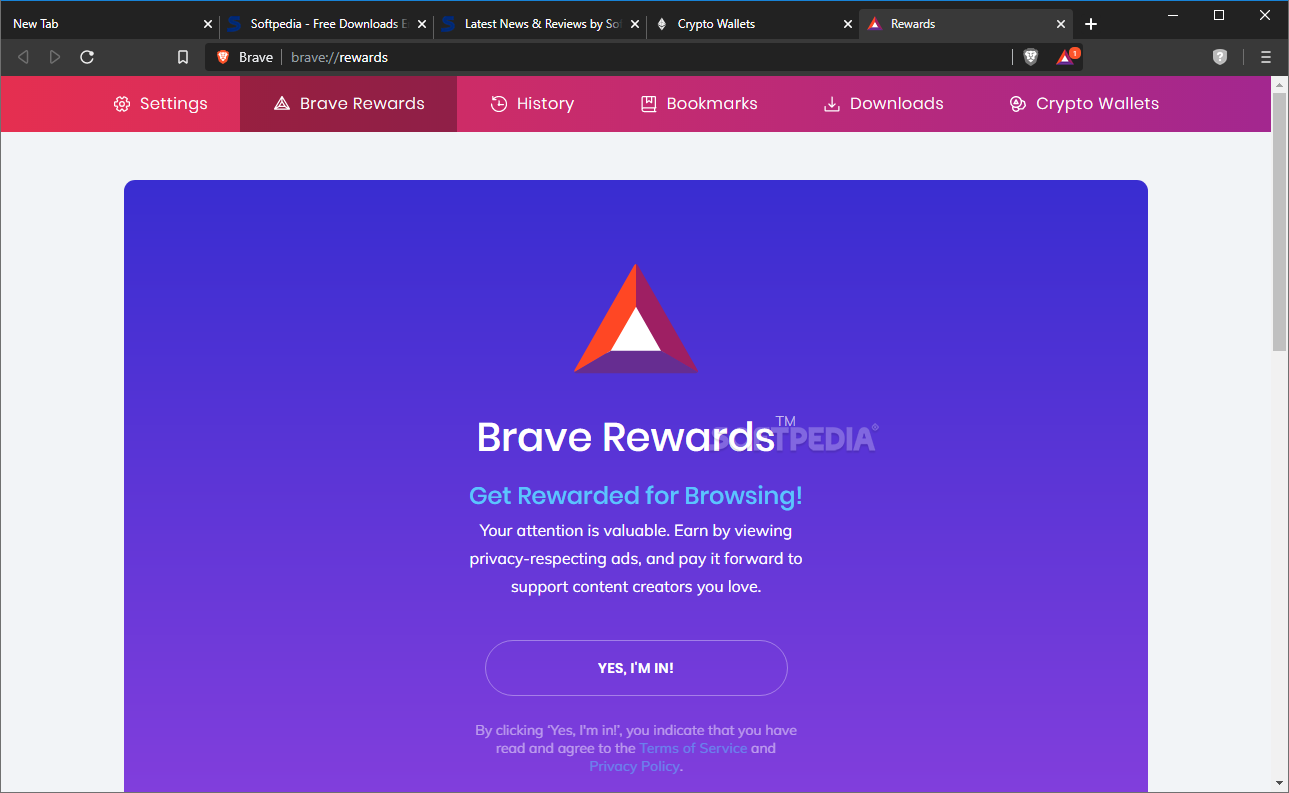
The browser’s reward system is probably one of the most interesting and complex features. Since the company intends to basically change how online advertising works, it’s no surprise that it can’t be explained in just two sentences.
While Brave seals you off all sorts of advertising and ad tracking, but it also attempts to strike a balance between user privacy and ad-based revenue that is ultimately vital for lots of content creators and websites out there. In short, Brave swaps ads on any given website with its “own” vetted ads. These ads are usually displayed as Windows notifications (if the feature is active).
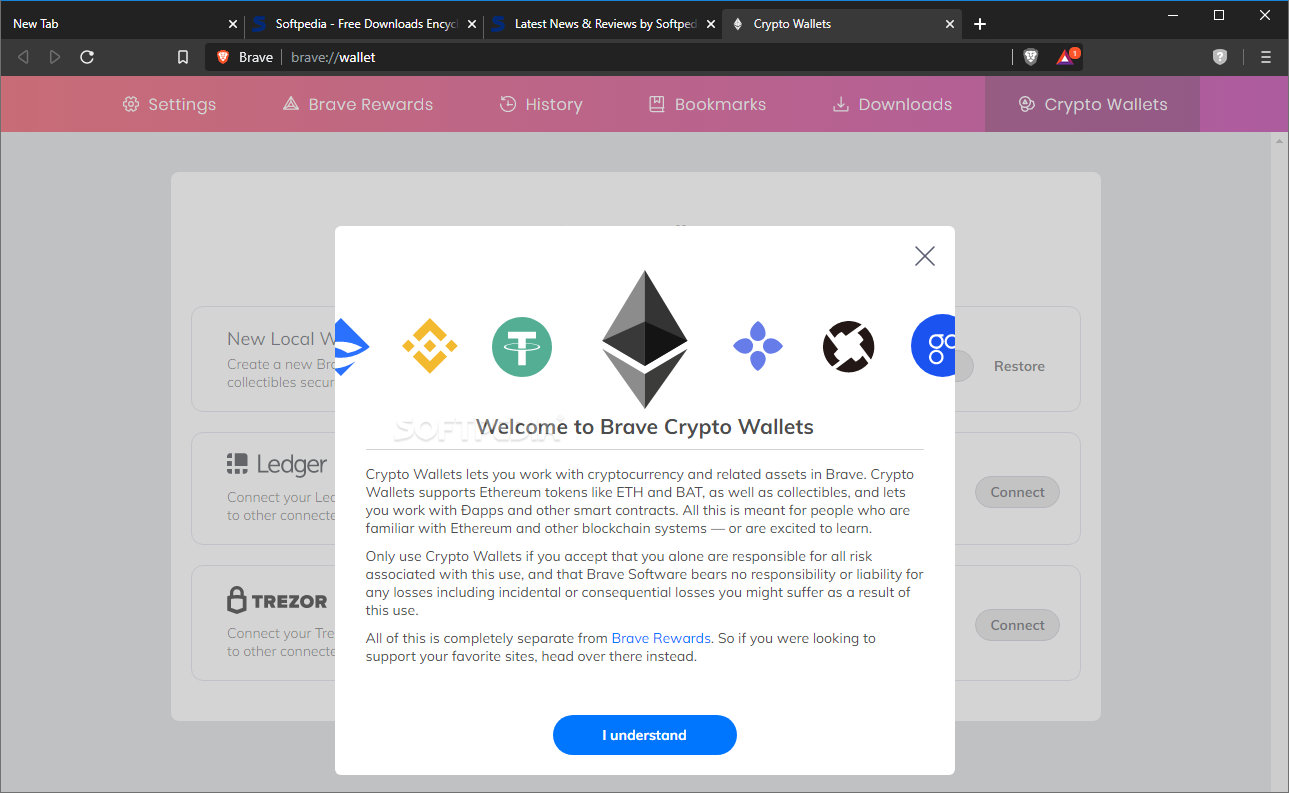
Here’s the trick: if you take the time to view and interact with Brave ads, you can earn Brave’s Basic Attention Tokens, a cryptocurrency that can be exchanged for real money (or other cryptos). That’s also the reason why Brave also boasts a built-in Crypto wallet. Thanks to a feature called Auto Contribute, you can spend BAT without much effort, as the browser figures out how much “attention” you’ve given to what websites, and can even create scheduled monthly contributions. In short, BAT is an intermediary for the whole user-advertiser-publisher system.
With the browser’s main, striking features explained, let’s talk about some other reason why Brave is worth your attention. For one, Brave is a very fast browser by all accounts. This is mainly thanks to its unique security and privacy features.
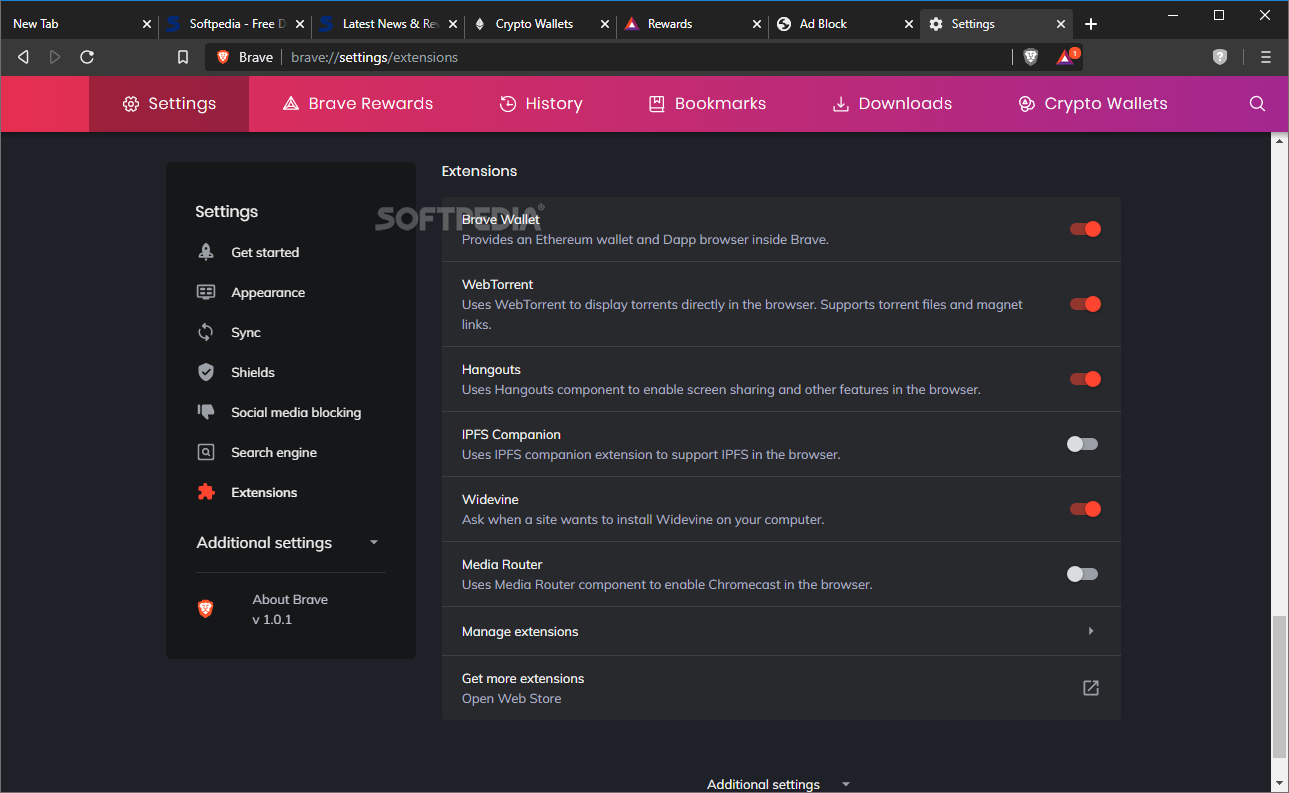
Brave also comes with other nifty little features that are meant to boost privacy while browsing. Thanks to its HTTPS Everywhere feature, you can be sure that the browser uses connection encryption whenever it is available. Since it’s Chromium-based, you can also go to the Chrome Web Store and have your pick to most extensions out there.
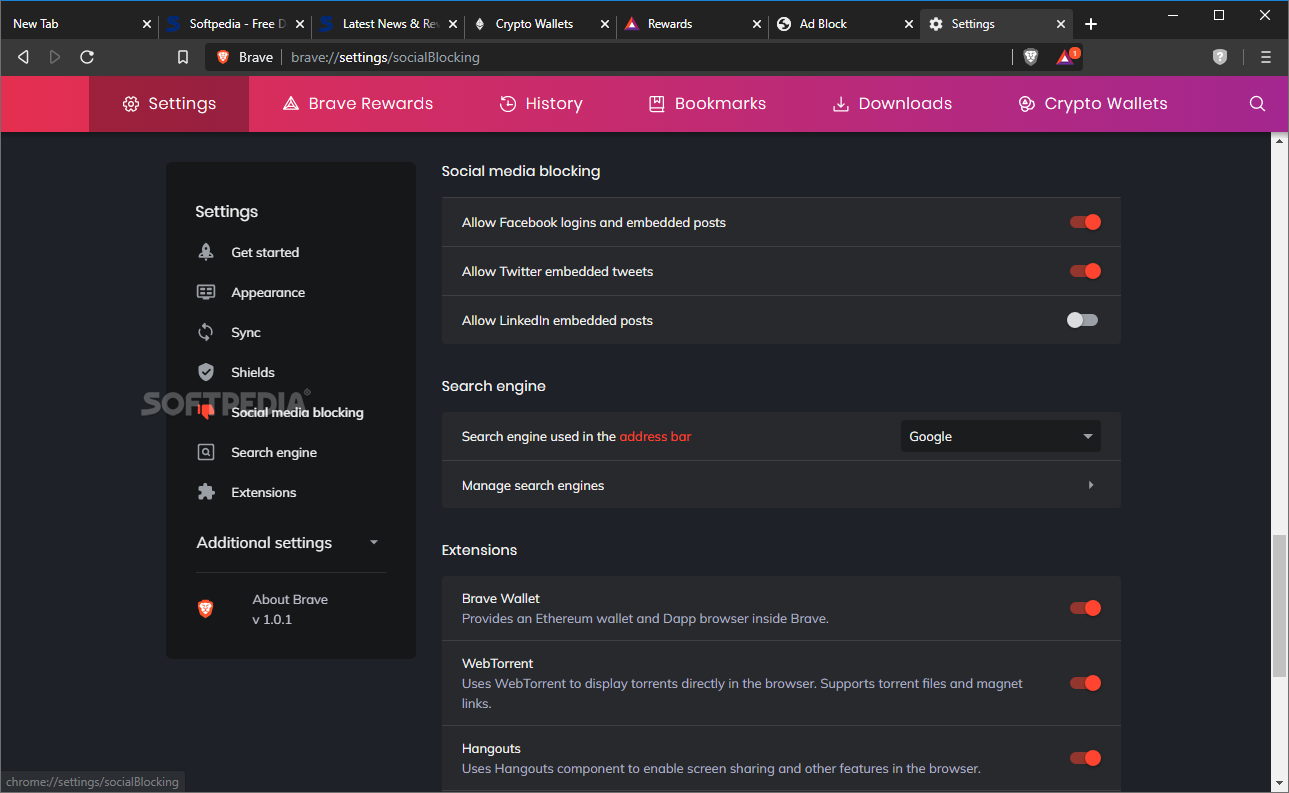
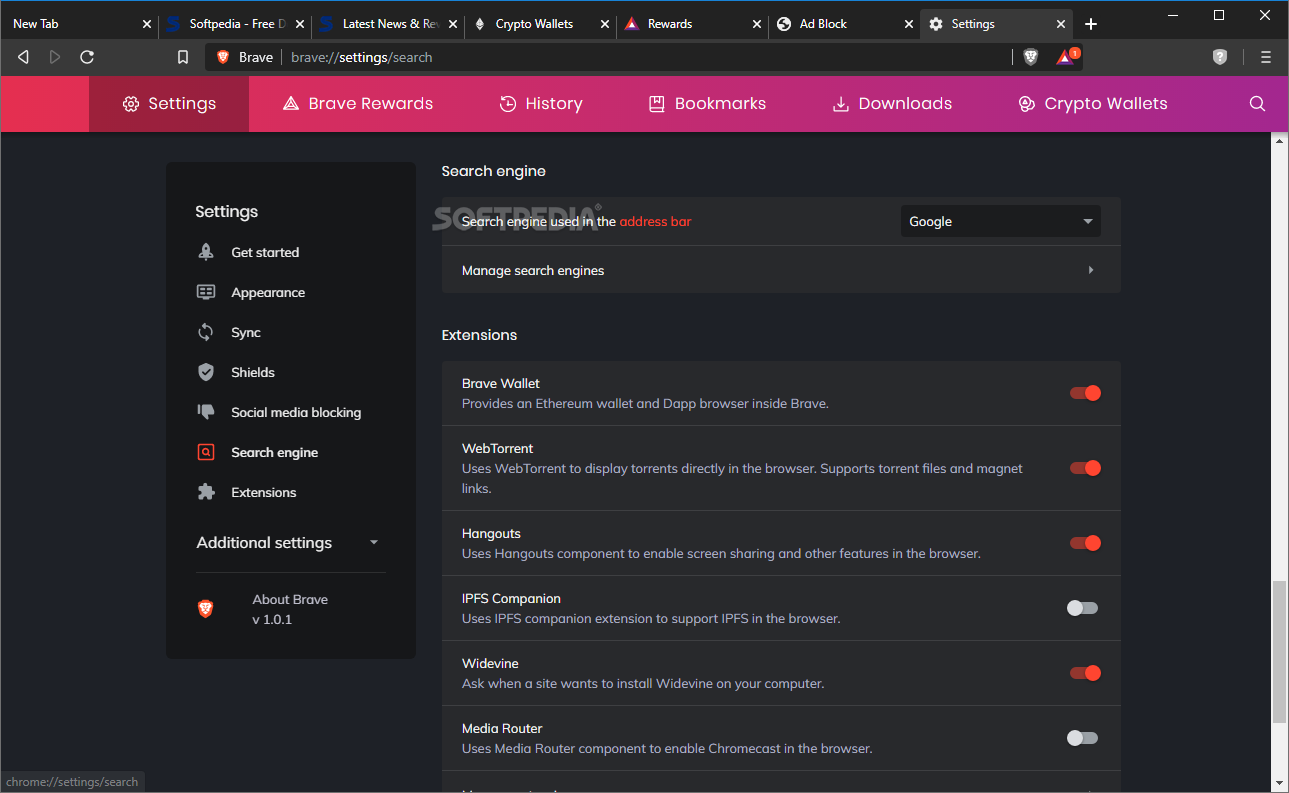
Speaking of extensions, Brave has a built-in extension called WebTorrent. It basically allows you to download torrents without having to rely on hum-drum clients. Other built-in extensions are Google Hangouts and IPFS Companion.
Without even a shadow of a doubt, Brave is an exciting and excellent browser. It aims to address one of the most intricate and arguably delicate matters on the Internet today: striking a perfect balance between privacy and security and offering an efficient system for paying content creators.
Of course, Brave still has a long way until our perspective and our online society will evolve towards such a forward-thinking environment, however, the basic philosophy behind the project that promises to revolutionize the digital advertising market is definitely a good one.
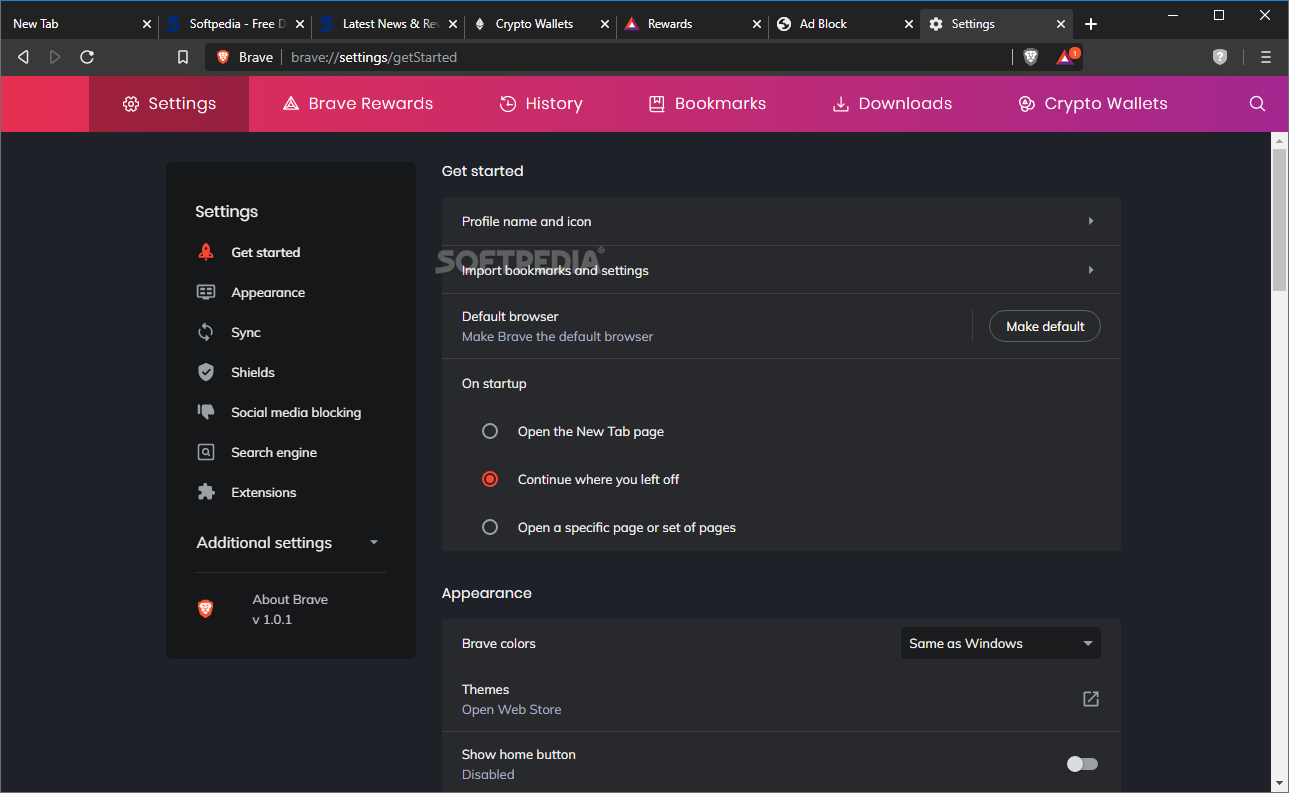
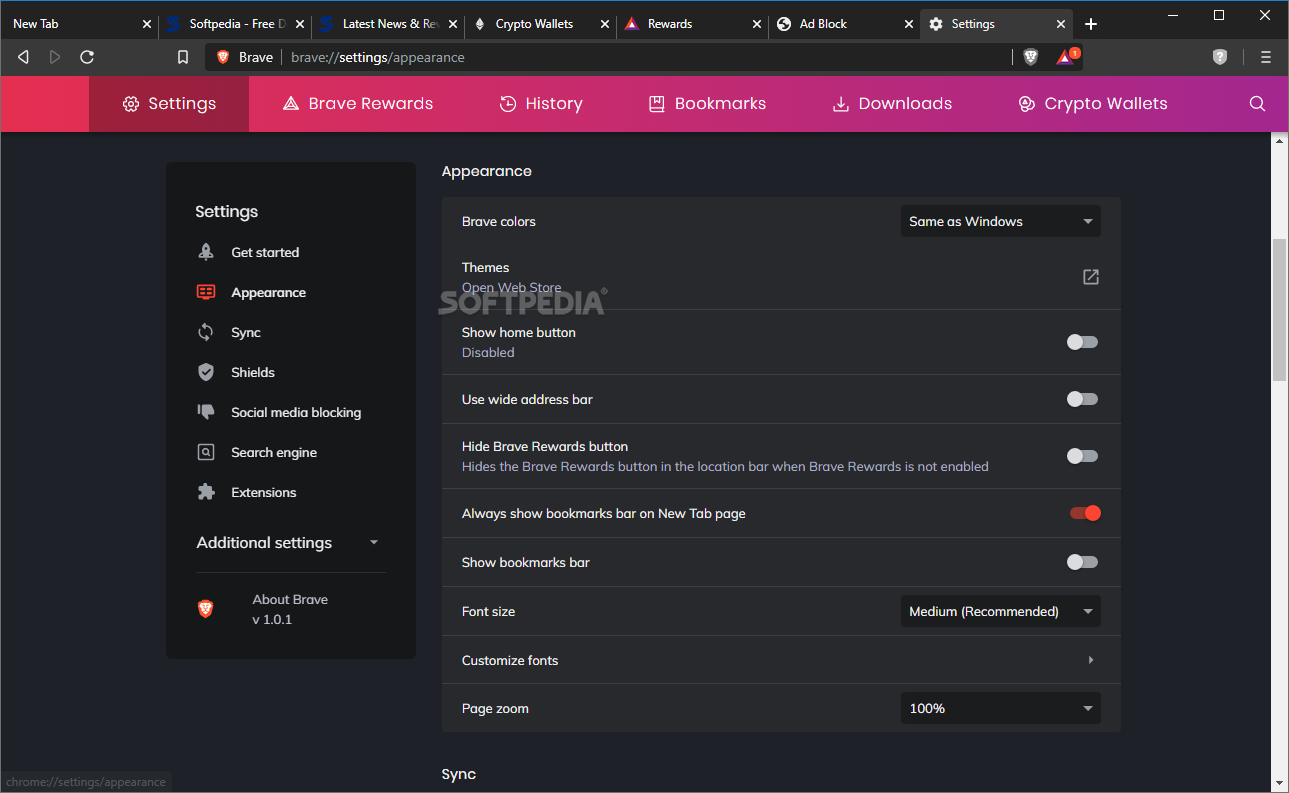
At the end of the day, Brave is a very fast, and very safe browser that boasts a default ad blocker, enough privacy and security features to keep most people happy, it supports Chrome extensions, and it has a very clean and intuitive GUI, exactly like a modern browser should. The only issue with this browser (and, it’s not really an issue per se) is that its compensatory rewards system has the potential to confuse some basic users.
What's new in Brave Browser 1.65.114:
- Web3:
- Added support for Brave Wallet in Private windows. (#35585)
- Added the ability to edit token details. (#36657)
- Added the ability to mark NFTs as spam. (#36400)
Brave Browser 1.65.114 / 1.65.120 Pre-release / 1.66.89 Beta
add to watchlist add to download basket send us an update REPORT- PRICE: Free
- runs on:
-
Windows 11
Windows 10 32/64 bit - file size:
- 122 MB
- filename:
- BraveBrowserStandaloneSetup.exe
- main category:
- Internet
- developer:
- visit homepage
Context Menu Manager

Bitdefender Antivirus Free

Microsoft Teams

7-Zip

calibre

IrfanView

4k Video Downloader

Zoom Client

ShareX

Windows Sandbox Launcher

- Zoom Client
- ShareX
- Windows Sandbox Launcher
- Context Menu Manager
- Bitdefender Antivirus Free
- Microsoft Teams
- 7-Zip
- calibre
- IrfanView
- 4k Video Downloader