
Get in touch with buddies or work contacts with personalized messages and audio chats, as well as transfer files or share your favorite photos. #Instant messenger #Conversation tool #Messenger tool #AIM #Messenger #AOL
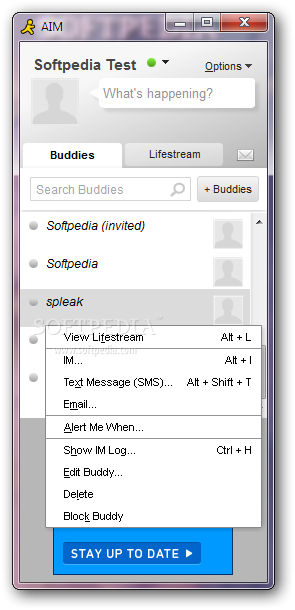
Computers might still seem a tad complicated to novice users, yet all of them know how to operate a browser, a multimedia player, an image viewer and a messenger client. And while each application has its own fanbase, some software solutions become more popular than others due to the numerous functions they provide, with AOL Instant Messenger being one of these products.
When installing AOL Instant Messenger (also known as AIM), users need to pay attention not to change the default settings of their browsers due to the offers integrated in the setup.
As is the case with all instant messaging clients, one needs to create an account, specifying the username and password they want to use to get in touch with their contacts. However, users can also enter their Facebook credentials if they do not want to create a separate account for AIM.
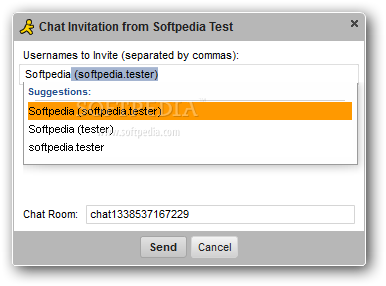
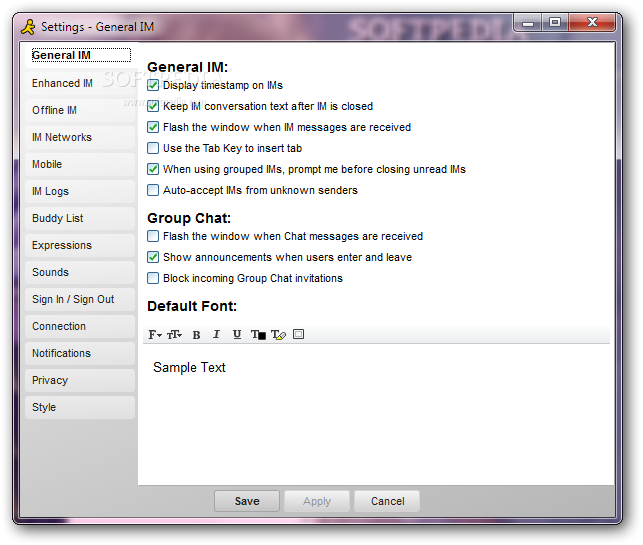
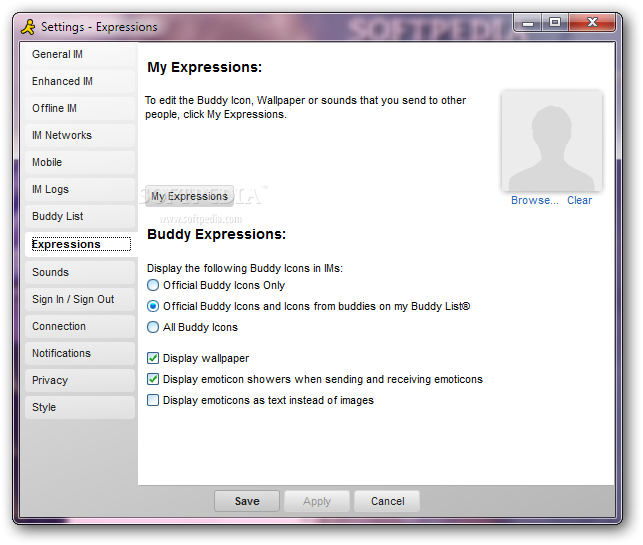
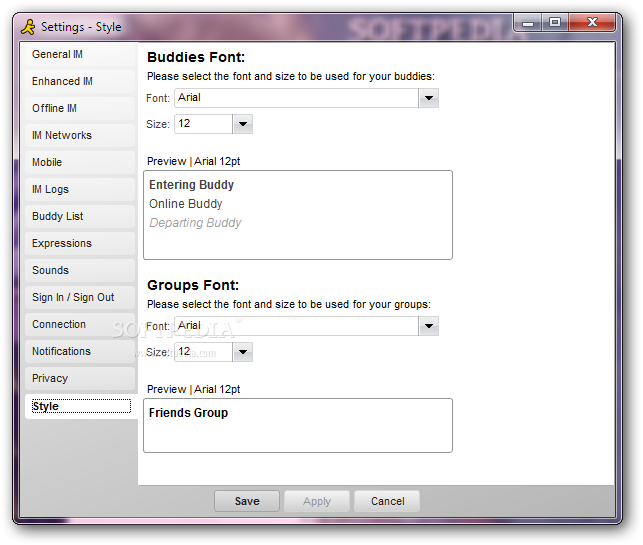
Once the contacts have been imported from Hotmail, Facebook or Yahoo!, users can start chatting with their buddies relying on both emoticons and customizable text (font type, size and color can be easily modified depending on one's preferences).
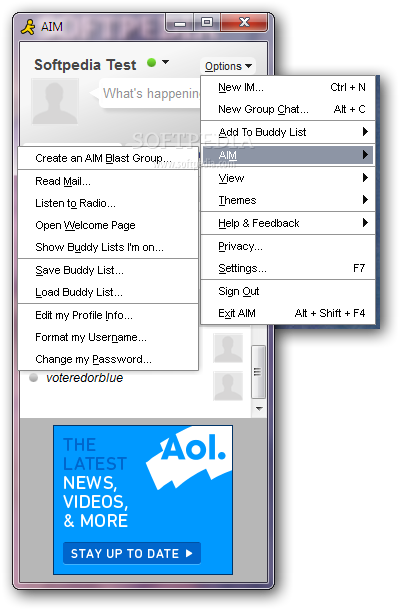
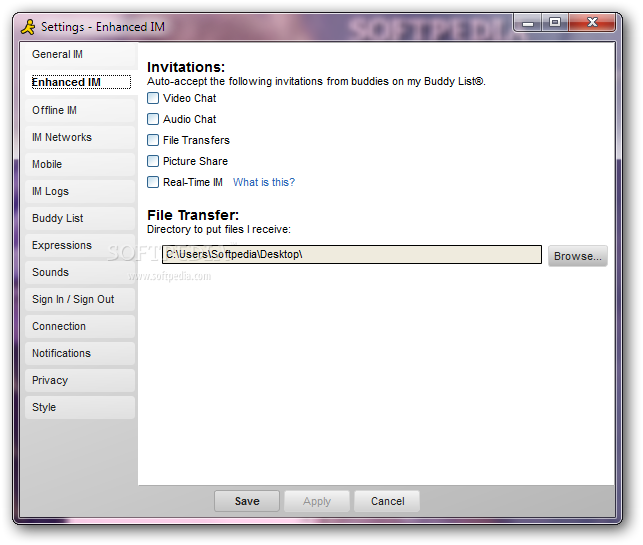
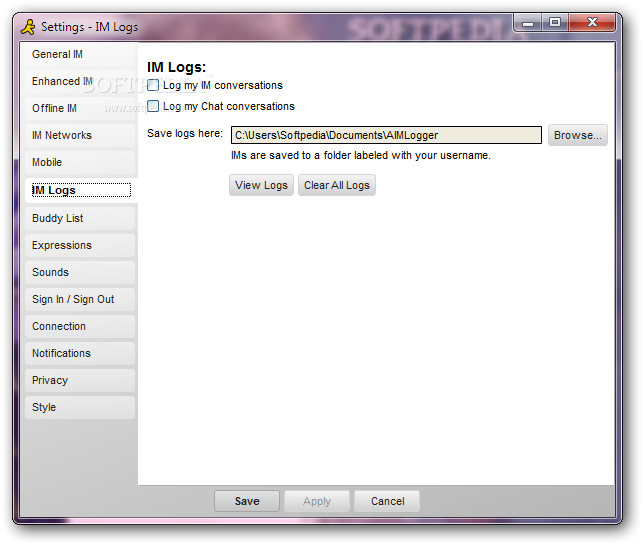
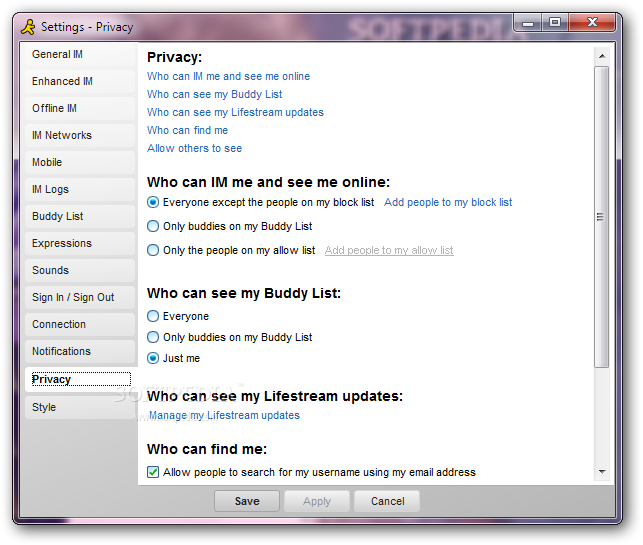
Not only is it possible to block certain contacts or change the online status with ease, but AIM can also be used to transfer files, start audio chat or share pictures with friends. Privacy can be protected by disabling conversation logging or frequently cleaning the created log files to make sure nobody else gets to read them.
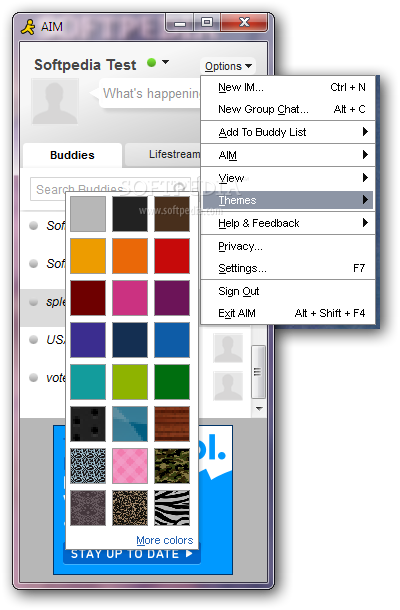
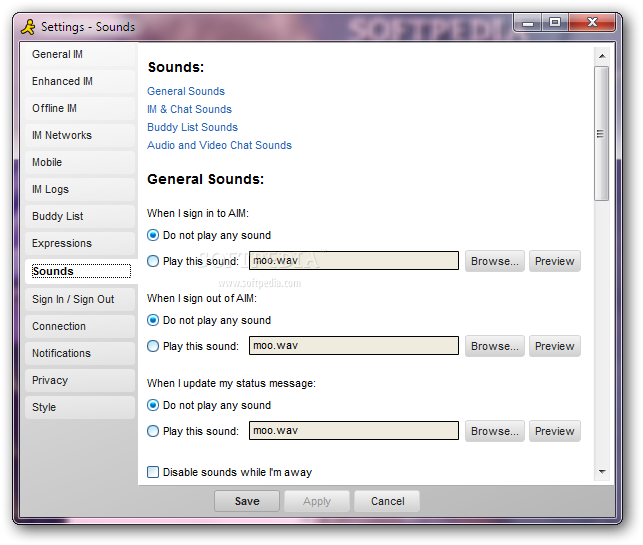
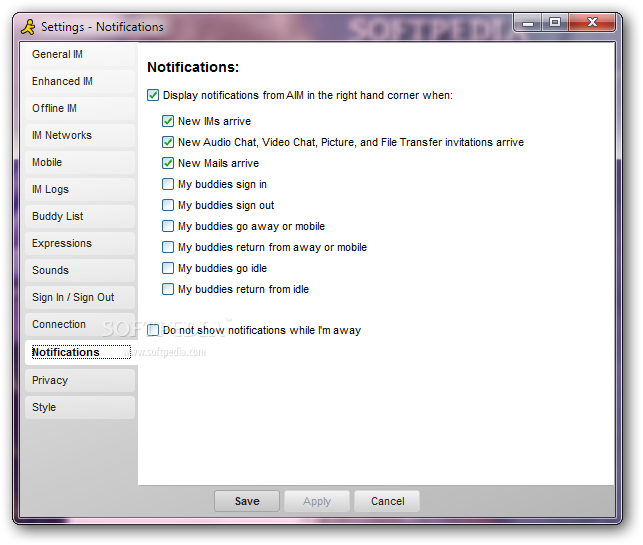
If someone needs to use AOL Instant Messenger at the office, they can disable all notification sounds or replace them with more discreet ones that do not disturb them from work.
To sum it up, AOL Instant Messenger is a user-friendly application that can be used by beginners and pros alike to chat with their friends or business partners, as long as they have an AIM or Facebook account.
Download Hubs
AOL Instant Messenger (AIM) is part of these download collections: Instant Messenger
What's new in AOL Instant Messenger (AIM) 7.5.14.8:
- Share your favorite pics, videos and more:
- Pick something to share:
- AIM can handle links to photos, videos and tweets already online, or you can upload files from your computer or phone.
AOL Instant Messenger (AIM) 7.5.14.8
add to watchlist add to download basket send us an update REPORT- runs on:
- Windows All
- file size:
- 6.3 MB
- filename:
- InstallAIM.exe


- main category:
- Internet
- developer:
- visit homepage
Zoom Client

Windows Sandbox Launcher

4k Video Downloader

IrfanView

calibre

7-Zip

Bitdefender Antivirus Free

Microsoft Teams

ShareX

Context Menu Manager

- Microsoft Teams
- ShareX
- Context Menu Manager
- Zoom Client
- Windows Sandbox Launcher
- 4k Video Downloader
- IrfanView
- calibre
- 7-Zip
- Bitdefender Antivirus Free