
Connect with all your friends, family or business associates and share various files instantly on the world's most popular instant messaging network. #Windows Live Messenger #MSN Messenger #IM client #WLM #IM #Messenger

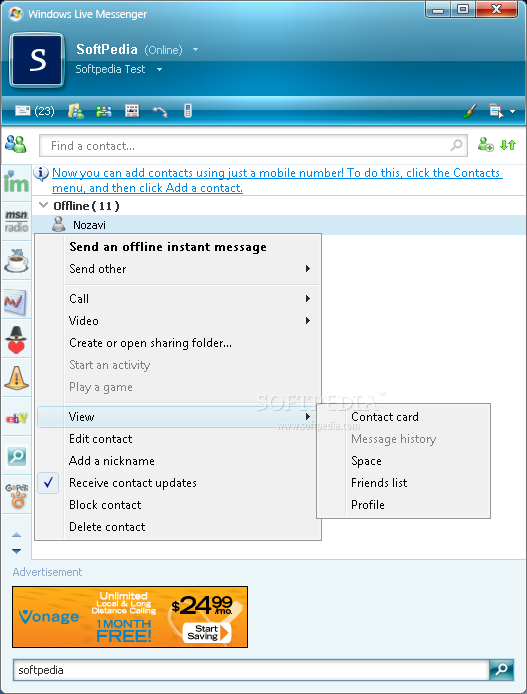
Windows Live Messenger remains a fierce rival of Yahoo Messenger, and this is probably the main reason why the developers over at Microsoft are offering many similar features packed under a different interface.
The new generation MSN Messenger follows the same trend as Yahoo Messenger and includes all kinds of communication features, such as video chatting, file transfer and phone calling. To be sure everything works seamlessly, Windows Live Messenger and Yahoo Messenger are now interconnected, allowing users of the two to chat no matter the application they're using.
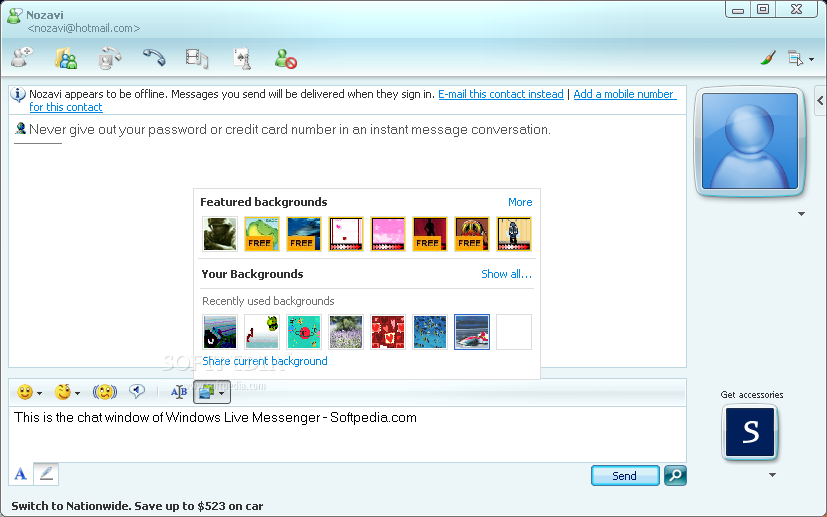
Unlike Yahoo's software, Microsoft's displays the webcam right into the conversation window, thus allowing users to have a better chat experience. During our tests, the webcam worked flawlessly which is actually one major advantage over its rival, although some settings to adjust the image brightness and gamma would have been more than greatly appreciated.
Sharing is piece of cake with the new Windows Live Messenger version, as users can easily create a so-called 'Sharing Folder' to send files to somebody else using the popular drag-and-drop method. We've sent many sets of files just to test WLM's reliability and everything worked just fine, without errors or performance issues.
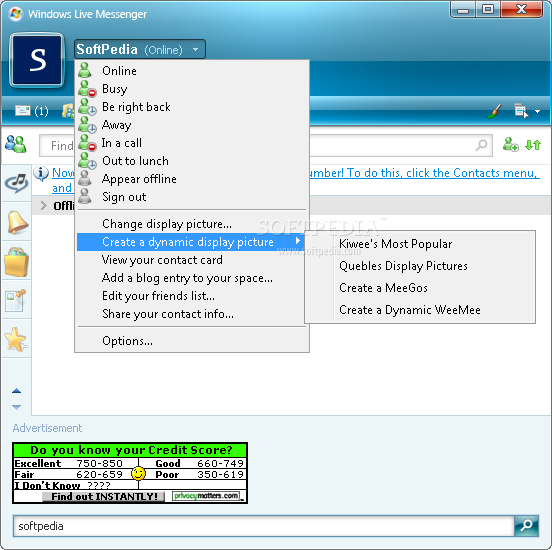
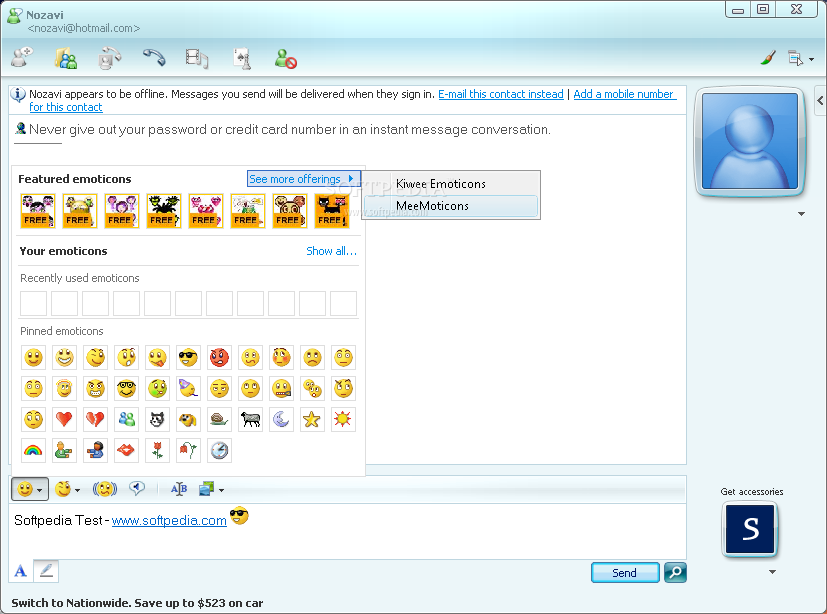
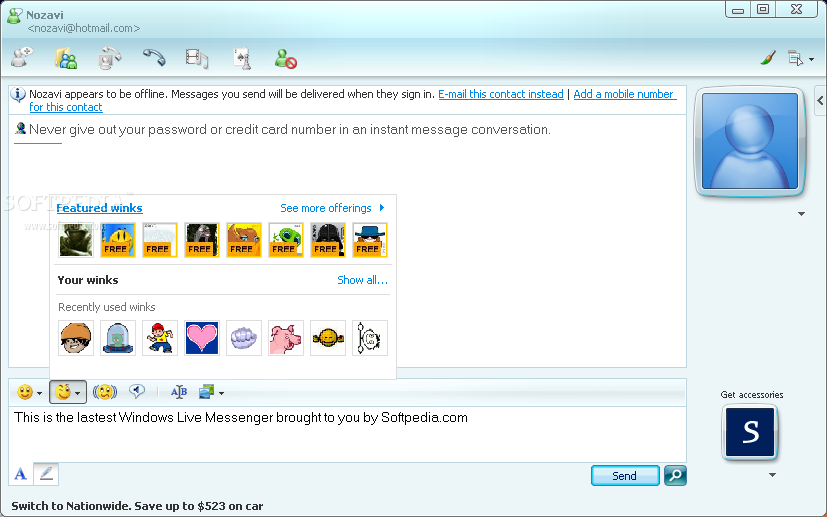
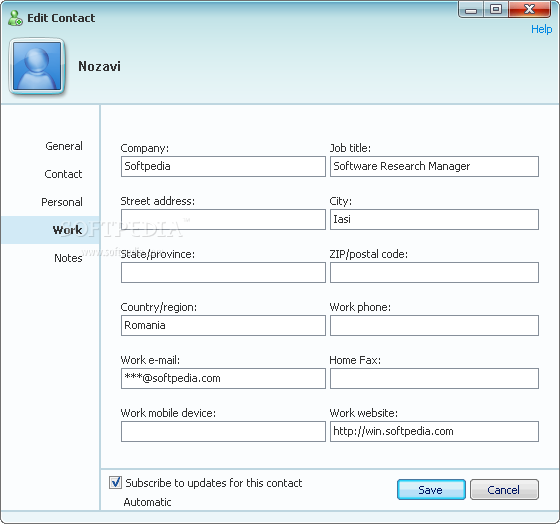
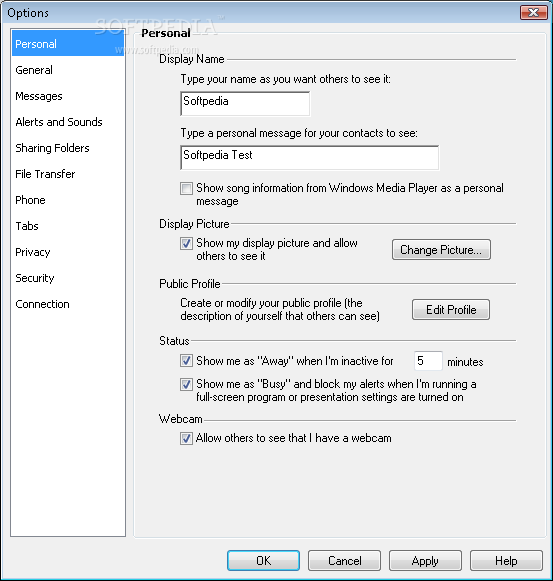
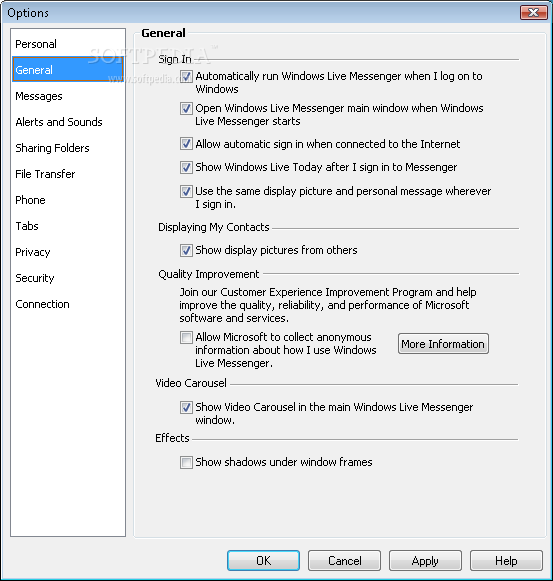
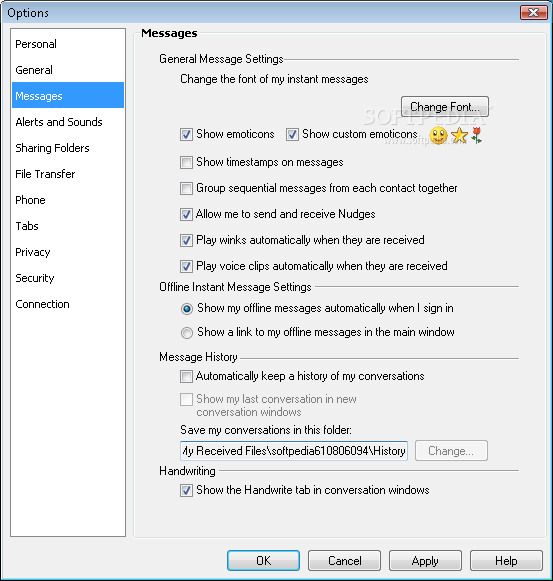
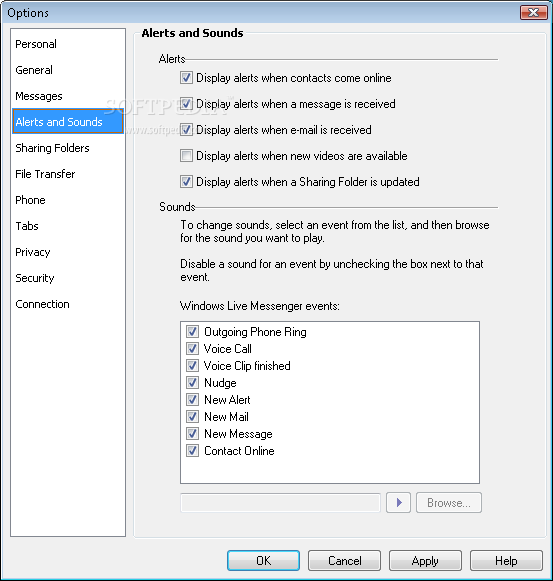
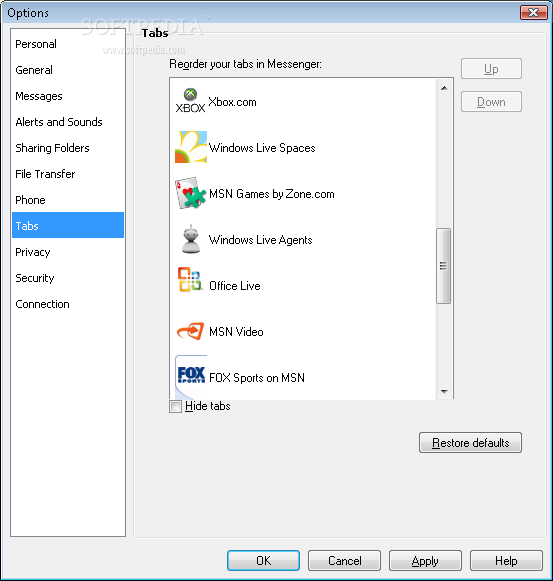
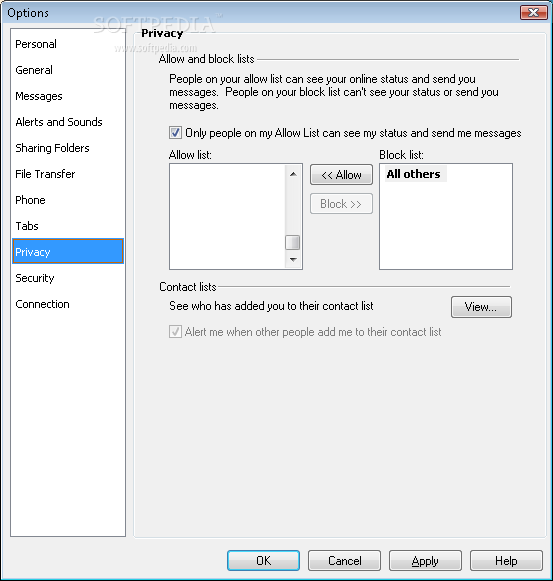
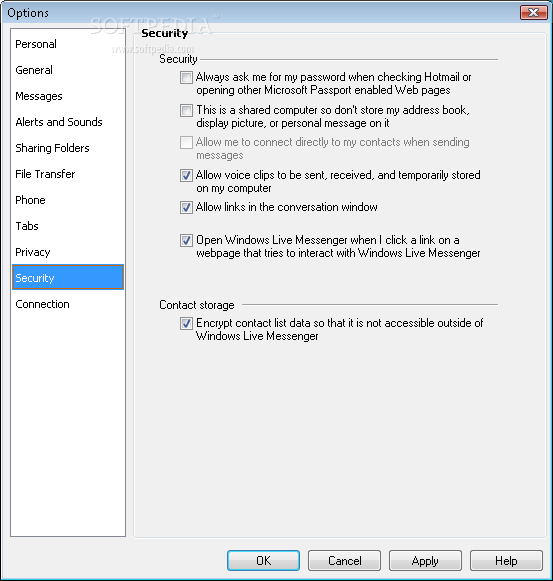
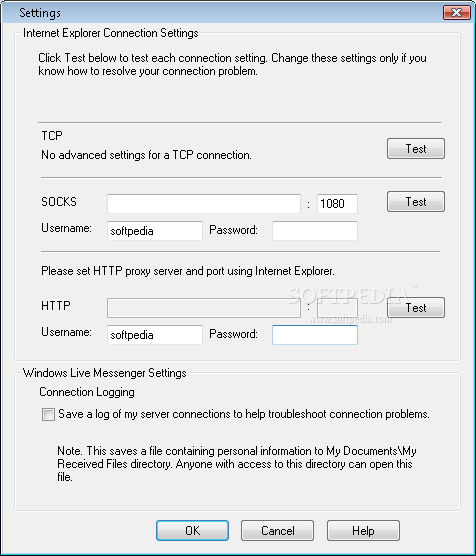
The interface remains friendly and intuitive and you shouldn't have too many problems browsing through menus and settings.
Overall, Windows Live Messenger remains, in fact, an extremely easy to use application to chat over the Internet. It does exactly what its name suggests, packing advanced features under a pleasant interface.
Windows Live Messenger 8.5.1302.1018
 Softpedia Editor's Pick
add to watchlist
add to download basket
send us an update
REPORT
Softpedia Editor's Pick
add to watchlist
add to download basket
send us an update
REPORT
- runs on:
-
Windows Vista
Windows XP - file size:
- 16.3 MB



- main category:
- Internet
- developer:
- visit homepage
Zoom Client

7-Zip

4k Video Downloader

ShareX

Bitdefender Antivirus Free

Windows Sandbox Launcher

calibre

IrfanView

Microsoft Teams

Context Menu Manager

- IrfanView
- Microsoft Teams
- Context Menu Manager
- Zoom Client
- 7-Zip
- 4k Video Downloader
- ShareX
- Bitdefender Antivirus Free
- Windows Sandbox Launcher
- calibre