
A simple communication tool aimed at making companies and organizations more productive by allowing employees to exchange information. #Desktop chat #Communication client #Social feed #Chat #Network #Productivity

Yammer Desktop is a lightweight and intuitive piece of software designed to offer the numerous employees in a company the ability to inform each other of completed tasks, handy particularly for businesses in which one person's work depends on other people accomplishing their own assignments.
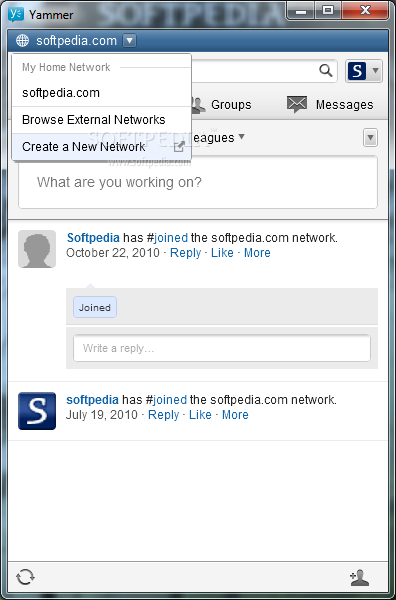
The utility features a straight-forward and user-friendly interface, enabling users to easily post or view messages from colleagues. Yammer Desktop lets users create a network to which only employees with a valid company email address can connect, thus preventing any external interference.
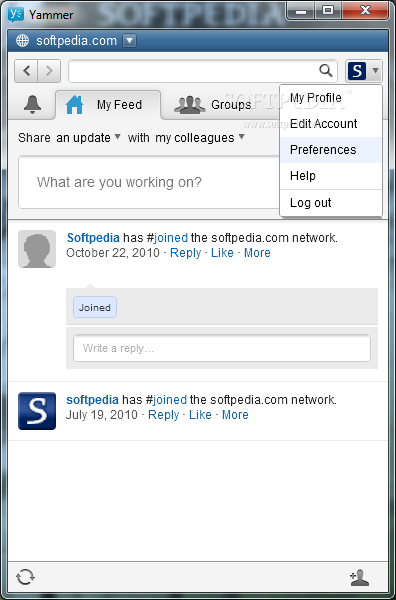
The main screen of Yammer Desktop features a 'My Feed' section, displaying all the messages sent publicly by other employees, the moment when they logged in, the files they shared with colleagues or any update on their status.
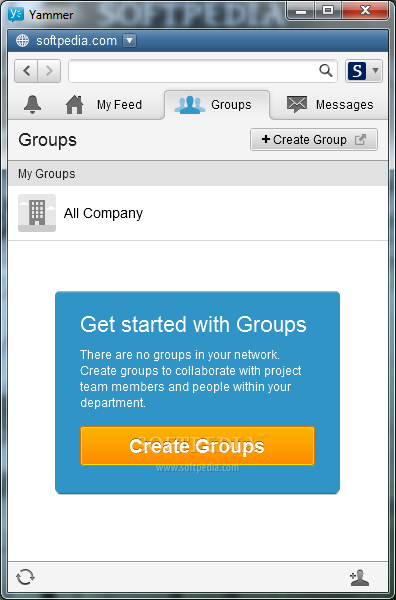
Users can tell their co-workers about what they are currently doing, add a file that might be of interest to them, as well as assign a specific topic (or tag) to their update, so others can easily locate it. The information can be shared with 'My Colleagues' or with a 'Group' that the employee is a part of.
Moreover, Yammer Desktop allows employees to share a 'Poll' (asking others a question with multiple answers in order to see which option is preferred by colleagues), an 'Event' (set on a specific date and at a certain hour, for a predefined duration and at a set location, to which people can participate) or a 'Praise' (giving an employee a 'Thumbs Up', a 'Star' or a 'Trophy' for a job well done).
At the same time, Yammer Desktop enables users to exchange private messages between themselves, which means that the information which is only aimed at a specific colleague will not be made available for all to see.
As a conclusion, Yammer Desktop proves quite handy and easy to use, allowing the employees of large and medium-sized companies to communicate during work hours and keep themselves updated about each others' projects.
Yammer Desktop 300216
add to watchlist add to download basket send us an update REPORT- runs on:
-
Windows 7 32/64 bit
Windows Vista
Windows XP
Windows 2K - file size:
- 639 KB
- filename:
- Yammer.air

- main category:
- Internet
- developer:
- visit homepage
Bitdefender Antivirus Free

Context Menu Manager

ShareX

IrfanView

Microsoft Teams

7-Zip

calibre

4k Video Downloader

Zoom Client

Windows Sandbox Launcher

- 4k Video Downloader
- Zoom Client
- Windows Sandbox Launcher
- Bitdefender Antivirus Free
- Context Menu Manager
- ShareX
- IrfanView
- Microsoft Teams
- 7-Zip
- calibre