
A download manager that uses mirrors to find the fastest file location (achieves even more speed).. #Download manager #Download file #Resume download #Downloader #Transfer #Manage

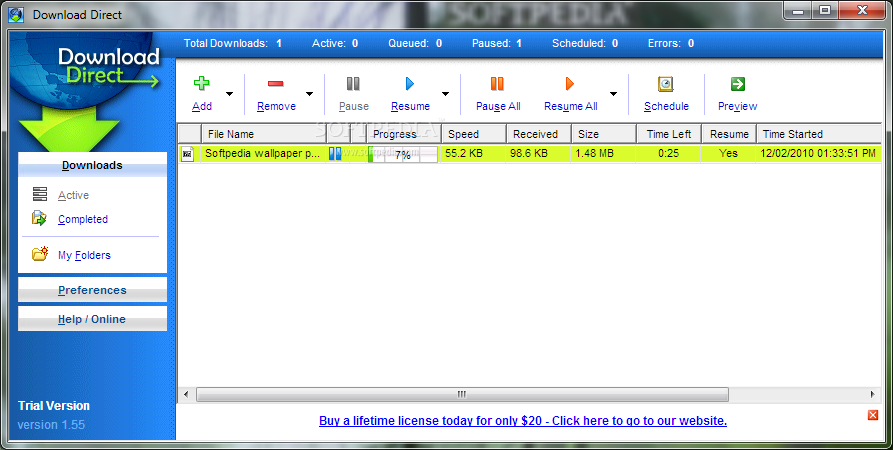
Download Direct is a download manager that aims to retrieve files from the web as quickly as possible.
The user interface of the program is clean and intuitive. You can even add multiple downloads to the task by inputting one URL per line (similar to torrent clients).
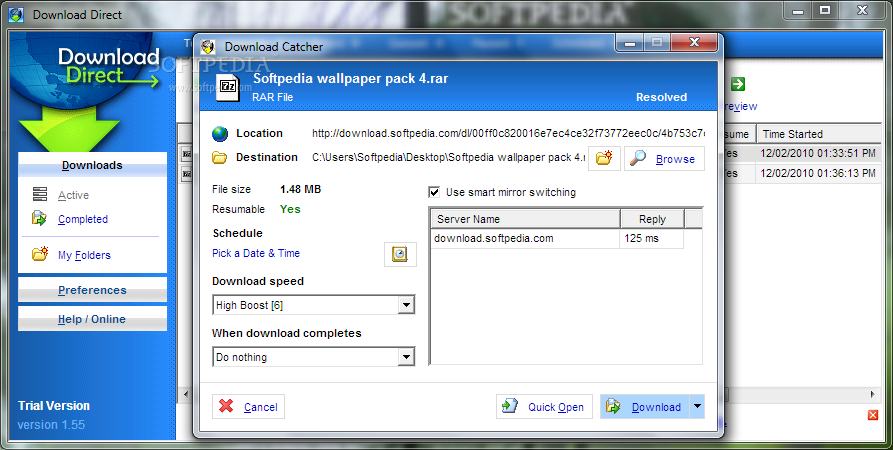
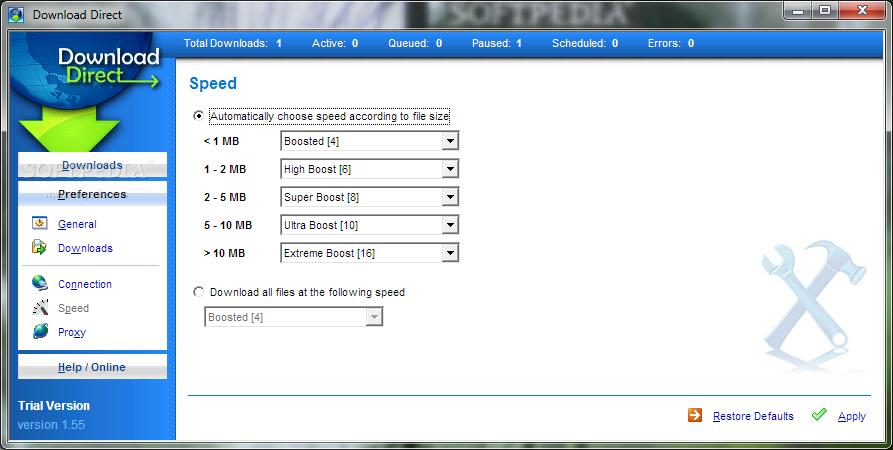
You can set the output destination for the multiple downloads and don't display the catch form, as well as set the download speed (from "low priority" to "extreme boost") and the action after a successful task (e.g. open file, shutdown computer).
In the queue you can view the progress, speed, received, size, time left and time started. But you can also pause a task, preview the file and schedule it (according to the date and time).
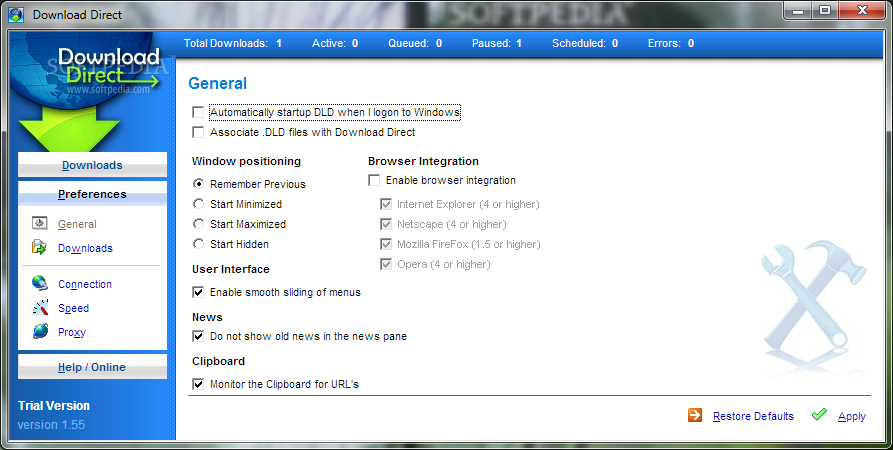
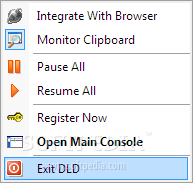
In the "Preferences" menu, you can set Download Direct to automatically run at system startup, monitor the clipboard for URLs, enable browser integration and associate DLD files with Download Direct.
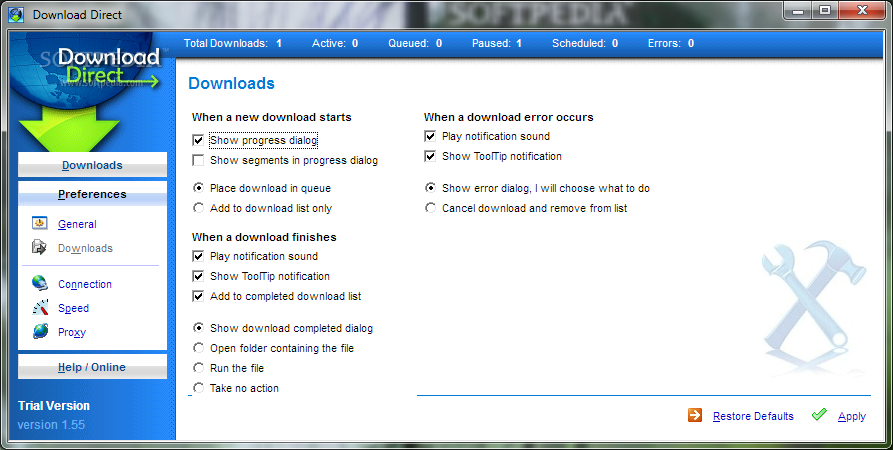
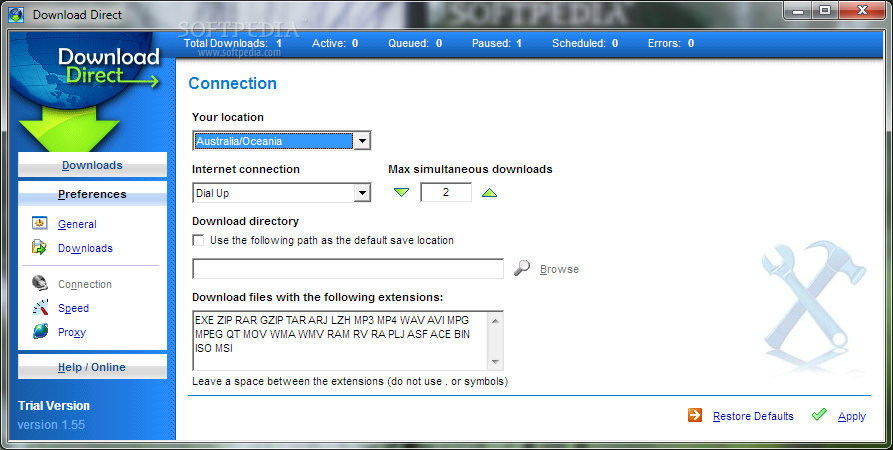
Moreover, you can download all files at a default speed you can specify, configure connection settings (e.g. your location, maximum simultaneous downloads) and edit proxy settings.
The program uses a low amount of system resources and contains a well-written help file with snapshots. No errors have popped up during our tests. Download Direct's efficiency can be better observed when downloading file of large sizes (it is certainly faster than other similar products). We strongly recommend Download Direct to all users.
Download Direct 1.6
add to watchlist add to download basket send us an update REPORT- runs on:
- Windows All
- file size:
- 3 MB
- filename:
- dldsetup.exe
- main category:
- Internet
- developer:
- visit homepage
Context Menu Manager

Zoom Client

Microsoft Teams

calibre

ShareX

Bitdefender Antivirus Free

Windows Sandbox Launcher

4k Video Downloader

7-Zip

IrfanView

- 4k Video Downloader
- 7-Zip
- IrfanView
- Context Menu Manager
- Zoom Client
- Microsoft Teams
- calibre
- ShareX
- Bitdefender Antivirus Free
- Windows Sandbox Launcher