
An intuitive application that is able to extract video files that are stored in your browser’s cache and save them to your computer for offline viewing. #Extract Video #Video Cache #View Cache #Cache #Extract #View

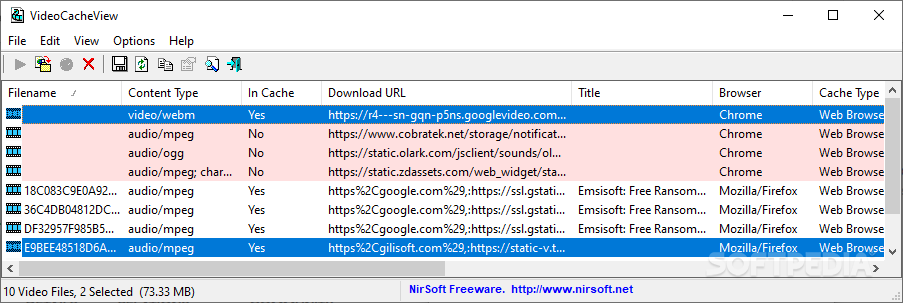
Portable VideoCacheView is the portable version of VideoCacheView, an intuitive application that is able to extract the video files that are stored in your browser’s cache and save them to your computer for offline viewing.
Since this is a portable version, it is important to mention that the program doesn’t leave any traces in the Windows Registry, and you can copy it on any USB flash drive or other devices, and take it with you whenever you need to grab videos.
Once you run the program, Portable VideoCacheView automatically scans the entire cache of Internet Explorer and Mozilla-based web browsers, and displays the video files in the primary panel.
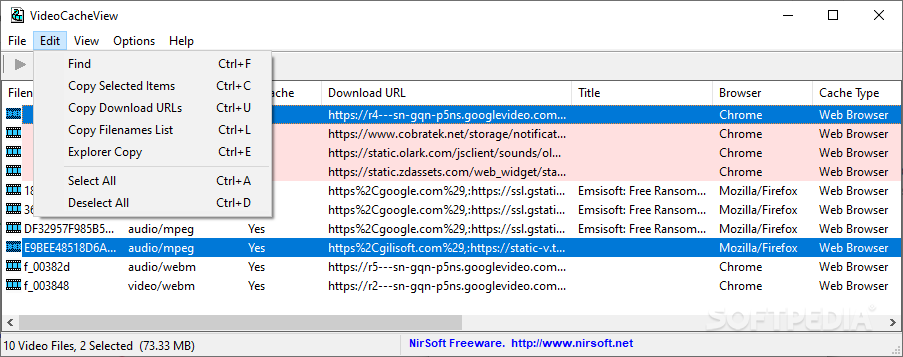
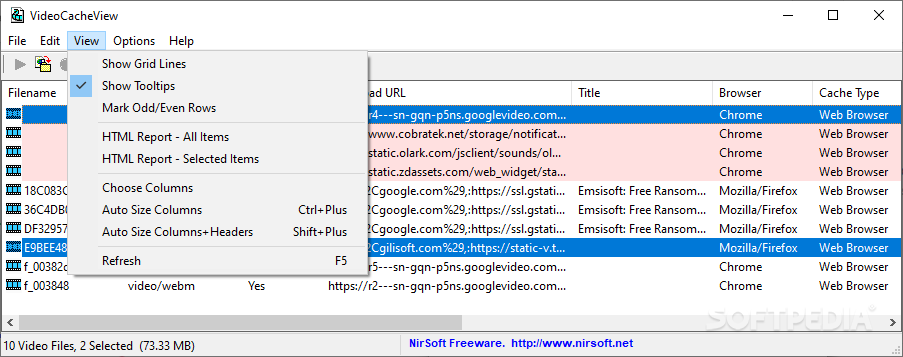
Compared to other similar applications that comprise internal web browsers for helping you select the videos that you want to download, or allow users to insert URLs in the dedicated dialogs, this tool only relies on an automatic scanning mode for grabbing the video files. Moreover, you can open the URL with your current web browser, and copy the selected items to plain text, HTM, HTML, XML, or CSV.
This tool comes packed with a useful feature, as it allows users to play the files by using their default player before actually copying the files to the saving directory.
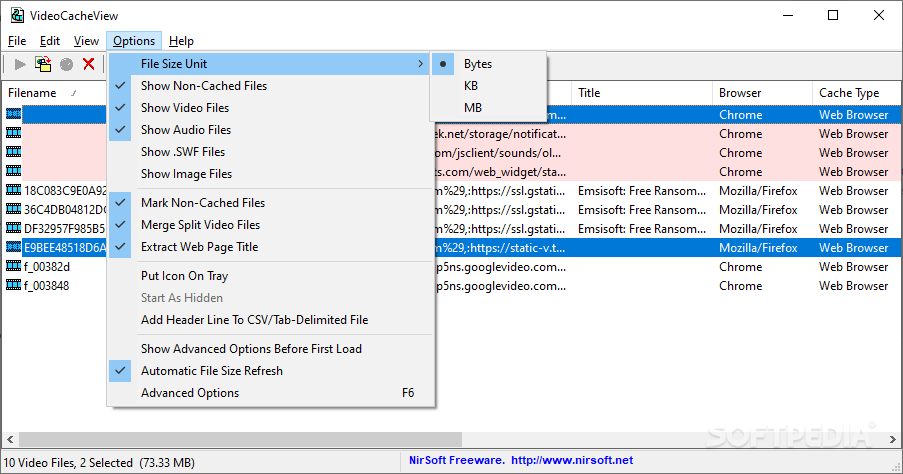
Portable VideoCacheView enables you to save the videos to a custom output location, and you can also make the program use the web page and title as filename, or add your own description to generate the file name.
It is possible to view details about each video, such as filename, content type, download URL, title, browser, the date when it was last accessed or modified, copy name, full-path filename, and others. Advanced options include the possibility of selecting the web browsers and displaying files that are larger than a specified value.
Portable VideoCacheView offers an excellent software solution when it comes to downloading videos files quickly and with minimum effort. Thanks to its overall simplicity, it can be mastered by beginners and professionals alike.
What's new in Portable VideoCacheView 3.09:
- Updated to read the Cache_Data subfolder in the new version of Chrome Web browser.
Portable VideoCacheView 3.09
add to watchlist add to download basket send us an update REPORT- portable version
- This is the portable version of the application. An installable version is also available: VideoCacheView
- runs on:
-
Windows 11
Windows 10 32/64 bit
Windows 8 32/64 bit
Windows 7 32/64 bit
Windows Vista 32/64 bit - file size:
- 106 KB
- filename:
- videocacheview.zip
- main category:
- Portable Software
- developer:
- visit homepage
Windows Sandbox Launcher

7-Zip

Zoom Client

paint.net

Microsoft Teams

4k Video Downloader

IrfanView

Bitdefender Antivirus Free

ShareX

calibre

- Bitdefender Antivirus Free
- ShareX
- calibre
- Windows Sandbox Launcher
- 7-Zip
- Zoom Client
- paint.net
- Microsoft Teams
- 4k Video Downloader
- IrfanView