
Complex e-mail client that helps people check multiple accounts in the same time, schedule, filter and prioritize messages, manage contacts, set up notifications and customize the view. #Mail sender #Email client #POP3 client #Email #Sender #E-mail

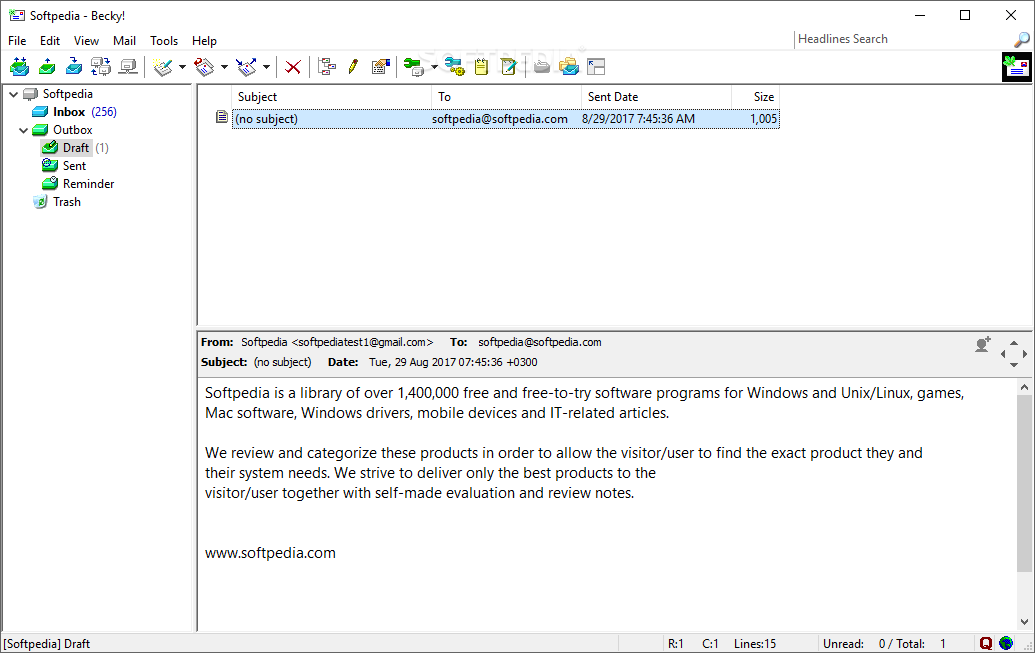
Becky! Internet Mail is a full-featured e-mail client that can handle multiple accounts, enabling you to deliver messages without a lot of hassle. Message filtering, HTML writing, edit mode are just some of its features that are worth mentioning.
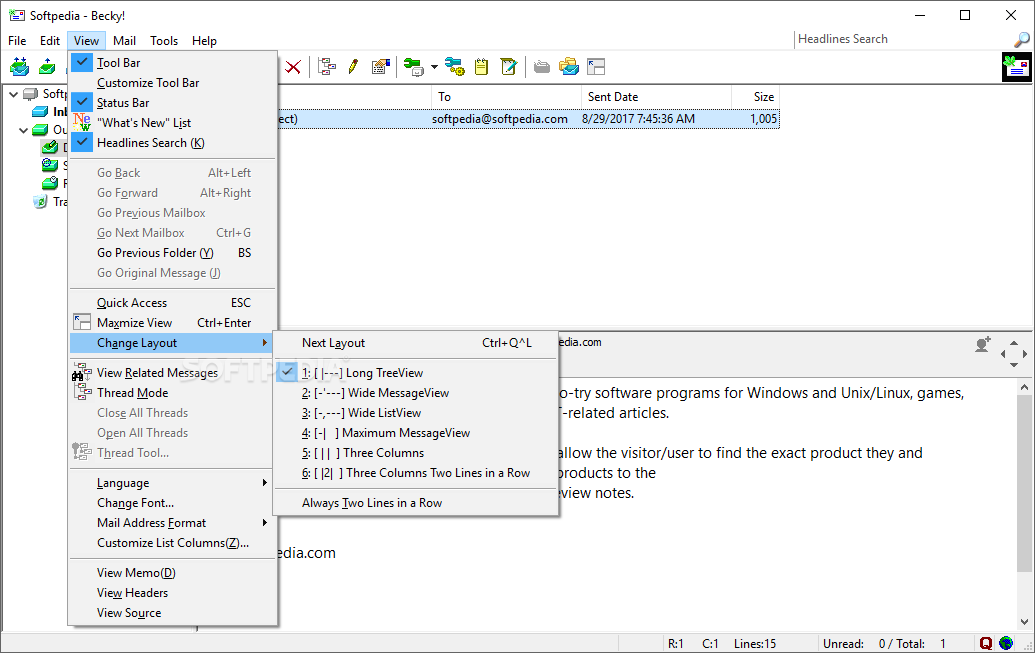
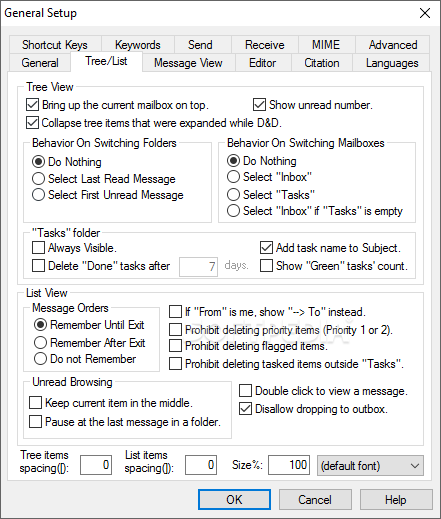
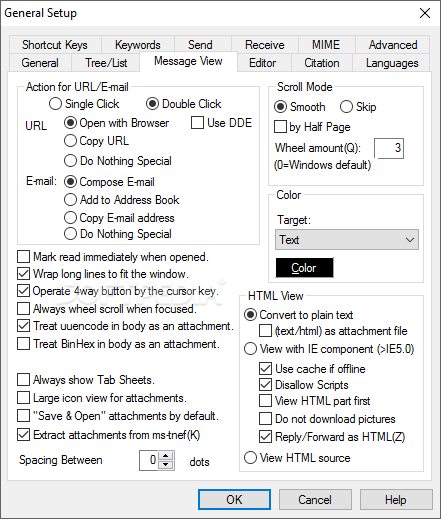
The Explorer-like interface makes it intuitive for any type of user, since all the tools are right at your fingertips. You can browse through the mailbox folders to view sent and received messages, create special directories to organize mail messages and even change the layout, if the default one does not suit your needs.
Support for usage of multiple accounts simultaneously and customize checking time
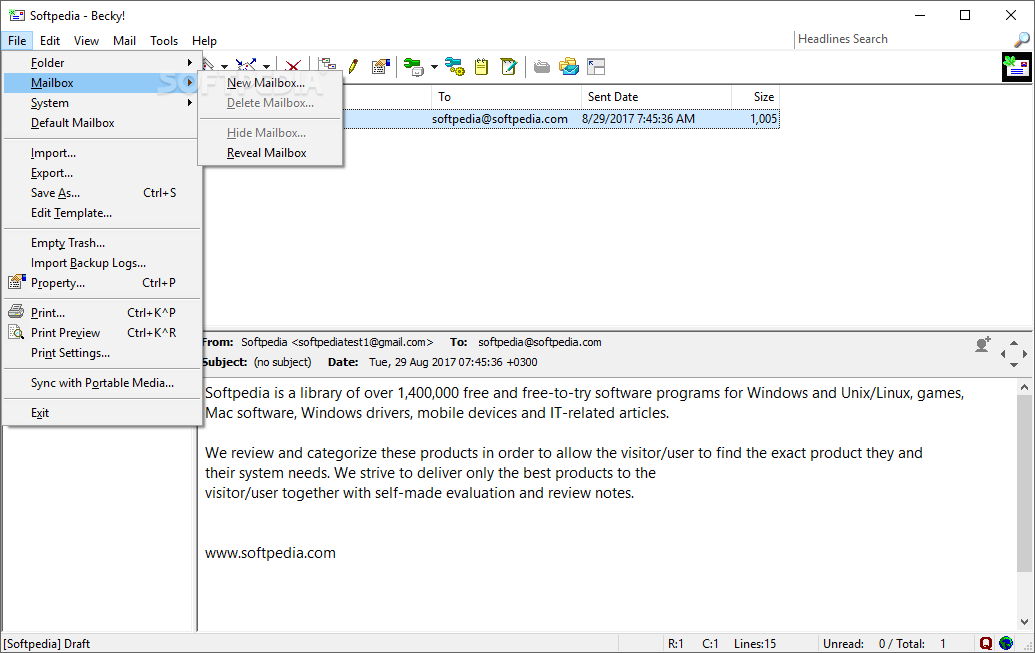
In order to setup an account, regular details such as the e-mail address, server settings (SMTP, POP3 and IMAP4 are supported) and the password must be provided. If more than one account is used, you should know that the mailboxes that are not currently used can be hidden, so the user can focus only on one at a time.
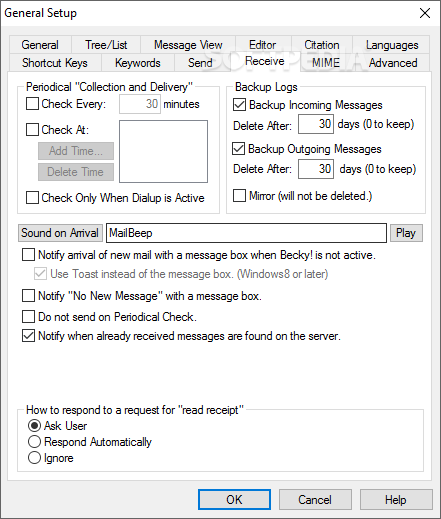
Becky! Internet Mail enables you to configure the time interval for checking the mailbox for new messages and display the unread count in the “Welcome” screen. One handy feature is the thread mode, which places the reply messages under the original ones, providing fast access to your response.
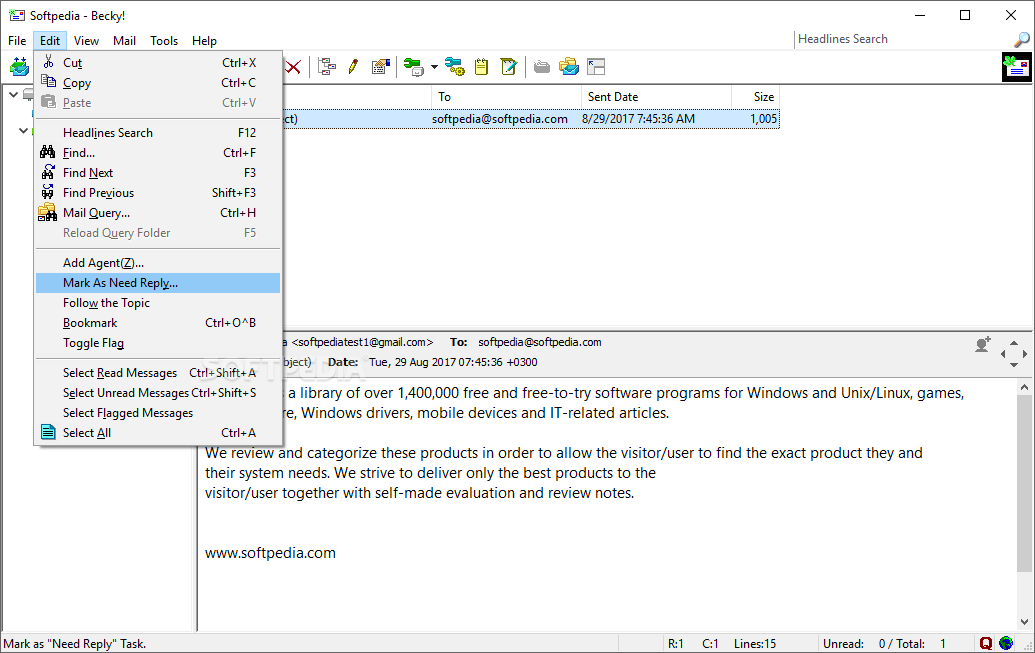
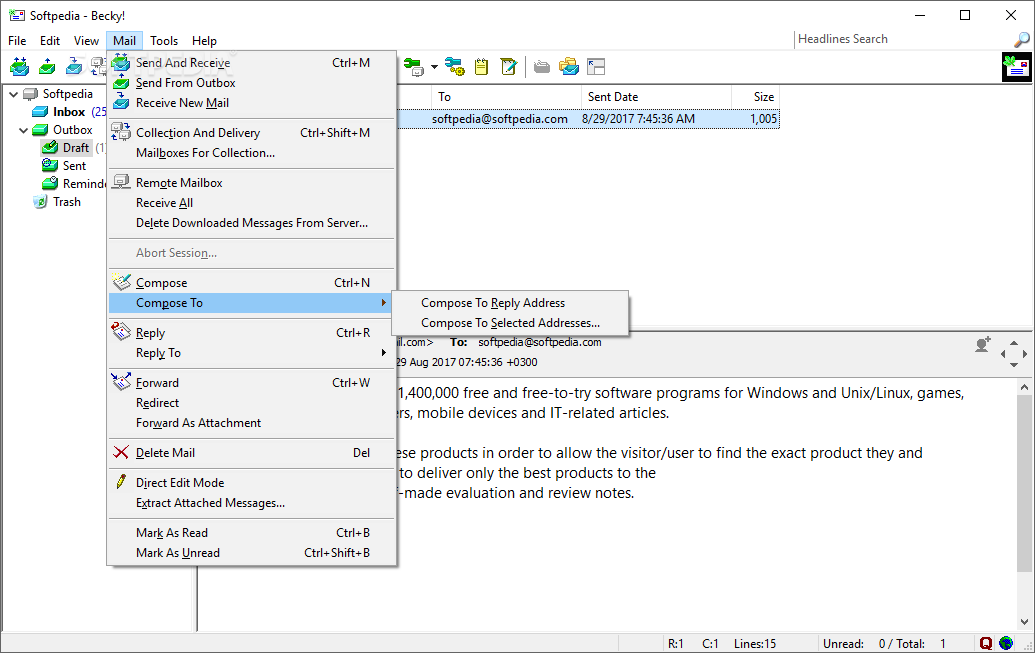
The so-called “mail agents” are designed to prioritize mails and manage non-urgent messages (e.g. those that do not require a reply immediately), while the “Reminder” feature can schedule message deliveries to your mailbox at a specified time in the future.
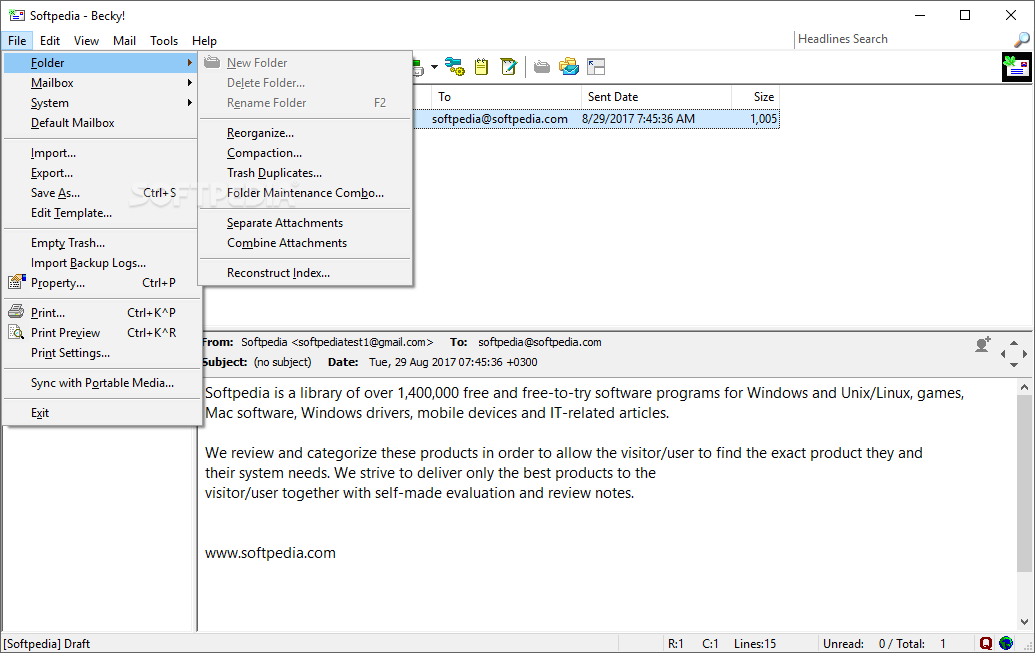
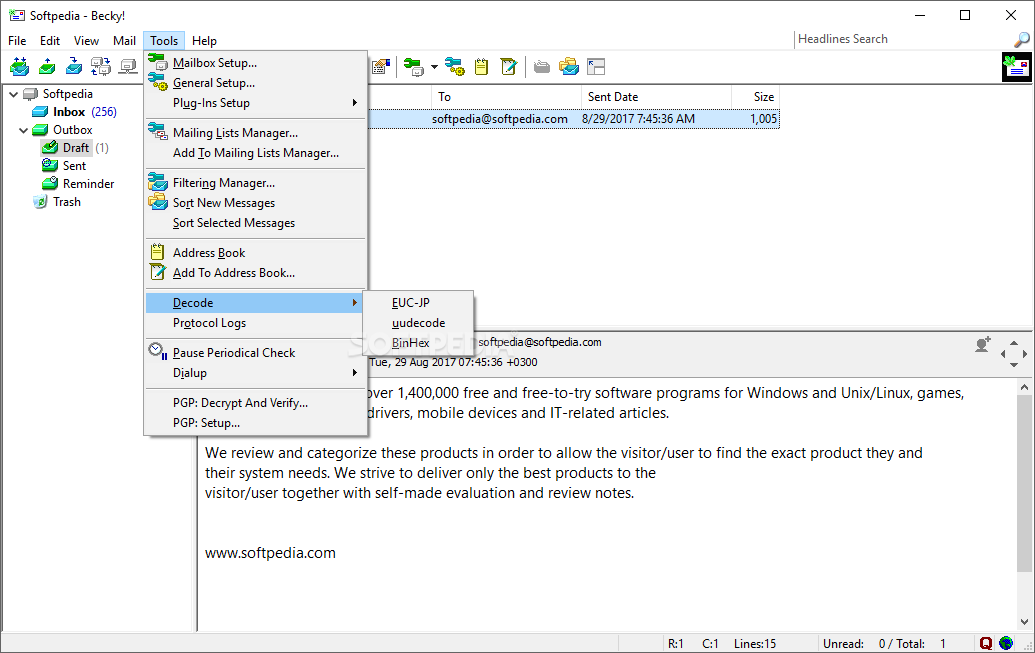
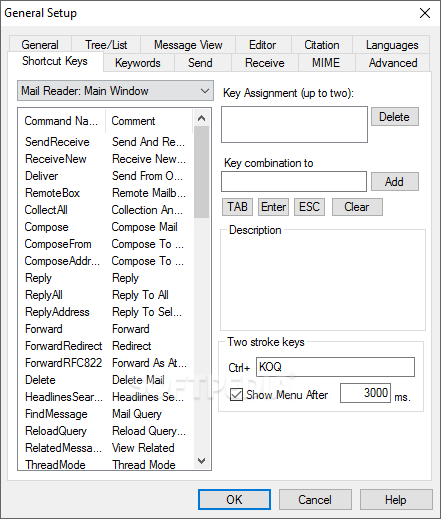
The application comes with advanced filtering capabilities and a mailing list management tool. It can synchronize messages with a portable device, backup mails to avoid data loss and use the built-in address book to store contact details, organize them in groups and send messages faster.
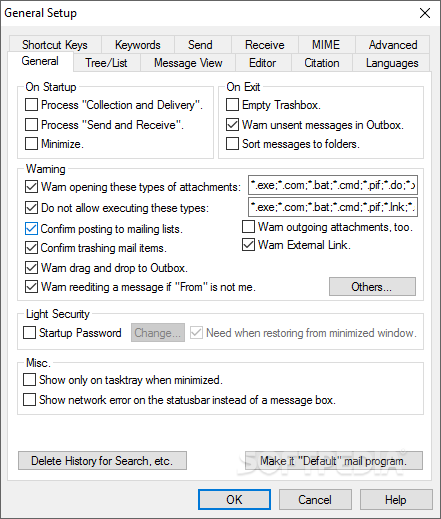
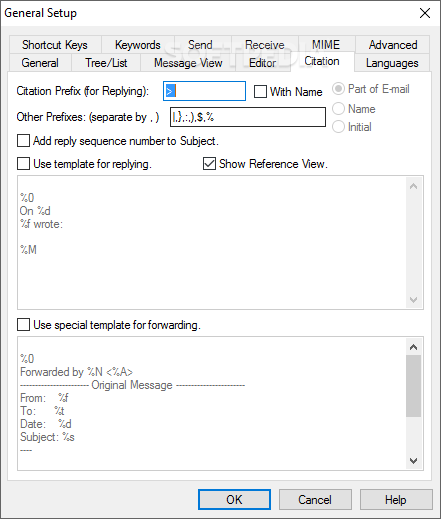
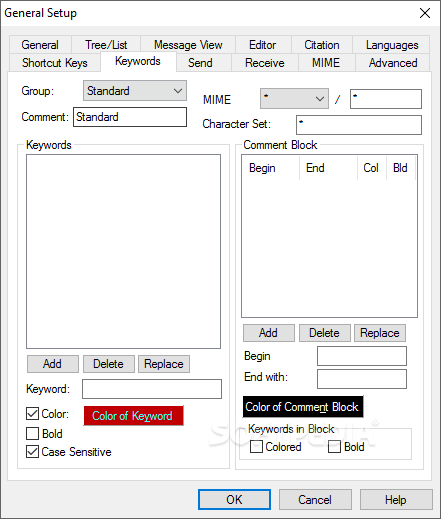
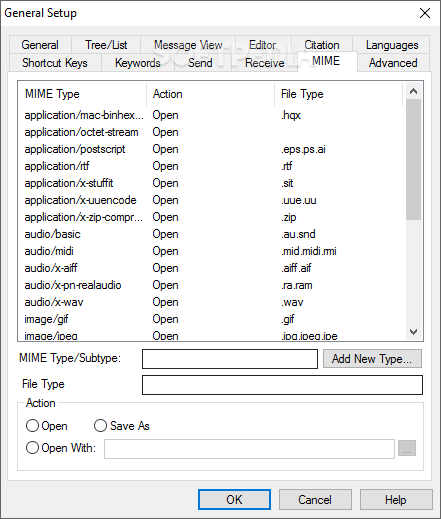
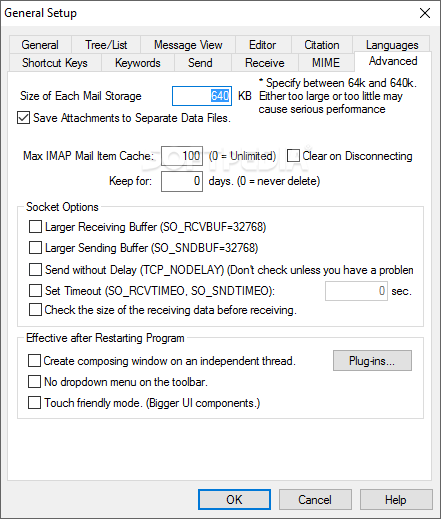
Message notifications, configurable storage size, advanced search tools, attachment warnings, spell checking, customizable message templates are other advantages that this program provides you with. Its functionality can be extended using plugins.
To conclude, Becky! Internet Mail combines ease of use with functionality, in order to provide you with a comprehensive and powerful e-mail client, whose message organizing capabilities are designed to ease your everyday work. All of this is done without hampering the computer’s performance and the response time is good.
What's new in Becky! Internet Mail 2.81.06:
- Fixed the problem that a message was not loaded completely in some cases.
Becky! Internet Mail 2.81.06
 Softpedia Editor's Pick
add to watchlist
add to download basket
send us an update
REPORT
Softpedia Editor's Pick
add to watchlist
add to download basket
send us an update
REPORT
- runs on:
-
Windows 11
Windows 10 32/64 bit - file size:
- 7.4 MB
- filename:
- bk28106.exe



- main category:
- Internet
- developer:
- visit homepage
ShareX

Context Menu Manager

7-Zip

calibre

Microsoft Teams

Windows Sandbox Launcher

Zoom Client

4k Video Downloader

IrfanView

Bitdefender Antivirus Free

- 4k Video Downloader
- IrfanView
- Bitdefender Antivirus Free
- ShareX
- Context Menu Manager
- 7-Zip
- calibre
- Microsoft Teams
- Windows Sandbox Launcher
- Zoom Client