
Comprehensive e-mail client that lets you chat with other people and supports extensions, multiple tabs, and security features (e.g. signature, certificate, encryption etc.). #Email sender #Mail client #Send mail #Sender #Email #Mail
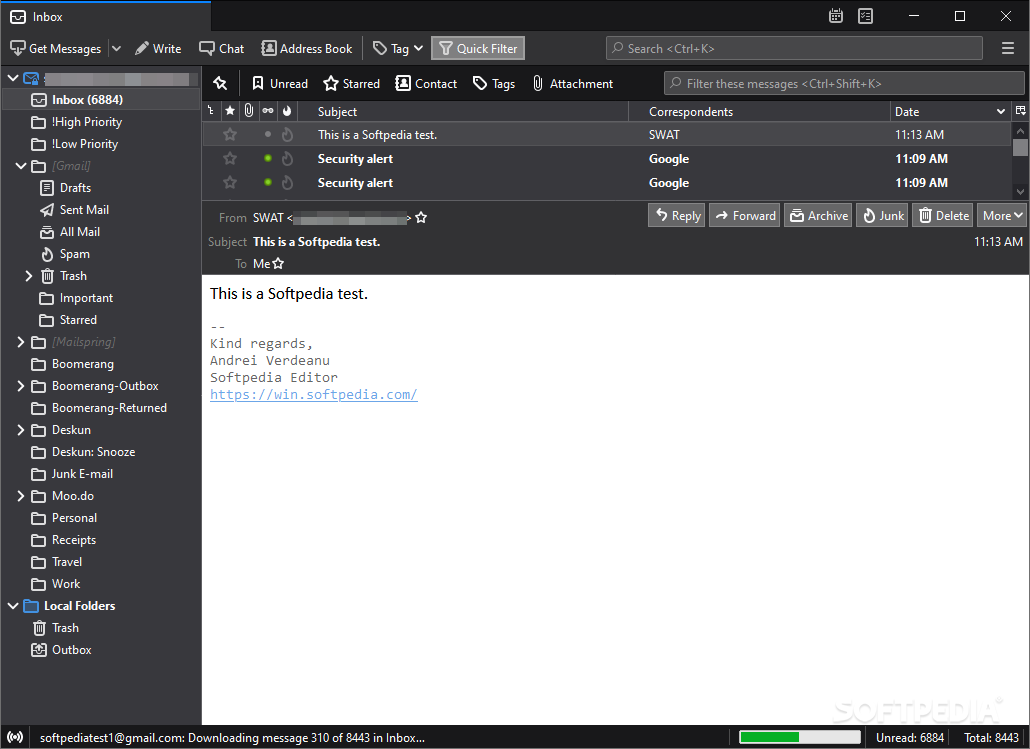
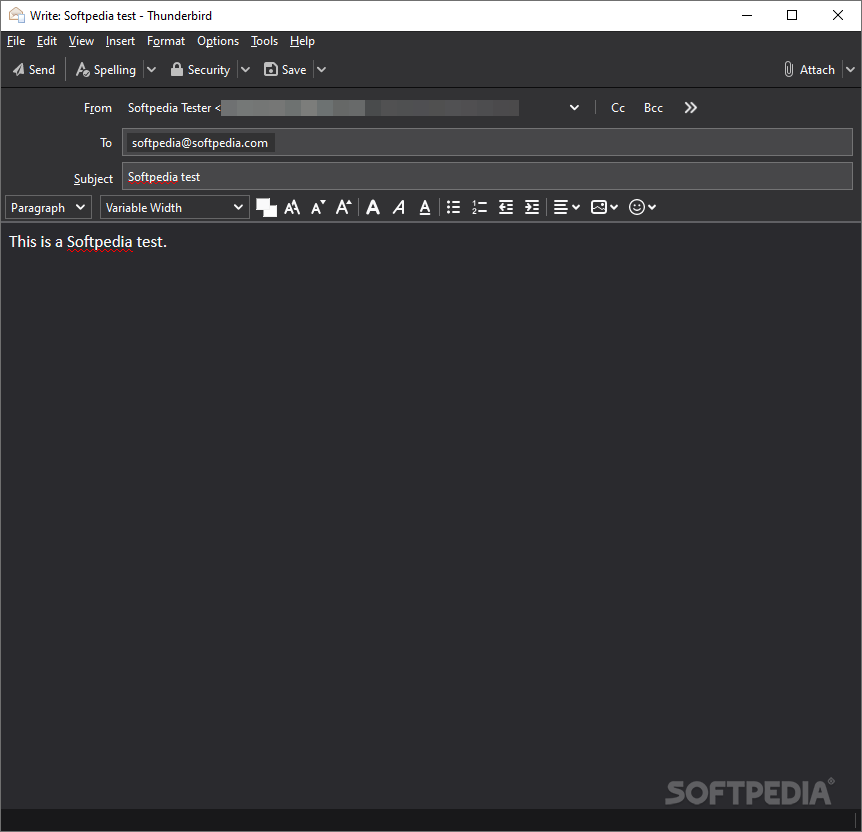
Sending emails has become a very popular means of communication, no matter if you want to send messages to your friends or your work colleagues.
And while there are numerous solutions that can provide you with ease and use and attractive GUIs, Thunderbird Supernova still remains one of the most popular email clients out there.
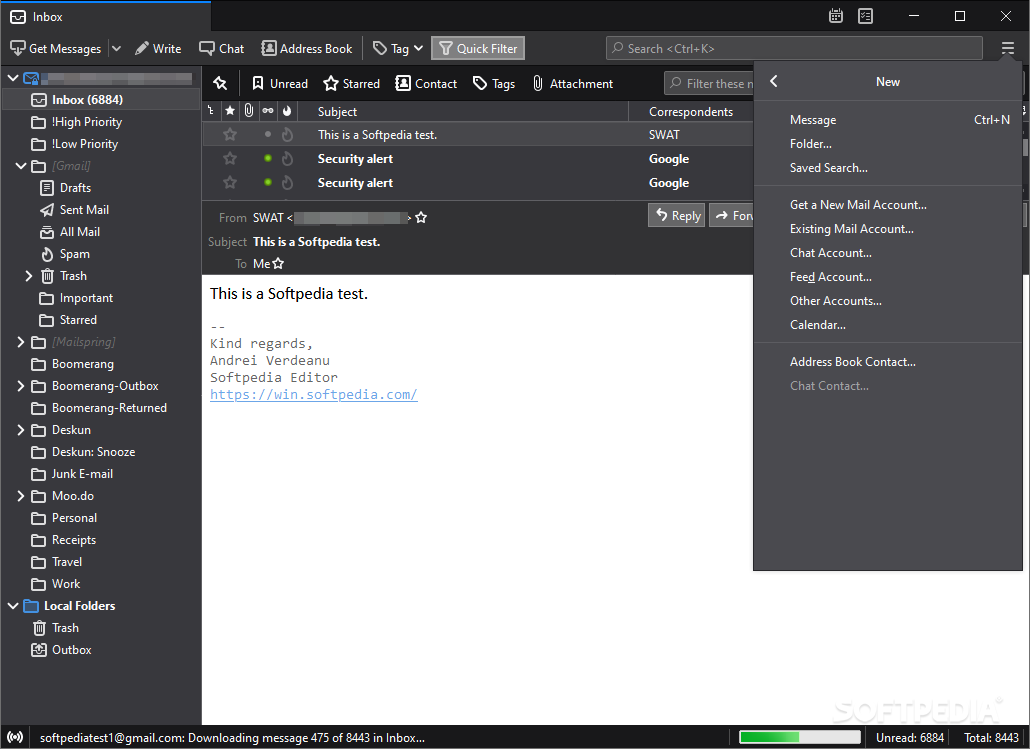
When installing Thunderbird Supernova for the first time, you can leave it to the app to automatically detect all the appropriate server settings for the email address you enter. Alternatively, you can manually enter the SMTP or IMAP details, then check if the connection is successful.
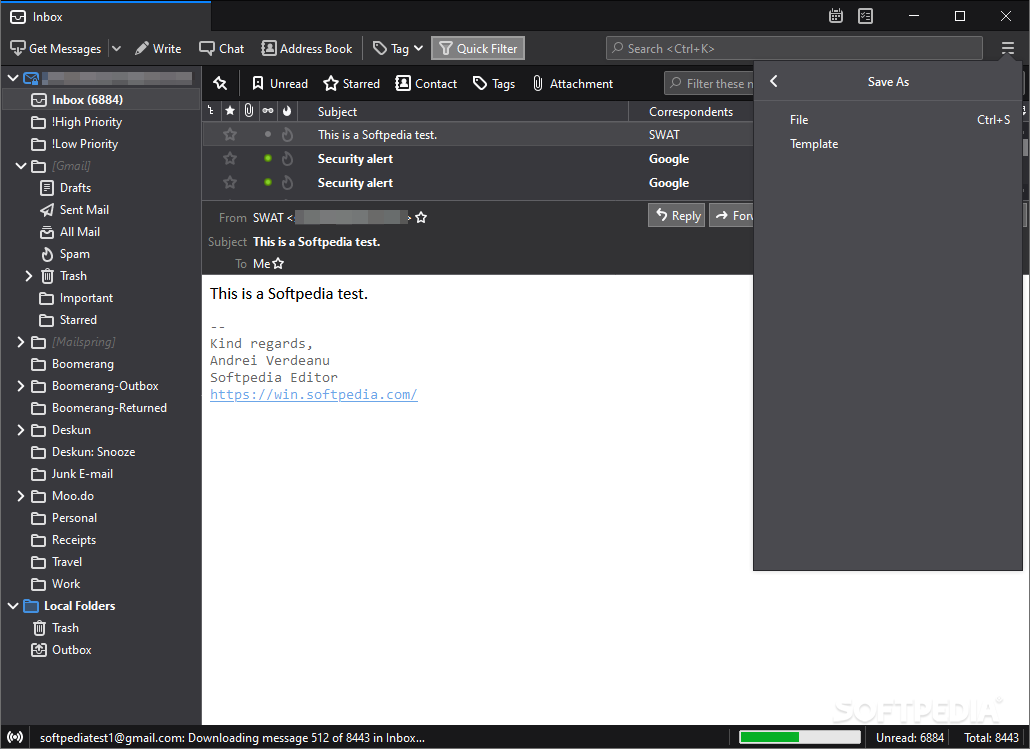
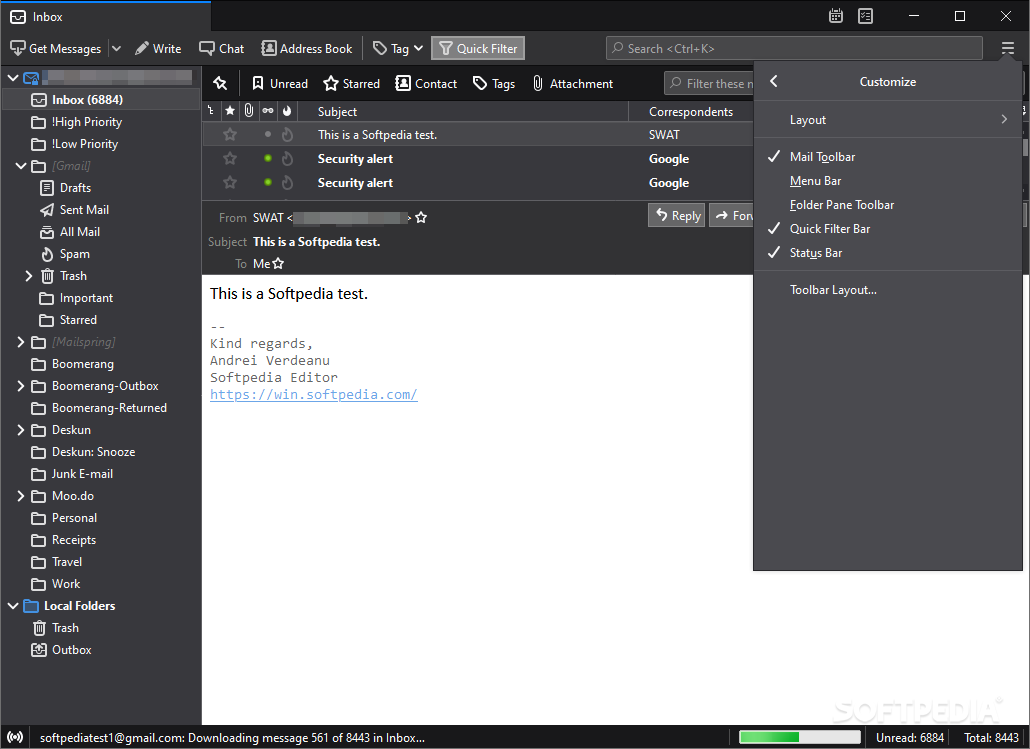
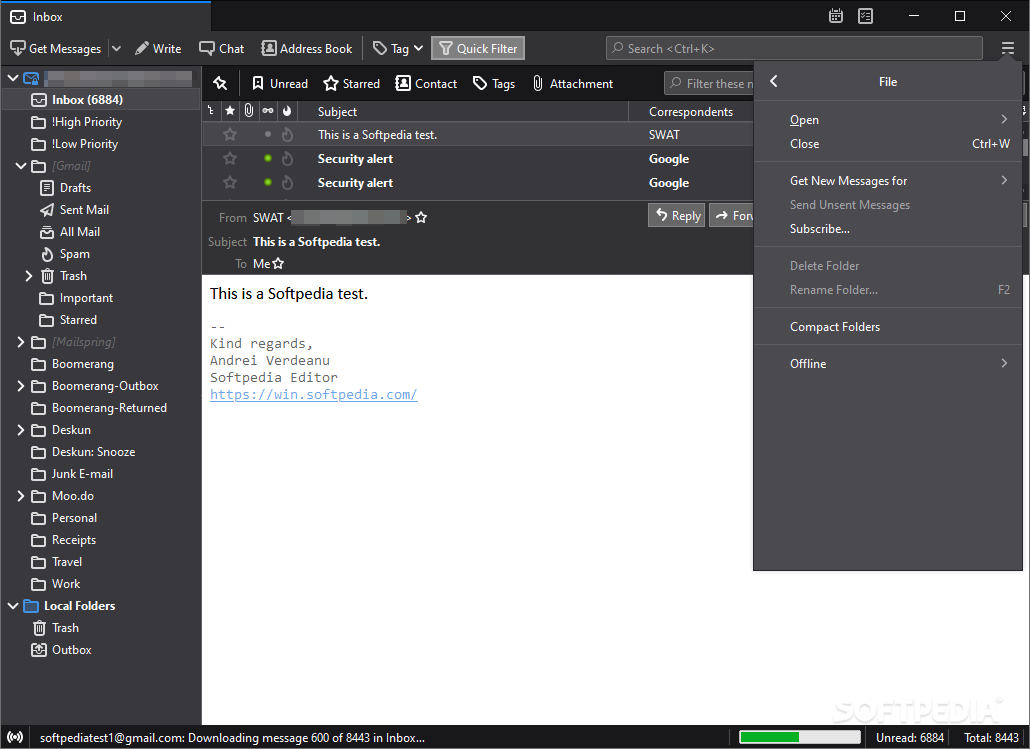
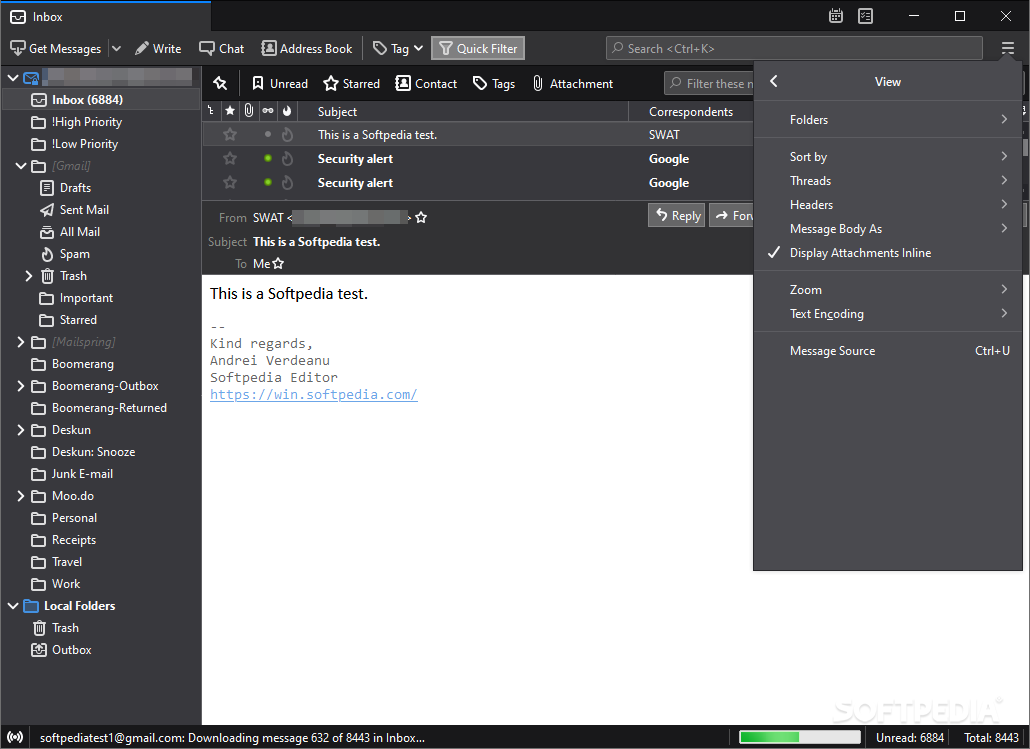
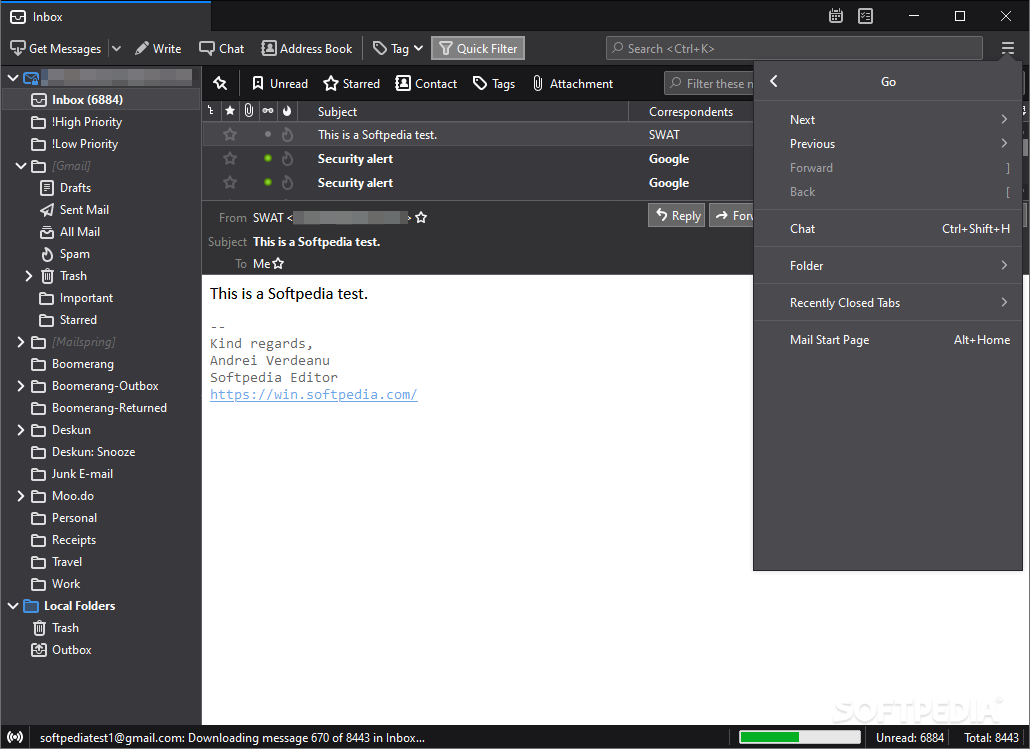
Once this step is completed, you can access the main window and explore the messages from your Inbox and the other folders you might have created (such as Drafts, Sent, Junk, Trash, Outbox, or custom ones like Archives, Important, and so on).
When it comes to reading your email messages, you can either use the preview panel or you can open them in a full-screen window - since Thunderbird Supernova supports tabs, you can open multiple messages side by side and explore them at the same time.
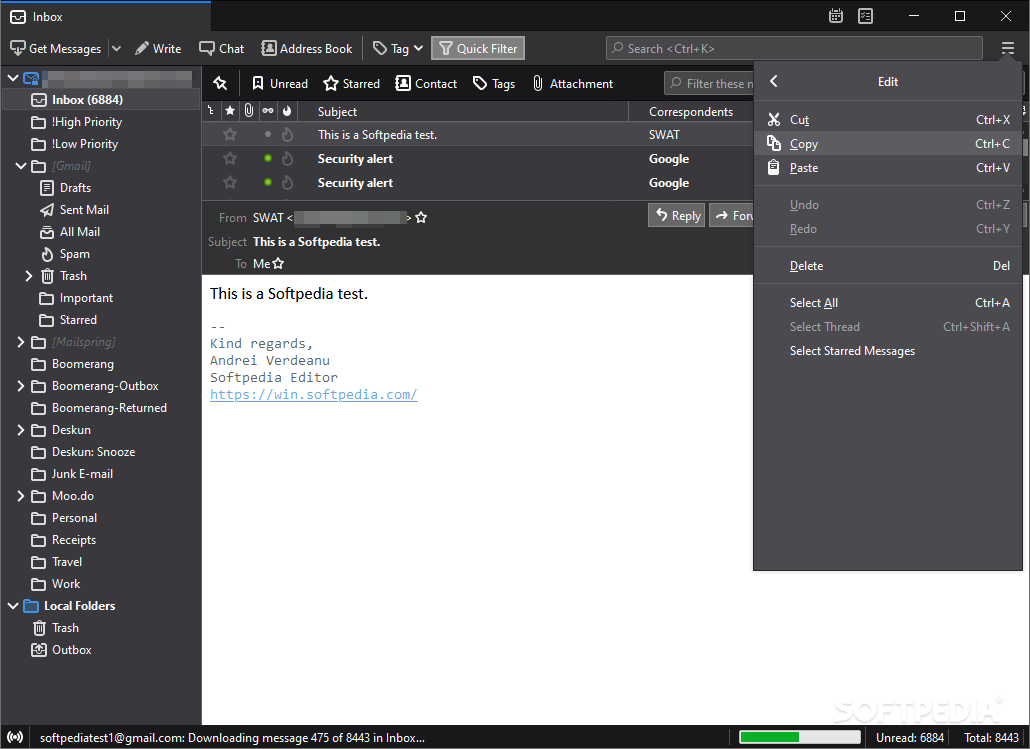
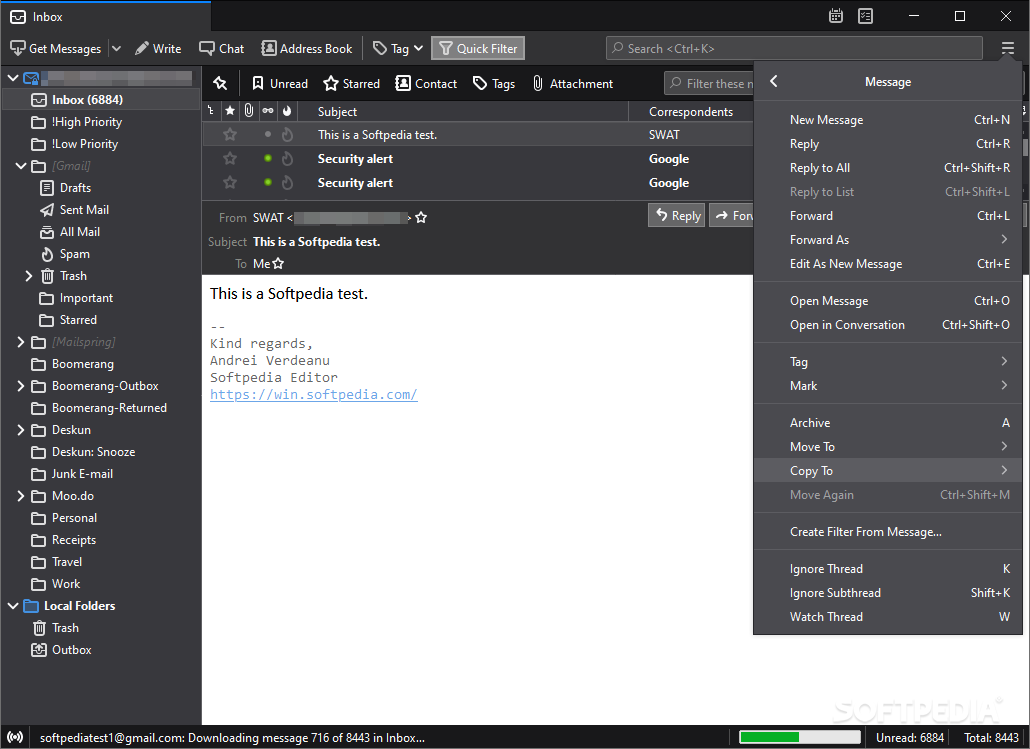
All the actions you can perform from the dedicated toolbar or menus can also be found in the right-click menu, so you can easily reply, forward or delete messages, as well as move to a new folder or assign relevant tags.
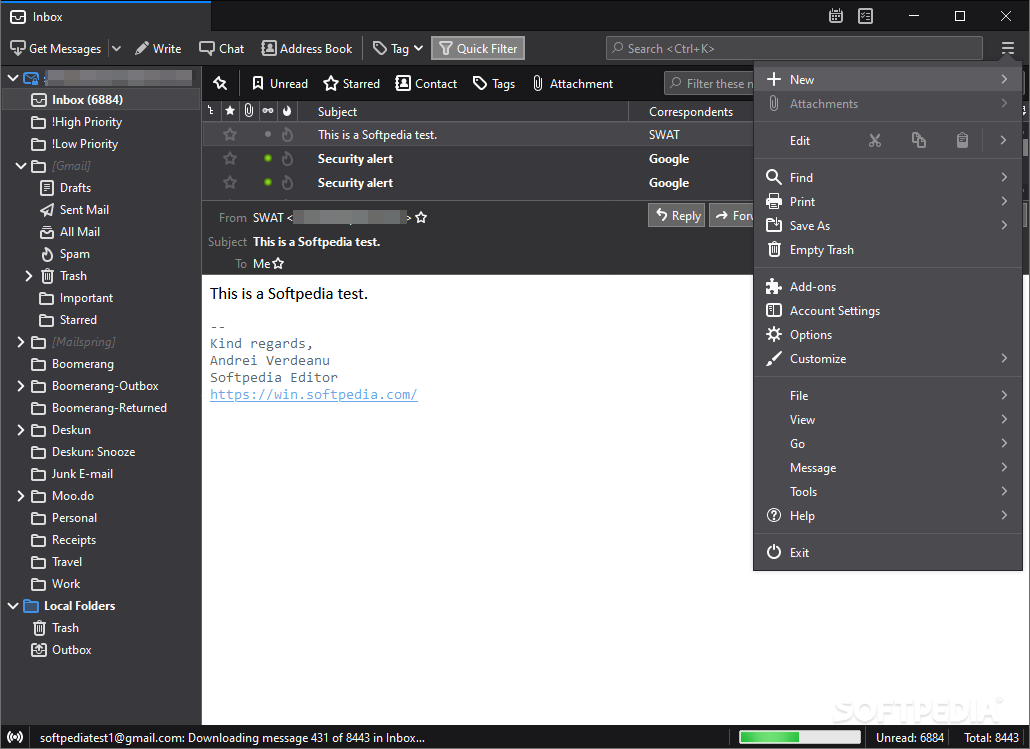
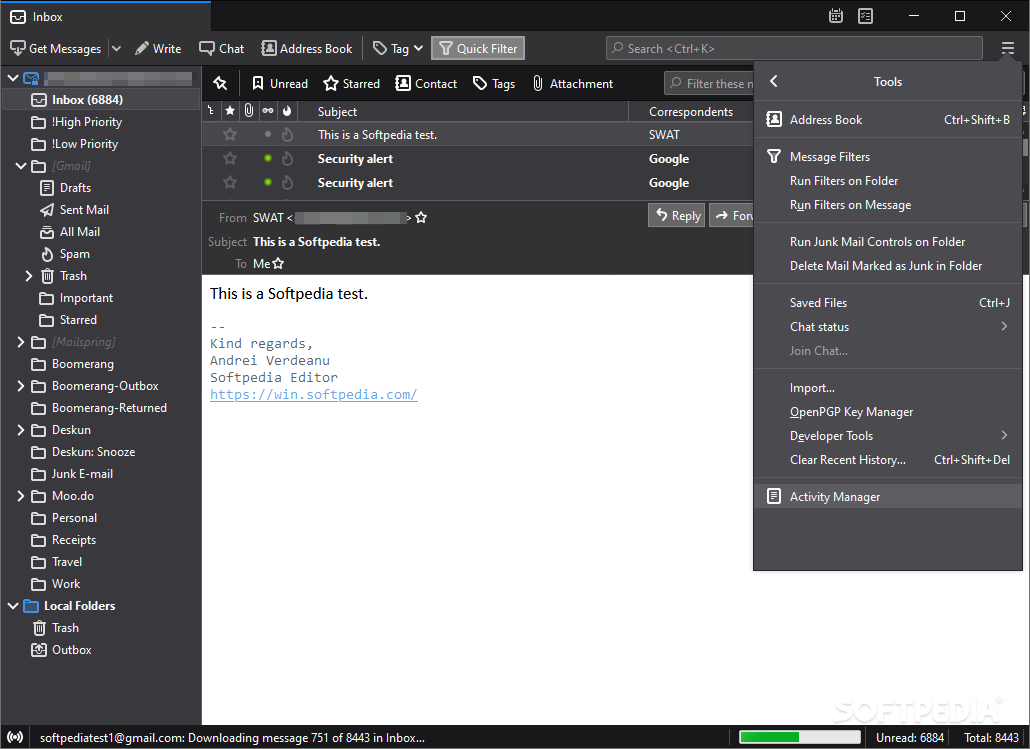
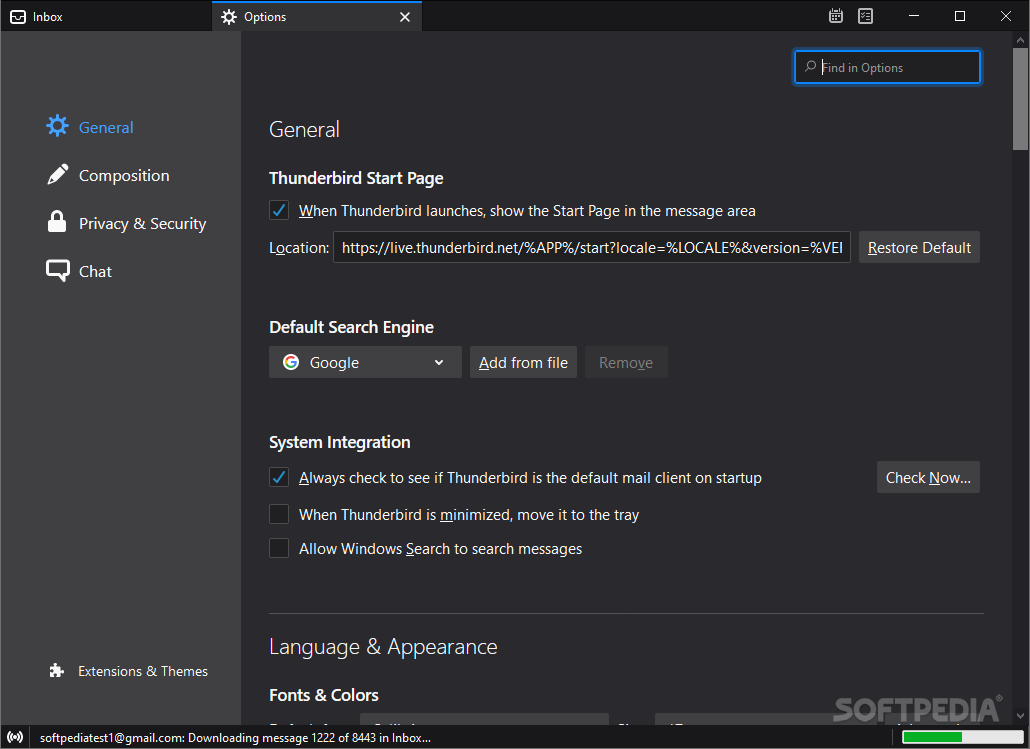
Just like Mozilla's other flagship product, Firefox, Thunderbird Supernova can be personalized via extensions. You can not only tamper with its appearance by installing themes, but you can also enhance its functionality with dedicated add-ons.
You can benefit from the built-in task manager and calendar to organize and track events so you do not miss any deadline.
In a nutshell, Thunderbird Supernova remains one of the most popular email clients out there due to its versatility and ease of use, thus making it suitable for novices and experts alike.
Download Hubs
Thunderbird Supernova is part of these download collections: Email Clients, Open XPI, Open JAR, Anti-phishing Protection
What's new in Thunderbird Supernova 115.10.1:
- Fixed:
- Thunderbird processes did not exit cleanly; user intervention was required via task manager
Thunderbird Supernova 115.10.1 / 102.15.1 / 124.0 RC 1 / 125.0b5 Beta / 127.0a1 Daily
add to watchlist add to download basket send us an update REPORT- portable version
- Portable Thunderbird Supernova
- runs on:
-
Windows 11
Windows 10 32/64 bit
Windows 8 32/64 bit
Windows 7 32/64 bit - file size:
- 55.1 MB
- filename:
- Thunderbird Setup 115.10.1.exe
- main category:
- Internet
- developer:
- visit homepage
paint.net

calibre

Bitdefender Antivirus Free

ShareX

4k Video Downloader

7-Zip

IrfanView

Windows Sandbox Launcher

Microsoft Teams

Zoom Client

- Windows Sandbox Launcher
- Microsoft Teams
- Zoom Client
- paint.net
- calibre
- Bitdefender Antivirus Free
- ShareX
- 4k Video Downloader
- 7-Zip
- IrfanView