
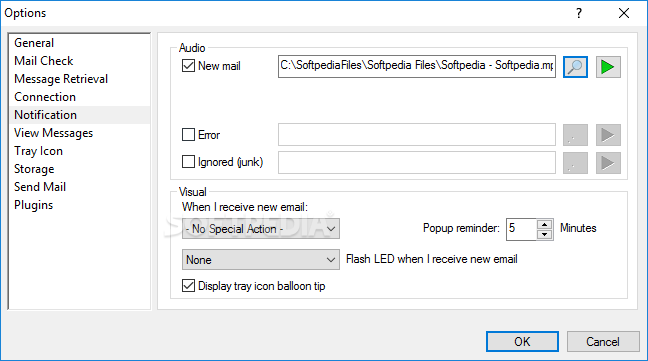
Monitor your e-mail accounts and instantly get notified when you receive a new message thanks to this straightforward email client. #Email notifier #Email client #Mail alert #Email #Notifier #Alert


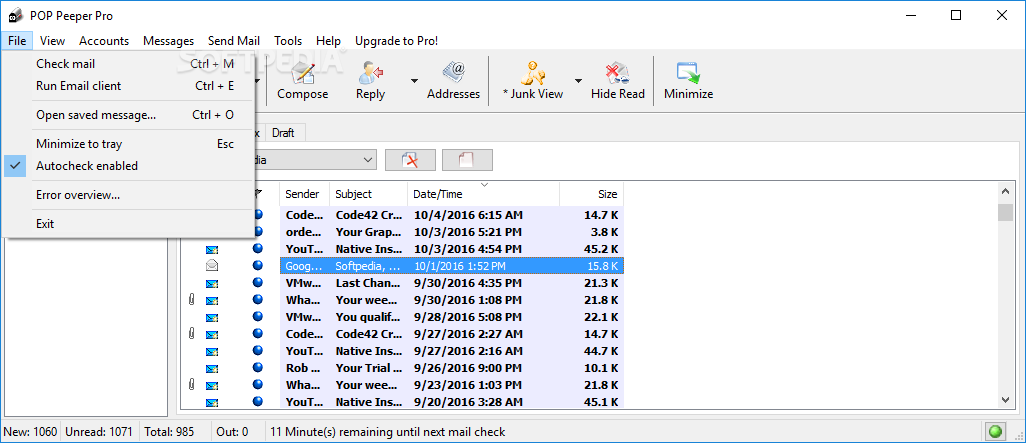
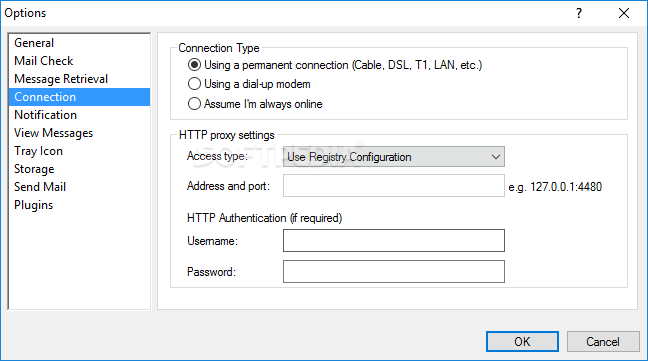
POP Peeper is an email notifier that can get along with any POP3 or IMAP account, but also with Gmail, Hotmail and Yahoo Mail accounts, and it comes with a very clean and intuitive interface.
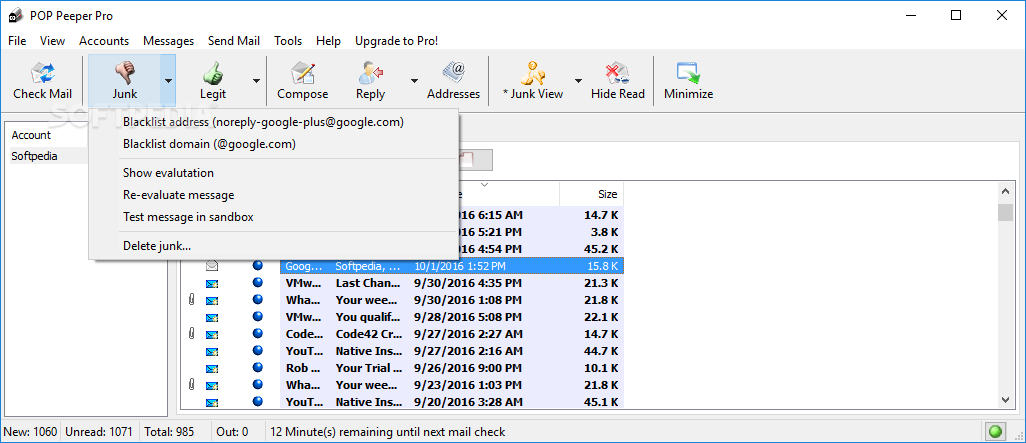
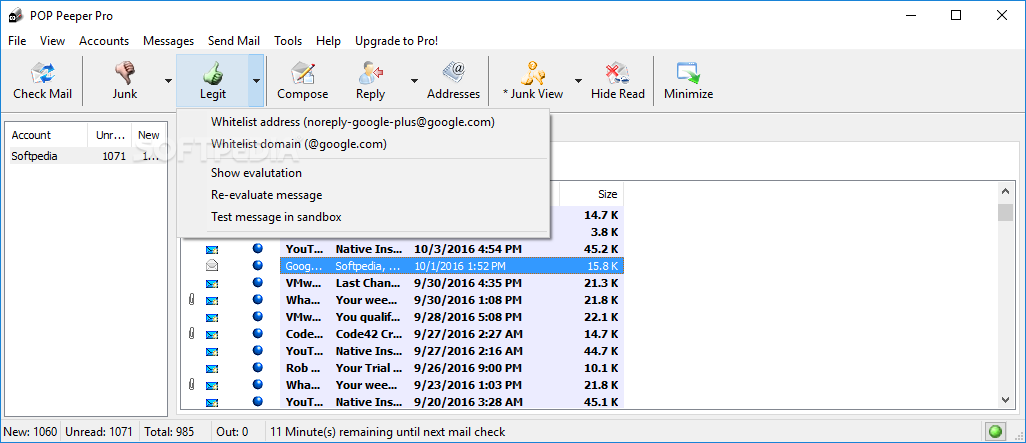
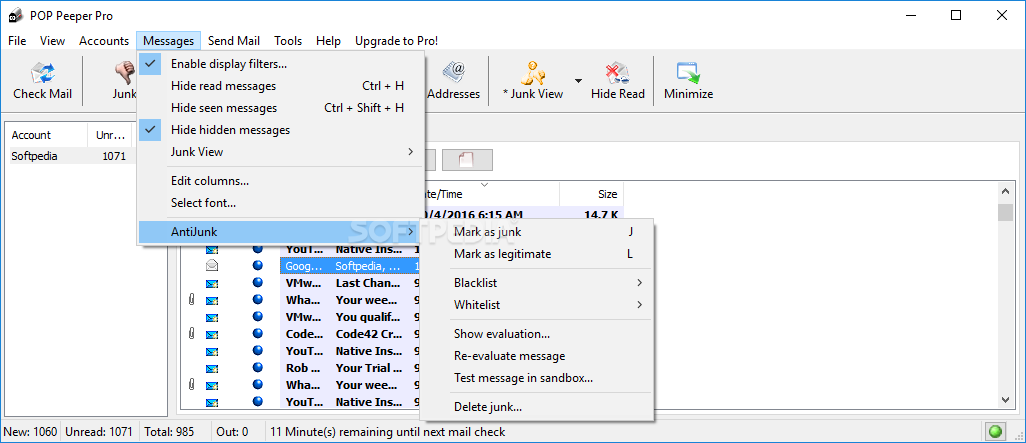
It is important to understand that this application is not a full-fledged email client, but rather a notification tool, and thus it will alert you every time a new message arrives in your inbox. While it has the power to send emails, it does not comprise any spam filters or other tools seen in email clients.
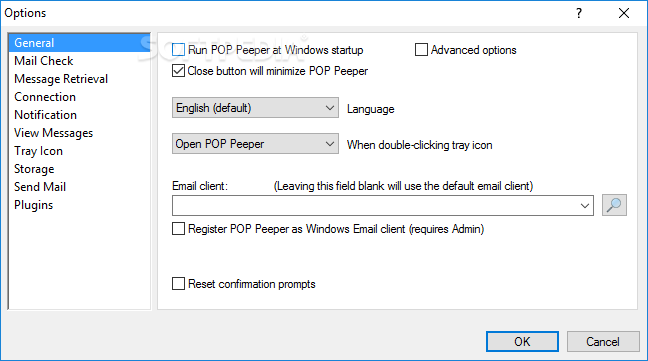
However, it does an amazing job. The installer also gives you the option to drop some additional plugins, including WebMail, SendMail, IMAP and SSL, as well as choose whether to run the tool at Windows Startup or to install Help manuals.
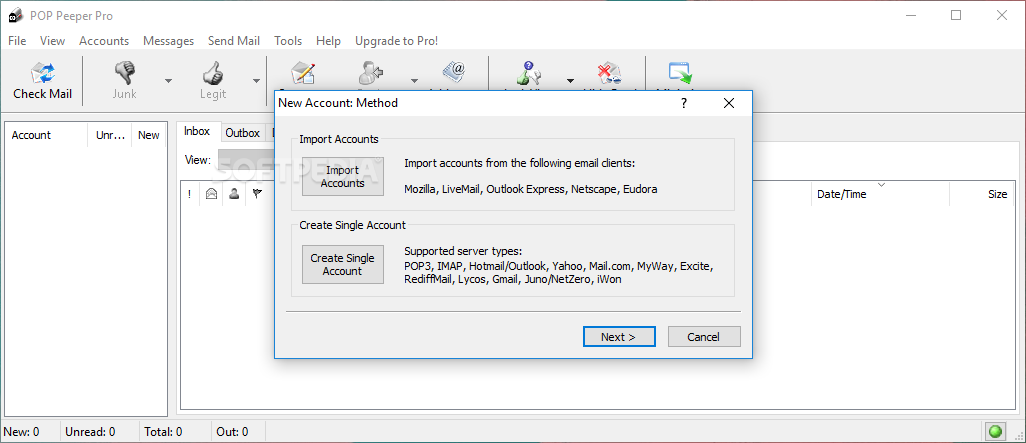
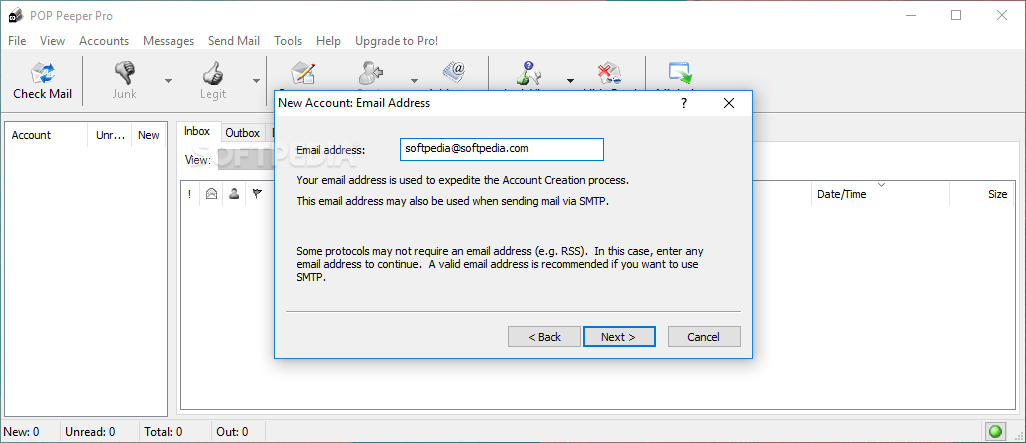
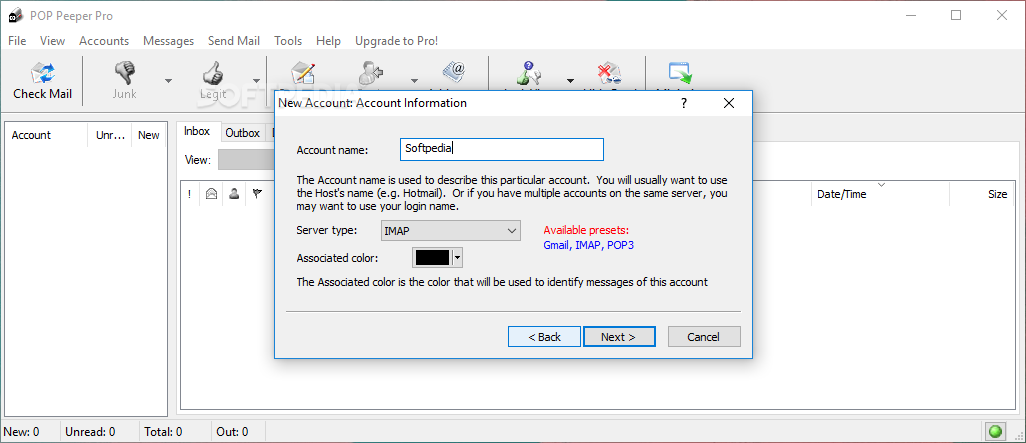
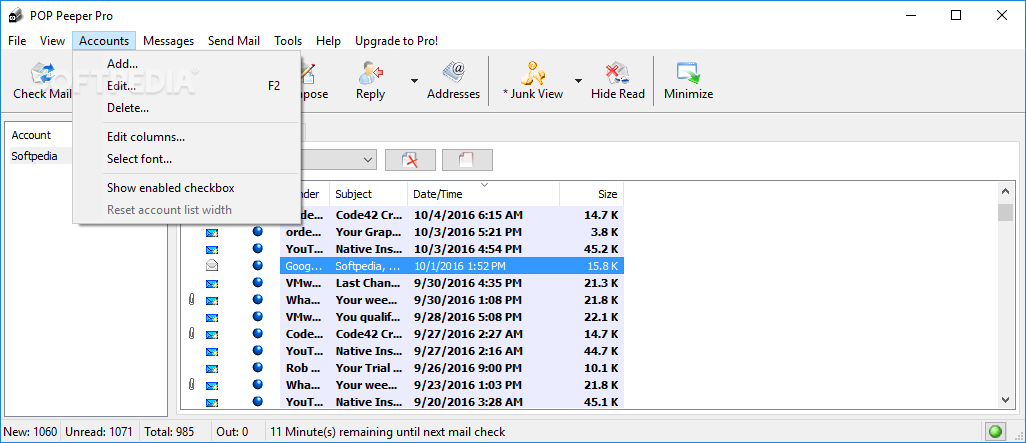
POP Peeper is able not only to import accounts from the most popular email clients currently on the market, such as Mozilla Thunderbird or Outlook Express, but also to guide you through the setup of new accounts, providing valuable information before every step of the process.
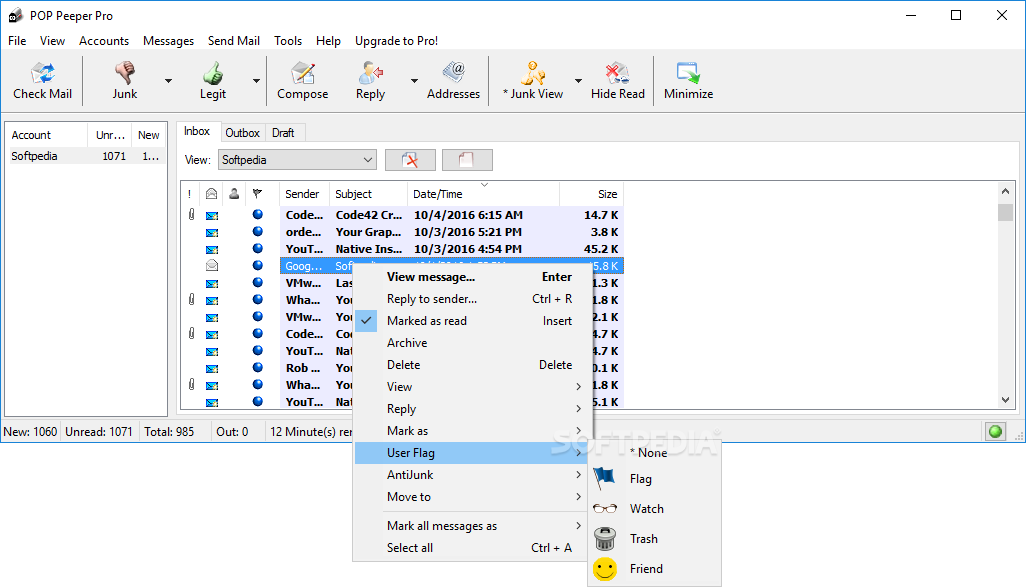
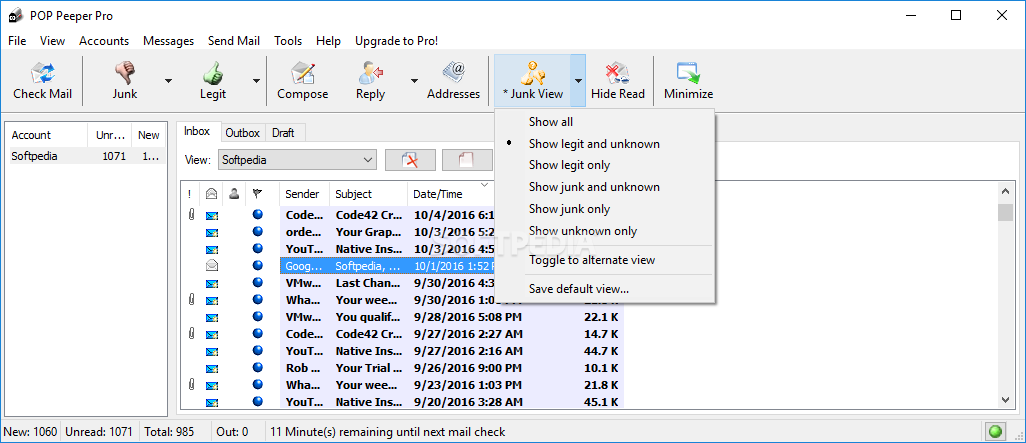
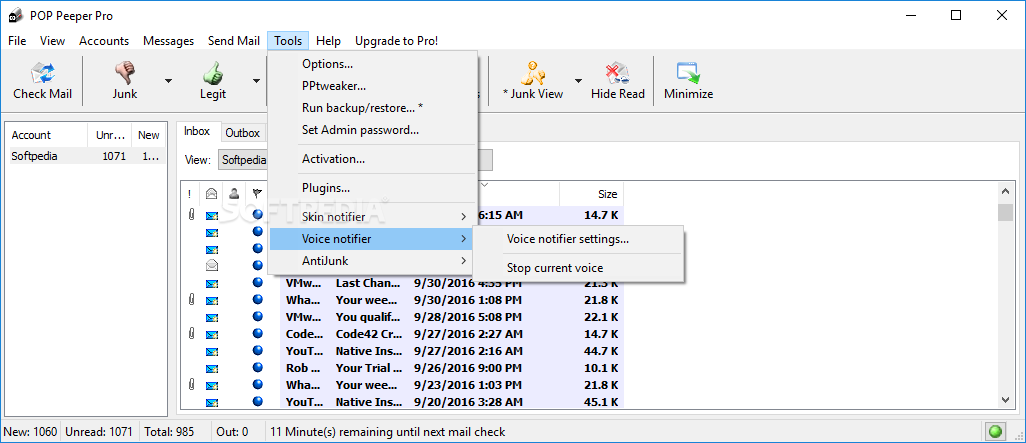
As for the application itself, it does not look too different from a regular email client, with a similar layout, yet there are no buttons to control the incoming messages.
A useful feature is that you can easily create a color-coded system for the different accounts you are going to use, so that you can easily keep everything organized.
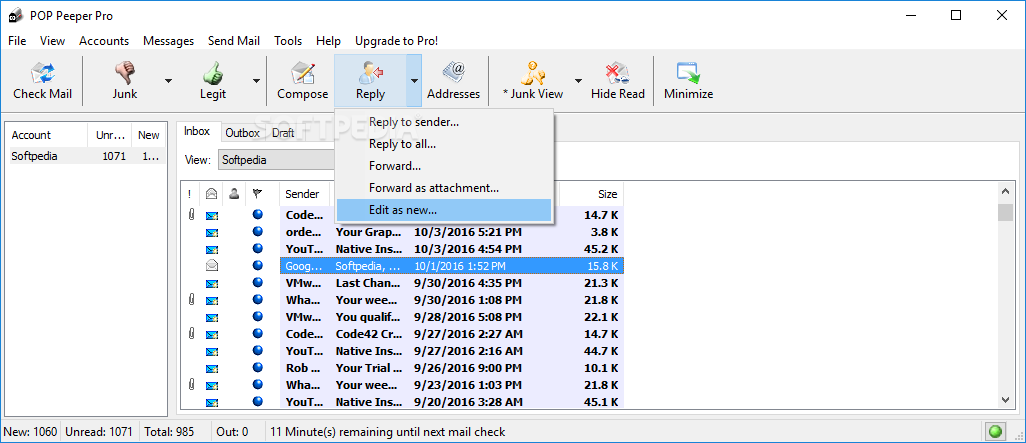
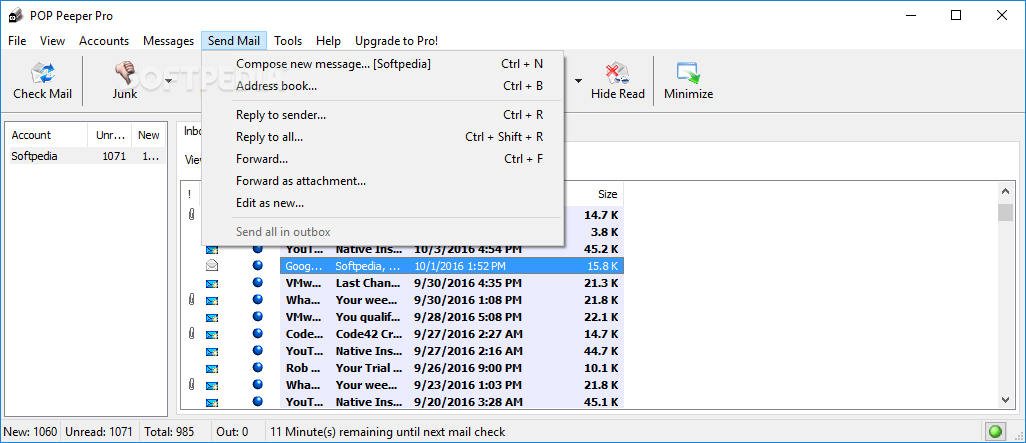
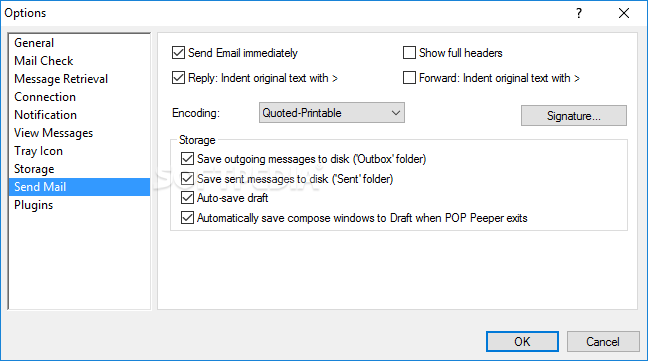
As stated above, the program has some email sending options and therefore you can send messages from POP Peeper, while you can also run the mail client once a new email arrives in your inbox, with just a click of the button.
POP Peeper it a pretty efficient piece of software, designed with usability in mind. The response time is good, the system’s performance is not going to be affected in any way and we did not come across any errors or hangs in our tests. If you are interested in bypassing the installation process, you should know a portable edition is available for download and use, called Portable POP Peeper.
Download Hubs
POP Peeper Pro is part of these download collections: Email Clients, Yahoo! Mail Notifier, Hotmail Notifier
What's new in POP Peeper Pro 5.4.6:
- Updater: When an update initializes, if POP Peeper is taking too long to exit, Updater will automatically and continuously check if POP Peeper is running so it's no longer necessary for user intervention to proceed with the update
- Updater: If the update is successful, the final prompt (stating success) will self-close after 10 seconds, allowing PP to restart with no user interaction in many cases
- Oauth2 is no longer recommended for Outlook accounts; Oauth2 is still available but POP Peeper will not suggest it; this is in response to Outlook's history of prolonged outage for Oauth2
- The open/save attachment dialog will now show the file extension (and highlight it if appropriate); this is in response to an RTLO trick that malware can use to disguise executable files (note: this particular exploit uses unicode and therefore does not affect POP Peeper v5)
POP Peeper Pro 5.4.6
 Softpedia Editor's Pick
add to watchlist
add to download basket
send us an update
REPORT
Softpedia Editor's Pick
add to watchlist
add to download basket
send us an update
REPORT
- portable version
- Portable POP Peeper Pro
- runs on:
-
Windows 11
Windows 10 32/64 bit
Windows 8 32/64 bit
Windows 7 32/64 bit
Windows Vista 32/64 bit
Windows XP 32/64 bit - file size:
- 5.3 MB
- filename:
- POPPeeperPro-Install-v546.exe



- main category:
- Internet
- developer:
- visit homepage
4k Video Downloader

calibre

Zoom Client

Microsoft Teams

Bitdefender Antivirus Free

7-Zip

ShareX

Windows Sandbox Launcher

IrfanView

Context Menu Manager

- Windows Sandbox Launcher
- IrfanView
- Context Menu Manager
- 4k Video Downloader
- calibre
- Zoom Client
- Microsoft Teams
- Bitdefender Antivirus Free
- 7-Zip
- ShareX