WINDOWS CATEGORIES:


NEWS ARCHIVE >>
SOFTPEDIA REVIEWS >>

WEEKLY HIGHLIGHTS

DVD Cloner45
Spyware Doctor40
1Click DVD Copy40
Apollo DVD Copy40
ABC Amber BlackBer...45
Protected Music Co...40

7-DAY TOP DOWNLOAD

#
Program
Windows Live
Messenger 2009
14.0.8089.726

205,783
Avira AntiVir
Personal - Free
Antivirus 9.0.0.407

195,395
Avira Antivir Virus
Definition File
Update November 6,
2009

180,844
Nexus Radio 4.1.1
131,987
Windows Live
Messenger
8.5.1302.1018

124,237
FreeZ Online TV 1.30
97,621
Y! Multi Messenger
8.x and 9.x

82,764
Microsoft Office
2007

82,452
DVD Shrink 3.2.0.15
59,713
RemoveWGA 1.2
55,654

WEEK'S BEST

  • RSSOwl 2.0 Final
  • Internet Explorer ...
  • Online Armor ++ 4....
  • cFosSpeed 5.01 Bui...
  • SONY Vegas Pro 9.0...
  • Firefox 3.6 Beta 1...
  • Nokia Photos 1.6.434
  • Windows Server 200...
  • Skype Portable 4.1...
  • Google Chrome Port...
  • PCMark Vantage Bas...
  • Kaspersky Anti-Vir...
  • Microsoft Virtual ...
  • Messenger Plus! Li...
  • WinX DVD Author [F...
  • SoftPerfect Networ...
  • System Mechanic Pr...
  • Ad Muncher 4.8 Bui...
  • Windows 7 Upgrade ...
  • Pidgin 2.6.3
  • OpenOffice.org 3.2...
  • VirtualDub 1.9.7 B...
  • Maxthon [Softpedia...
  • Spyware Doctor 7.0...
  • SUPERAntiSpyware 4...
  • Adobe Acrobat Prof...
  • Camfrog Video Chat...
  • Adobe Reader 9.2.0...
  • Foxit PDF Reader 3...
  • Microsoft Maliciou...
  • Home / Windows / Internet / E-mail / E-mail Clients
     Report spyware

    The Bat! Home Edition 4.2.12

    Download button

    Downloads: 8,263  Add to download basket  Tell us about an update
    User Rating:
    Rated by:
    Good (3.8/5)
    70 user(s)
    Developer:

    License / Price:

    Size / OS:

    Last Updated:

    Category:
    RITLabs | More programs
    Trial / USD 42.00 | BUY the full version
    6.6 MB / Windows All
    October 30th, 2009, 10:12 GMT [view history]
    C: \ Internet \ E-mail \ E-mail Clients

     Read user reviews (3)  Add a review  Refer to a friend  Subscribe


    The Bat! Home Edition description


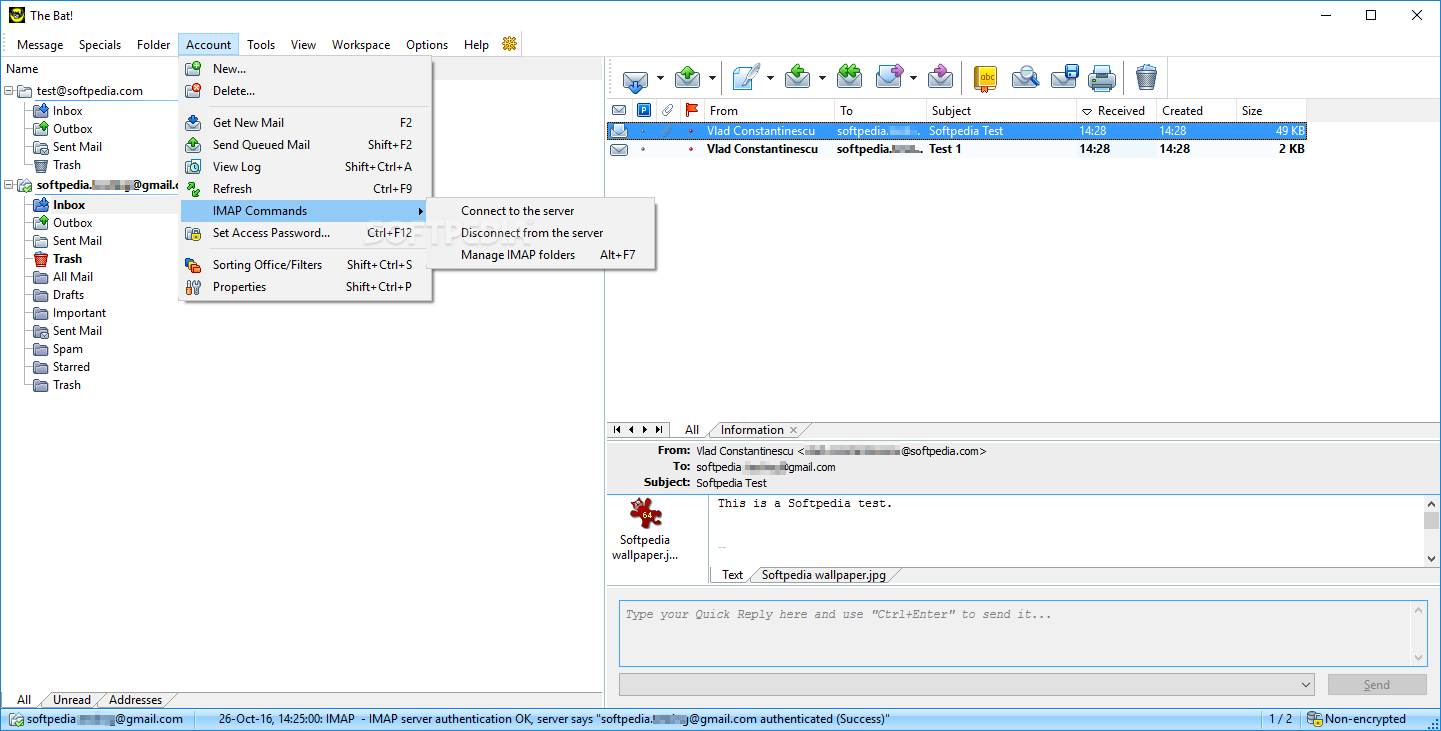
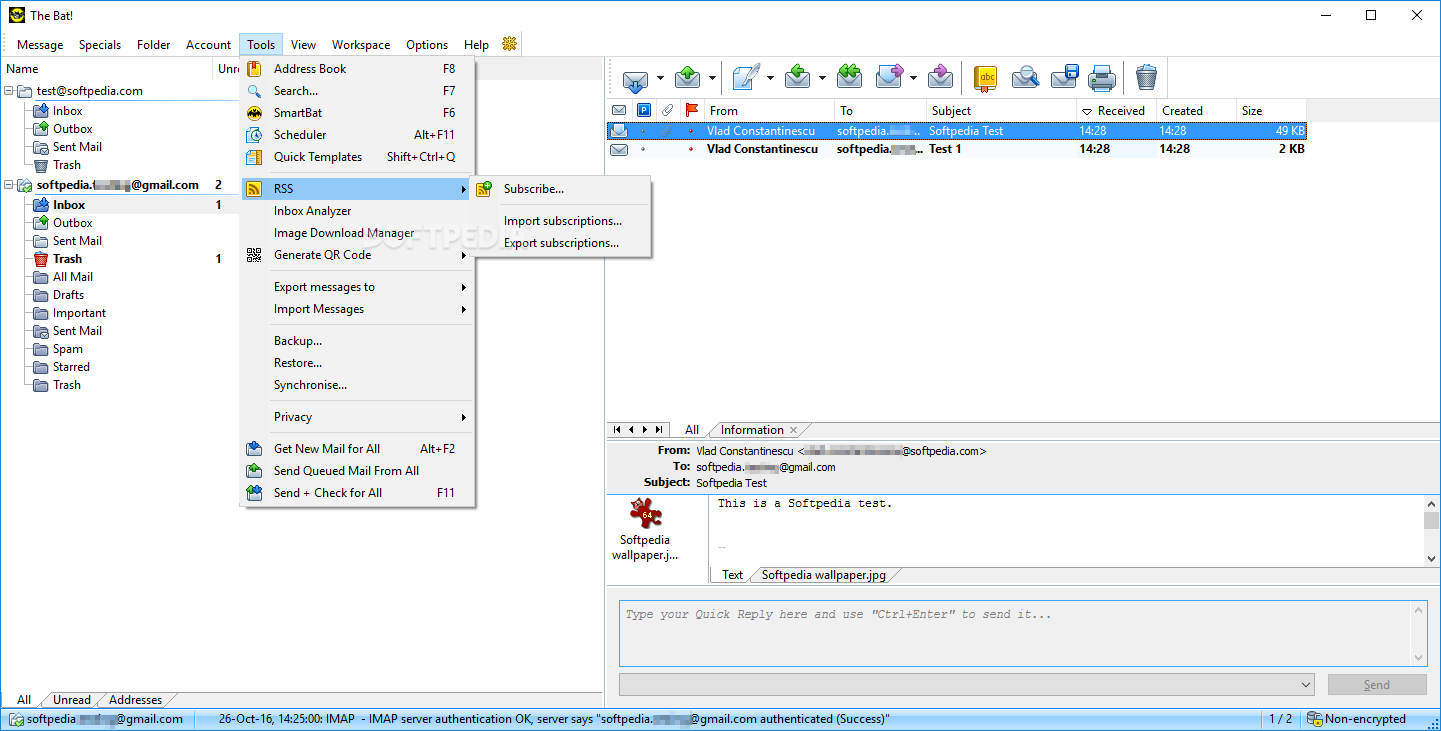
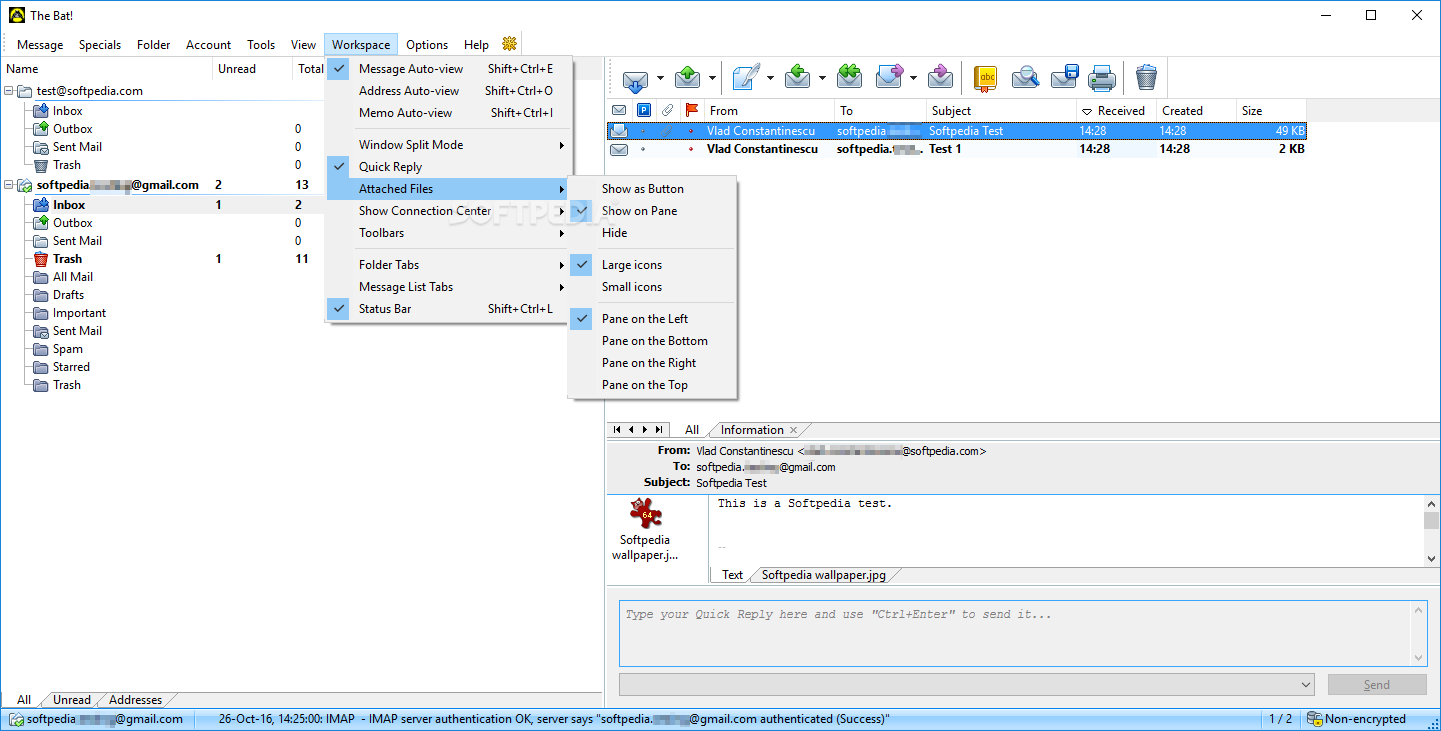
    Access multiple accounts with this powerful, highly configurable, yet easy to use, email client

    The Bat! was created to help users deal with your growing volume of email as quickly as possible, saving much of their time.

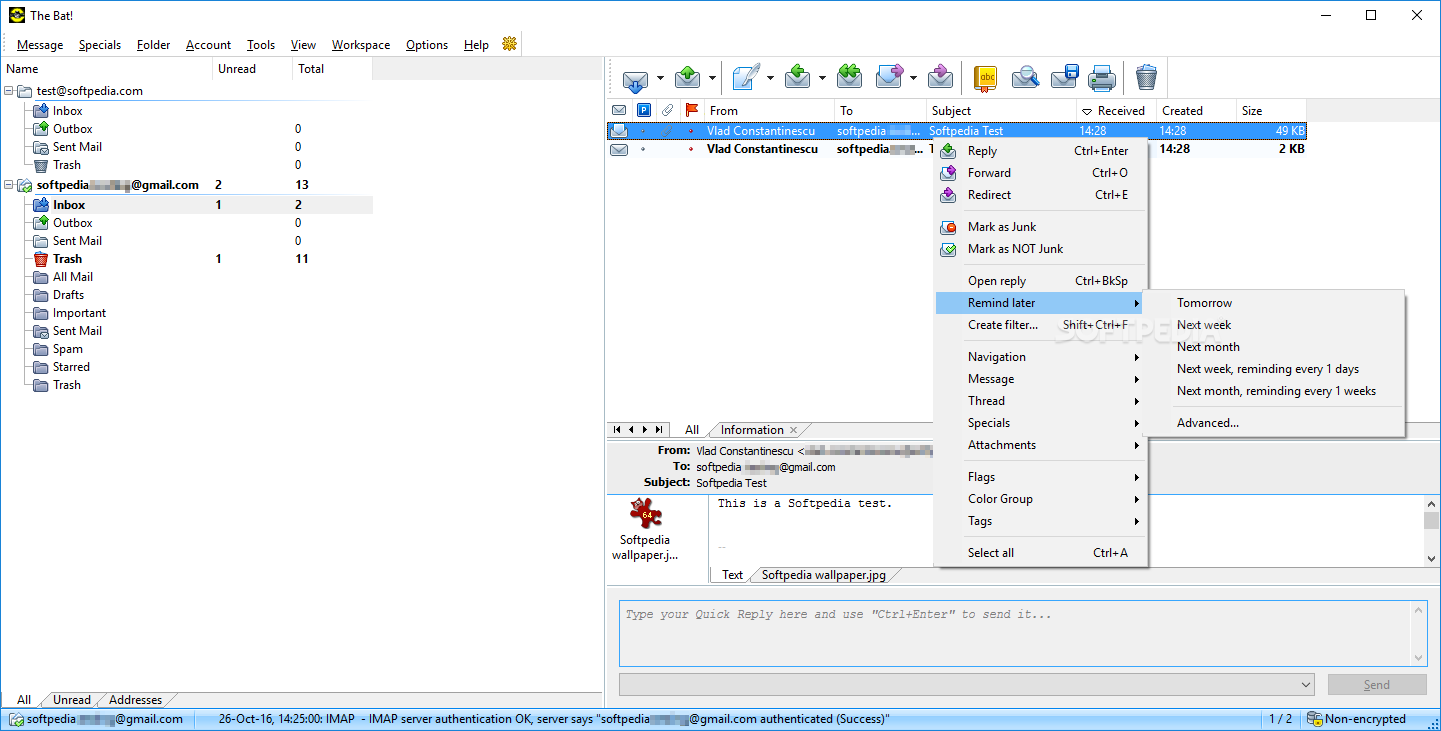
    The Bat! Home Edition is a powerful email client with a friendly, cool interface.It has every feature an advanced user will ever need. Virus-proof Email System to make your e-communication safe and easy.

    Here are some key features of "The Bat! Home Edition":

    Microsoft Exchange Connectivity:
    · The Bat! connects to Microsoft Exchange Servers using native MAPI protocol to fetch or send the messages. You just have to install Microsoft Office Outlook or Microsoft Exchange Client to supply the Exchange connectivity components which The Bat! will be using

    Anti-spam Protection:
    · The Bat! has Bayesian filtering in the default installation. You have to educate the plugin what is spam and what is not, and then it will do the job.

    Smart Sorting Office:
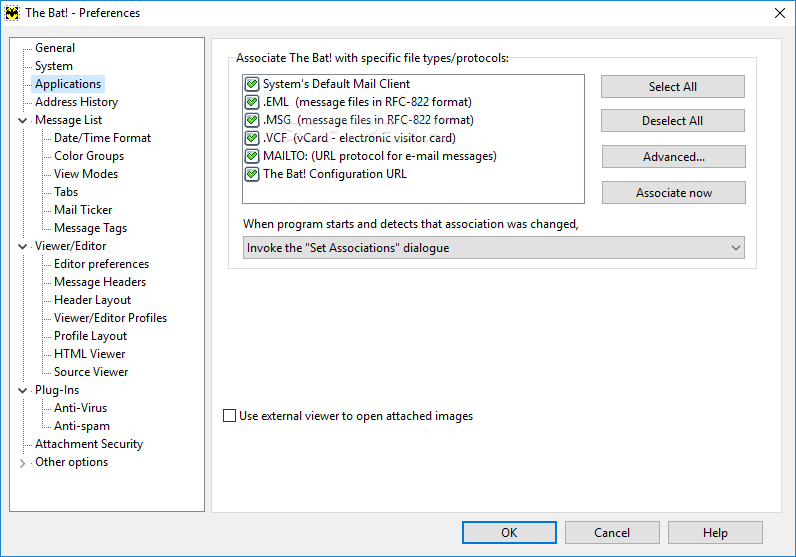
    · The Sorting Office is a powerful filtering system, not only sorts your incoming, outgoing, read, and replied messages to folders, but also can auto-respond; reply with a custom template; forward, redirect, print, or export messages; send reading confirmations; run an external program and more. The Bat! sorting office is so sophisticated that you can even run the mailing list server with the full subscribe/unsubscribe functionality. More...

    Handy Message Templates:
    · In addition to the signatures, The Bat! allows to create the message templates that are using special macros. Any mailbox, folder or entry in the Address Book can have a set of templates for the new message, reply or forward. These templates will greatly expedite the process of message composition, especially when the message has some standard or common text.

    Quick Templates:
    · In the message editor, Quick Templates will save you hours of typing. Insert text blocks - even from files on disk - add custom message information, attach files and vCards, and more - all with a couple of keystrokes and without using menu commands.

    Efficient Antivirus Protection:
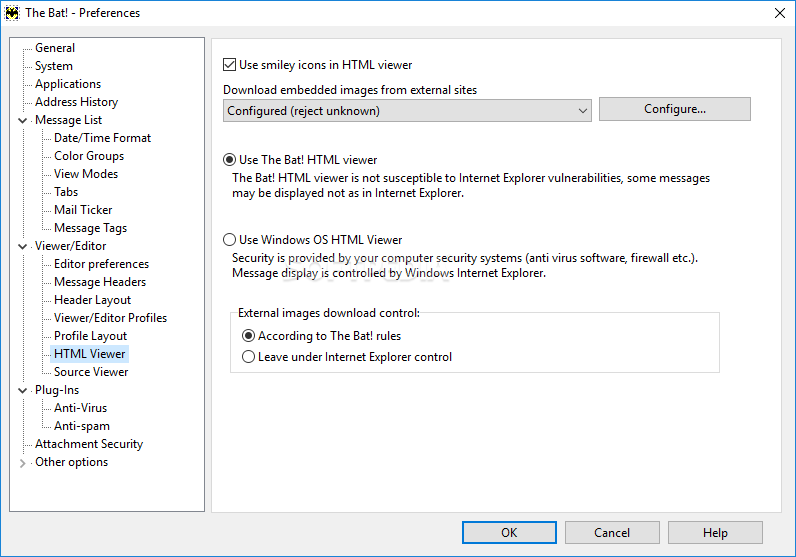
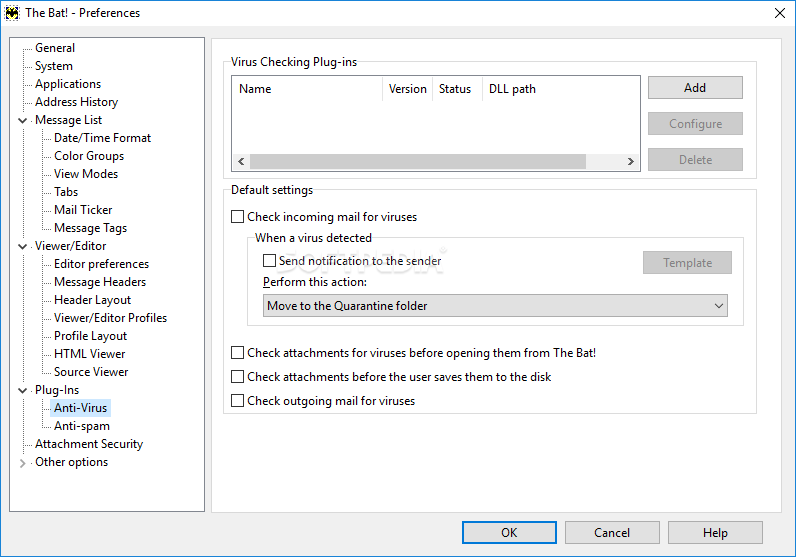
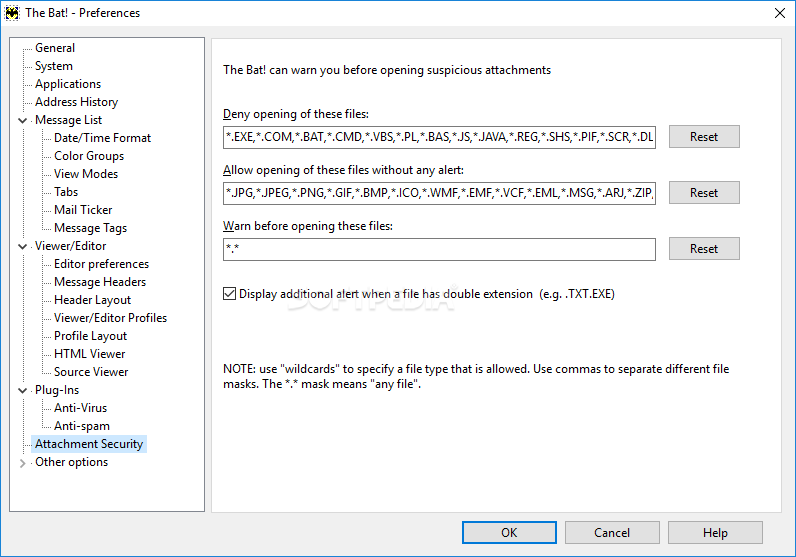
    · The Bat! will warn you when you try to open a suspicious attachment. In addition, unlike some other mail clients, The Bat! does not start any scripts automatically. The Bat! v2 features new plug-in interface for anti-virus programs to check data for viruses only in special occasions like receiving mail or saving attachments. The use of plug-ins saves you from the imperative of utilizing permanently running antiviral monitors that may significantly degrade performance of the computer.

    Message Parking:
    · Message parking is designed to prevent accidental deletion of a valuable message. When a message is parked, you will not be able to move it to another folder, nor will it be deleted or automatically purged.

    Built-In Backup and Restore:
    · You can make backups of all the configuration settings, address books and folders, and restore such information from the backup file in case of accidental data loss. You can also add a comment to the backup file, select which accounts to backup and even password protect the archive file. In addition The Bat! you to create a separate backup for each mailbox.

    Mail Synchronisation:
    · Mail synchronisation is one way of keeping two separate copies of The Bat! up to date with each other. You synchronize the messages themselves, mailbox and account settings, the Address Books and attached files.

    Extended Support of National Codepages:
    · The Bat! allows you to set an individual codepage per mailbox, per folder or per entry in the Address Book.

    Convenient Message Dispatcher:
    · The message dispatcher is special feature of The Bat!, which lets you look at the messages stored on your POP3 or IMAP mail server without downloading them. This is very useful for managing your mail remotely, for example leaving "that copy of the huge document" on the server until you get home but retrieving and reading the urgent memos while still on the mobile connection.

    Fast Address Book:
    · The Address Book provides you with an easy way to maintain the list of contacts you have. It is possible to create groups dedicated to a particular classification or for use as a mailing list. Every entry in the Address Book can have a personal and business address, it's own Template, default Codepage, and even photograph and S/MIME-certificate attached to it.

    Multilanguage Interface:
    · The Bat! allows to change the interface language "on the fly" without a need to restart the progam.

    Submission Forms:
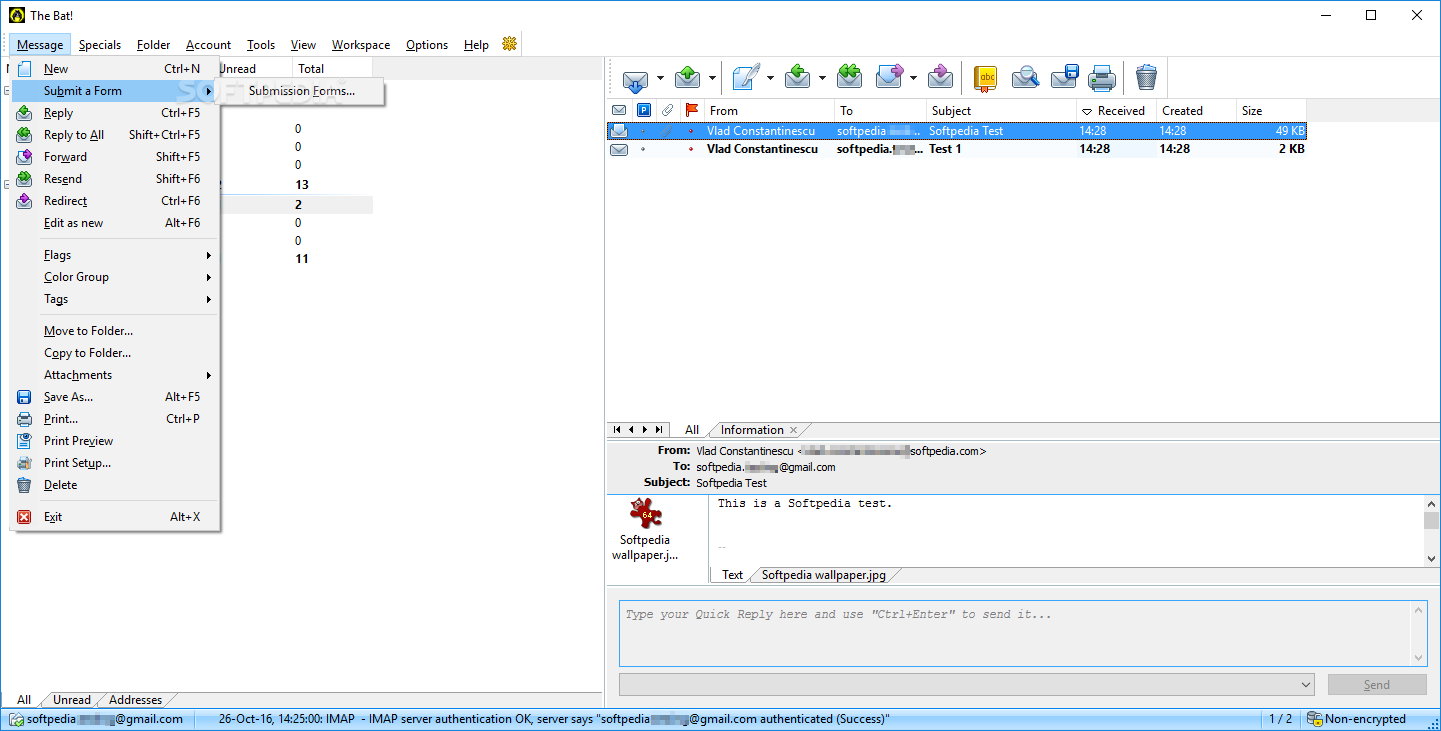
    · Submission forms is a tool for creating queries that are automatically processed by servers - are a great
    · solution for a business client-server environment.

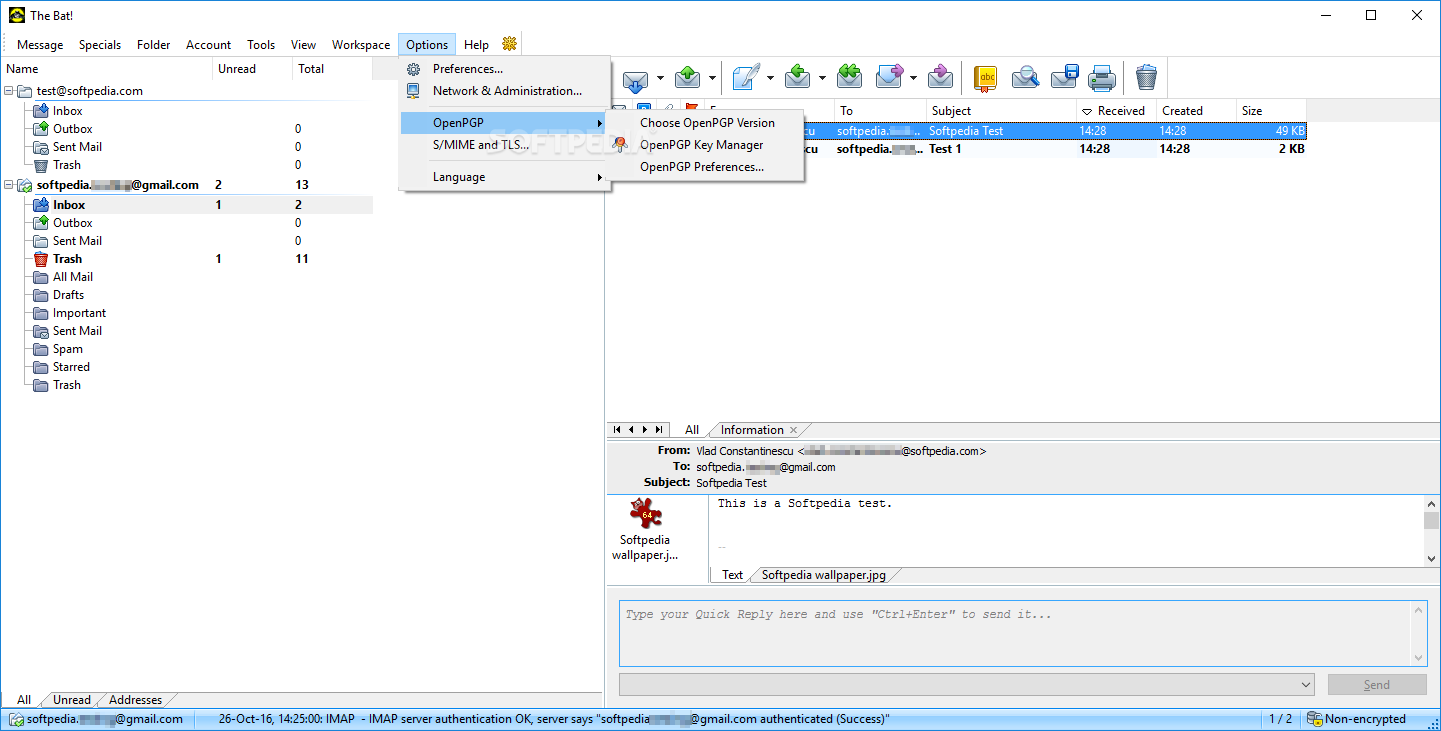
    Strong Cryptography:
    · The internal PGP implementation, based on the award-winning OpenSSL lets you encrypt messages and sign them with digital signatures. Handy manager for digital keys included. Free plugins for PGP v5.5, v6.0.2, 6.5, v7.x & v8.x GnuPG is also supported. The Bat! also supports S/MIME via Internal Implementation or Microsoft CryptoAPI. The Bat! is the first e-mail client to support S/MIME compressed data. The Bat! support Secure Socket Layer (SSL) v3.1 / Transport Layer Security (TLS) v1.0 with AES algorithm.

    Powerful Import Wizard:
    The Bat! allows to import messages from the following mail clients:
    · Microsoft Outlook Express v4.xx, 5.xx, 6.0
    · Microsoft Office Outlook 97, 2000, XP, 2003
    · Netscape Communicator v4.xx
    · Netscape Mail v2.xx, 3.xx
    · Eudora Lite/Pro
    · Pegasus Mail v2.xx, 3.xx
    You can import the address books in the following formats:
    · Outlook Express (Windows Address Book)
    · Microsoft Office Outlook (Contacts Folder)
    · LDIF-file
    · Business Card(VCard)
    · Comma-separated (plain text)
    · Tab delimited (plain text)
    · INI-file
    · Eudora Address Book
    · Pegasus Tag File
    · Fast, Built-in Image Viewer
    · The Bat! has built-in image viewer supporting GIF, PNG and JPEG formats. You don't have to wait until an external image viewer gets loaded.

    Limitations:

    · The Bat! can be used without any constraints for up to 30 days

    What's New in This Release: [ read full changelog ]

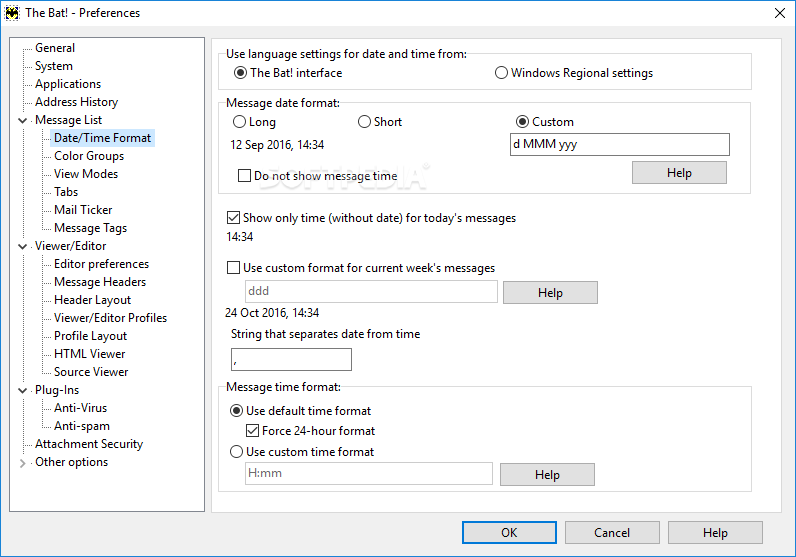
    · Added the ability for users to schedule when and how emails should be sent.
    · Using standard Windows settings it is possible to specify the date and/or time of delivery for a given email or group of emails. This facility may be useful in a wide range of circumstances from ensuring a birthday greeting is sent on time to the scheduling of a large mailshot. While other email clients, such as Outlook, also allow you schedule a delivery time for a single email it is not possible to do this for all outgoing emails.
    · Also allows you to determine a period of delay before sending an email. Instead of specifying an exact date and time, the message can be delayed for a period of minutes, hours or even days. The delay may be used to allow the message to be updated, edited, deleted or postponed further. This feature helps to reduce the risk of sending something by mistake or in the heat of the moment.
    · In Outlook it is only possible to recall messages if an Exchange Server is used and if the re...

     Softpedia guarantees that The Bat! Home Edition 4.2.12 is 100% CLEAN, which means it does not contain any form of malware, including spyware, viruses, trojans and backdoors. [read more >]


    TAGS:

    email client | e-mail client | pop3 client | email | client | secure


    HTML code for linking to this page:


    Go to top

    Windows tabGames tabDrivers tabMac tabLinux tabScripts tabMobile tabHandheld tabGadgets tabNews tab

    SUBMIT PROGRAM   |   ADVERTISE   |   GET HELP   |   SEND US FEEDBACK   |   RSS FEEDS   |   ENTER NEWS SITE   |   ENGLISH BOARD   |   ROMANIAN FORUM