
A faster, easier, and safer way to manage multiple e-mail accounts in the same time, as well as synchronize your events, address book and news reader. #E-mail client #Check email #Windows Live Suite #WL Suite #Email #Client

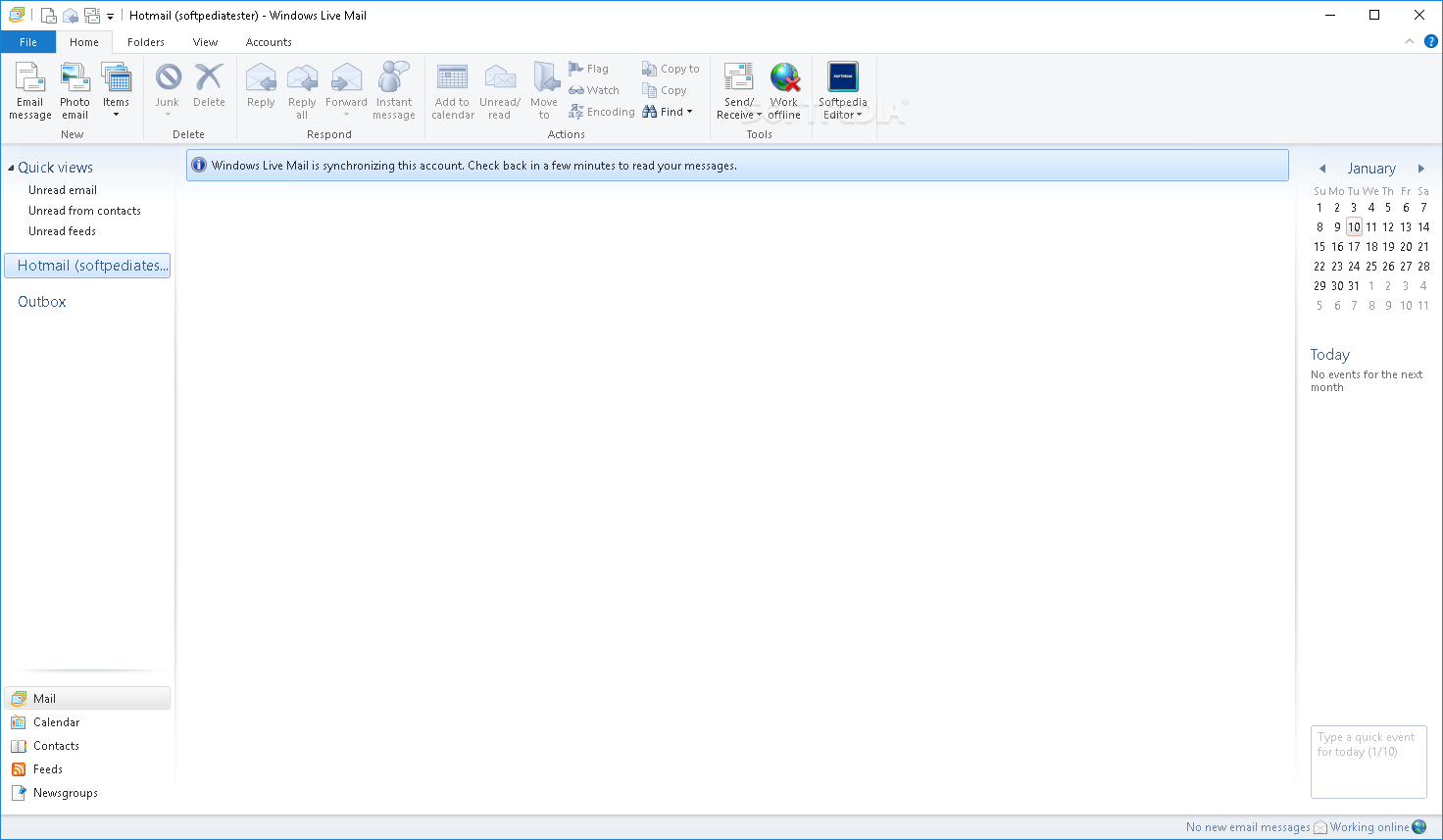
Send emails, read news feeds, and stay connected to the web, this are the main advantages of the Windows Live Mail 2012 client from Microsoft.
Those of you that use a dedicated mail client, know that Windows Live Mail tries to offer a complete email solution to the regular user.
Nowadays, these types of products are built to offer more than the standard e-mail function. For example, Windows Live Mail 2012, also features a calendar, that lets you synchronize your events with your Windows Live account, a detailed contact list, and a news feed reader, that lets you stay informed with what happens in the world.
The program is very easy to install, although, it does take a couple of minutes for the operation to complete. Fortunately, setting up the e-mail client can be done in just a couple of seconds, after you have entered your email credentials, you are basically done.
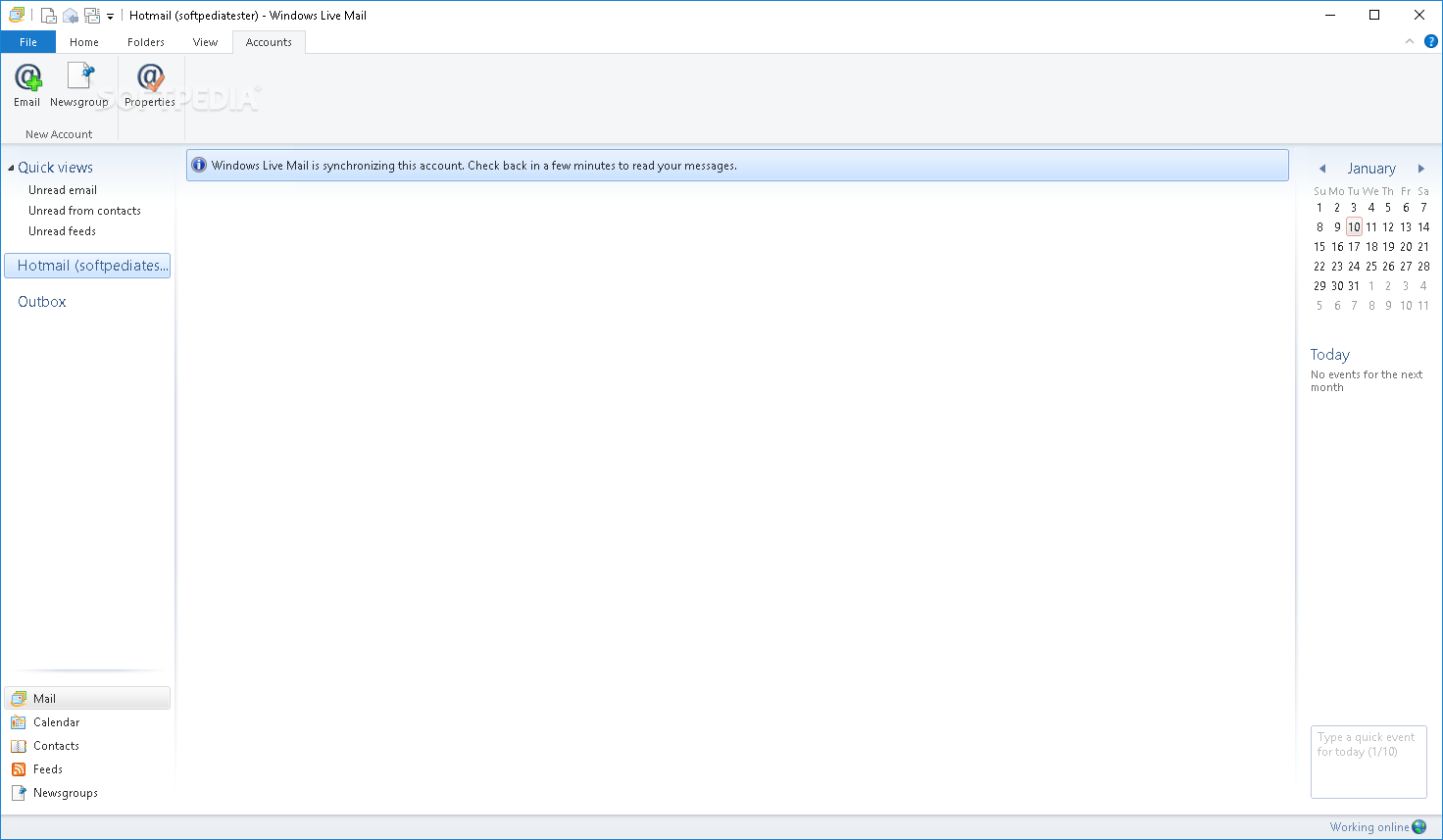
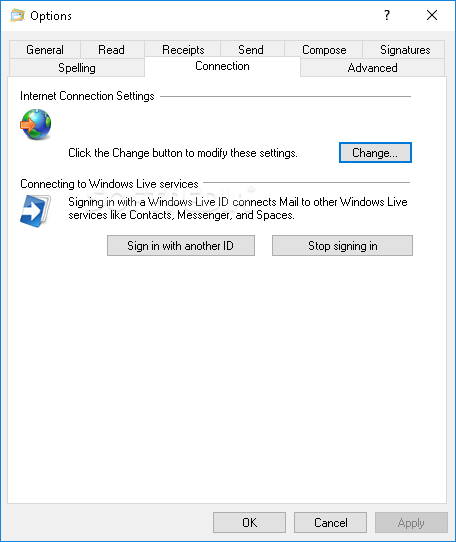
A certain plus is given by the fact that you can setup up the client to receive emails from multiple accounts, such as Gmail, Yahoo!, and of course Hotmail. More than that, you will be able to explore all your emails or calendar events even in offline mode.
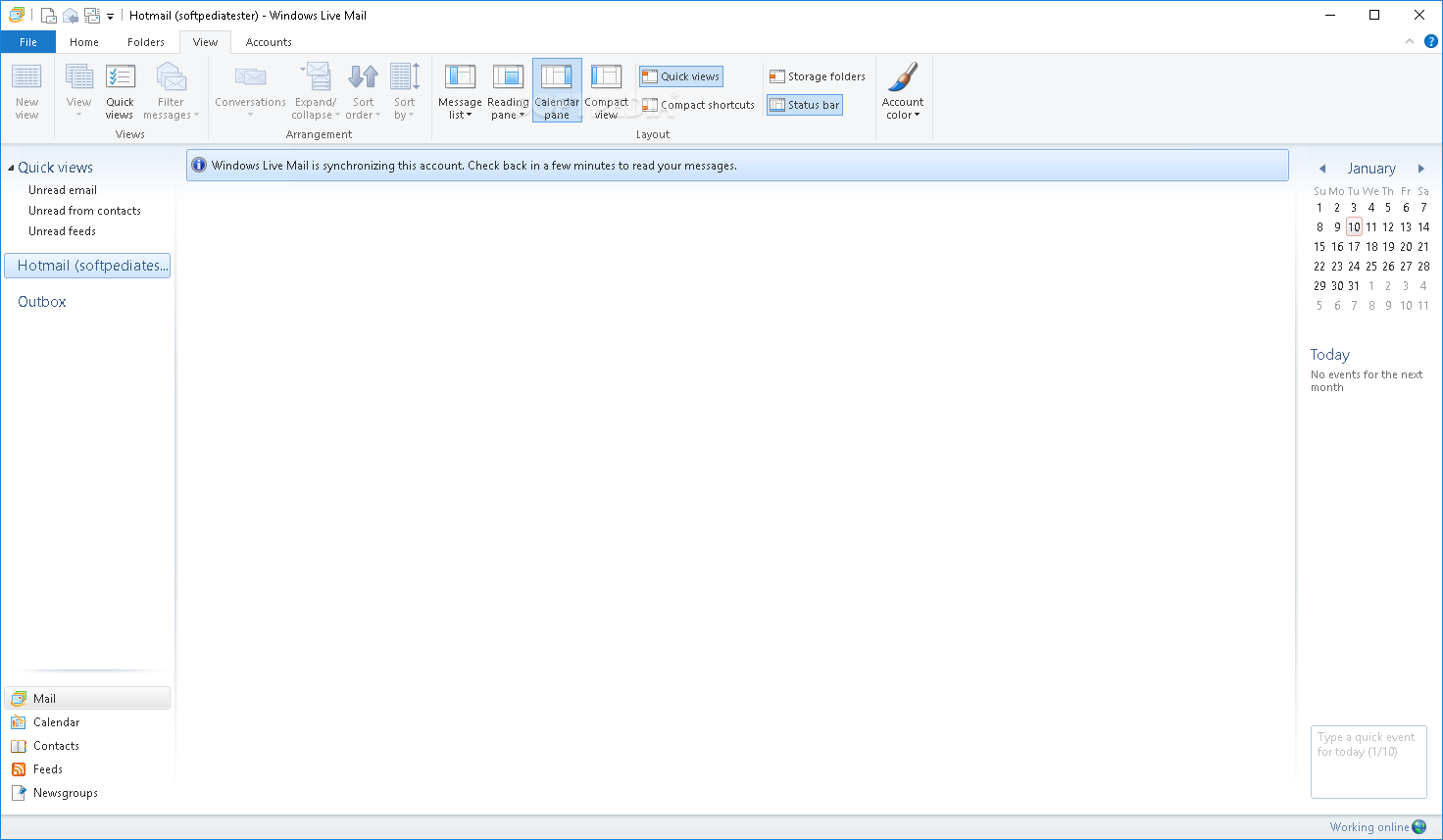
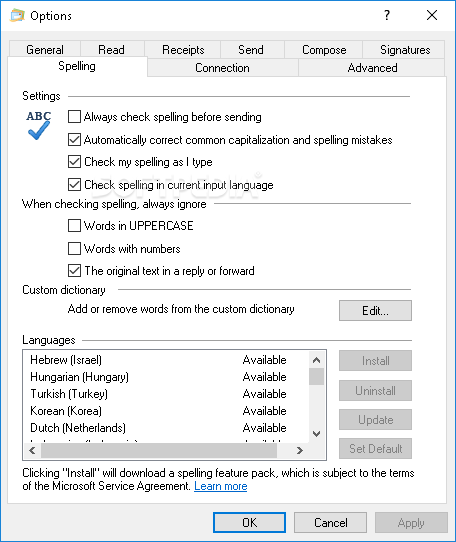
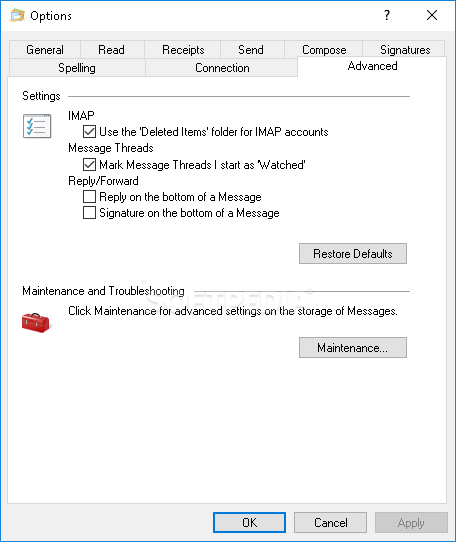
Windows Live Mail 2012 also lets the user customize the way it displays your information. You can activate the different available panels, change your account colors, modify the sort order, activate the conversation mode or filter your messages. The filter option can be quite useful if you want to receive only certain e-mails, or only messages from certain users.
To wrap it up, Microsoft manages to offer you a tool that can easily send emails, keep track of all your events via the calendar, and stay updated with the latest news with the help of the feed reader, through the Windows Live Mail 2012 client. The interface is intuitive, the response time is good and we did not come across any issues in our tests, such as hangs or freezes.
Windows Live Mail 2012 16.4.3528.0331
add to watchlist add to download basket send us an update REPORT- runs on:
-
Windows 2008
Windows 8 32/64 bit
Windows 7 32/64 bit
Windows Vista 32/64 bit - file size:
- 131 MB
- filename:
- wlsetup-all.exe



- main category:
- Internet
- developer:
- visit homepage
ShareX

Windows Sandbox Launcher

Microsoft Teams

4k Video Downloader

paint.net

Zoom Client

Bitdefender Antivirus Free

IrfanView

calibre

7-Zip

- IrfanView
- calibre
- 7-Zip
- ShareX
- Windows Sandbox Launcher
- Microsoft Teams
- 4k Video Downloader
- paint.net
- Zoom Client
- Bitdefender Antivirus Free