
Use this File Transfer Protocol client to transfer files between two independent computers without the need for wires or other intricate solutions. #FTP Client #FTP Transfer #File Synchronization #FTP #Scheduler #Transfer


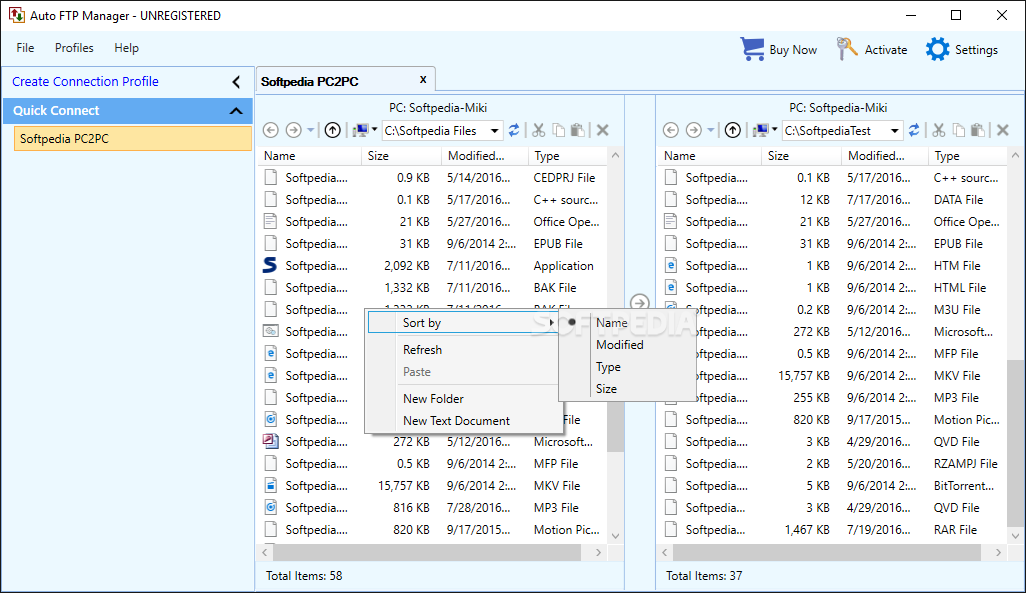
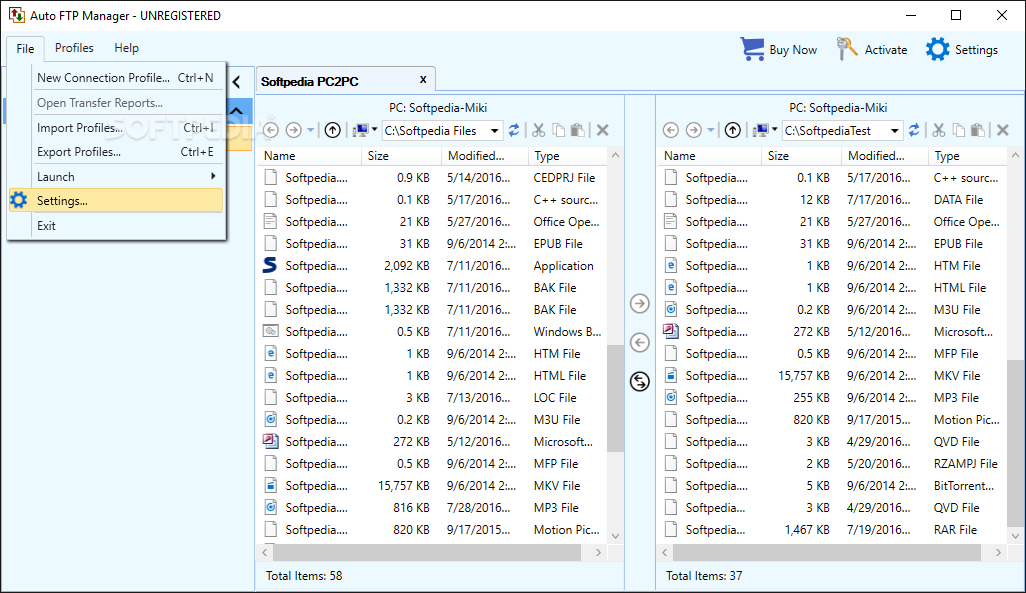
Auto FTP Manager does not need much explaining. It is an application dedicated to individuals who want to transfer files between two or more machines through the File Transfer Protocol, meaning no wires, no headaches, and definitely no compatibility issues. The application is also great at offering the user an adapted interface that can show the source and destination machines in two separate compartments. Swapping files couldn't have been easier.
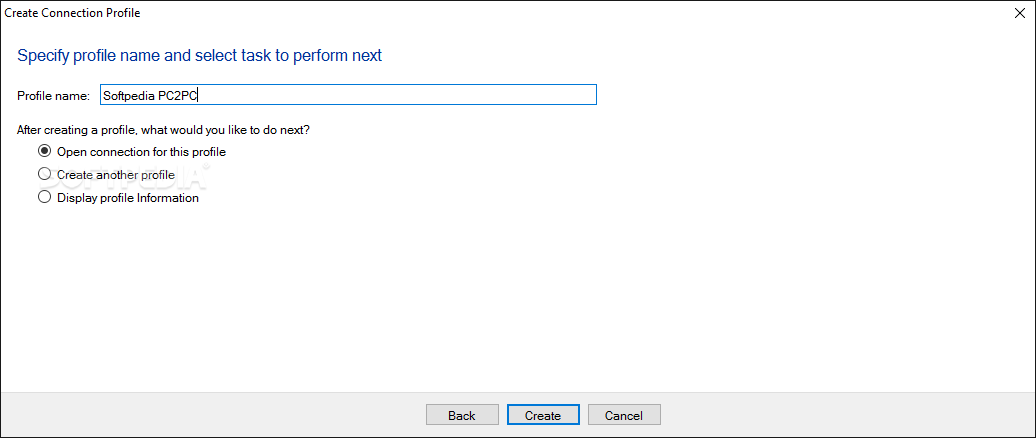
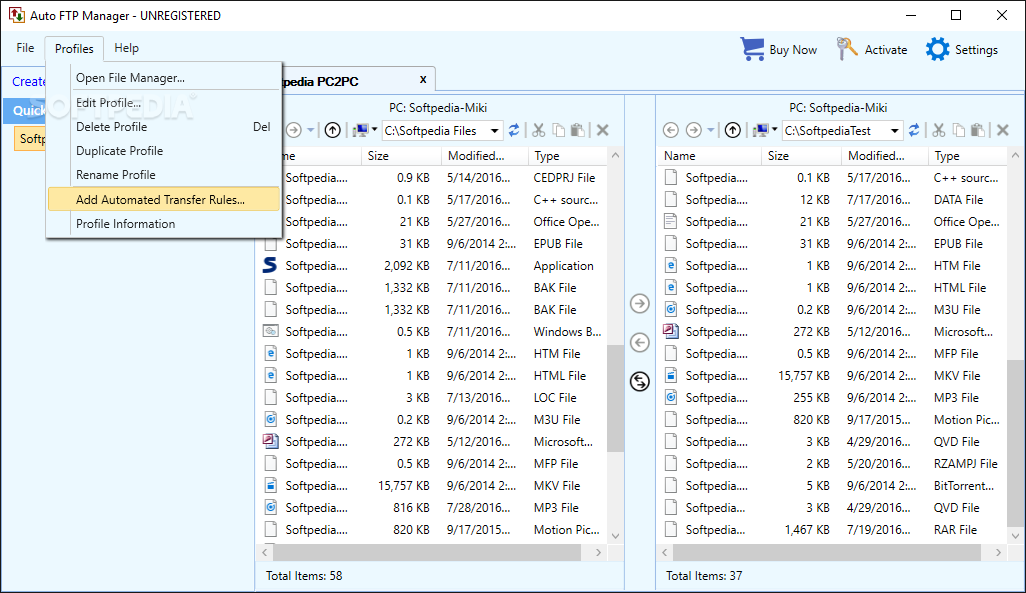
Now, the application might not look that pretty, it is true, but in terms of accessibility, the program should get a big plus, since everything seems to be arranged in favour of the user. It manages to give a neat vibe, allowing one to sift and manage each machine's contents with great speed and efficiency. The program will help the user, through a series of wizards and configuration tutorials, choose the appropriate settings depending on the set final goal.
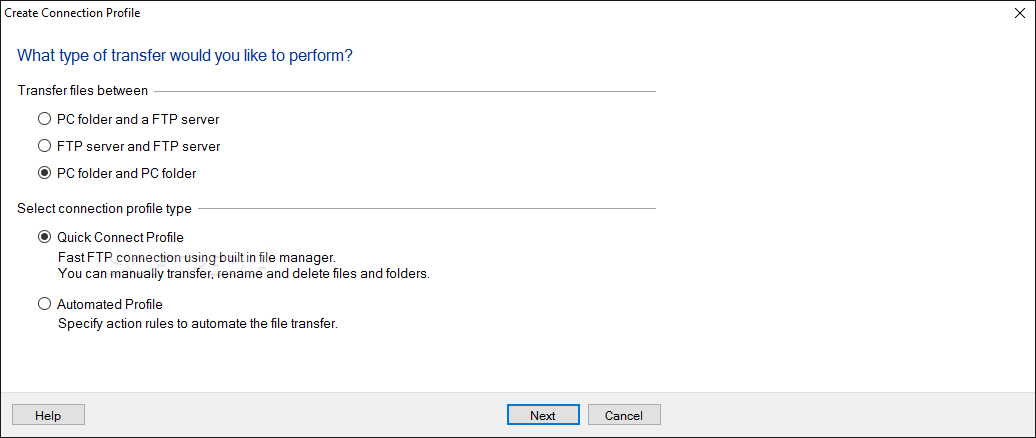
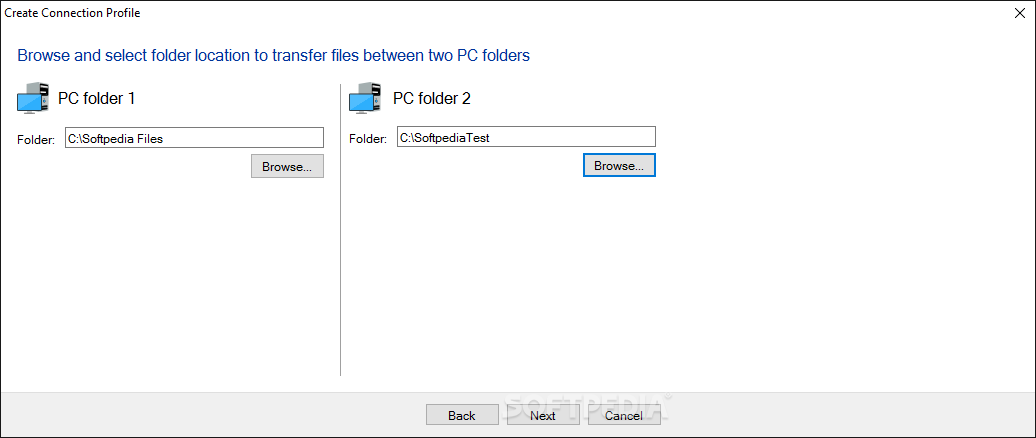
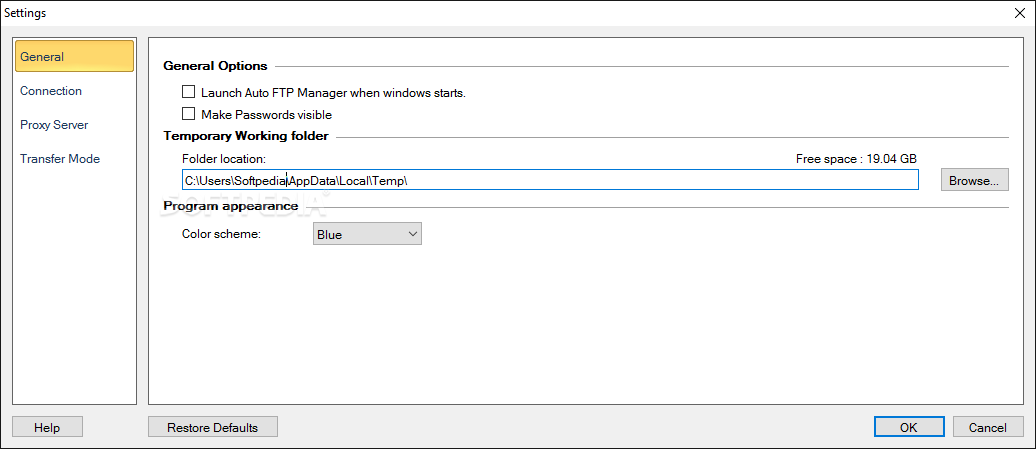
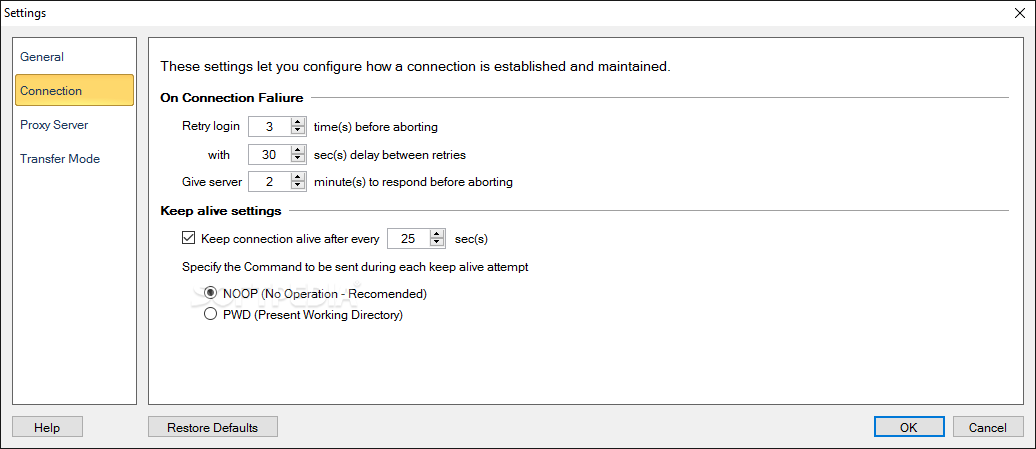
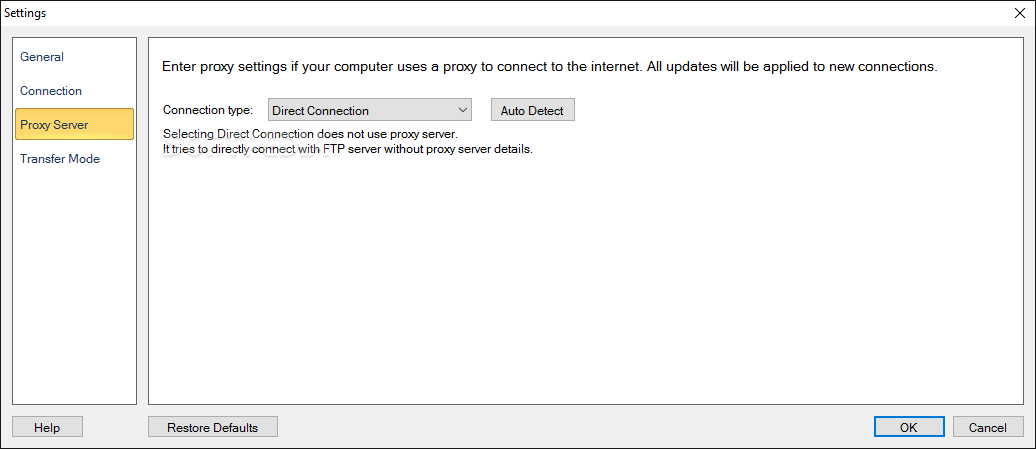
Like in the case of many other programs, here too, there are plenty of settings to change. This, of course, is something that more advanced users should consider. You'll have to decide what two entities are going to use this FTP protocol, the type of profile connection, paths, display arrangements, and so on. Other adjustments can be made in the Proxy Server department. General settings deal with the more simple aspects tied to the app's functionality and behaviour within the confined space of your OS.
Auto FTP Manager is a great solution for those users who want to transfer files between two or more computers at reasonable speeds, without having to complicate themselves with the use of wires, hubs, and other types of tools or programs that create a complex, hard-to-manage environment. With this program, all of this can be avoided, boosting your productivity at the same time.
Auto FTP Manager 7.24
add to watchlist add to download basket send us an update REPORT- runs on:
-
Windows 11
Windows Server 2019
Windows Server 2016
Windows 10 32/64 bit
Windows Server 2012 R2
Windows 8 32/64 bit
Windows 7 32/64 bit
Windows Vista 32/64 bit - file size:
- 21.4 MB
- filename:
- AutoFTPManager.exe


- main category:
- Internet
- developer:
- visit homepage
Context Menu Manager

Windows Sandbox Launcher

ShareX

calibre

IrfanView

7-Zip

Microsoft Teams

Zoom Client

Bitdefender Antivirus Free

4k Video Downloader

- Zoom Client
- Bitdefender Antivirus Free
- 4k Video Downloader
- Context Menu Manager
- Windows Sandbox Launcher
- ShareX
- calibre
- IrfanView
- 7-Zip
- Microsoft Teams