Softpedia
 

WINDOWS CATEGORIES:


GLOBAL PAGES >>
SOFTPEDIA REVIEWS >>
MEET THE EDITORS >>
WEEK'S BEST
  • Sticky Password FR...
  • Parallels Workstat...
  • ESET NOD32 Antivir...
  • BitDefender Total ...
  • WinPatrol 24.6.201...
  • PerfectDisk Free D...
  • Adobe Photoshop CS...
  • PerfectDisk Profes...
  • Windows 8 Consumer...
  • Atlantis Word Proc...
  • Home > Windows > Internet > FTP Clients
     Report malware

    Core FTP LE (formerly Core FTP Lite) 2.2 Build 1747

    download button

    Downloads: 28,330  View global page  Tell us about an update
    User Rating:
    Rated by:
    Good (3.7/5)
    105 user(s)
    Developer:

    License / Price:

    Size / OS:

    Last Updated:

    Category:

    Freeware / $0
    4.5 MB / Windows All
    [view history]
    C: \ Internet \ FTP Clients

     Read user reviews (1)  Send to friend   Follow (5 users)

    Softpedia Editor's Review for Core FTP LE (formerly Core FTP Lite)

    EDITOR'S RATING:

    A FTP Client to help you with your work.

    Written by Bogdan Popa on February 7th, 2012

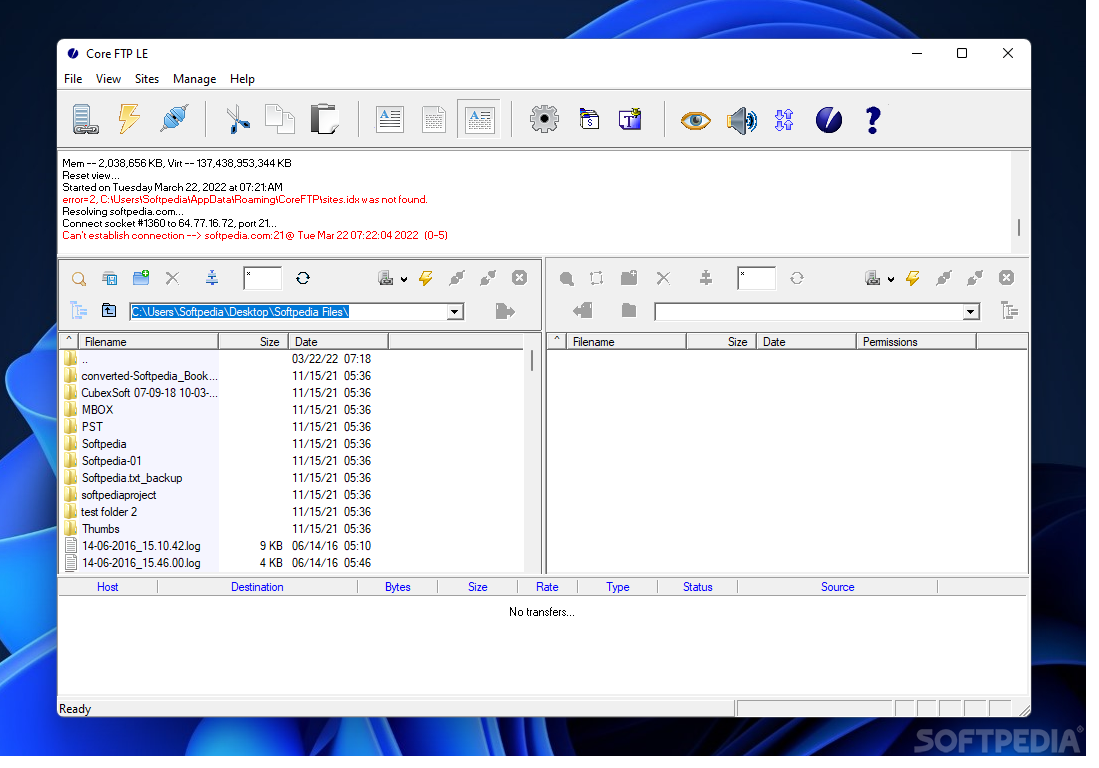
    Core FTP Lite is a freeware FTP client that provides a long list of features, all of them supposed to help you upload files on a FTP server with ease.

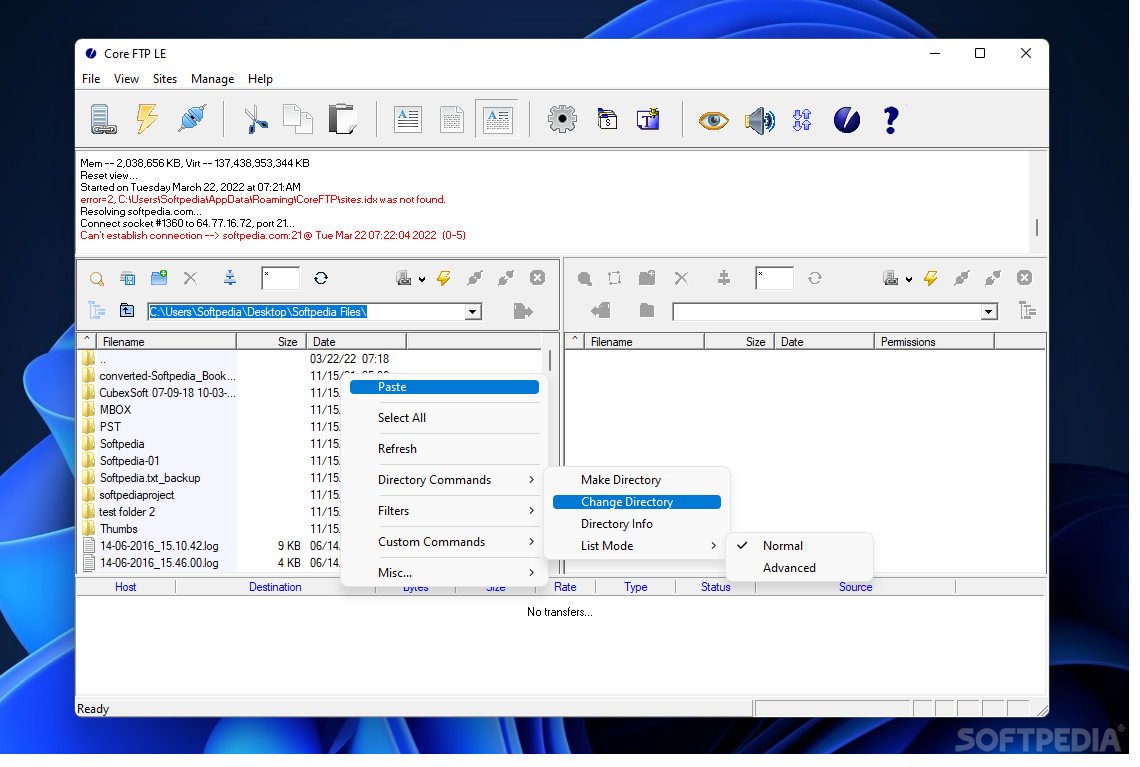
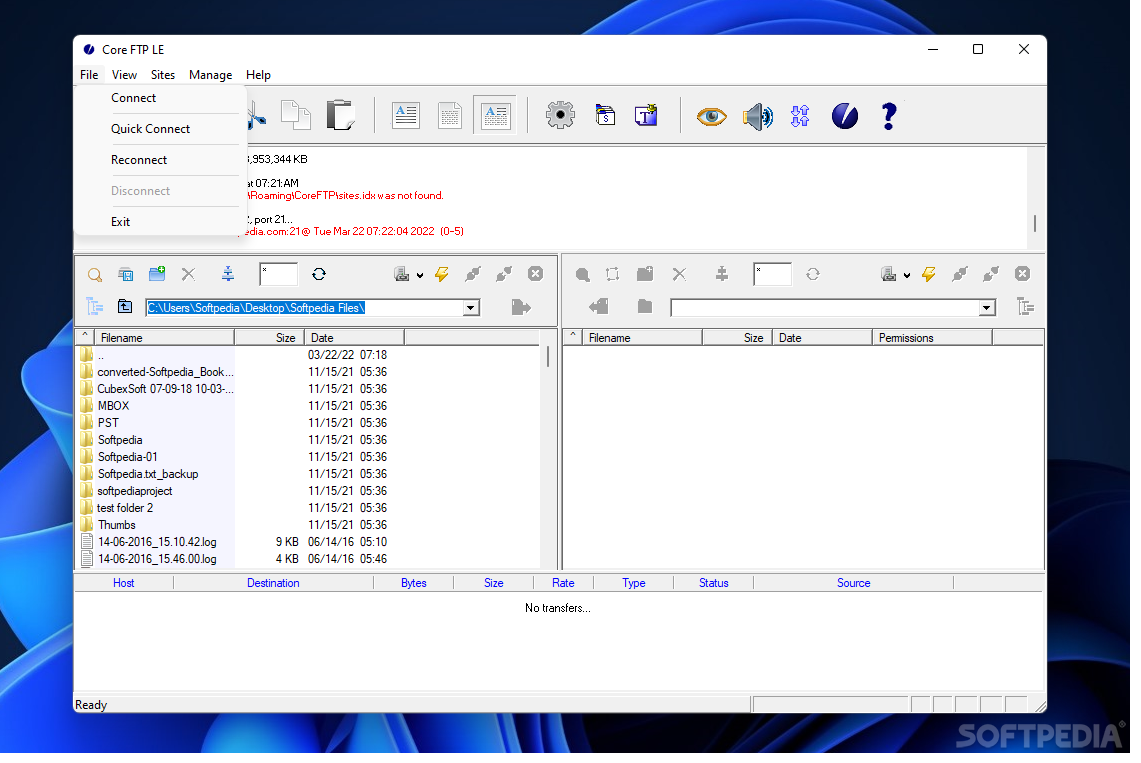
    Boasting a multi-panel interface, similar to the ones we've already seen in other FTP clients, Core FTP Lite seems more appropriate to advanced users, especially when judging by the number of features.

    While the files to be uploaded can be easily selected straight from the main window or using the drag and drop support, Core FTP Lite also boasts more complicated features such as HIPAA compliant security, mode Z compression, automatic S/Key support and secure SFTP and SSL support.

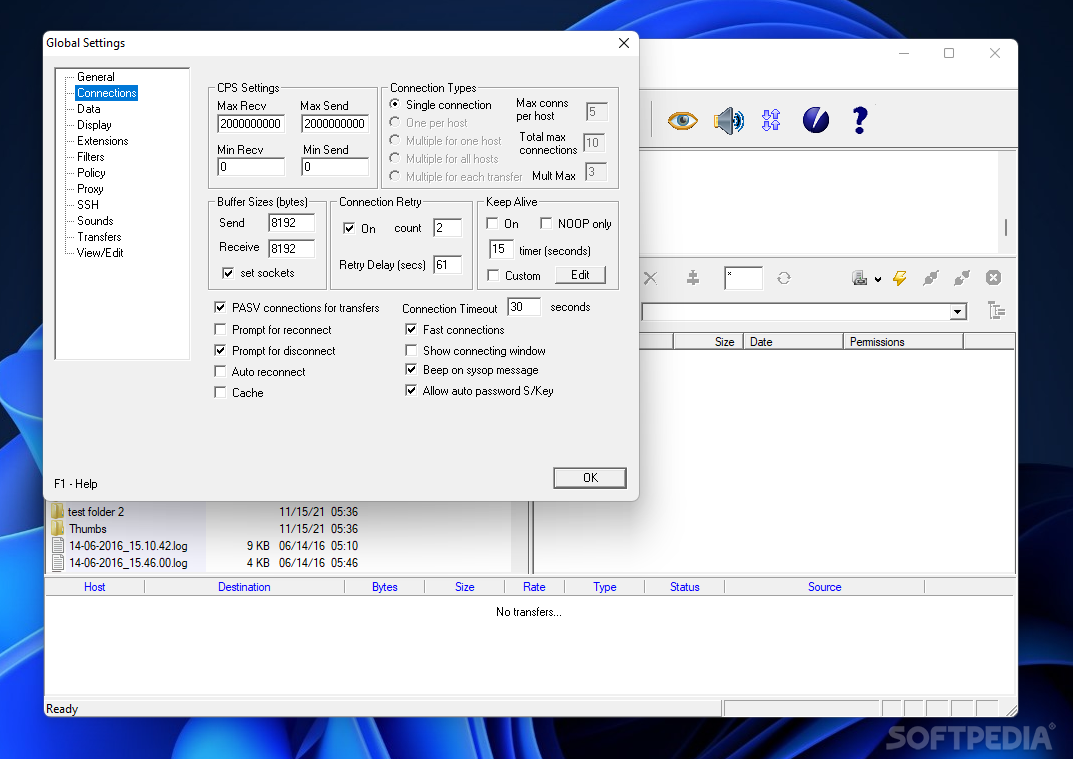
    Of course, the application also comes equipped with the popular features you expect from a FTP client, such as bandwidth control, Keep Alive tools, browser integrate, file searching and permissions, favorites and file masking.

    Plus, it provides some tools to make the whole task a bit easier, including a powerful site manager to control your FTP servers easily, but also a configuration wizard to lend you a hand when setting up new accounts.

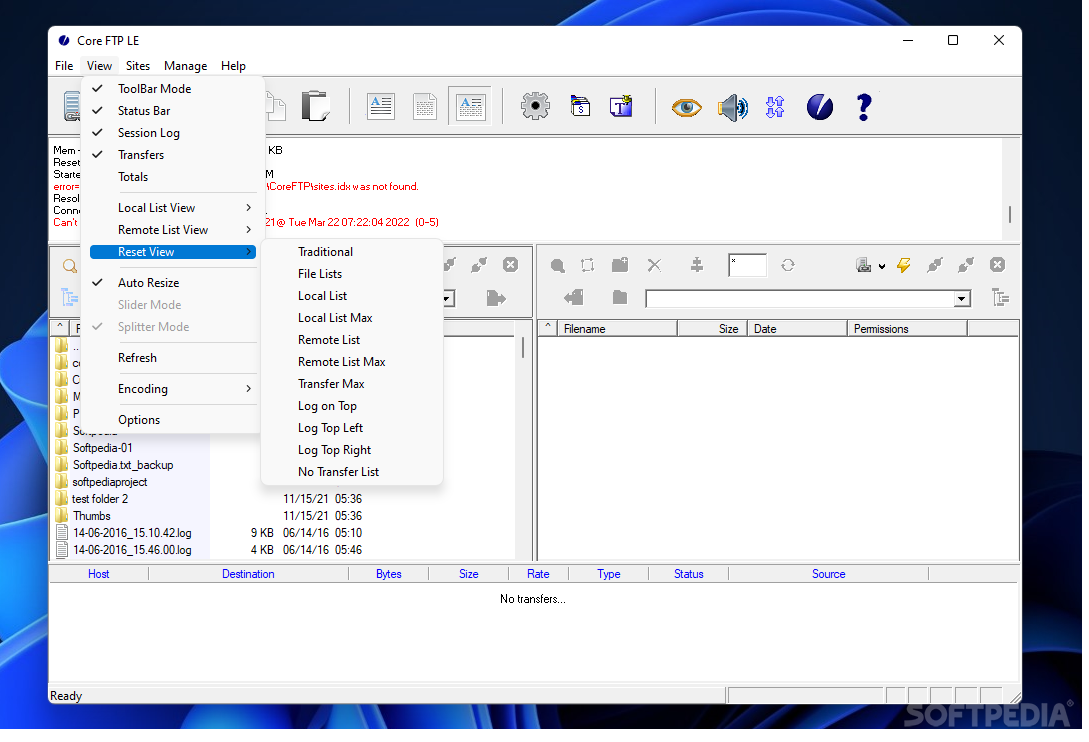
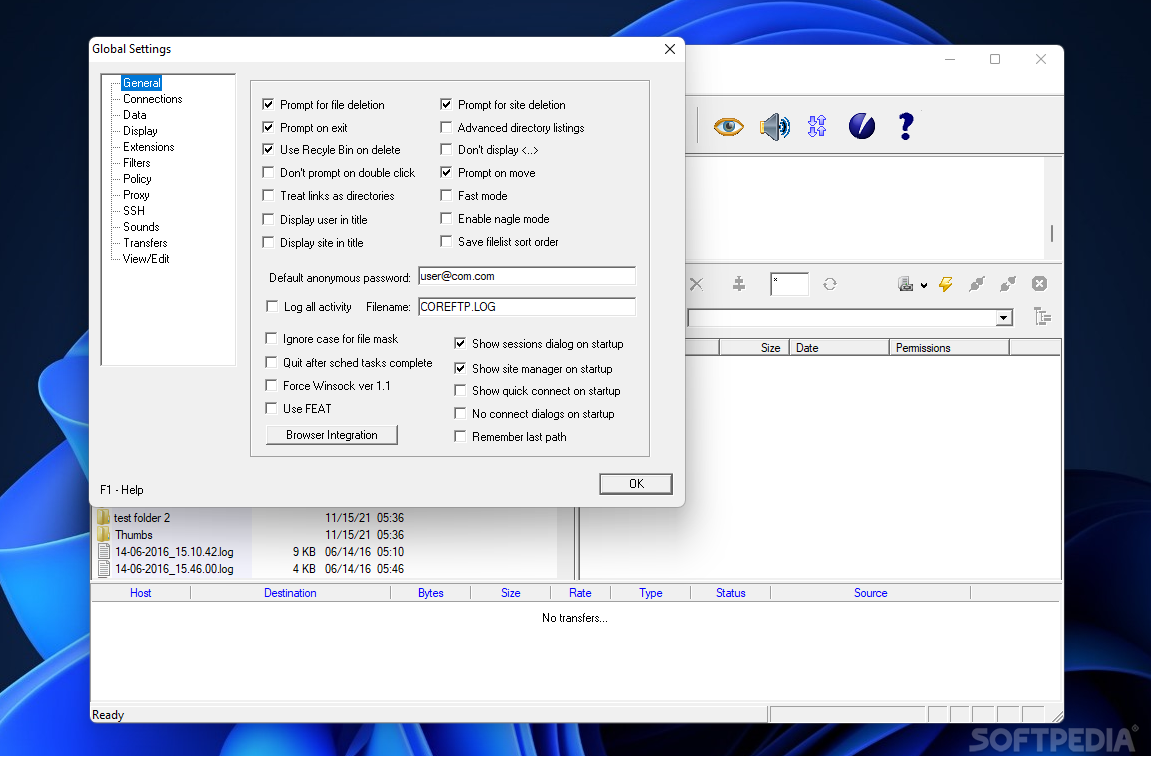
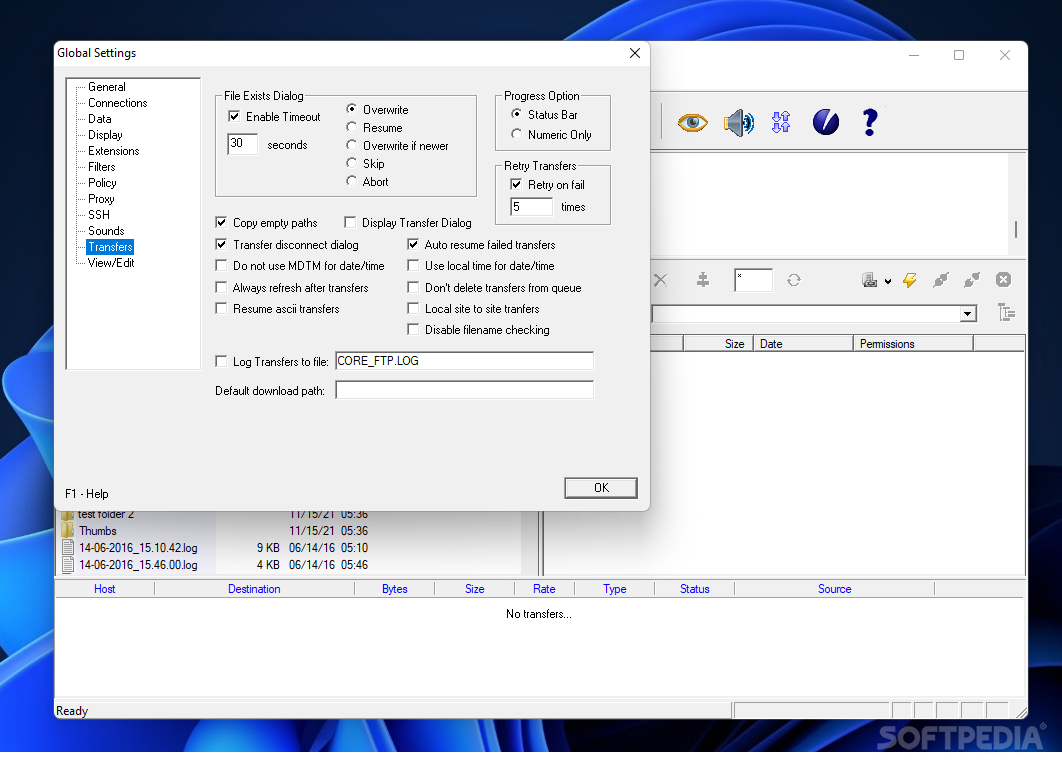
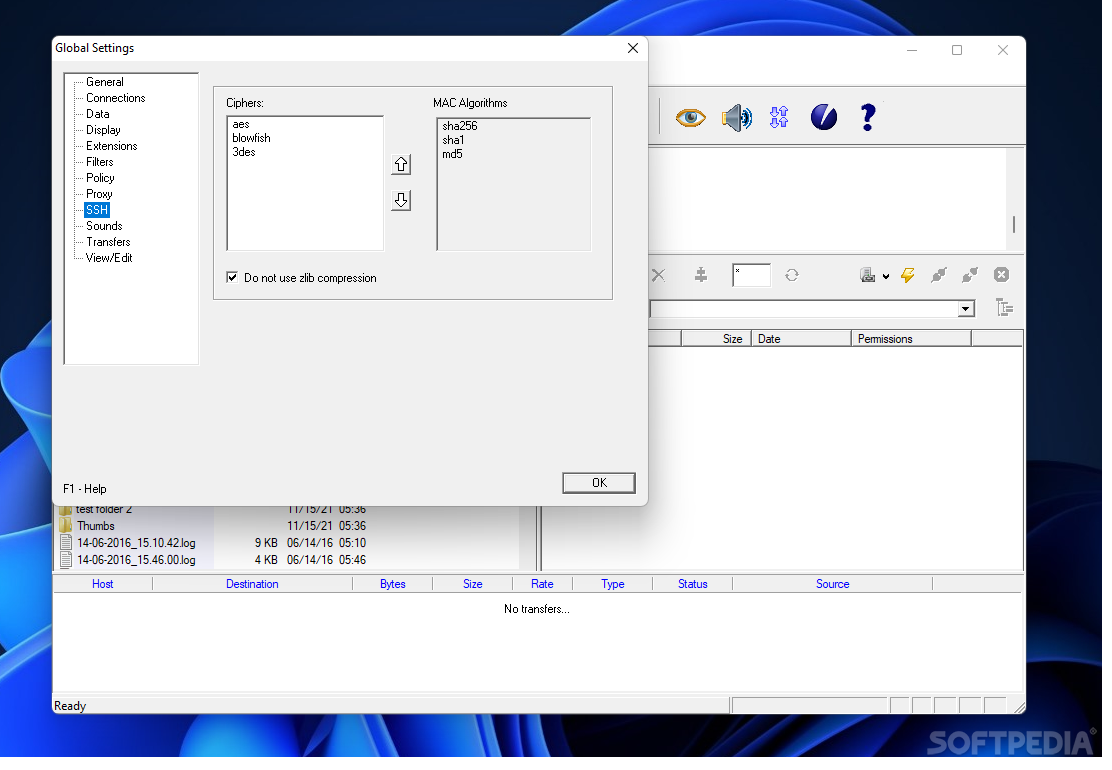
    The “Options” menu comes with tons of options, so it's highly recommended to have a look in there as well, regardless if you're seeking configuration settings for extensions, filters, policies, proxy, SSH, sounds, transfers or connections.

    Despite the fact that it boasts so many useful features, Core FTP Lite is pretty easy to use, but beginners who need more information on a special feature can always read the attached help file with very detailed instructions.

    All in all, Core FTP Lite is one of the best FTP clients on the market and it provides a pretty impressive feature lineup combined with a pleasant and easy to use interface.


    Read an in-depth analysis in our professional review for Core FTP LE (formerly Core FTP Lite)

    Core FTP LE (formerly Core FTP Lite) description

    Here are some key features of "Core FTP LE (formerly Core FTP Lite)":

    · Secure SFTP & SSL support
    · International Domain Support
    · Fast and secure client transfers
    · HIPAA compliant security
    · Mode Z compression
    · User-friendly interface(s)
    · Site to Site file transfers
    · FULL drag and drop support
    · Start/stop/resume of transfers
    · Auto retry of failed transfers
    · Transfer bandwidth control
    · Browser integration
    · File masking (wildcards)
    · Keep Alive functionality
    · Remote file searching
    · File permissions (CHMOD)
    · Advanced directory listings
    · .htaccess & .htpasswd editing
    · One click transfers
    · Keep Alive functionality
    · Automatic S/Key support
    · Favorites via menu & drop down
    · Desktop shortcuts & drop u/l's
    · Command line support
    · FTP/HTTP Proxy, Socks 4&5 support
    · Queueing of multiple FTP transfers on multiple sites
    · Sessions to save FTP transfers for later resuming
    · Recursive uploading, downloading, and deleting
    · Optional reconnecting of lost connections
    · Legacy SFTP client support and options
    · Low memory footprint (~4mb connected - most clients are 8-12mb)

    What's New in This Release: [ read full changelog ]

    · Search dialog issue fixed
    · Secunia download issue fixed
    · LE splash screen countdown removed
    · Putty SFTP keyboard interactive crash fixed
    · Folder/paths dialog updated to recent version
    · Post logon script not executing for SSH/SFTP, fixed
    · Fixes to error messages in scripts
    · CCC updates/fixes for Windows SSL
    · OpenSSL issues on x64 version fixed
    · OpenSSL updated to version 0.9.8x
    · Nagle global option added
    · Nagle option is now off by default, which can result in faster (or slower) transfer rates. If you experience any problems, check the nagle option back on (View -> Options -> General)

       Softpedia guarantees that Core FTP LE (formerly Core FTP Lite) 2.2 Build 1747 is 100% CLEAN, which means it does not contain any form of malware, including spyware, viruses, trojans and backdoors. [read more >]


    TAGS:

    FTP client | FTP upload | FTP download | FTP | client | server


    HTML code for linking to this page:


    Go to top

    WindowsGamesDriversMacLinuxScriptsMobileHandheldNews

    SUBMIT PROGRAM   |   ADVERTISE   |   GET HELP   |   SEND US FEEDBACK   |   RSS FEEDS   |   UPDATE YOUR SOFTWARE   |   ROMANIAN FORUM