
FTP client that doesn't need installation, featuring a site manager, pending queue for uploads and downloads, speed limit control, scheduled tasks, and more. #FTP client #Connect FTP #FTP transfer #FTP #Client #Connect

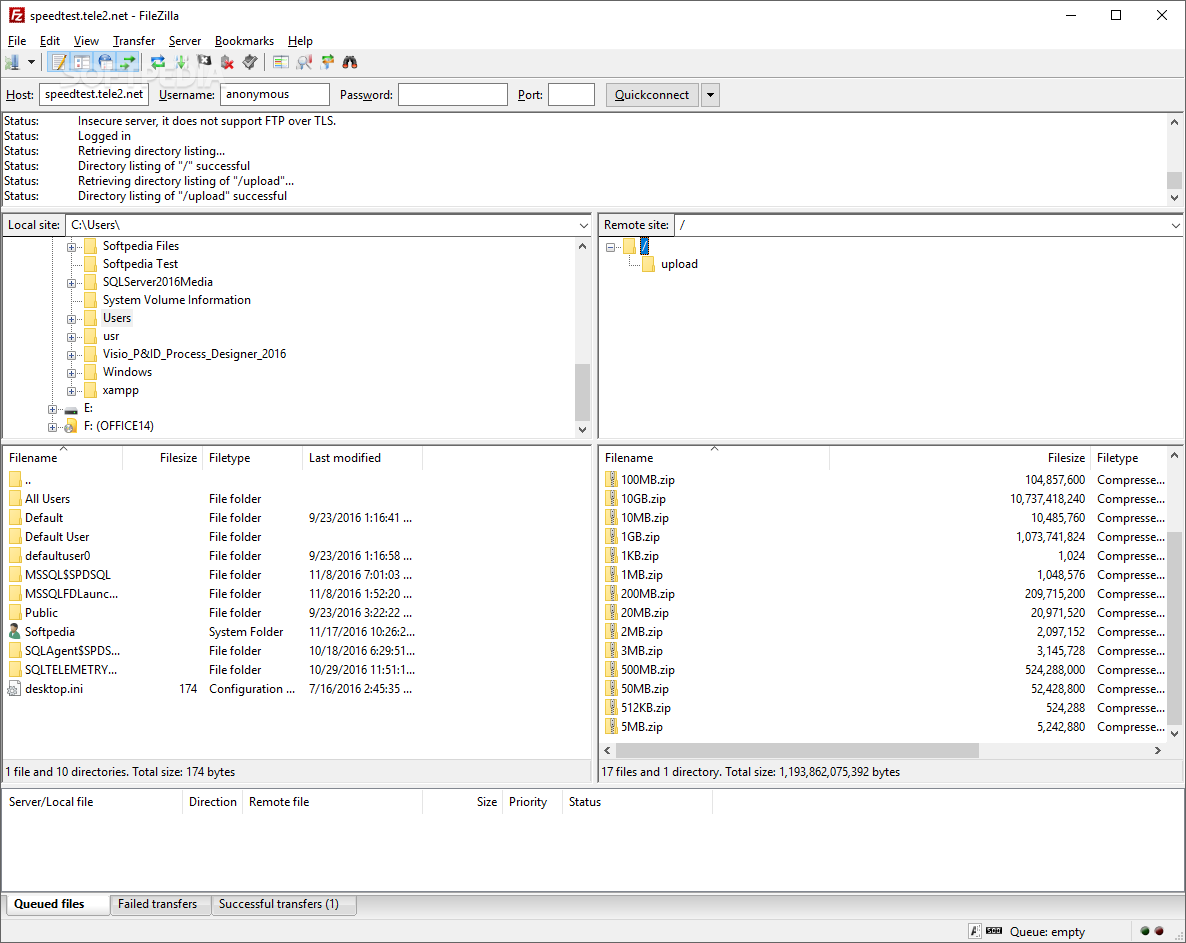
One of the most popular FTP clients out there is Filezilla, providing an open-source, user-friendly and double-sided file explorer and transfer tool. As its standalone counterpart, Portable FileZilla requires no installation and can be used on the go, directly from a portable USB storage device. This saves you the trouble of having to configure the FTP client over and over again when using the flash drive on multiple computers.
All the features of the installer version are also available in Portable FileZilla. The client comes with support for multiple protocols aside from FTP, such as FTPS (FTP over SSL/TLS) and SFTP (SSH FTP) and is able to handle the IPv6 technology. It is capable of reaching high transfer speeds even for very large files, for over 4GB.
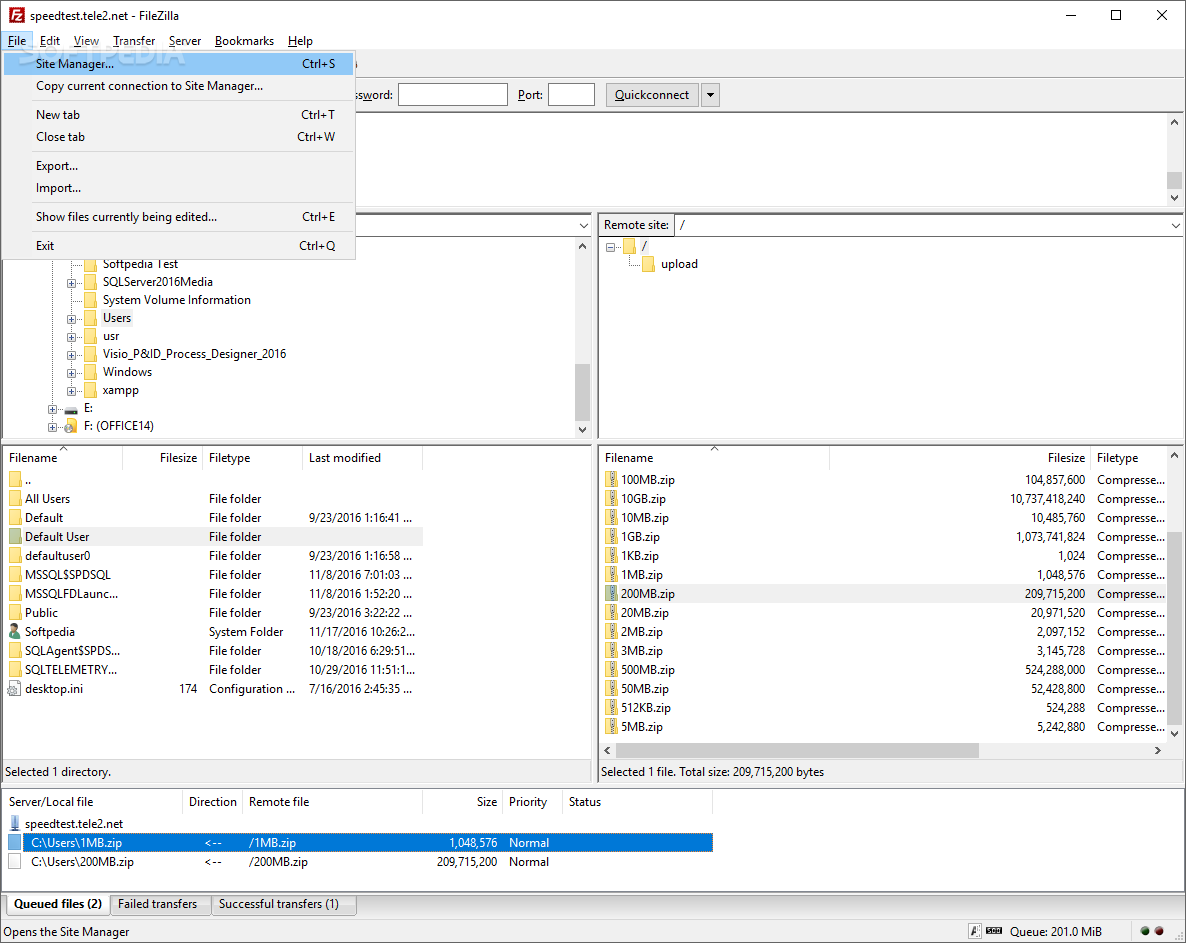
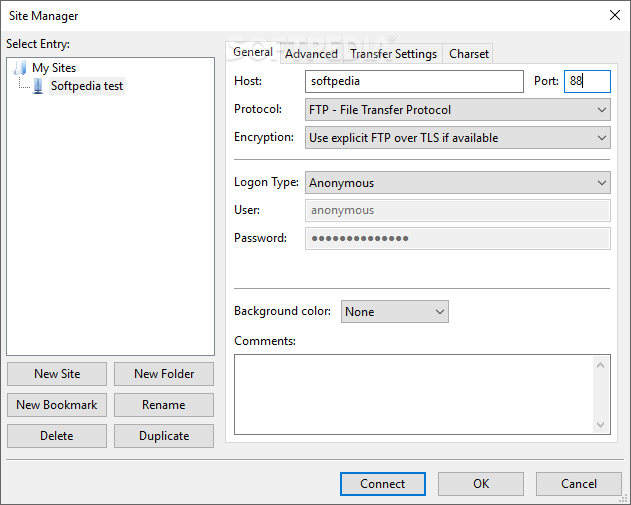
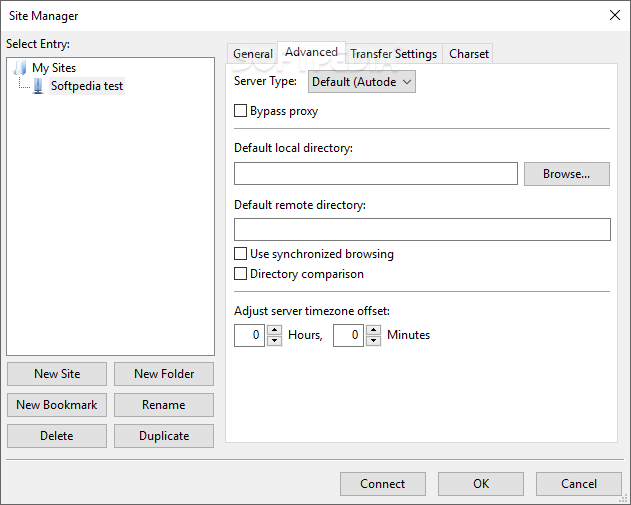
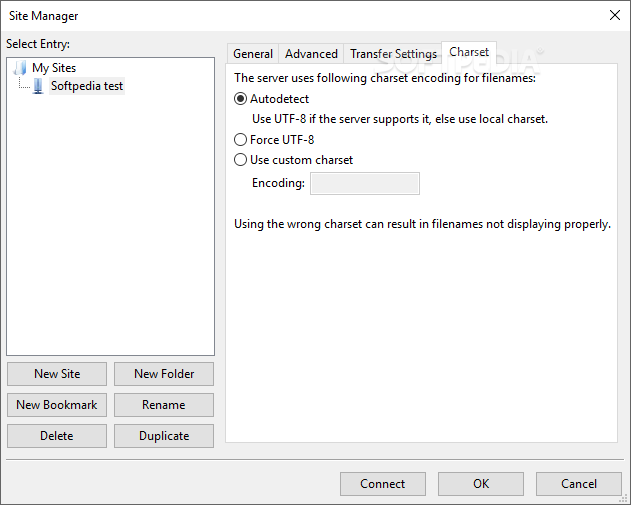
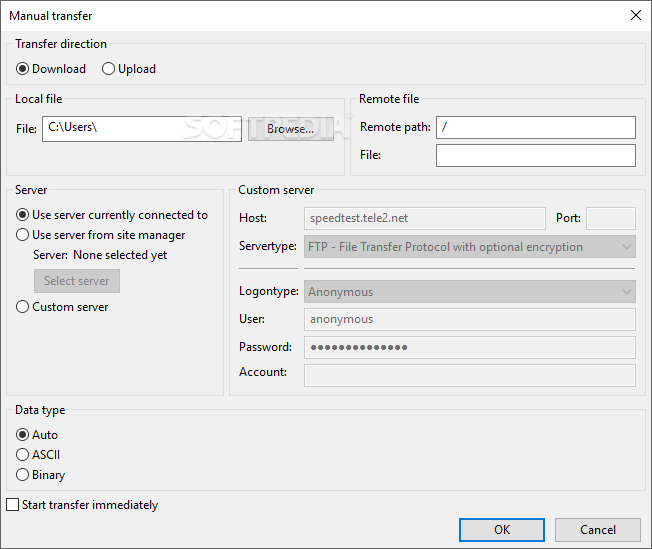
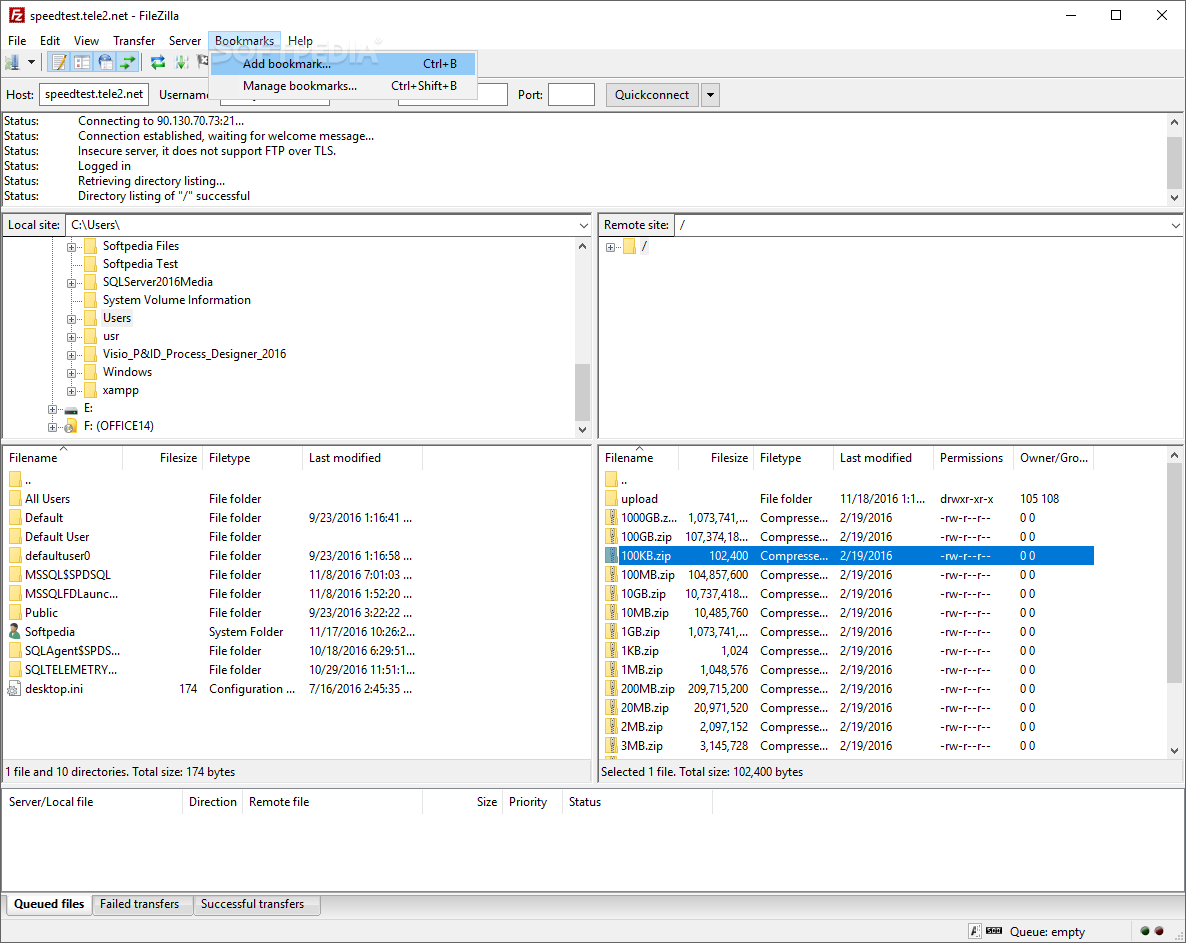
Thanks to the powerful built-in site manager, storing and neatly organizing multiple accounts is possible. You get to add as many sites as you need and categorize them in different folders or bookmarks. Alternatively, there is a “Quick Connect” mode that only requires you to provide the host, the username, the password and the port number to start a new remote connection to an FTP server.
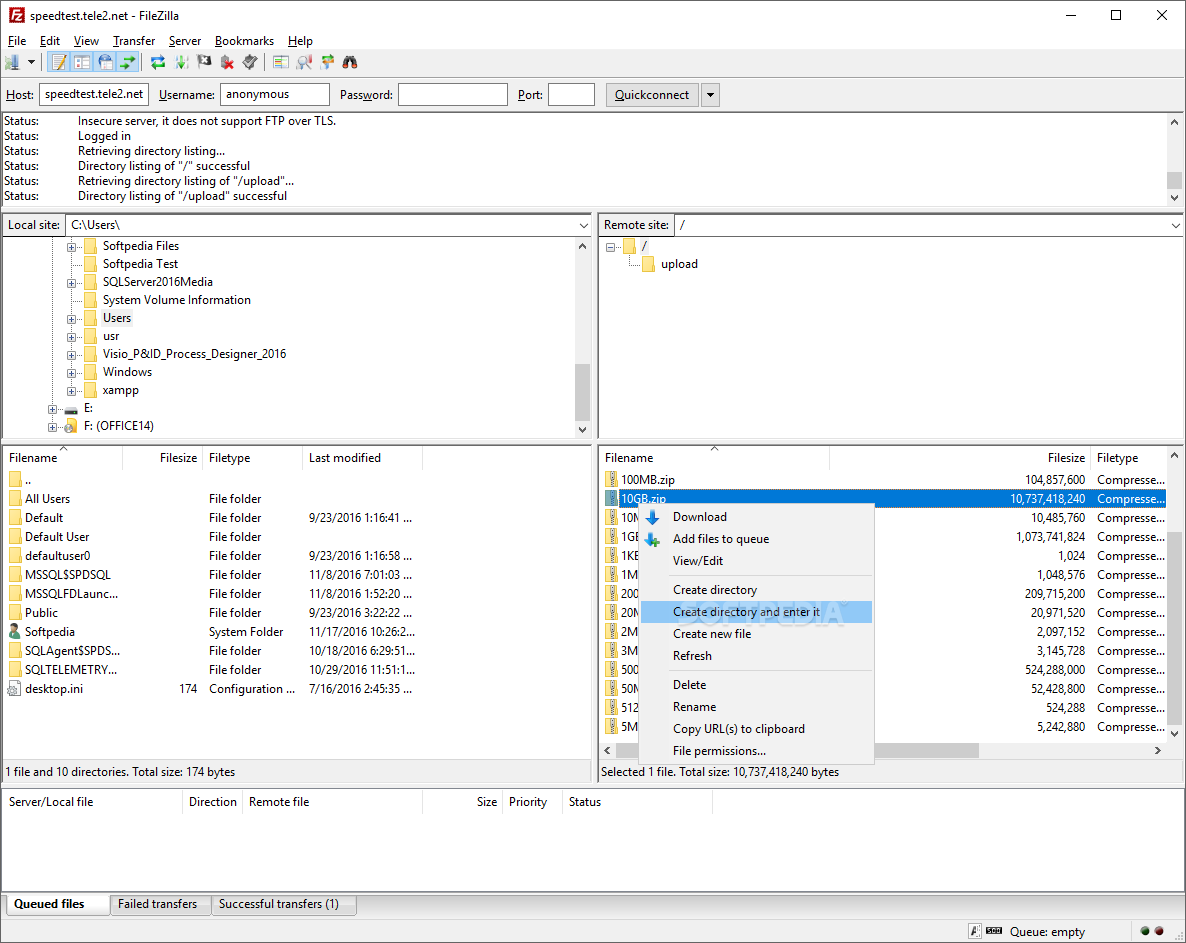
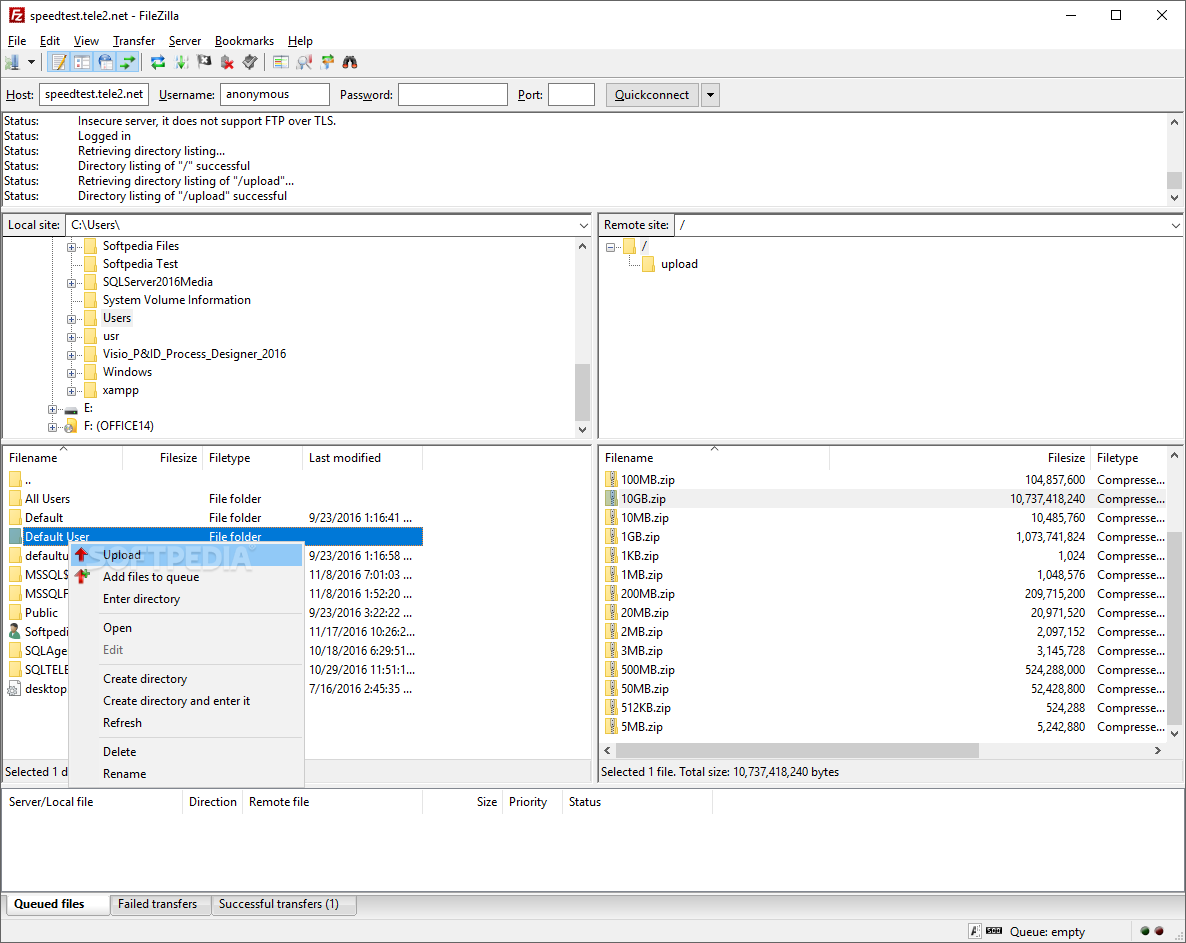
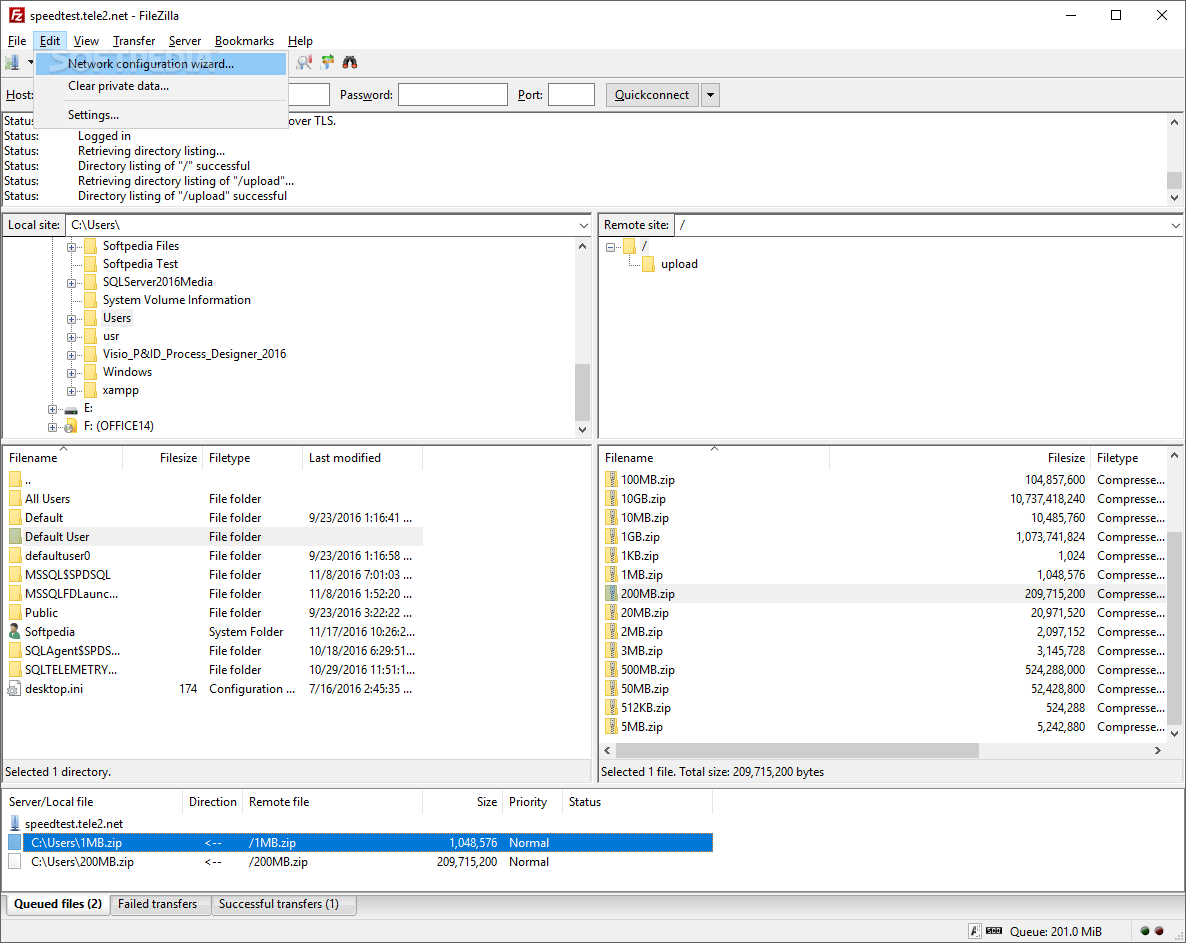
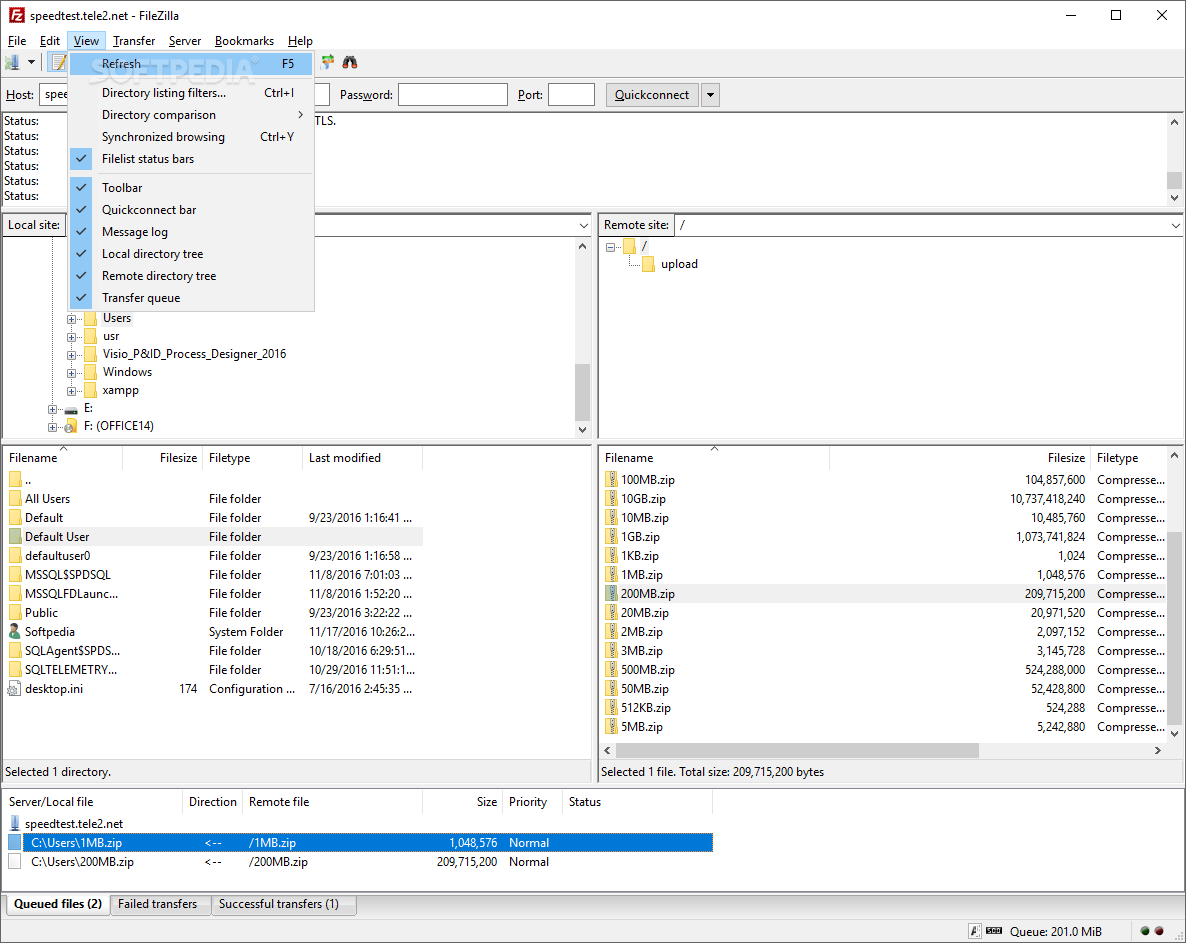
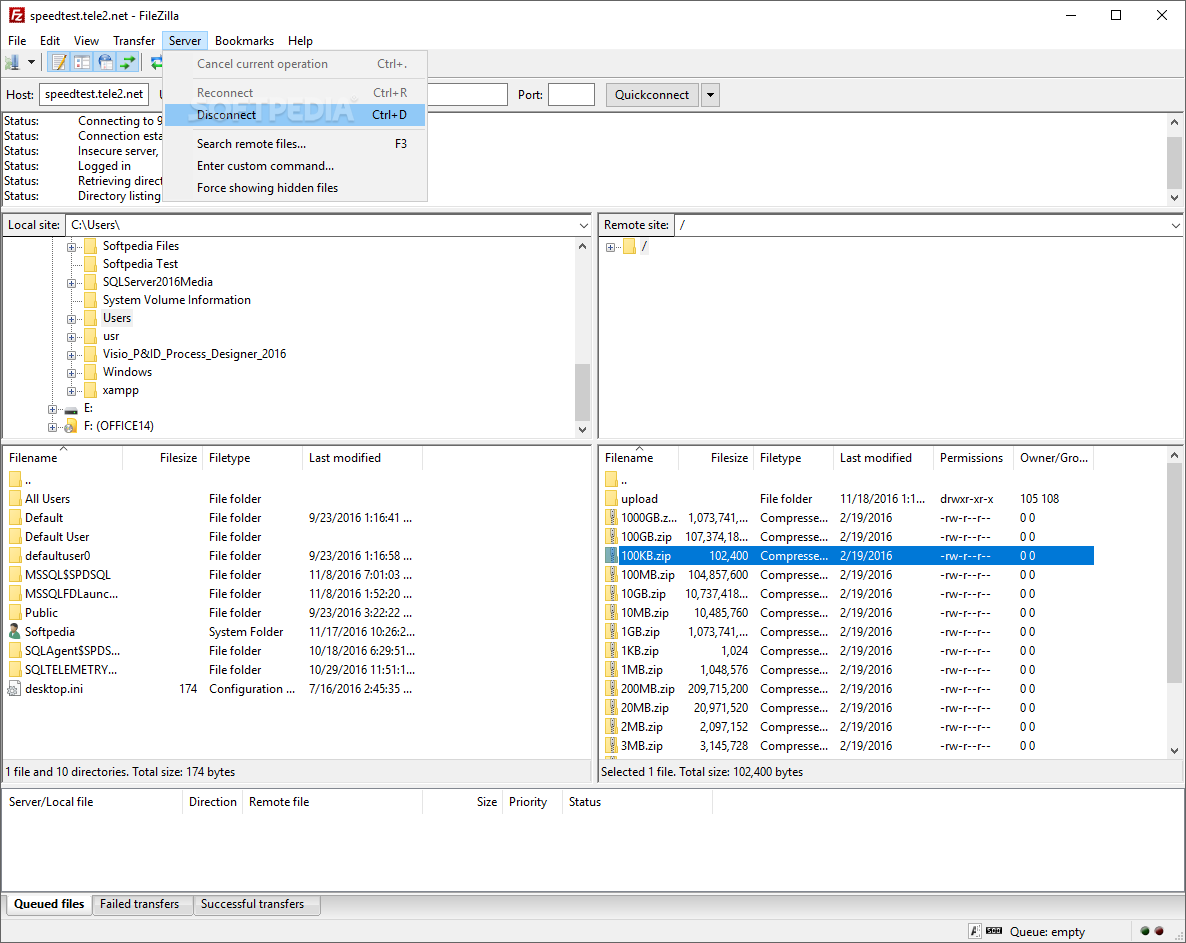
The dual-pane interface of Portable FileZilla is one of its utmost advantages. It makes it possible to browse both on the local PC and the remote FTP location, providing one-click access to all the files and folders and an easier way to initiate FTP transfers. Conveniently, drag and drop actions are allowed for easy file management.
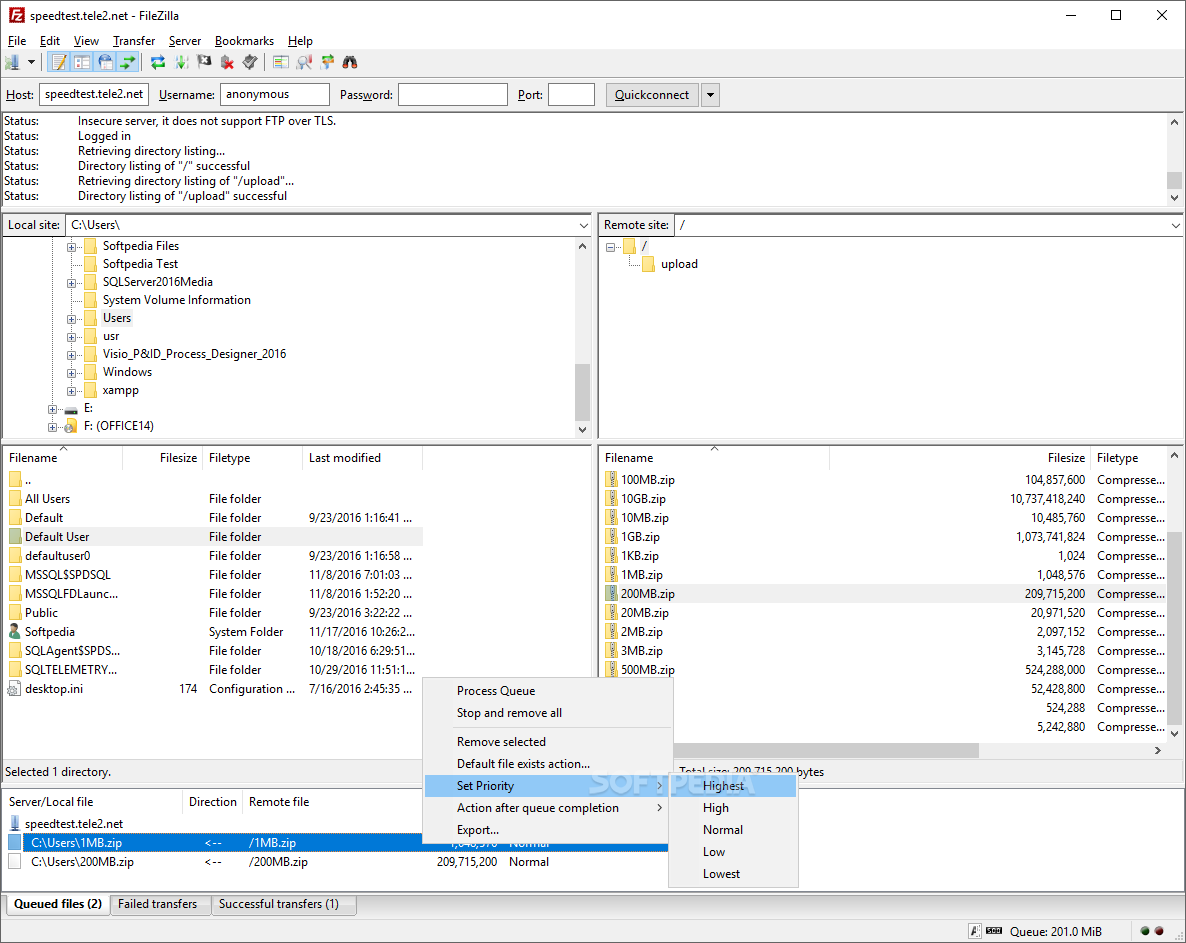
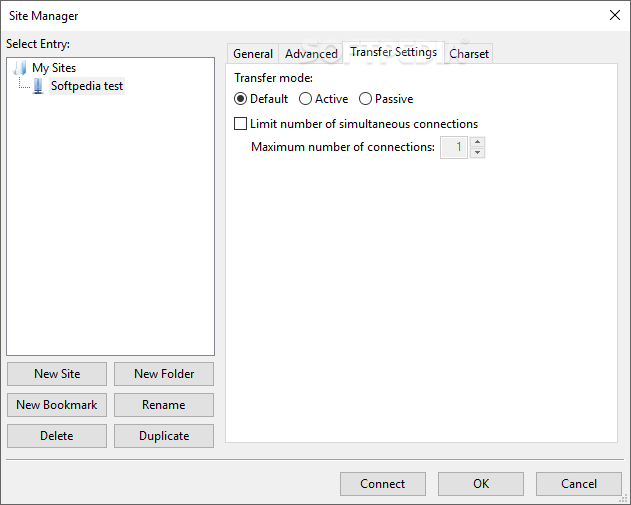
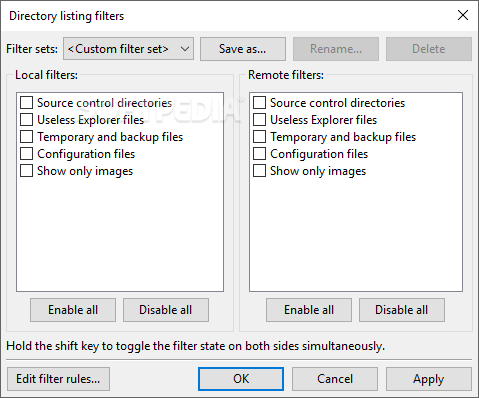
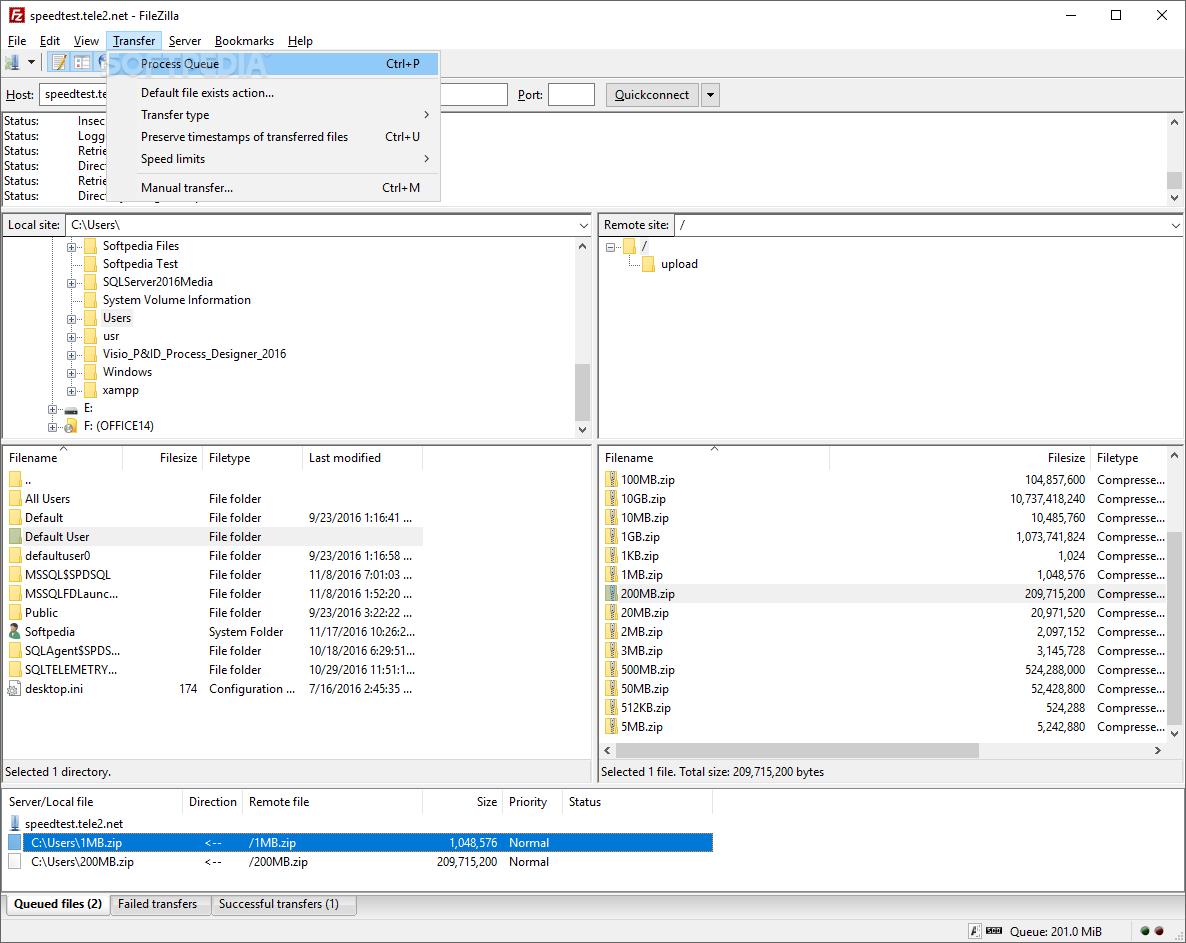
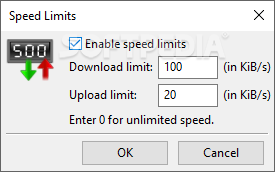
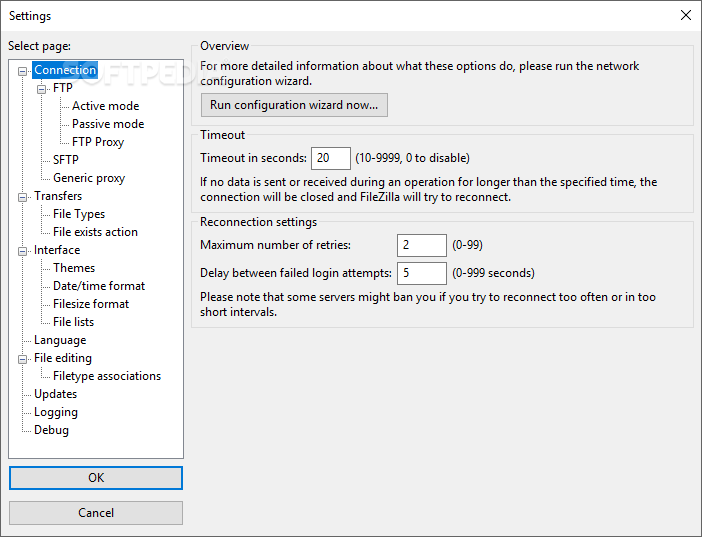
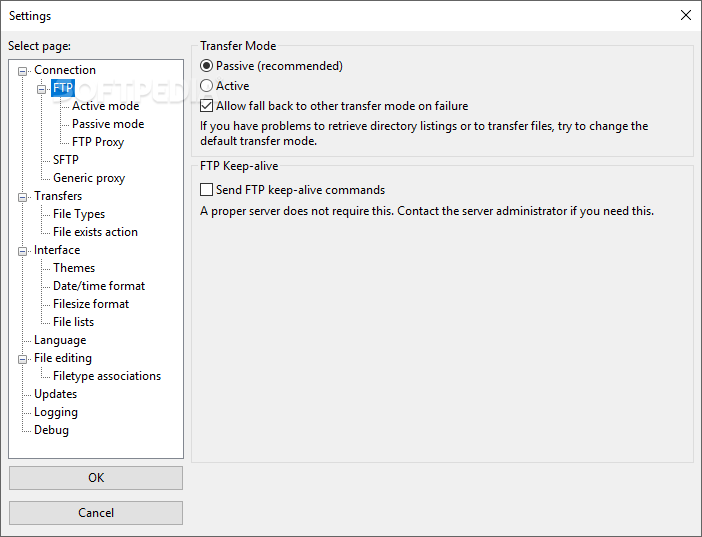
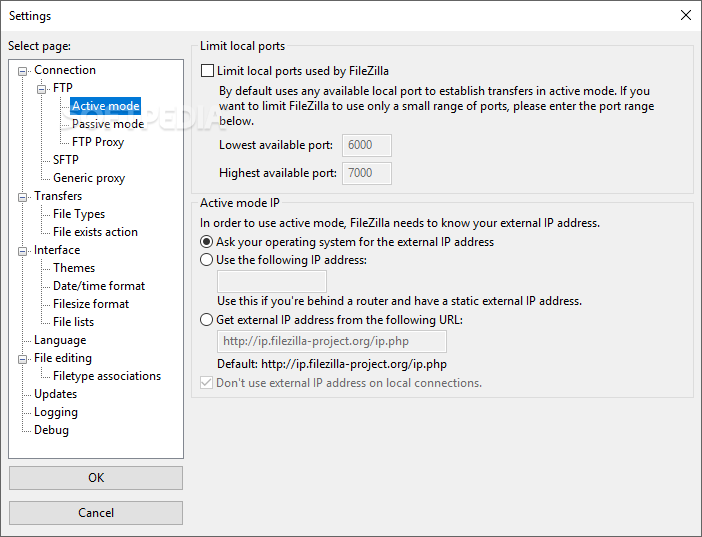
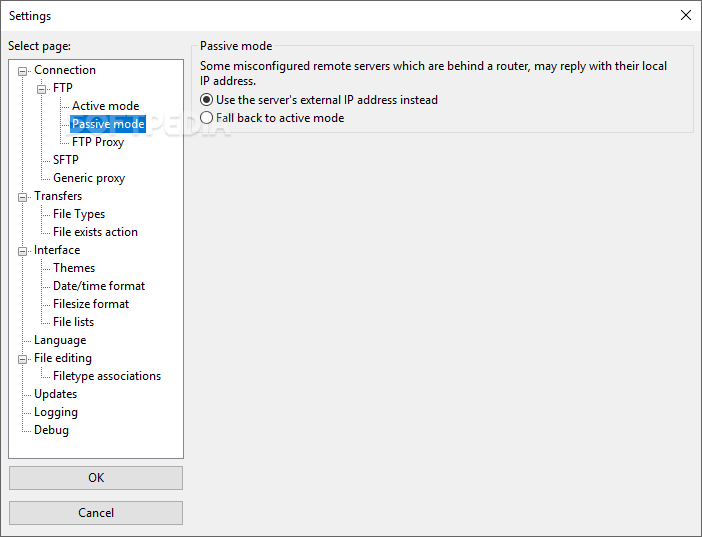
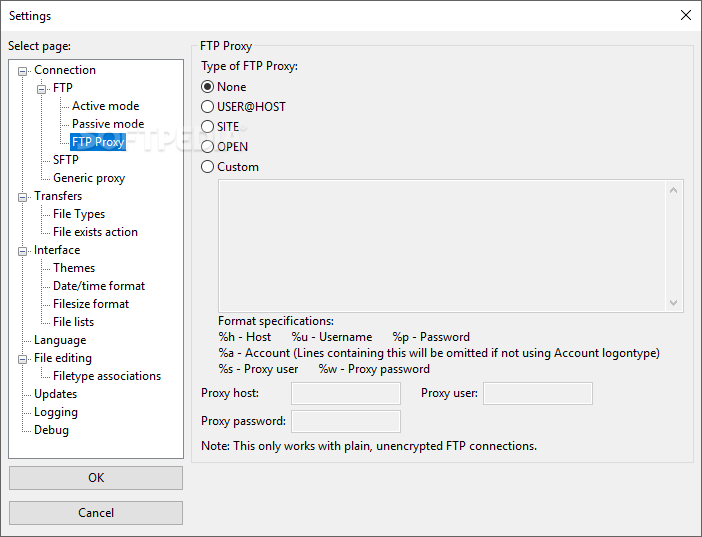
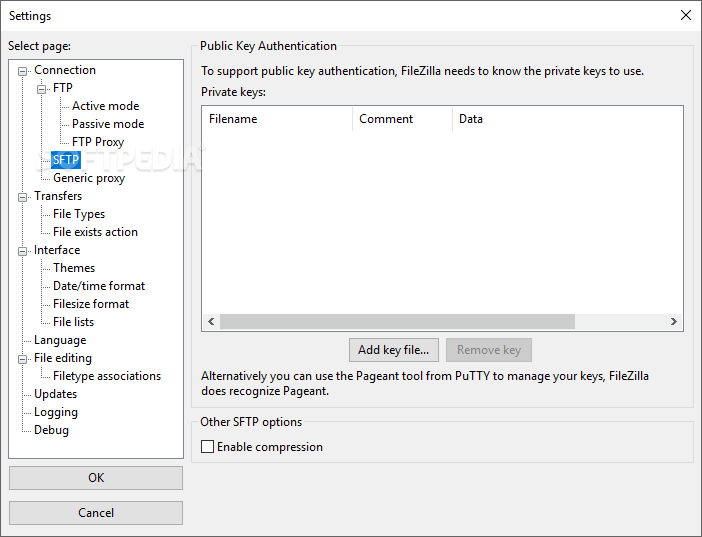
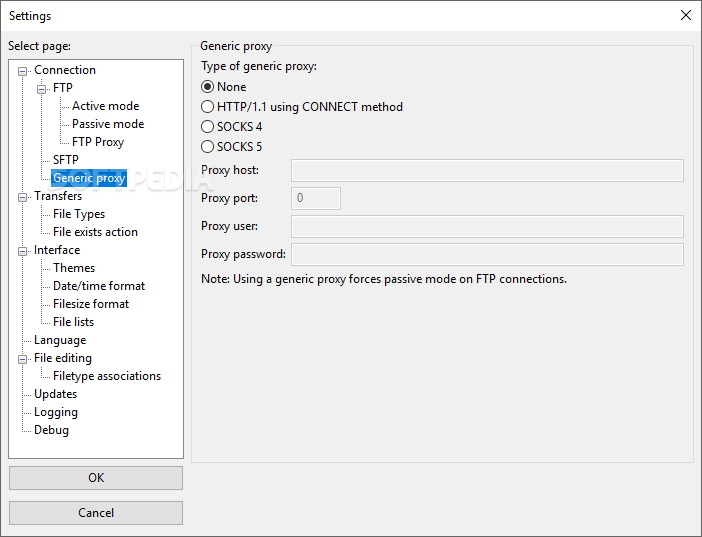
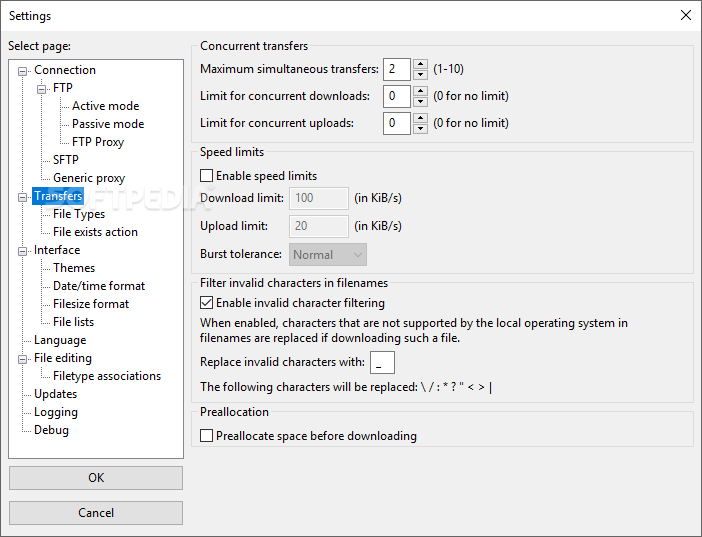
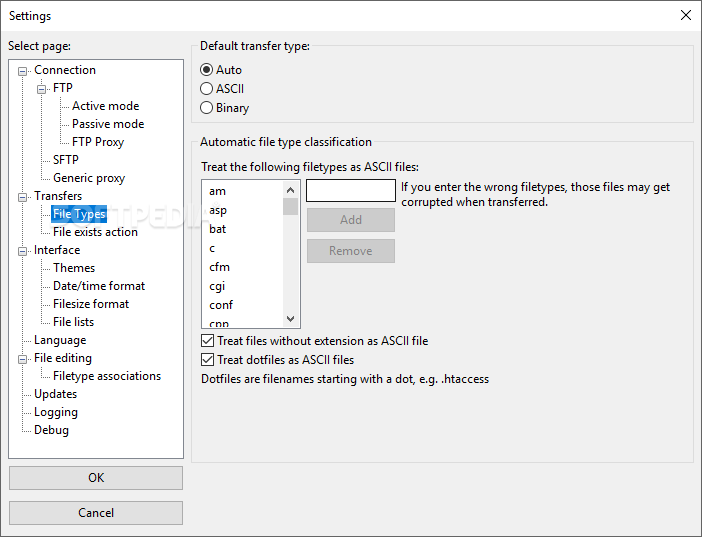
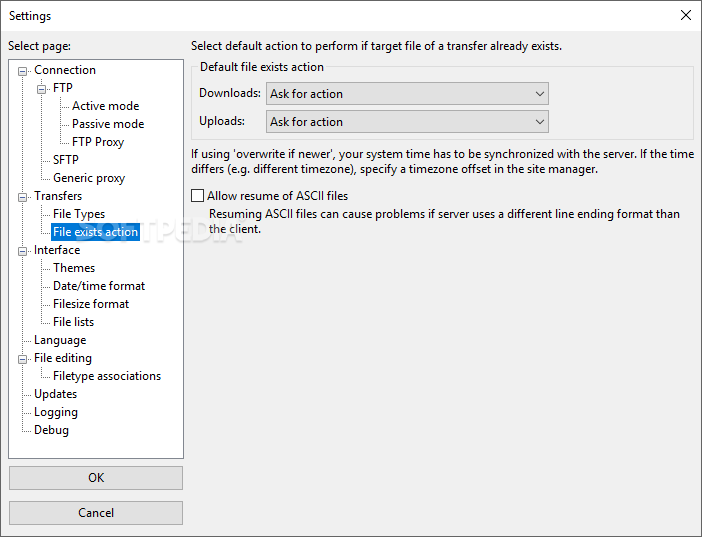
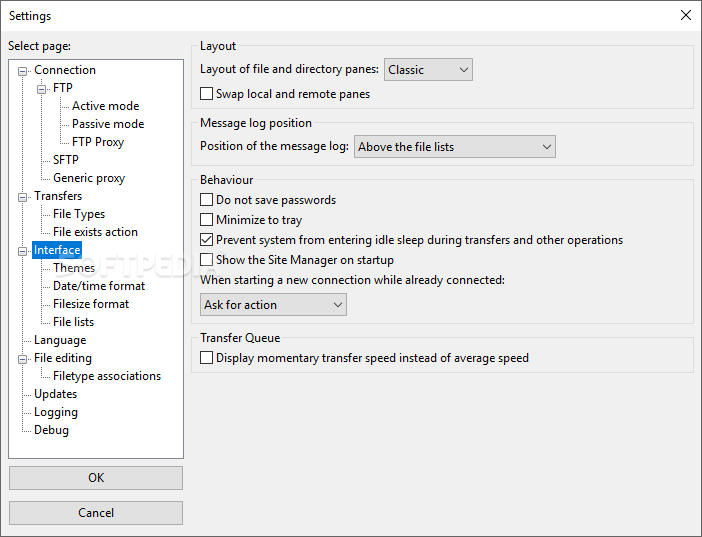
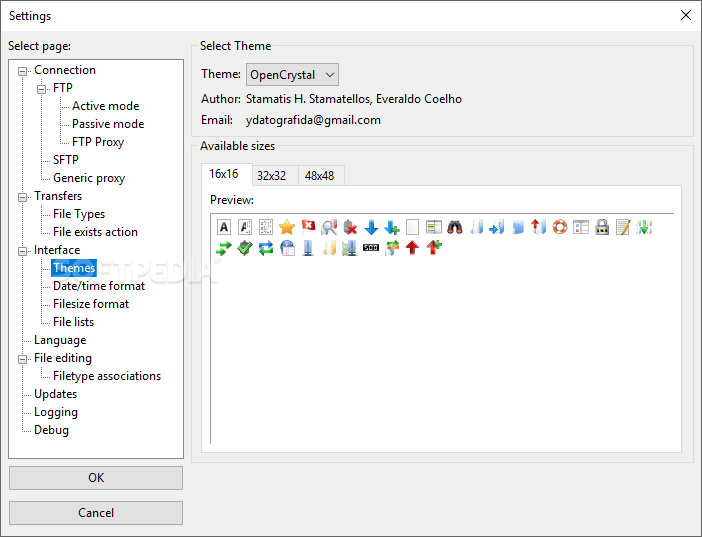
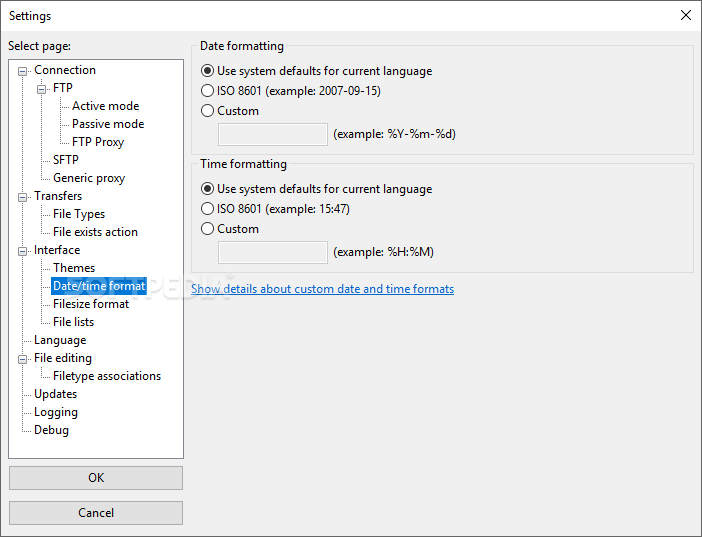
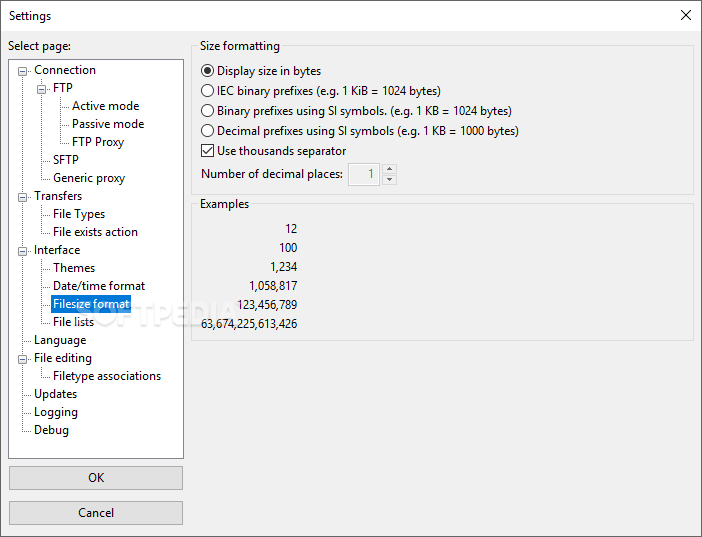
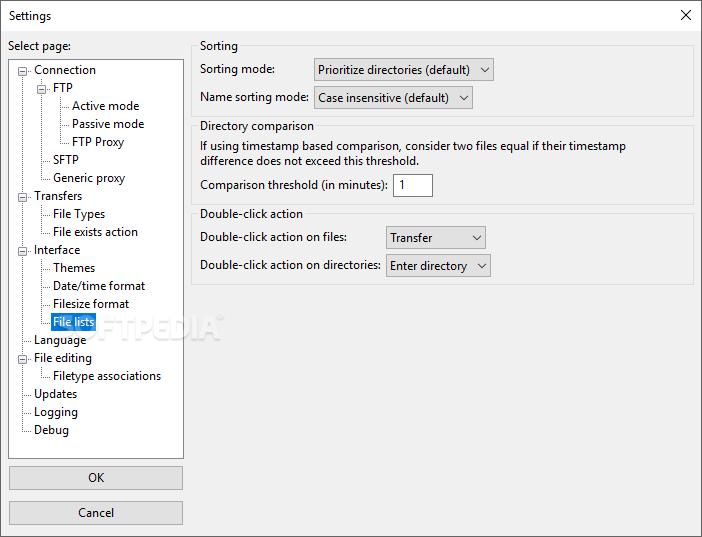
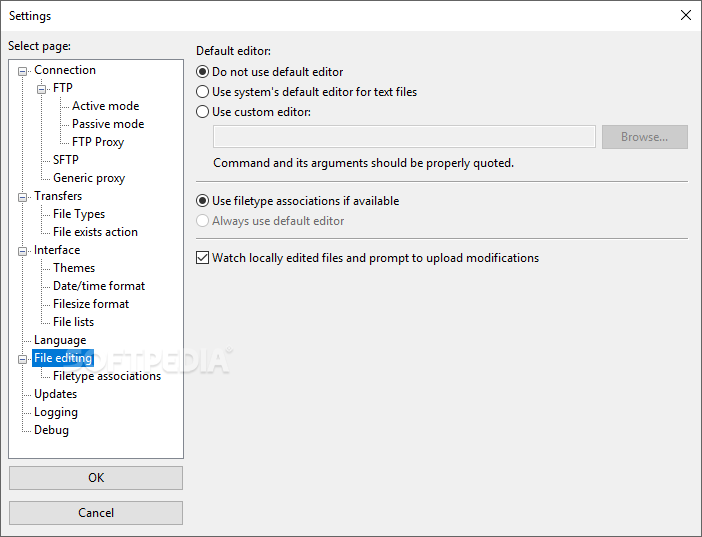
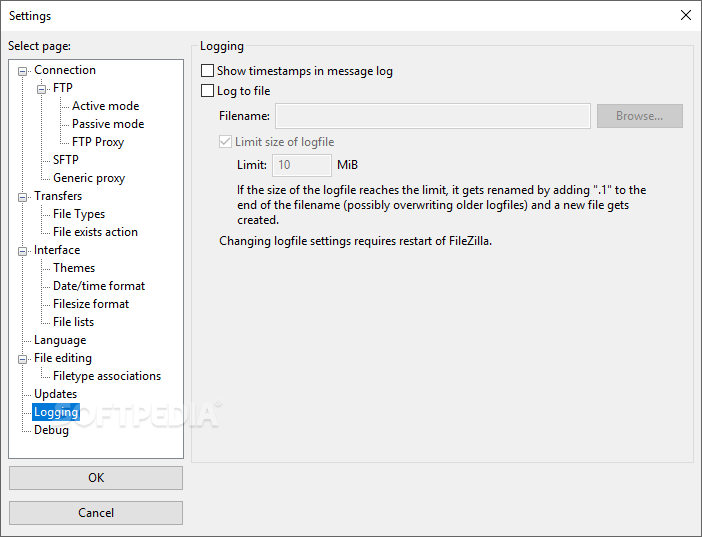
With a tabbed-based interface for concurrent FTP connections, transfer speed limits, transfer queues and integrated file search with filters, Portable FileZilla sports a plethora of settings that you can customize to your liking. In fact, the Settings window offers much more than you might expect from an open-source tool, with configuration options for connections and proxy, transfers, the GUI, language, file updates, logging and debugging. This is really what turns Portable FileZilla into a powerful application and one of the reasons it is so popular.
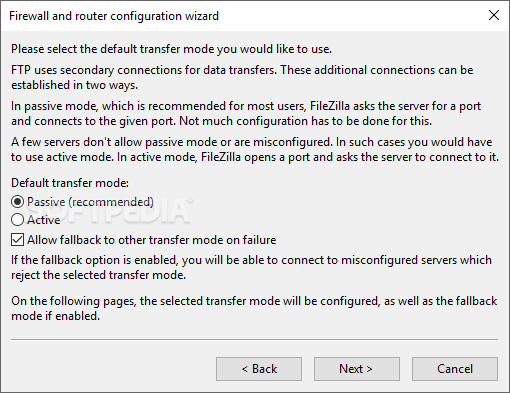
There is much more to discover about Portable FileZilla than what is written above. It brings to the table features meant to make your job easier, such as the network configuration wizard, file logging, keep alive functionality, directory comparison and synchronization, and more. It definitely is one of the most appreciated FTP clients on the market and for good reason.
What's new in Portable FileZilla 3.67.0:
- Fixed vulnerabilities:
- SFTP: Fixed PuTTY ECDSA NIST P-521 private key recovery vulnerability (CVE-2024-31497). If you use NIST P-521 keys to connect to SSH/SFTP servers, you should regenerate them and revoke the previous ones.
- Official binaries are now built against GnuTLS 3.8.4
- Bugfixes and minor changes:
Portable FileZilla 3.67.0
 Softpedia Editor's Pick
add to watchlist
add to download basket
send us an update
REPORT
Softpedia Editor's Pick
add to watchlist
add to download basket
send us an update
REPORT
- portable version
- This is the portable version of the application. An installable version is also available: FileZilla
- runs on:
-
Windows 11
Windows 10 32/64 bit
Windows 8 32/64 bit - file size:
- 17.1 MB
- filename:
- FileZilla_3.67.0_win32.zip
- main category:
- Portable Software
- developer:
- visit homepage
calibre

IrfanView

Bitdefender Antivirus Free

7-Zip

Zoom Client

4k Video Downloader

Microsoft Teams

Windows Sandbox Launcher

paint.net

ShareX

- Windows Sandbox Launcher
- paint.net
- ShareX
- calibre
- IrfanView
- Bitdefender Antivirus Free
- 7-Zip
- Zoom Client
- 4k Video Downloader
- Microsoft Teams