
Synchronizes local files with an FTP server, monitors directories and automatically copies new or changed files, with support for batch sync jobs and email notifications. #FTP client #Synchronize folder #FTP synchronization #Synchronize #FTP #Sync

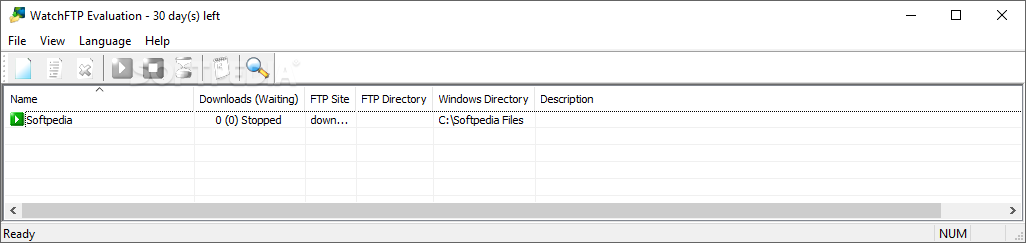
WatchFTP is an advanced Windows application that gives you the possibility to synchronize data between your computers and an FTP server automatically, as it monitors directories and copies new or changed files.
The tool offers support for batch sync jobs and email notifications, among others.
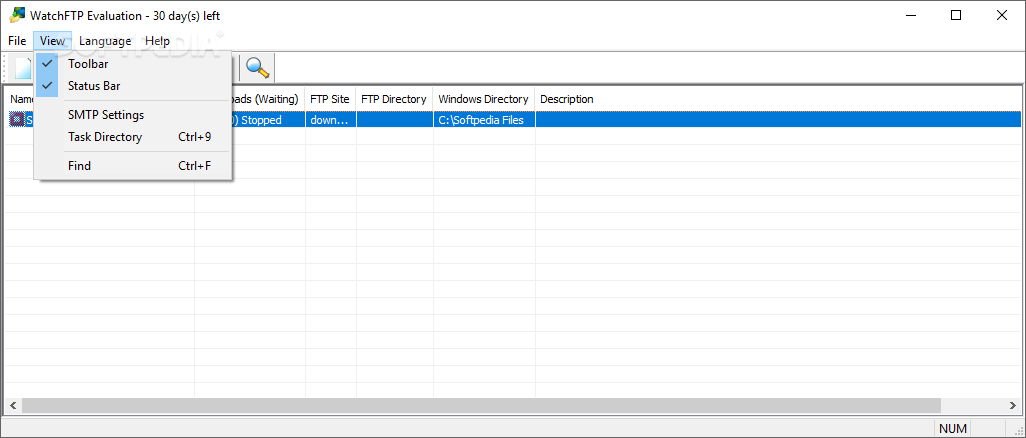
After a brief and uneventful setup procedure that shouldn't impose any difficulties, you are welcomed by a standard window with a plain and simple structure, where you can add a new task and configure a wide range of settings.
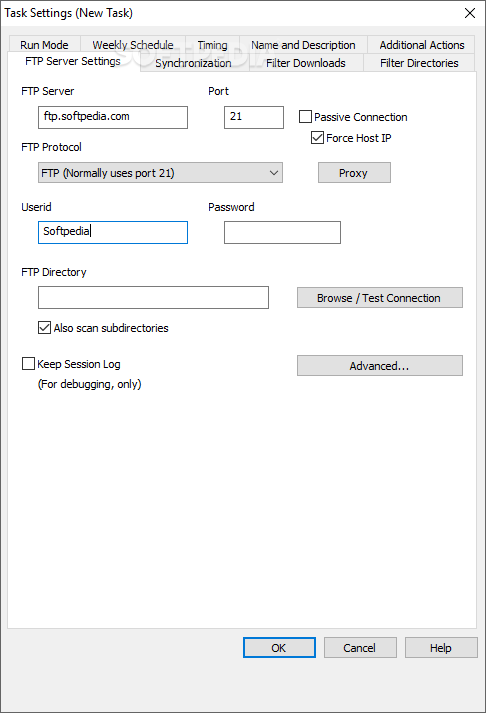
You can begin by configuring FTP server settings, including a remote monitoring directory (with or without subfolders) and whether to keep the session log or not. A proxy configuration can be made for connecting to the Internet.
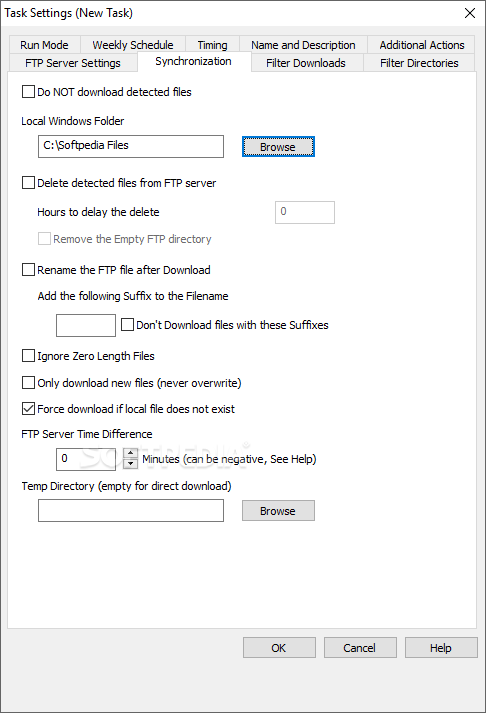
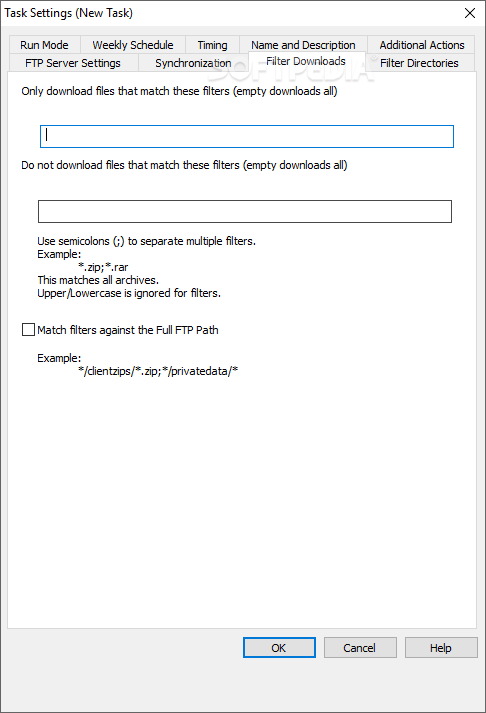
As for the sync options, you can ask the tool to delete the detected files from the FTP server and specify a delay time (in hours), rename the FTP file after download, ignore zero-length files, or only download new files (no overwrite). Filters may be applies to download only a specific type of files or to avoid them.
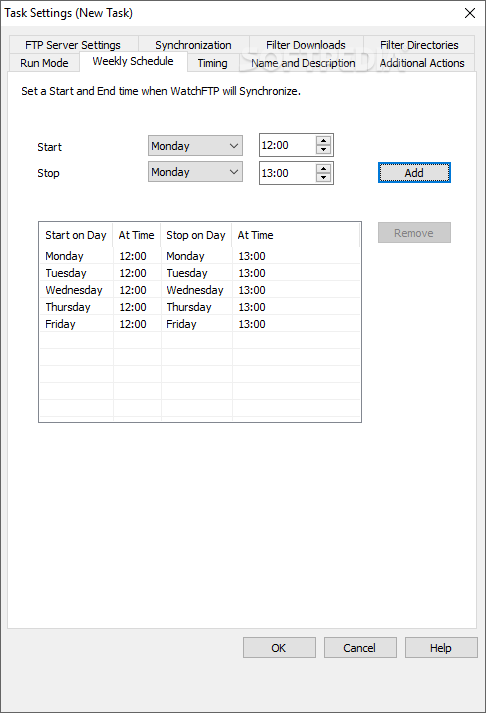
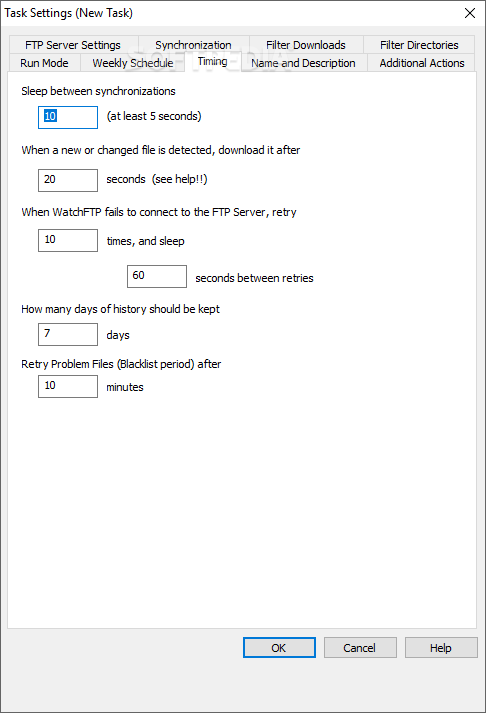
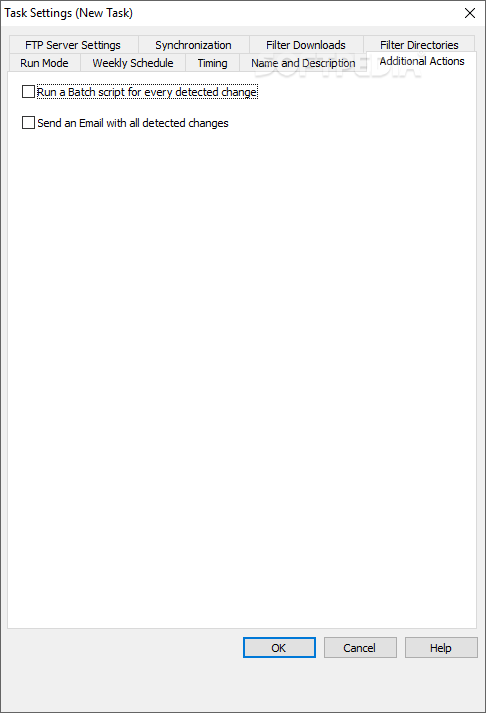
It's also possible to establish the type of folder content to take into account for downloading or skipping, make WatchFTP run in normal window mode or as a Windows service in the background, schedule sync jobs to run automatically on every day of the week, establish a sleep time between multiple jobs, choose the number of days to keep history for, as well as run a batch script for every detected changes and send emails with all these modifications.
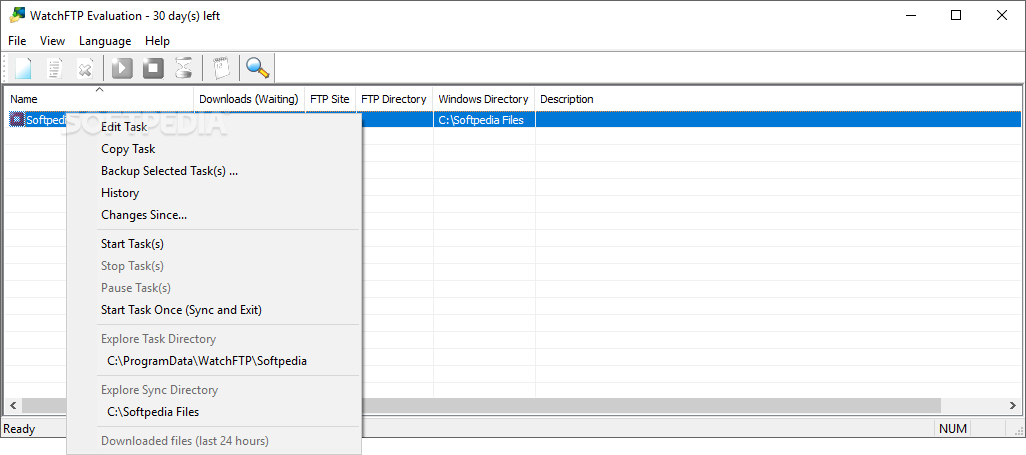
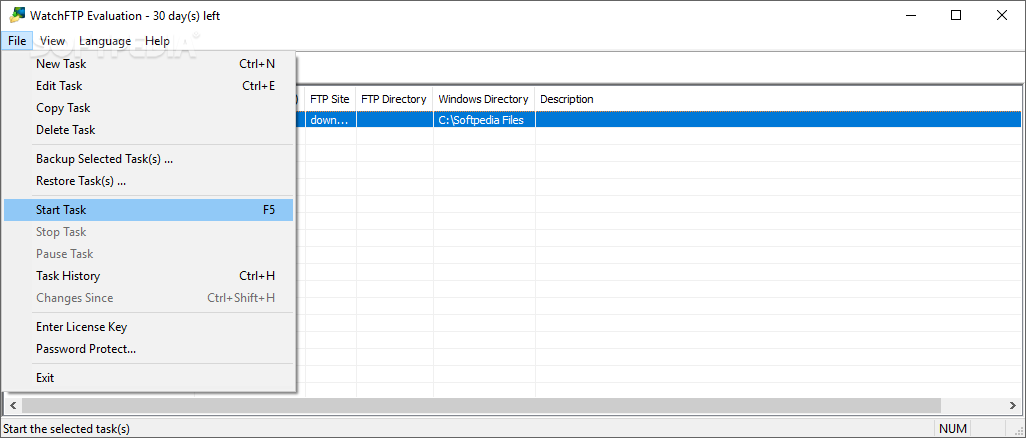
Tasks can be backed up to file and imported later or another computer running WatchFTP. You can also password-protect the tool to restrict the access of other users, or switch to another UI language.
No error dialogs were shown in our tests, and the app didn't freeze or crash. It had a good response time to commands and left a small footprint on system resources, thanks to the fact that it needed low CPU and RAM to work properly.
Taking into accounts its wide range of advanced settings, WatchFTP should meet the requirements of most users looking for a reliable app that's capable of automatically synchronizing a local and remote PC by following a set of rules.
What's new in WatchFTP 4.5.0:
- New: WatchFTP is now compatible with the latest secure login methods (like TLS 1.3).
- Improved: WatchFTP will reuse its FTP connections longer, less disconnect/connects.
- Fix: Rare cases of the WatchFTP control center crashing at startup are fixed.
- Fix: The email address you enter as the sender was ignored.
WatchFTP 4.5.0
add to watchlist add to download basket send us an update REPORT- runs on:
-
Windows Server 2016
Windows 10 32/64 bit
Windows Server 2012
Windows 2008 32/64 bit
Windows 2003
Windows 8 32/64 bit
Windows 7 32/64 bit
Windows Vista 32/64 bit
Windows XP 32/64 bit - file size:
- 11.6 MB
- filename:
- SetupWatchFTP_450.exe



- main category:
- Internet
- developer:
- visit homepage
Zoom Client

Context Menu Manager

7-Zip

Microsoft Teams

4k Video Downloader

Windows Sandbox Launcher

Bitdefender Antivirus Free

IrfanView

calibre

ShareX

- IrfanView
- calibre
- ShareX
- Zoom Client
- Context Menu Manager
- 7-Zip
- Microsoft Teams
- 4k Video Downloader
- Windows Sandbox Launcher
- Bitdefender Antivirus Free