
Store and sync your files on the cloud and also share any of them effortlessly with your friends over the Internet with this straightforward application. #Online storage #Share folder #Folder synchronization #Share #Storage #Synchronization

Dropbox is one of the most popular file sharing and cloud storage services out there, making it easy for you to access files on the go. Unlike older versions, which were focused on cloud sharing only, more recent ones are designed to facilitate team collaboration and centralized content. Dropbox brings together cloud content, standard files and the new Dropbox Paper docs together, allowing team members to store and share data efficiently.
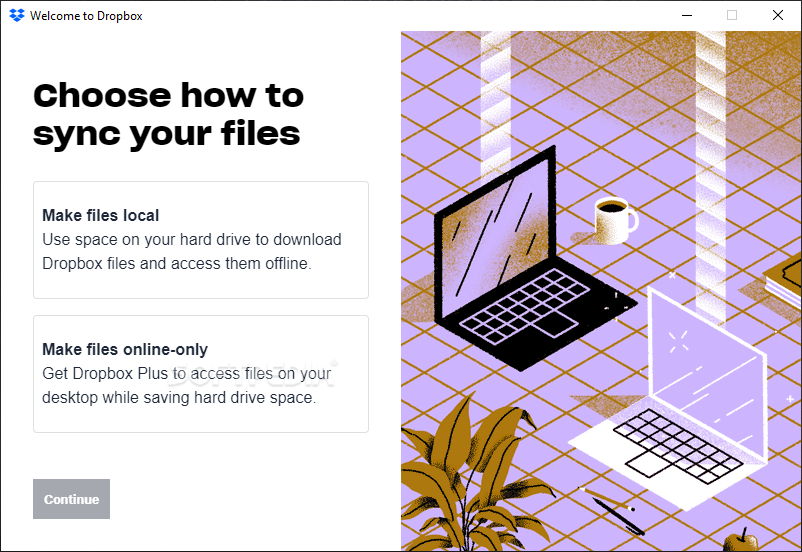
The Dropbox desktop client is easily installed. Once you create an account or connect to an existing one, a dedicated folder is created to store all the files that will be synced with the cloud. To access your files from another location, you must simply use a web browser to navigate to the Dropbox website and login with your credentials. Moreover, you can preview, upload new content or download files directly from the browser, even if a Dropbox client is not installed.
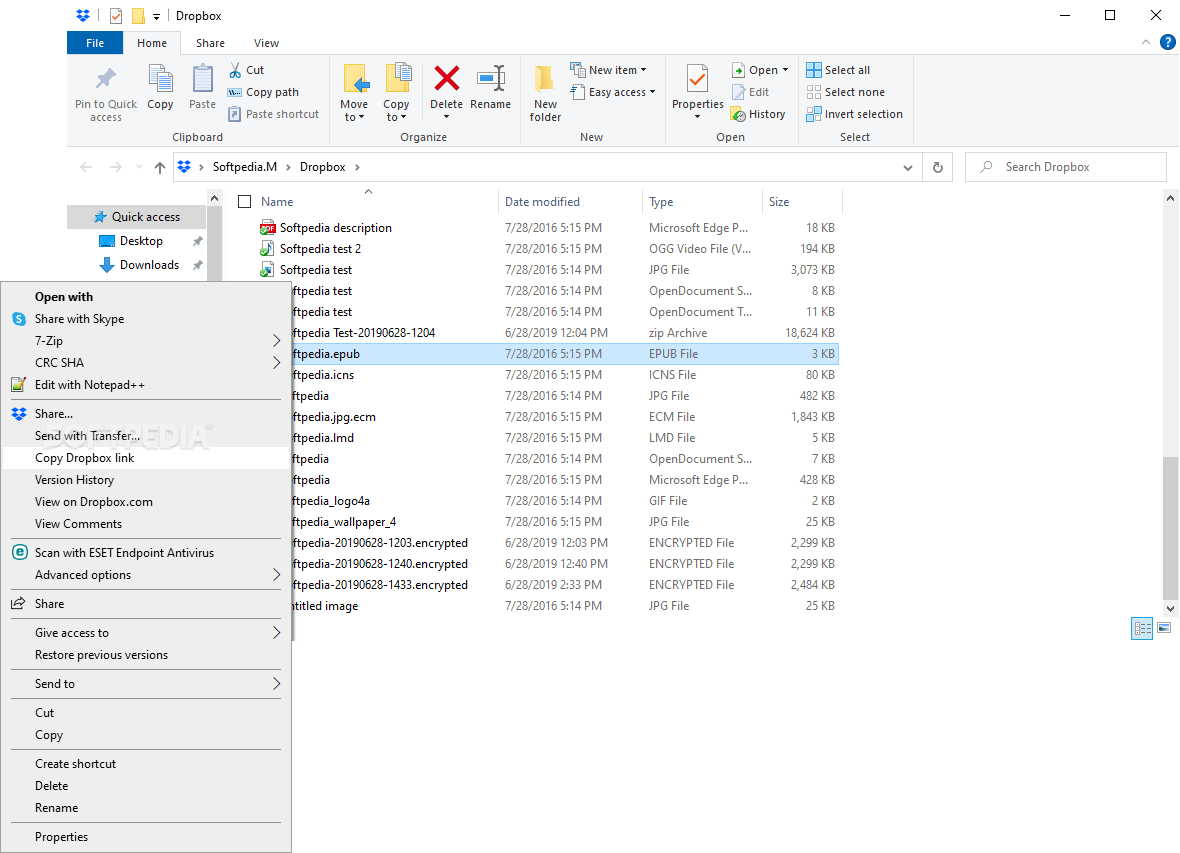
For your convenience, Dropbox adds new context menu options to allow quick file sharing. In other words, any file can be instantly sent to the Dropbox folder without having to manually open it in Windows Explorer.
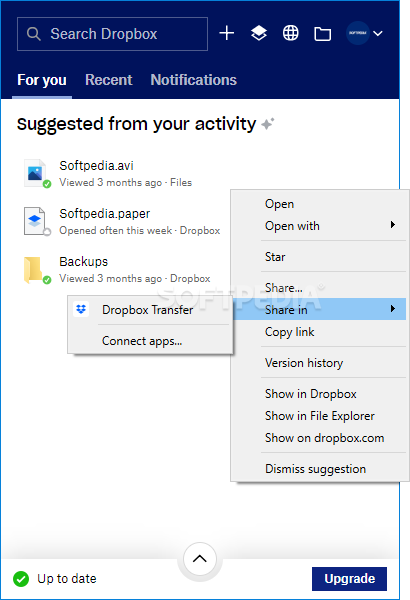
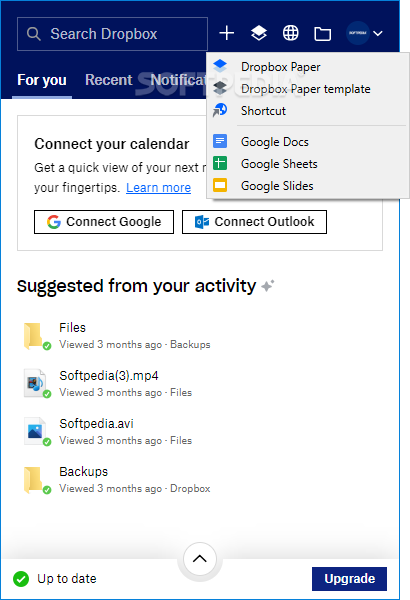
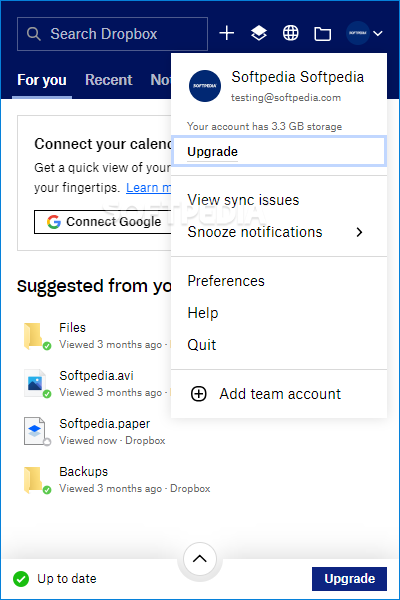
Double-clicking on the Dropbox shortcut opens up the dedicated folder in Windows Explorer but keep in mind that Dropbox also runs in the system tray area. Here, you can see new file sync suggestions based on your activity, share files and connect Dropbox apps, open a file on dropbox,com, and view the recent activity (much like a log file for Dropbox).
A new addition to Dropbox is the Dropbox Paper web-based application, a collaborative platform that allows the members of a team to work together when creating new content and working on projects. With smart templates, integrated timelines, to-do lists and customizable tables, Dropbox Paper makes it easier for you and your colleagues to visualize the final product, store meeting notes or brainstorm ideas, keep resources organized and share feedback with each other.
To streamline your workflow, Dropbox integrates with some of the most popular chatting and sharing tools, such as Slack, Zoom or HelloSign.
Back in the days, Dropbox provided a standard cloud-based file sharing tool but, in the meantime, it became much more than that. Today, it is a noteworthy collaboration platform that allows team members to work together efficiently. Not just that you can use it to share, transfer and backup files of all sizes securely, but it also comes with collaboration and productivity-oriented tools that really keep up with the reality of our times.
Download Hubs
Dropbox is part of these download collections: Storage Clients
Dropbox 197.4.7571
 Softpedia Editor's Pick
add to watchlist
add to download basket
send us an update
REPORT
Softpedia Editor's Pick
add to watchlist
add to download basket
send us an update
REPORT
- runs on:
-
Windows 11
Windows 10 32/64 bit
Windows 8 32/64 bit
Windows 7 32/64 bit - file size:
- 194 MB
- filename:
- Dropbox 197.4.7571 Offline Installer.x64.exe
- main category:
- Internet
- developer:
- visit homepage
Bitdefender Antivirus Free

7-Zip

4k Video Downloader

Windows Sandbox Launcher

Zoom Client

calibre

ShareX

paint.net

IrfanView

Microsoft Teams

- paint.net
- IrfanView
- Microsoft Teams
- Bitdefender Antivirus Free
- 7-Zip
- 4k Video Downloader
- Windows Sandbox Launcher
- Zoom Client
- calibre
- ShareX