
Download and create torrents, search for files, create download queues and change task priorities with this high-speed torrent client. #Torrent client #Download torrent #Search torrent #Bittorrent #Torrent #Download

Torrents are one of the best methods out there for distributing files over the Internet, both legit and legal content as well as some not-so-legal and a bit shady "stuff."
The BitTorrent protocol has pretty much become synonymous with torrents over the years, and for good reason, as most torrent clients are based on it.
Even though there are numerous BitTorrent clients out there, probably none is more well-rounded than qBittorrent.
For starters, it's free and open-source. This means that its code is publicly available for everyone to check out and even have a crack at improving the client in order to suit particular styles and needs.
Even though qBittorrent is one of the oldest torrent clients out there (released in 2006), it's still actively developed by various volunteers from its dedicated user base.
Another great aspect of qBittorrent is the fact that it doesn't have any hidden trackers or extremely annoying and potentially harmful adware and bloatware.
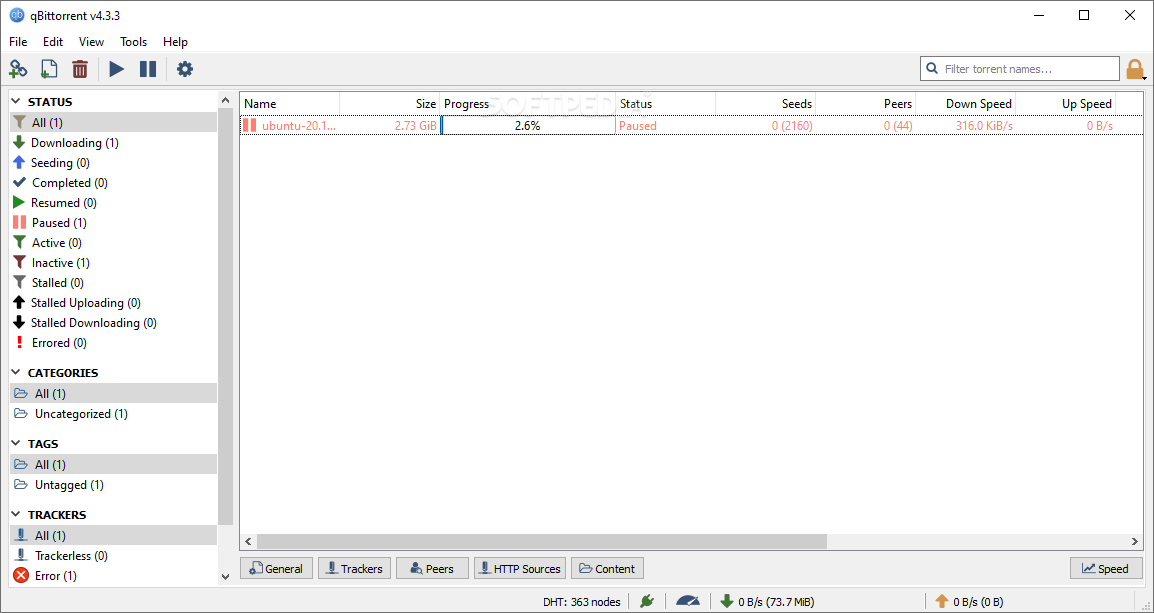
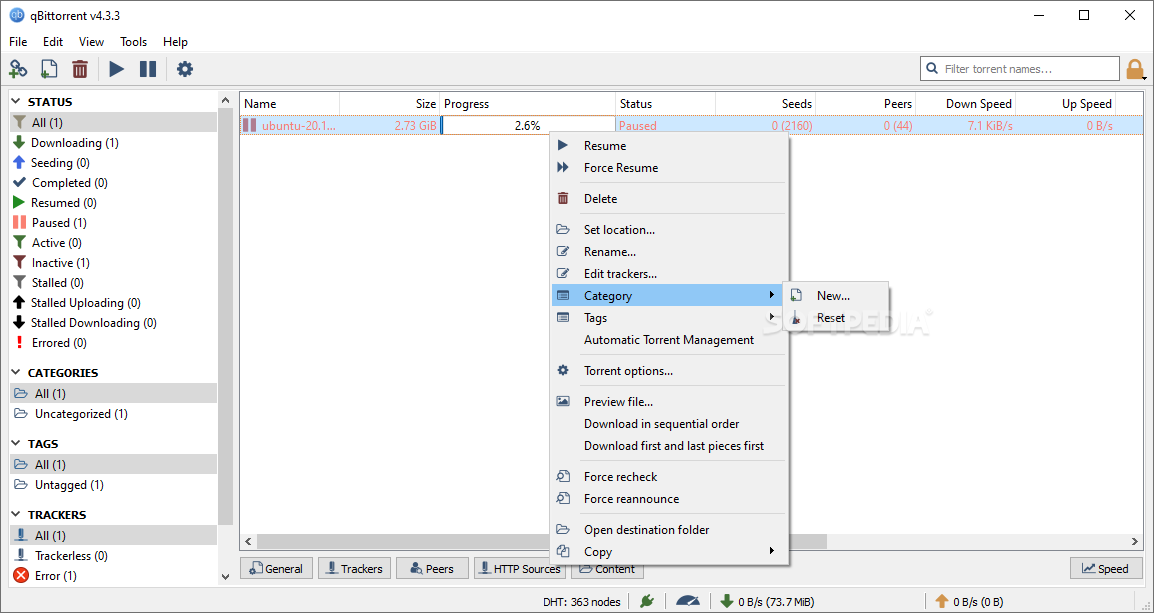
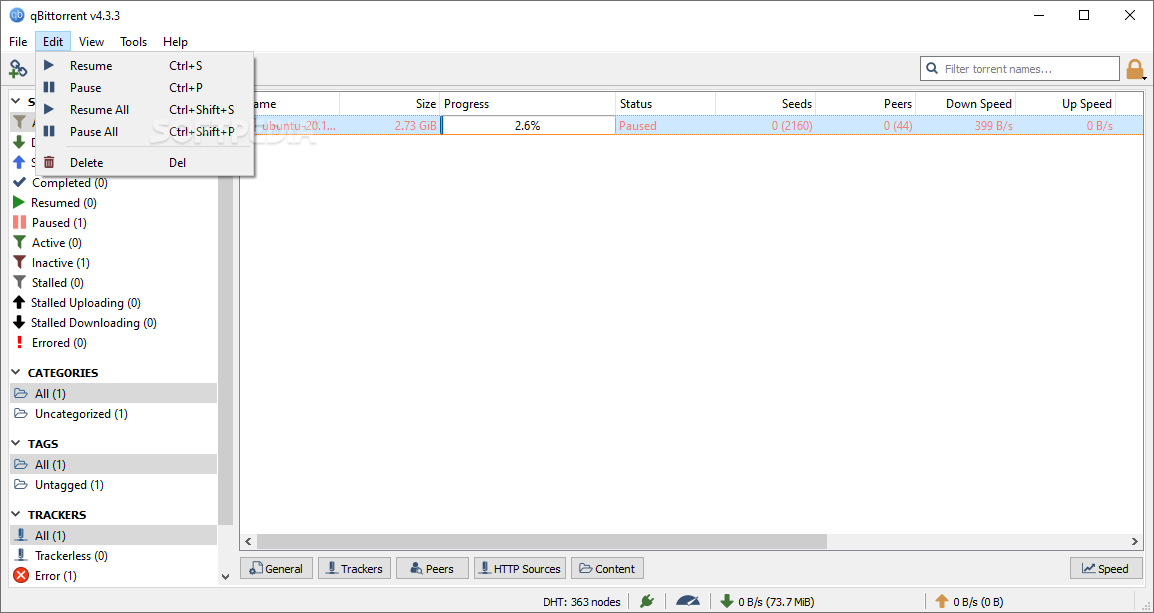
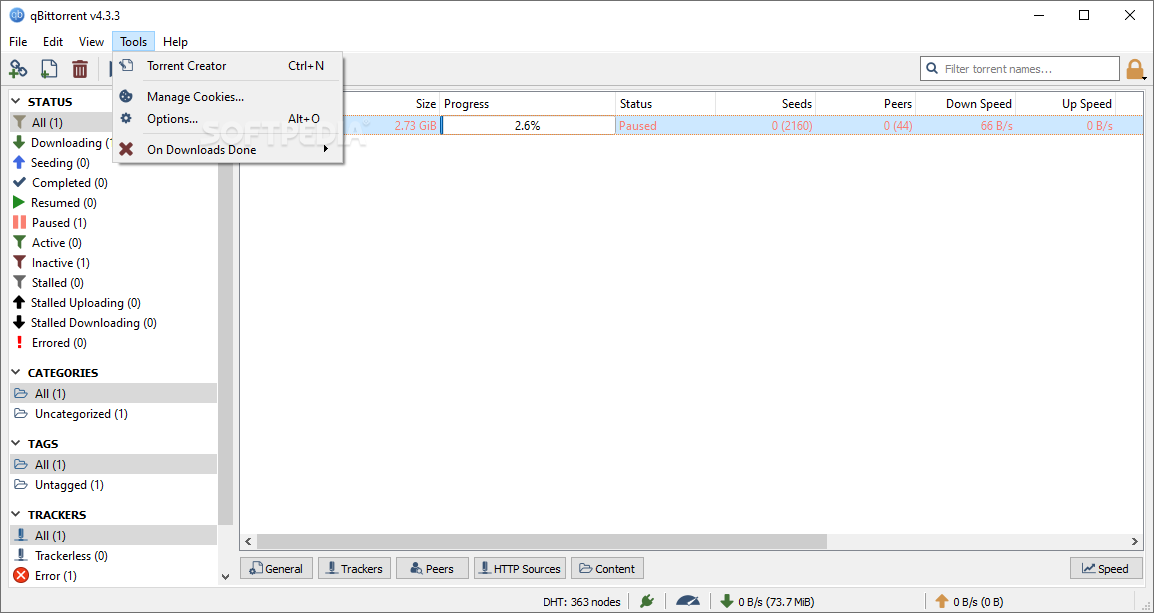
The app has one of the most uncluttered interfaces out of all the torrent clients out there. You still get the basic, almost iconic top toolbar prevalent in all apps of this sort with all the required functions such as "Add Torrent Link," "Add torrent file," "Delete," "Resume," "Pause," and "Settings."
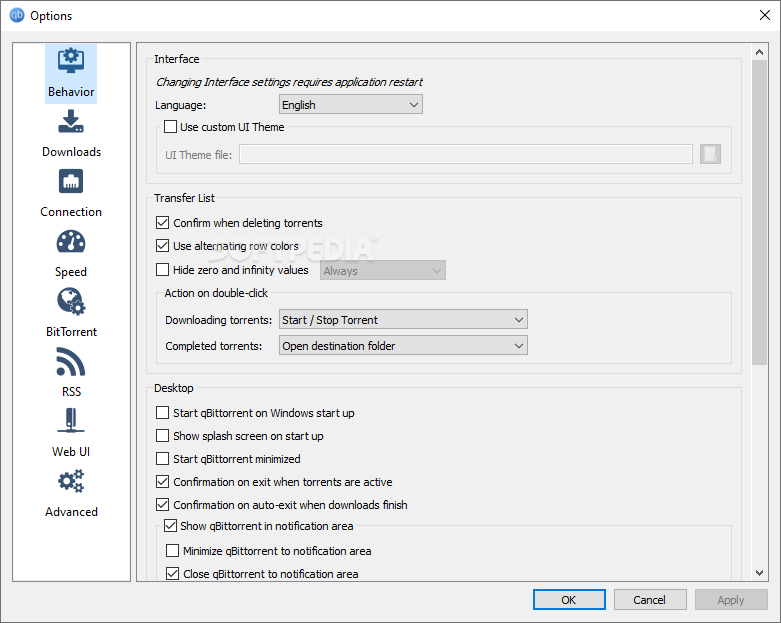
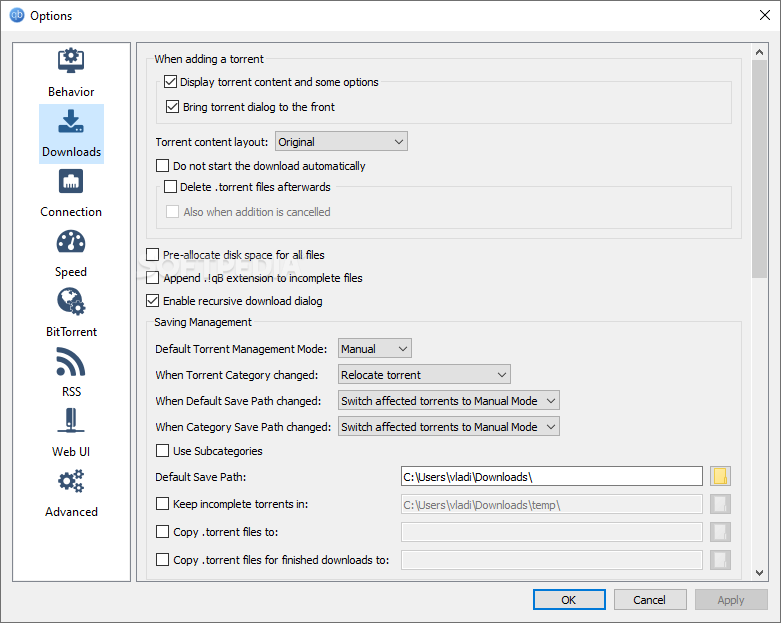
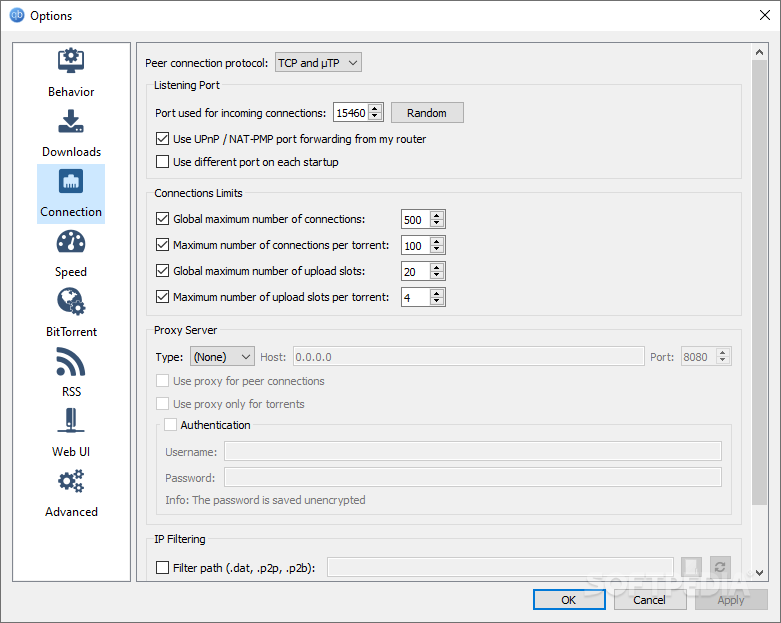
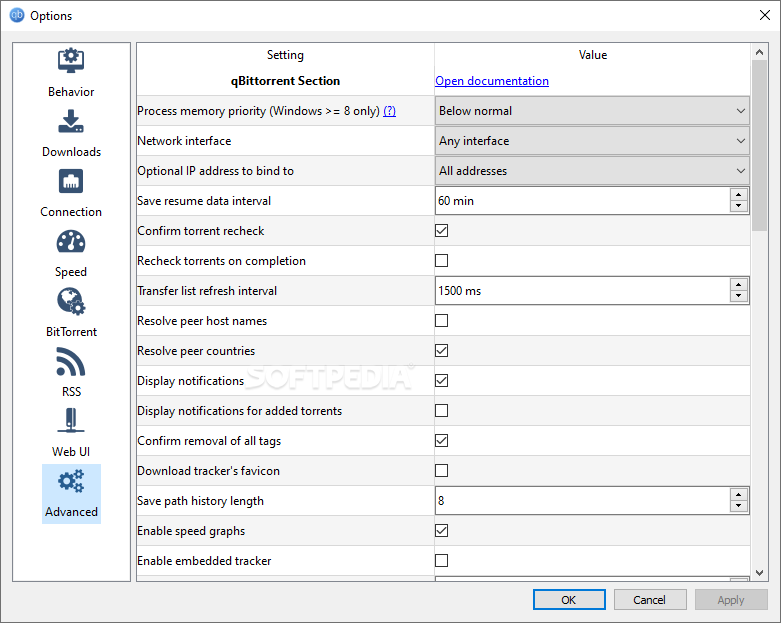
Speaking of settings, this particular menu has similar options to other popular apps of this sort, with everything being clearly defined via relevant icons.
The app also works on all major OSes out there such as macOS, Linux, and Microsoft Windows. Last but not least, it's worth noting that qBittorrent is one of the most lightweight and fastest torrent clients out there, mainly thanks to the lack of bloat.
If you're asking if qBittorrent can hold its own versus more modern torrent clients, then rest assured, it totally can.
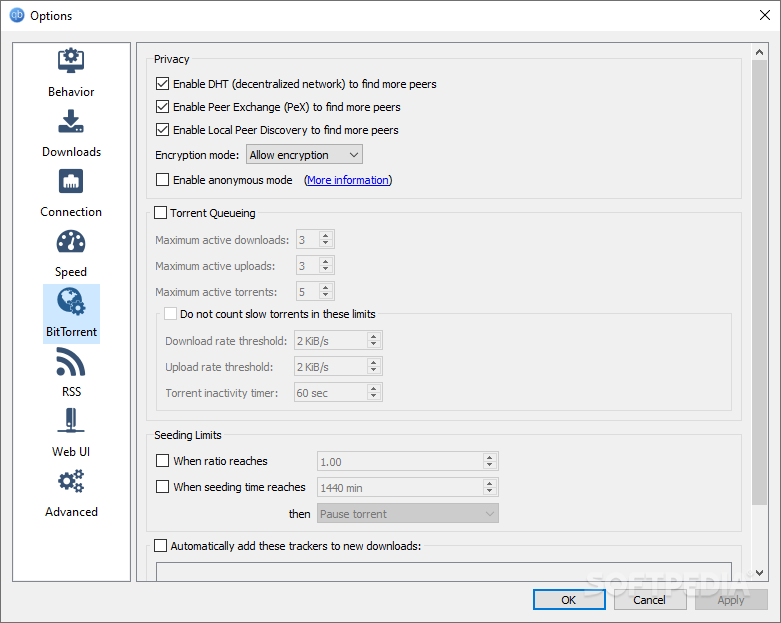
qBittorrent works with pretty much all types of torrent-associated data and formats (everything from Magnet links, distributed hash tables, peer exchange protocols, to private torrents, and even encrypted connections).
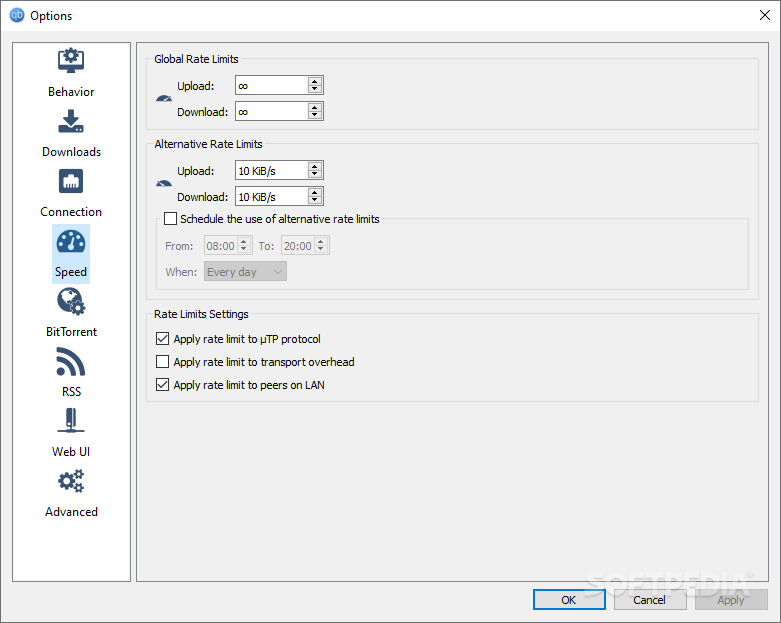
The app includes other basic torrenting features such as automatic UPnP/NAT-PMP port forwarding, sequential downloads, scheduled speed limiter, bandwidth scheduler, a torrent creating tool, IP filtering (eMule and PeerGuardian-compatible), and even a Web UI.
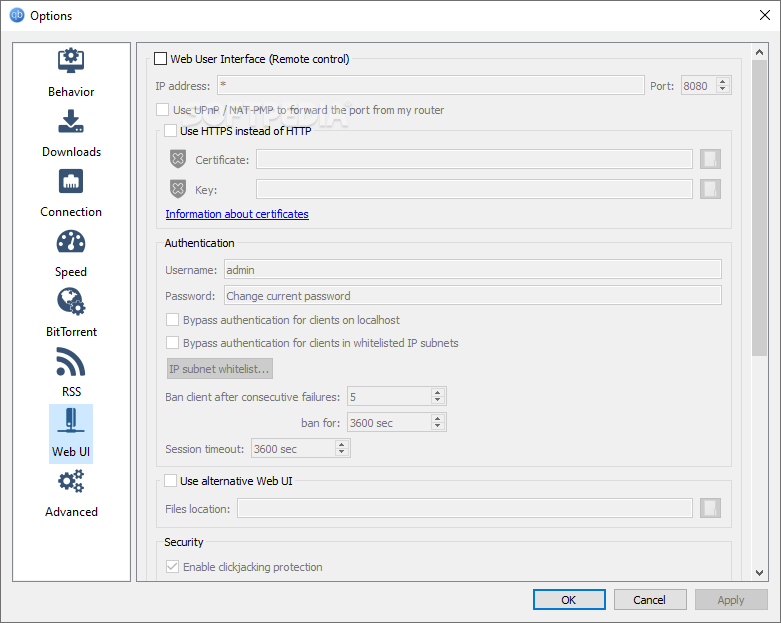
The Web UI is written in AJAX and is pretty much similar to the one of the app, and it is perfect for viewing content from other machines.
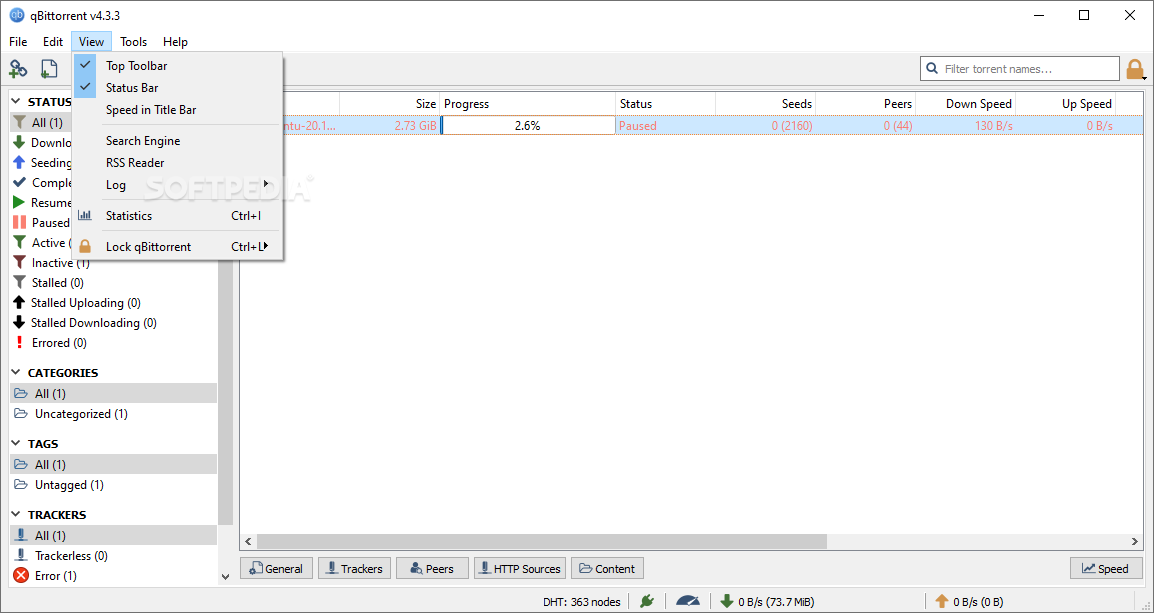
The app also includes a built-in search engine that lets you search your favorite content simultaneously on multiple torrent search sites, as well as perform category-specific search requests.
Of course, to access this particular function, you'll have to install the relevant search plugin for the preferred torrent site, which some consider being a bit of a hindrance since the plug-ins in question may not always be up to date.
In the case of qBittorrent, success has always been defined by more than just one or two features. It is one of the most popular client torrents out there because it does almost everything right.
It offers all the required basic torrent management tools, a web UI, its functionality is easily extensible, it's available in over 70 languages, it's fast, it's lightweight, it's cross-platform, open-source, and free.
Some design-oriented users might object to its somewhat plain and outdated interface, and it may not be the best app of this sort for all users out there, but at the end of the day, qBittorrent is one of the best all-round torrent clients out there, and will probably continue to be so for the foreseeable future.
Download Hubs
qBittorrent is part of these download collections: BitTorrent clients
What's new in qBittorrent 5.0.0 Beta 1:
- FEATURE: Support creating .torrent with larger piece size (Chocobo1)
- FEATURE: Improve tracker entries handling (glassez)
- FEATURE: Add separate filter item for tracker errors (glassez)
- FEATURE: Allow to remove tracker from tracker filter widget menu (glassez)
qBittorrent 4.6.4 / 5.0.0 Beta 1
add to watchlist add to download basket send us an update REPORT- portable version
- Portable qBittorrent
- runs on:
-
Windows 11
Windows 10 32/64 bit
Windows 8 32/64 bit
Windows 7 32/64 bit - file size:
- 34.1 MB
- filename:
- qbittorrent_4.6.4_x64_setup.exe
- main category:
- Internet
- developer:
- visit homepage
Context Menu Manager

Windows Sandbox Launcher

ShareX

Microsoft Teams

IrfanView

calibre

Zoom Client

7-Zip

4k Video Downloader

Bitdefender Antivirus Free

- 7-Zip
- 4k Video Downloader
- Bitdefender Antivirus Free
- Context Menu Manager
- Windows Sandbox Launcher
- ShareX
- Microsoft Teams
- IrfanView
- calibre
- Zoom Client