
Search and download torrents from the Internet, being able to use the integrated media player to watch movies without even saving them to your PC first. #Search torrent #Download torrent #Torrent downloader #Searcher #Torrent #Download
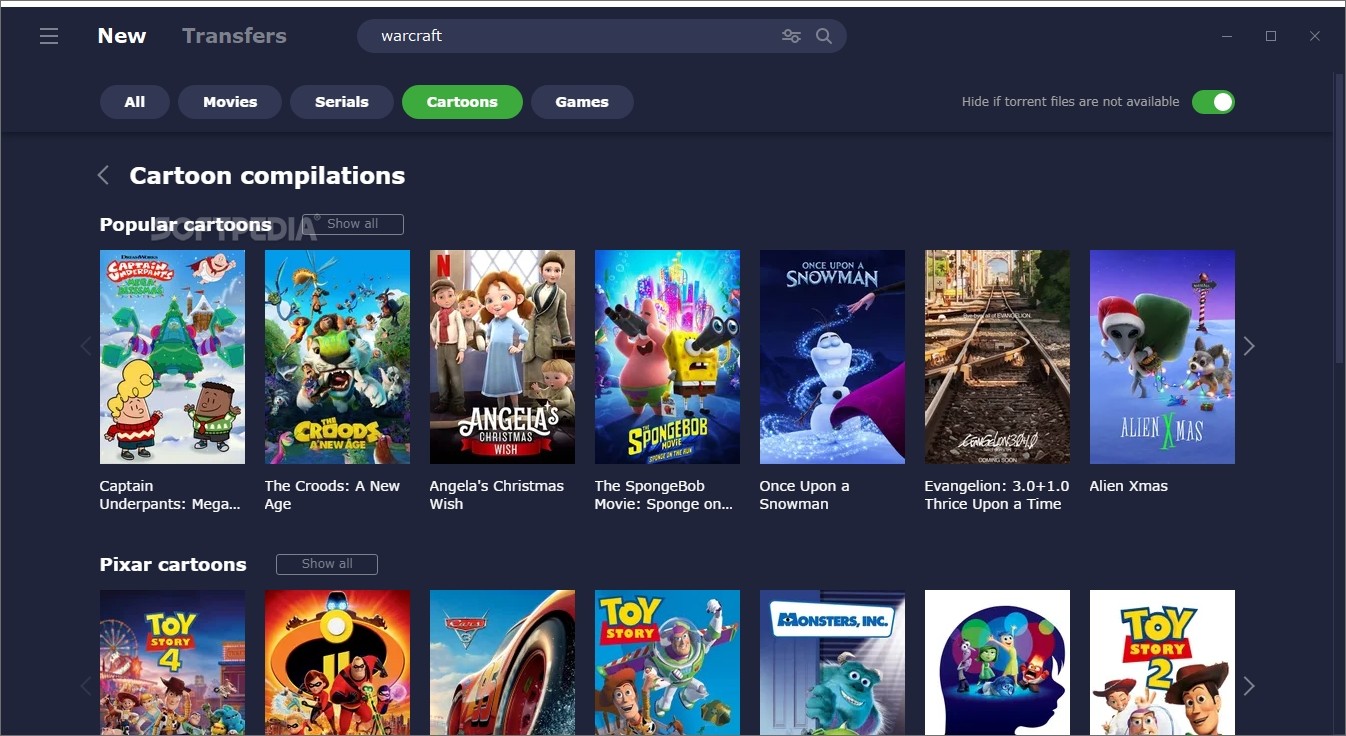
Bittorrent protocol has gained a lot of ground among avid computer users, due to the increased download speed via the peer-to-peer technology, but also to the numerous users it features. Such a tool is MediaGet, an intuitive application that offers you the possibility to search for torrent files and download them with ease.
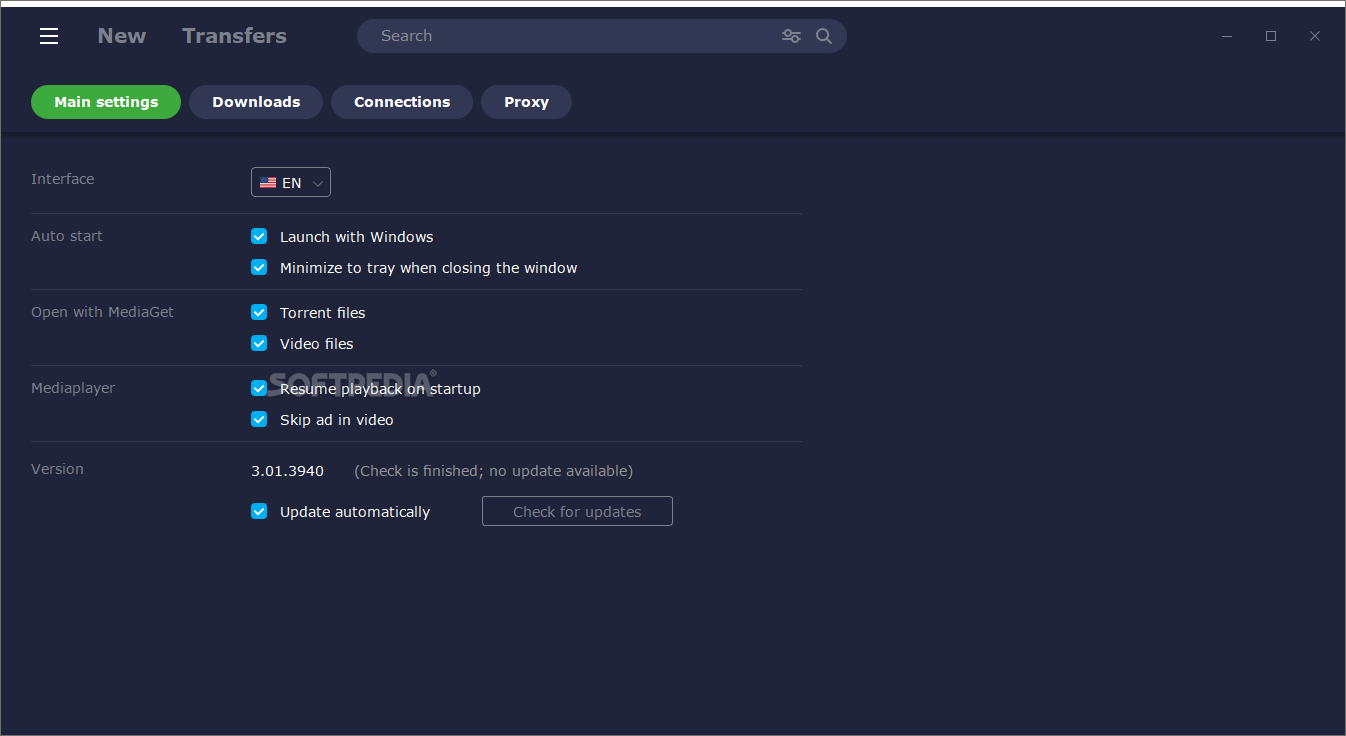
The interface was designed to be as user-friendly as possible, so as to allow even beginners to find their way around the app and to enjoy torrent files. A search function is featured in the main window, while also a navigation panel enables you to get around it with ease and find all options incorporated.
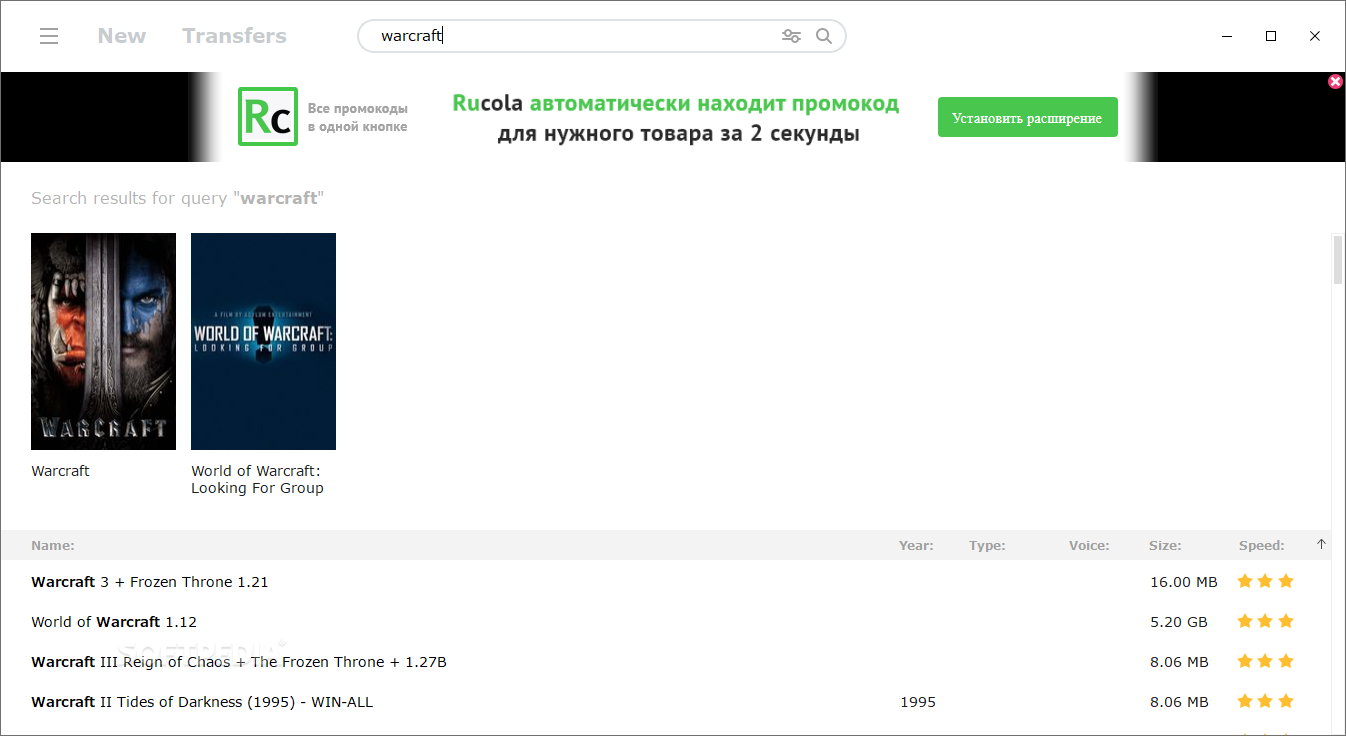
It is possible to refine the search so as to make sure that the results are relevant, by simply specifying the desired size range for the files, or by creating a keyword exclusion list. Results are displayed in a list, each item having a rating corresponding to its speed – the better the speed, the higher the rating.
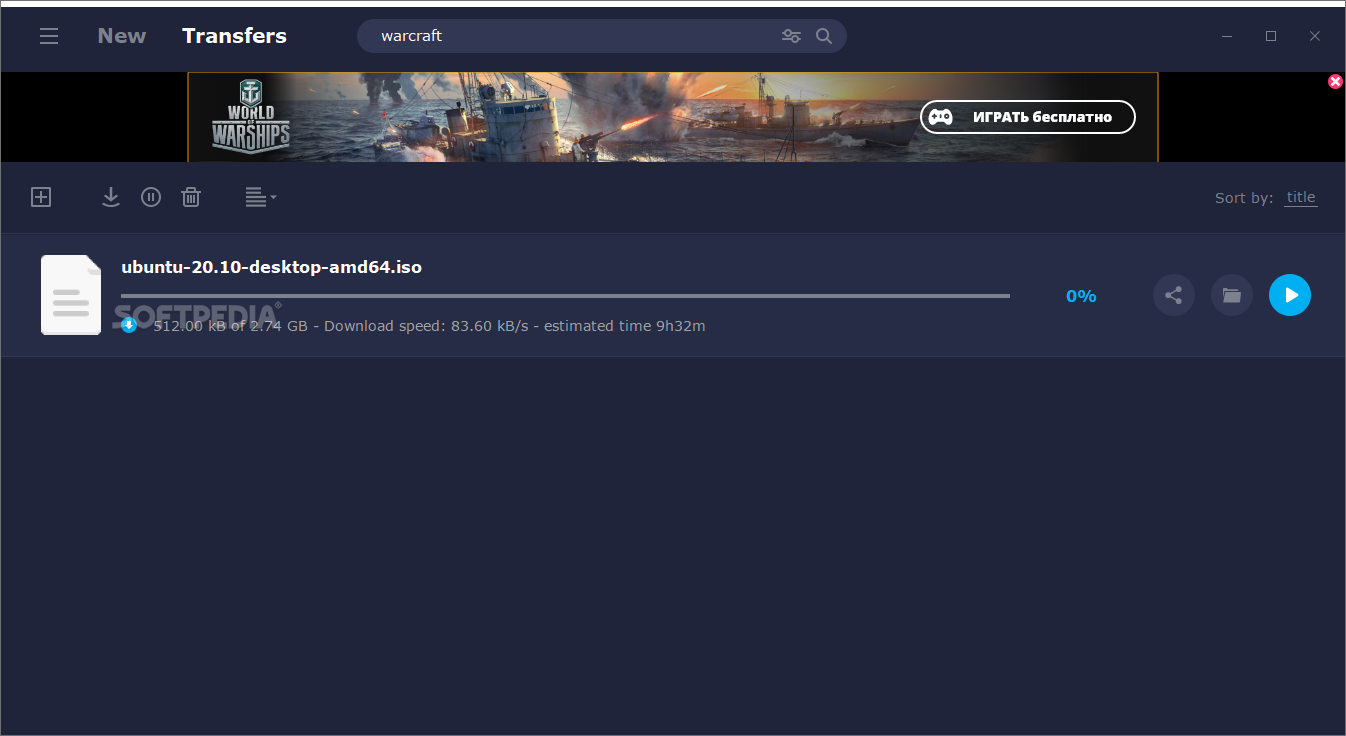
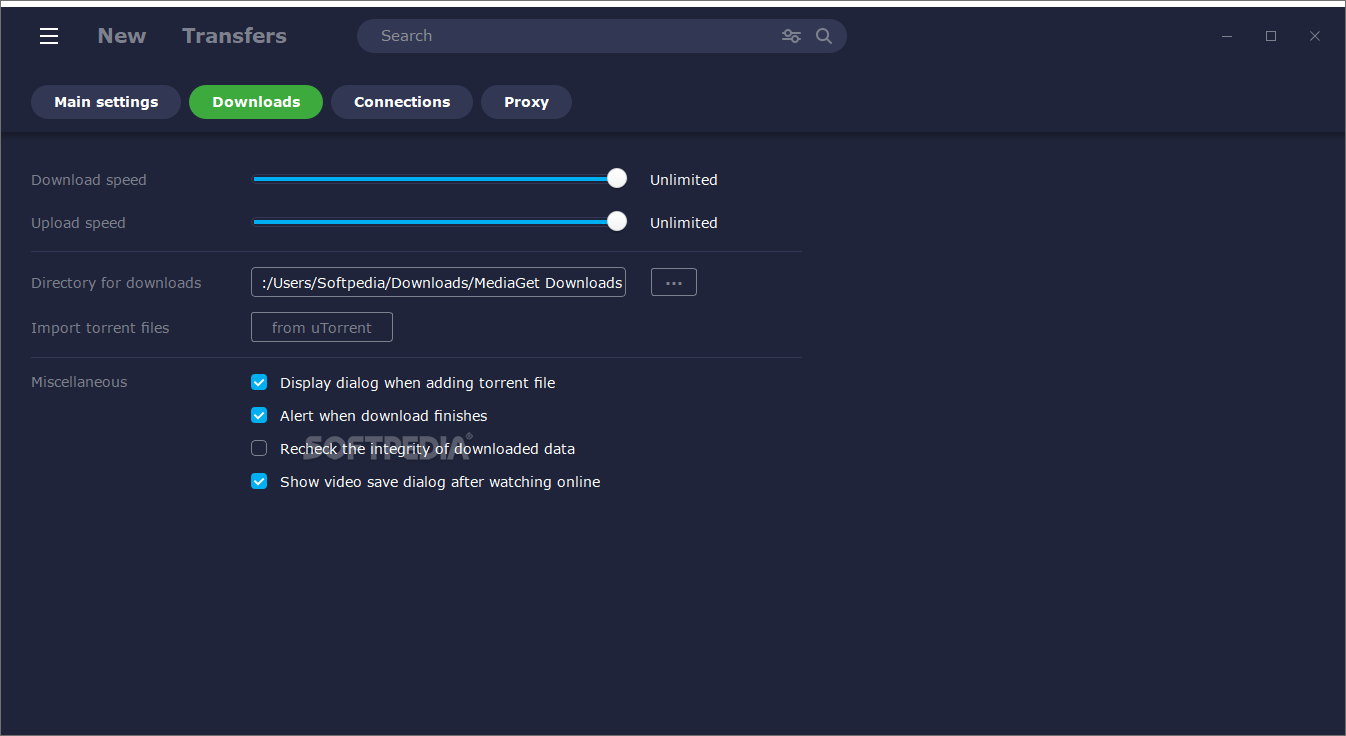
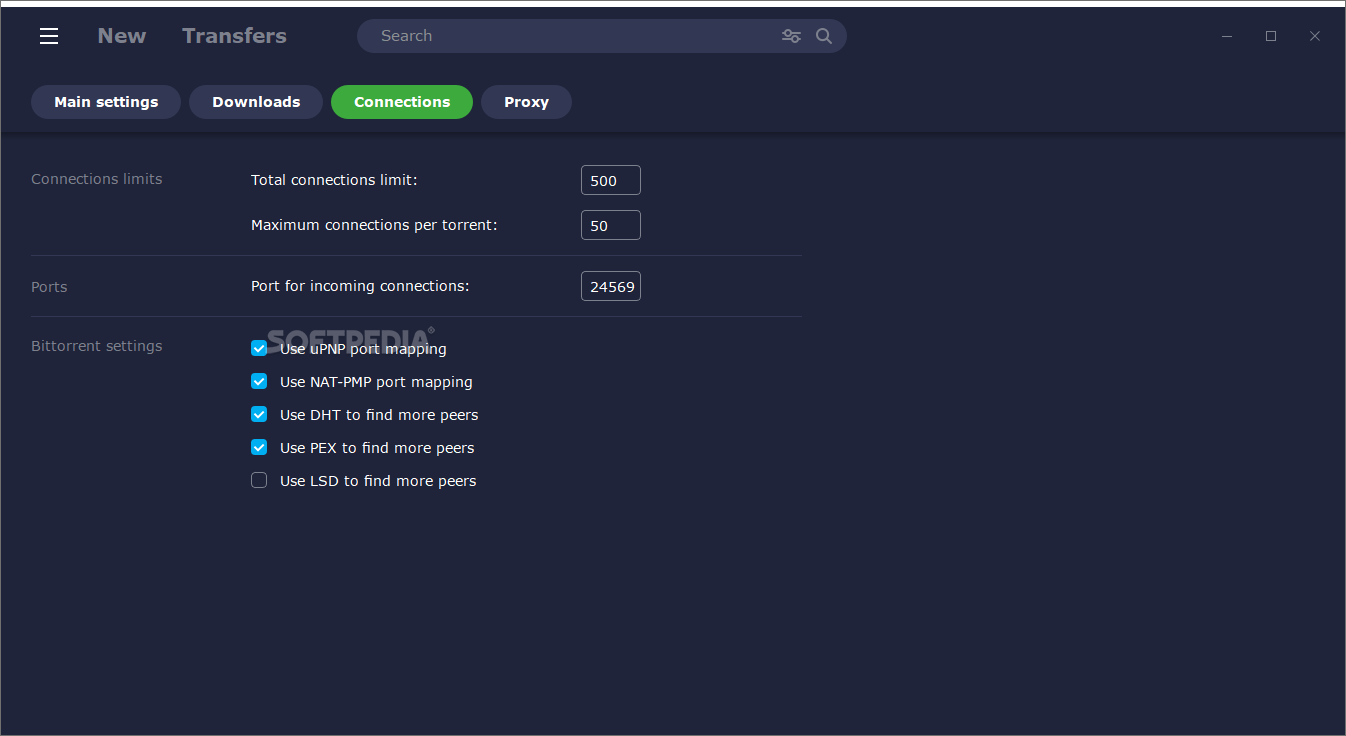
Once a download thread is started, one can assign it a priority level, or set the download and upload speed limits. This way, users can make sure that the process does not affect the overall performance of the PC.
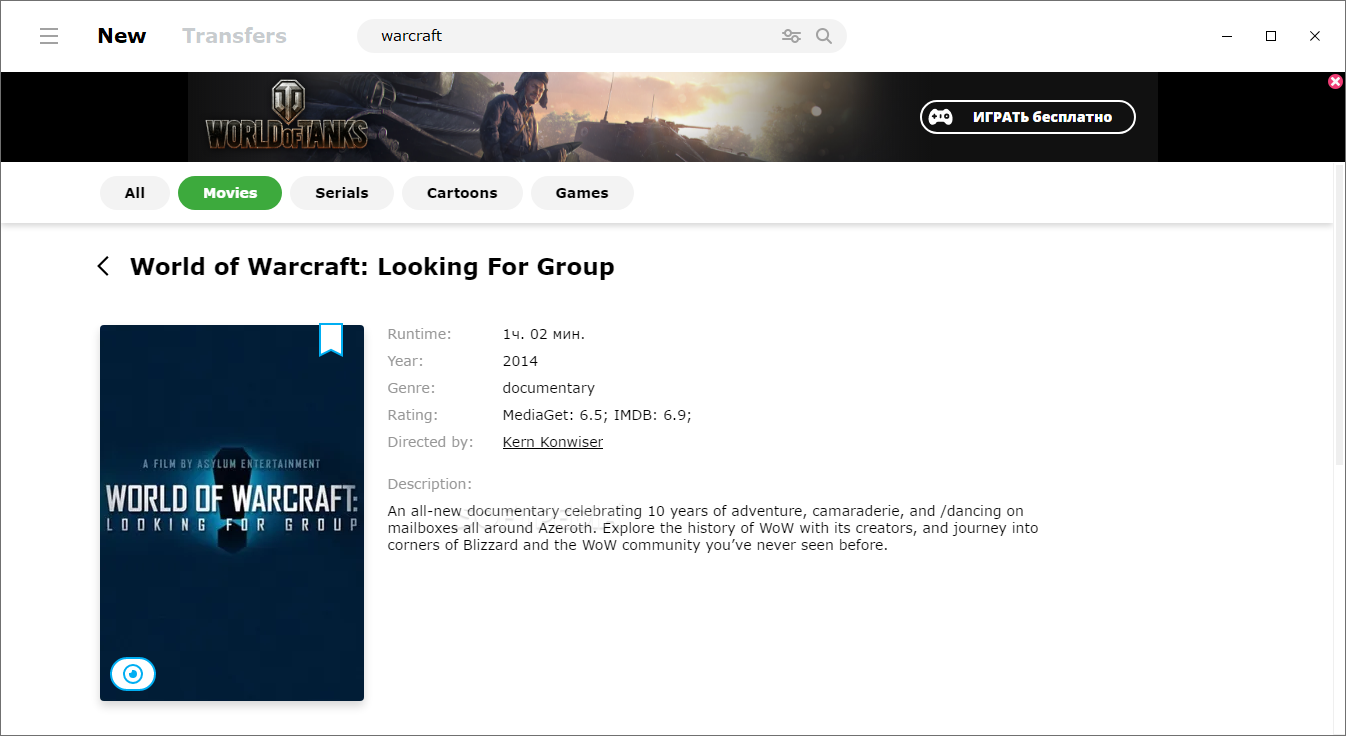
Another function provided by MediaGet is that of playing multimedia files – in other words, while waiting for a file to be downloaded, one can use the very same utility to watch videos or listen to music. Most popular formats are supported, such as MP3, WMA, WAV, OGG, AVI, MPG, MPEG, MP4, MKV, MOV, FLV and WMV.
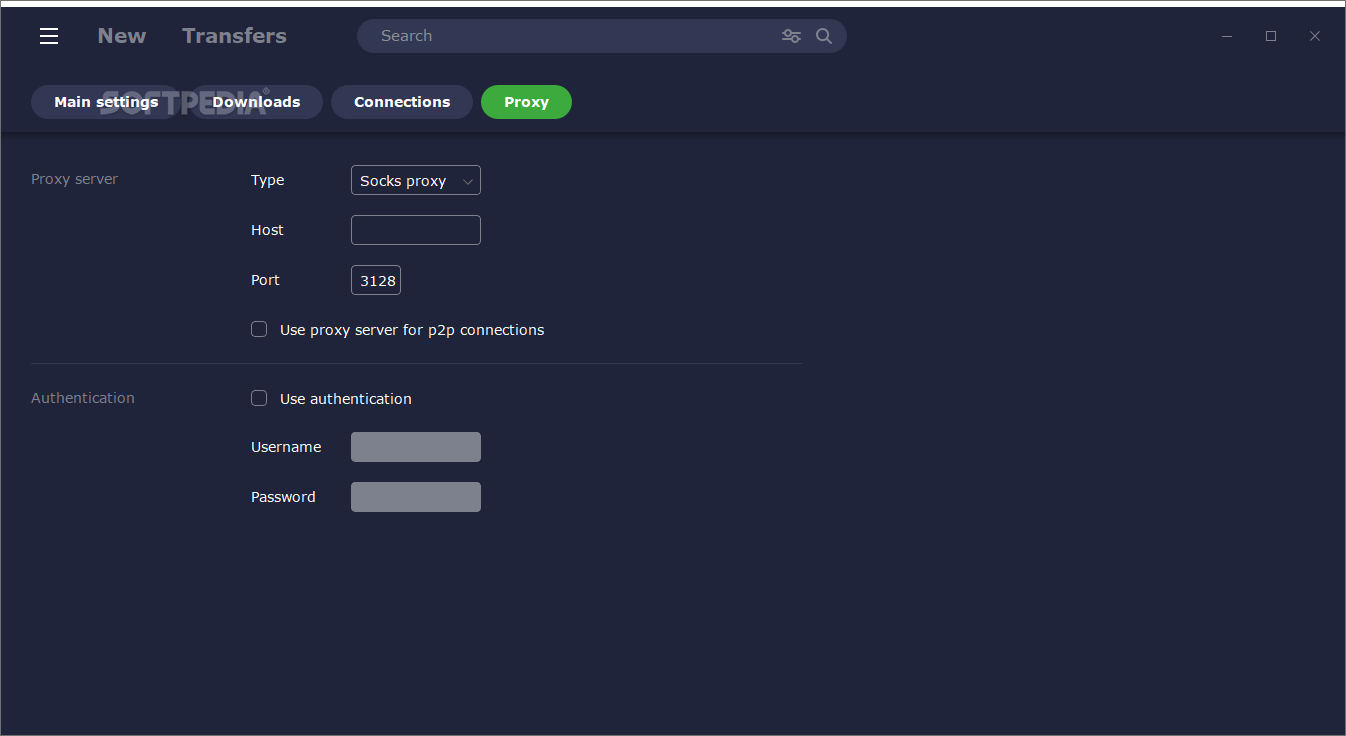
Not only can users specify their desired destination folder or use a proxy server for managing their torrent files, but they can also set the tool to shutdown the computer when all downloads are completed.
The amount of resources required in order to properly run this piece of software are quite insignificant and therefore, the computer's performance is not going to be hampered in any way. The response time is good, the interface is suitable to all user categories and we did not come across any errors, hangs or freezes in our tests.
In a nutshell, while it is not a very complex Bittiorent client, MediaGet can help beginners get familiarized with torrents, while experts get a basic tool to find and download files.
MediaGet 3.01.4307
add to watchlist add to download basket send us an update REPORT- PRICE: Free
- runs on:
-
Windows 11
Windows 10 32/64 bit
Windows 8 32/64 bit
Windows 7 32/64 bit
Windows Vista 32/64 bit
Windows XP 32/64 bit - file size:
- 4.6 MB
- filename:
- mediaget_installer_481.exe
- main category:
- Internet
- developer:
- visit homepage
IrfanView

ShareX

Microsoft Teams

Bitdefender Antivirus Free

Windows Sandbox Launcher

calibre

7-Zip

Zoom Client

4k Video Downloader

paint.net

- Zoom Client
- 4k Video Downloader
- paint.net
- IrfanView
- ShareX
- Microsoft Teams
- Bitdefender Antivirus Free
- Windows Sandbox Launcher
- calibre
- 7-Zip