
A handy and reliable software solution that comes in handy to all those who want to share their files and folders with other users. #Opera DC++ #File sharing #Direct connect #DC++ #Opera #Hub

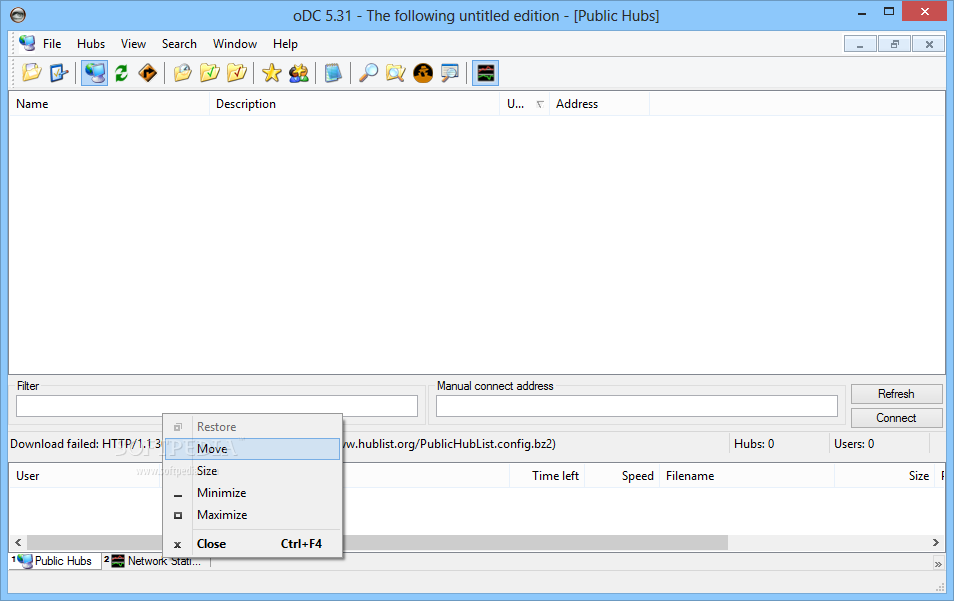
Opera’s DC++ is a software tool that provides users with a simple means of sharing and transferring files over a DC network, as well as customize options for an increase in download speed.
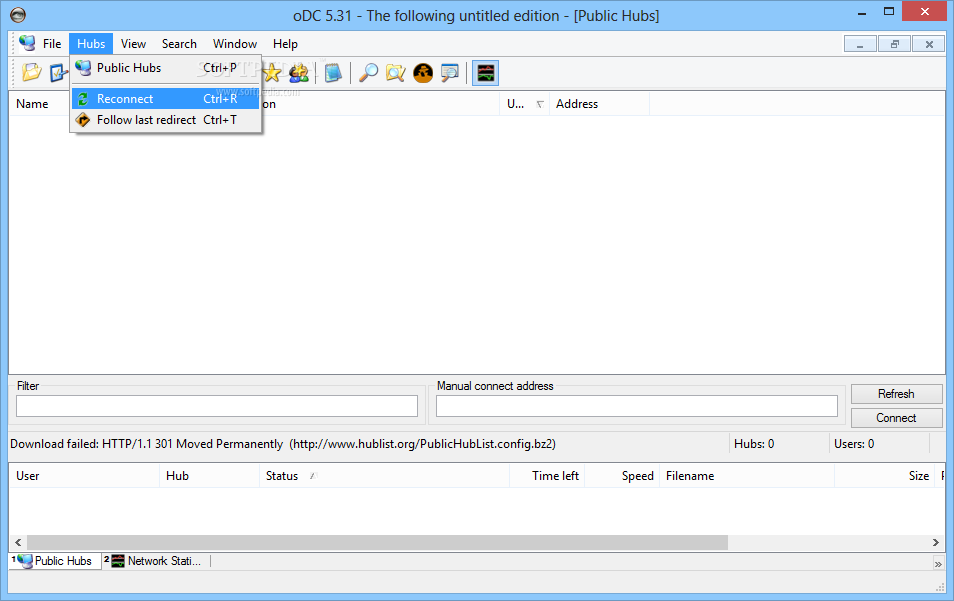
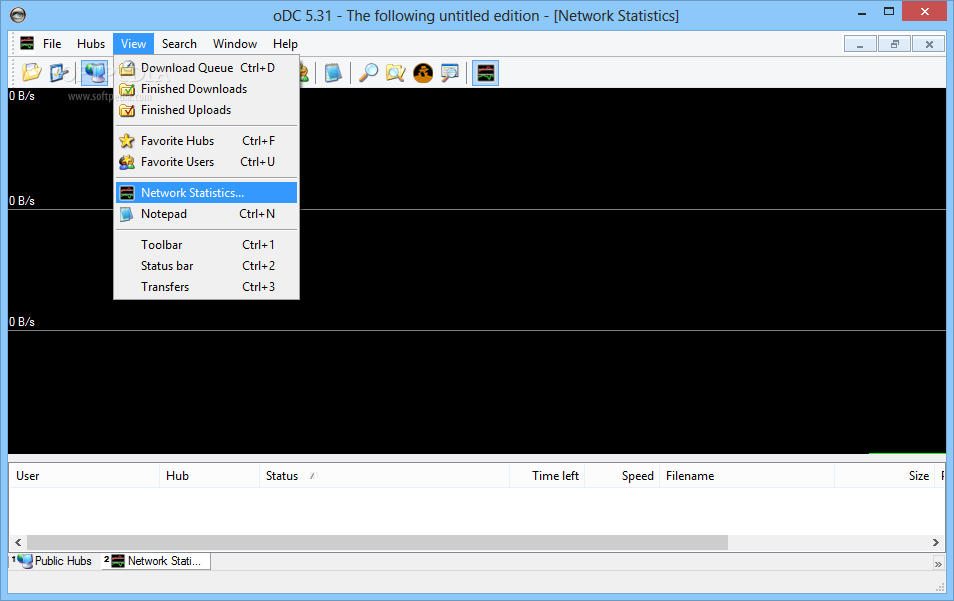
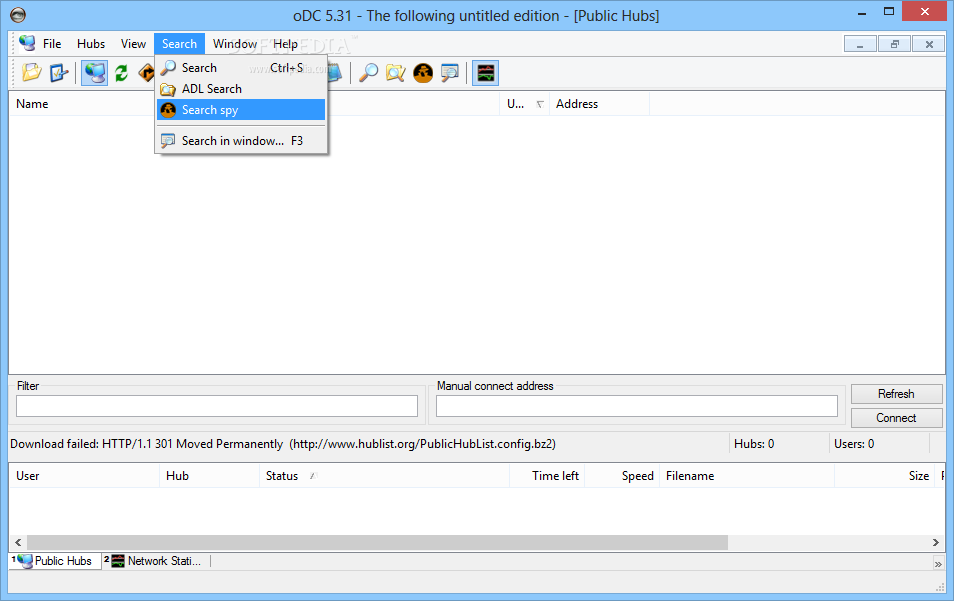
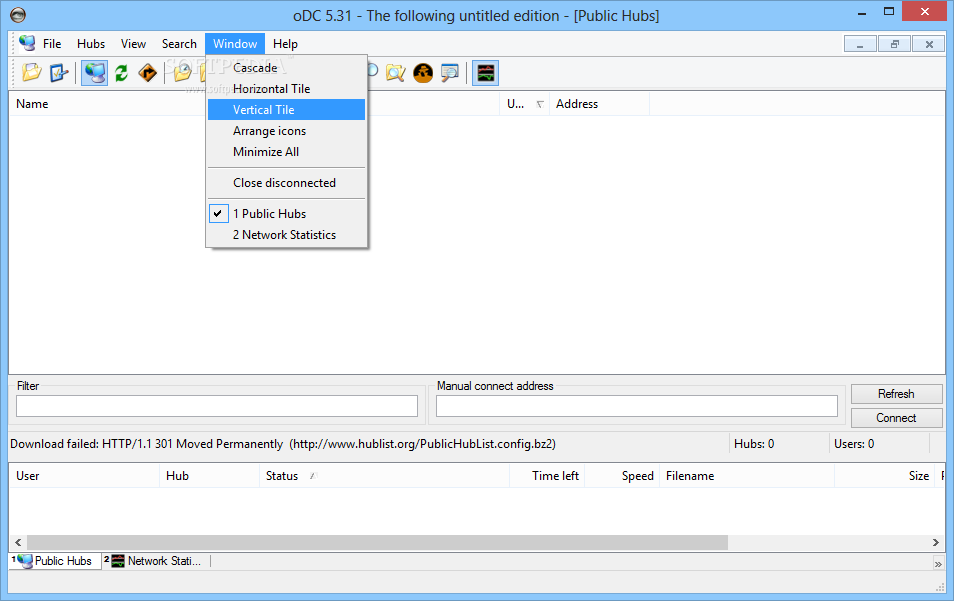
It comes packed with a pretty simple and clean interface, as it only encloses a menu bar, several buttons, a pane in which to view selected details and another one dedicated to displaying ongoing downloads and uploads. Help contents are at your disposal and therefore you can easily find your way around it, even if you are not that versed when it comes to computers.
It is outdated, which leads to a number of problems throughout the application. For example, getting file lists from peers using newer clients is somewhat of an issue, while the download tool fails to perform appropriately if you expect multi-source transfers.
During our test, oDC++ had a series of connectivity problems, although many of the other clients worked pretty fine. It comes, nonetheless, with the basic functions that a user who plans to open it just a couple of times per year would need, such as auto-complete usernames in the chat window, alternate search and private messaging.
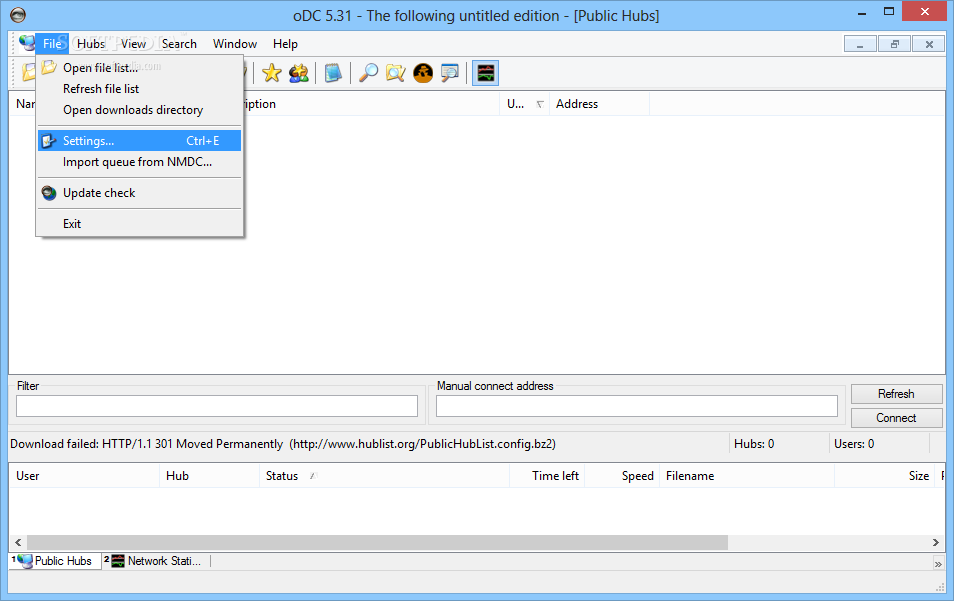
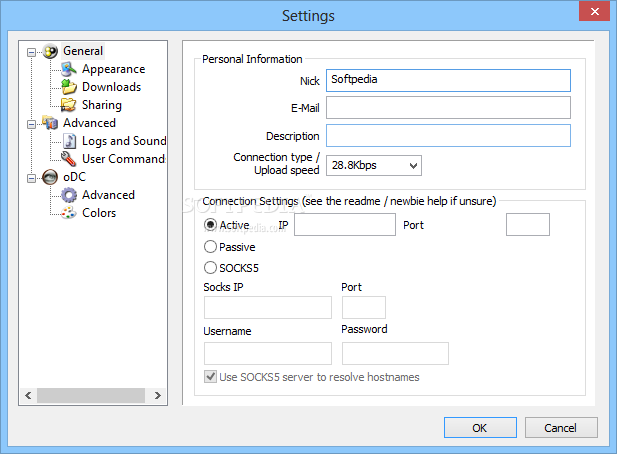
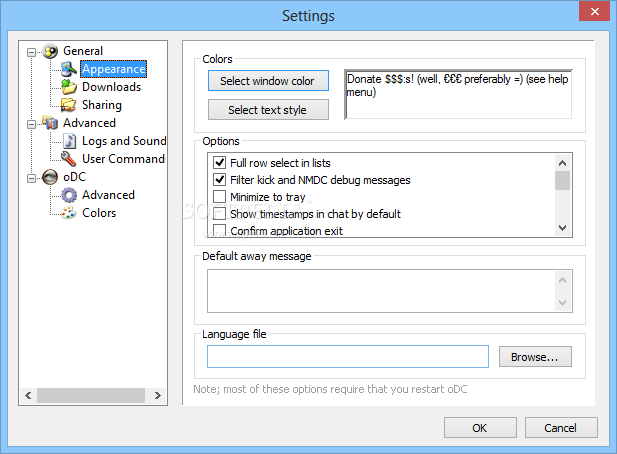
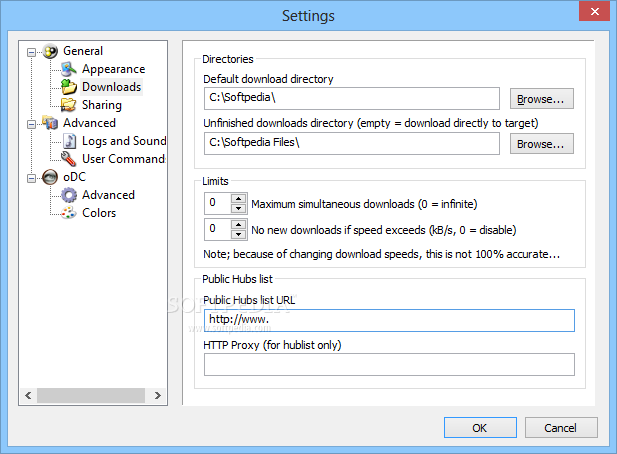
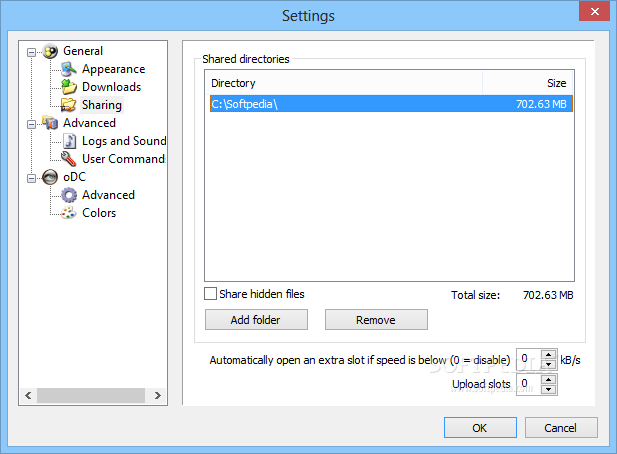
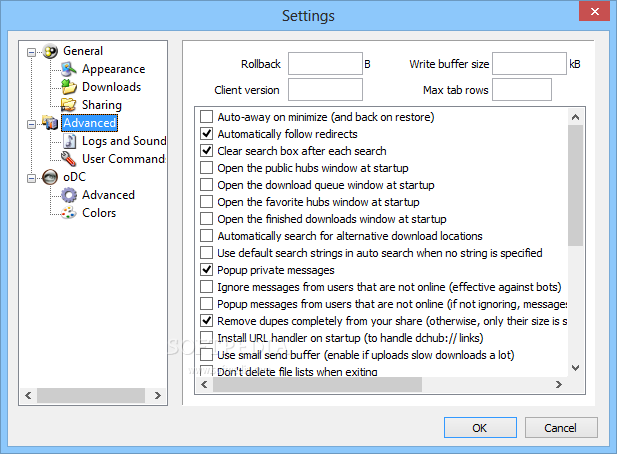
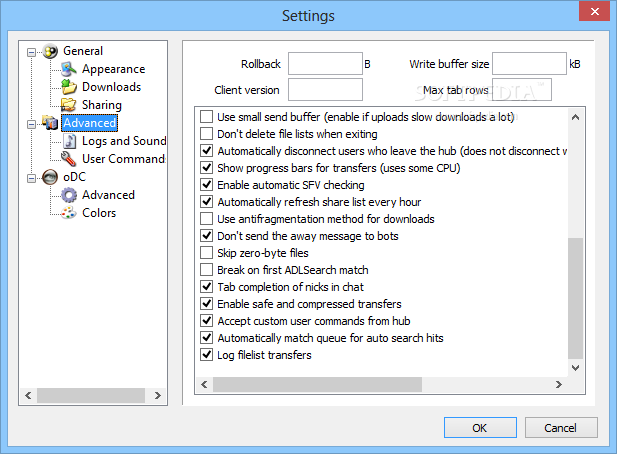
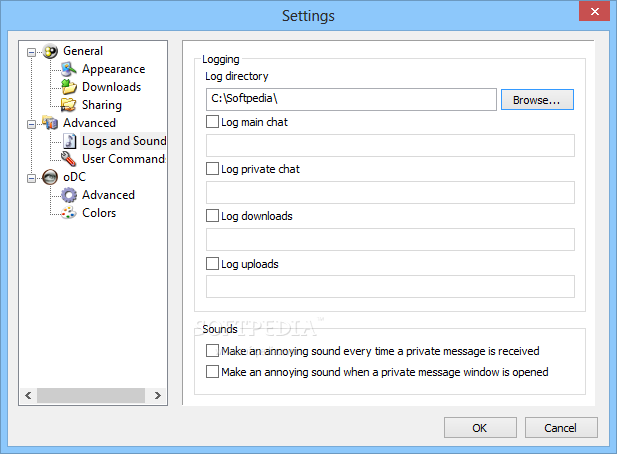
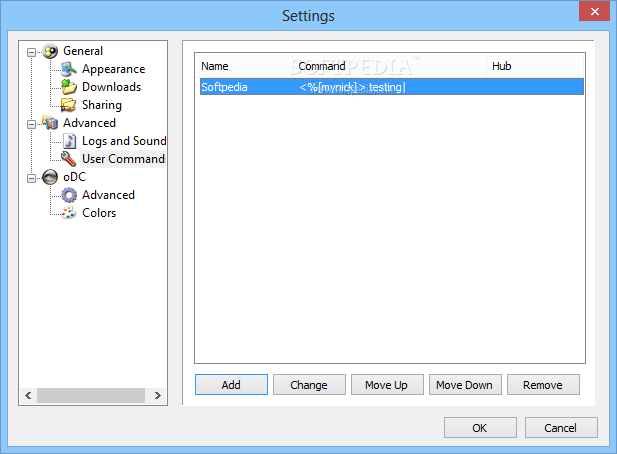
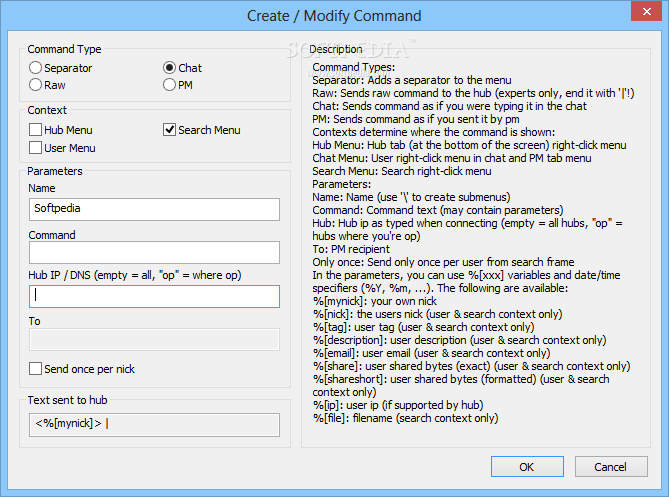
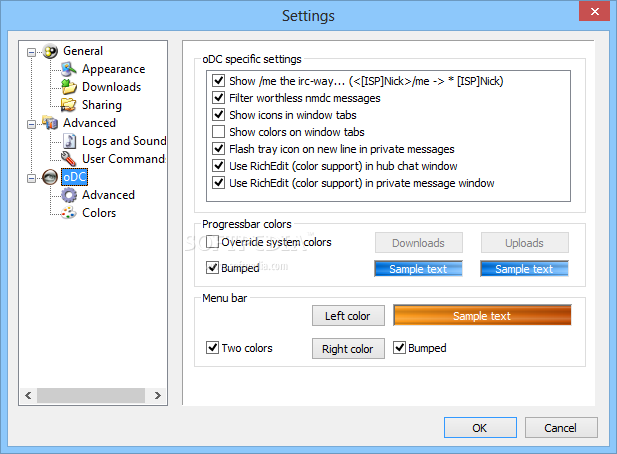
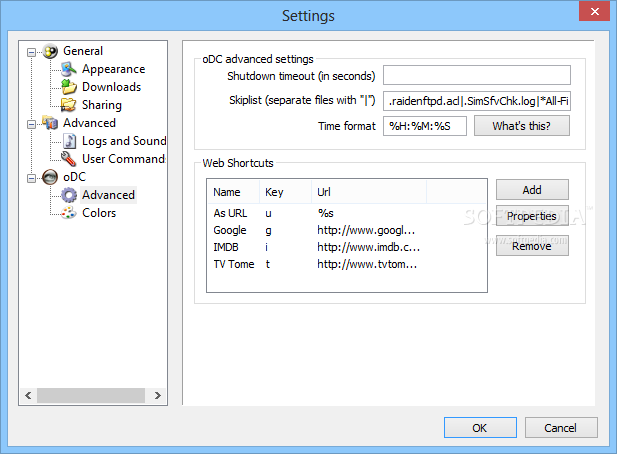
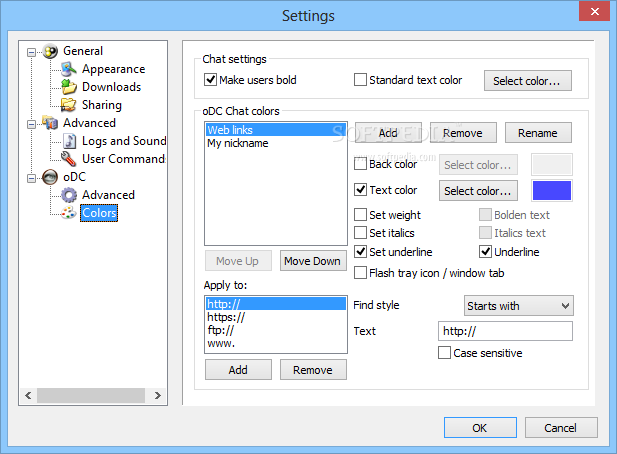
ODC includes web shortcuts, a dedicated 'Go to file' shortcut in the right click menu to instantly open the downloaded file, support for web links to be opened in your default web browser and a comprehensive settings menu to configure the app.
oDC has a lot of potential, but in order to maintain its fans, it requires more work. It has an easy-to-use interface and works pretty fast, and despite various issues, remains one of the most appreciated sharing software applications out there. The computer's performance can sometimes be affected, depending on the number of downloads and the speed.
Download Hubs
Opera's DC++ (oDC) is part of these download collections: Direct Connect Clients, P2P Clients
What's new in Opera's DC++ (oDC) 5.31:
- [help] Changed the settings for progressbar colors
- [help] Fixed a miscoloring of the transfer bars
- [help] Fixed some crash-issues considering the chunked transfer code (totally rewrote it actually, probably a bit faster too)
- [help] Fixed some popup-menu crash issues
Opera's DC++ (oDC) 5.31
add to watchlist add to download basket send us an update REPORT- runs on:
- Windows All
- file size:
- 1.8 MB
- filename:
- odc-5.31.exe
- main category:
- Internet
- developer:
Microsoft Teams

calibre

7-Zip

IrfanView

Bitdefender Antivirus Free

paint.net

Windows Sandbox Launcher

Zoom Client

ShareX

4k Video Downloader

- Zoom Client
- ShareX
- 4k Video Downloader
- Microsoft Teams
- calibre
- 7-Zip
- IrfanView
- Bitdefender Antivirus Free
- paint.net
- Windows Sandbox Launcher