
Based on the eDonkey2000 protocol, this tool lets you download and share items, connect to an IRC channel, chat with other users and limit the bandwidth. #Share folder #Peer to peer #File download #Share #Transfer #P2P

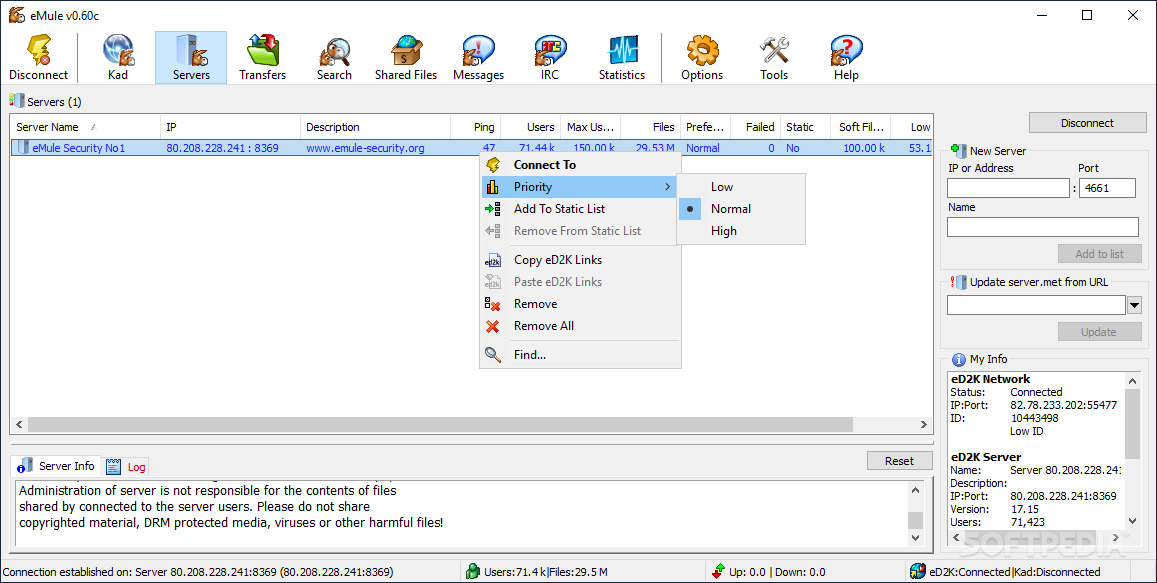
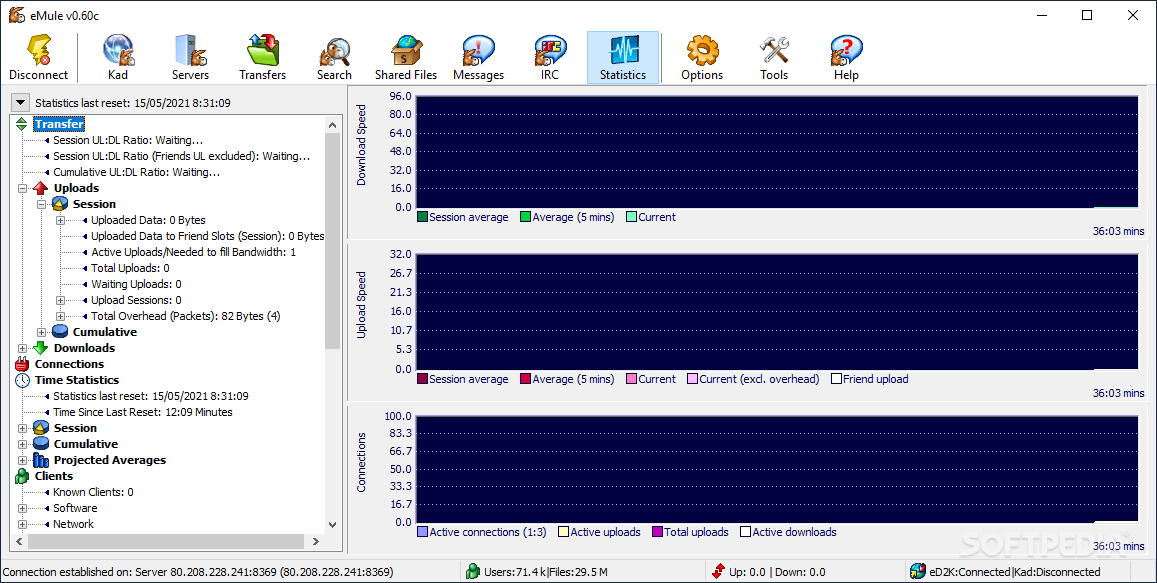
eMule is a file sharing software, based on the eDonkey2000 protocol and that has the role of facilitating the transmissions of data between client nodes in a fast manner. The app's advantage comes from the fact that it transfers files using the zlib-compressed format, thus saving a great deal of bandwidth.
The setup is quick and intuitive and requires just a little bit of attention on your part when you are setting up the name and servers. The interface is intuitive and user-friendly, as it only comprises several buttons and a few panes to display various information. Regardless of your experience with using similar programs, you are unlikely to have any issues using the tool.
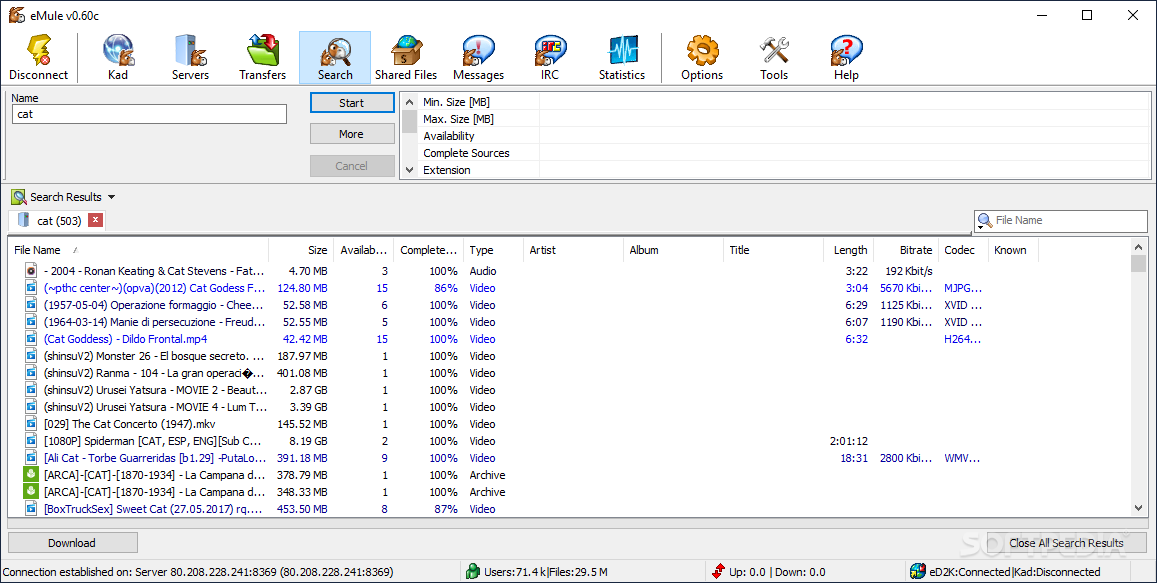
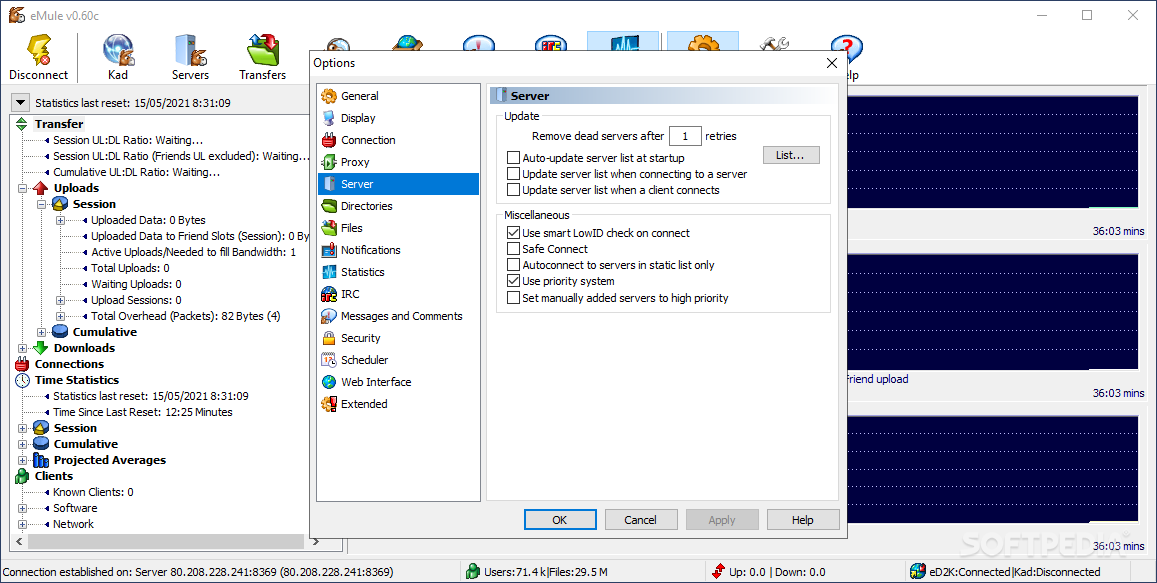
Before you can get started, you need to select a server you wish to connect to and, once connected, you can easily search for a particular file. On a side note, if the results are not immediately returned, do not despair, as it may take the tool a while to get the wheels turning (download speed is usually fast, if the bitrate is good).
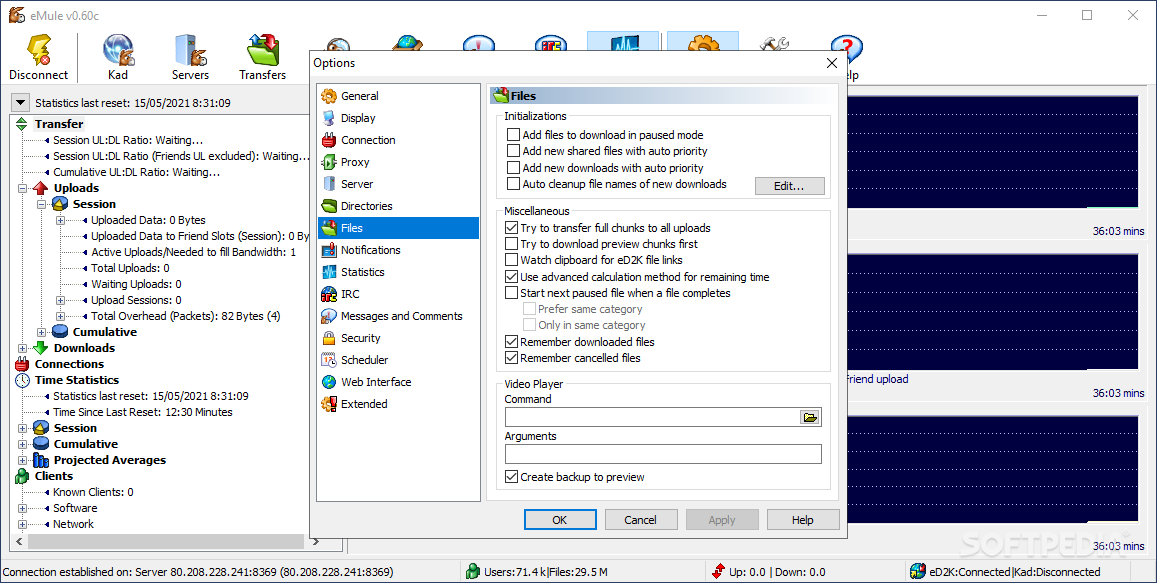
Each downloaded item goes directly into shared files, so that others can have access to it. Moreover, it is also possible to select other files from your hard drive and upload them with a simple click of the button.
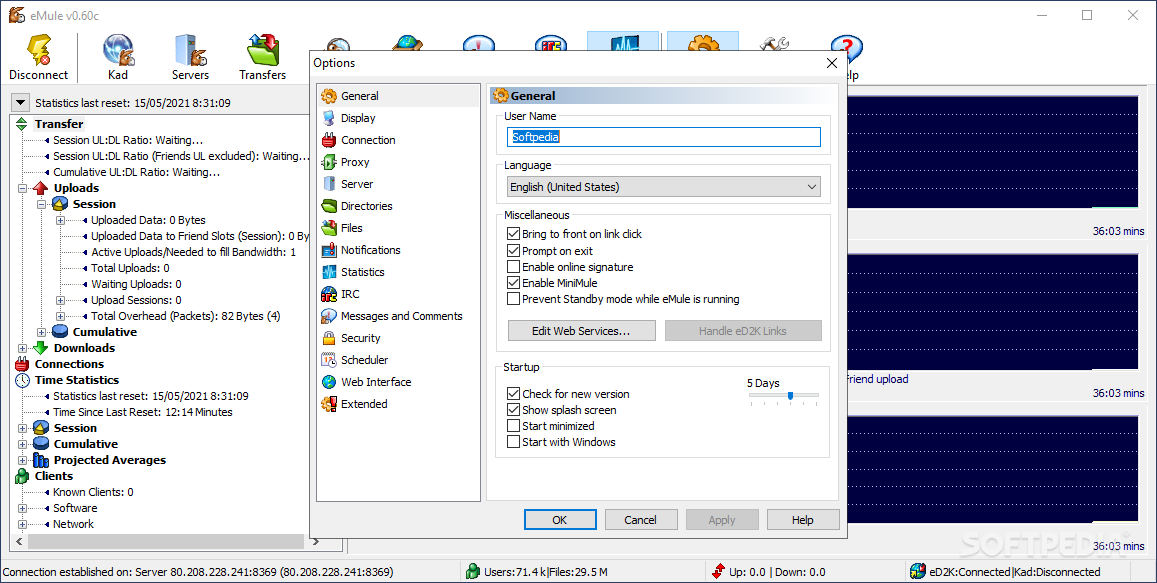
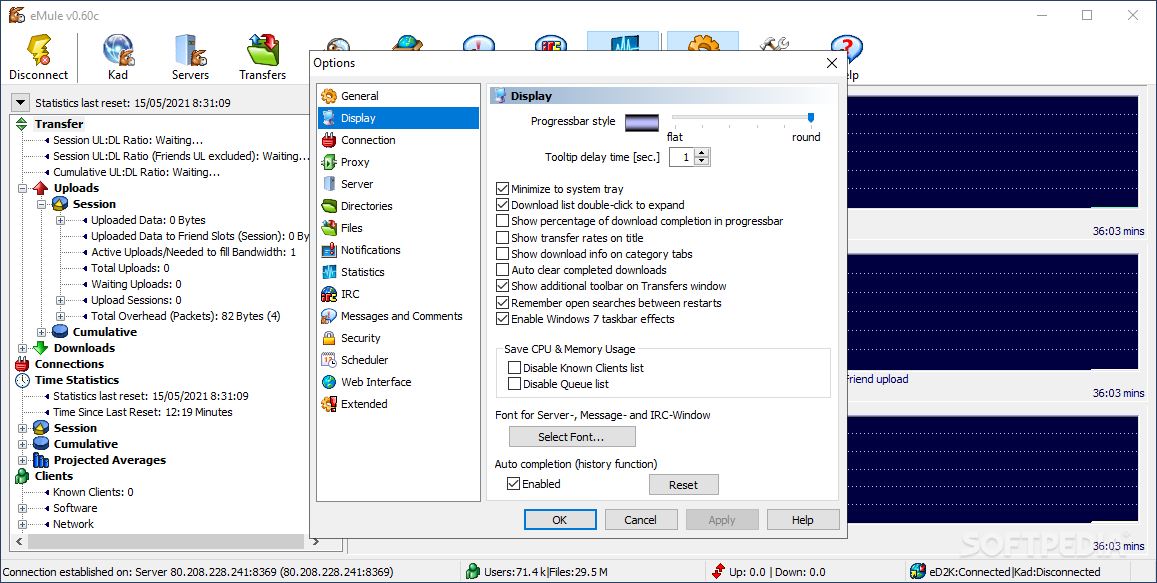
You can chat with users and access IRC channels. The Options menu lets you reconfigure your username and language, save CPU and memory usage by disabling the Queue list and Known Clients list, but also select the font of the interface text.
You can adjust the transfer capacity (download and upload limit), schedule a task (i.e. to-do list), enable MobileMule (with a password), and more.
EMule is an efficient file sharing client that does not feed on all your bandwidth. It was and still is the basis of newer, more modern file sharing clients.
Download Hubs
eMule is part of these download collections: P2P Clients
What's new in eMule 0.70a:
- Using I/O completion ports for disk operations.
- Improved handling of UNC paths.
- Upload SpeedSense is 'not recommended'.
- Minor GUI enhancements, bug fixes, code refactoring.
eMule 0.70a
 Softpedia Editor's Pick
add to watchlist
add to download basket
send us an update
REPORT
Softpedia Editor's Pick
add to watchlist
add to download basket
send us an update
REPORT
- PRICE: Free
- runs on:
-
Windows 11
Windows 10 32/64 bit - file size:
- 3.2 MB
- filename:
- eMule0.70a-Installer.exe

- main category:
- Internet
- developer:
- visit homepage
Windows Sandbox Launcher

IrfanView

Bitdefender Antivirus Free

4k Video Downloader

paint.net

Microsoft Teams

ShareX

7-Zip

calibre

Zoom Client

- 7-Zip
- calibre
- Zoom Client
- Windows Sandbox Launcher
- IrfanView
- Bitdefender Antivirus Free
- 4k Video Downloader
- paint.net
- Microsoft Teams
- ShareX