
Try a flexible and free resource that will help capture webpages fast and in different ways — entire pages, visible parts, or chosen page portions. #Webpage Capture #Scrolling Capture #Take Snapshot #Capture #Screenshot #Snapshot
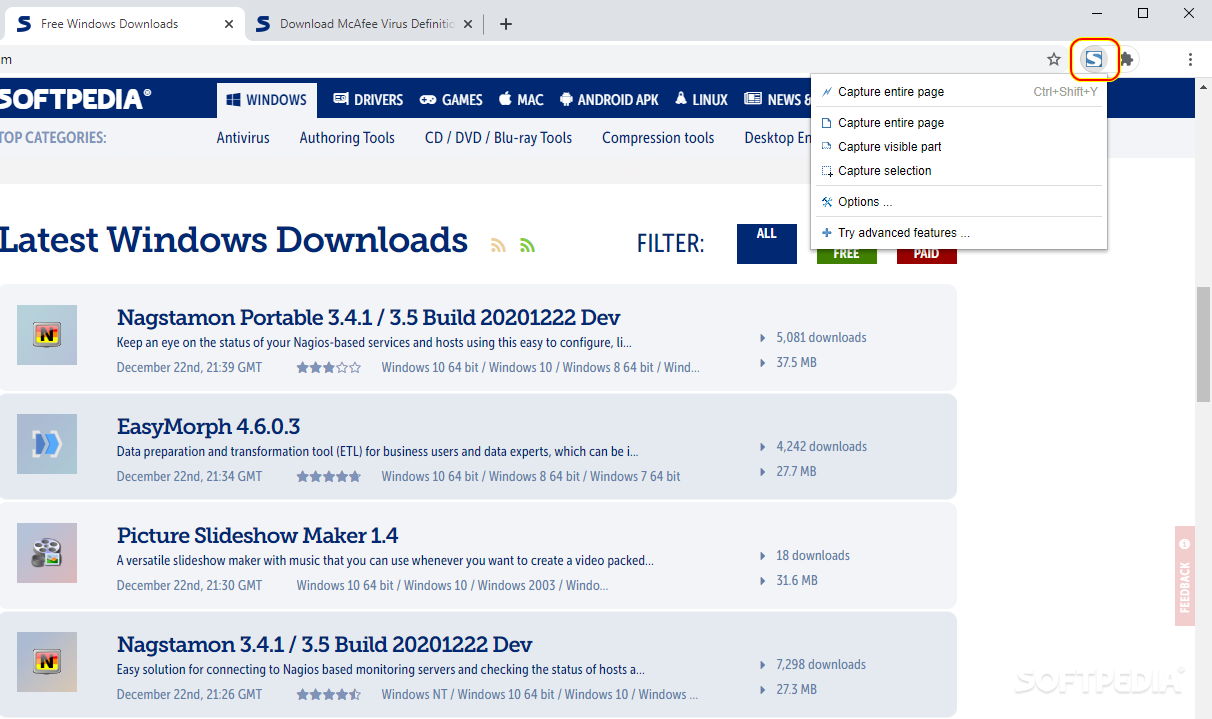
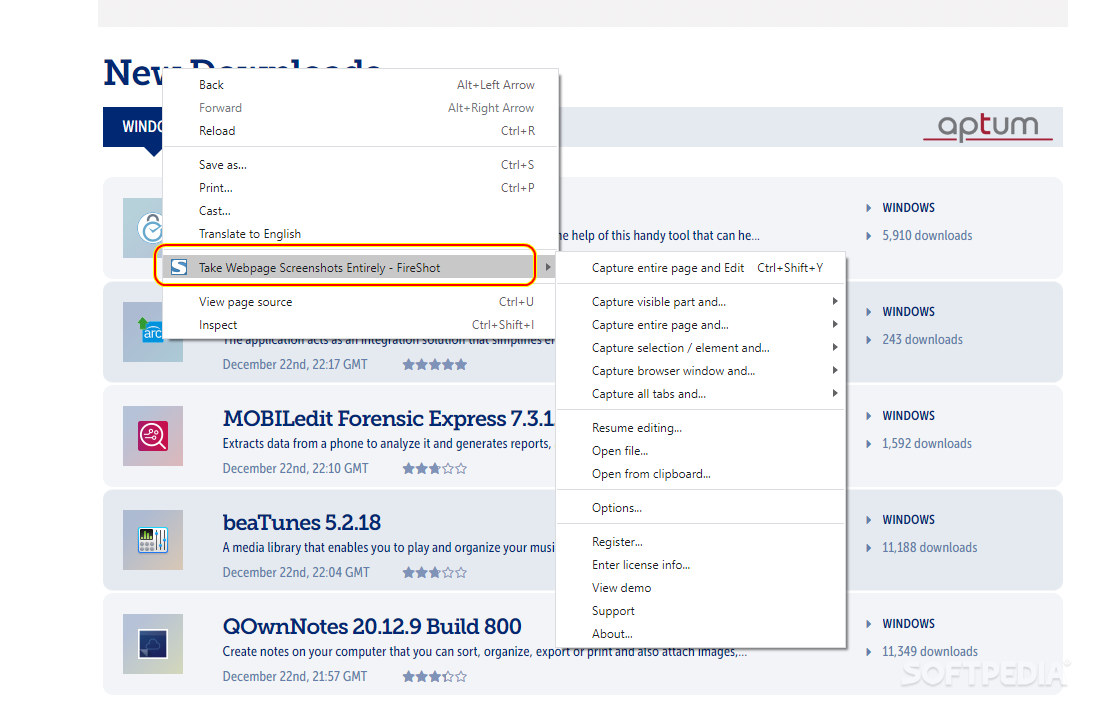
FireShot for Chrome is a super-useful browser enhancer that allows capturing webpages in different ways, has a customizable configuration, and offers advanced shareability options.
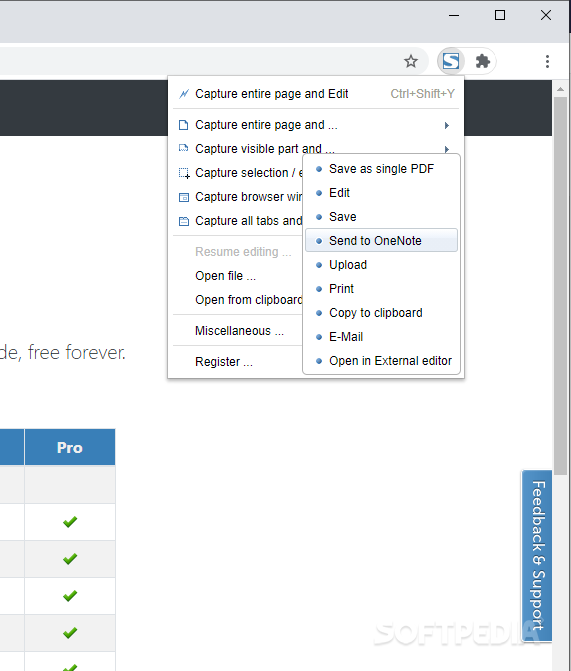
Firstly, the Chrome add-on is small in size and easy to use. For example, all the commands and their names are self-explanatory. Also, FireShot allows saving your screen captures in different formats, which is really convenient; you can save your snapshots in PDF (normal file or with links), PNG, or JPEG.
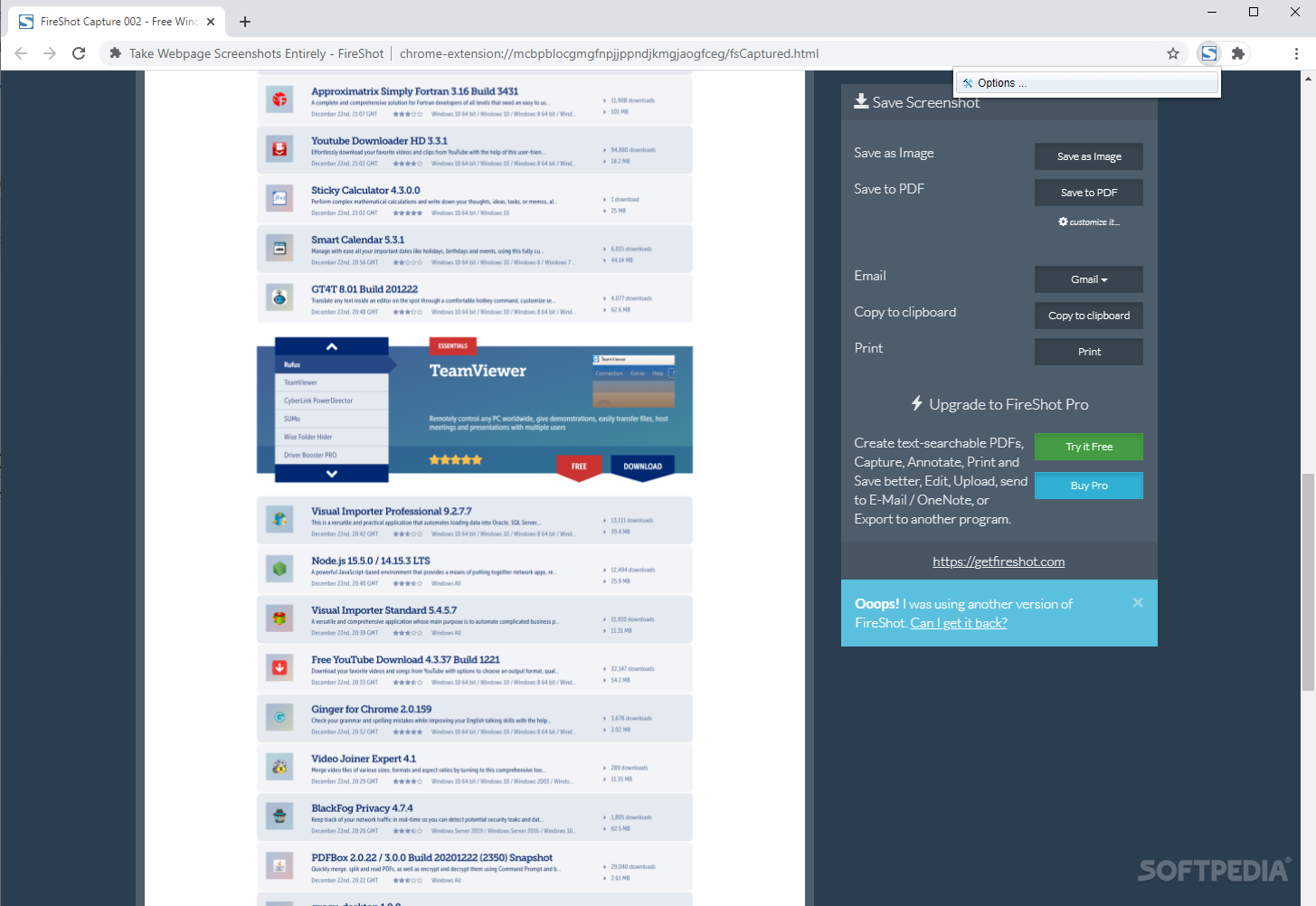
After taking a scrolling webpage capture, the extension will save and open your screenshot in a new browser tab. From there, you can choose how you want to save the file and where you want to share it.
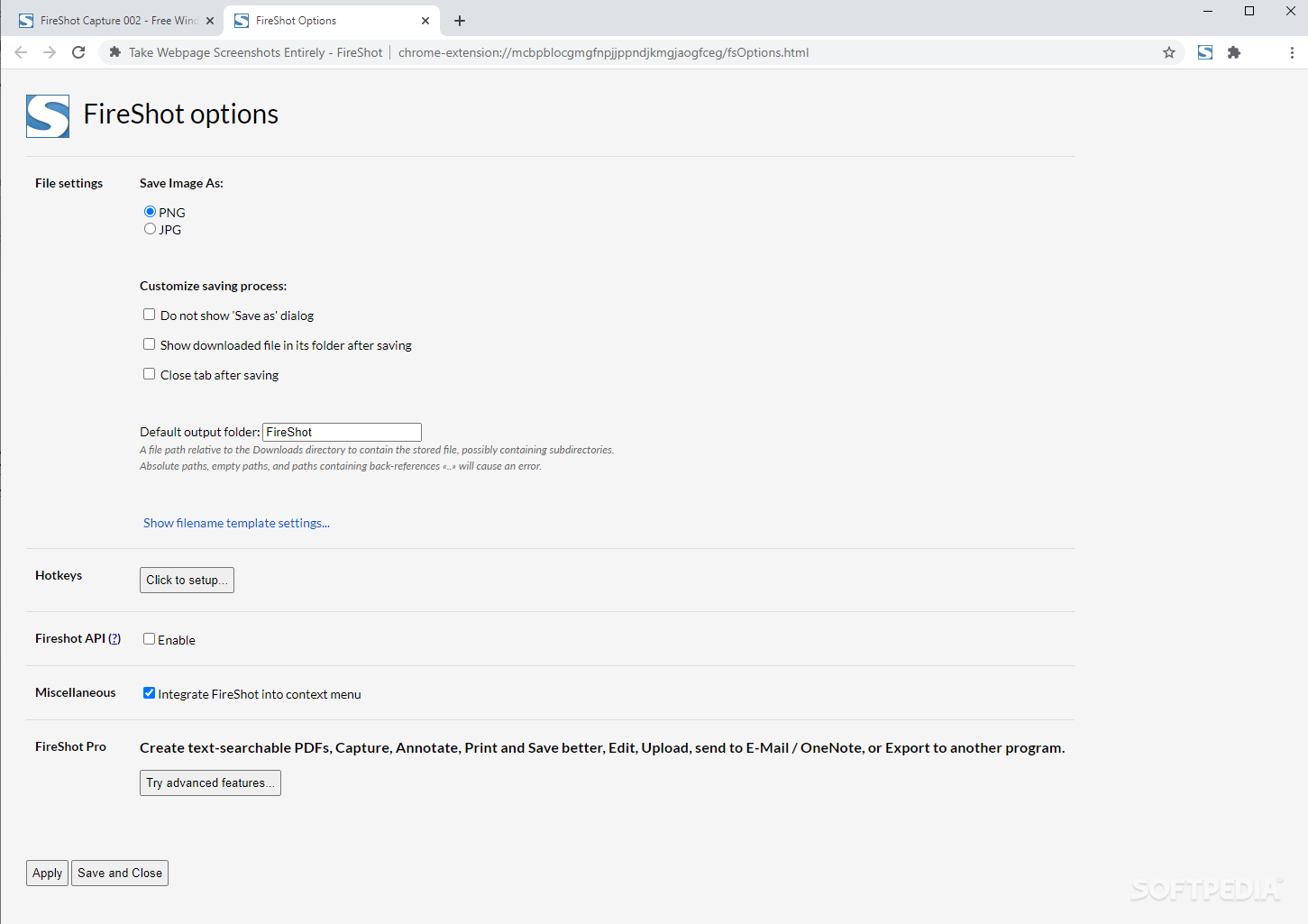
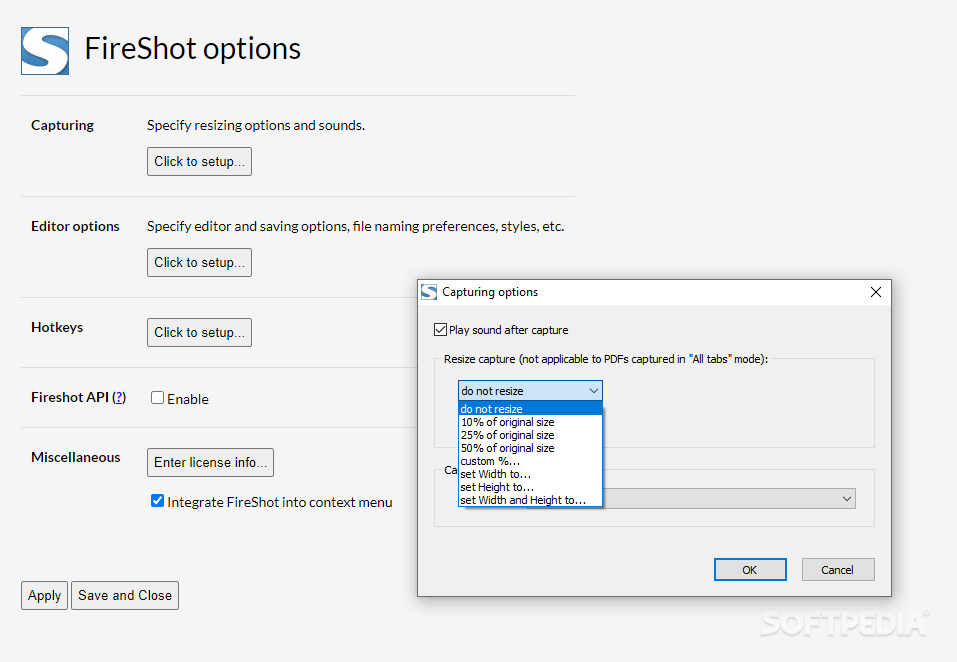
Secondly, some other advantageous traits of this extension are the possibility to customize its standard behavior, the possibility to use keyboard commands for capturing the screen, and the option to switch to the advanced pro mode that enables access to plenty of other features.
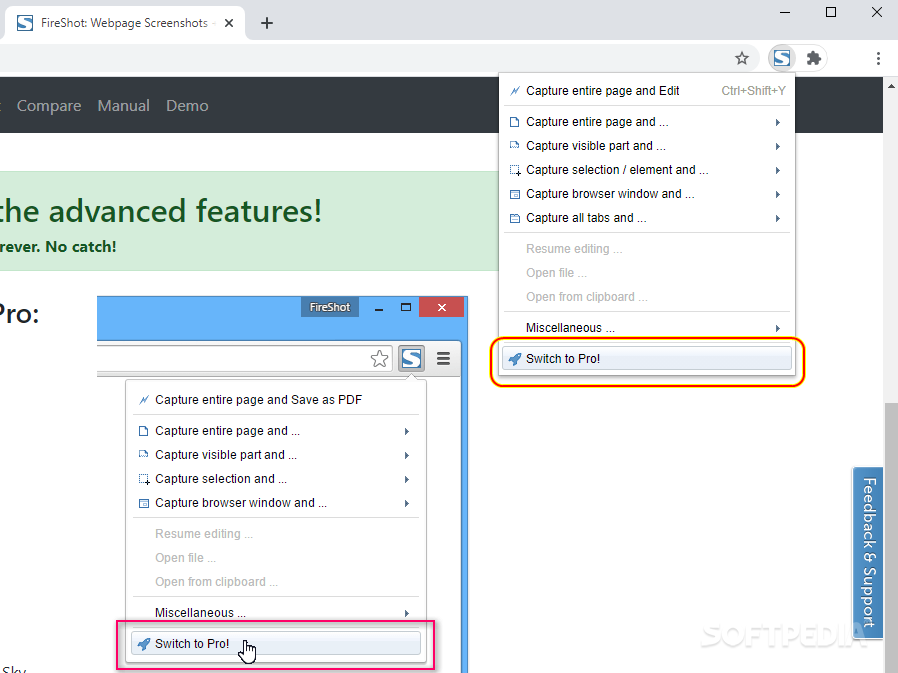
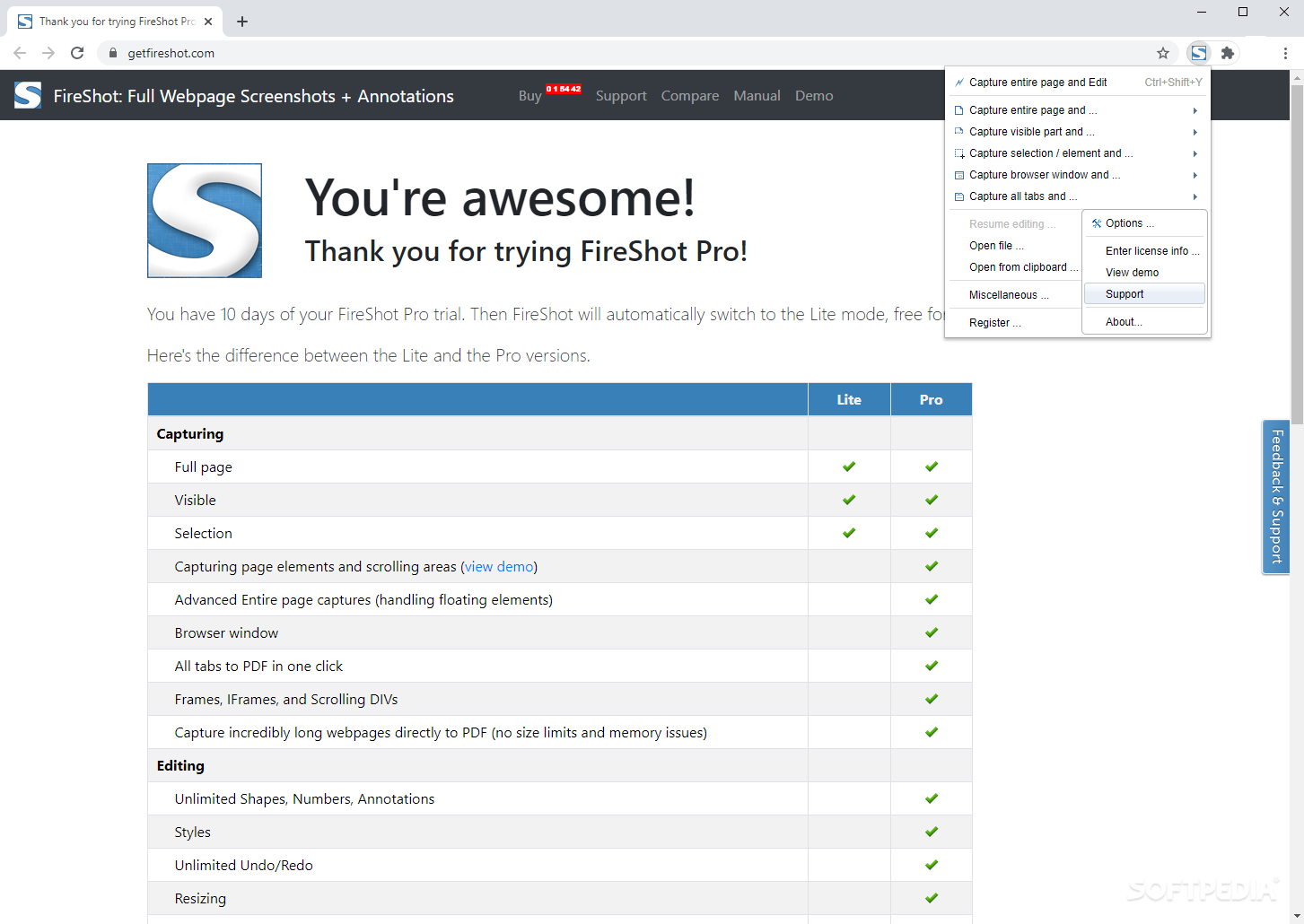
This Chrome extension is really nice, and, if you are in need of more advanced capturing methods and options, you can easily rely on the pro version that can be activated from within the add-on's dropdown menu, using the dedicated command 'Switch to Pro.'
The newly activated Pro mode enables you to edit your snapshots, handle special elements in a page (e.g. floating elements), simultaneously capture all your open tabs, capture super-long webpages (with no care for the size of your generated files), add watermarks, access advanced importing and exporting options, and much more.
To conclude, this Chrome add-on could be a lifesaver for someone who needs to capture webpages or documents, needs to print their work, or wants to document and keep their online content. These are just a few use case scenarios that justify the utility of this browser enhancer.
FireShot for Chrome is a simple, yet powerful utility that anyone could try and use. No matter your needs, you will surely find it useful at some point.
FireShot for Chrome 1.12.18
add to watchlist add to download basket send us an update REPORT- runs on:
-
Windows 11
Windows 10 32/64 bit - file size:
- 10.6 MB
- main category:
- Internet
- developer:
- visit homepage
7-Zip

ShareX

Windows Sandbox Launcher

Zoom Client

Bitdefender Antivirus Free

4k Video Downloader

Microsoft Teams

IrfanView

paint.net

calibre

- IrfanView
- paint.net
- calibre
- 7-Zip
- ShareX
- Windows Sandbox Launcher
- Zoom Client
- Bitdefender Antivirus Free
- 4k Video Downloader
- Microsoft Teams