
A modern radio application that allows one to listen to and add new stations from all over the world, enjoying content that is both local and from abroad. #Radio Streamer #Play Radio #Radio Player #Radio #Streamer #Stream

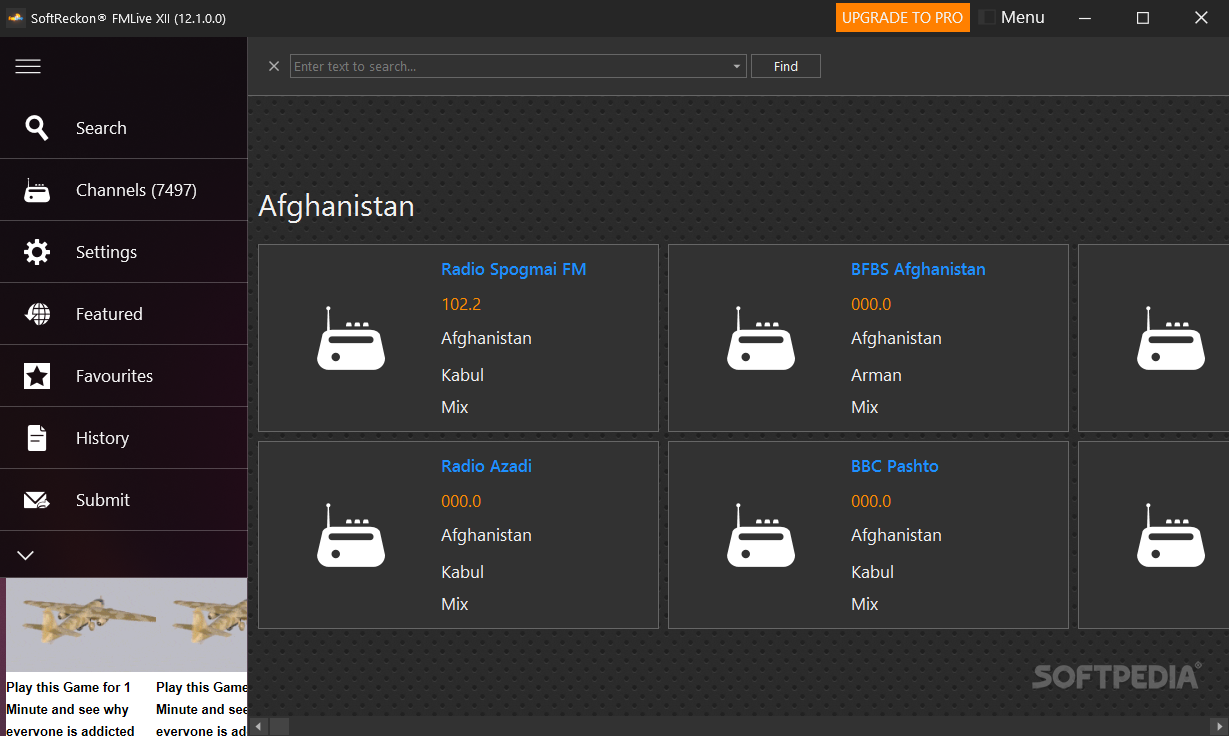
Even if today we consider radio to be somewhat obsolete, it doesn't necessarily mean that it is true. In fact, with the discovery of the internet, just like in the case of TV broadcasts, radio stations have also adapted and collaborated with the newly discovered medium. By now, listening to online radio stations is mainstream, which is why FM Live could win you over with the variety of stations it brings to users from all over the world.
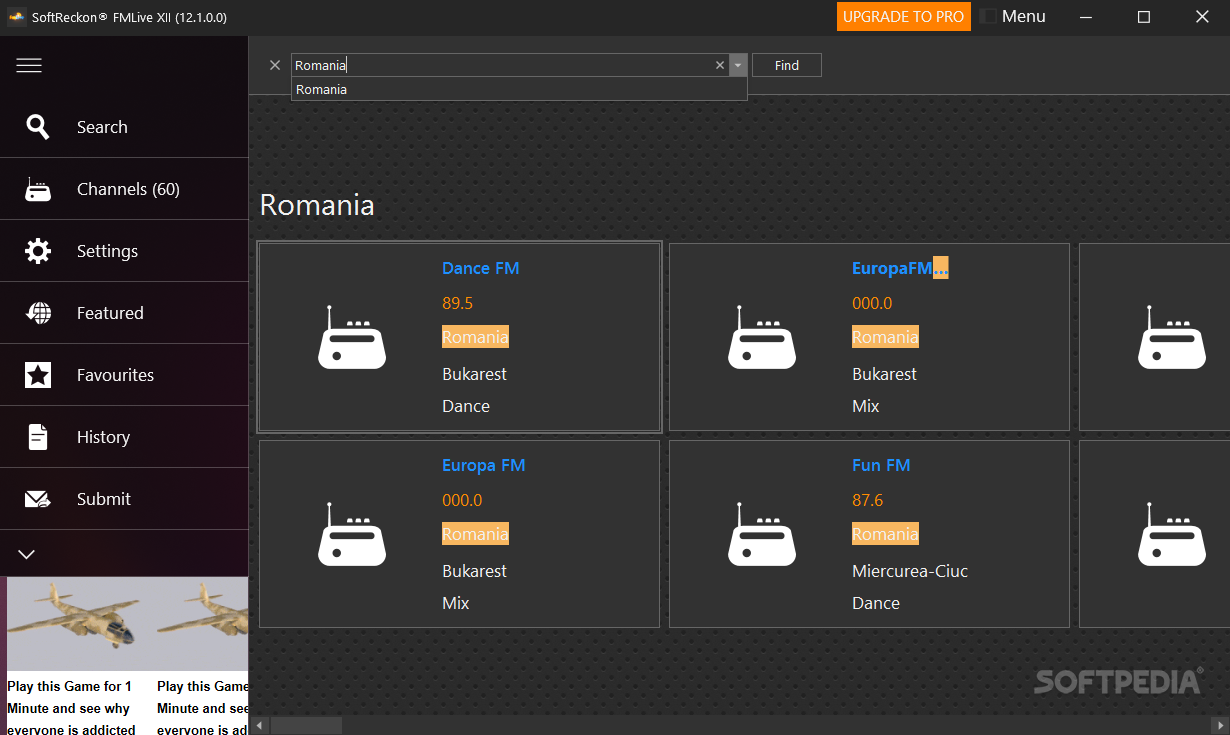
The first thing you'll notice is how well arranged everything seems within this app's window. Radios are alphabetically displayed according to the country they pertain to. Use the search box to find a specific station or a country to interact with other cultures around the world. Whether it's a talk show or national music, hits or news, this app can bring you closer to the rest of the world.
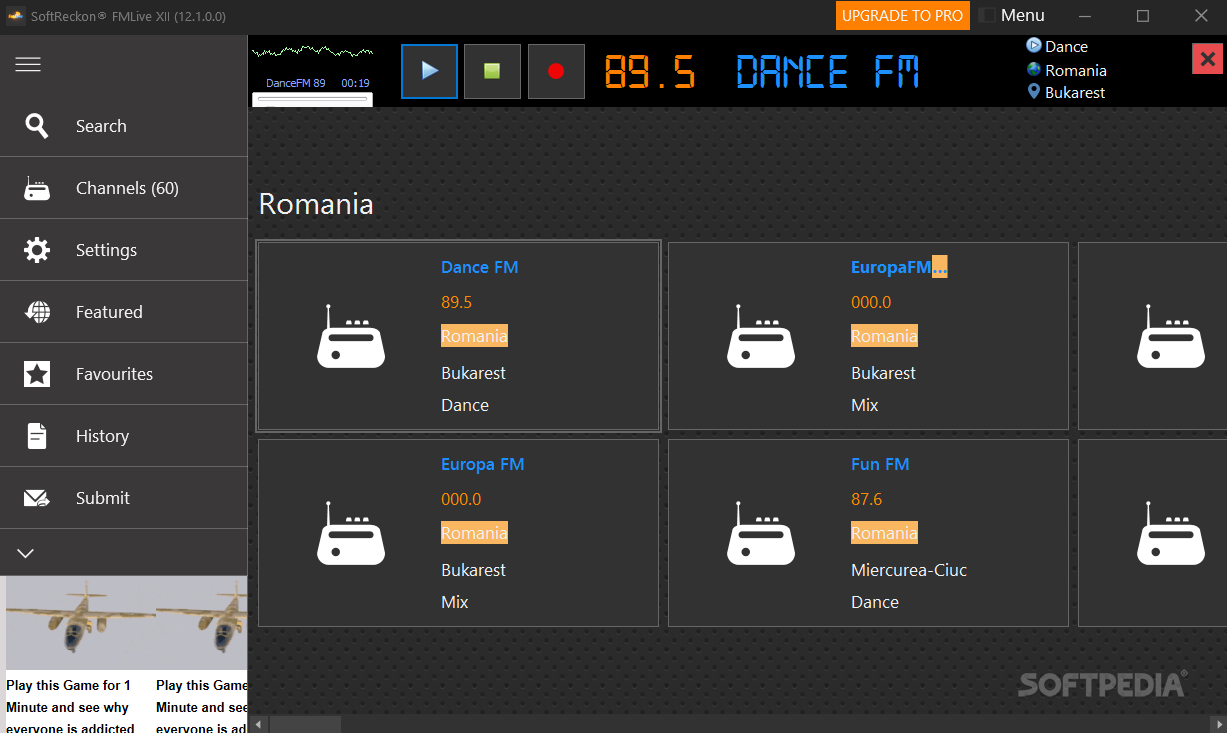
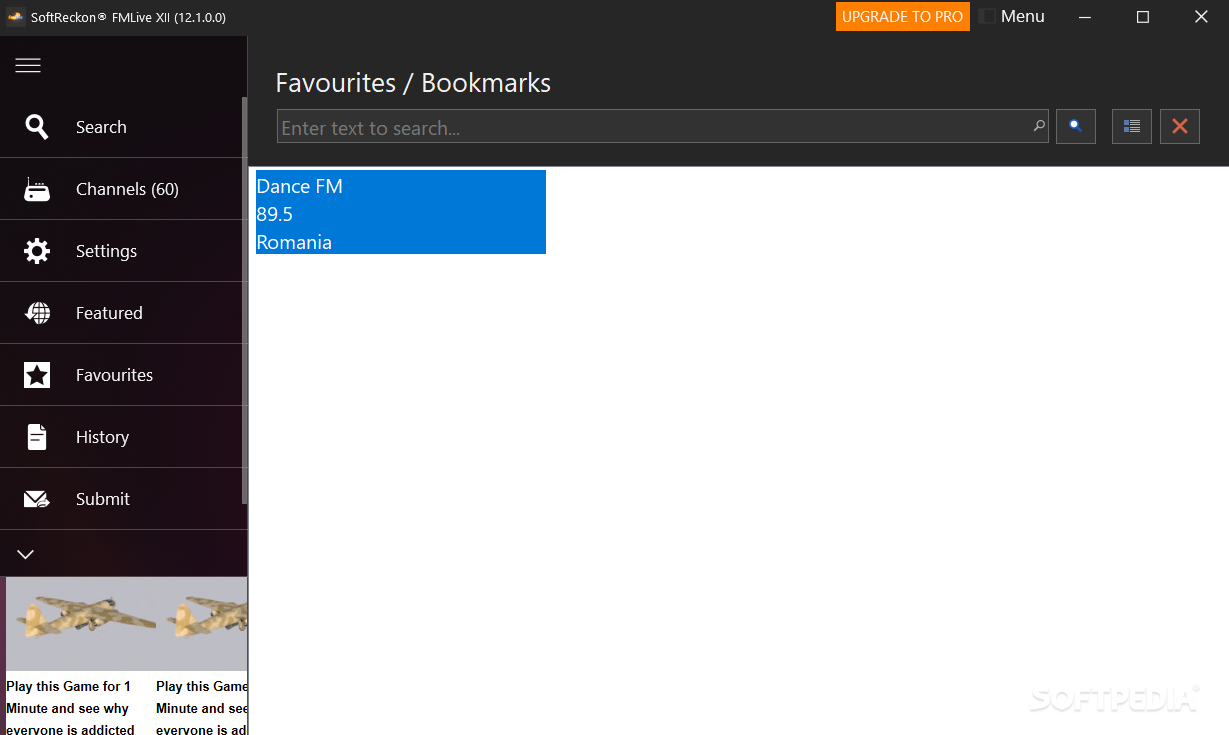
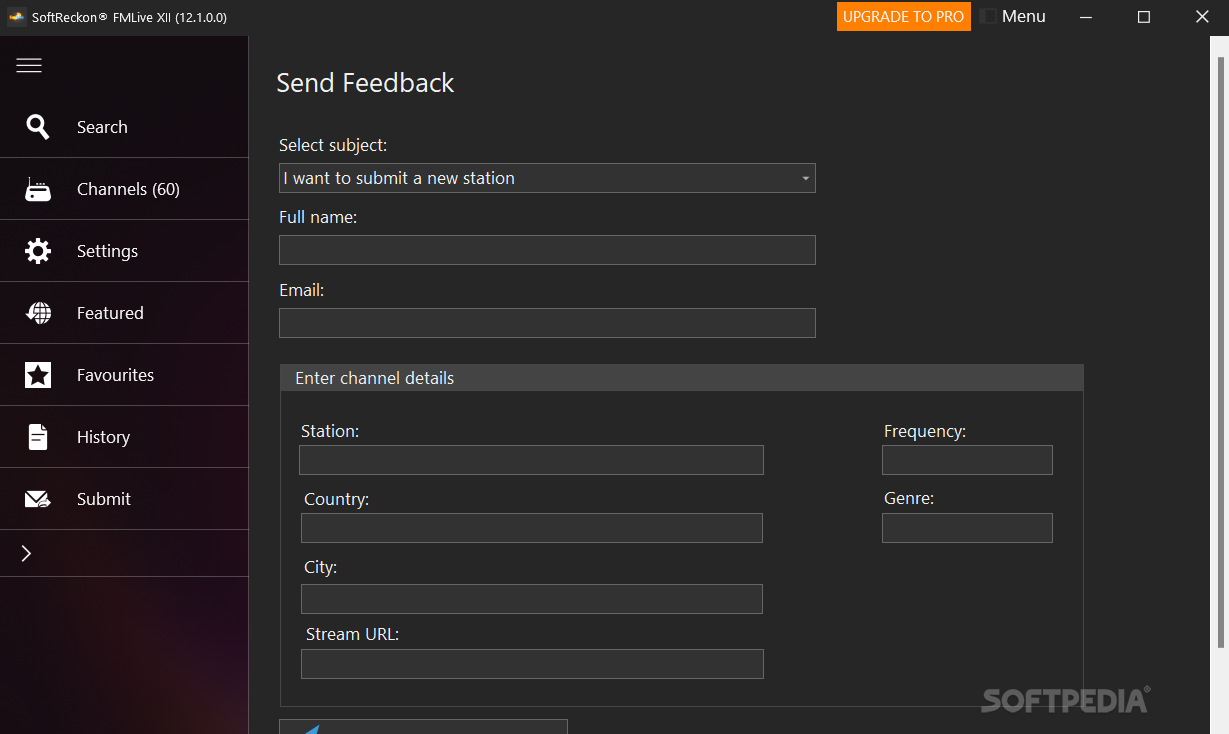
There are over 7000 channels that can be accessed from the start. You can submit new radio stations if you'd like to contribute and not only make use of the app. Save your favorite radio stations in a specific list for those future moments when you'll want to listen again to certain tunes. You can play, pause and record whatever happens on the radio. The app also displays the country, city, and genre of the station you're listening to.
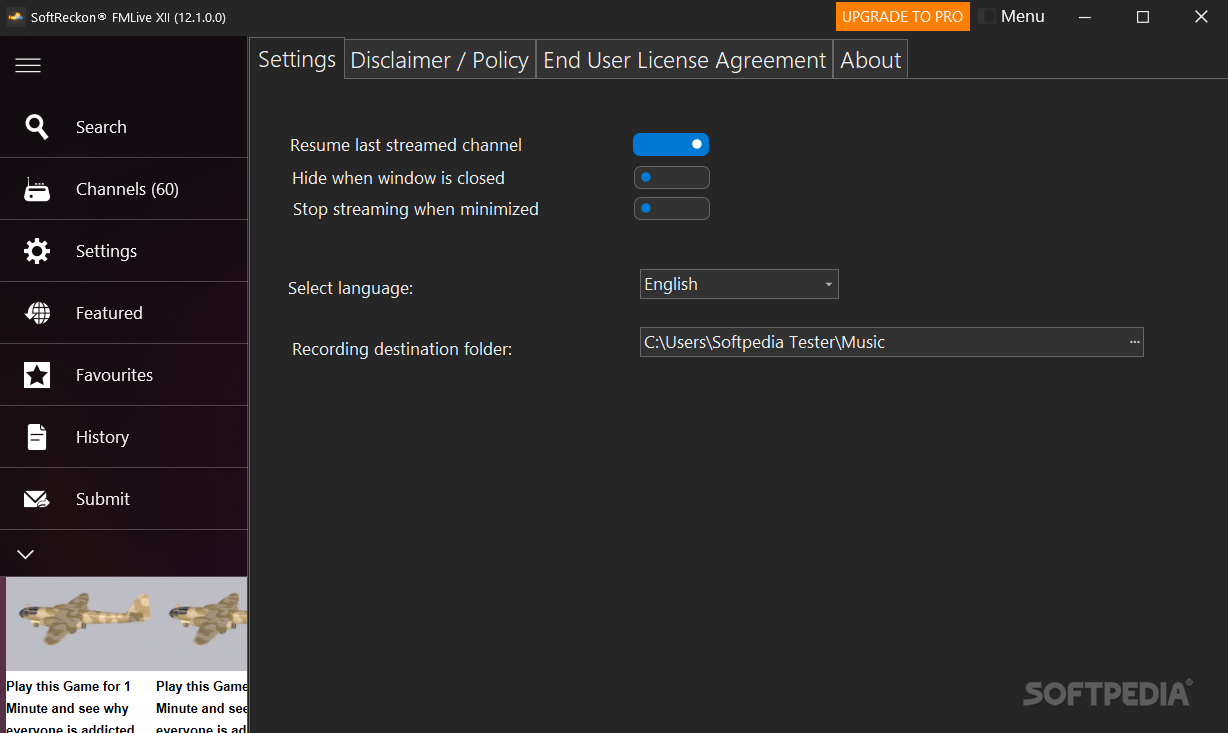
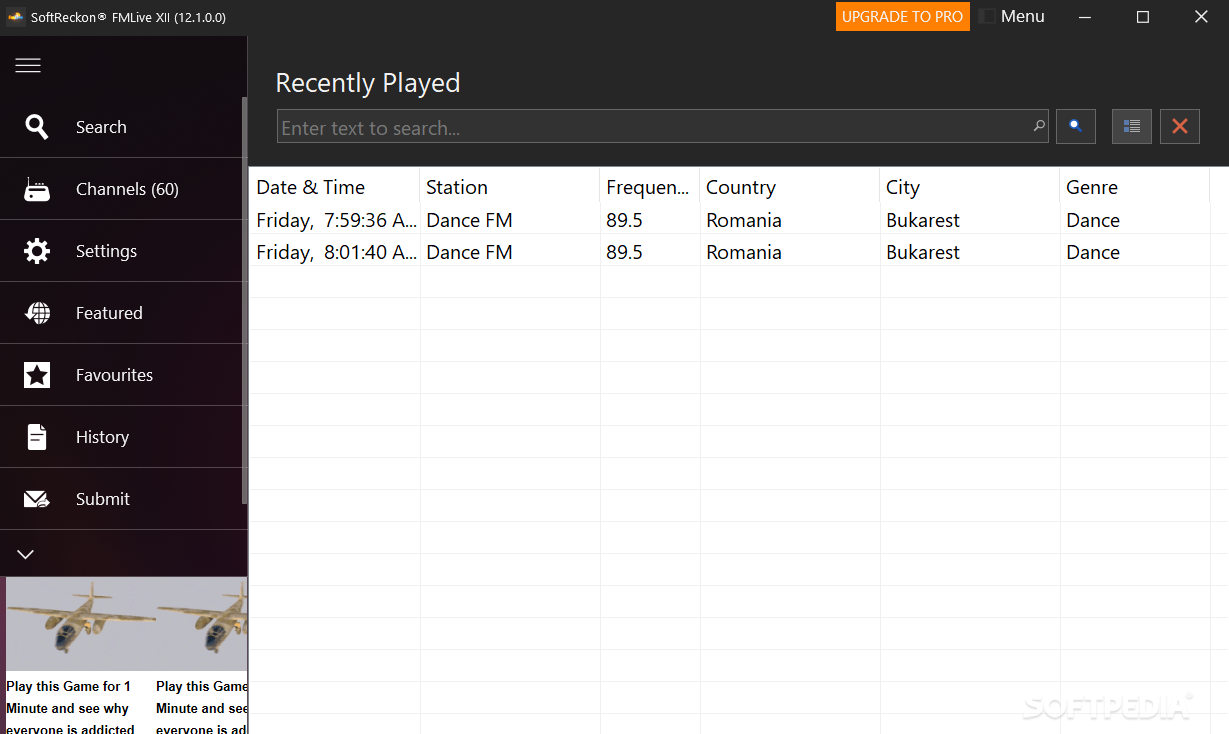
In terms of adjustable options, there aren't really that many. You'll be able to decide if you want the app to be hidden when the window is closed. You can also stop streaming when minimized. Lastly, the recording destination folder can be set up as well. A history of the radio stations that any user has listened to can easily be obtained by accessing the appropriate menu.
FM Live might not bring important functionality to the table, yet it manages to give all users the ability to interact with the rest of the world in a very simple manner. Ultimately, this app is also great for enjoying certain country-specific content.
What's new in FM Live XII (12.1.6):
- Updated redundant stream links
- Updated UI
- Updated multi-language module
FM Live XII (12.1.6)
add to watchlist add to download basket send us an update REPORT- runs on:
-
Windows 11
Windows 10 32/64 bit
Windows Server 2012
Windows 2008 R2
Windows 2008 32/64 bit
Windows 8 32/64 bit
Windows 7 32/64 bit
Windows Vista 32/64 bit
Windows XP 32/64 bit - file size:
- 60.3 MB
- filename:
- FMLive_XII (12.1.6)_Setup.zip
- main category:
- Internet
- developer:
- visit homepage
ShareX

Windows Sandbox Launcher

Zoom Client

IrfanView

calibre

Bitdefender Antivirus Free

Context Menu Manager

4k Video Downloader

Microsoft Teams

7-Zip

- 4k Video Downloader
- Microsoft Teams
- 7-Zip
- ShareX
- Windows Sandbox Launcher
- Zoom Client
- IrfanView
- calibre
- Bitdefender Antivirus Free
- Context Menu Manager