Softpedia
 

WINDOWS CATEGORIES:


GLOBAL PAGES >>
SOFTPEDIA REVIEWS >>
MEET THE EDITORS >>

WEEK'S BEST

  • DAEMON Tools Pro (...
  • FlashFXP [ DISCOUN...
  • PowerISO 4.9
  • WebcamMax [DISCOUN...
  • Zemana AntiLogger ...
  • System Mechanic Pr...
  • Glary Utilities Pr...
  • All My Movies [DIS...
  • Ad-Aware Internet ...
  • Atlantis Word Proc...
  • Home > Windows > Internet > News / Newsgroups /Blog Tools
     Report malware

    NewsLeecher 5.0 Beta 12 / 4.0

    download button

    Part of the Download MP3 download hub
    Downloads: 130,430  View global page  Tell us about an update
    User Rating:
    Rated by:
    Good (3.8/5)
    250 user(s)
    Developer:

    License / Price:

    Size / OS:

    Last Updated:

    Category:

    Trial / USD 19.99 buy button
    6.6 MB / Windows All
    [view history]
    C: \ Internet \ News / Newsgroups /Blog Tools

     Read user reviews (5)  Send to friend   Follow (11 users)

    EDITOR'S RATING

    Softpedia Editor's Review for NewsLeecher

    A usenet application to download movies, pictures, MP3s, and software

    Written by Elena Opris on November 16th, 2011

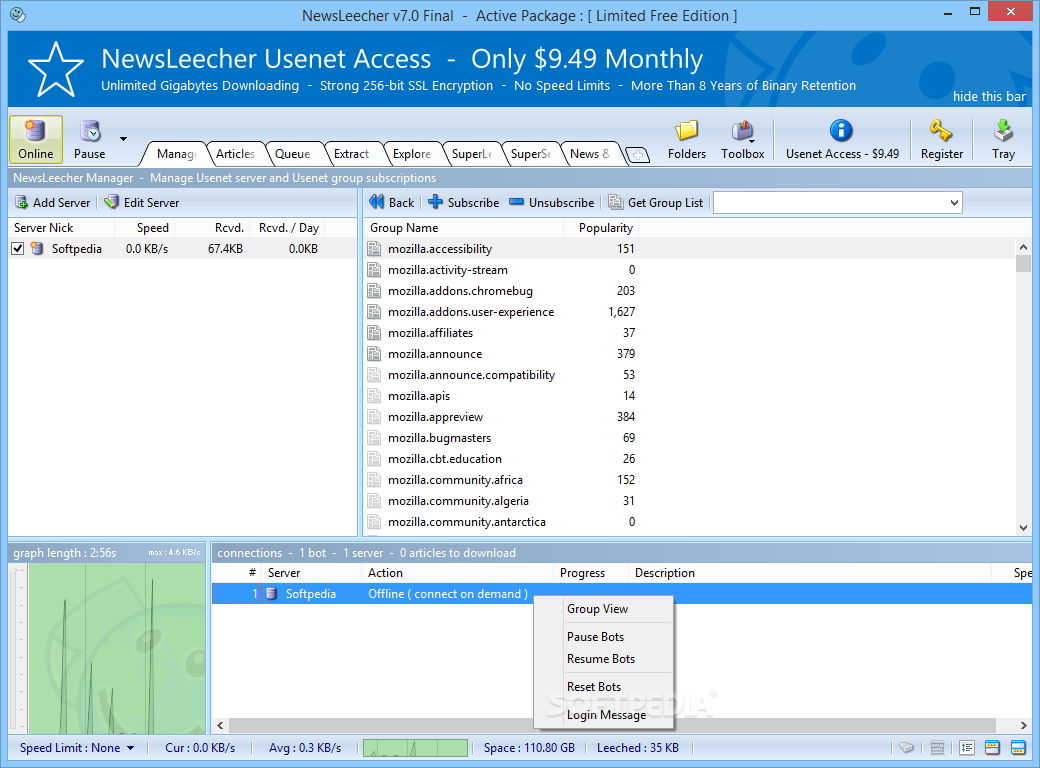
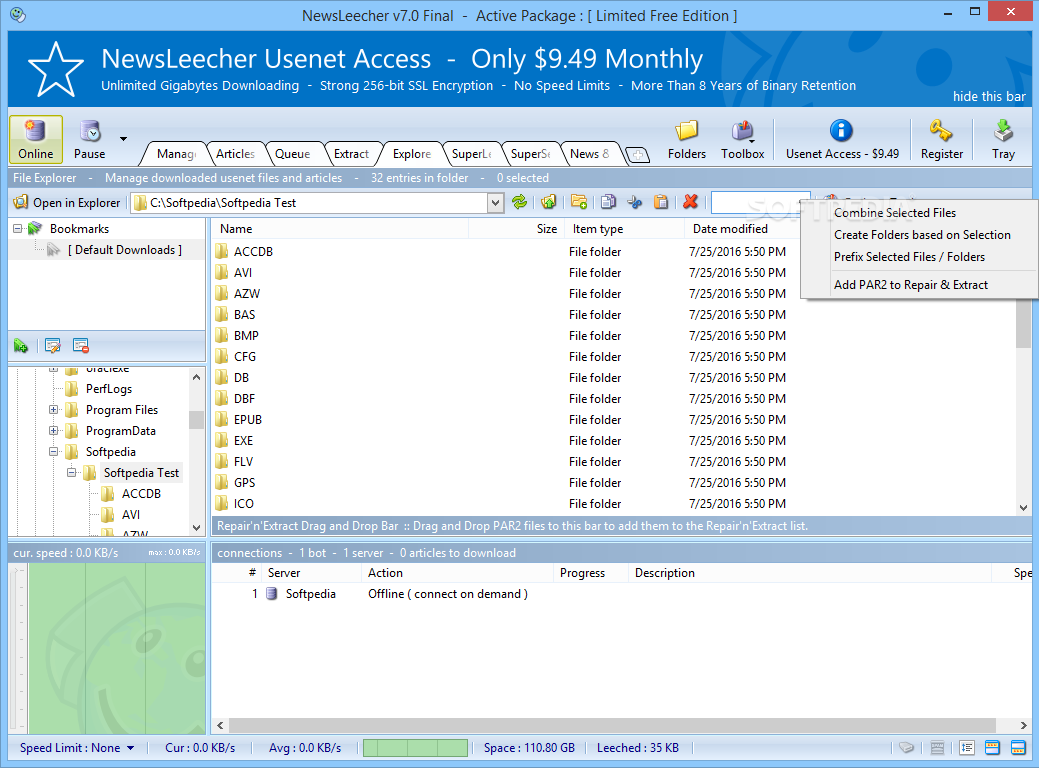
    NewsLeecher is the kind of tool you simply can't leave without. It is a Usenet downloading application that allows you to download software, image, audio, and video files in a few elementary steps.

    Unfortunately, since this is a free trial, a 30-second nag screen will appear every time you initiate the program.

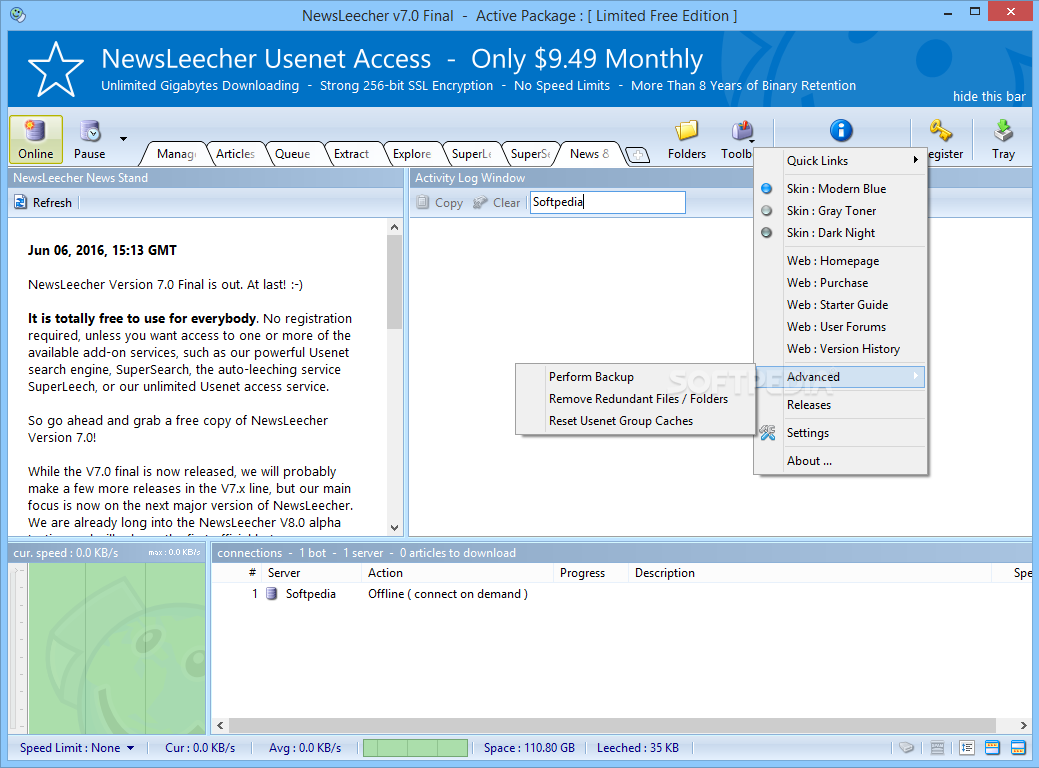
    The user interface may seem complicated at first glance, so make sure to check the online forum first, in order to learn how it works. There are also a lot of tutorials available on the internet.

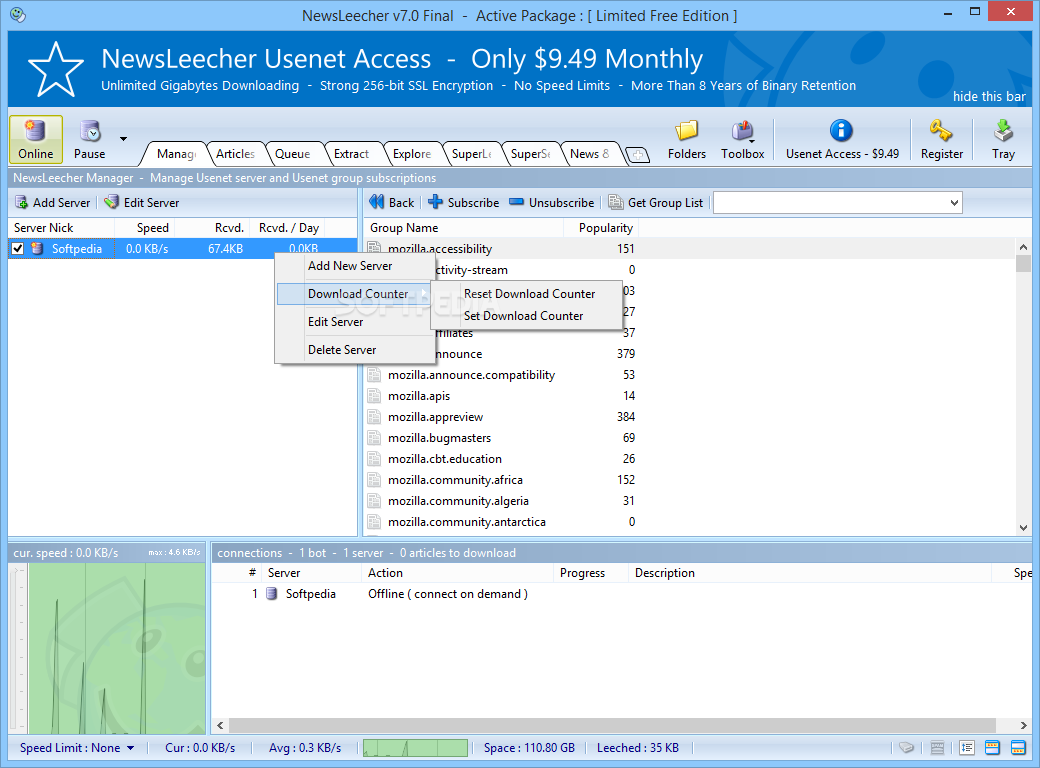
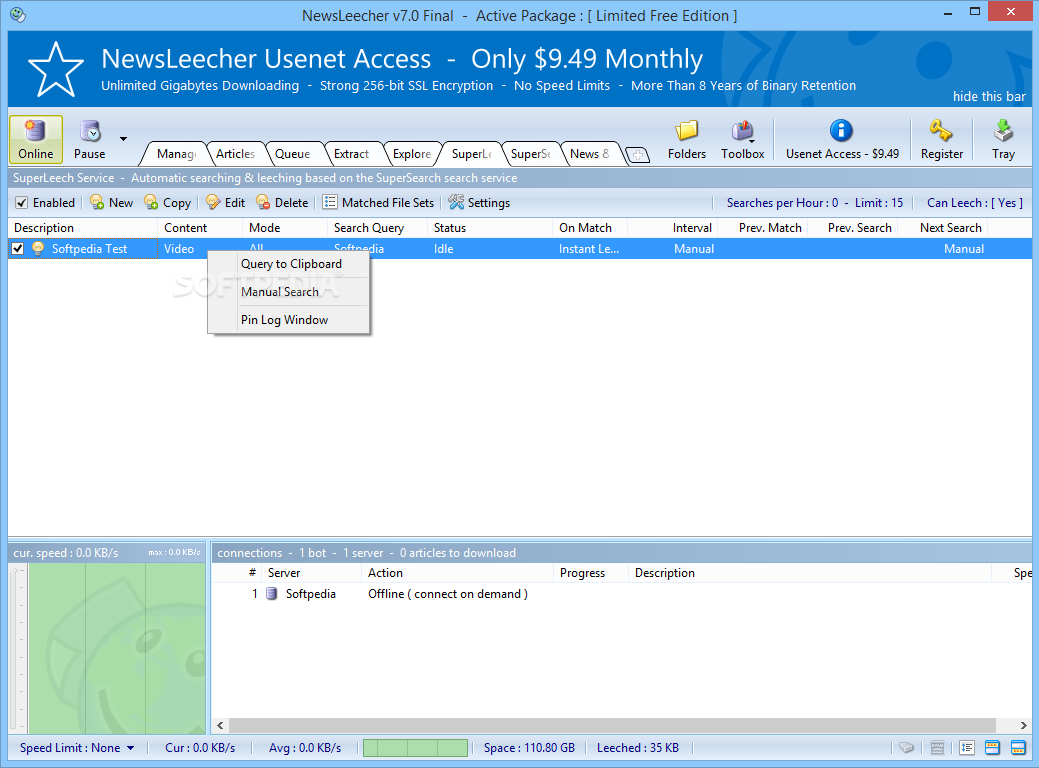
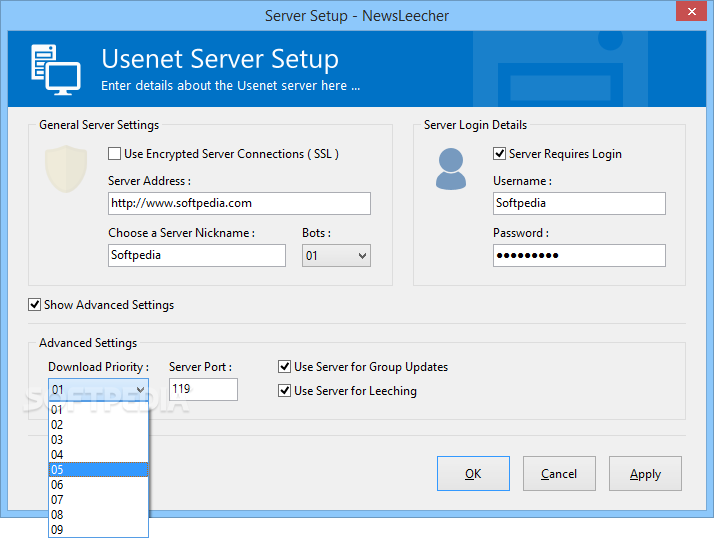
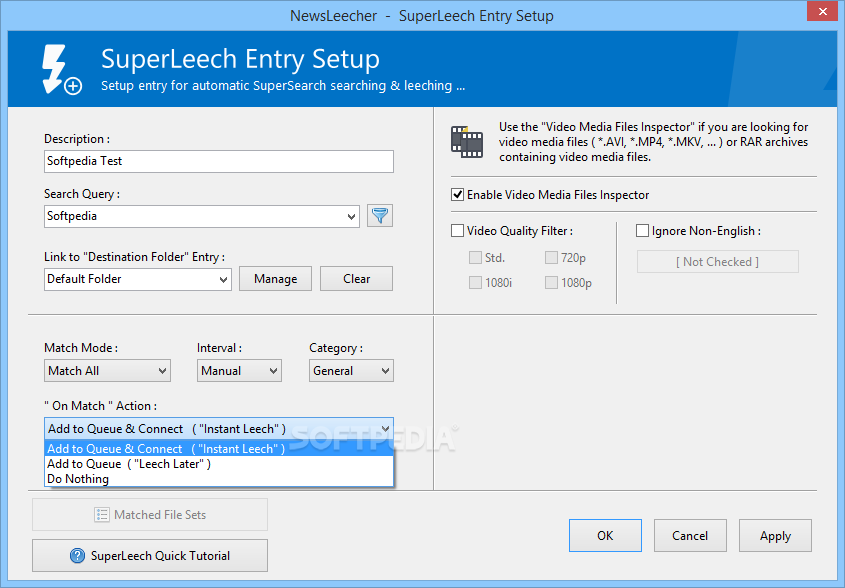
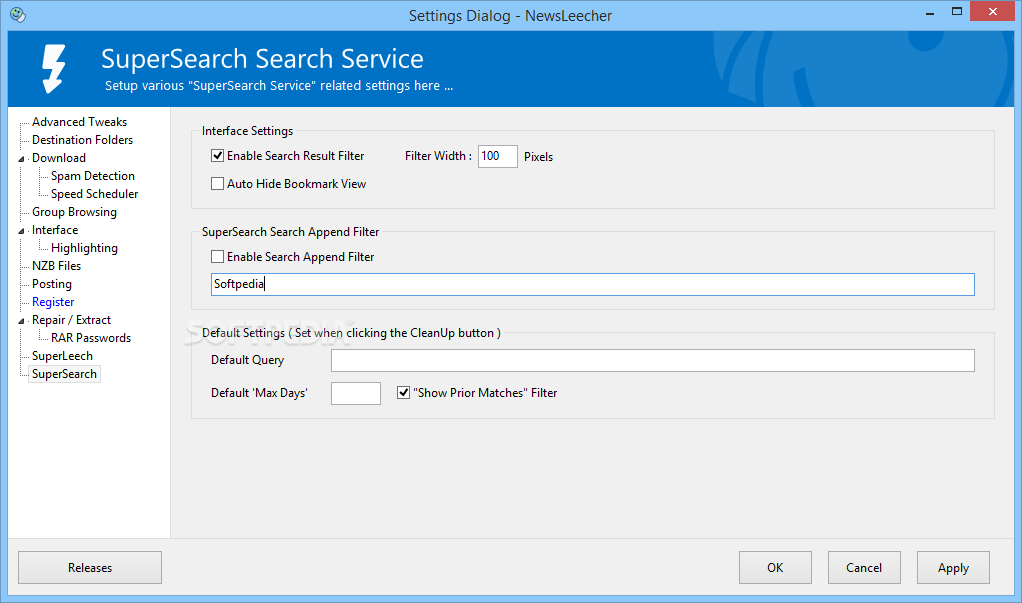
    First you need to set up a server, and then connect to it. Searching is done extremely fast, thanks to SuperSearch Service.

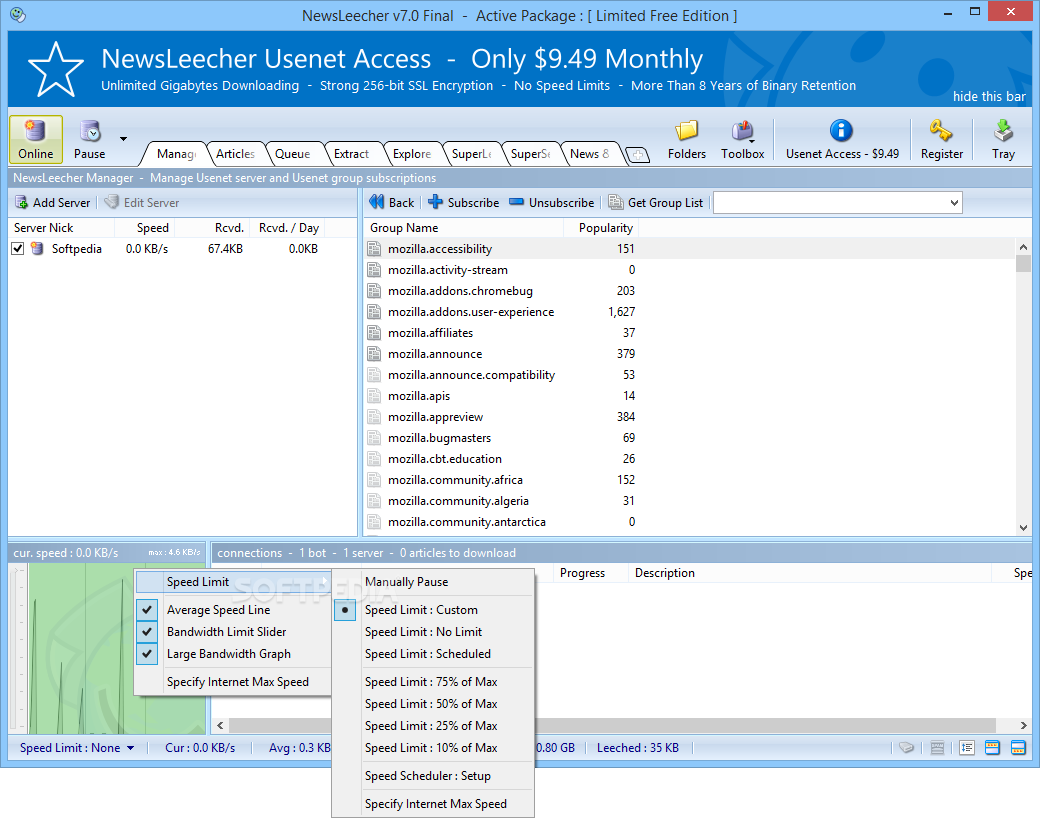
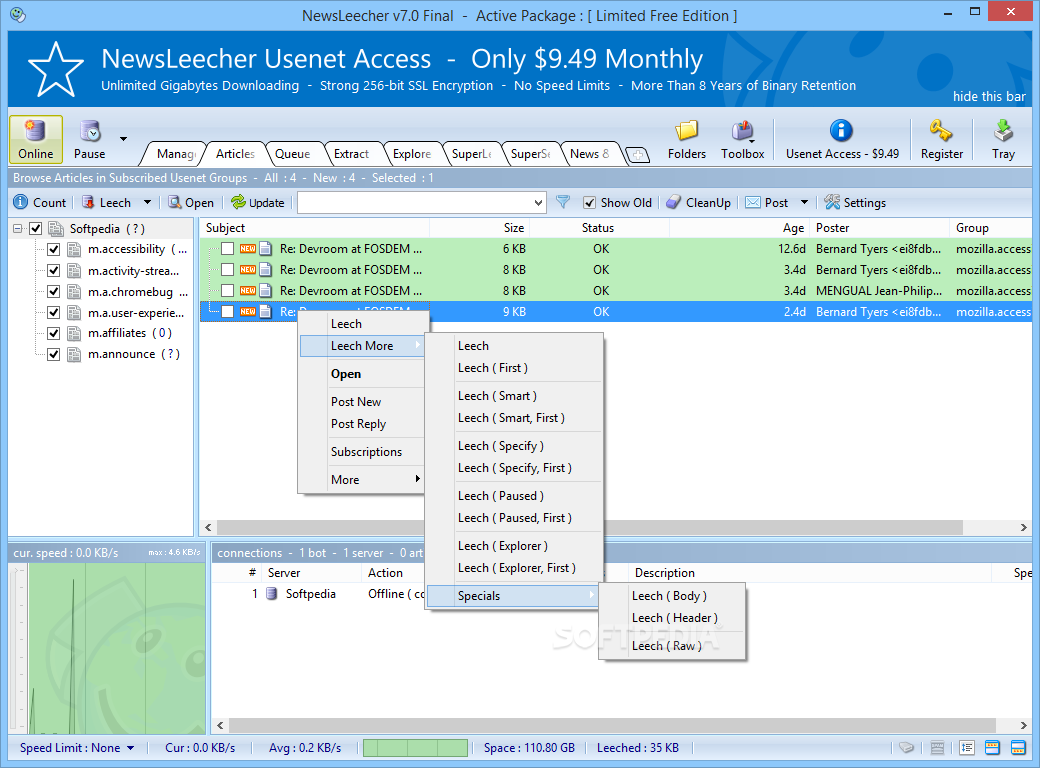
    The time it takes to download a file depends on size, number of leechers, and other factors, but it is generally fast.

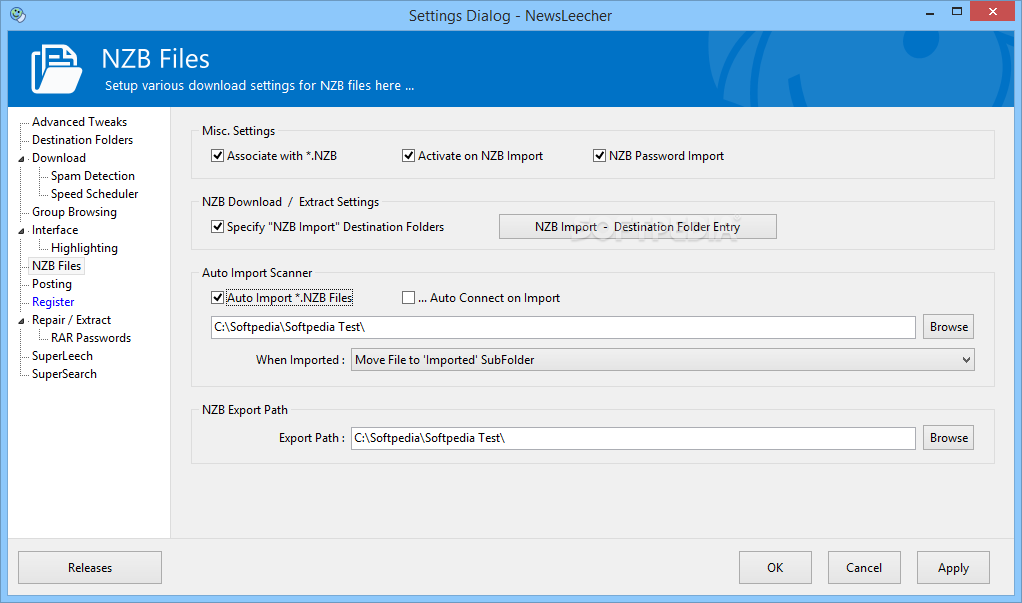
    NewsLeecher supports NZB files and multiple servers. It is possible to pause all active downloads by making just one click, and the application can be minimized to system tray.

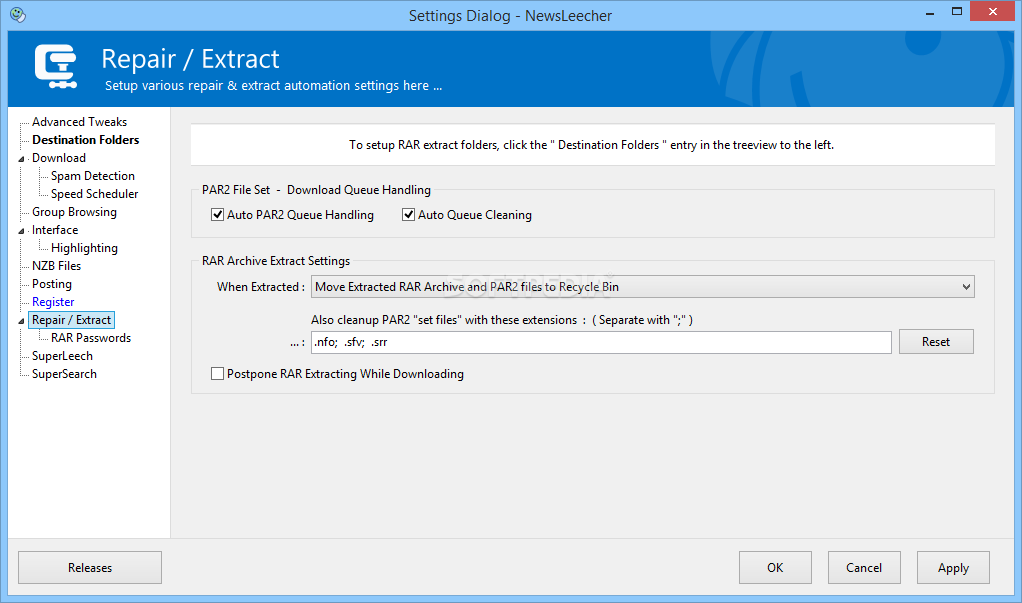
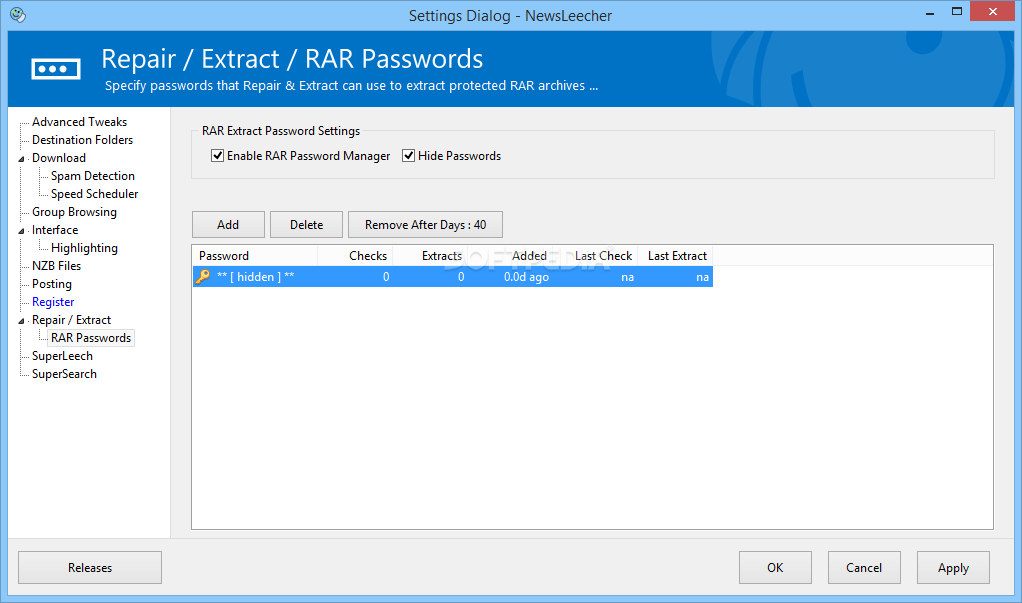
    In addition, the software can automatically check, repair and extract any files you have downloaded.

    NewsLeecher uses a high amount of CPU and memory when it's downloading, so don't expect it to be kind to your computer.

    The fact of the matter is that NewsLeecher has developed an impressive fan base, and it doesn't seem it will disappear from the market too soon. If we have caught your attention, then perhaps you should give it a try. And if you decide to buy it, you'll see the price is cheap.

    NewsLeecher description

    Here are some key features of "NewsLeecher":

    We Have Learned From The Best:
    · It is no secret that the development of NewsLeecher has been inspired by some of the very best newsreaders on the market. We have tried to take the best features from NewsBinPro, NewsPro, BNR, GrabIt and other popular newsreaders and mix them together to make the ultimate newsreader available for our users!

    Full Support for NZB Download Files:
    · NewsLeecher has full support for the NZB file format.

    Ultra Fast Usenet Super Search Engine:
    · With the built-in Super Search engine, you can search *all* the binary usenet groups at once, for a specific keyword or keystring, in less than a second! The Super Search engine is totally unique in it's speed and it's ability to perform true wildcard searches!

    Full Privacy - Spyware & Adware Free:
    · NewsLeecher does *not* contain any spyware or adware that might send personal details over the Internet. In fact, it has been certified as spyware-, adware- and virus-free by one of the largest software sites on the Internet.

    Advanced Multiserver Support:
    · NewsLeecher has advanced support for leeching from multiple servers at the same time! An unlimited number of usenet servers can be used to download files at the same time!

    Top Tuned yEnc Support:
    · Besides supporting the "old" encoding formats, such as uuEncode, NewsLeecher also supports the brand new encoding format called yEnc. Actually NewsLeecher has a top tuned yEnc decoding engine that makes sure your downloads are decoded smoothly in the background without consuming too much CPU time.

    Multithreaded Server Downloading:
    · Besides being able to download from several servers at the same time, NewsLeecher can also use up to 99(!!) simultaneous download threads per server. This could, for example, be used to download 99 pictures from a server at the same time!

    Filter System:
    · The filtering feature enables one to find certain posts without going through all received headers. Filter by subject, size, age and more!

    Automatic Downloading:
    · The built-in automatic multipart posts processing removes the hassle from combining binary post parts one by one. NewsLeecher detects and combine parts by itself!

    Fastest Group Caching in the World:
    · Fast group caching enables much faster group viewing by only receiving the latest available post headers and caching the old ones! The caching routines in NewsLeecher has been tweaked and optimized to be the fastest in the world!

    Top Modern User Interface:
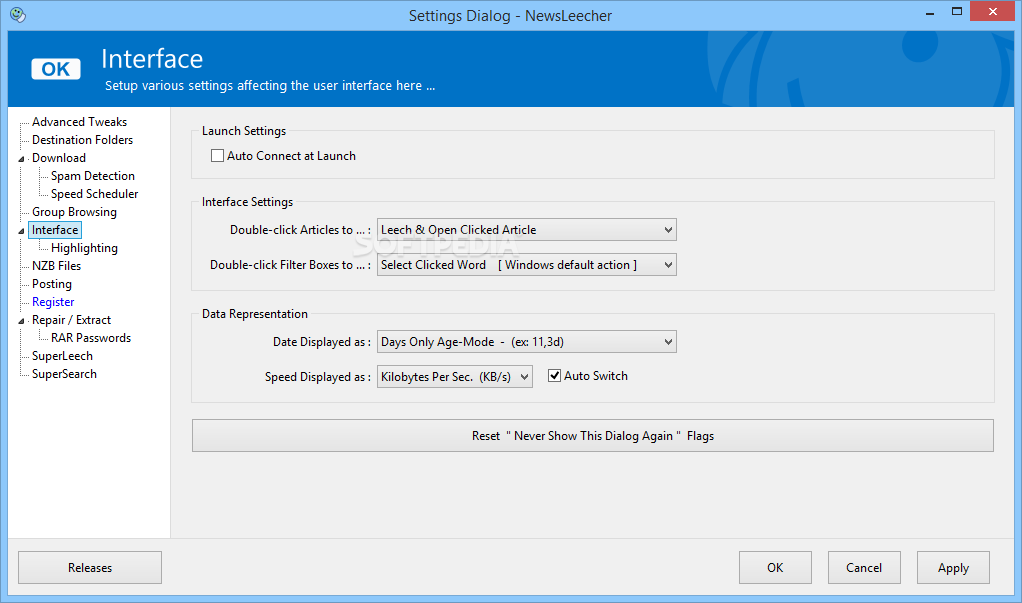
    · State of the art user interface with support for XP themes and many options for tweaking the usability and the interface!

    Advanced Feature Support:
    · Besides all the usual download features, NewsLeecher also supports tons of advanced features that makes it easy to use your usenet membership to the fullest. Such features include smart article highlighting, a built in group noteblock and much much more!

    Limitations:

    · 14 days trial
    · Nag screen

    What's New in This Release: [ read full changelog ]

    · "SuperSearch Bookmark Folders" It's now possible to create sub folders for your SuperSearch bookmarks, for better organization and overview.
    · Added a new fourth option to the 'Compacting' feature. The feature can be accessed by clicking the 'Compacting' button in the lower right corner of the NewsLeecher main window.
    · Added an option to disable drag'n'drop repositioning of the tabs at the top of the NewsLeecher main window. The option can be accessed by right clicking the tabs control.
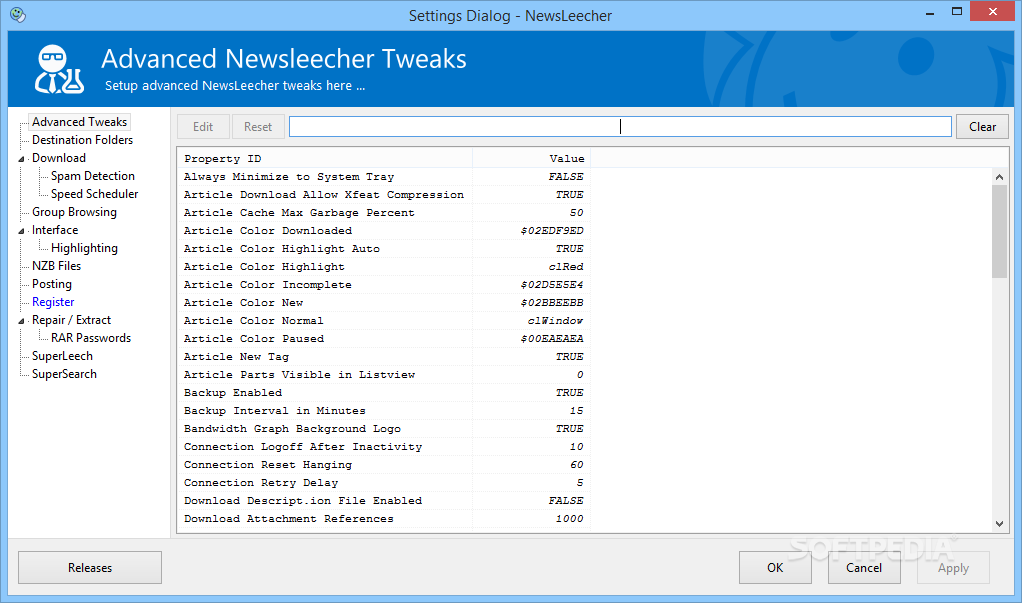
    · Added an option to change the background color of articles that are not marked as 'new', 'paused', 'incomplete' or 'downloaded. The option can be accessed from: Settings -> Adv. Nerdy Tweaks -> Article Color Normal
    · It's now possible to turn off the small graphical 'new' tag, shown next to new articles in the listviews. Can be done here: Settings -> Adv. Nerdy Tweaks -> Article New Tag
    · The built-in File Explorer is now first initialized when it is begin activated. For some users, this will improve th...

     Softpedia guarantees that NewsLeecher 5.0 Beta 12 / 4.0 is 100% CLEAN, which means it does not contain any form of malware, including spyware, viruses, trojans and backdoors. [read more >]


    TAGS:

    usenet application | download movie | download MP3 | usenet | download | grabber


    HTML code for linking to this page:


    Go to top

    WindowsGamesDriversMacLinuxScriptsMobileHandheldNews

    SUBMIT PROGRAM   |   ADVERTISE   |   GET HELP   |   SEND US FEEDBACK   |   RSS FEEDS   |   UPDATE YOUR SOFTWARE   |   ROMANIAN FORUM