
Check your Google Chrome's cache with this handy utility, designed with simplicity and ease-of-use in mind, offering an intuitive way of viewing the stored data. #Google Chrome #Chrome Cache #Cache Viewer #Cache #Viewer #Browser


When you surf the internet, data is stored in your browser's cache so as to speed up navigation between pages. That data isn't readily accessible, and you have to do some digging to get to it.
That kind of digging isn't the most casual-user-friendly, in truth. But viewing your browser cache hardly ever was about that. ChromeCacheView is a step in the right direction, insofar as it groups up your browser cache in a more comprehensible manner in a single app.
Perhaps one of the reasons one may want to check their browser's cache has to do with accessing specific stored data from a website. For instance, if you wanted to find an image you'd recently seen on some site, this app could help with that. This lets you view your Google Chrome cache very simply.
Regardless, we were able to retrieve some of the photos we'd seen on a website without having to explicitly navigate to it. This was especially facilitated by the way the program organized the data, allowing us to sort by content type.
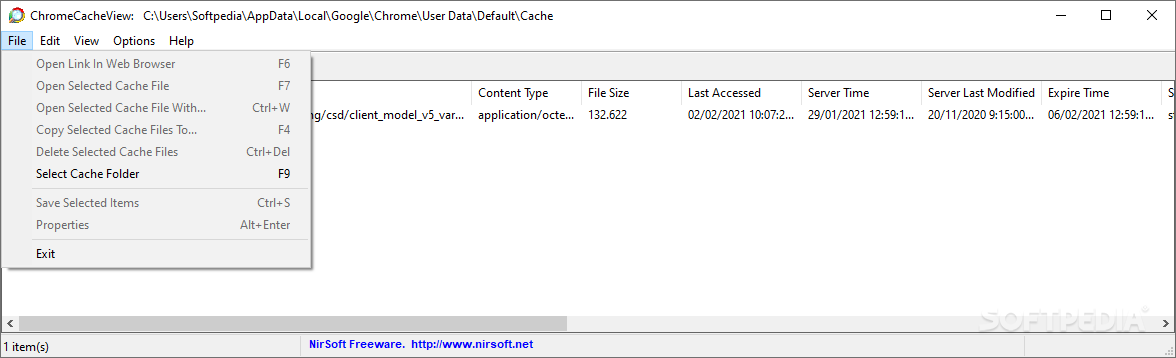
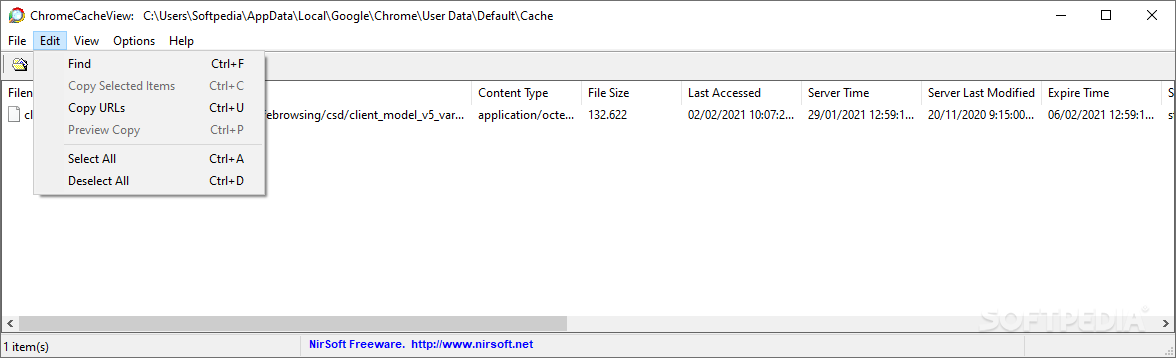
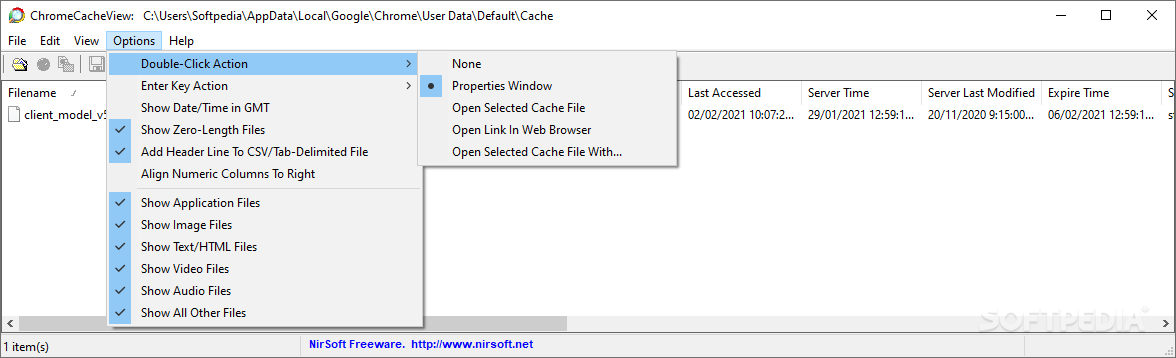
This one isn't tough to use. The interface is a simplistic, functional one, and it does the job just fine. Double-clicking on a cache element on the list will bring up additional details about it, such as the URL, content type, as well as last accessed and server time and name, and so on. The information is quite exhaustive, but it doesn't feel overwhelming.
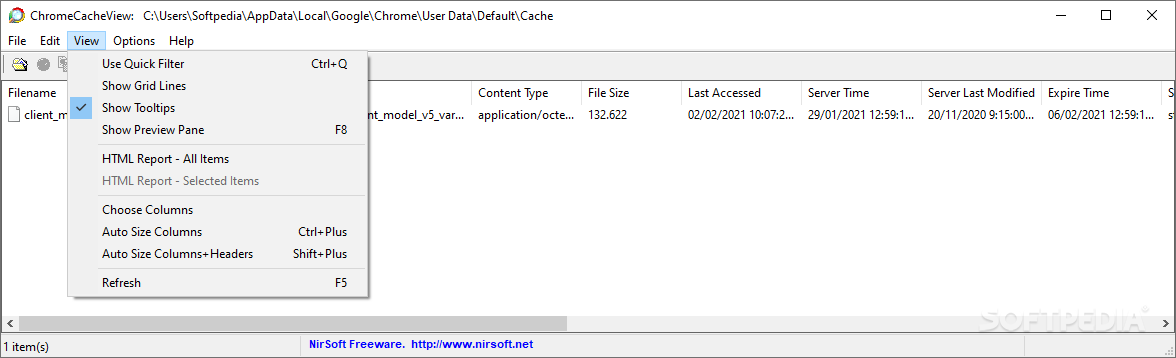
More options can be found under the View menu, where you can toggle to use the Preview Pane and Quick Filter. We found them so convenient to use that we wondered why they weren't enabled by default.
In conclusion, ChromeCacheView is a lightweight, easy-to-use utility that helps you navigate through and understand your browser's cache in a manner accessible to all sorts of users.
What's new in ChromeCacheView 2.47:
- You can now send the data to stdout by specifying empty string as filename, for example:
- ChromeCacheView.exe /scomma "" | more
ChromeCacheView 2.47
add to watchlist add to download basket send us an update REPORT- runs on:
-
Windows 11
Windows 10 32/64 bit
Windows 2008
Windows 8 32/64 bit
Windows 7 32/64 bit
Windows Vista 32/64 bit
Windows XP
Windows 2K - file size:
- 260 KB
- filename:
- chromecacheview.zip
- main category:
- Internet
- developer:
- visit homepage
7-Zip

calibre

Zoom Client

Windows Sandbox Launcher

Microsoft Teams

IrfanView

ShareX

Context Menu Manager

Bitdefender Antivirus Free

4k Video Downloader

- Context Menu Manager
- Bitdefender Antivirus Free
- 4k Video Downloader
- 7-Zip
- calibre
- Zoom Client
- Windows Sandbox Launcher
- Microsoft Teams
- IrfanView
- ShareX
