|
|
|
|
HandyCafe 3.3.21
|
|
|
|
|
|
| Downloads: 17,869 |
Tell us about an update
|
 |
|
User Rating: Rated by: |
Very Good (4.0/5) 29 user(s) |
|
|
|
|
Softpedia Editor's Review for HandyCafe
|
A handy Internet Cafe software
Written by Gabriela Vatu on January 14th, 2013
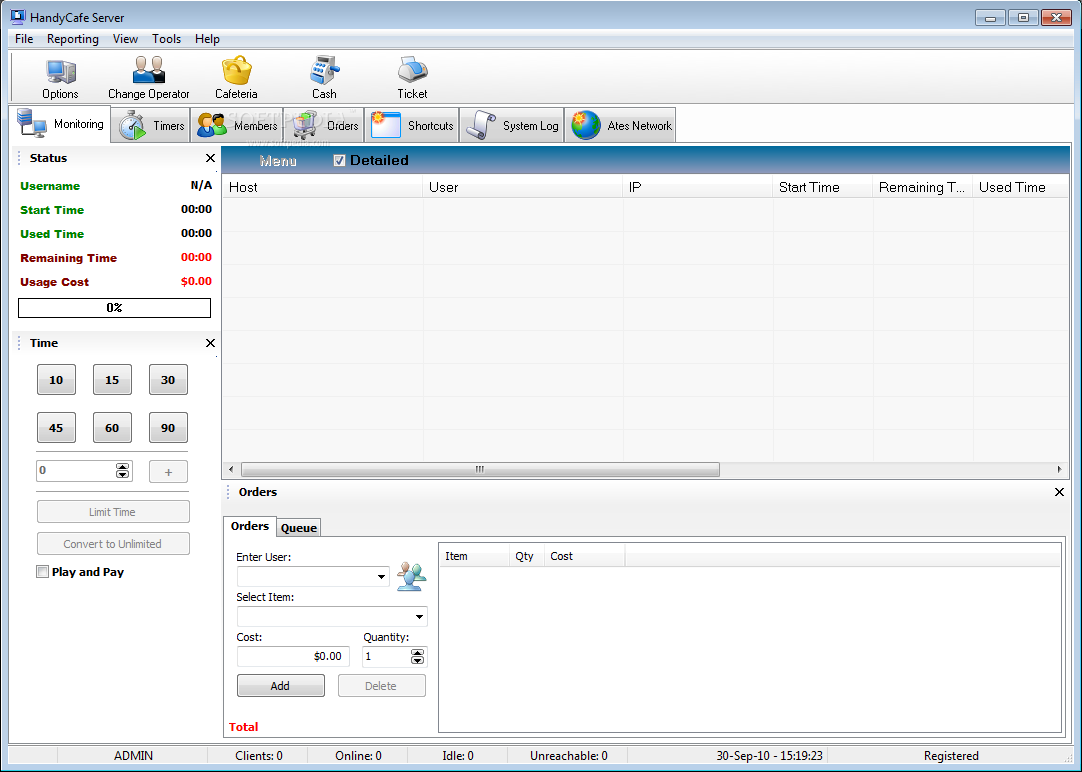
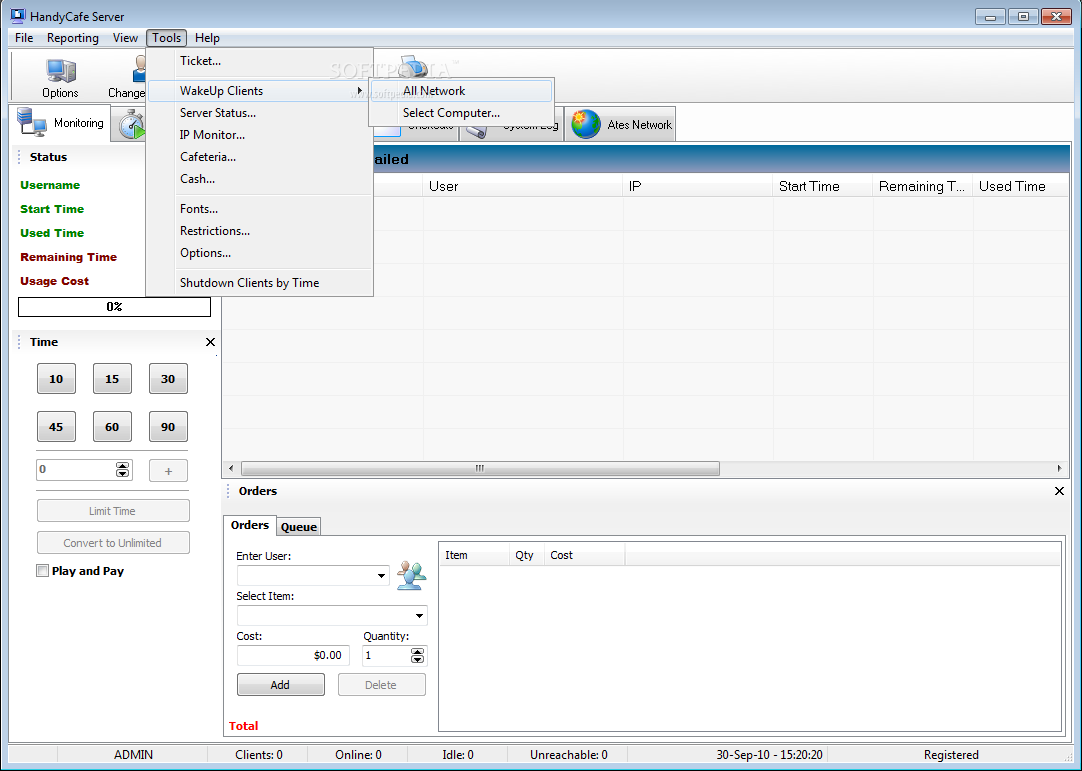
Running a network-based business can be a tricky job in regard to monitoring the time spent on the computers. HandyCafe is a program designed for cyber cafes, libraries, schools and other similar places.
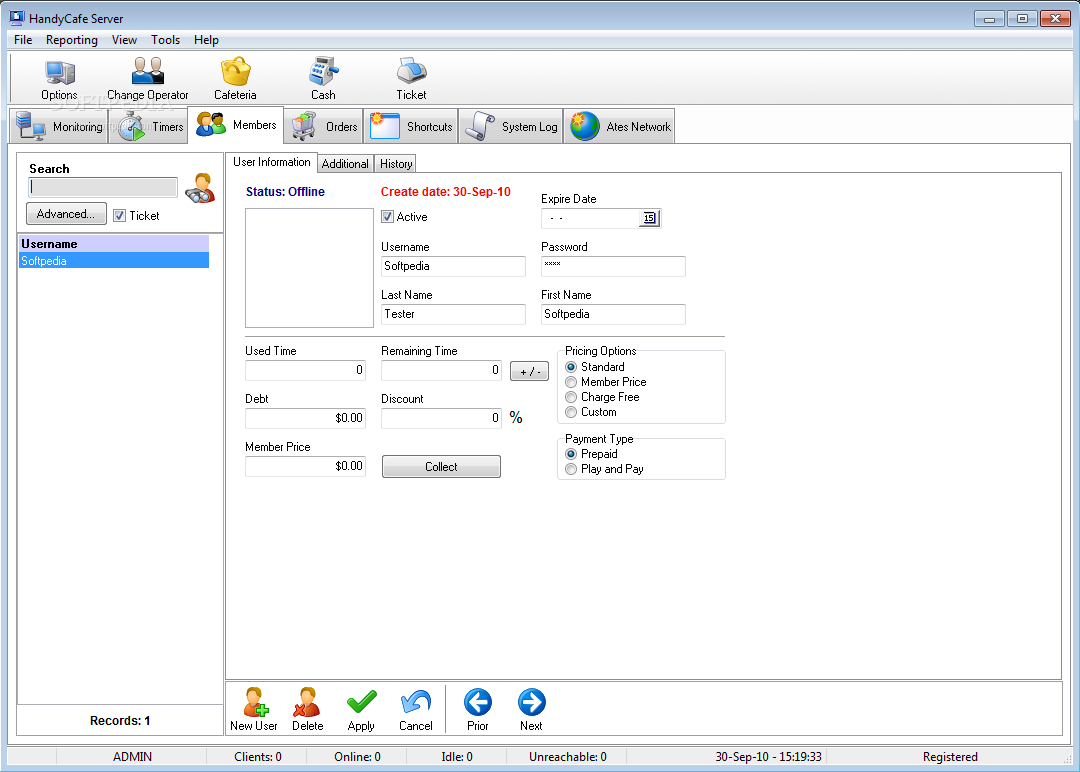
The program has a simple interface and an intuitive layout. It provides a wide range of features to help you control the network, cashiers, members and customers. Thus, for example, you can create membership accounts and grant them different pricing or payment options as loyalty awards.
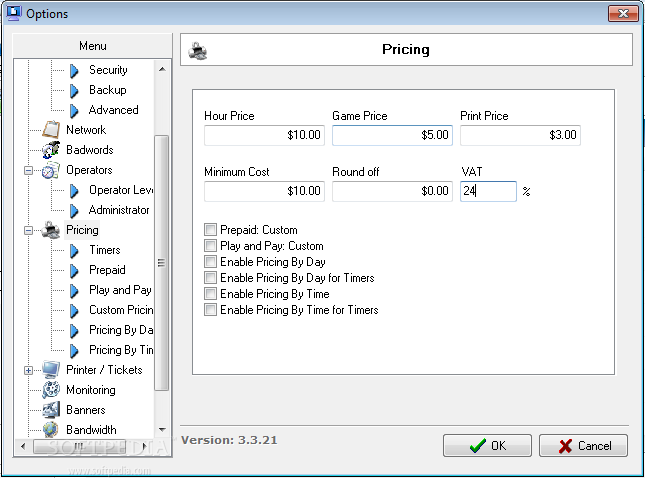
Additionally, different prices can be set up for various instances, such as timers or certain days. The VAT can also be adjusted to the country you live in.
On top of allowing the customers the use of a certain item (a computer, a gaming console, a pool table etc.), you can also sell drinks and foods and keep a tab for each client. Additionally, timers can be programmed for those who ask and they can even be paid in advance. This means that if someone asks to use the computer for a certain amount of time, for instance, you can track when the time is up.
If your business revolves around computers, then you can set up certain restrictions against dangerous and unsecure websites, as well as bad words usage. Also, HandyCafe enables you to wake up, shut down, browse or manage through Remote Desktop any computer in the network. Bandwidth limitations can also be set up.
All in all, HandyCafe is an interesting tool that can come in handy when you run a small business. Inexperienced users might need some time to learn the ropes of this program.
|
HandyCafe description
|
Here are some key features of "HandyCafe":
Monitoring and Managing Clients using HandyCafe Server:
· HandyCafe Server can handle unlimited clients according to your computer or your network
· Enable firewall for computers and set Connection rules, Banned websites, Content filtering
· Set/show banners on IDLE computers
· Show your own webpage during user sessions
· Turn off, reboot computers (one click)
· Wakeup all computers (WOL: Wake On Lan support)
· Get full control of computers (Remote Management)
· Get screenshots and save them in diffrent formats
· Get running applications list (with original icon) and close them
· Browse computers, get/send files
· Adjust clients volume
· Update HandyCafe Client Software (one click)
· Track your computers status
· Login, Logout, Prepaid Login, Game Login, Prepaid Game Login
· Add/Limit/Pause/Resume Time
· Change Computer (Transfer session)
· Set "Windows, Control Panel, Internet Explorer" Restrictions
· Only selected applications can run
· Send message to computers
· Forward computers to specified websites
· Change clients admin information and server/client communication password
· Reboot computers on payment
· Terminate all running applications on payment
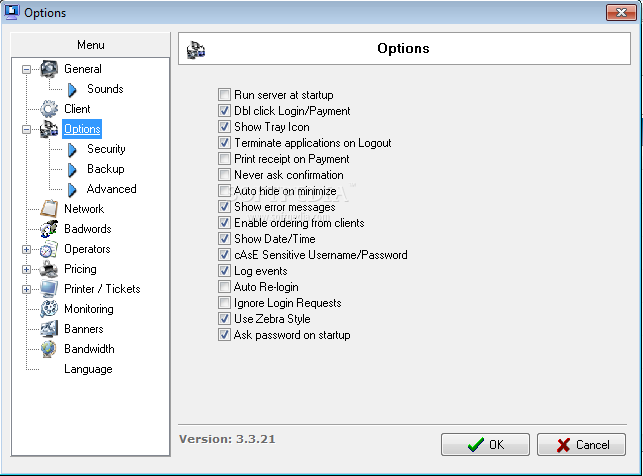
· Enable/Disable ordering from computers
· Track information how much bytes received/sent
· Add orders to customers sessions
· Create Prepaid/Play & Pay timers
· Add orders to Timer Events
Membership Accounting:
· Create unlimited members
· Real time membership tracking
· Keep members usage/payment history
· Track information how much bytes received/sent
· Select different Payment/Pricing options
· Store members contact information (phone, address, email, web)
· Get Members Transaction/Debt report
· Customers can see their remain time
Firewall Feature:
· Enable/Disable firewall for computers from server
· Create different connection rules
· Accept/Deny any application or connection
· Define banned websites
· Define keywords for content filtering
· Track bytes received/sent for computers
Reporting & Logging:
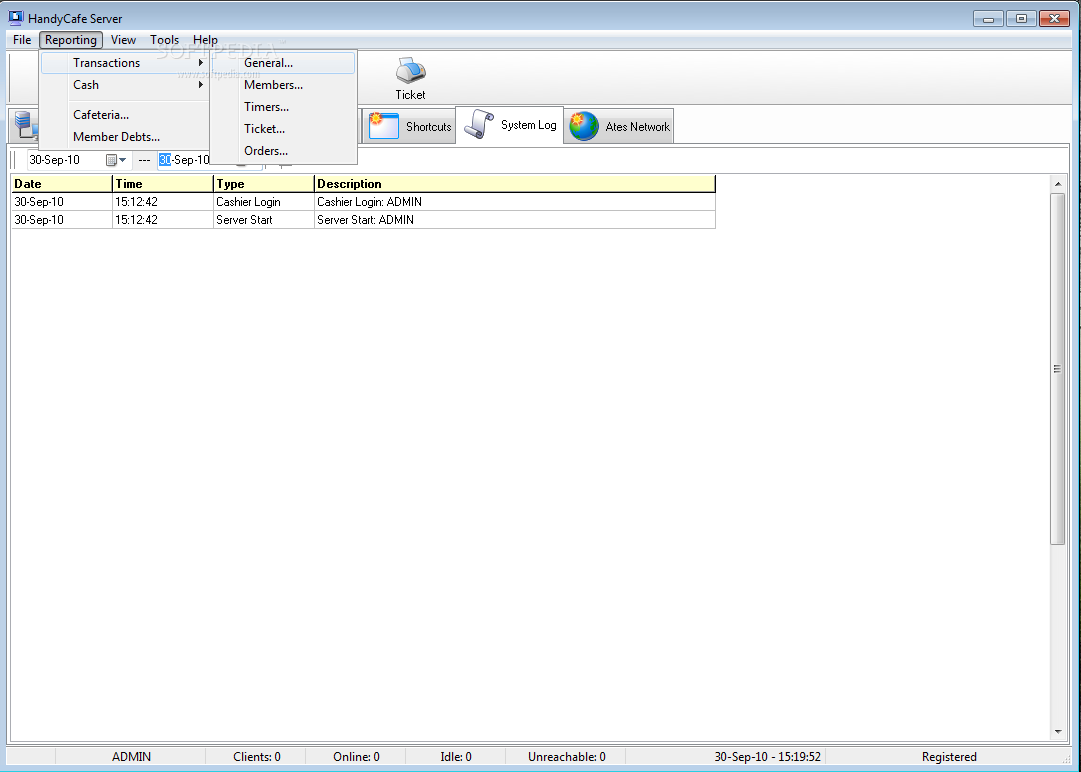
· Member history tracking
· Server/Client event logging
· General Transactions Report
· Member Transactions Report
· Timer Transactions Report
· Order Transactions Report
· General Cash Report
· Incomings Report
· Expenses Report
· Cafeteria Report
· Member Debts Report
· General/Income/Expense Report
· View as HTML format
HandyCafe Server Features:
· Create unlimited Operators (Cashiers)
· Create operator levels and restrict operators actions
· Define invisible windows
· Control Incomes & Expenses
· Create User Queue
· Add/Control Orders
· Add/Remove/Run Shortcuts
· Define Server Ports
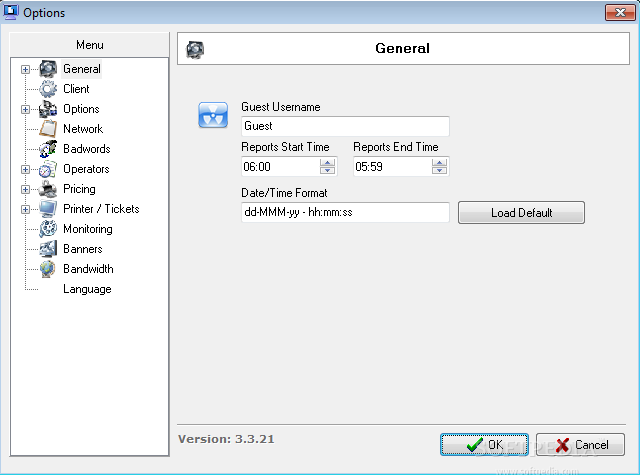
· Change Username for Guests
· Change Server/Client Password
· Create Operators (Employee)
· Define different pricing options
· Define unlimited Timers
· Add/Remove/Edit Banners
· Choose/Edit Your language
Customizable Server:
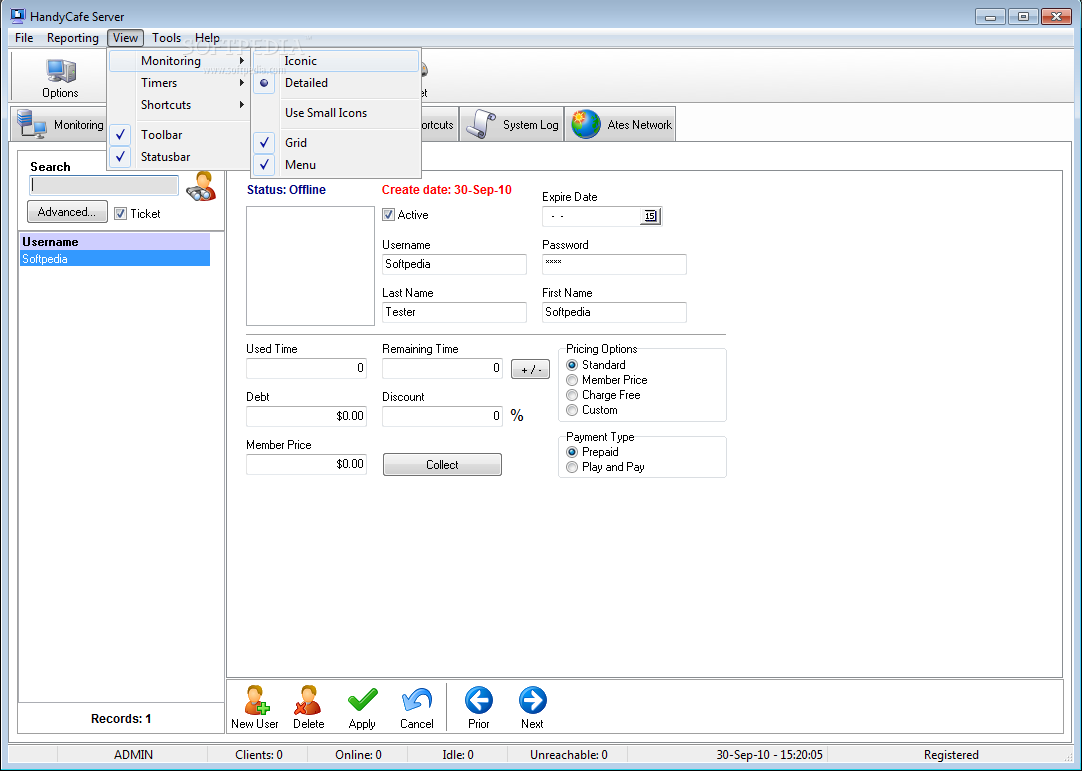
· Switch to Iconic/Detailed Monitoring
· Enable/Disable Information bar
· Enable/Disable Monitoring Grid
· Enable/Disable Orders
· Customize Shortcuts/Timers Pages
· Change Server Fonts
HandyCafe Client Features:
· Auto Server detection
· Lock system in IDLE mode
· Membership Login/Logout using Client
· Show Amount/Used Time/Remain Time
· Show banners in IDLE mode (Macromedia Flash, Bmp, Jpeg, HTML)
· Order cafeteria items
· Set advanced Windows, Control Panel, Internet Explorer restrictions
· Auto Date/Time synchronization with server
· Change client language file
· Change Admin Information
· Change Server/Client Password
· Change Communication Ports
· Protected against system crashes and electricity problems
· Low system resource usage
· Wakeup from Server (WOL: Wake On Lan Support)
· Advanced Firewall Support
Requirements:
· Pentium III Processor (Pentium 4 recommended)
· 64 MB Memory (256 or higher recommended)
· 30 MB Free Space for installation
· Ethernet Card
· TCP/IP and UDP/IP Based Network
|
|
 | | Softpedia guarantees that HandyCafe 3.3.21 is 100% CLEAN, which means it does not contain any form of malware, including spyware, viruses, trojans and backdoors. [read more >] |
|
| Go to top |
|