Search Perform an advanced search query SOFTPEDIA
 
SOFTPEDIA
Updated one minute ago
HomeSubmit a program for being reviewedAdvertise on our websiteGet help on surfing our websitesSend us your feedbackGet information about our XML/RSS backend and how to use itBrowse the news archiveVisit our discussion forumVizitati forumul in limba romana


Program Finder NormalFreeware onlyShareware only

Techinline Remote Desktop 1.2.0.3 Report spyware 

Click to download Techinline Remote Desktop
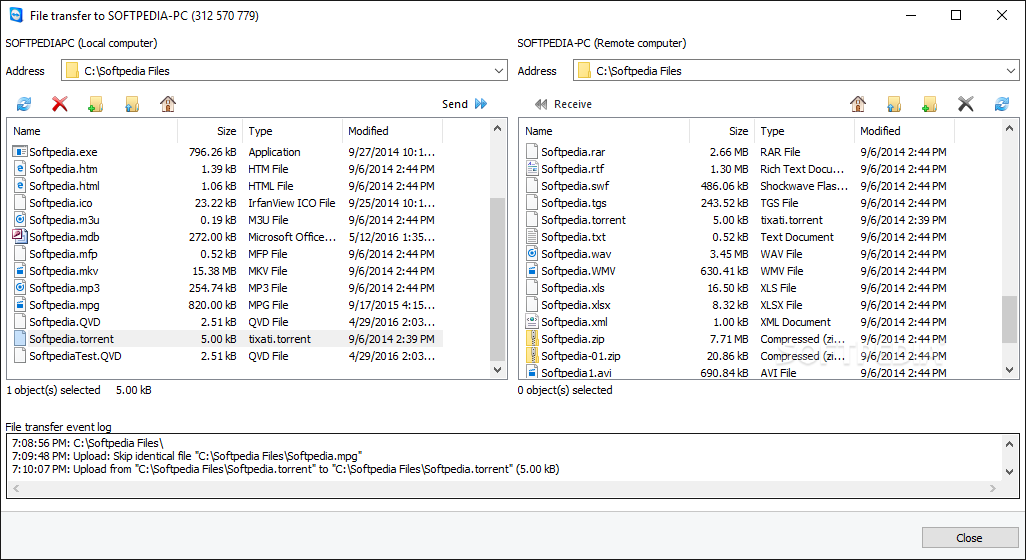
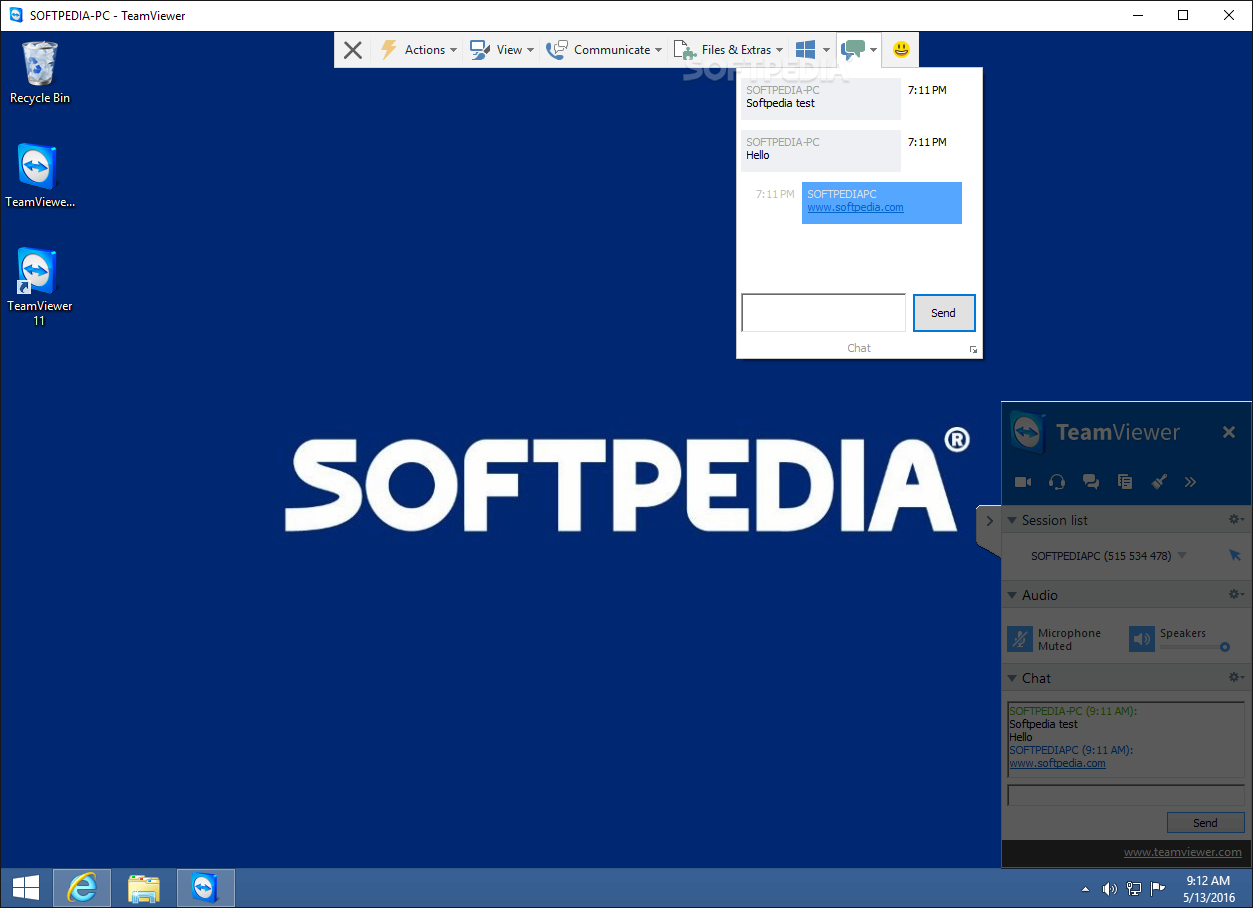
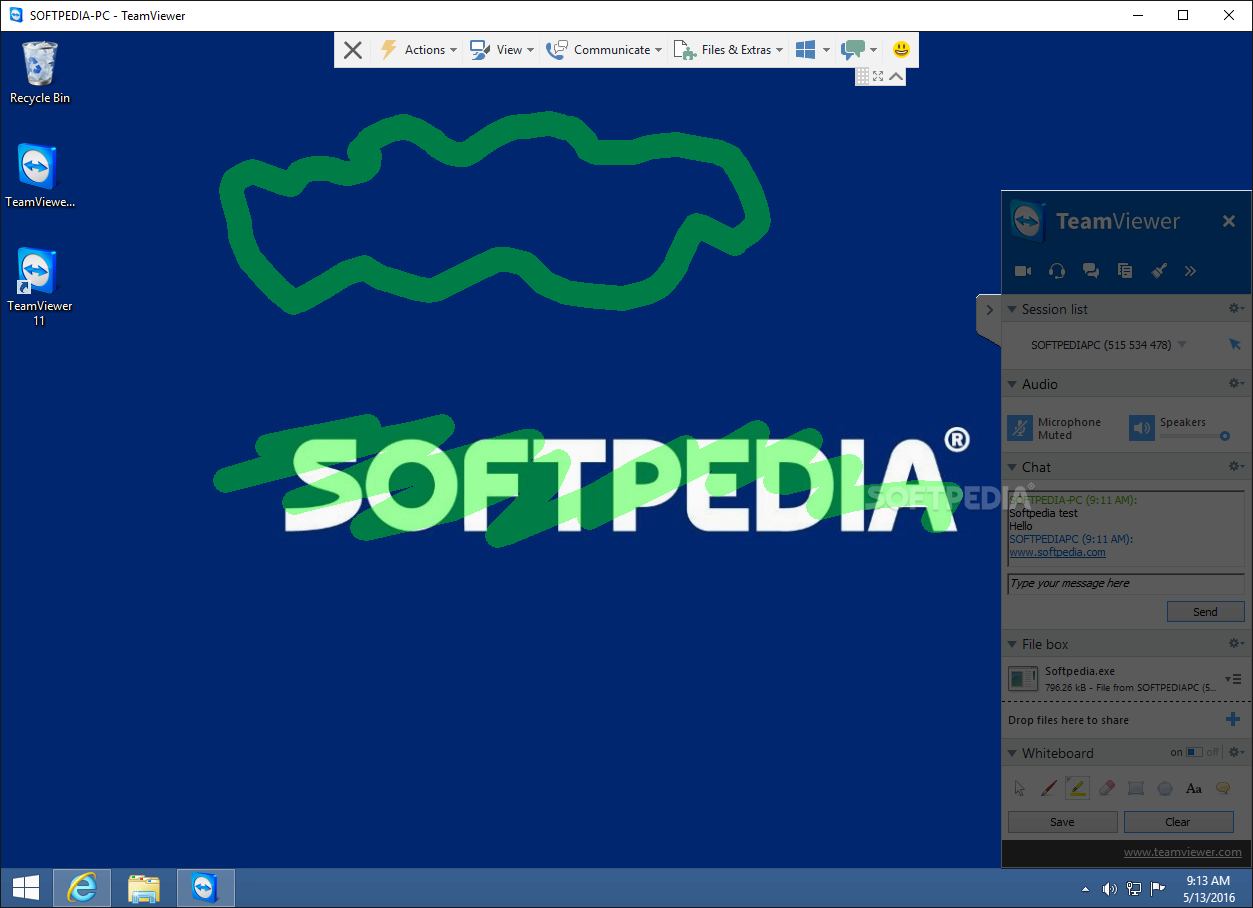
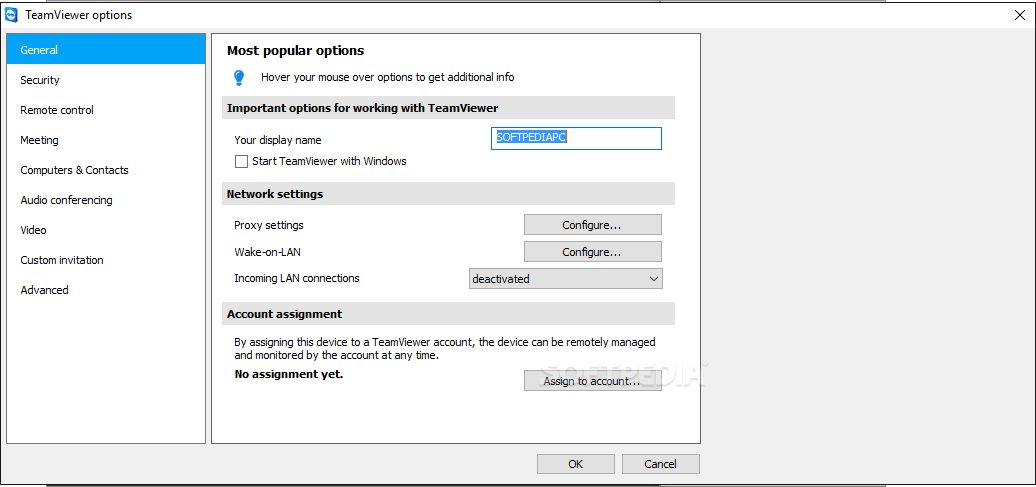
View more Techinline Remote Desktop screenshots (3)
 Downloads: 11,352
Rating: Very Good (4.4/5) | Rated by: 51 user(s)
Add to download basket     Send us update information
 Developer: Techinline Limited | More programs by this producer
 License: Trial , 30 $ to buy 
 Size / OS: - MB, Windows All
 Last Updated: March 30th, 2008, 09:42 GMT
 Category: C: \ Internet \ Remote Utils
 Read user reviews (0) Add a review Refer to friend Subscribe
    Download Techinline Remote Desktop

Techinline Remote Desktop description
A service that will help you connect remote easier than ever before

Techinline Remote Desktop is a service that will help you connect remote easier than ever before. From just anywhere using only a browser you can access and get control over a remote system or share access to your desktop in seconds.

With Techinline Remote Desktop users can create remote access sessions which work perfectly over any network connection and can meet any requirements for remote control or access.

The whole process of session setup and actual connection to a remote party’s desktop takes no more than 30 seconds and involves just two easy steps: you log into system and use Client ID to connect to a remote computer. And that’s all! Sure, if you want to tune the session’s parameters, for example, you may want to go to the configuration panel before connecting the client and set a specific image quality for the session to accommodate your network environment.

But if you have to start the session immediately, you don’t need to go through wizards, or any setup dialogs. You can start using the service right after you’re logged in. This means that your response to someone’s request for remote assistance
or collaboration will be immediate.

Simplicity
Whether it’s a client who needs technical assistance or your partner requesting a hands-on meeting, there is no need for him to be a computer expert. All the knowledge that is required is how to open a link in a web browser. And after your remote party gets his Client ID, all process comes into your full control. You don’t need to go through any prior training, software installation or setup. You just give a link to a person, and in less than a minute you’ll be able to start working right on his desktop or share your own with him!

Security
Another advantage of Techinline Remote Desktop over the common remote access techniques is that you don’t have to deal with the issues of firewall access limitations. Techinline Remote Desktop service works over standard HTTPS protocol and uses it in a way compliant with the ones supported by Internet Explorer.

Therefore, you don’t have to open any extra ports to make Techinline Remote Desktop functional – and there is no need to weaken corporate network security or fight with the restrictions of the current network environment when you are on the road.

Moreover, encrypted traffic means that all communications are totally secure and private – both visual data and mouse/keyboard input are encrypted.

The strong 128-bit encryption makes it nearly impossible to break in to session data, and the centralized structure of the service, when all session traffic goes through the Techinline server, makes it a stable medium suitable for your everyday operational needs. And as of data retention, there is no private data that is collected or stored, even on a statistical basis, by Techinine service or software under it.

Here are some key features of "Techinline Remote Desktop":

· Remote Desktop View
· Remote Keyboard and Mouse Control
· Share Local Desktop View
· Share Keyboard and Mouse Control
· Browser-Based Service
· 128 Bit SSL Encryption
· Auto-Scrolling
· Instant Connection
· Adjustable Color Quality
· Easy to Start by Novice Users
· Firewall/Proxy Transparent

Limitations:

· 15 days trial


Softpedia guarantees that Techinline Remote Desktop 1.2.0.3 is 100% CLEAN, which means it does not contain any form of malware, including but not limited to: spyware, viruses, trojans and backdoors.

This software product was tested thoroughly and was found absolutely clean, therefore it can be installed with no concern by any computer user.

However, it should be noted that this product will be retested periodically and the award may be withdrawn, so you should check back on this page from time to time. (click here for more information)


Related downloads IT News Popular downloads New additions   Latest reviews  
Remote Desktop Spy 5.01
Remote Desktop Spy - Monitor and record PC and Internet activity in the home, school or office
RDM+ 3.3.7
3.2.2 is an easy-to-use, reliable and secure remote computer control software for mobiles
HS Panda Future Connection 3.1
Visual Remote Control of Computer
TINYVPN 1.0
TINYVPN allows 2 PCs behind different routers to be connected directly
Mobile Desktop 2.0
Mobile Desktop is a VNC client for BlackBerry devices
EMCO Remote Desktop Professional 2.0
remote desktop management solution for professionals
PC-in-IE 4.2.0.0
It will help you to read your e-mail, work on the documents and resources and retrieve important documents
DualDesk Lite 19.0.7.0
Lets your support staff assist a PC anywhere on the internet
Desktop Authority Express 6.60
Desktop Authority Express enables administrators to remotely manage desktops
Remote Agent Extension for Network File Monitor 2.20.1
Remote Agent Extension for Network File Monitor - allows to replicate data to/from computers those aren't connected to network

go to top Use the following code to link to this page:


Welcome!
Hello, Guest

Login if you have a Softpedia.com account.

Otherwise, register for one.

Main categories:
  • Antivirus
  • Compression tools
  • CD/DVD Tools
  • Office tools
  • Programming
  • Authoring tools
  • File managers
  • Desktop Enhancements
  • Internet
  • Network Tools
  • IPOD TOOLS
  • Mobile Phone Tools
  • Multimedia
  • Tweak
  • System
  • Security
  • Others
  • Science / CAD
  • UNIX
  • Windows Widgets
  • PORTABLE SOFTWARE

  • Week's best:
  • Windows Defender Lat...
  • Firefox 3.0.1 / 2.0....
  • AutoCAD 2009
  • Norton AntiVirus 200...
  • Norton Internet Secu...
  • The Bat! Professiona...
  • WinRAR 3.80 Beta 3 /...
  • GMail Drive shell ex...
  • DAEMON Tools Lite 4....
  • UBCD4WIN 3.2.0
  • Adobe Reader 9.0.0 /...
  • Total Commander Ulti...
  • System Mechanic 8.0....
  • Adobe Acrobat Profes...
  • iPhone PC Suite 1.0....
  • Portable Firefox 3.0...
  • MPlayer for Windows ...
  • Vista Codec Package ...
  • Windows Live Messeng...
  • WinBubble 1.73
  • Kaspersky Anti-Virus...
  • Malware Removal Tool...
  • Royale Noir Theme fo...
  • IBM Lotus Symphony 1...
  • Adobe Dreamweaver 10...
  • Adobe Fireworks 10.0...
  • BitDefender Total Se...
  • McAfee Total Protect...
  • Ad-Aware 2008 7.1.0....
  • Adobe Flash Player 1...
  • Daniusoft Media Conv...
  • © 2001 - 2008 Softpedia. All rights reserved.
    Softpedia™ and Softpedia™ logo are registered trademarks of SoftNews NET SRL.
    Copyright Information | Privacy Policy | Terms of Use | Contact Softpedia | Update your software | Archive