
An easy way to control your µTorrent uploads and downloads remotely without having to install any software on the remote machine. #Control uTorrent #UTorrent web interface #Remote uTorrent #Remote #Webui #Web interface
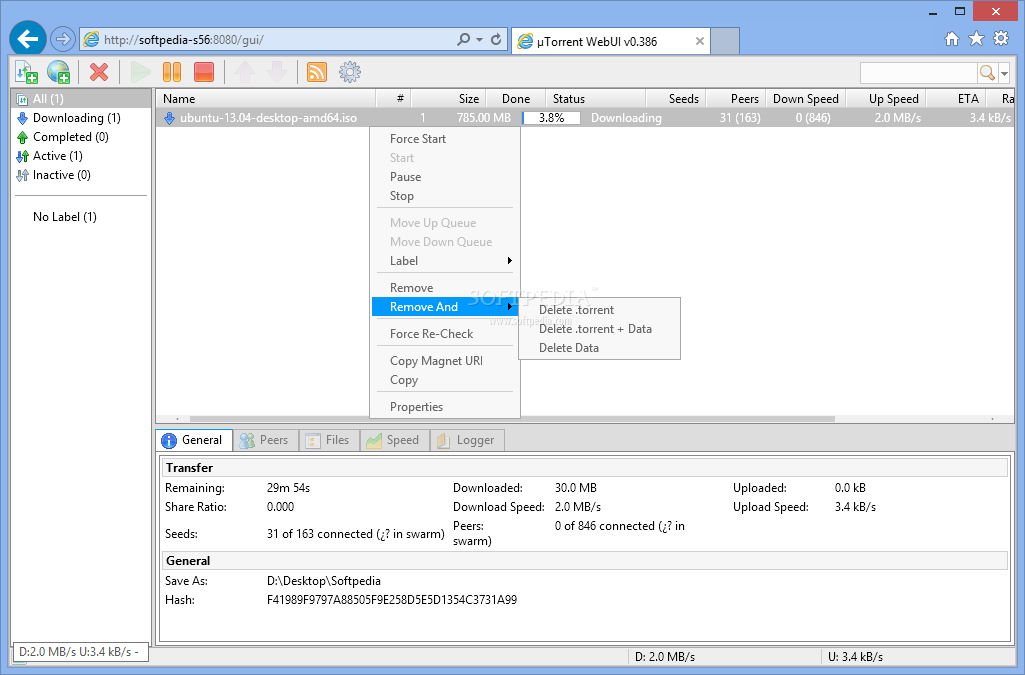
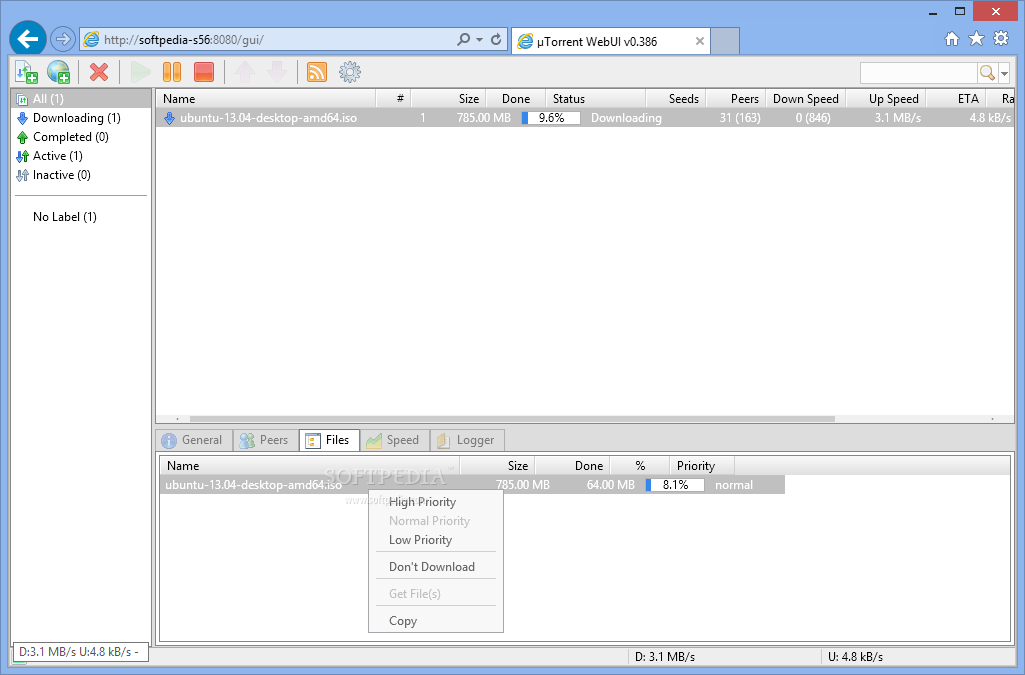
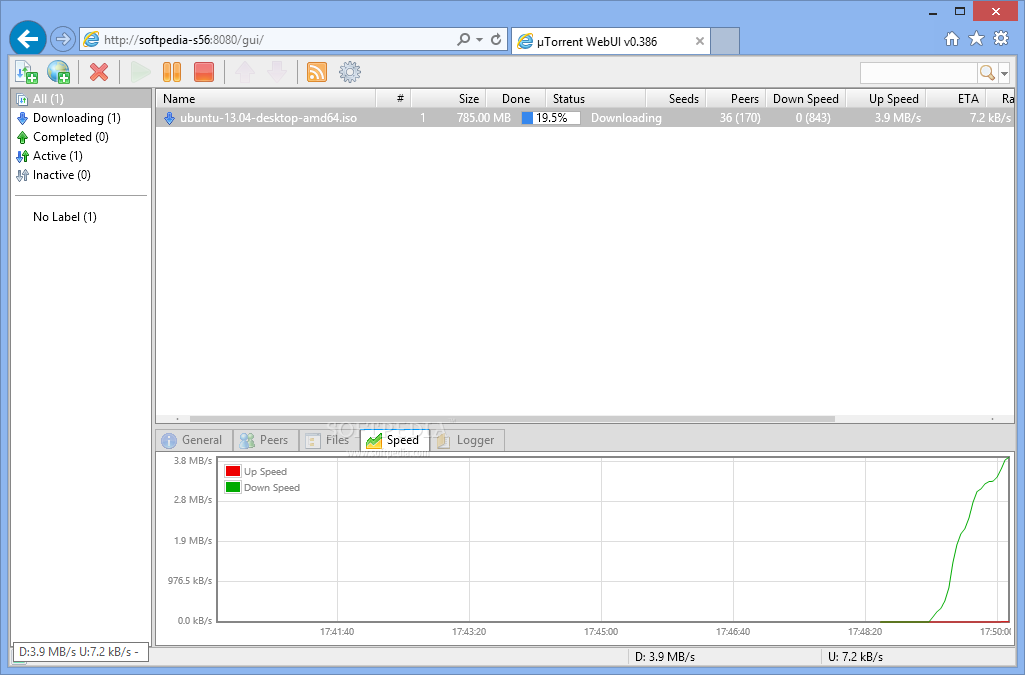
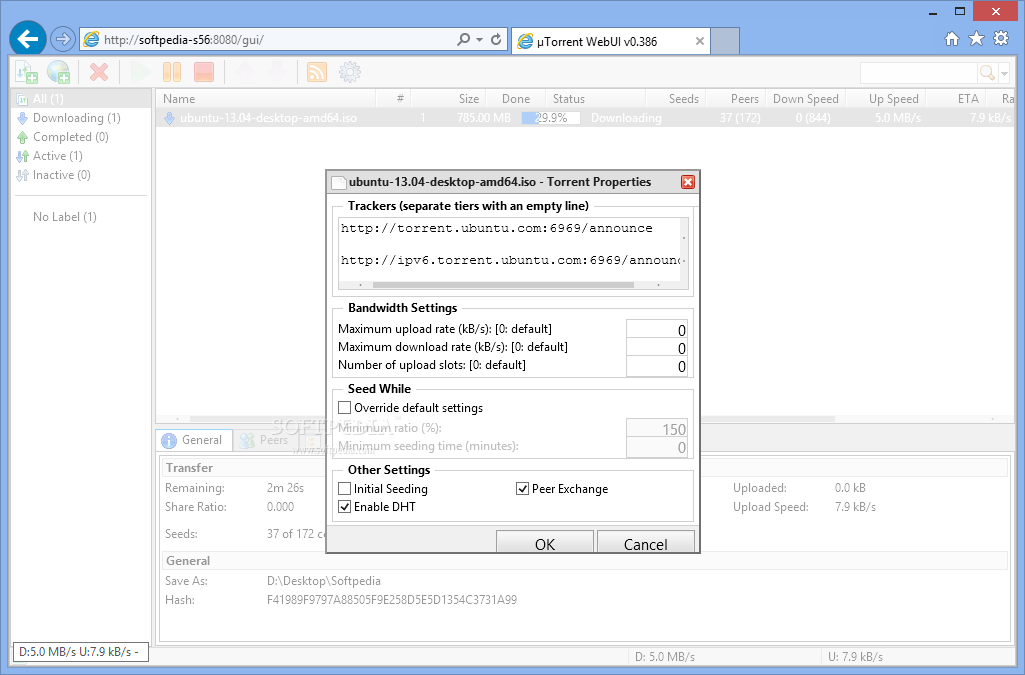
uTorrent WebUI is an innovative approach to torrent management, aiming to provide the possibility to control the uTorrent client from a remote machine.
Despite your whereabouts, you will be able to have full control over your torrent downloads as long as you have a computer (or a mobile phone) and a modern browser around. However, in order for these to become possible, you need to undergo a process of configuration.
First and foremost, enabling uTorrent to run in this mode is a job that addresses medium to advanced computer users, even though there are a number of tutorials on the web that might work for beginners as well.
uTorrent WebUI relies on the uTorrent client (needs to be installed prior to any modifications) and a lightweight archive that should be placed in the same directory as the Settings.dat file (inside uTorrent’s folder in App Data). Do not unzip the archive, it is of great importance that it remains in ZIP format.
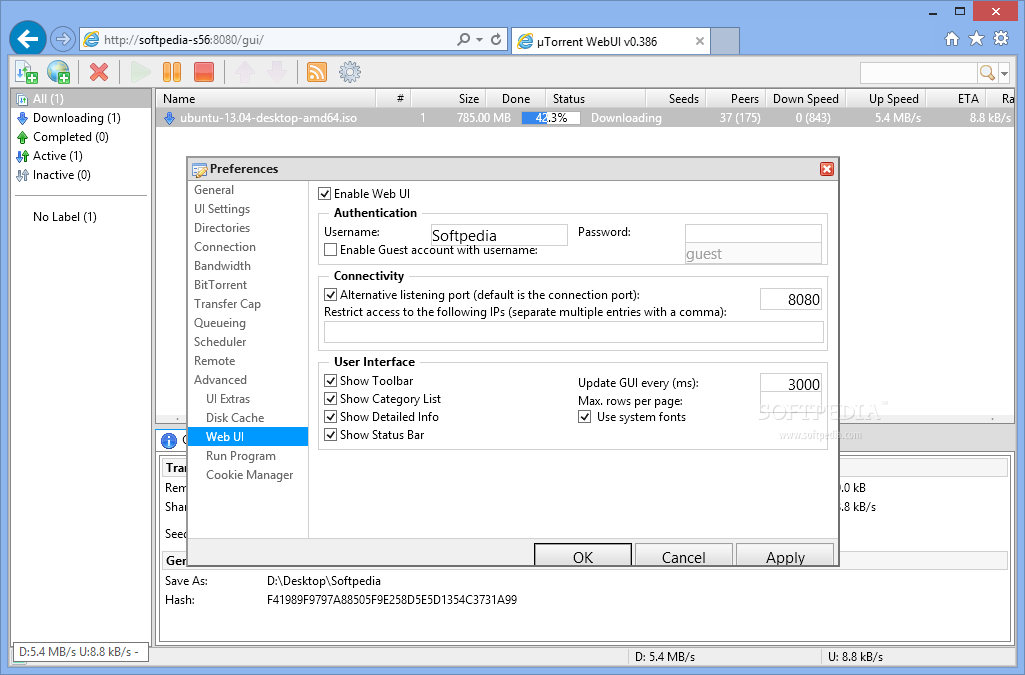
Following this operation, you are required to tweak the torrent client so as to make it aware of the presence of a remote instance. Simply navigate to the Preferences window, then to the Advanced, Web UI section, where you need to enable the remote option, for starters.
Setting a username and password is also a requirement, although you can also enable guest accounts. You can restrict access to a list of user-defined IP addresses, as well as to specify the default download directory.
Once you’ve accomplished these, use your browser to access the client, by entering the host and the port following this pattern: http://host:port/gui. Assuming that the connection is successful, you will be prompted for the username and password you’ve previously set in the client’s interface, after which you can fully enjoy the perks of remote torrent management.
On an ending note, µTorrent WebUI is a pretty awesome and revolutionary solution for controlling torrents remotely. An alternative to this solution is BitTorrent’s online project, entitled uTorrent Remote, which can achieve the same purpose in less steps, being a more appropriate choice for beginners.
What's new in uTorrent WebUI 0.388:
- Fix: Broken "Add New Torrent" dialog in IE
- Fix: Broken column width handling in Chrome
- Fix: Broken table scrolling in Opera
- Fix: Table scrolling breaks after column reset
uTorrent WebUI 0.388
add to watchlist add to download basket send us an update REPORT- runs on:
- Windows All
- file size:
- 362 KB
- filename:
- webui.zip
- main category:
- Internet
- developer:
- visit homepage
Zoom Client

paint.net

calibre

7-Zip

IrfanView

Windows Sandbox Launcher

ShareX

Bitdefender Antivirus Free

4k Video Downloader

Microsoft Teams

- Bitdefender Antivirus Free
- 4k Video Downloader
- Microsoft Teams
- Zoom Client
- paint.net
- calibre
- 7-Zip
- IrfanView
- Windows Sandbox Launcher
- ShareX