
A useful and reliable application that enables you to design, administer, automate and execute SQL scripts, build queries and edit JavaScript and Java code. #SQL Script Builder #SQL Editor #Query Analyzer #Query #Script #Syntax

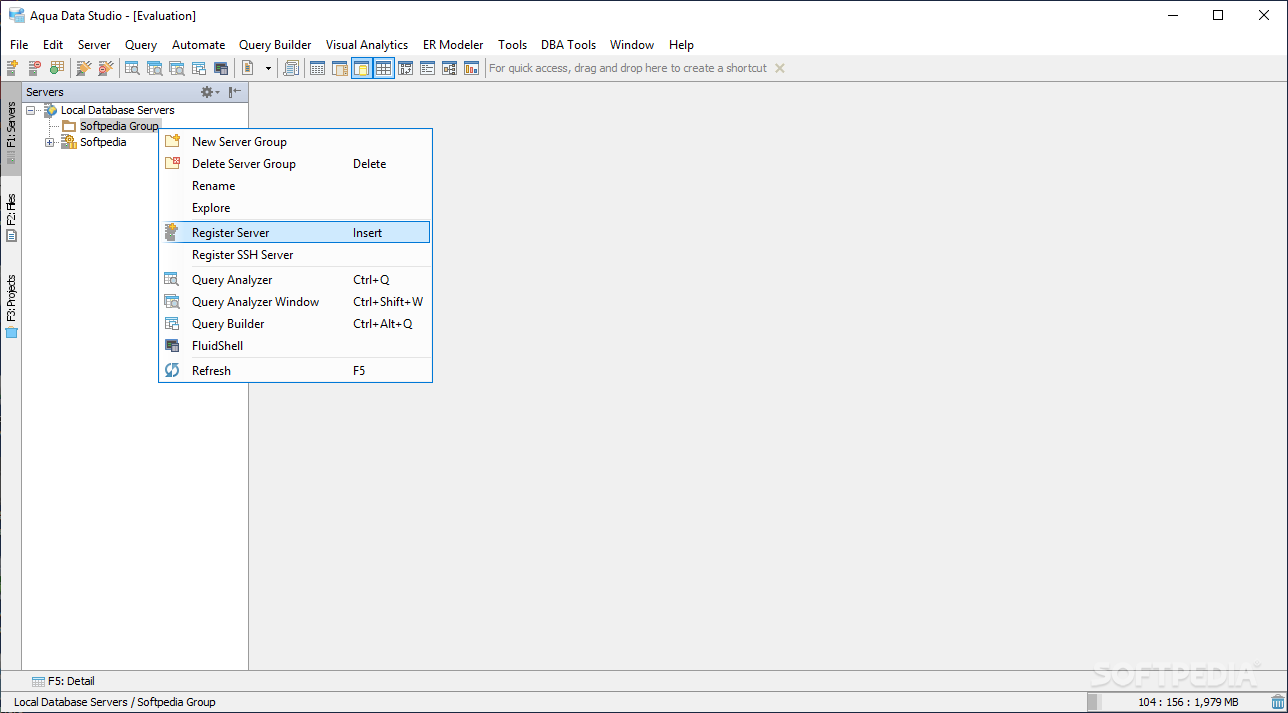
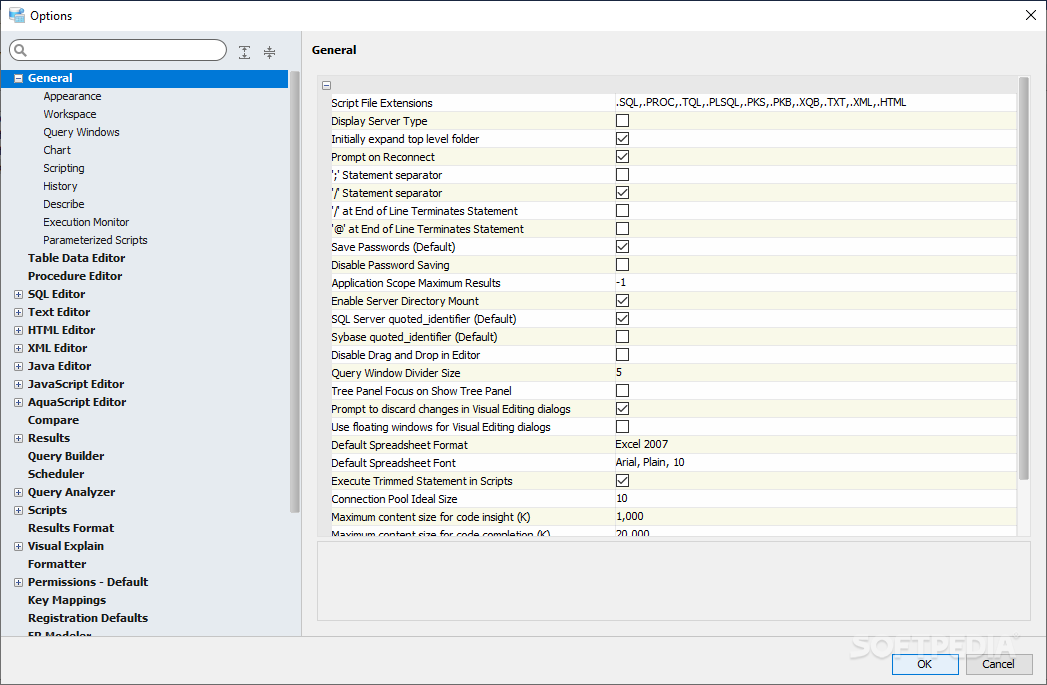
Database administration can be challenging, especially when dealing head-on with the scalable nature of such endeavors, as well as the inherent complexity of the contained elements. Things become even more complex when the distinction between visualizers and actual DBMSs becomes blurred. Aqua Data Studio, however, was designed in order to offer users a clever way of tackling the administration of multiple database environments simultaneously, of different types, in order to achieve a centralized database management system.
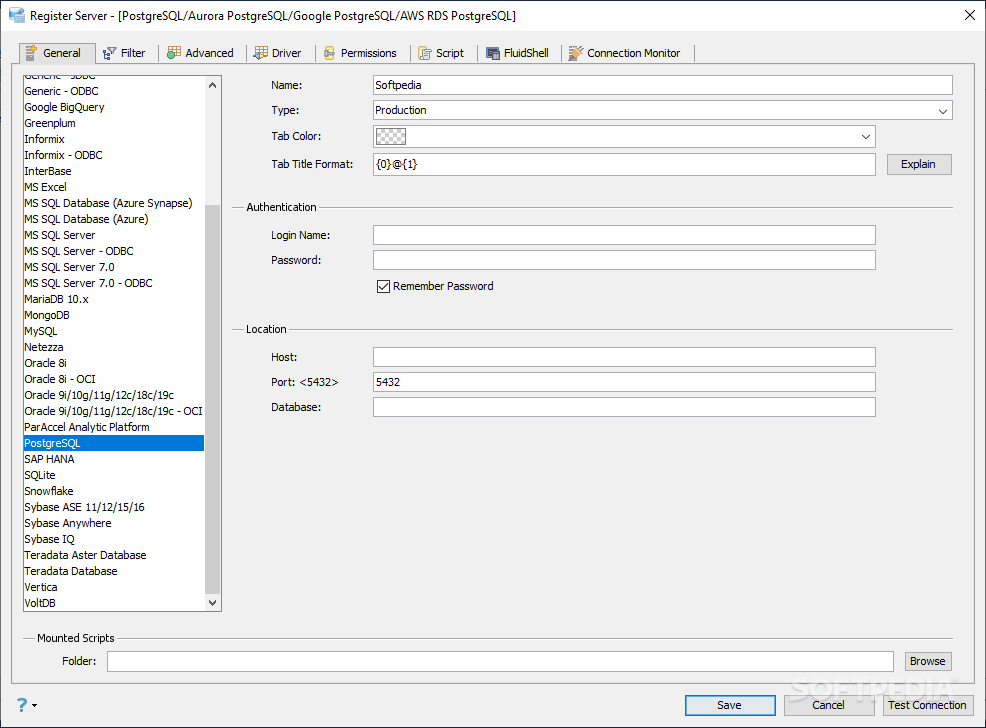
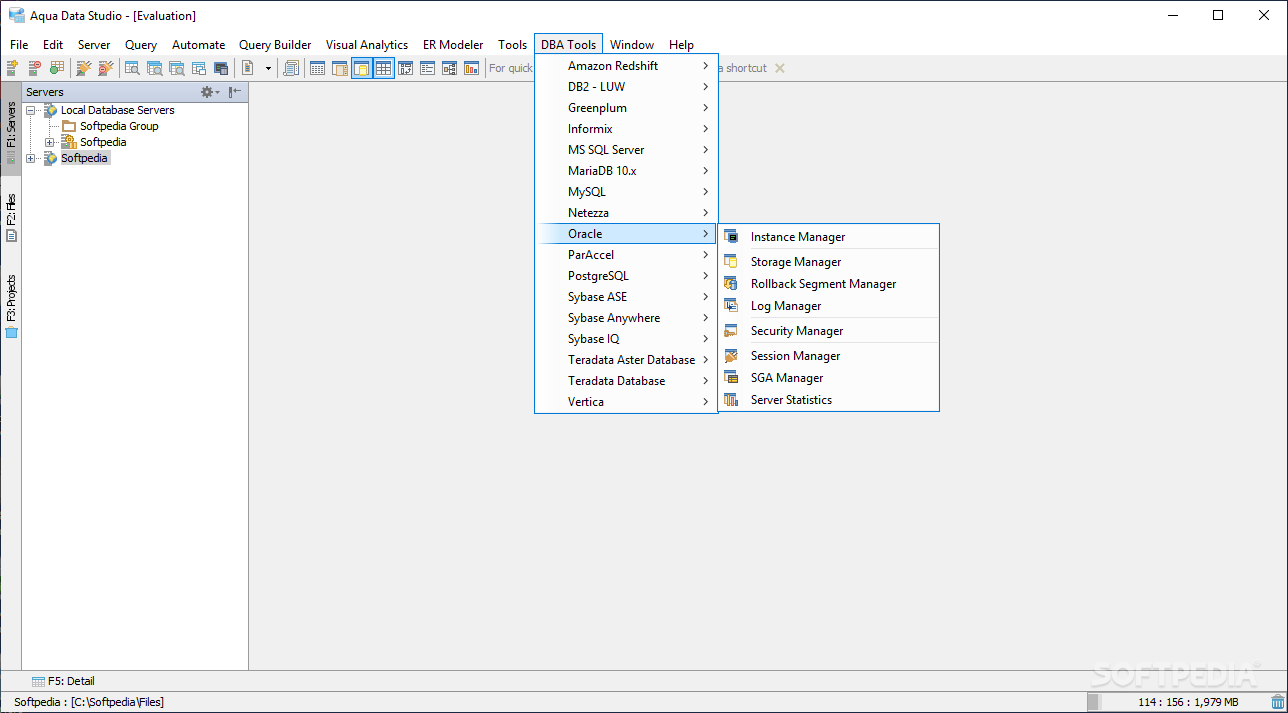
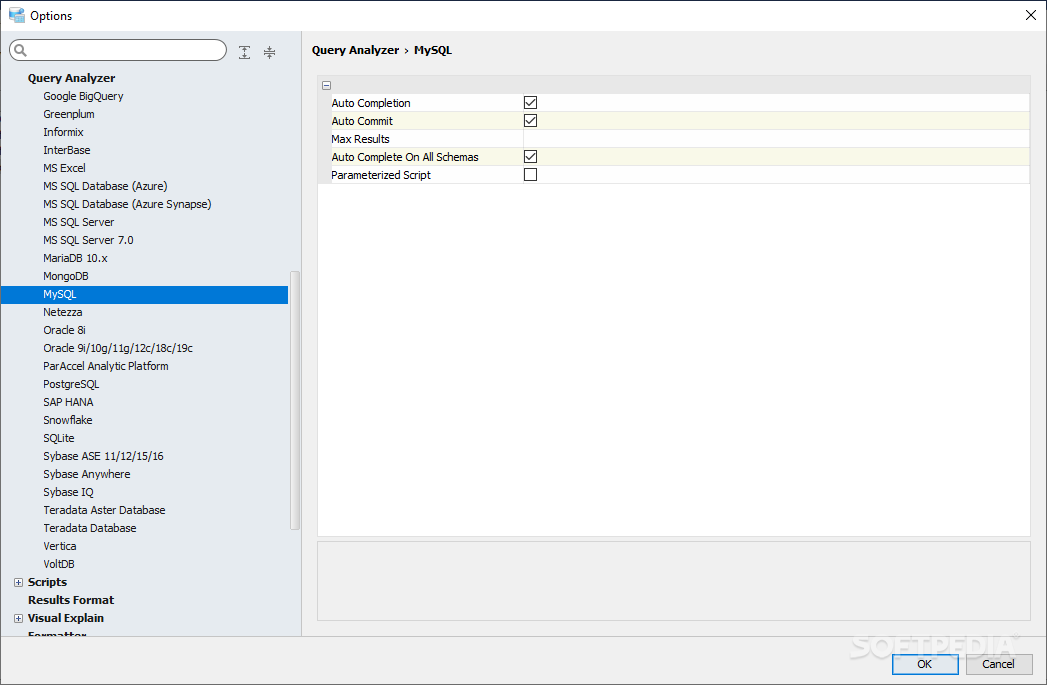
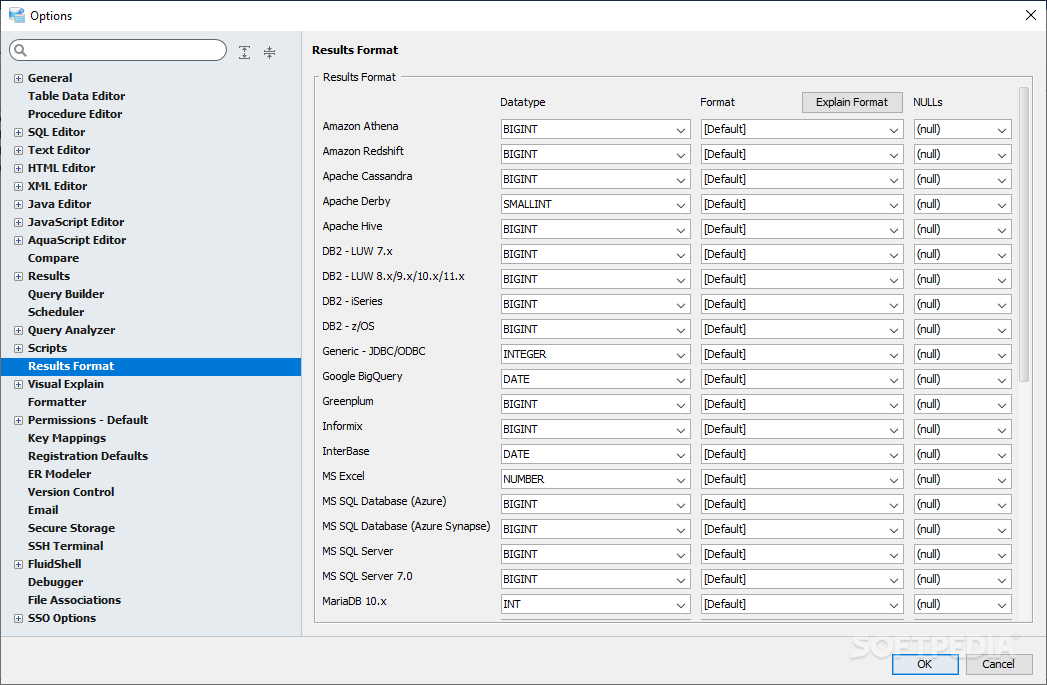
A multitude of database types are supported by Aqua Data Studio, and right from the start, we feel that this is one of its main strengths. It does not only support multiple database types but also multiple server instances simultaneously.
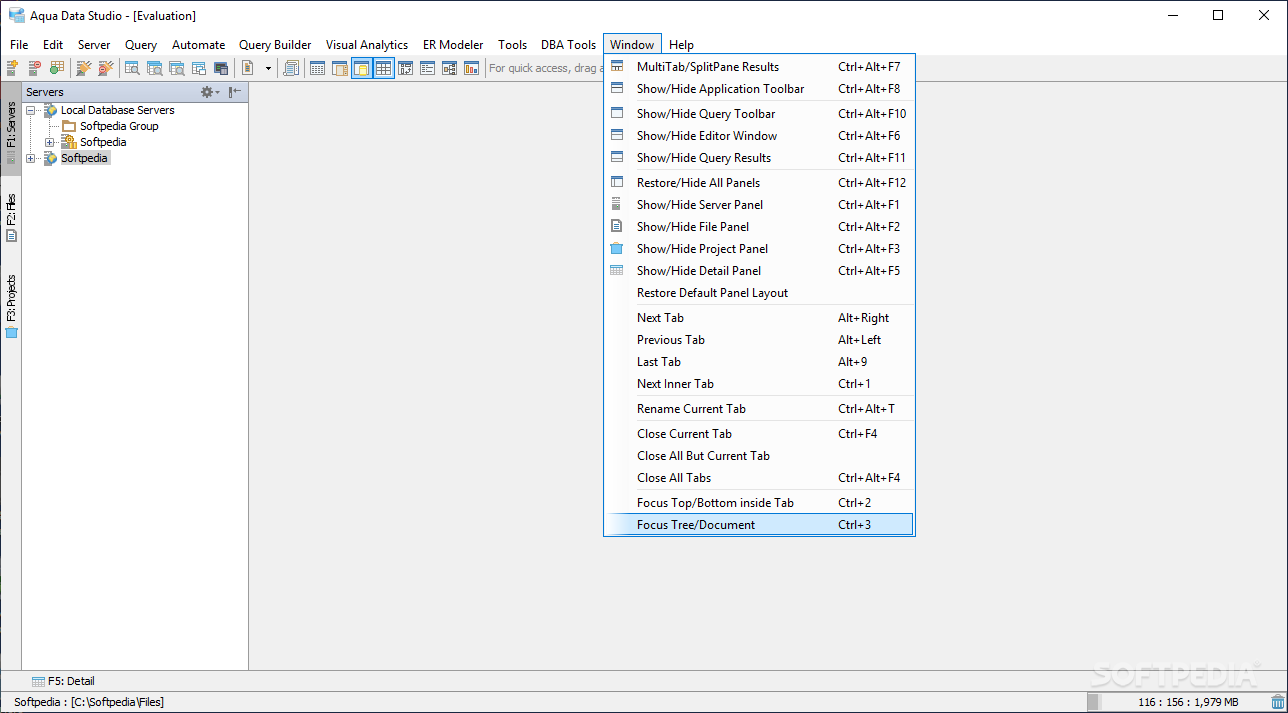
We believe that this offers users a high degree of flexibility and efficiency, as they will be able to manage several database instances concurrently. Combine that with the accessible structure visualizer, as well as the navigation features, and you’ve got a pretty effective endeavor.
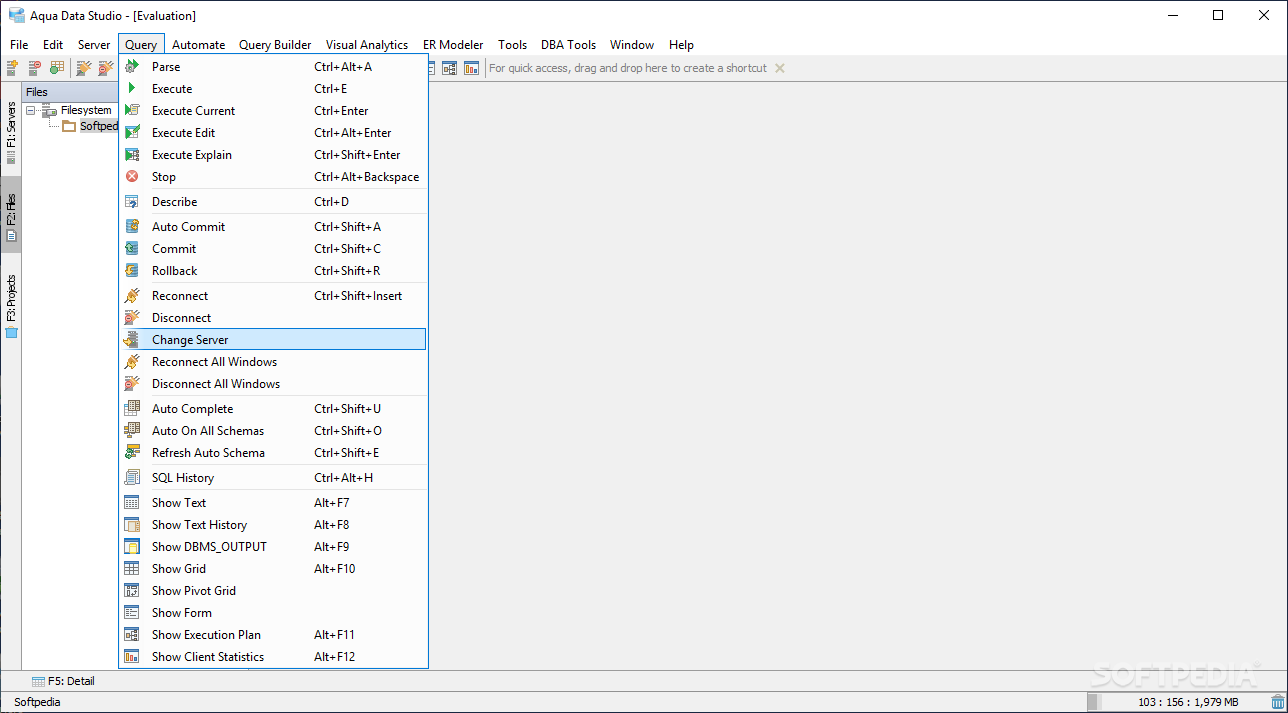
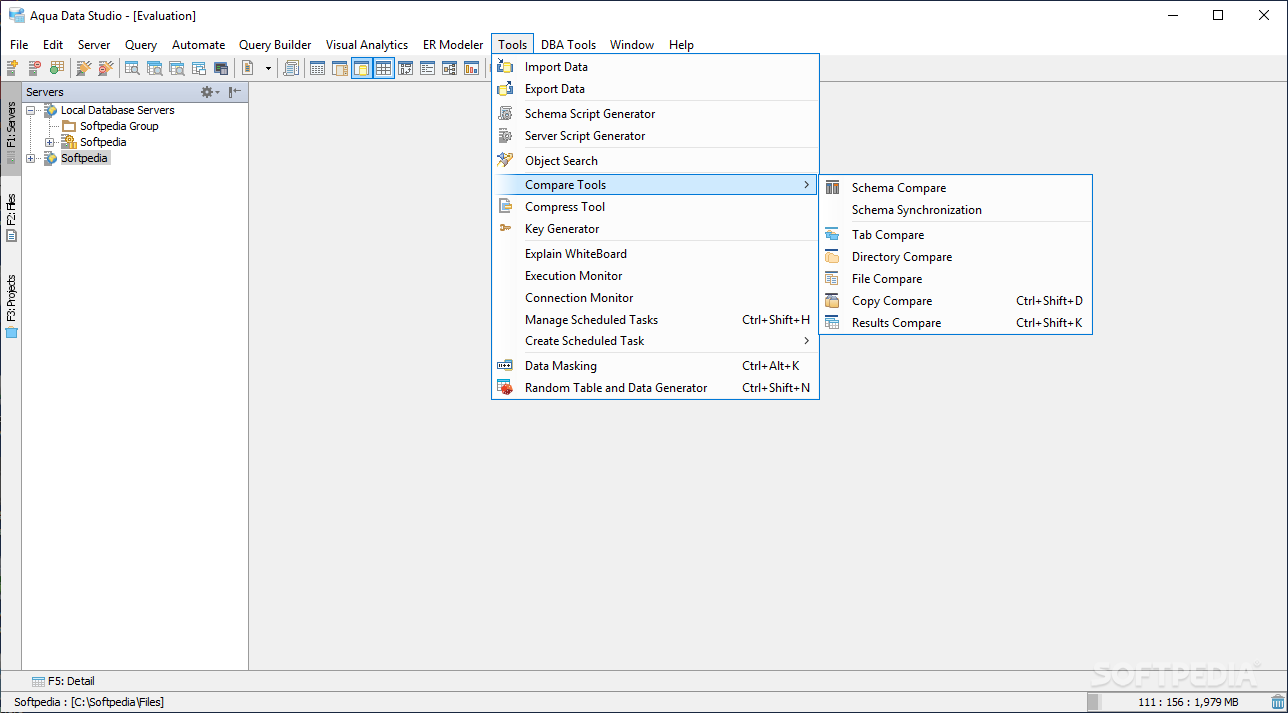
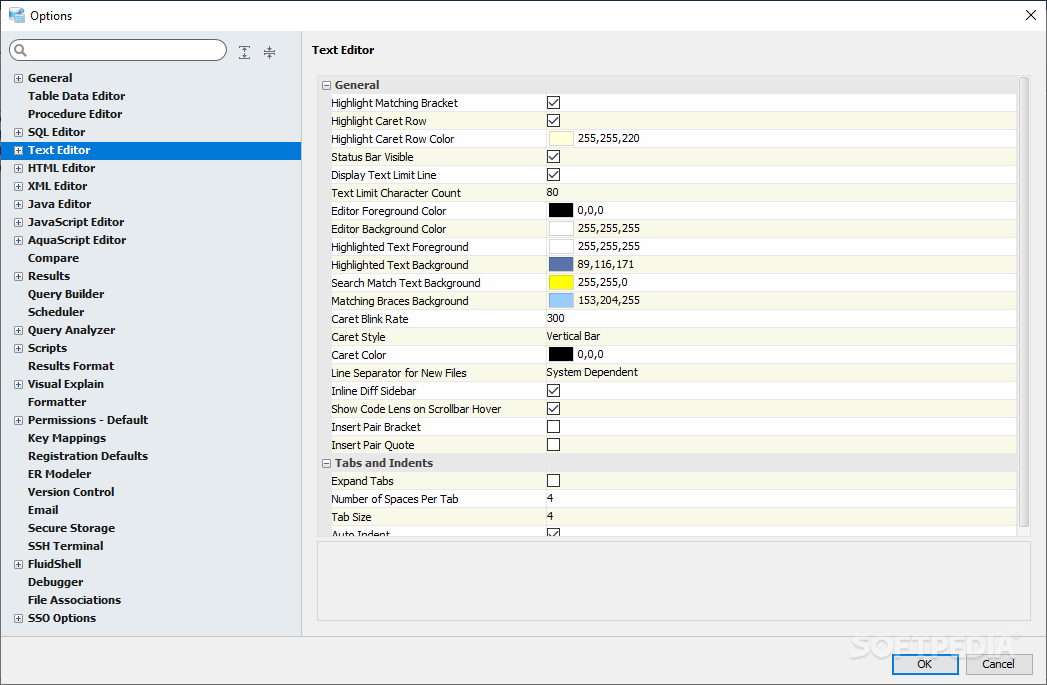
When going past the main database visualization characteristics, demanding users and those seeking additional functionality will be able to also perform a multitude of other tasks, ranging from creating and executing SQLs, and all the way up to managing connections and storage. The said queries can be built and visualized in both 2D and 3D.
Addressing debugging and importing, and exporting is also possible, and users will benefit from several, purpose-fit wizards.
This application addresses those who require a DBMS that is compact and which offers consistent results, and most importantly, supports multiple database types and servers concurrently.
Aqua Data Studio 23.1.0
add to watchlist add to download basket send us an update REPORT- runs on:
-
Windows 11
Windows 10 32/64 bit
Windows 8 32/64 bit
Windows 7 32/64 bit - file size:
- 892 MB
- filename:
- ads-windows-x64-23.1.0.exe




- main category:
- Internet
- developer:
- visit homepage
ShareX

7-Zip

Microsoft Teams

Context Menu Manager

IrfanView

calibre

Bitdefender Antivirus Free

Zoom Client

4k Video Downloader

Windows Sandbox Launcher

- Zoom Client
- 4k Video Downloader
- Windows Sandbox Launcher
- ShareX
- 7-Zip
- Microsoft Teams
- Context Menu Manager
- IrfanView
- calibre
- Bitdefender Antivirus Free