
Create and modify databases, make use of reverse and forward engineering tasks, and work with a smart SQL editor that supports syntax highlighting and code completion. #Database design #Query editor #Edit diagram #Script #Query #Diagram


DbWrench is a database utility designed specifically for helping you create database designs, use ER diagrams, forward and reverse engineer databases, as well as work with a syntax highlighting SQL query editor.
This is a Java-based utility so you need to deploy the working environment on your computer before running the program.
The portable running mode makes this utility an ideal candidate for being placed on any USB flash drive or other portable devices and carried with you. You may run it without administrative privileges on the target system.
There’s no installation involved in the process as you only need to open the executable file in order to get access to the program’s features. Uninstalling it means deleting the files that you have downloaded from the Internet.
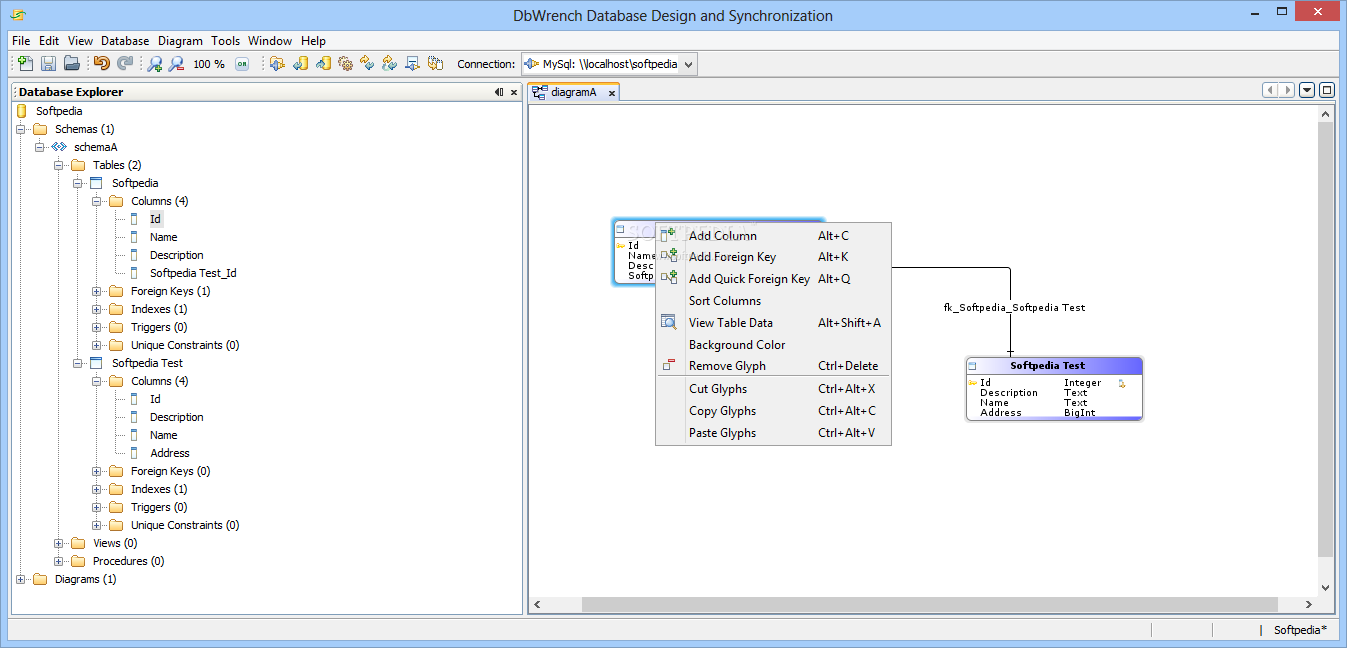
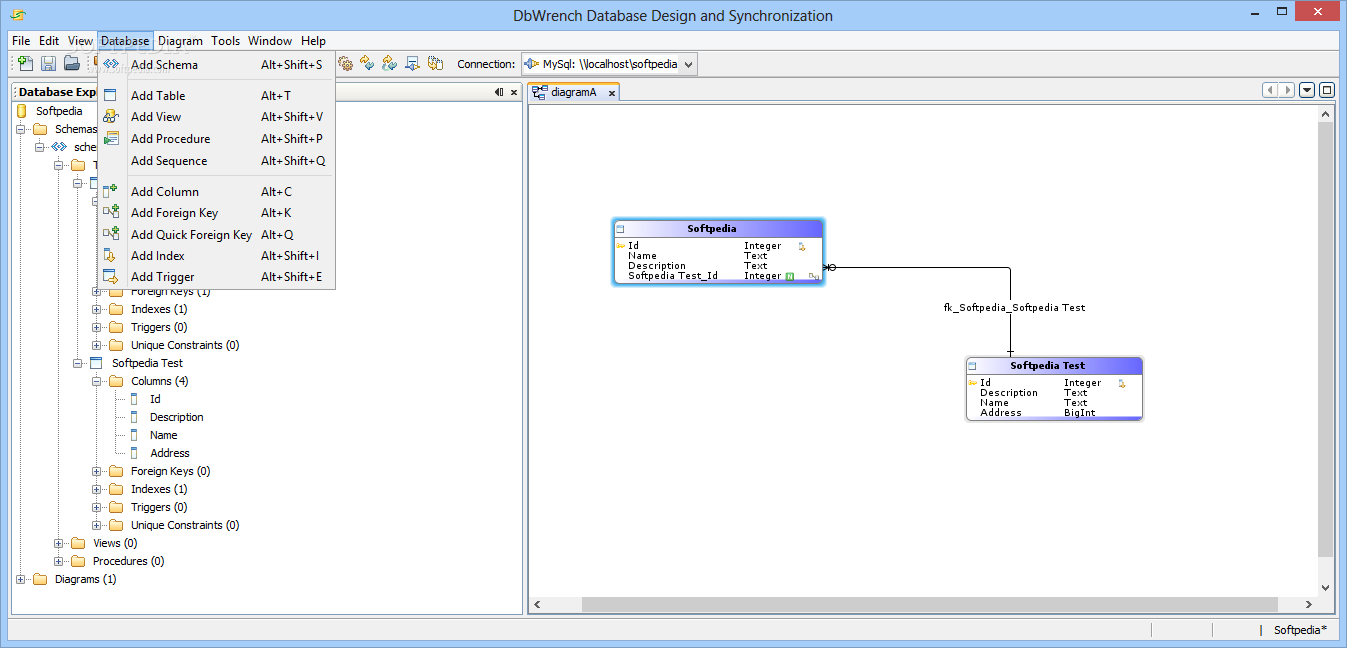
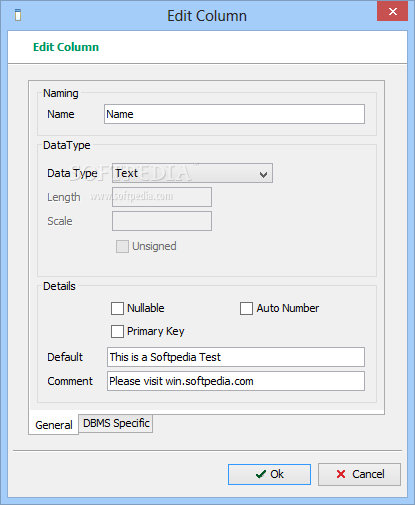
DbWrench allows you to construct database entities such as tables, columns and indexes, and edit database items directly in the diagram. A new database can be created by providing details about the name and setting up various properties (e.g. Schemes, Views, Procedures, Sequences).
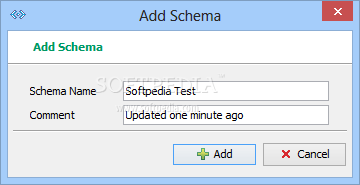
You may define schemas, which may contain tables, procedures, views and sequences. Plus, you can insert tables, columns, foreign keys for indicating a relationship between two tables, and indexes to boost the lookup performance of a table.
You may add triggers for executing various commands, primary keys, views for providing groupings of database data, procedures to create SQL Server Stored Procedures and PostgreSQL Functions, sequences to build and track PostgreSQL data, as well as database documentation (HTML files of a database design).
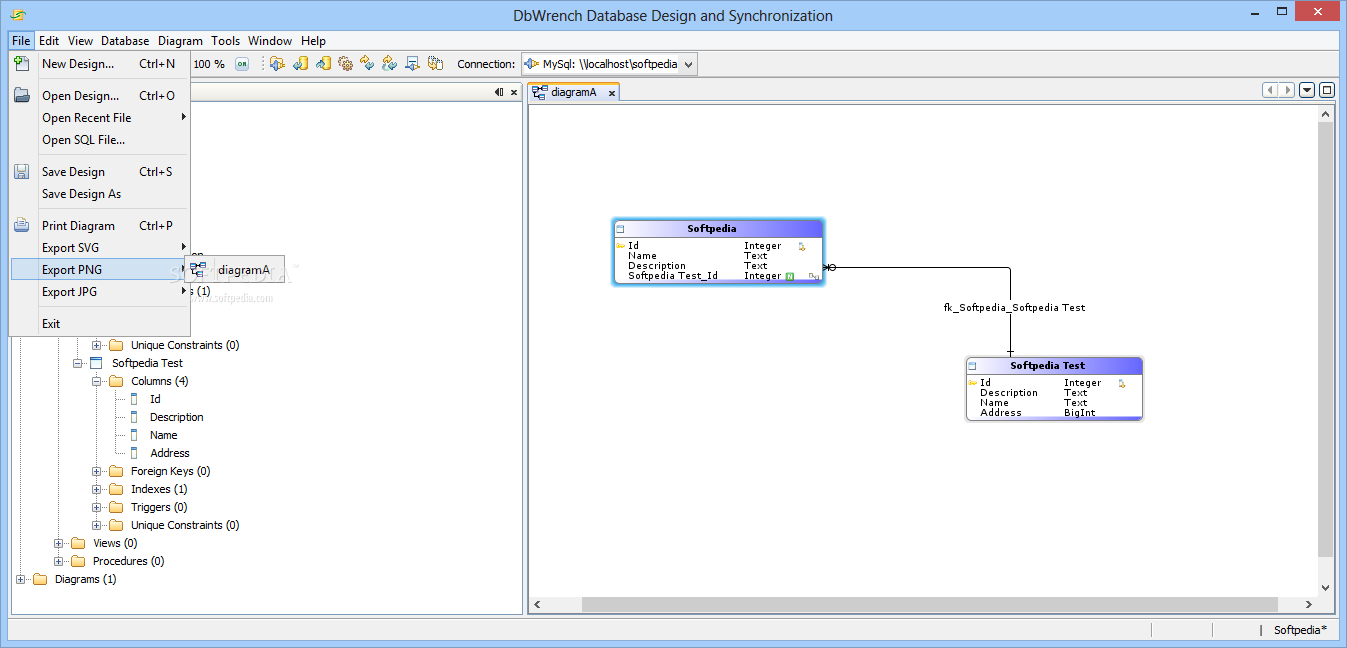
You may generate a diagram, add entities such as tables and foreign keys to the diagram, set up properties (e.g. name, verbosity, font size), adjust the background color of each table glyph, zoom in or out of the design, and export data to PNG or JPEG file format.
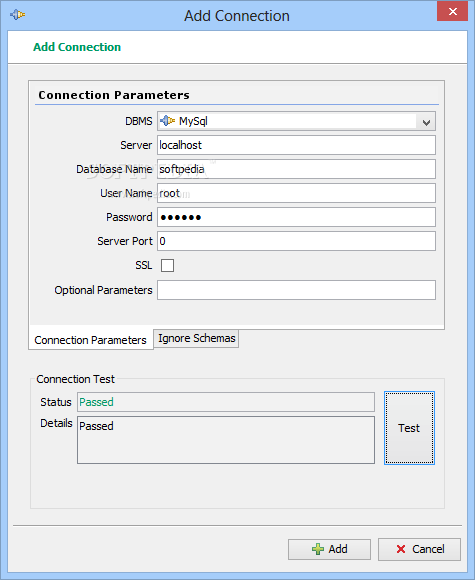
The tool lets you create a new connection by providing information about the DBMS, server and database name, port, as well as username and password.
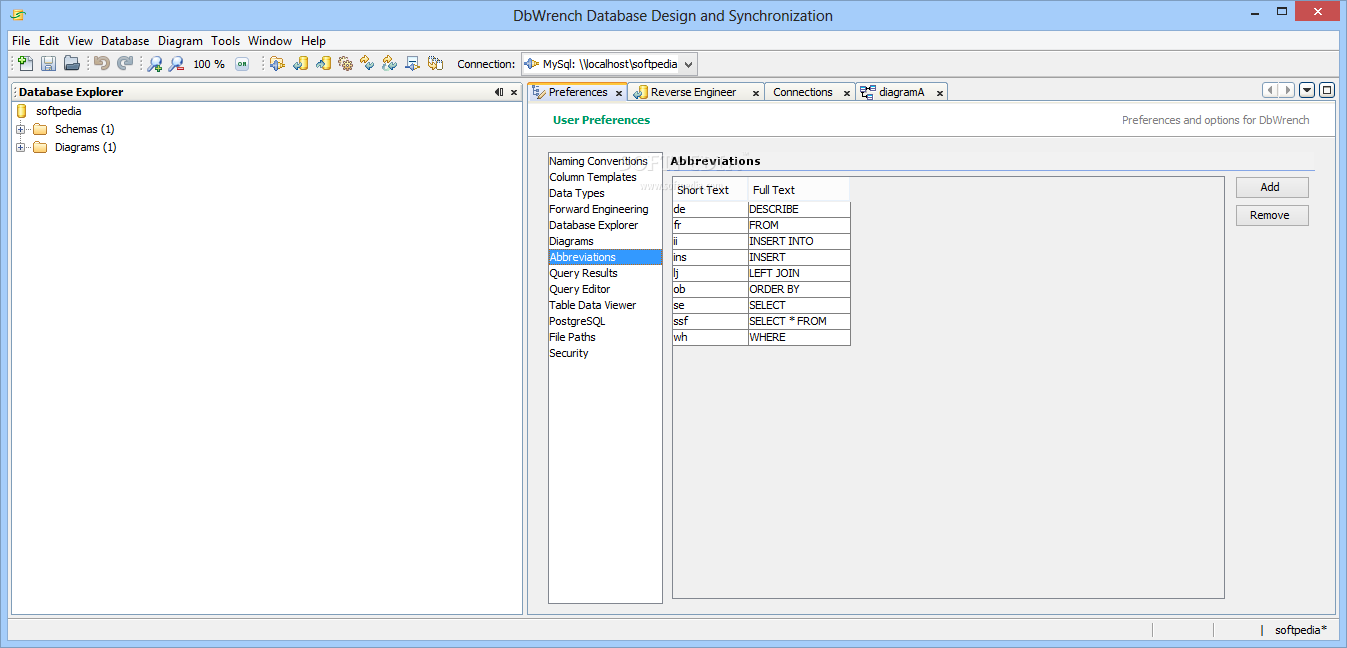
The SQL editor offers support for syntax highlighting, code completion, and custom abbreviations for common commands and entity names.
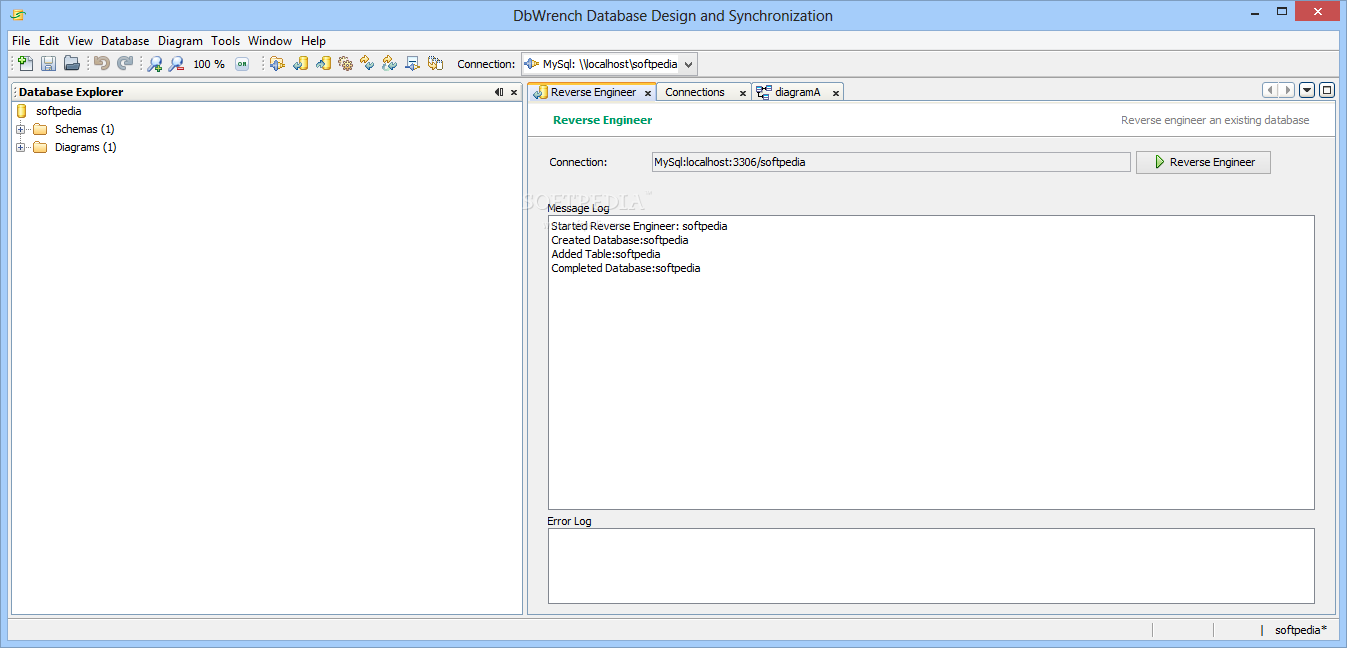
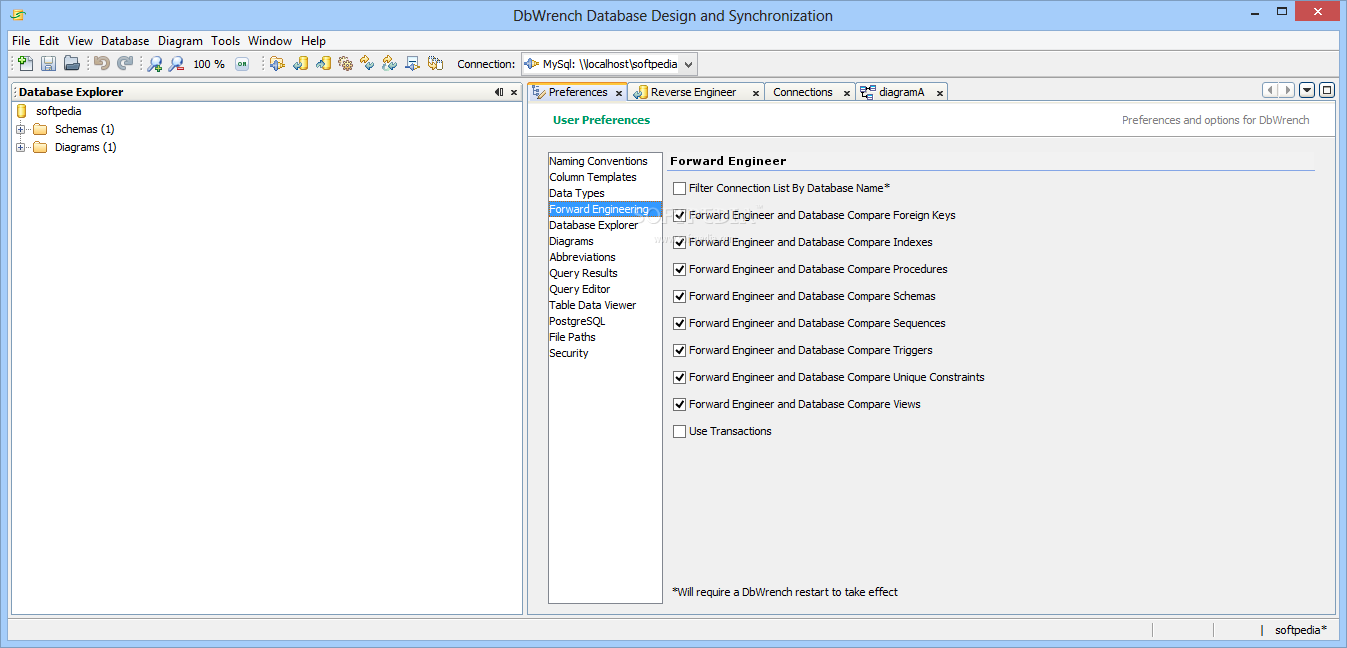
DbWrench helps you interact with a database server by allowing you to execute SQL commands and reverse engineering a database from the server and forward engineering a database design to the server.
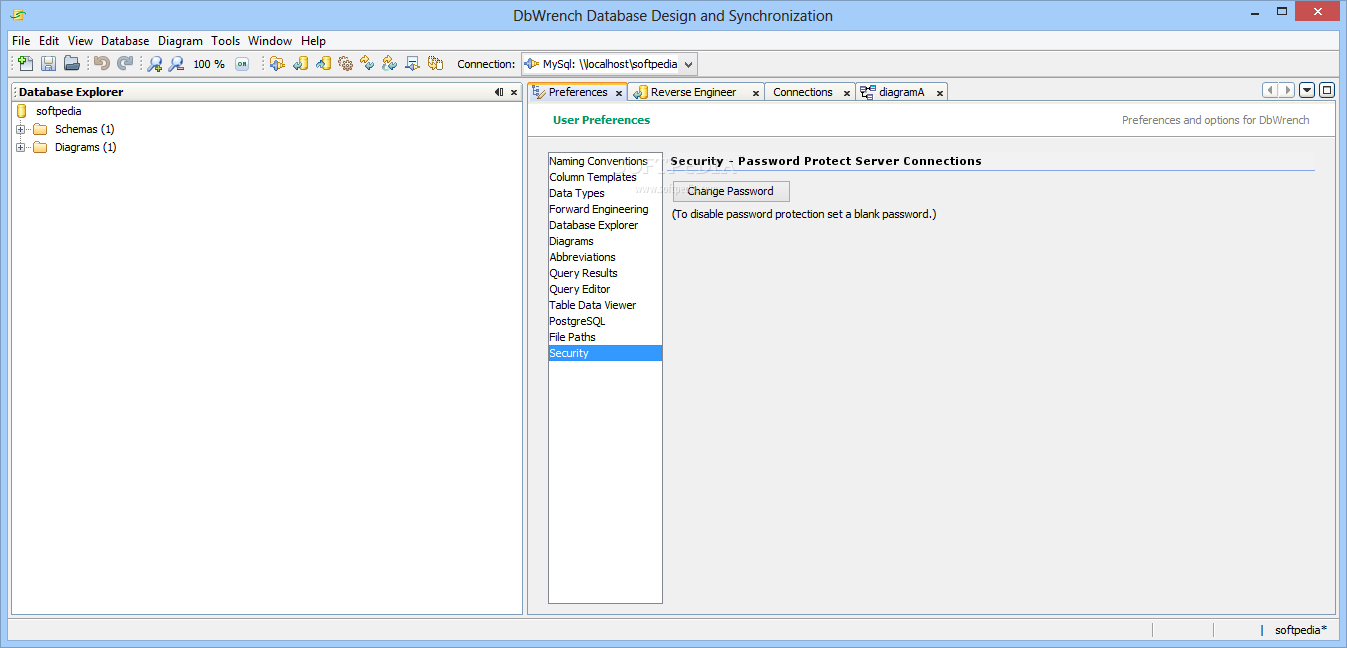
You can define your graphical user interface (GUI) forms for data entry into database tables and set up a master password for preventing other users from gaining access to the program’s features.
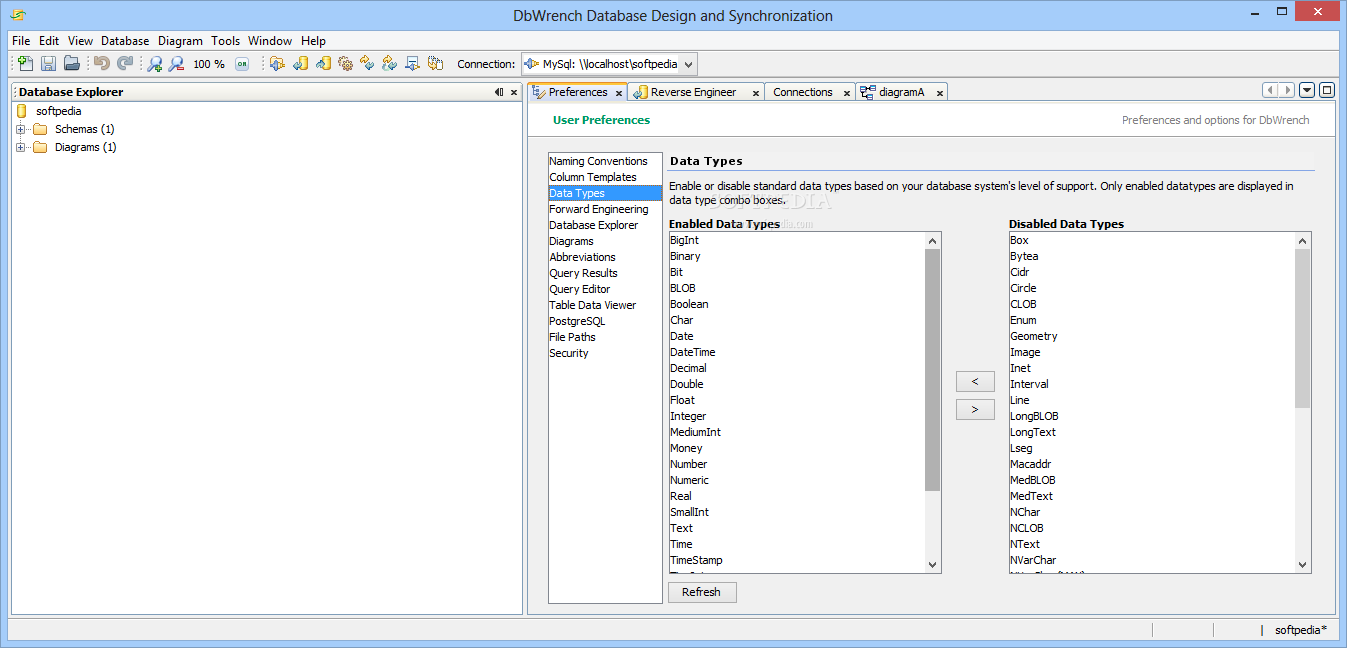
DbWrench integrates a powerful suite of features for helping you create and modify databases, visualize the designs of the database, and make use of ER diagrams. The advanced feature pack makes it suitable for professionals.
What's new in DbWrench 5.1.1:
- Added hot keys to main menu items.
- Fixed Save Changes prompt not showing on newly created databases.
- Fixed incorrect auto-generated index name when index was created using Click Actions.
- Database Connection drop down automatically selects the newly added database connection.
DbWrench 5.1.1
add to watchlist add to download basket send us an update REPORT- runs on:
- Windows All
- file size:
- 40.4 MB
- filename:
- dbwrench.zip




- main category:
- Internet
- developer:
- visit homepage
Zoom Client

paint.net

7-Zip

IrfanView

Bitdefender Antivirus Free

ShareX

Microsoft Teams

4k Video Downloader

Windows Sandbox Launcher

calibre

- 4k Video Downloader
- Windows Sandbox Launcher
- calibre
- Zoom Client
- paint.net
- 7-Zip
- IrfanView
- Bitdefender Antivirus Free
- ShareX
- Microsoft Teams