
Easily perform advanced database conversions between the 17 supported engines, with the help of this easy-to-use software solution. #Convert Database #Database Converter #Migrate Database #Access2SQL #XLS2Access #DBF2XLS
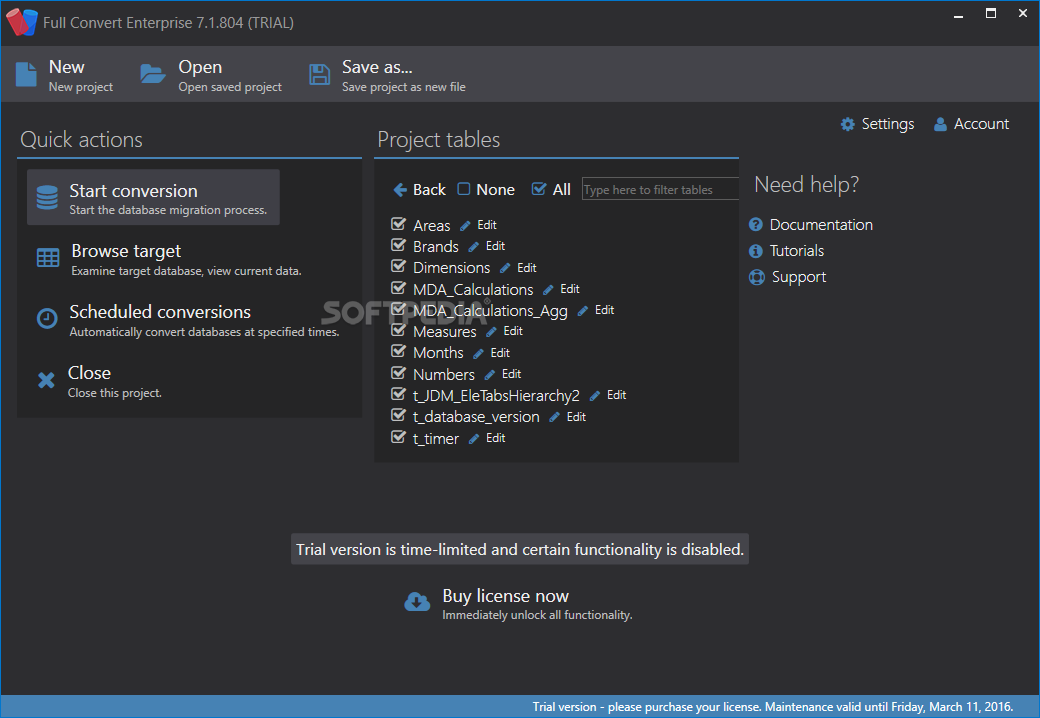
Migrating databases is no easy task, as there are many factors involved. If you want to successfully transform your information index from one database engine to another, you should try a third-party program, like Full Convert.
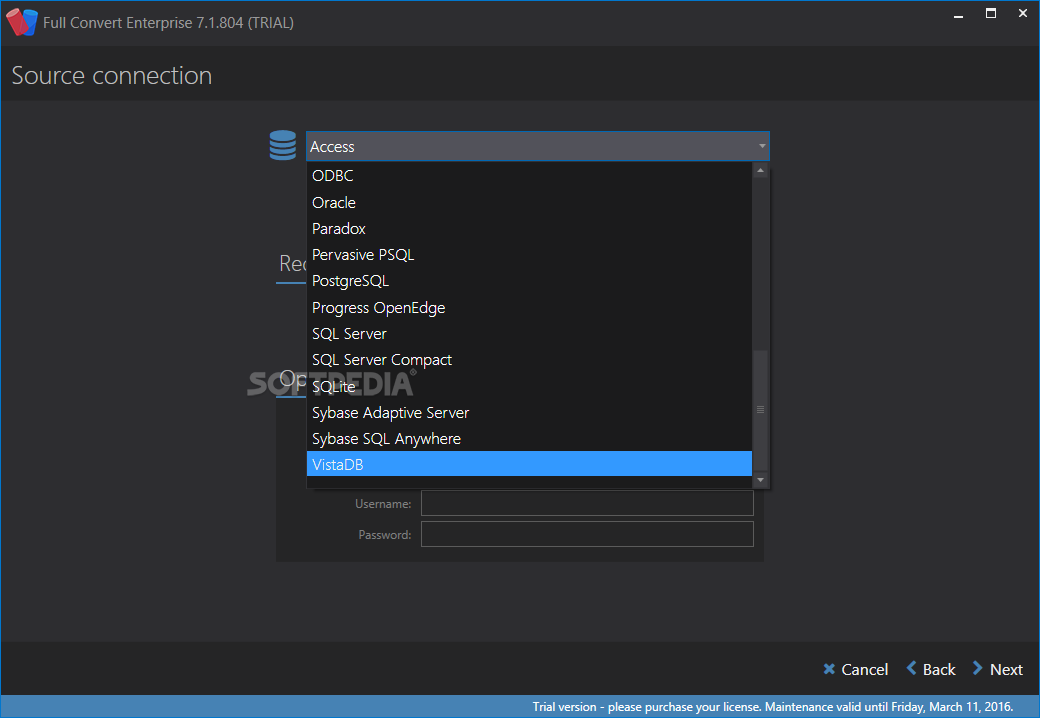
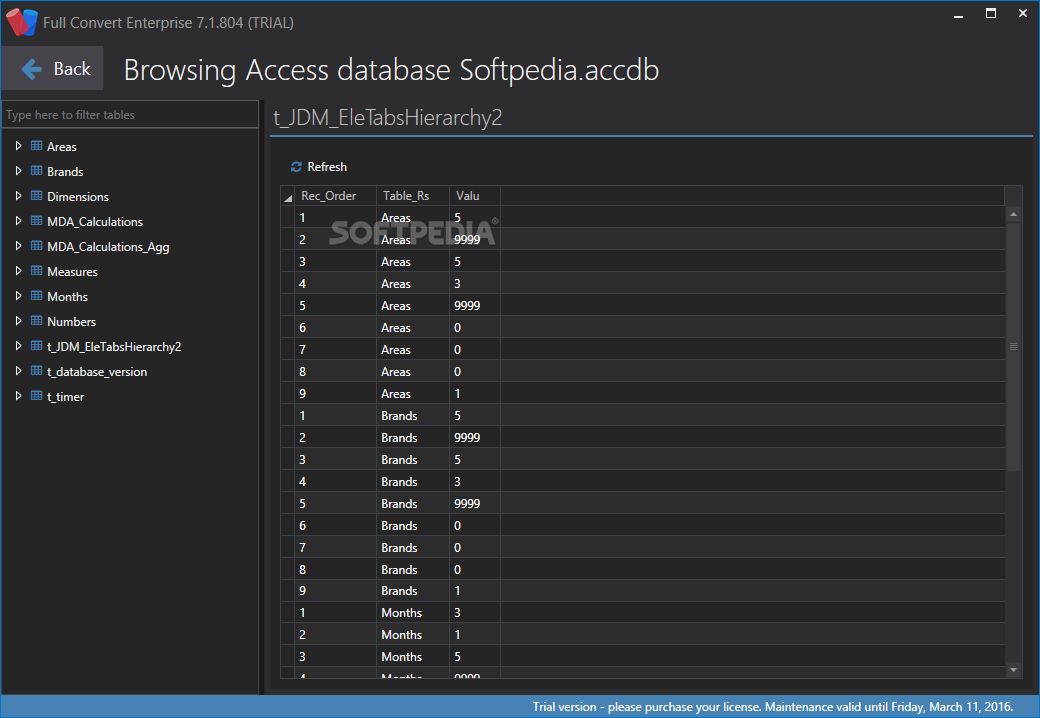
The utility is able to read and convert many types of databases, making the task seam trivial. It can read files generated by Microsoft Access, dBase, FoxPro, Excel, Firebird, Interbase, MySQL, Oracle, Paradox, SQL Azure, among others.
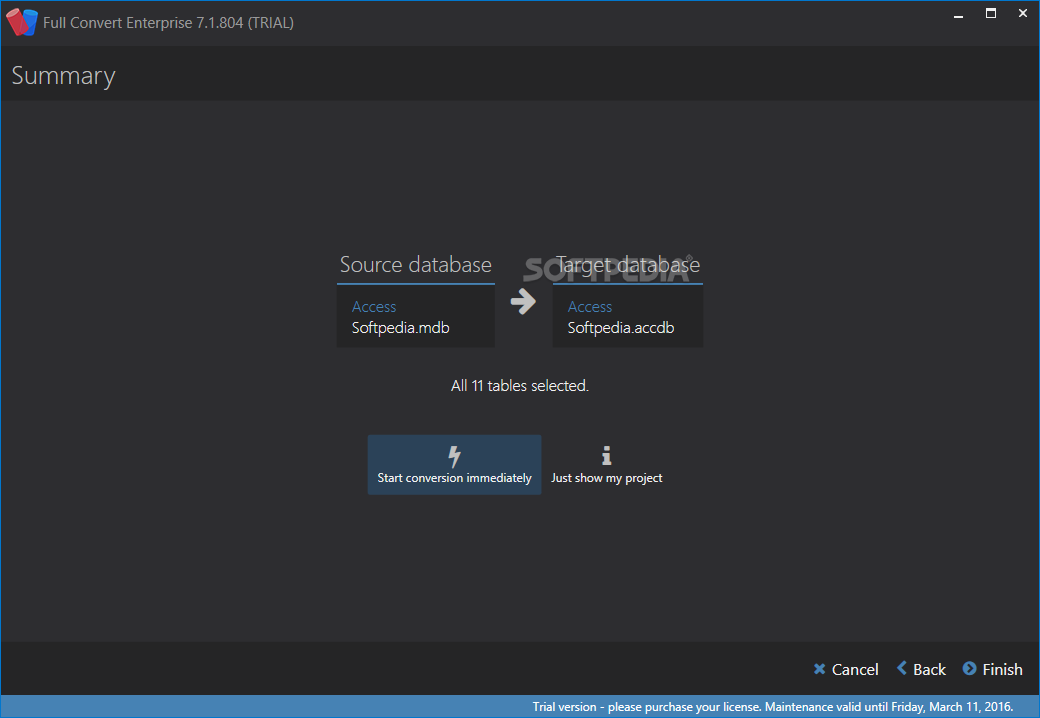
The included wizard is able to automatically detect the type of database you have on your computer by simply pointing it at the file you want to transform. This might come in handy for users who are not familiar with different database types.
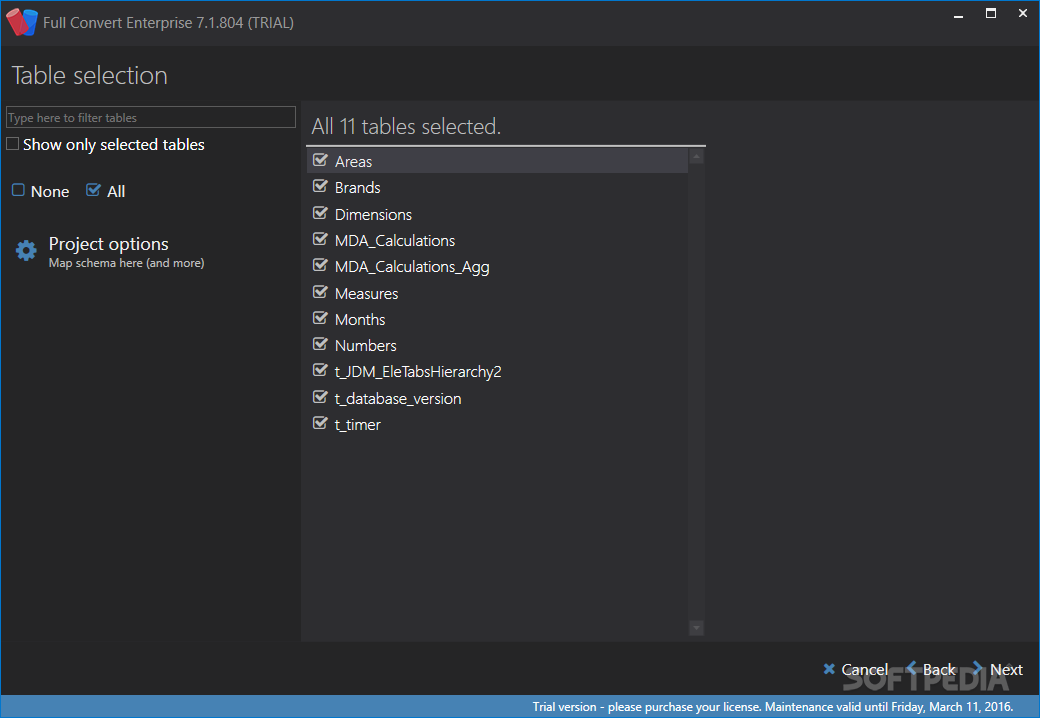
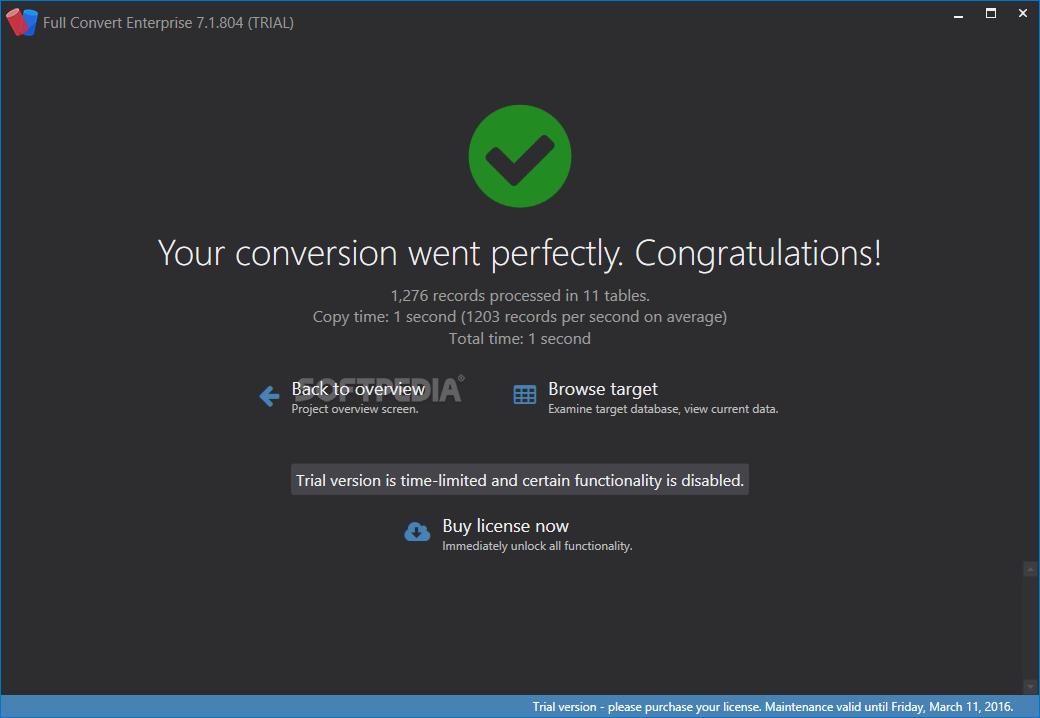
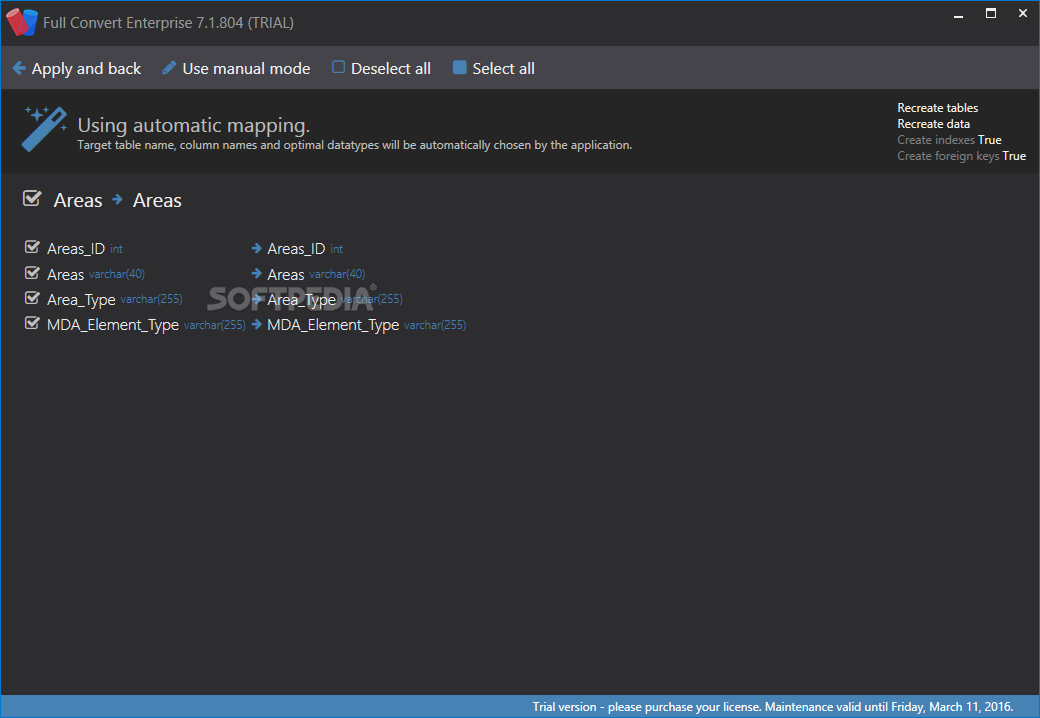
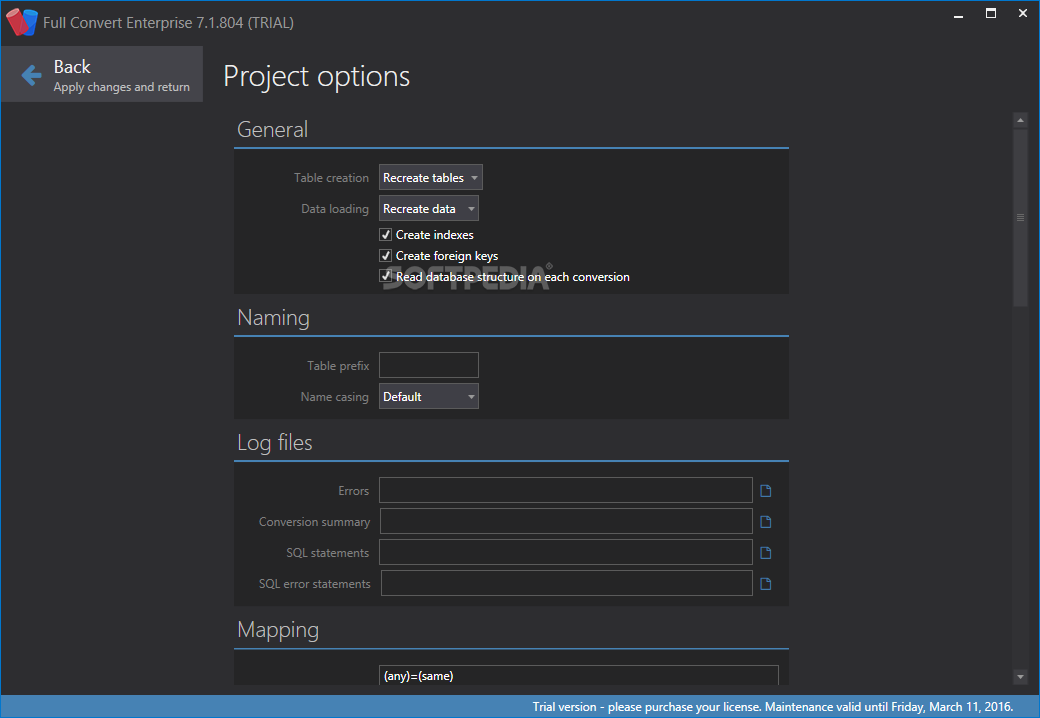
Full Convert can process large files (over 500 GB) very fast. Moreover, it offers the ability to customize each resulting column, based on your needs. The speed of the data migration can reach several hundred records per second.
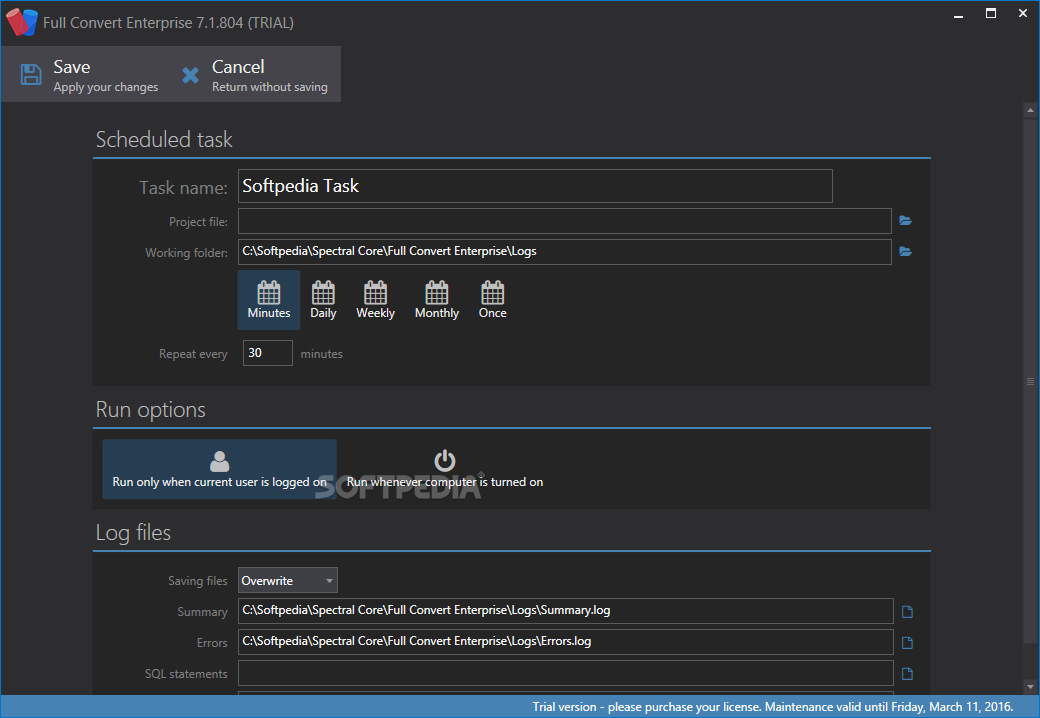
You are able to schedule conversions that can run in the background at set intervals. This might be handy for users who want to automate repetitive tasks. All you have to do is create a project file, save it, load it into the scheduler, choose your preferred settings and the interval and click the OK button.
When configuring the migration process, you can configure SQL scripts that will run before or after, as long as the source database supports it, ensuring that you reach your end goal.
Move your data across database engines with little effort
In closing, Full Convert enables you to easily transfer databases between various types of engines, while also allowing you to customize the information that is processed. Sadly, it uses the default Windows file browser, so there is no support for favorite folders.
Download Hubs
Full Convert Enterprise is part of these download collections: Oracle Clients
What's new in Full Convert Enterprise 21.12 Build 1661:
- Removed the need for metadata read on every run
- Console - respect project options supplied by command-line parameter
- Console - use TLS when sending emails
- Overview - added a "Show invalid tables" filter
Full Convert Enterprise 21.12 Build 1661
add to watchlist add to download basket send us an update REPORT- runs on:
- Windows 10 64 bit
- file size:
- 168 MB
- filename:
- SetupFullConvert.exe
- main category:
- Internet
- developer:
- visit homepage
Zoom Client

ShareX

paint.net

Bitdefender Antivirus Free

Windows Sandbox Launcher

calibre

IrfanView

Microsoft Teams

7-Zip

4k Video Downloader

- Microsoft Teams
- 7-Zip
- 4k Video Downloader
- Zoom Client
- ShareX
- paint.net
- Bitdefender Antivirus Free
- Windows Sandbox Launcher
- calibre
- IrfanView