
Software solution that allows you to design your own database, it helps you visualize and manage the complexity of your database and create a solid database design. #Database designer #Database modeller #Diagram editor #Modeller #Creator #Diagram
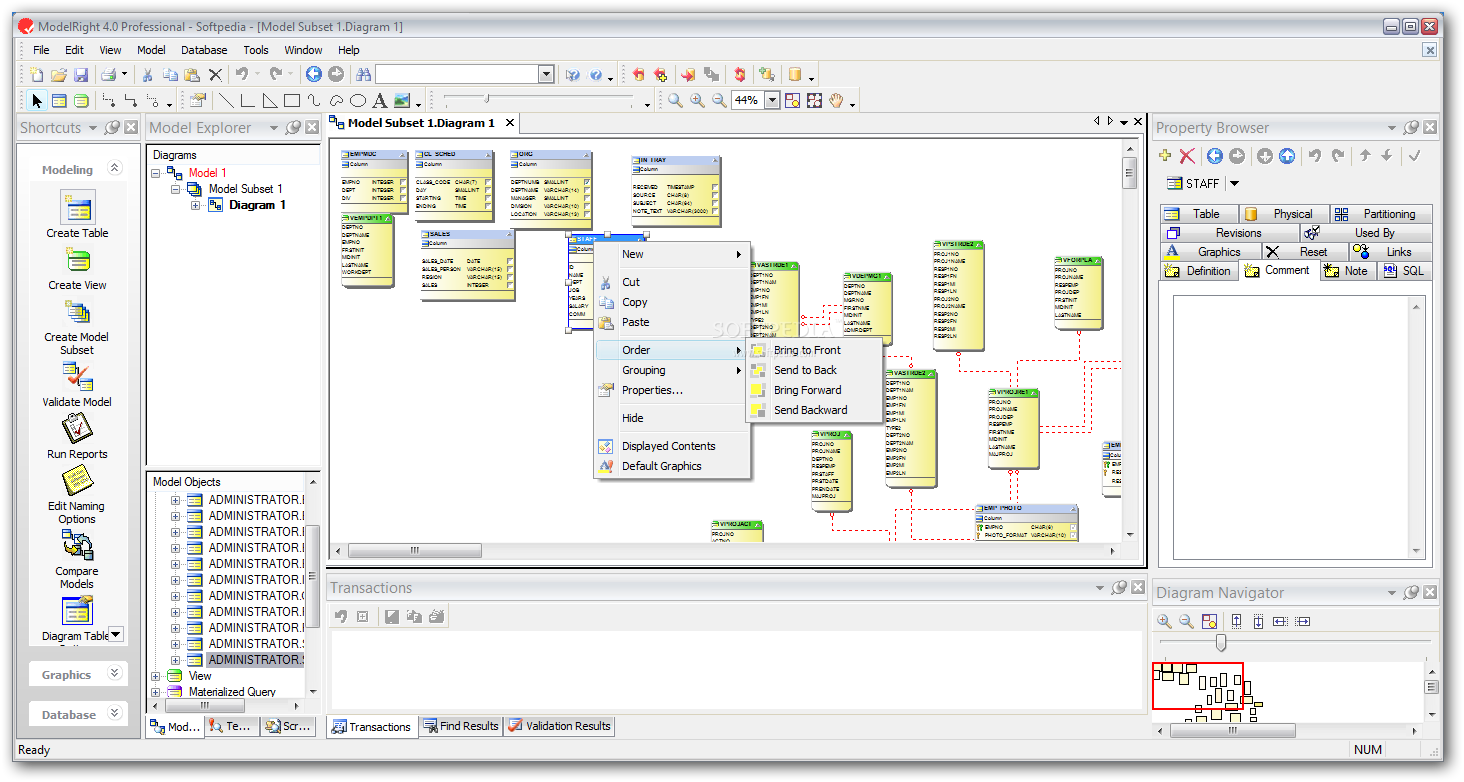
ModelRight Professional is one of those applications that are a must if you work with databases everyday. It allows you to design your own database, it helps you visualize and manage the complexity of your database and create a solid database design.
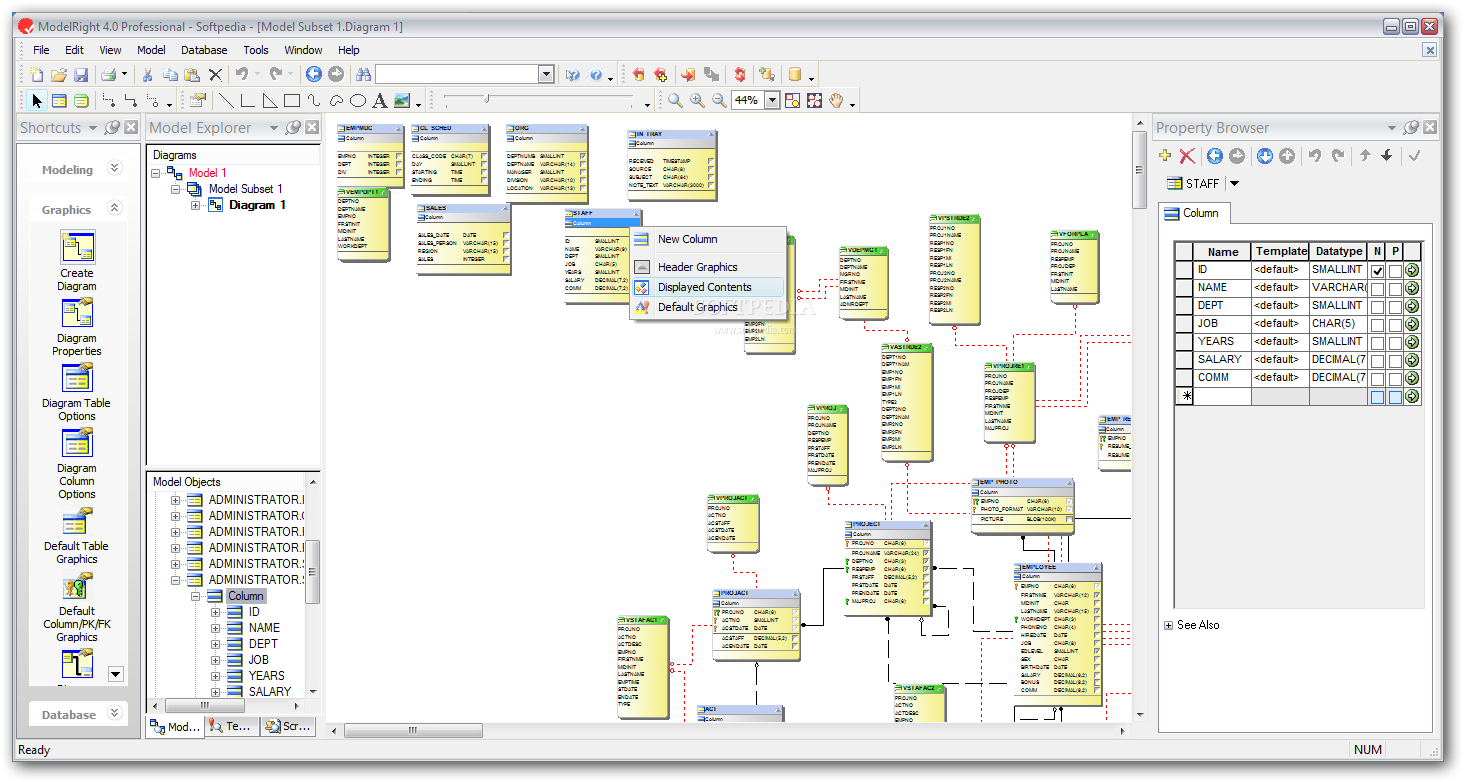
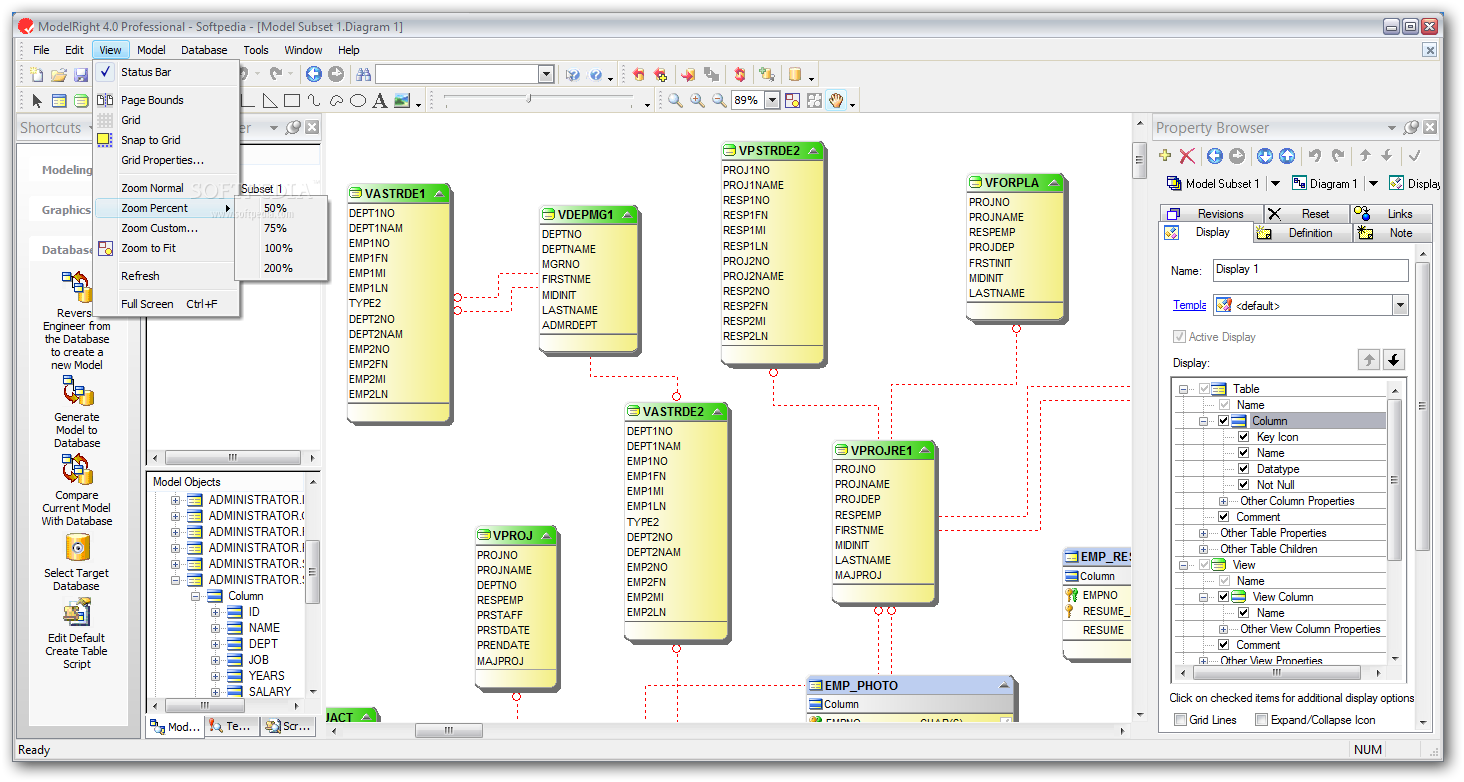
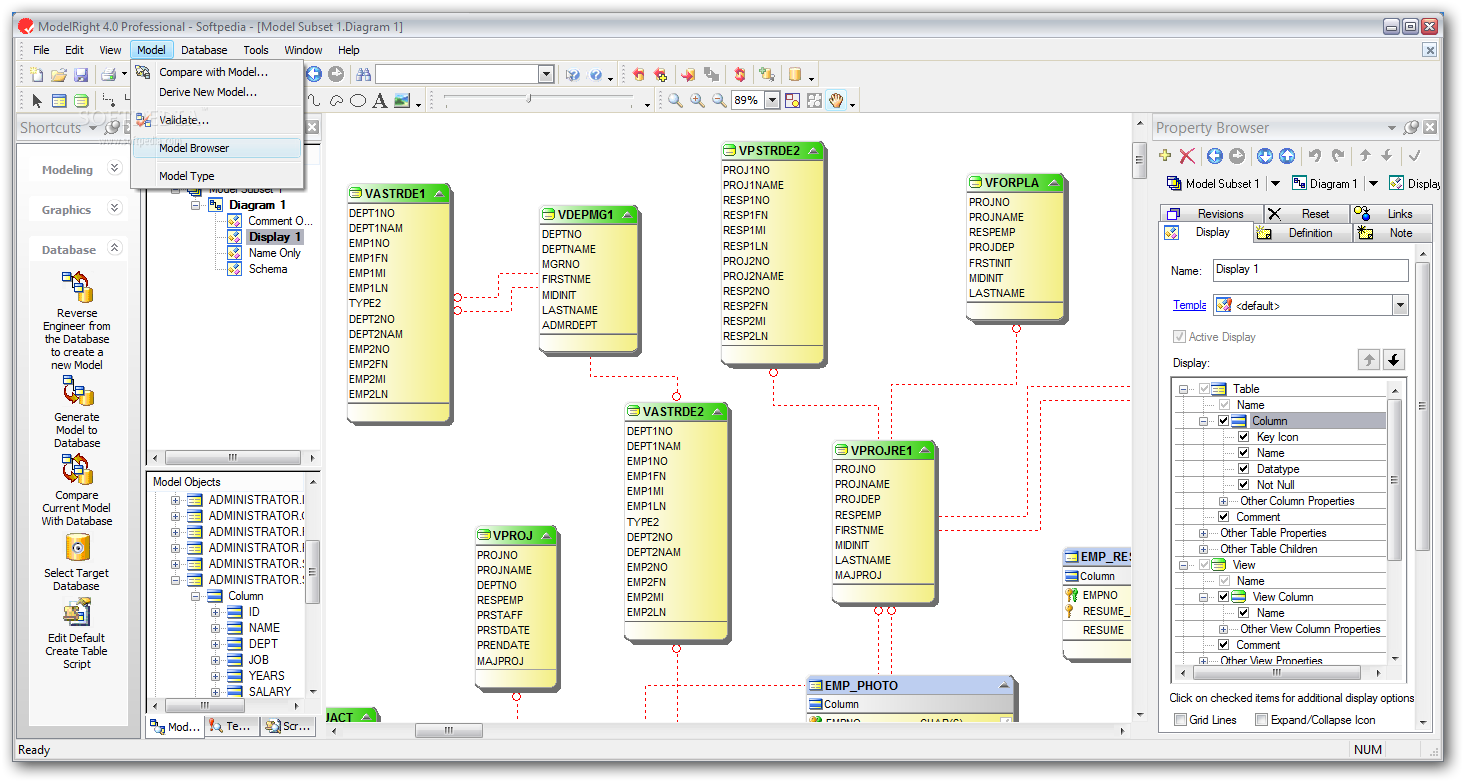
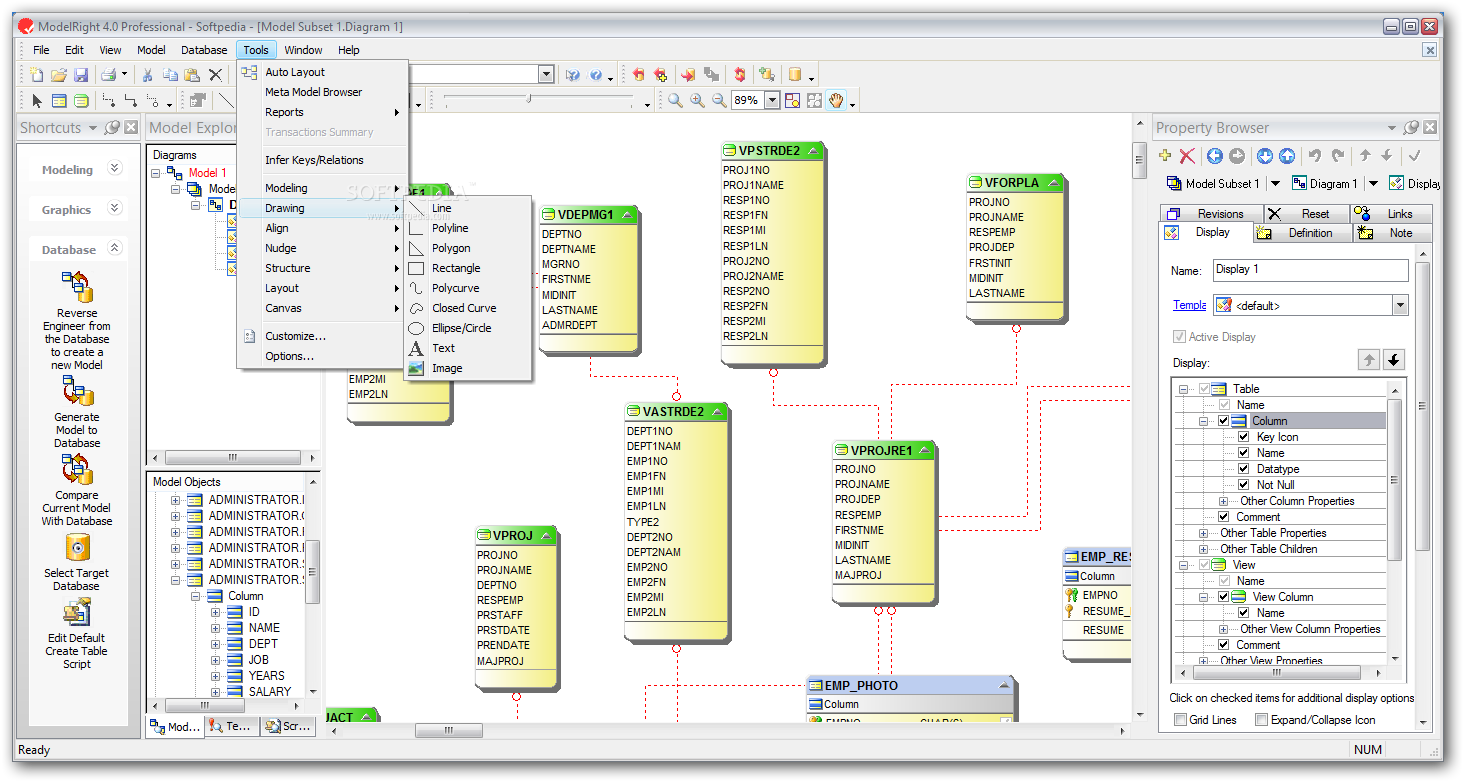
It sports a clean and very intuitive graphical interface that won't cause you any trouble with designing your own database and completing projects.
The application takes almost no time to install and it doesn't come with a complicated setup that you would need to complete before you can actually use it. It sports a clean and intuitive graphical interface with many nice tools at hand.
It allows you to design your own database, it helps you visualize and manage the complexity of your database and create a solid database design.
It comes with many helpful tools and it helps you enforce complex constraints, manage database views, validate design decisions, and create complete CREATE and ALTER scripts.
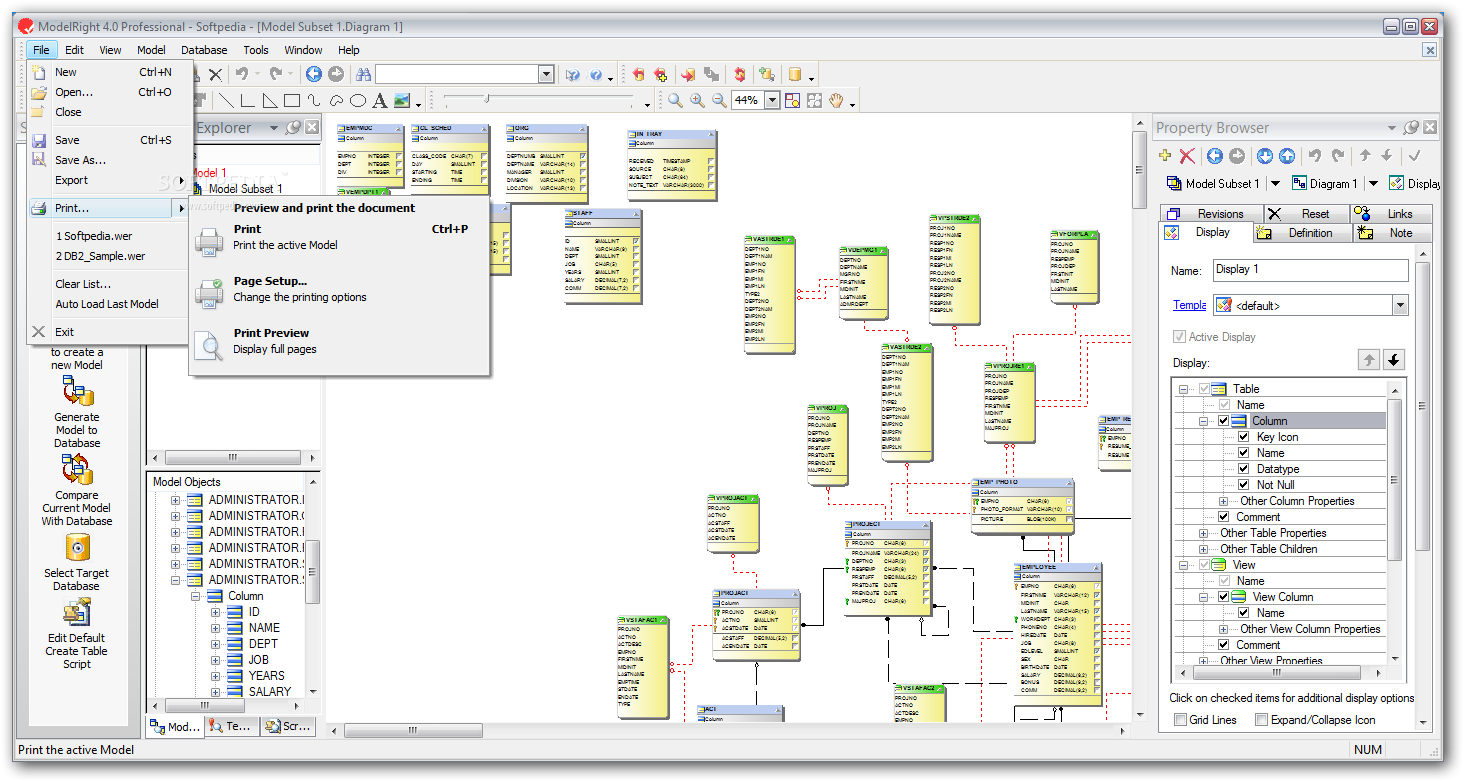
It combines all the standard features like drag/drop, undo/redo, reporting, printing, on-diagram editing and more. It comes with powerful and advanced design features like Templates, in-depth database-specific support, scripting, and comparisons with your database or another Model.
ModelRight generates reports by first generating XML data containing whatever model information you want. That XML is then transformed using XSL into whatever report format you like - HTML or RTF.
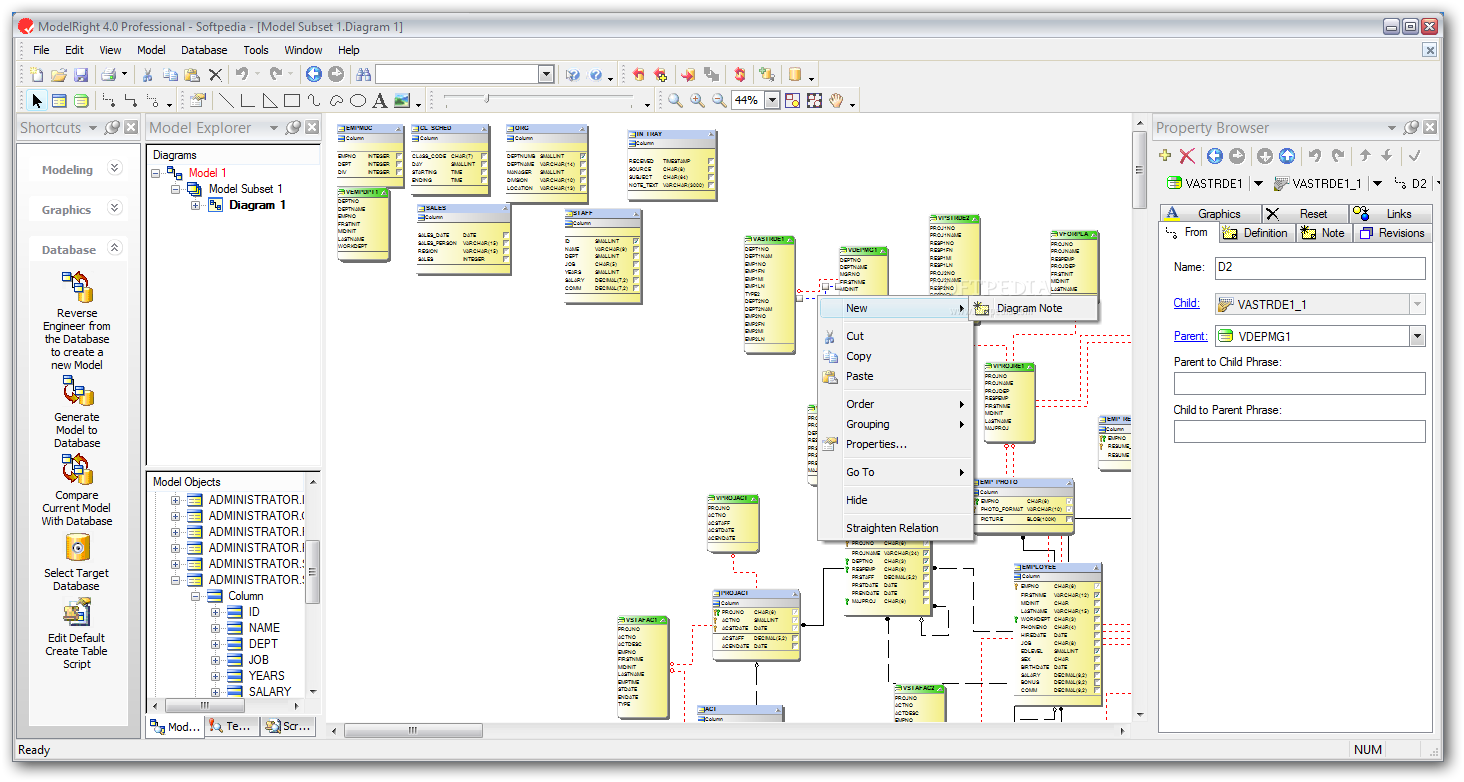
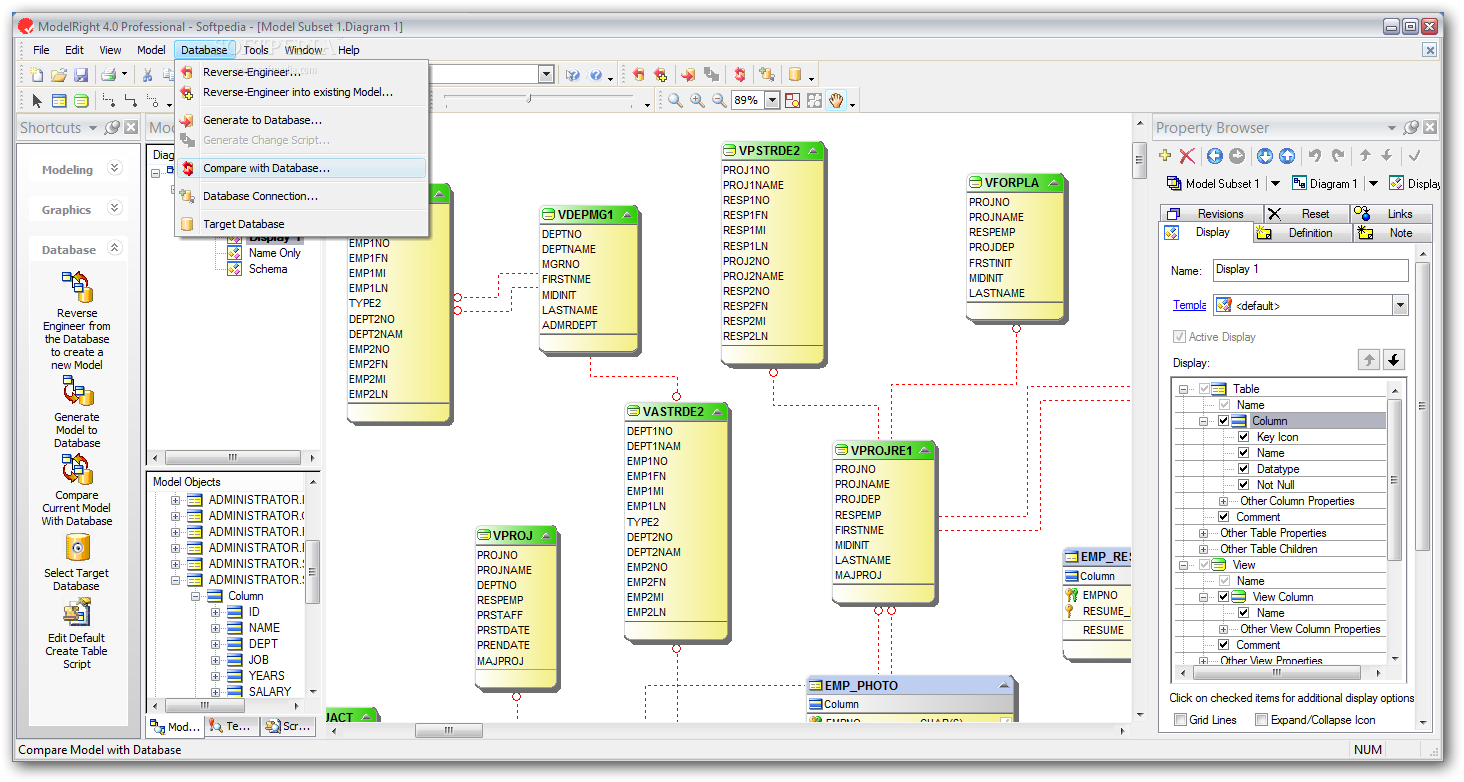
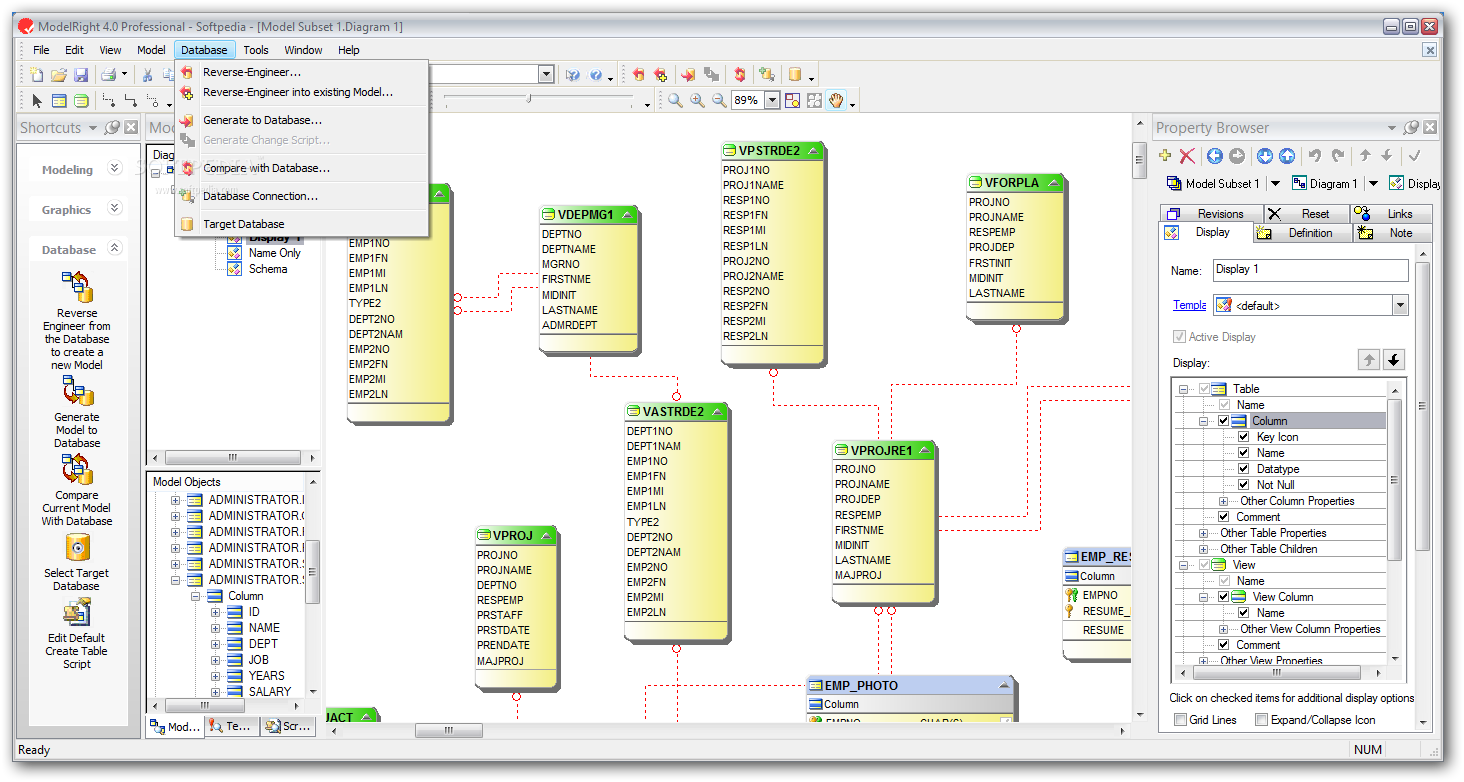
The program supports various databases including SQL server support, Oracle, PostgreSQL, DB2, MySQL and ODBC. It provides the ability to generate SQL DDL based on any Model changes.
This can be very useful if you want to change the database to reflect the changes you recently made to your Model. You can even change the Model's target database property, it can perform internal processing to transform objects and properties that can be preserved.
ModelRight Professional is a very useful application that allows you to design your own database easily.
Download Hubs
ModelRight Professional is part of these download collections: Oracle Clients
ModelRight Professional 4.0.0 Build 37
add to watchlist add to download basket send us an update REPORT- runs on:
-
Windows 2008
Windows 2003
Windows 7
Windows Vista
Windows XP - file size:
- 33 MB
- filename:
- ModelRight4_0Pro.msi
- main category:
- Internet
- developer:
- visit homepage
7-Zip

IrfanView

Bitdefender Antivirus Free

Zoom Client

ShareX

Microsoft Teams

calibre

Windows Sandbox Launcher

paint.net

4k Video Downloader

- Windows Sandbox Launcher
- paint.net
- 4k Video Downloader
- 7-Zip
- IrfanView
- Bitdefender Antivirus Free
- Zoom Client
- ShareX
- Microsoft Teams
- calibre