
Single Click Azure Deployment. #Azure Management #Azure Deployment #Blob Explorer #Azure #Deployment #Storage
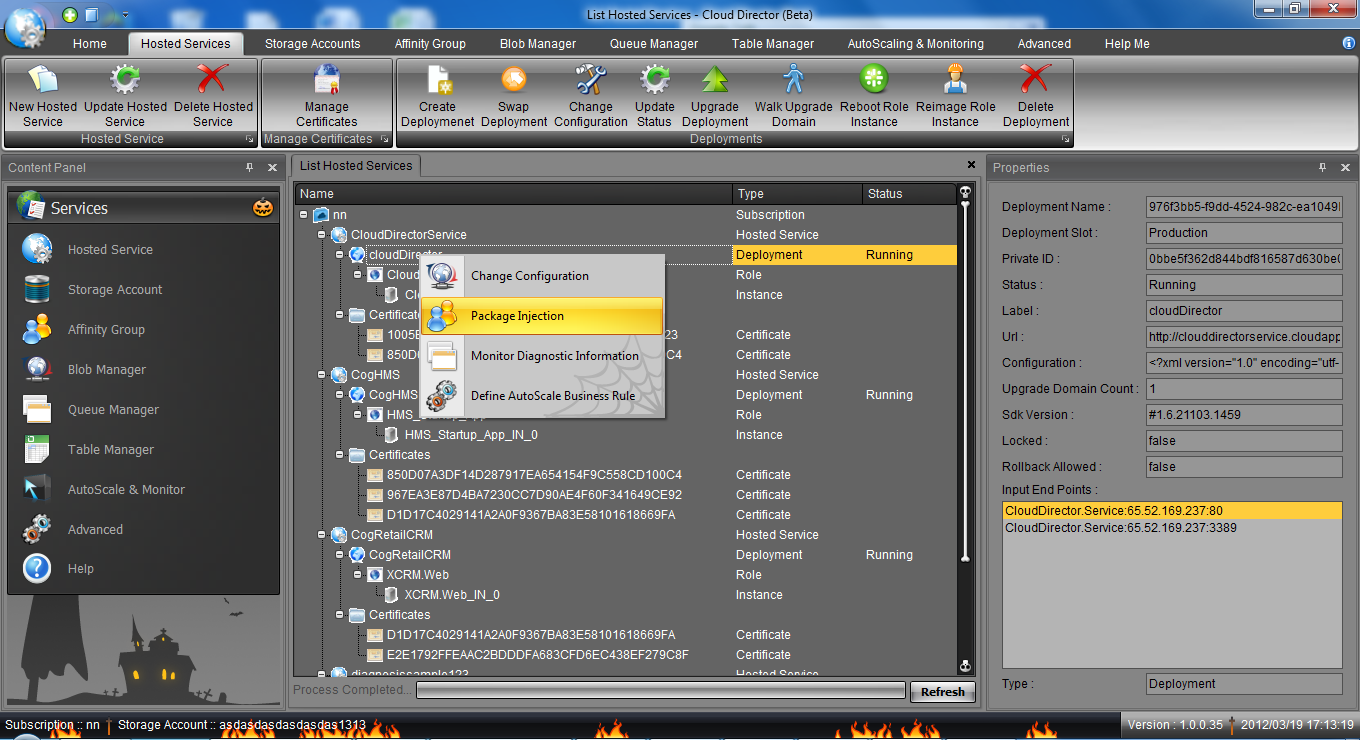
Working with Microsoft's Cloud platform, Azure, is usually a job only for professionals and requires if not very advanced, at least solid knowledge in this specialized area.
Nonetheless, there are some solutions that strive to make data deployment and administration in the Cloud accessible to everyone and Azure Cloud Director is one of them. The application implements a straightforward drag and drop functionality that enables users to manage in a simple manner complex operations.
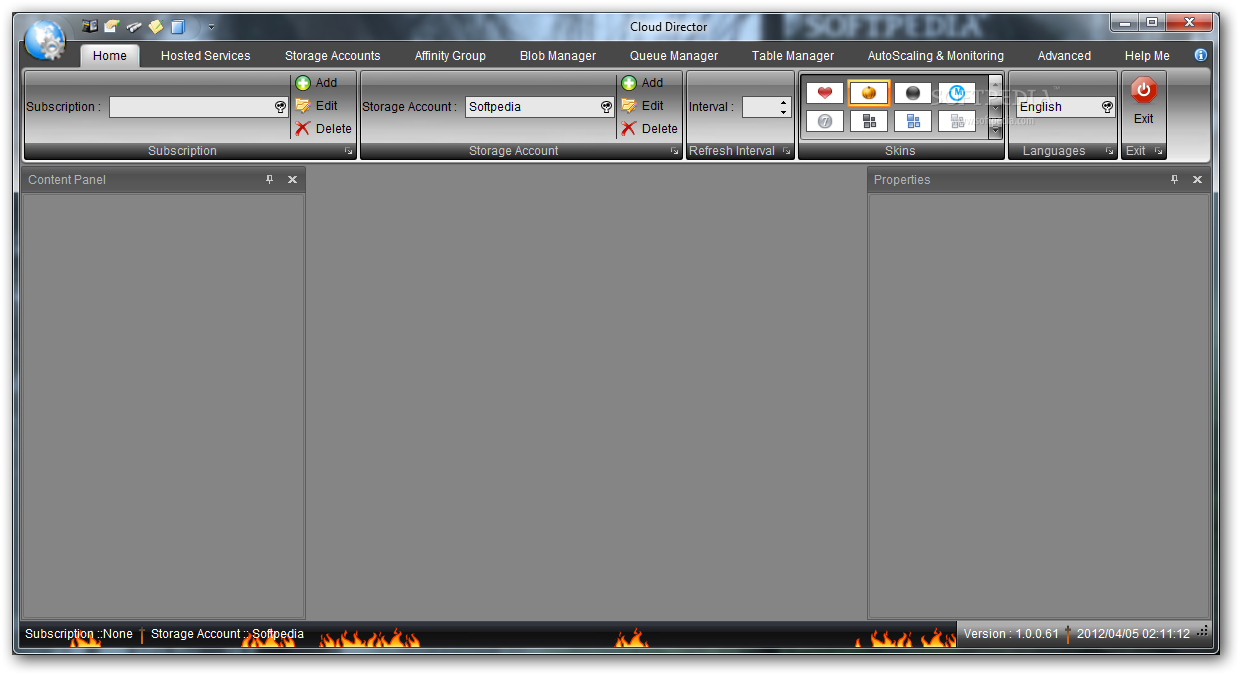
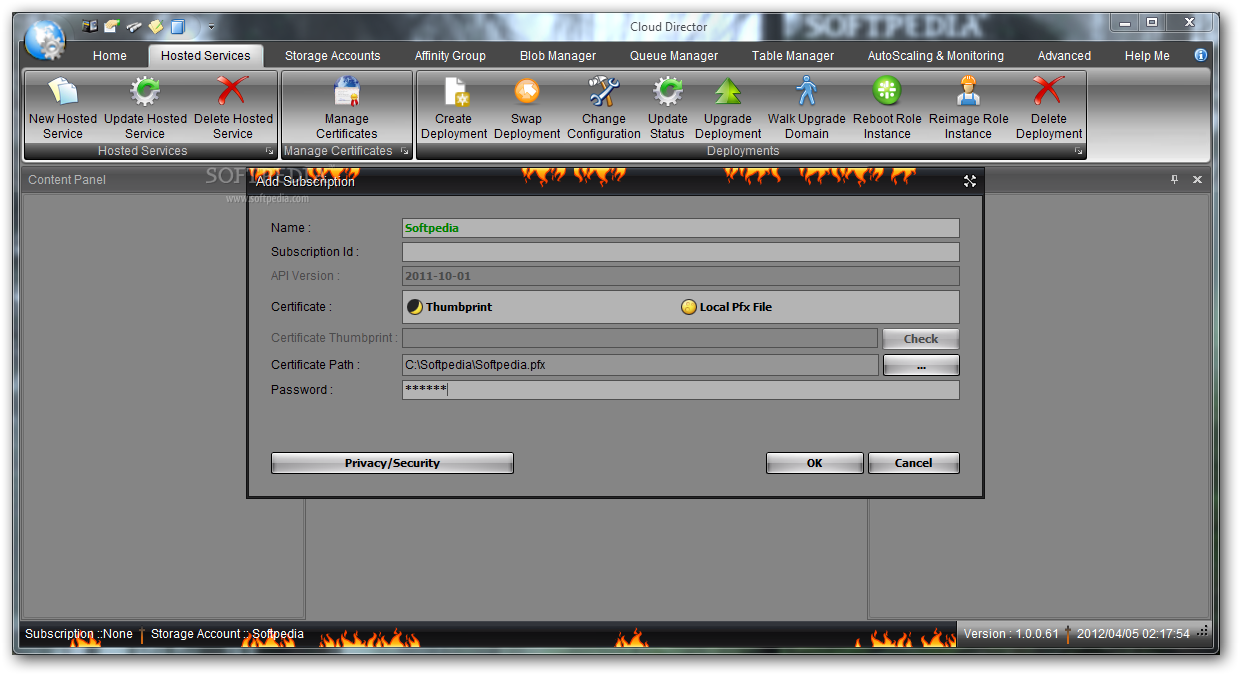
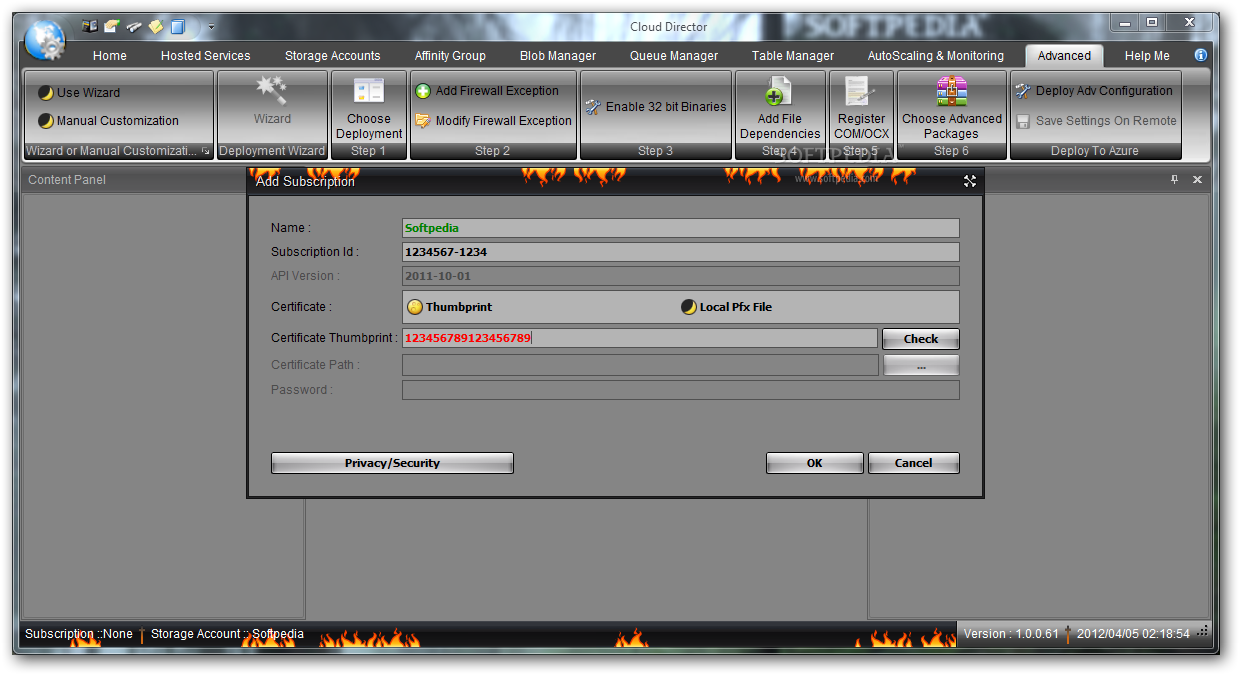
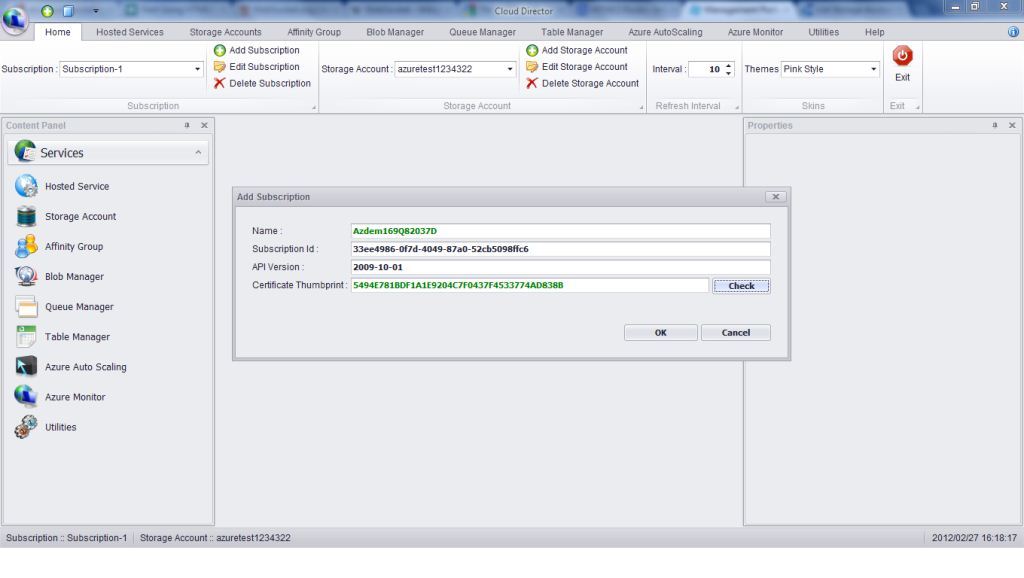
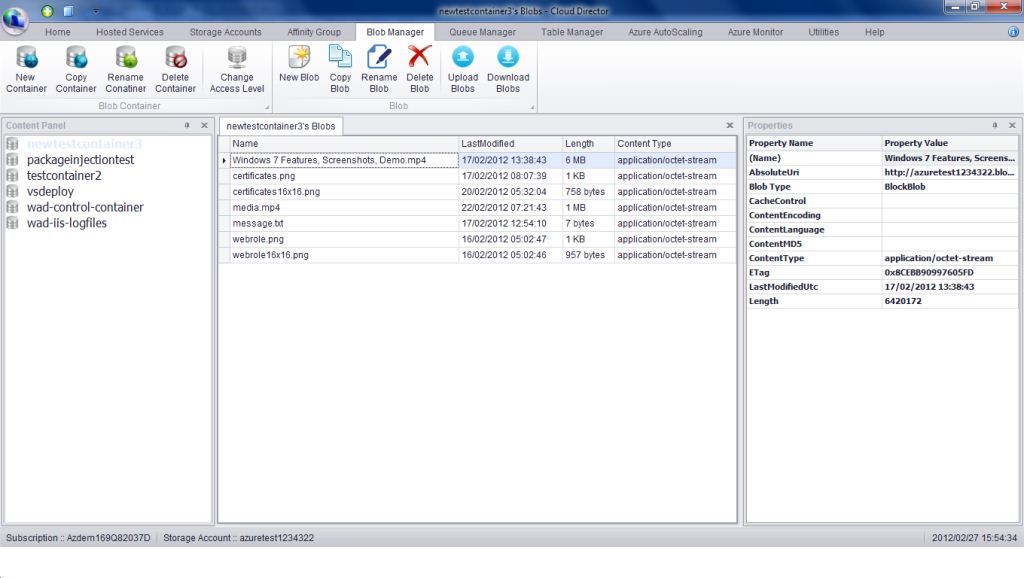
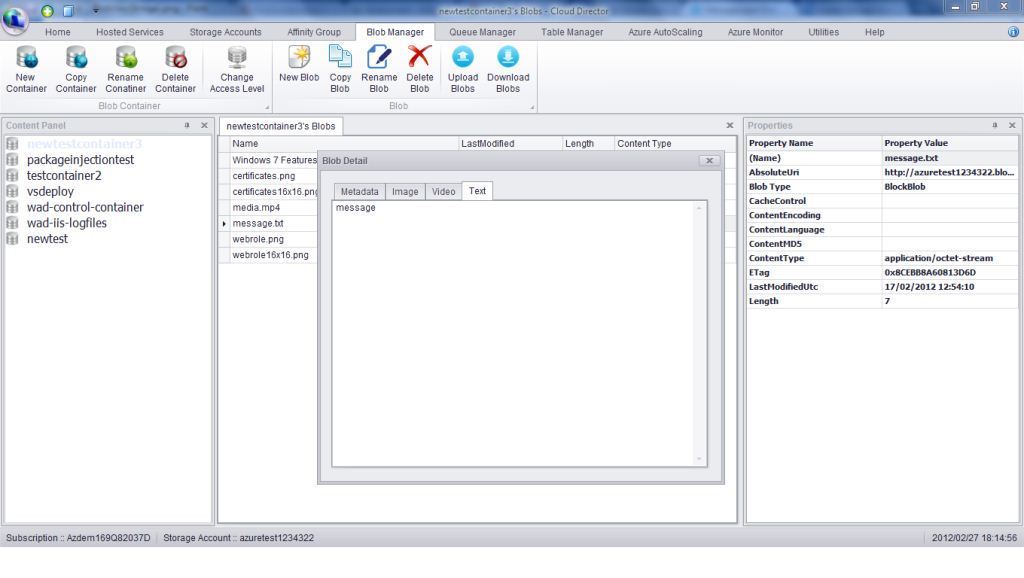
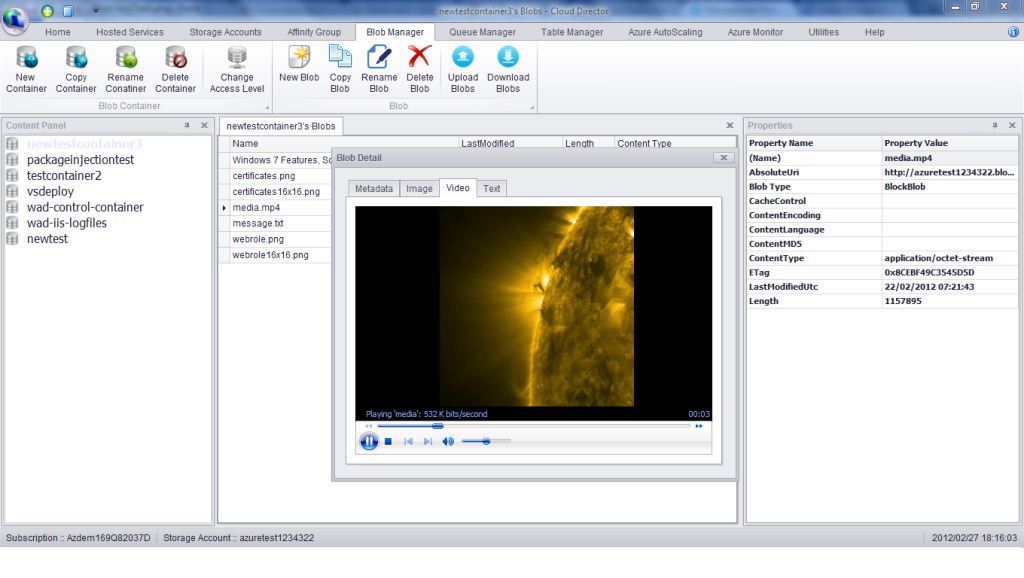
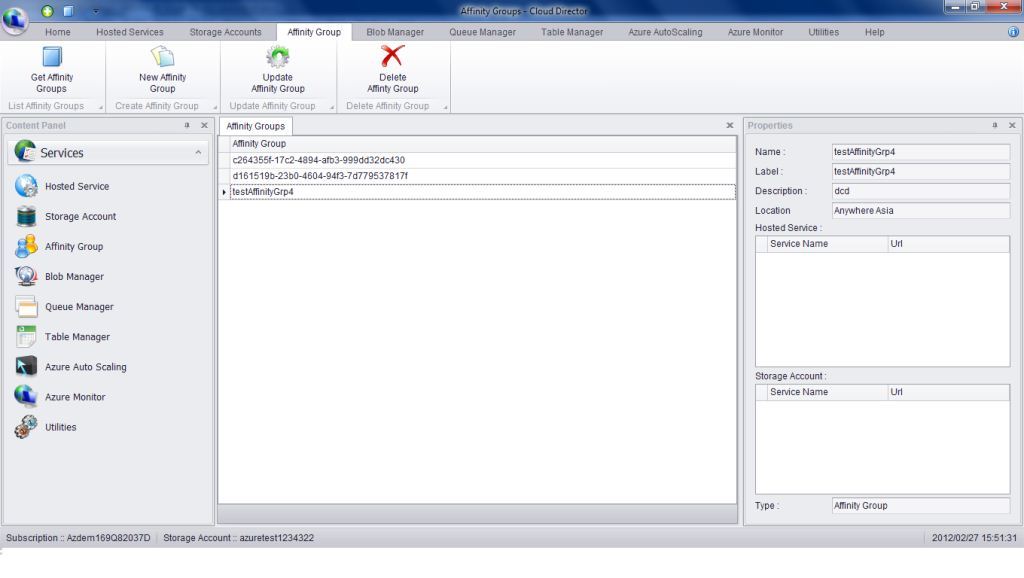
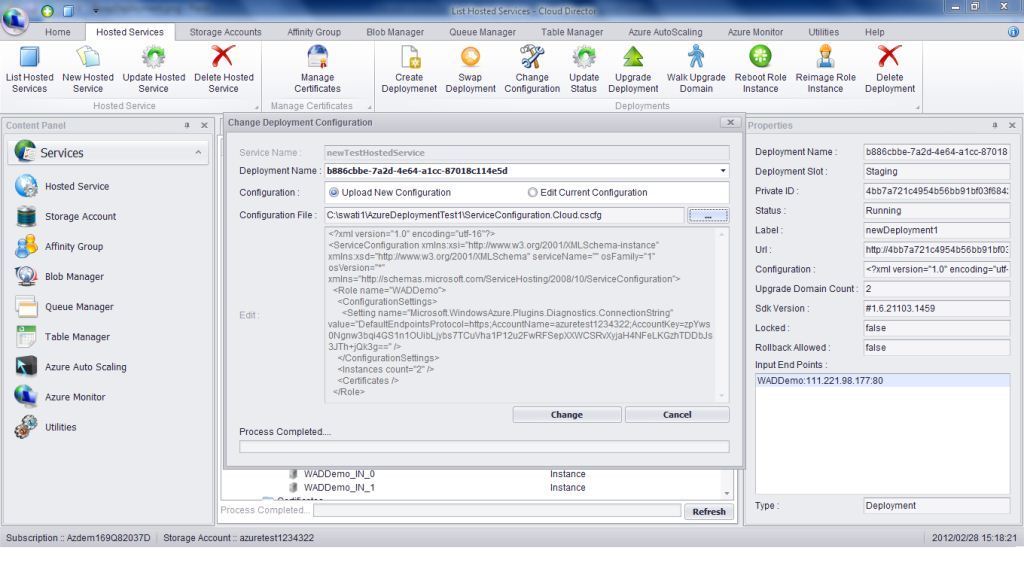
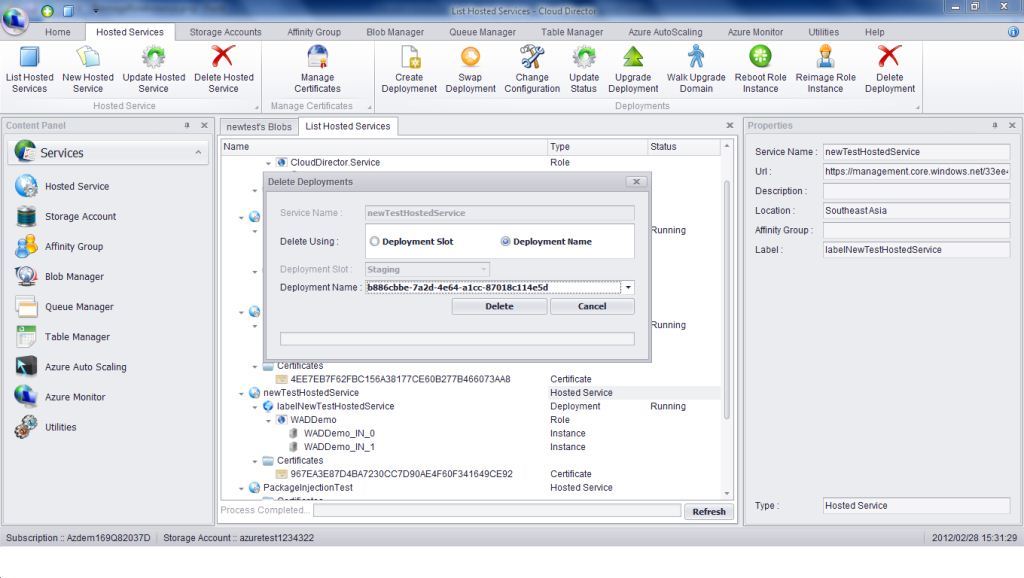
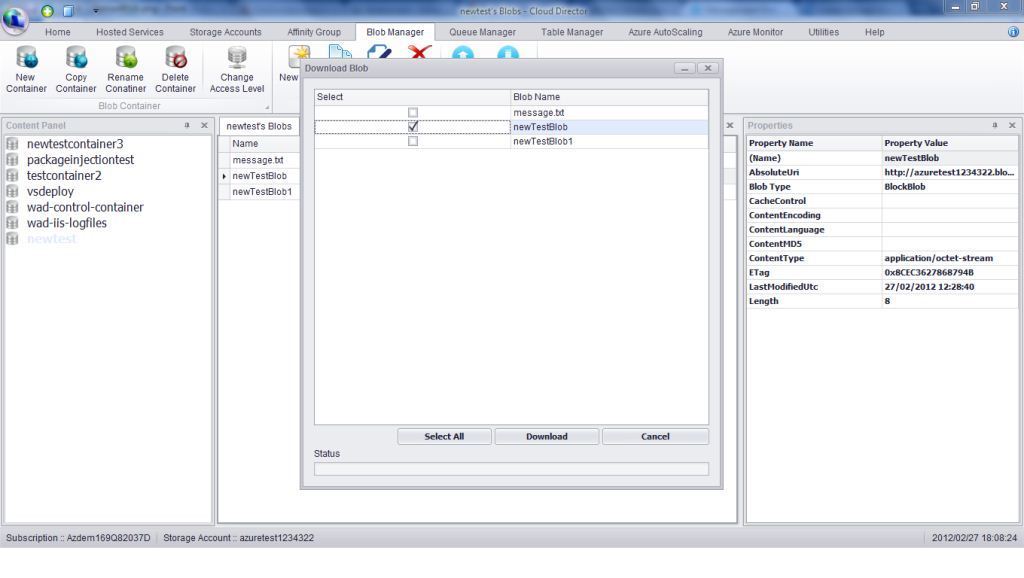
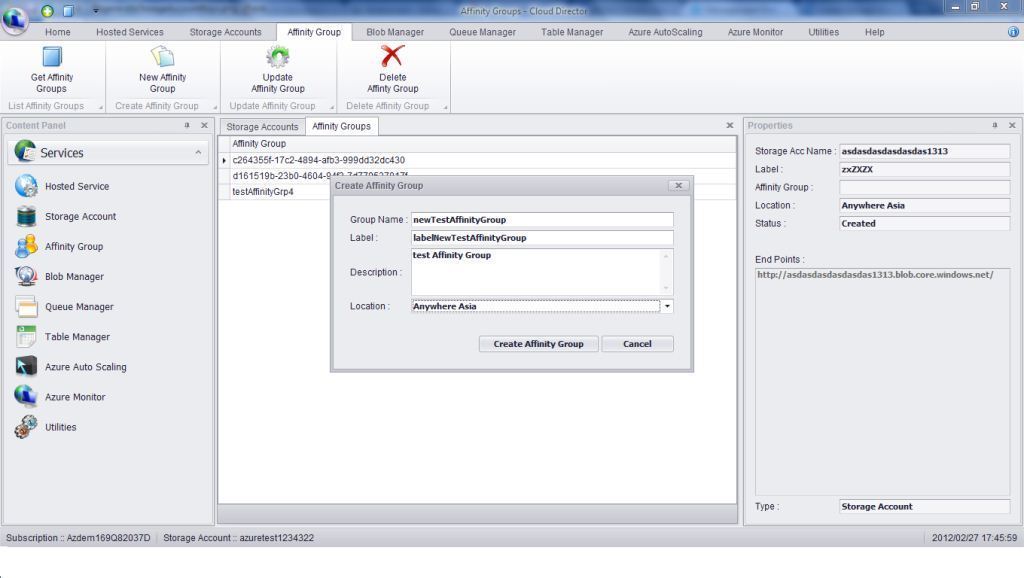
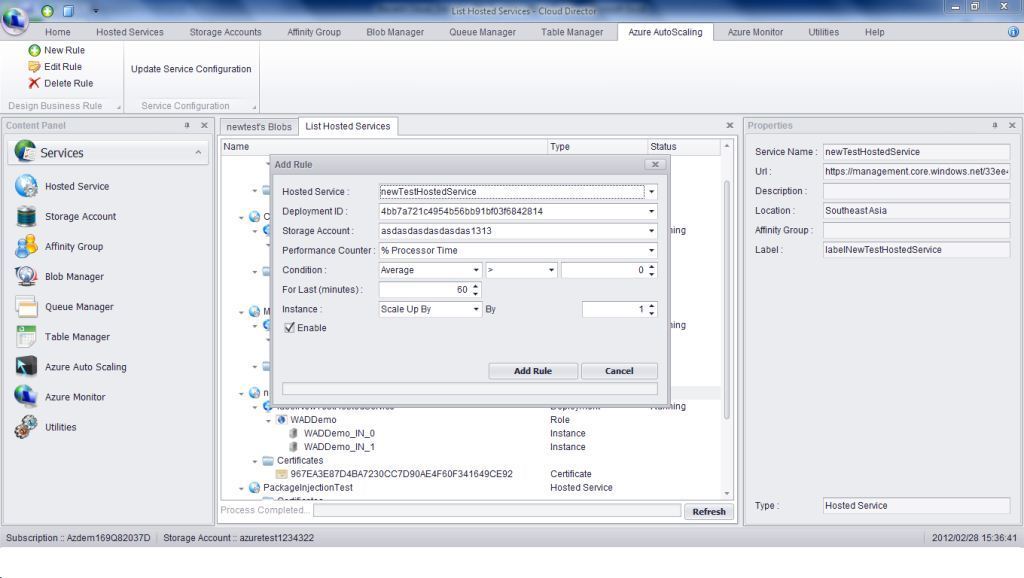
Even if, at first glance, the interface may seem really complicated, after a short while one can get along with all the functions neatly organized in dedicated tabs and menus. Azure Cloud Director offers a view of the available services and users can add and manage their subscriptions, storage accounts, certificates and many more.
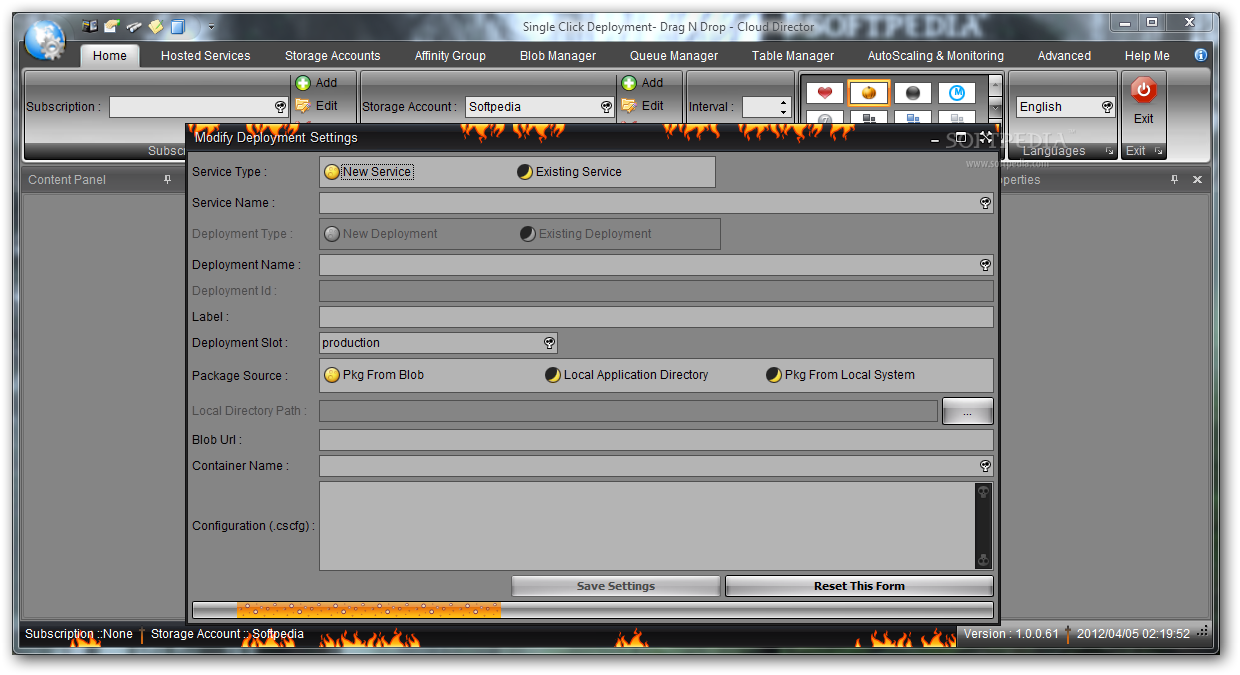
When it comes to the actual deployment, the application allows anyone to simply drag the root directory of their web application and drop it in the specialized tab. With Azure Cloud Director, one can handle projects created in various environments, including Java, ASP.NET and PHP.
Even if it is not necessary to configure any Azure settings when moving the project in the Cloud, there are some optional settings that can be customized to activate an array of functions that will prove to be quite useful. For example, users will be able to run 32-bit apps and binaries DLLs in Azure provided that the corresponding option is checked.
Since it manages to rise to the challenge and make uploading to Azure a breeze, the software is certainly one of the most sought after by developers. The conclusion is that Azure Cloud Director simplifies complicated tasks and makes generally available many functions that otherwise require prior knowledge and documentation.
Azure Cloud Director 1.0.0.92
add to watchlist add to download basket send us an update REPORT- runs on:
-
Windows 2008
Windows 2003
Windows 7 32/64 bit
Windows Vista 32/64 bit
Windows XP - file size:
- 468 KB
- filename:
- Azure Cloud Director.exe

- main category:
- Internet
- developer:
- visit homepage
Windows Sandbox Launcher

Microsoft Teams

paint.net

Bitdefender Antivirus Free

ShareX

Zoom Client

calibre

IrfanView

4k Video Downloader

7-Zip

- IrfanView
- 4k Video Downloader
- 7-Zip
- Windows Sandbox Launcher
- Microsoft Teams
- paint.net
- Bitdefender Antivirus Free
- ShareX
- Zoom Client
- calibre