
Discover a free, stable, and extremely lightweight SQL creation and management application, that doesn't require server configuration. #SQLite Database #Access Database #SQL Command #SQLite #Database #Access
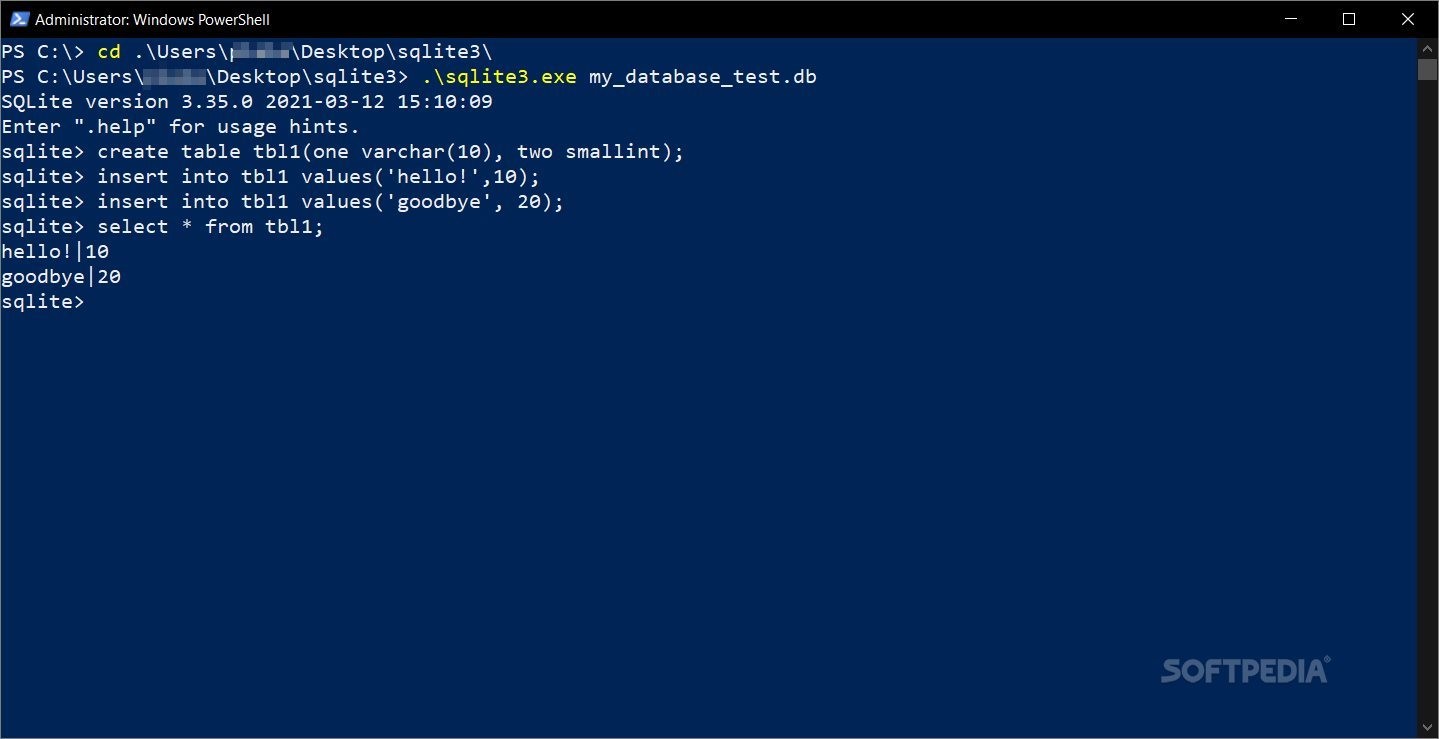
SQLite is the optimal solution for users who need to create, optimize, and edit SQL databases fast, in a self-contained environment.
SQLite is a toolkit of assets that is extra small in size. Some of the great advantages of this library are — its portability, serverless traits (you don't need to create or connect to a server), zero-configuration characteristics (just download, unzip, and start it from your favorite command-line), and the possibility to freely use it, without price or license restraints (it is free of cost, usable for any purpose, for private or commercial reasons).
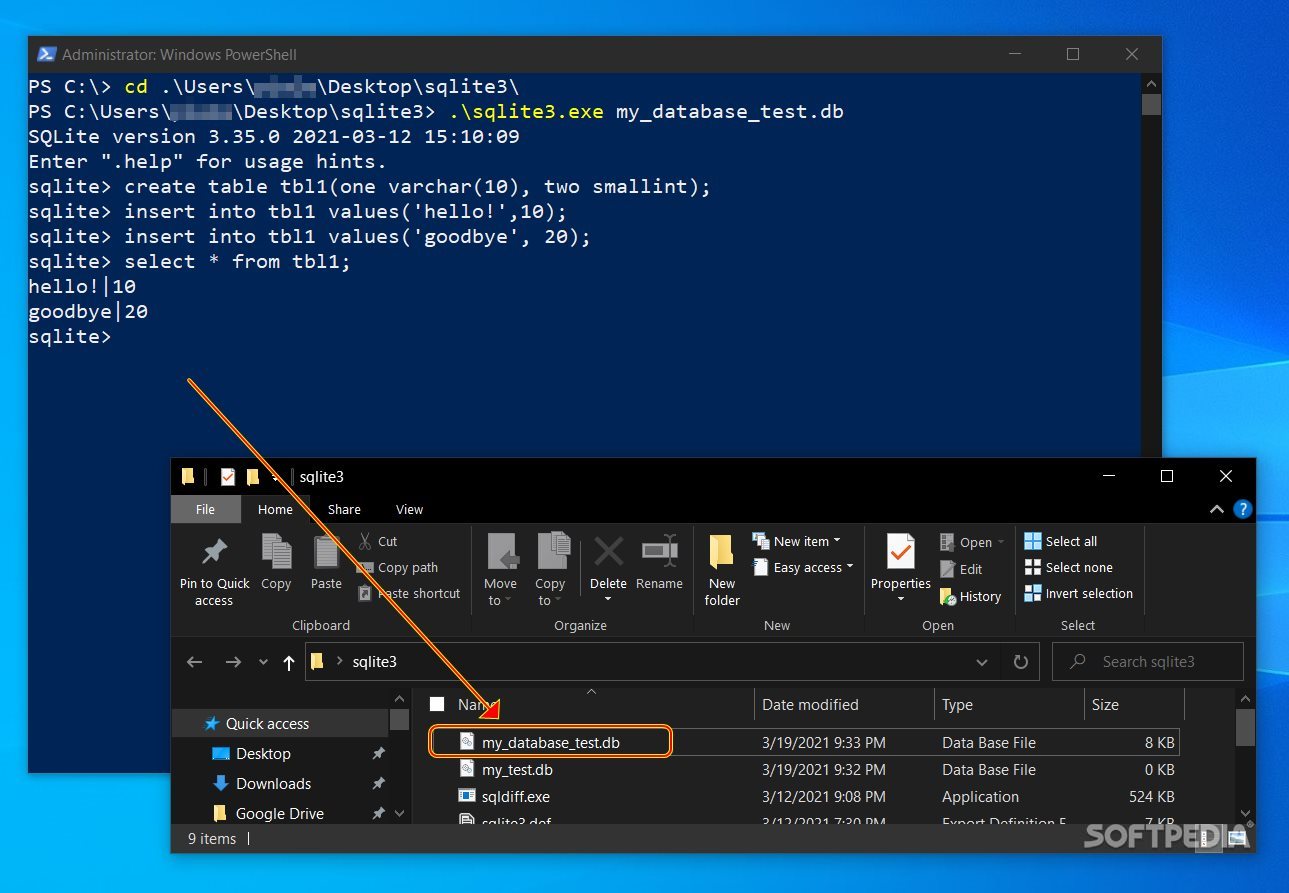
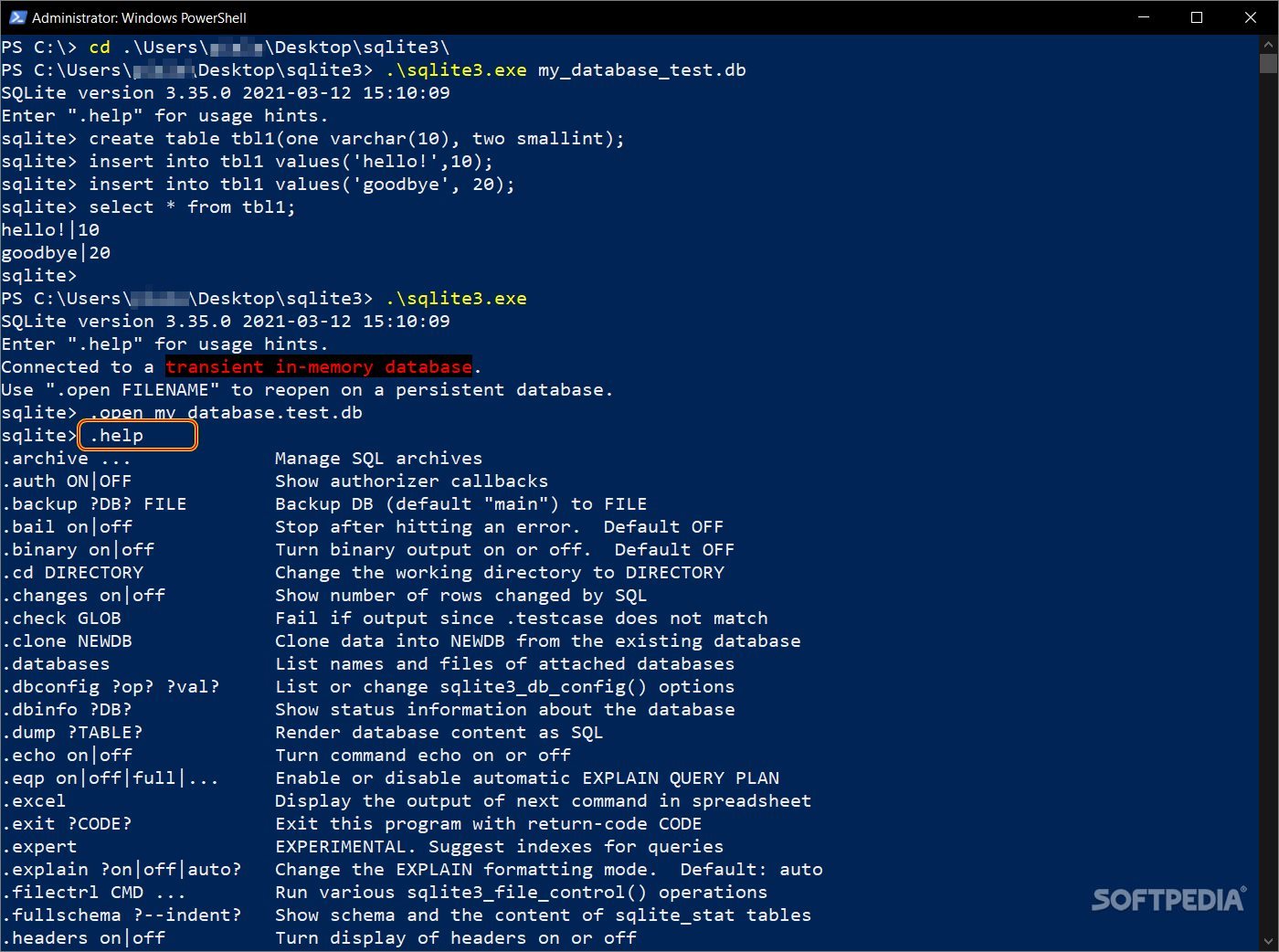
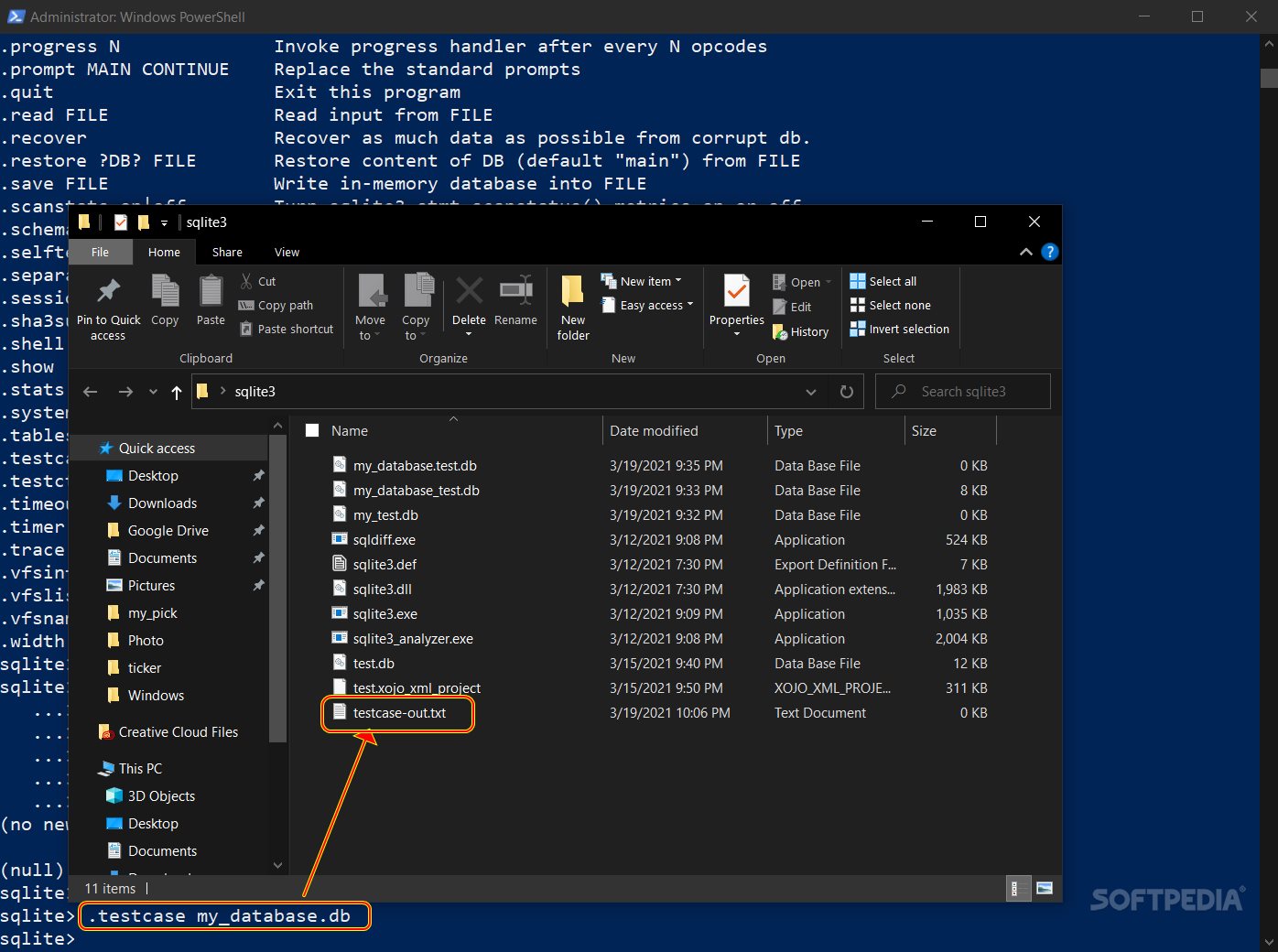
This set of tools will allow the creation of databases with manual input, from the command-line. You can use the tool's extensive documentation to know exactly how to get started. Also, it is important to know that your outputted file format is cross-platform, meaning that all the DB formatted datasets you create with SQLite can be copied and executed on both 32-bit and 64-bit system architectures.
As usual, when handling and executing processes from the command-line, it is advised to initiate them with admin privileges. Also, the tool can run seamlessly, regardless of the place where you download and unzip it; this means that you don't necessarily need to add it to a path directory.
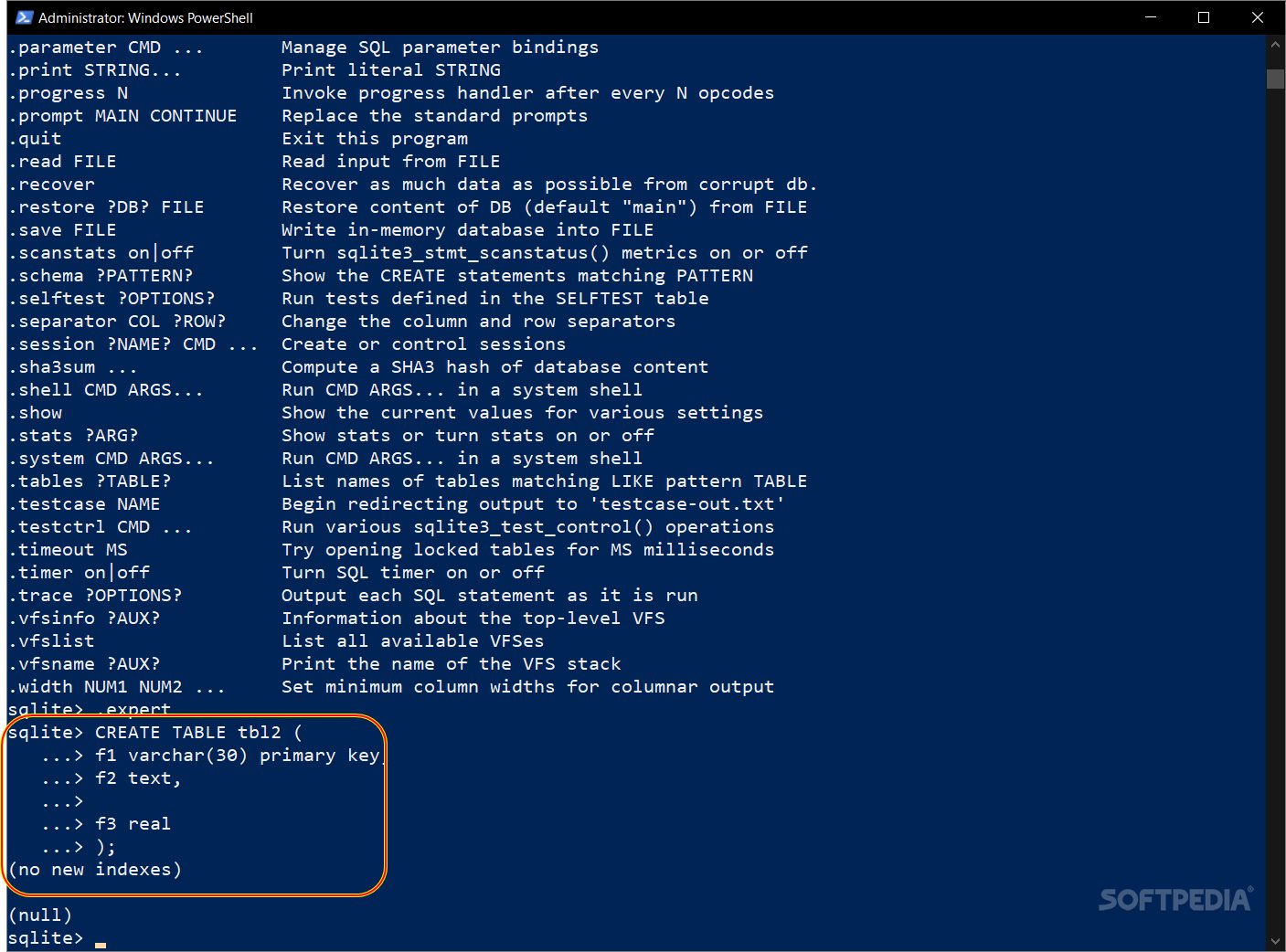
It is also important to take into account that although it is mild on your system's resources, if you want it to run faster, you must allocate more memory for the respective process. With this database creation toolkit, you can make new databases, edit and reconfigure existing datasets, generate triggers, create indexes (fully or partially), make ordinary or recursive queries (with the Common Table Expressions feature), and much more.
As such, this powerful tool is a great way to get started with SQL database creation and management. Whether you are a beginner and just starting to understand data sets creation or you are an experienced user and need a more lightweight solution, this toolkit is perfect for you. Backed by detailed and extensive documentation and well optimized for error handling and system crashes, SQLite is a reliable asset for all those who need to manage SQL databases.
What's new in SQLite 3.45.2:
- Fix an error in UPSERT, introduced by enhancement 3a in version 3.35.0 (2021-03-12), that could cause an index to get out-of-sync with its table. Forum thread 919c6579c8.
- Reduce the scope of the NOT NULL strength reduction optimization that was added as item 8e in version 3.35.0 (2021-03-12). The optimization was being attempted in some contexts where it did not work, resulting in incorrect query results. Forum thread 440f2a2f17.
- Other trifling corrections and compiler warning fixes that have come up since the previous patch release.
SQLite 3.45.2
add to watchlist add to download basket send us an update REPORT- PRICE: Free
- runs on:
- Windows All
- file size:
- 2.6 MB
- filename:
- sqlite-amalgamation-3450200.zip
- main category:
- Internet
- developer:
- visit homepage
calibre

Microsoft Teams

IrfanView

Bitdefender Antivirus Free

Windows Sandbox Launcher

ShareX

7-Zip

paint.net

4k Video Downloader

Zoom Client

- paint.net
- 4k Video Downloader
- Zoom Client
- calibre
- Microsoft Teams
- IrfanView
- Bitdefender Antivirus Free
- Windows Sandbox Launcher
- ShareX
- 7-Zip