
Manage as many SQLite databases as you want and add new tables, triggers, columns and indexes with this practical and useful application. #Database manager #Manage SQLite database #SQLite manager #SQLite #Query #Database
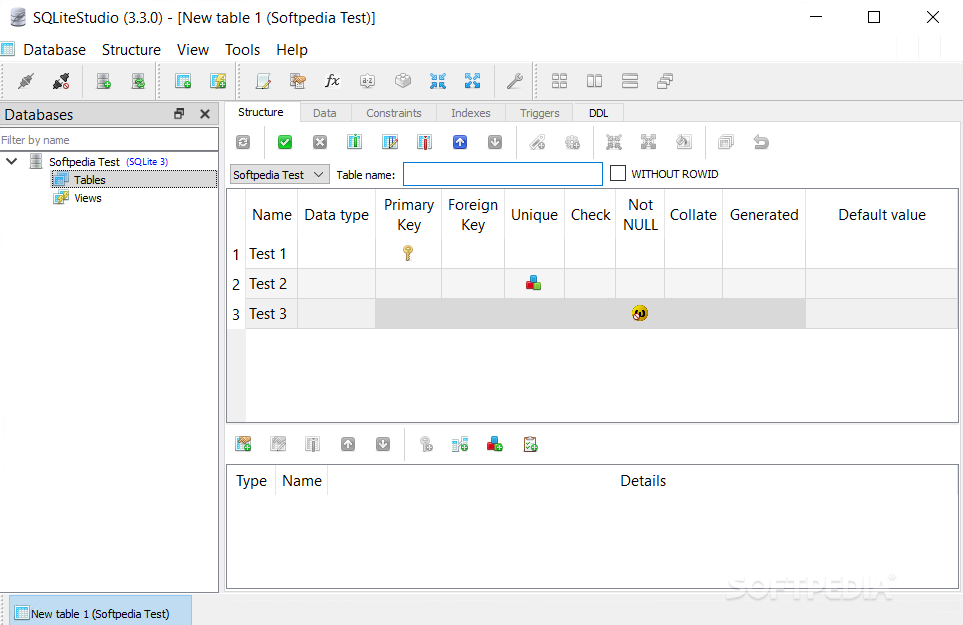
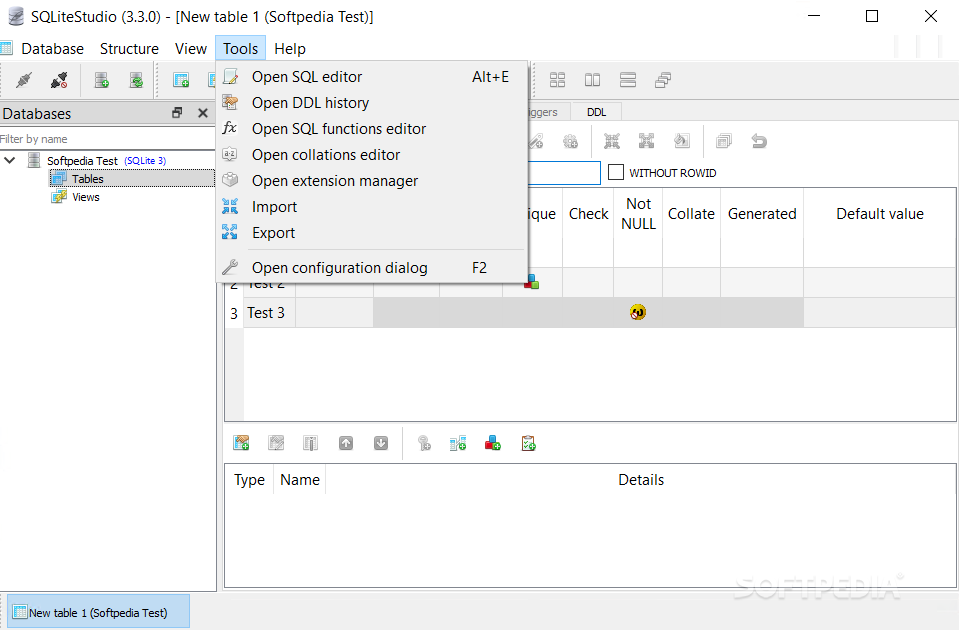
SQLiteStudio is a comprehensive and reliable SQLite database manager that provides you with a simple means of managing the contents of each database, including tables, triggers and views.
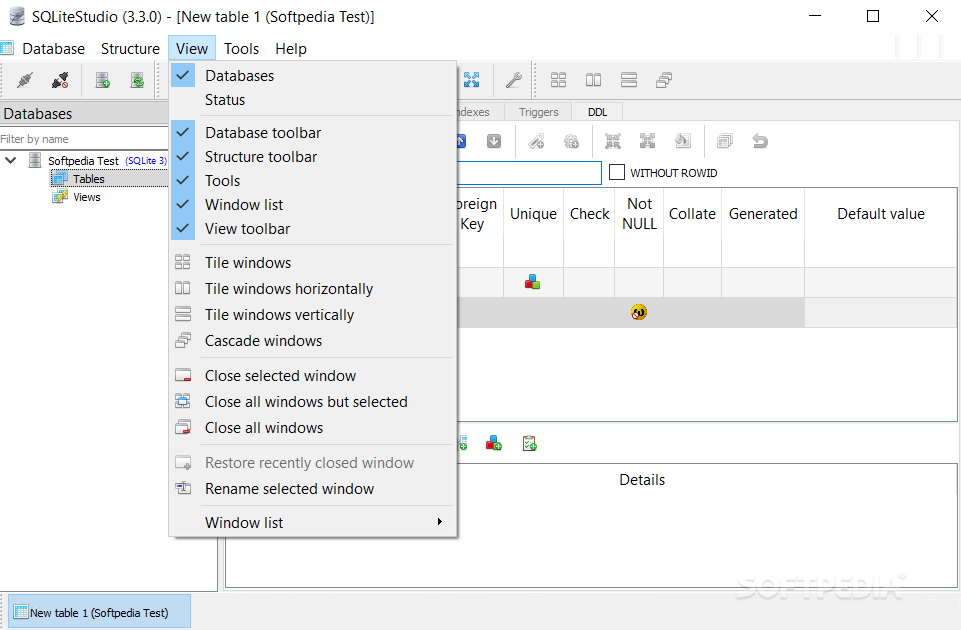
The application comes with an intuitive interface and well-organized menus. Since it does not require you to install it, all you have to do is to double-click the installer and start managing your SQLite databases effortlessly.
The left panel displays all of the available databases along with their data. The hierarchical tree view allows you to select any table, trigger, procedure or statement and view the data in the main window.
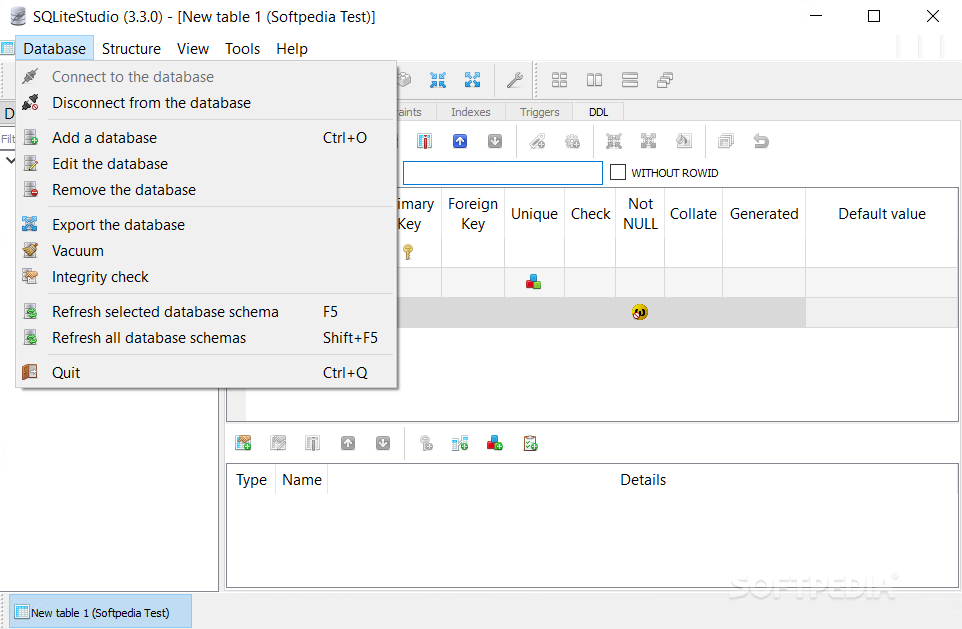
From the ‘Databases’ menu you are able to open a new *.db, *.sdb, *.sqlite or *.db2 file and connect to it using the right-click menu. You can import schema from other databases or from various file formats such as CSV and dBase. After that, you can view all the existing data and manipulate it the way you want.
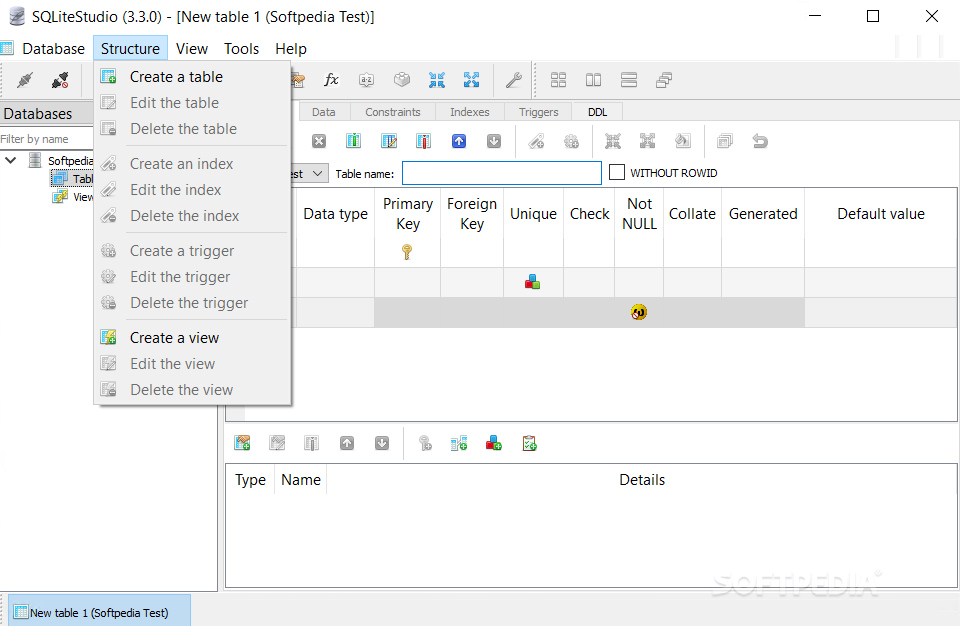
The Tables menu allows you to erase data, as well as create a new table and populate it by specifying the number of rows you want to add. In case you want to insert a new table in the existing database, you need to choose the proper options, then specify the table name, set table constraints and add as many columns as you want.
By using the ‘SQL query editor’ option, located in the Tools menu, you are able to manually create your SQL scripts and execute them. In this manner, you can view specific information from each table, or gather data from multiple tables using INNER JOIN statements.
Also, you can add a new trigger for the selected database by specifying its name, choosing its action, then writing the proper code.
In closing, SQLiteStudio comes in handy for users who need to manage and alter SQLite databases by inserting new tables, views, triggers and indexes.
Download Hubs
SQLiteStudio is part of these download collections: SQLite Clients
What's new in SQLiteStudio 3.4.4:
- ADDED: #3488 SQLite ICU extension is boundled into binary packages (thanks to @tuffnatty).
- ADDED: #4697 Added a 'Restore original hotkey' buttons at keyboard shortcuts page of configuration dialog.
- ADDED: Added sqlar extension to the default set of extensions provided with binary packages.
- CHANGE: #4689 Sorting order is not cleared when table data is refreshed. To removed sorting order user can either double-click on header (once or twice) to restore no sorting for a column, or use context menu to clear any sorting.
SQLiteStudio 3.4.4
add to watchlist add to download basket send us an update REPORT- runs on:
-
Windows 11
Windows 10 32/64 bit
Windows 8 32/64 bit
Windows 7 32/64 bit - file size:
- 23.6 MB
- filename:
- sqlitestudio_i386-3.4.4.zip
- main category:
- Internet
- developer:
- visit homepage
calibre

IrfanView

Bitdefender Antivirus Free

4k Video Downloader

paint.net

Microsoft Teams

ShareX

Zoom Client

Windows Sandbox Launcher

7-Zip

- Zoom Client
- Windows Sandbox Launcher
- 7-Zip
- calibre
- IrfanView
- Bitdefender Antivirus Free
- 4k Video Downloader
- paint.net
- Microsoft Teams
- ShareX