
A fast FTP and SFTP client that features multiple connections support and a dual-pane interface for easier navigation, securing transfers using advanced protocols. #FTP client #Site manager #FTP connection #FTP #Client #Transfer

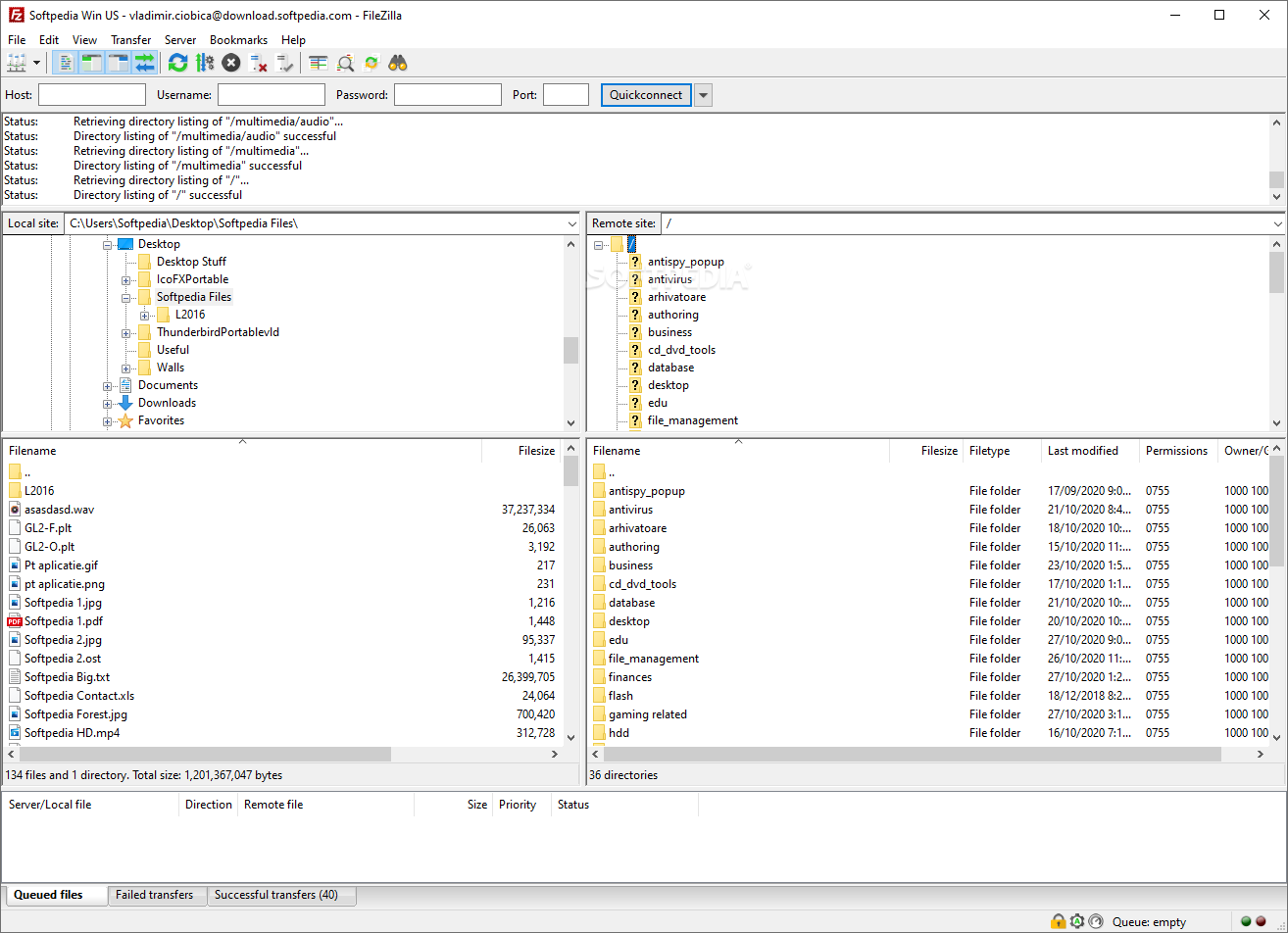
When it comes to high-speed file transfers that go beyond just uploading or downloading a few small files, nothing comes close to a reliable FTP client or FTP application.
Thankfully, there are a lot of extremely competent FTP apps out there, but probably none more prominent and more popular than FileZilla, a name that's become almost fully synonymous with FTP transfers.
Initially released on 22 June almost two decades ago, FileZilla started in life as a computer science class project and is the brainchild of Tim Kosse and two classmates.
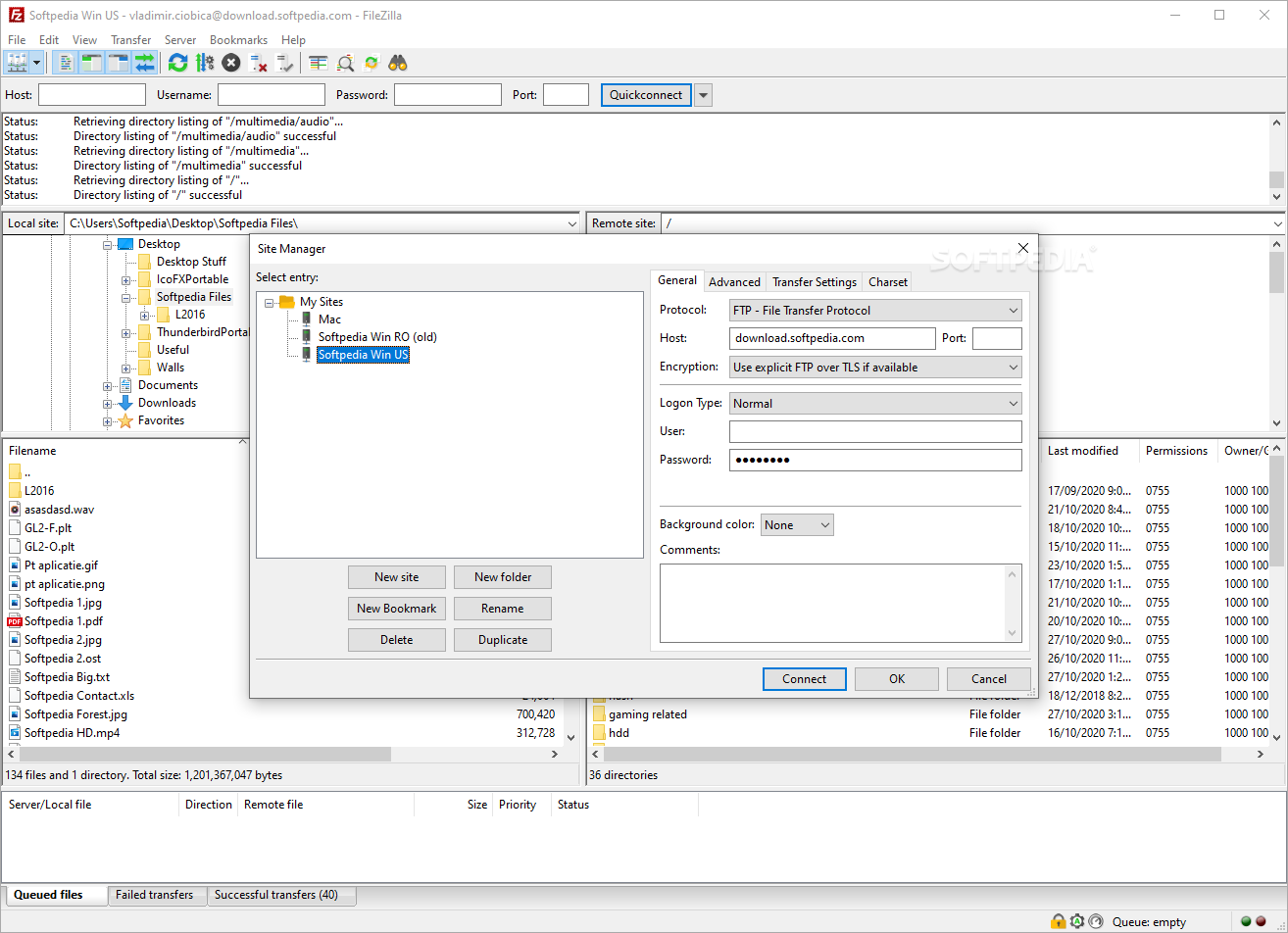
A big part of FileZilla's success has to do with its remarkable convenience. The connection to a server can be set up in mere seconds, and once that's done, it's smooth sailing forward even for the least experienced users.
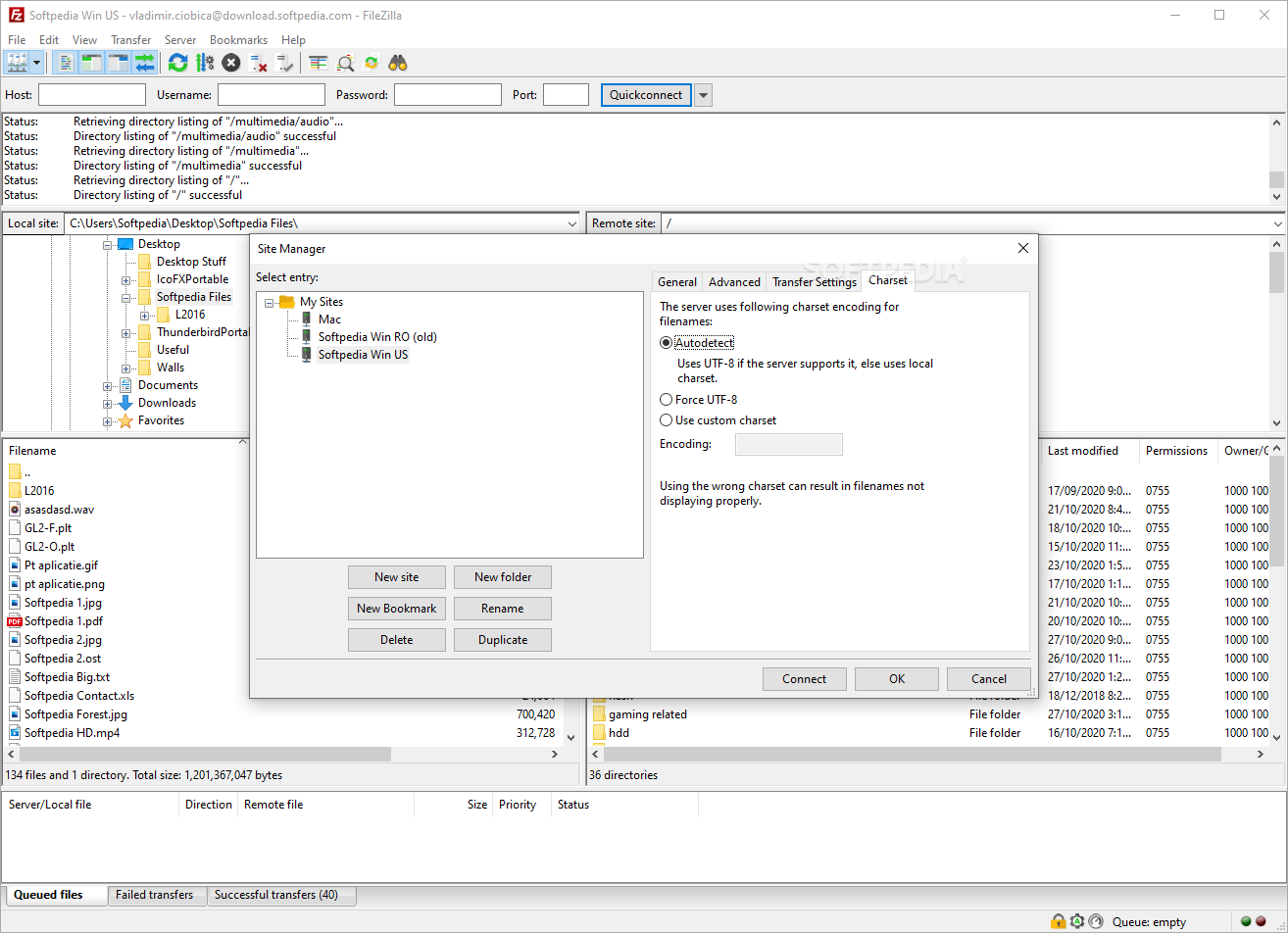
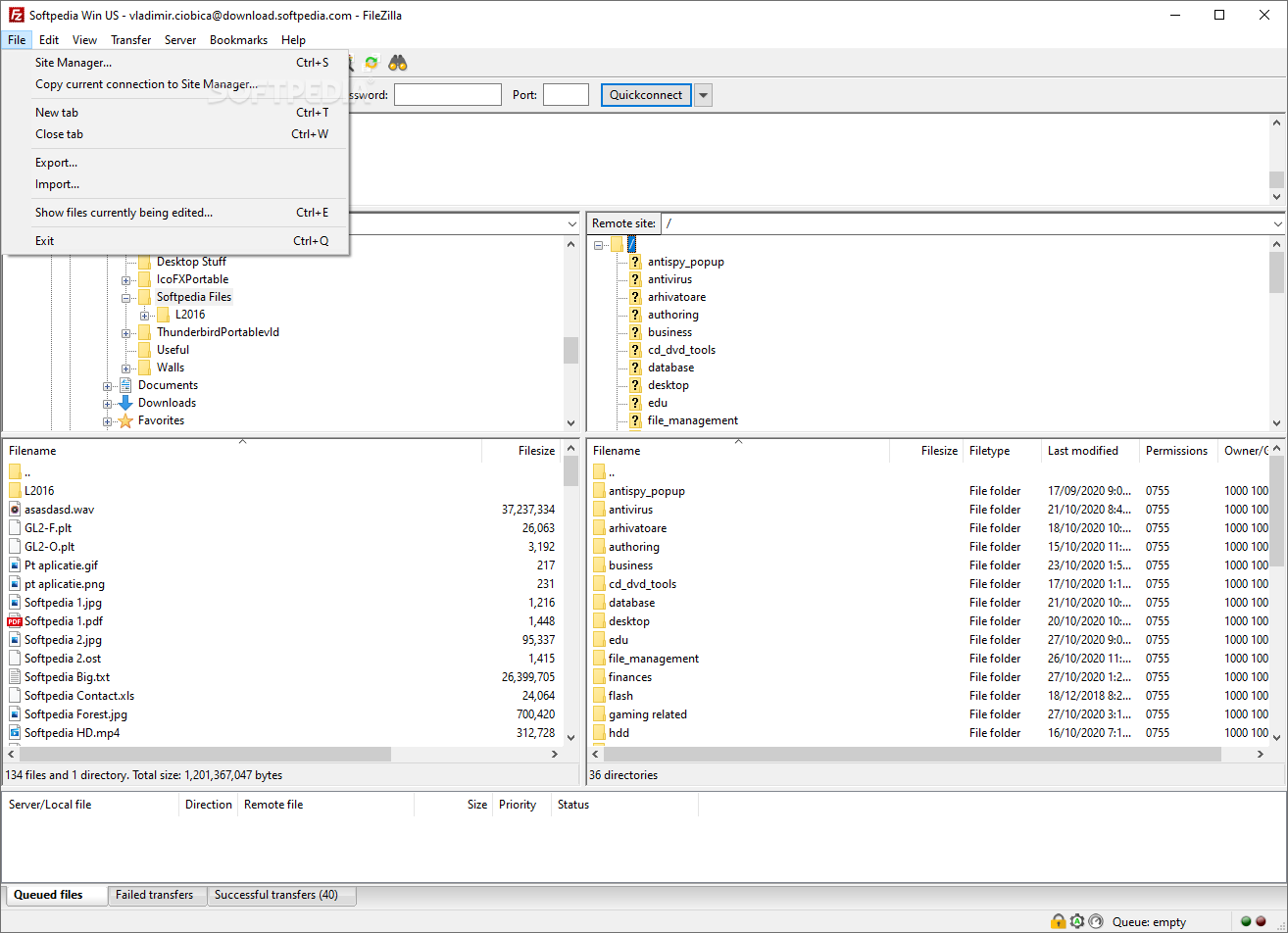
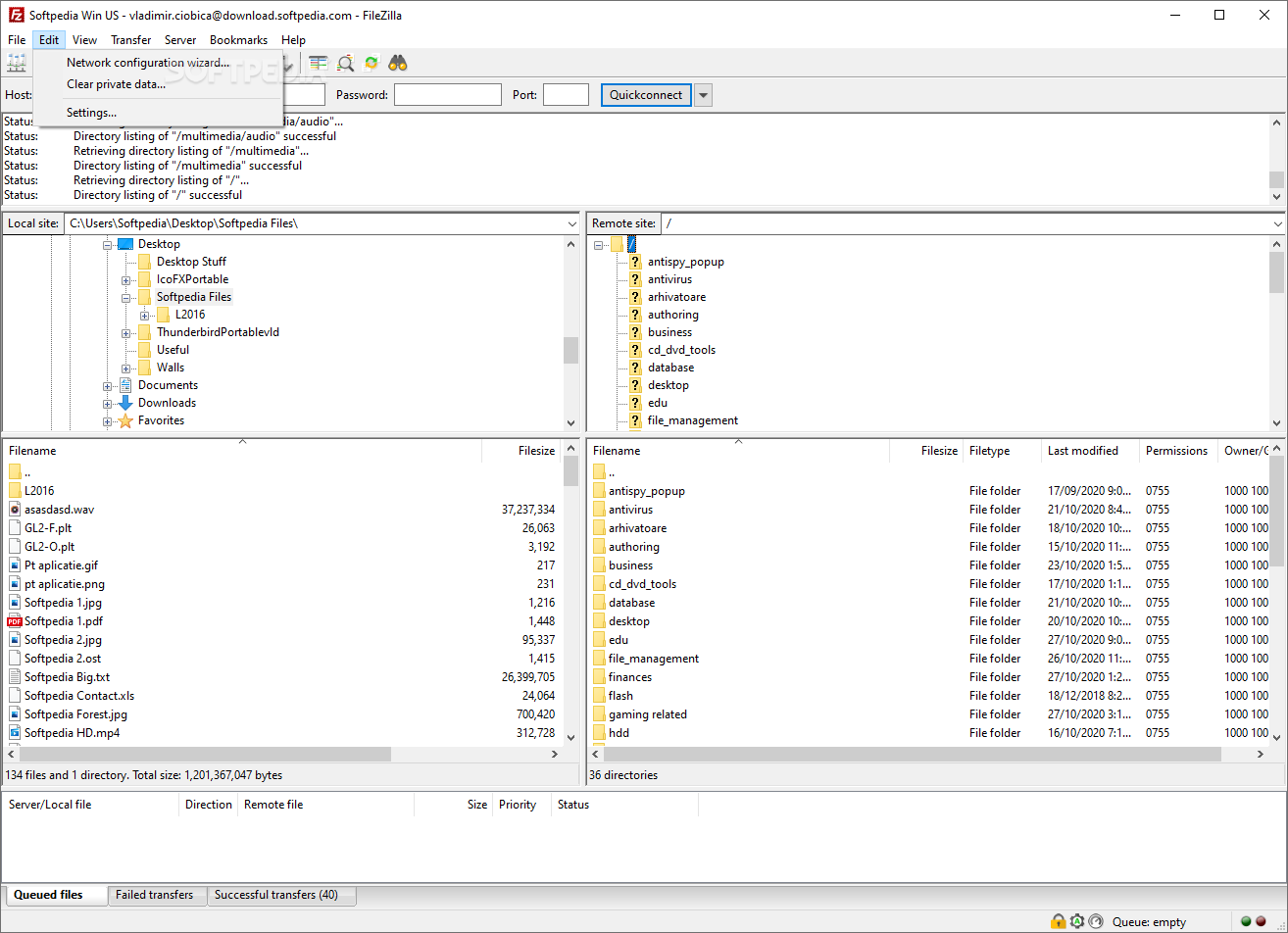
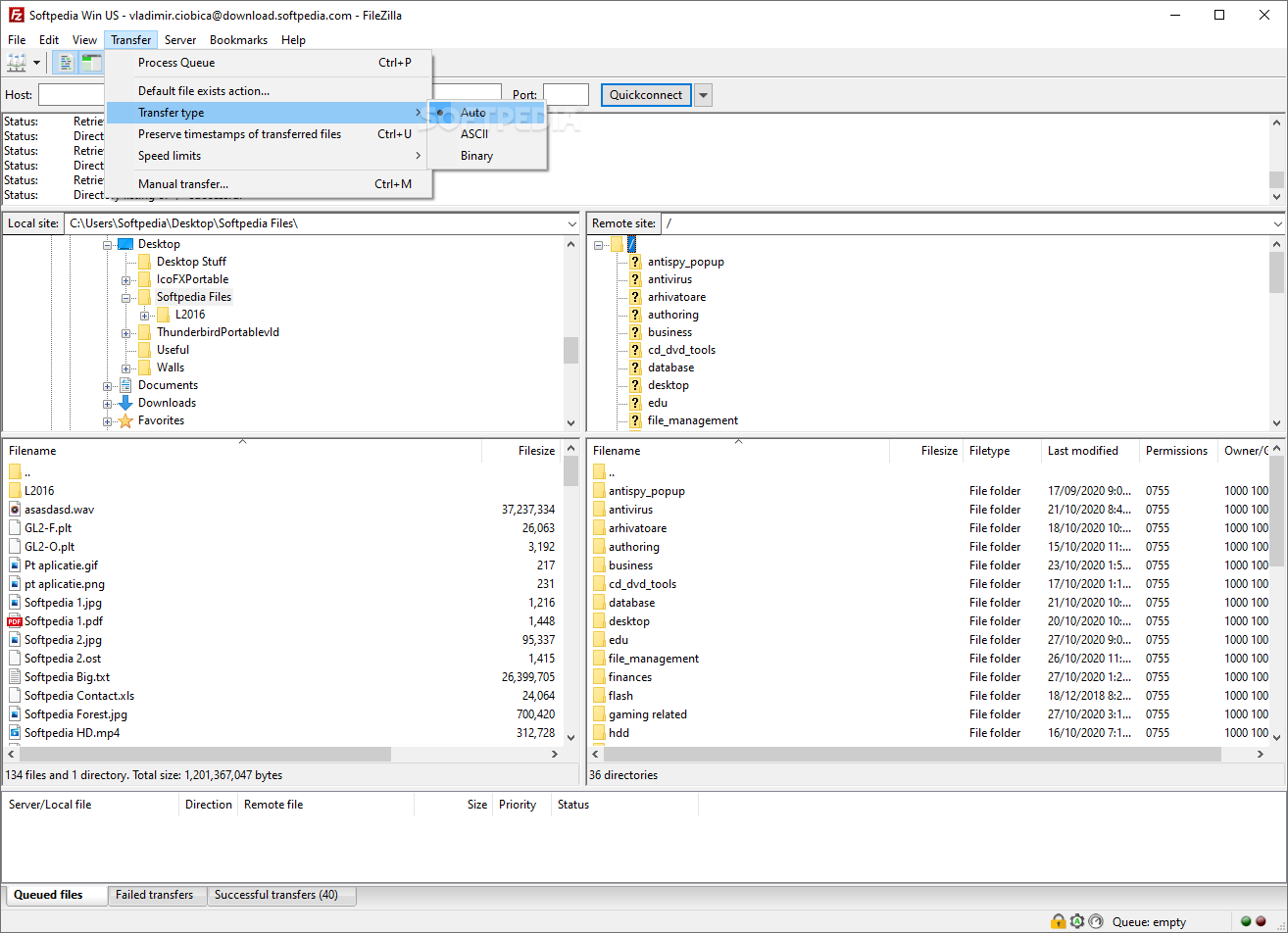
The app boasts a familiar two-pane design that also features a drag-and-drop component, meaning that you can simply drag files from one panel to another to forgo transfers between your computer and the server and vice-versa with almost zero effort.
The panel below the file tree is where reserved for the file queue. You can pretty much decide what happens with each transfer by simply right-clicking the entry.
The beauty of FileZilla, though, is that it's easy enough for the average user, but also feature-packed to such a high level that appeals to the hardcore, advanced user as well.
One of the most important aspects of FileZilla is security, an aspect that's often overlooked by many FTP clients by default. To that end, FileZilla supports both FTP and SFTP (SSH File Transfer Protocol). SFTP allows files in transit to be "hidden" under an encrypted secure shell connection.
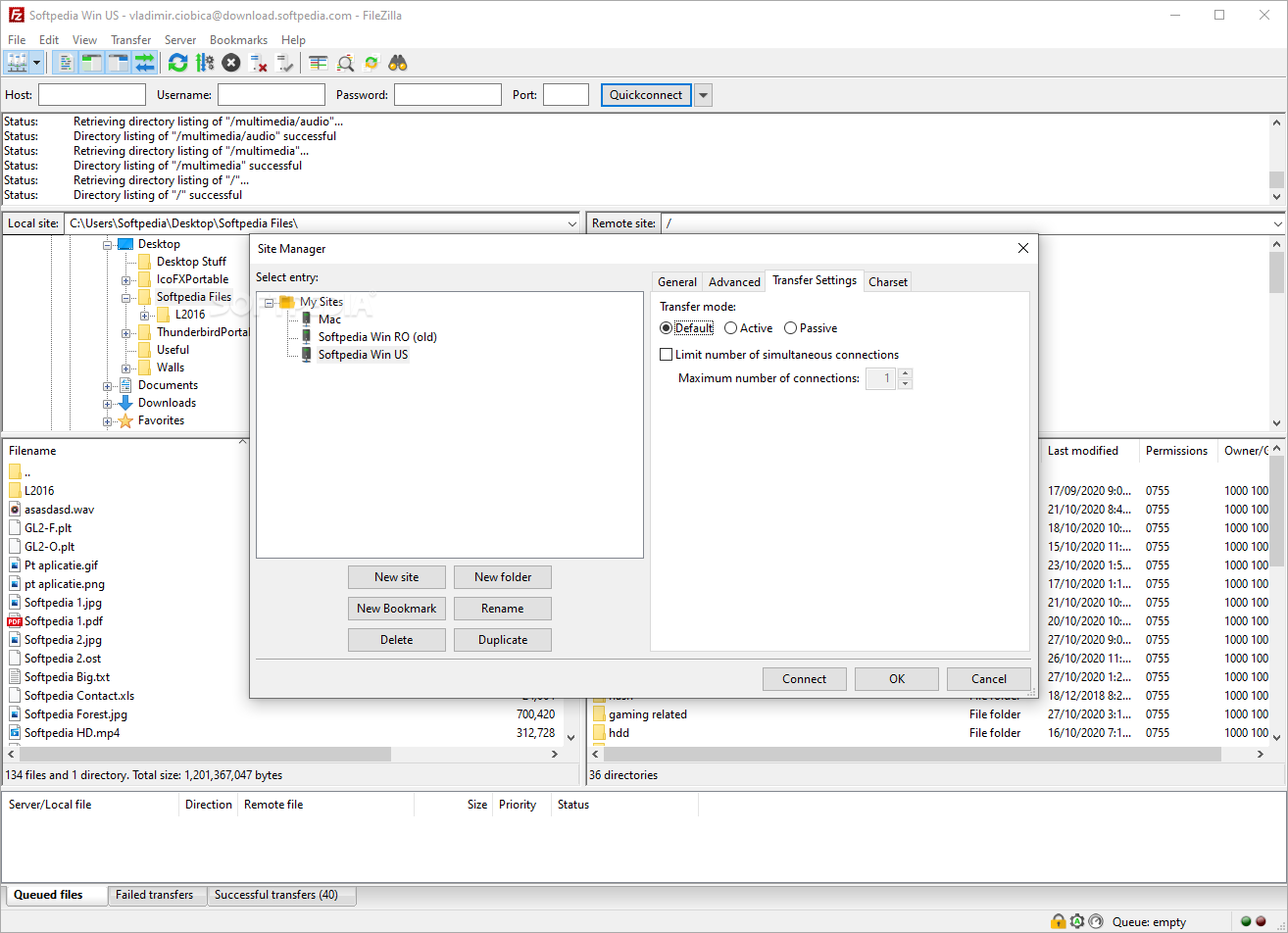
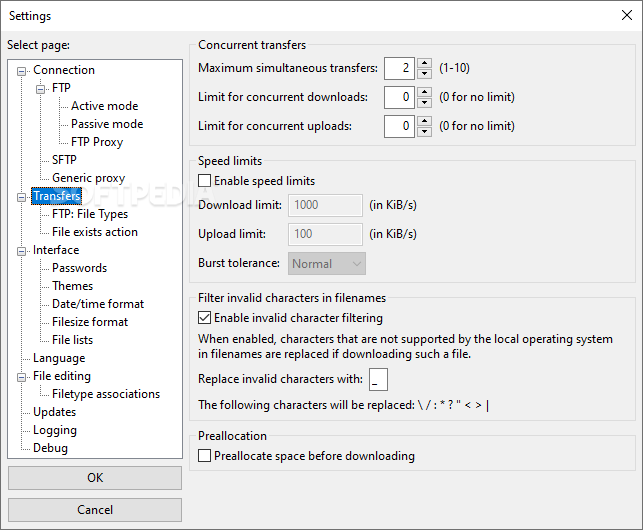
It can also run multiple server transfers at the same time, making it perfect for batch-transfer operations. You can also limit the number of simultaneous server connections from the Transfer menu. Better yet, you can configure the transfer speed limits for each instance of the transfer.
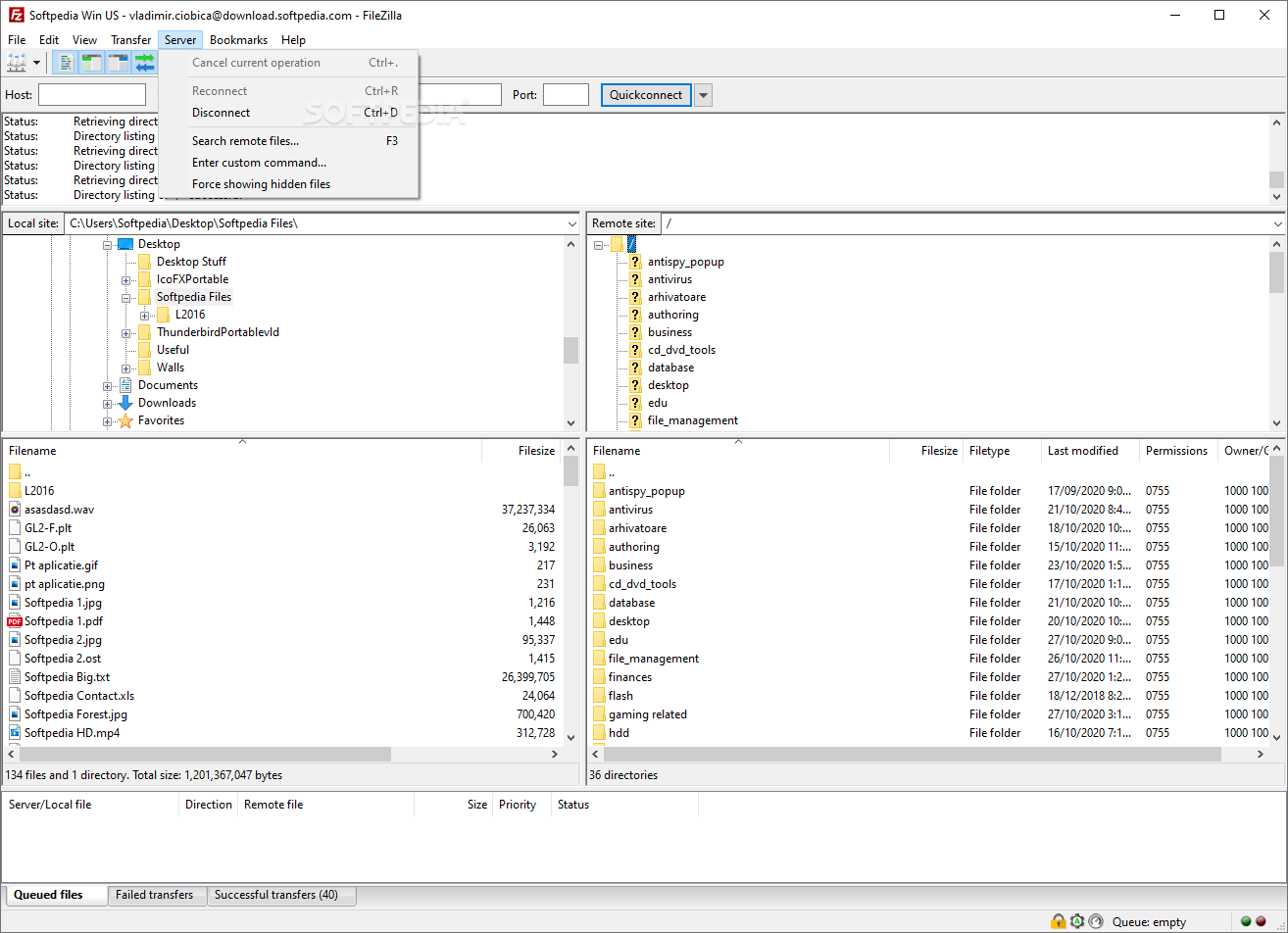
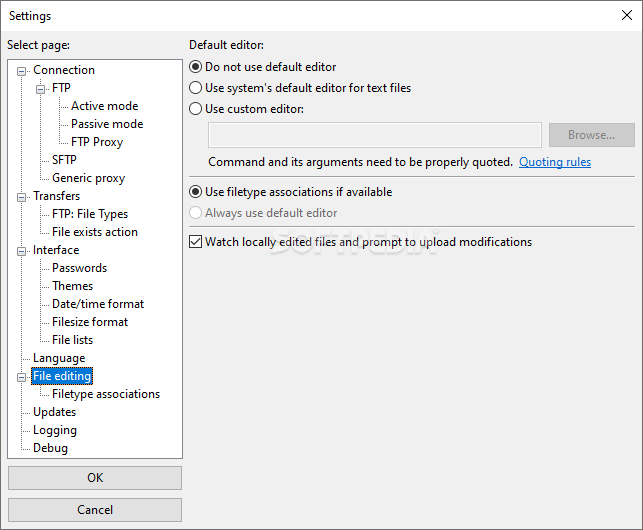
The app also allows you to search for remote files and even edit them remotely, as well as connect to FTP via VPN if you really need to. This way you can pretty much fully hide your IP during the transfers.
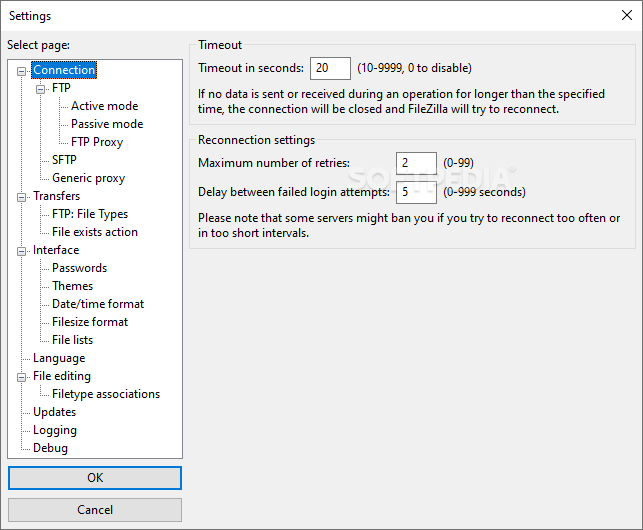
Another great feature is the ability to transfer and resume very large files of well over 4 GB, quite useful for Internet connection downtimes or other unforeseen events that might occur.
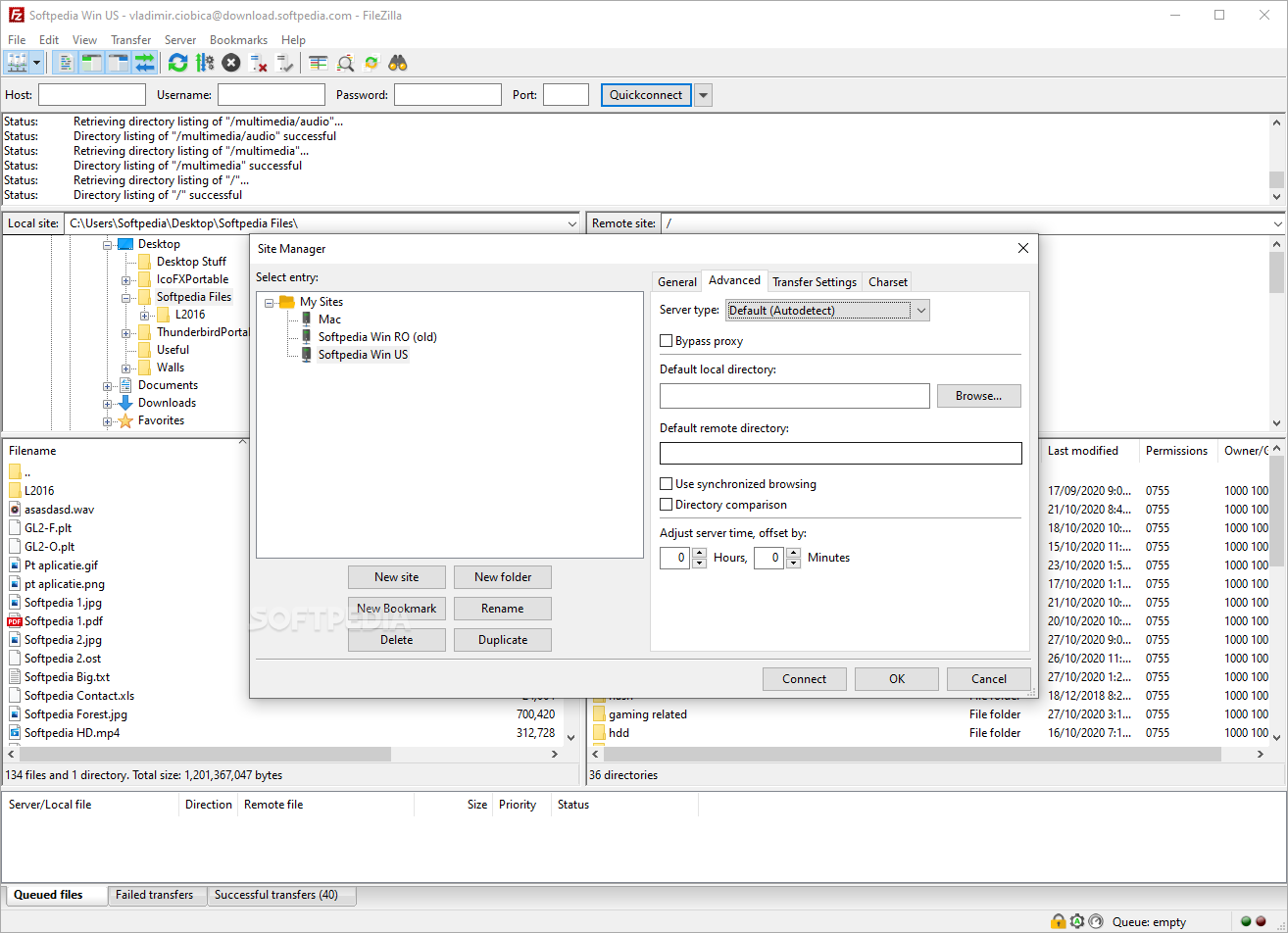
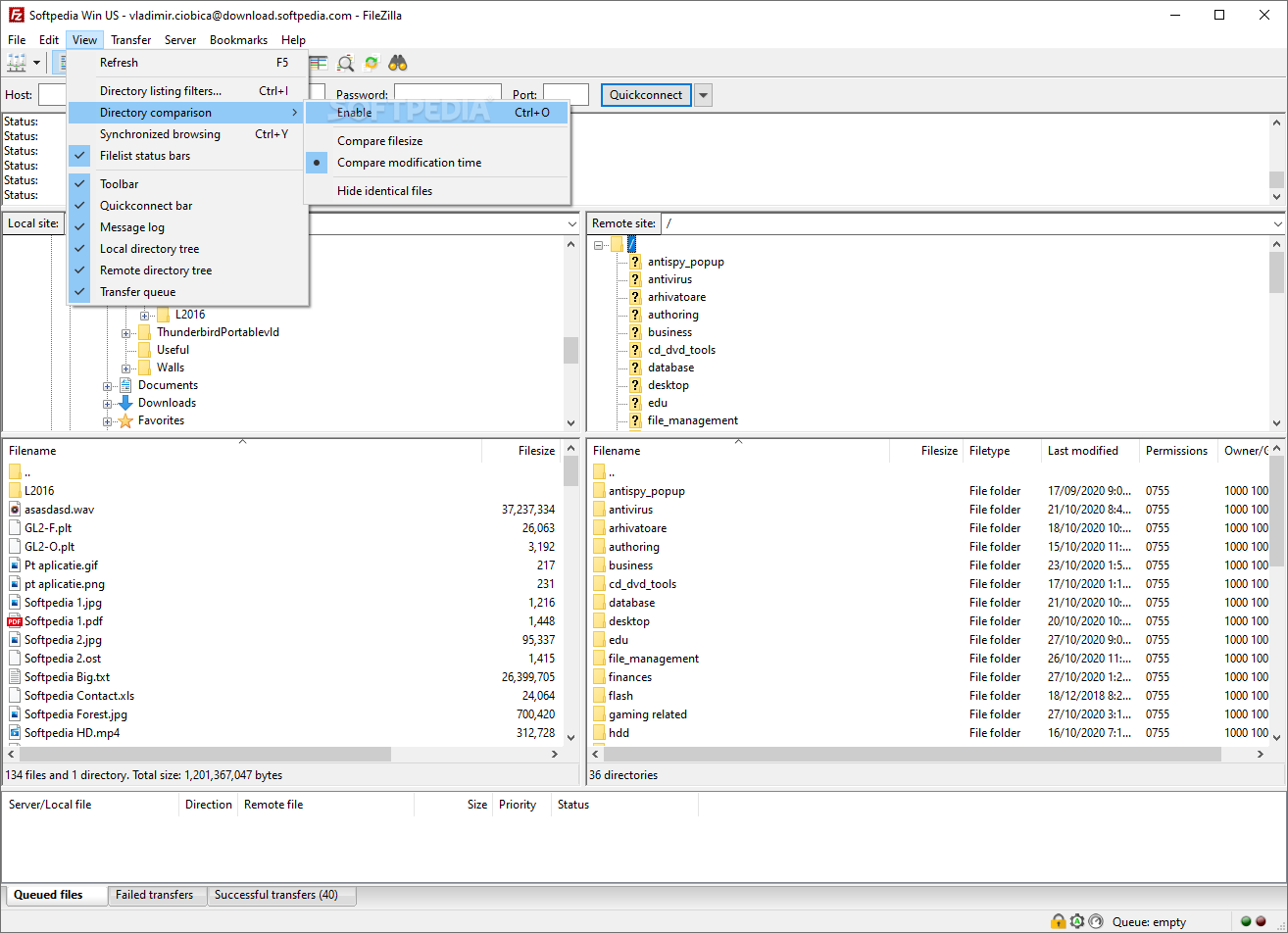
Other noteworthy features include support for filename filters, directory comparison, HTTP/1.1, SOCKS5, and FTP-Proxy support, IPv6 support, and synchronized directory browsing.
FileZilla is still an open-source app after all these years and continues to be one of the most trusted apps in this particular niche.
Up until now, all of its features were absolutely free, but recently there have been some important upgrades to FileZilla, and hence, FileZilla Pro is also something you should consider.
FileZilla Pro aims to make FileZilla the prime app for all-things-file-transfer-related, in short, you can now transfer files between your PC (or Mac) and remote servers as well.
The supported cloud providers are Amazon S3, Blackblaze, B2, Box, Dropbox, Google Cloud, Google Drive, Microsoft Azure, Microsoft One Drive (and OneDrive for Business), Microsoft Sharepoint, OpenStack, Swift, and WebDAV.
If you're relying on FTP to transfer files, then you can't really go wrong with FileZilla. It has a remarkably user-friendly interface, a top-notch feature list, it works on all major platforms, and with the decently priced Pro version, you can also transfer files to and from some of the best cloud services.
Download Hubs
FileZilla is part of these download collections: FTP Clients
What's new in FileZilla 3.67.0:
- Fixed vulnerabilities:
- SFTP: Fixed PuTTY ECDSA NIST P-521 private key recovery vulnerability (CVE-2024-31497). If you use NIST P-521 keys to connect to SSH/SFTP servers, you should regenerate them and revoke the previous ones.
- Official binaries are now built against GnuTLS 3.8.4
- Bugfixes and minor changes:
FileZilla 3.67.0
 Softpedia Editor's Pick
add to watchlist
add to download basket
send us an update
REPORT
Softpedia Editor's Pick
add to watchlist
add to download basket
send us an update
REPORT
- portable version
- Portable FileZilla
- runs on:
-
Windows 11
Windows 10 32/64 bit
Windows 8 32/64 bit - file size:
- 12.1 MB
- filename:
- FileZilla_3.67.0_win32-setup.exe
- main category:
- Internet
- developer:
- visit homepage
paint.net

Zoom Client

ShareX

Bitdefender Antivirus Free

4k Video Downloader

IrfanView

calibre

Microsoft Teams

Windows Sandbox Launcher

7-Zip

- Microsoft Teams
- Windows Sandbox Launcher
- 7-Zip
- paint.net
- Zoom Client
- ShareX
- Bitdefender Antivirus Free
- 4k Video Downloader
- IrfanView
- calibre