
A reliable FTP server that you can customize and set up according to your exact requirements and preferences, so that users can connect without too much hassle. #FTP server #Server FTP #FTP upload #FTP #Server #Upload

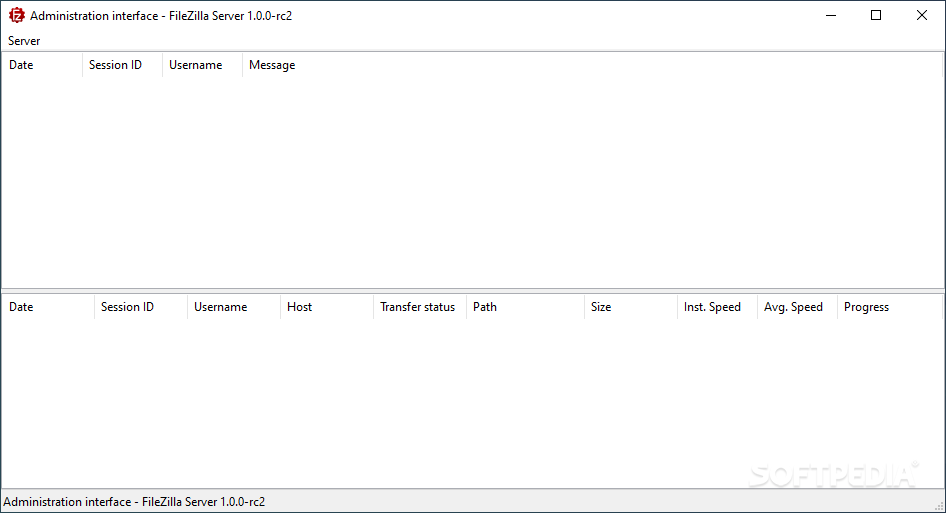
If you never heard of FileZilla, then you probably have no idea what FTP is. The name is behind one of the most popular FTP solutions out there, providing high-speed transfers of files of any size, all under an open-source license.
It is worth mentioning that FileZilla delivers an all-in-one solution for both client and server. While the FTP client almost became a synonym with FTP transfers, FileZilla Server is nothing less, delivering one of the best FTP and FTPS servers on the market.
FileZilla Server is easily installed, but you must select the components to be installed, A full installation includes both the server and the administration panel, although you are free to choose either during setup. One of the next steps prompts you to choose between starting the server as a service with Windows, either manually or automatically.
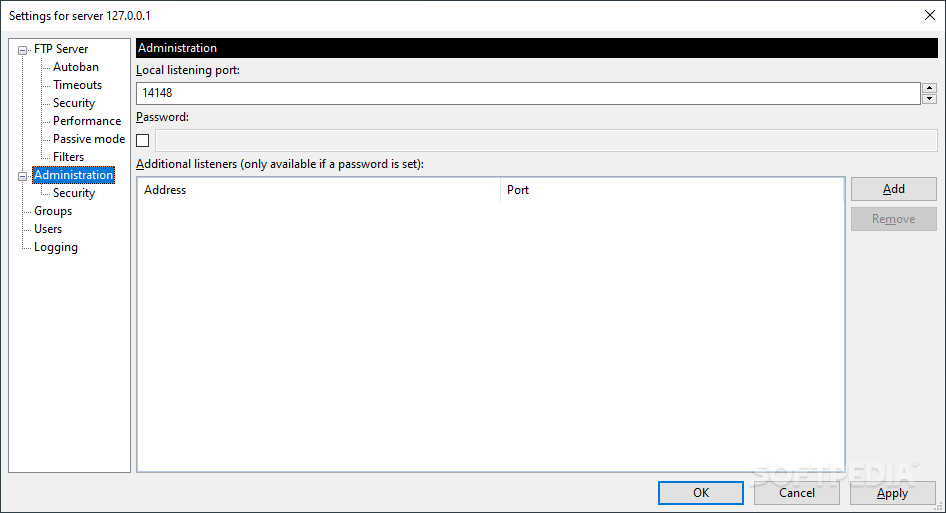
The configuration you must go through during setup also requires you to enter the port number for the administration interface. As an extra security measure, a password can be set for the administration panel.
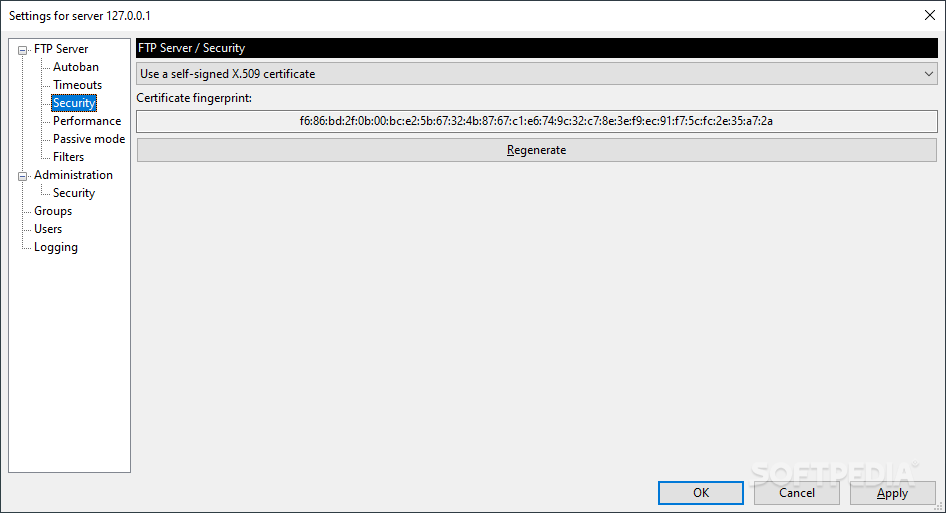
FileZilla Server boasts a comprehensive feature set and focus on data security, with support for secure encrypted connections (FTP over TLS). All the data you transfer with FileZilla is encrypted when using TLS, thus avoiding data breach and theft attempts.
While the main window reveals information about the connected clients, sessions, transfers and so on, the server’s configuration is where you can customize the application’s behavior.
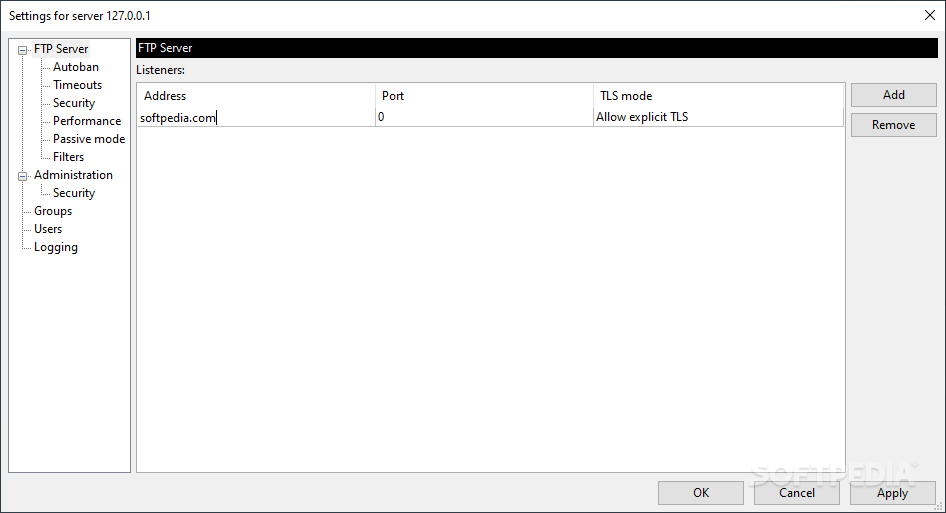
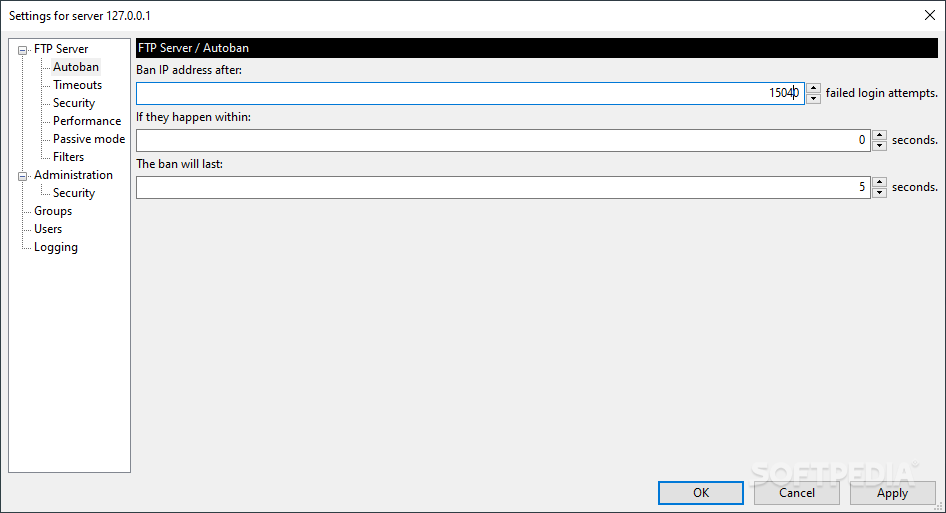
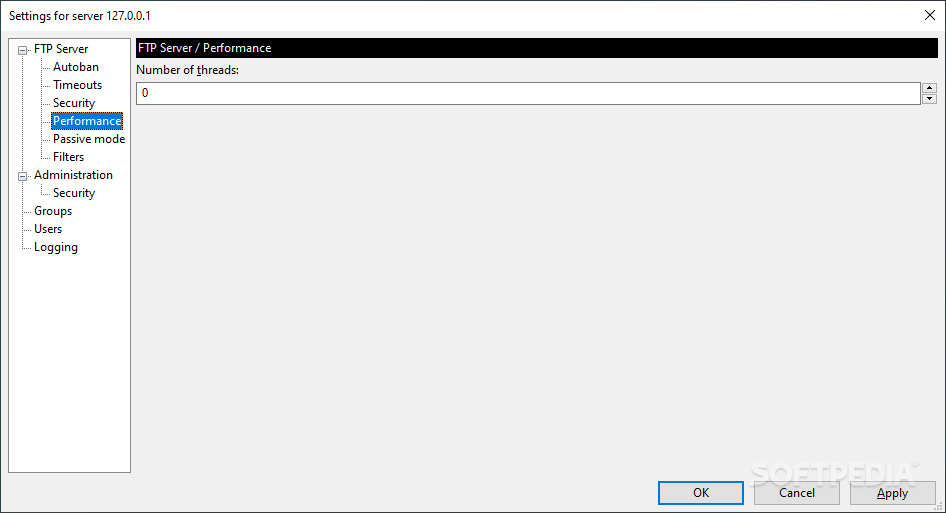
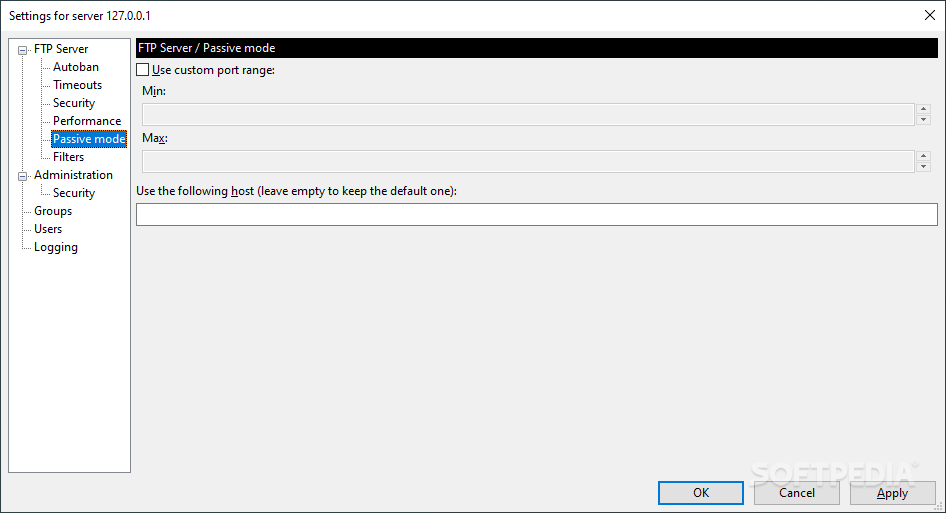
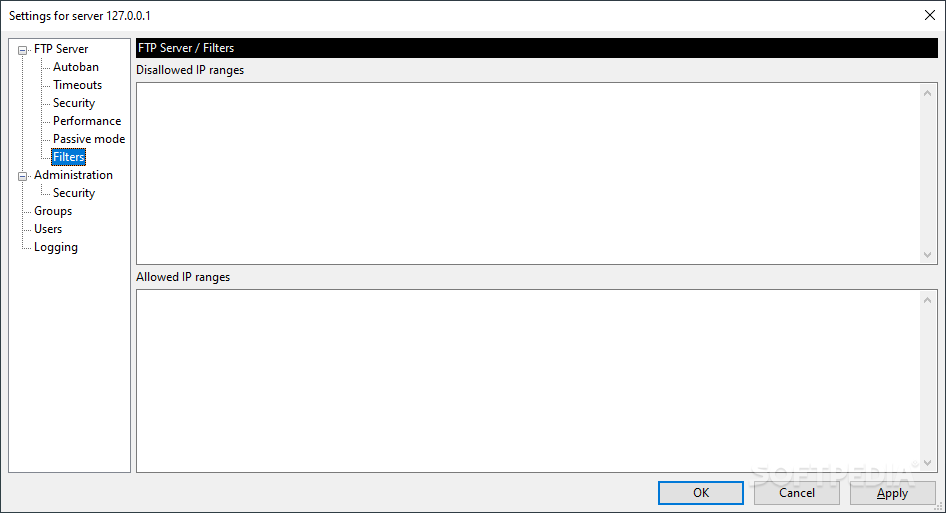
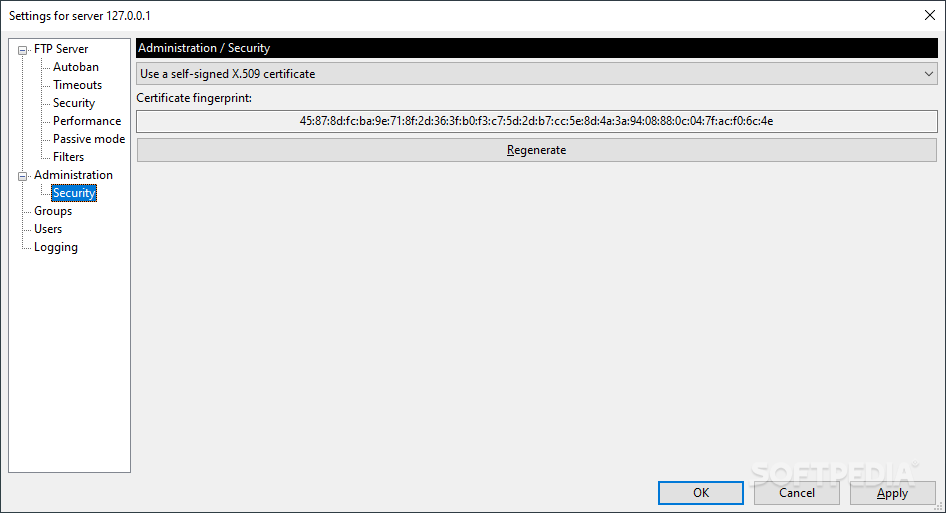
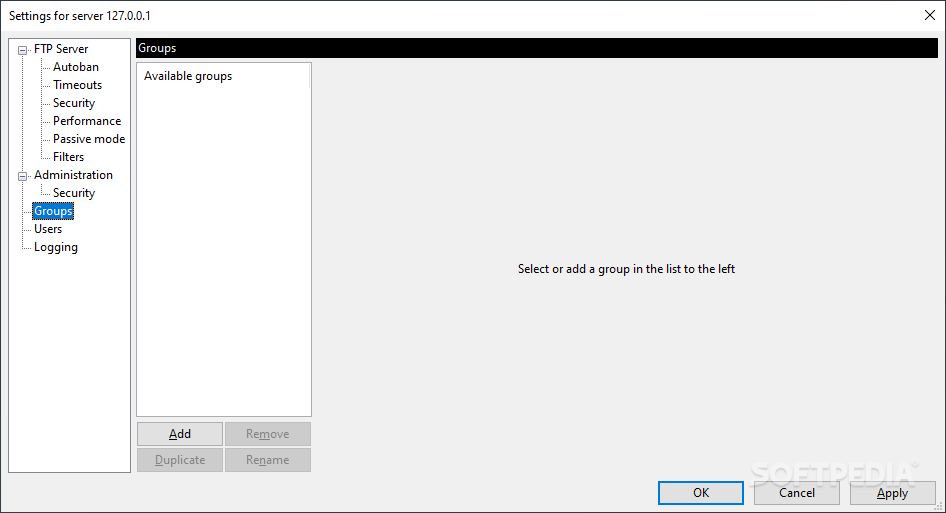
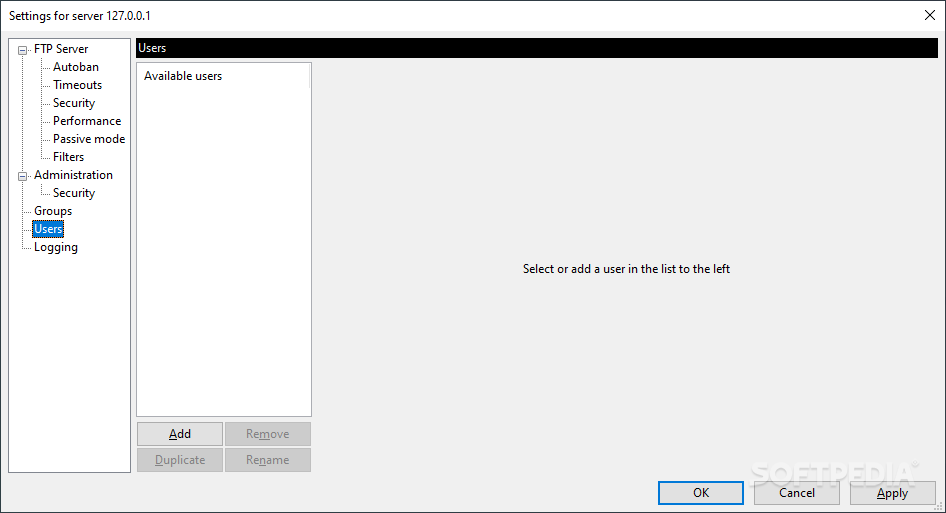
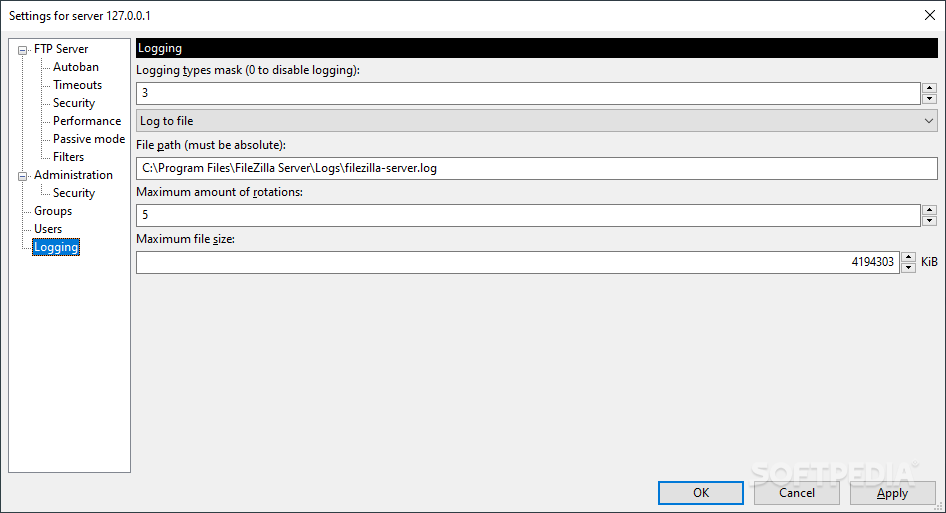
First, several listeners can be added to the server to capture client requests. Secondly, the security features allow you to create IP blacklists, set login timeouts, configure signed certificates, and set client filters. Moreover, you can manage groups, users and logging data.
FileZilla Server is practically everything you need in a FTP server. Designed with ease of use and high performance in mind, it manages to deliver a top product in its field.
Download Hubs
FileZilla Server is part of these download collections: Server Managers
What's new in FileZilla Server 1.8.1:
- New features:
- Limits to the number of active sessions defined for the groups now apply to the group as a whole, not just to the individual users belonging to those groups.
- Fixed bug that led to timeouts not being set at startup, but only when changing the configuration.
FileZilla Server 1.8.1
add to watchlist add to download basket send us an update REPORT- runs on:
-
Windows 11
Windows 10 64 bit
Windows 8 64 bit - file size:
- 5.6 MB
- filename:
- FileZilla_Server_1.8.1_win64-setup.exe
- main category:
- Internet
- developer:
- visit homepage
Zoom Client

Microsoft Teams

Context Menu Manager

Windows Sandbox Launcher

7-Zip

4k Video Downloader

IrfanView

Bitdefender Antivirus Free

ShareX

calibre

- Bitdefender Antivirus Free
- ShareX
- calibre
- Zoom Client
- Microsoft Teams
- Context Menu Manager
- Windows Sandbox Launcher
- 7-Zip
- 4k Video Downloader
- IrfanView