
Routes the Remote Utilities traffic for Internet ID connections, allowing you to fully control the connection chain and providing higher speed. #Route Traffic #Remote Utilities Router #Remote Connection #Route #Traffic #Router
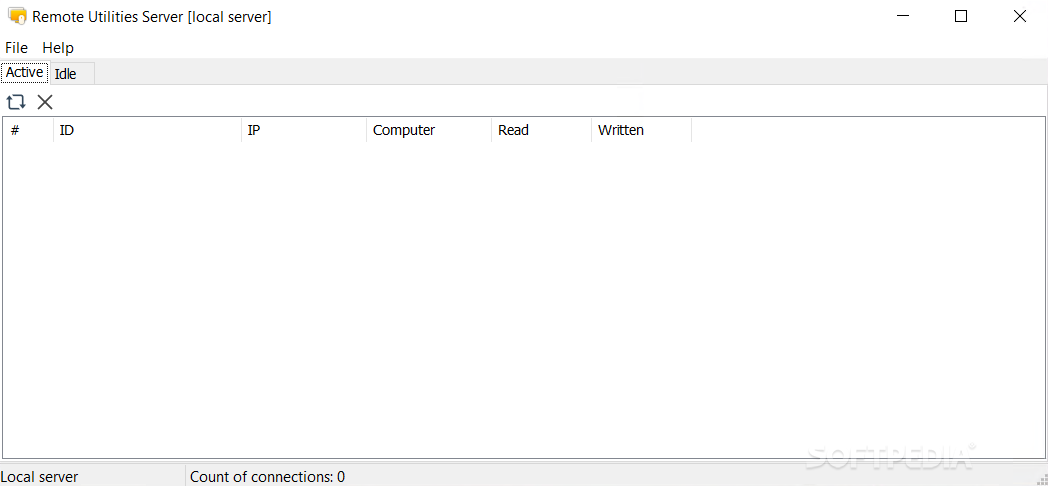
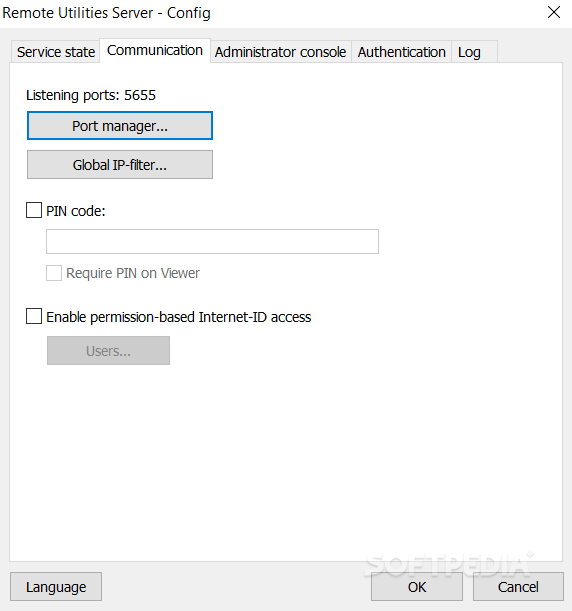
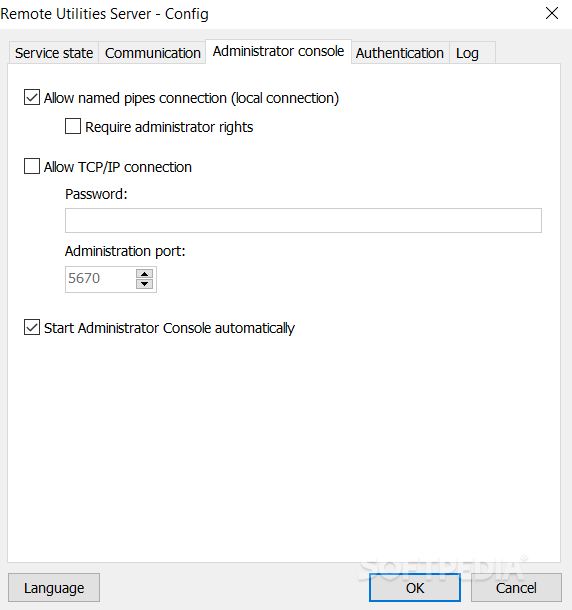
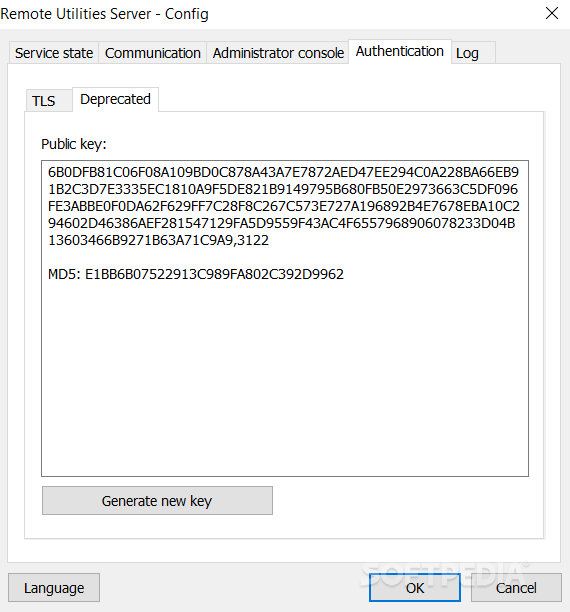
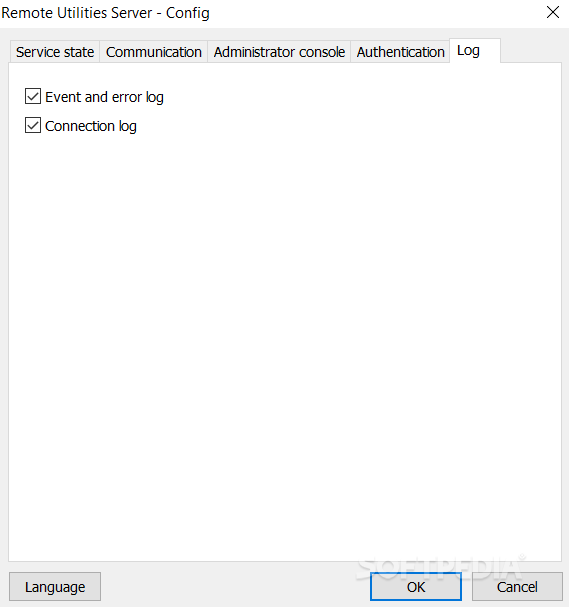
Remote Utilities Server is an easy to configure application that can route the traffic generated by Remote Utilities if an Internet ID connection is active.
Remote Utilities Server grants you full control over the connection, allowing traffic monitoring from the host to the viewer and back. The Remote Utilities data exchange can be routed via the server without you having to change its default configuration.
If you use RU Server, you are going to be independent of other servers when using an Internet-ID connection. This means that you are the only one controlling of the entire infrastructure.
Also, you can see instantly that speed and performance are going to rise. This is especially important if you support customers in your local area.
Regarding the Internet-ID technology, this is implemented in Remote Utilities uses a relay (routing) server to help establish a remote connection over the Internet. This lets you connect to remote computers located behind a firewall or a NAT device such as a router
When you first enable the Internet-ID in the program, the company's public server infrastructure is used by default. However, you can switch from using those servers to using your self-hosted ones.
Remote Utilities Server 3.3.5.0
add to watchlist add to download basket send us an update REPORT- PRICE: Free
- runs on:
-
Windows 11
Windows Server 2019
Windows Server 2016
Windows 10 64 bit
Windows Server 2012
Windows 2008 64 bit
Windows 2003
Windows 8 64 bit
Windows 7 64 bit
Windows Vista 64 bit
Windows XP 64 bit - file size:
- 12.2 MB
- filename:
- server-3.3.5.0.exe
- main category:
- Internet
- developer:
- visit homepage
IrfanView

7-Zip

Microsoft Teams

calibre

Windows Sandbox Launcher

4k Video Downloader

Bitdefender Antivirus Free

paint.net

ShareX

Zoom Client

- paint.net
- ShareX
- Zoom Client
- IrfanView
- 7-Zip
- Microsoft Teams
- calibre
- Windows Sandbox Launcher
- 4k Video Downloader
- Bitdefender Antivirus Free