
Easily bypass firewalls and location restrictions with this application, which routes your Internet connection through a proxy server of your choice. #Proxy Server #Server Gateway #Proxy Connection #Proxy #Server #Gateway


Proxifier is a tool designed to help you bypass a wide variety of restrictions that prevent you from accessing online content and websites. The trump cards of the tool stems from the fact that it enables apps to work through a proxy server, despite the fact that they may not have embedded support for proxy servers.
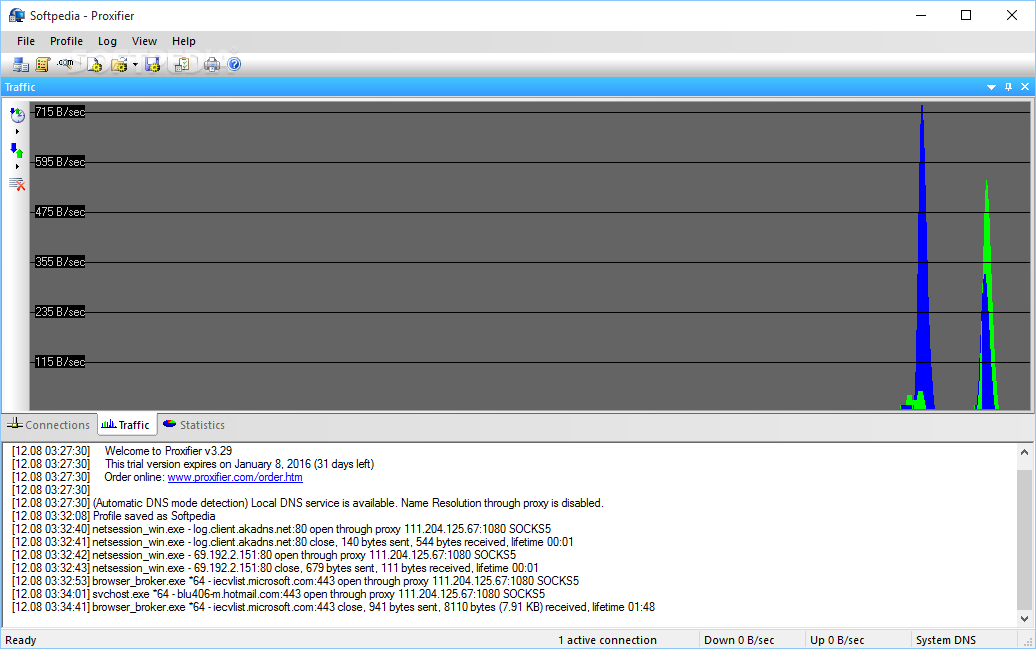
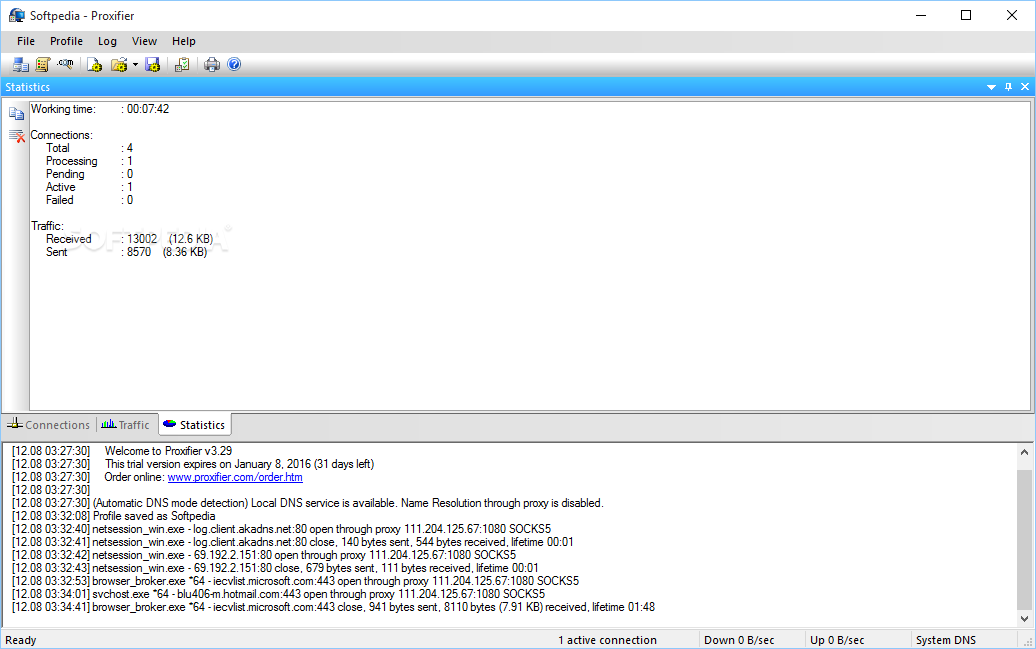
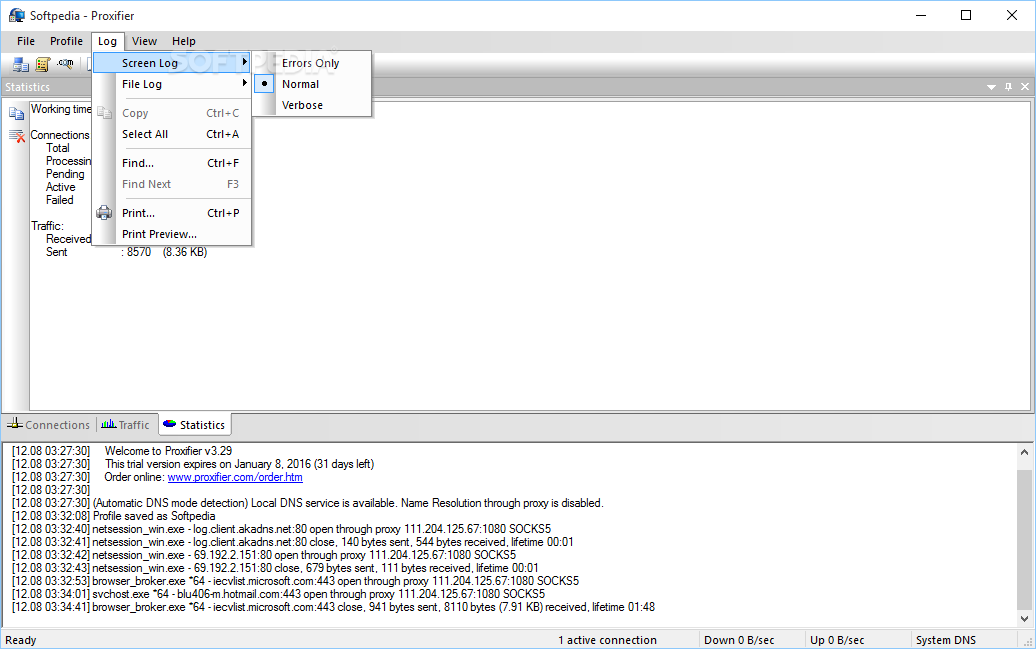
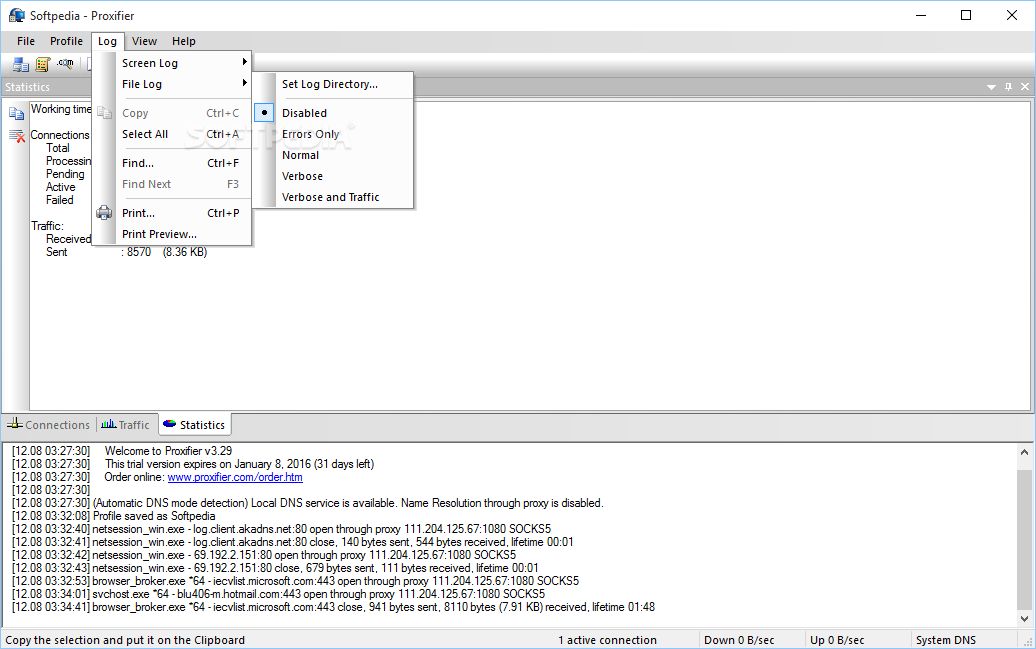
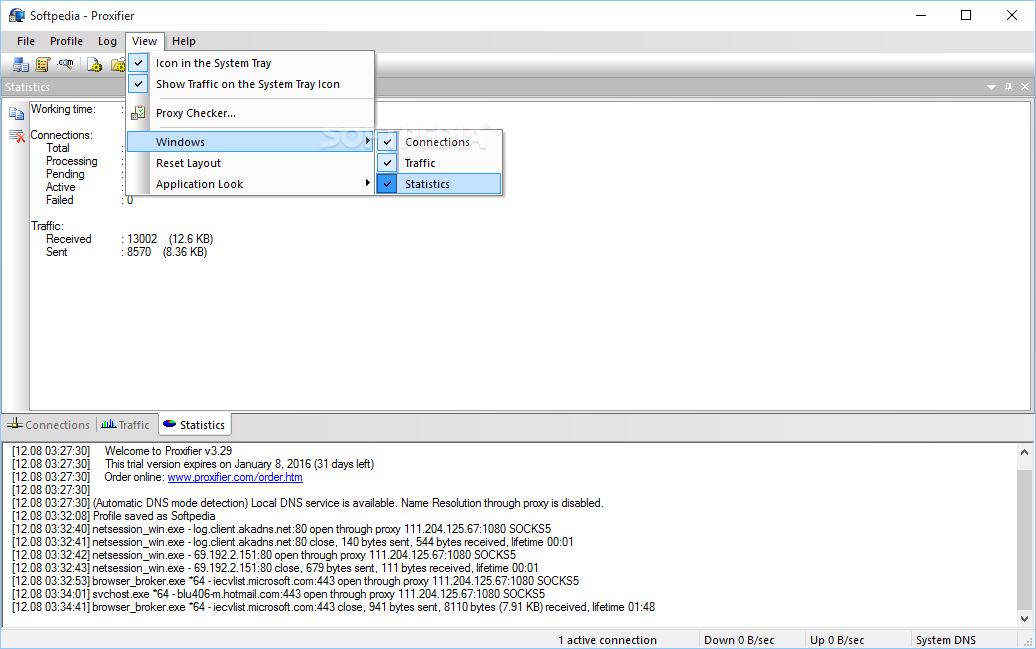
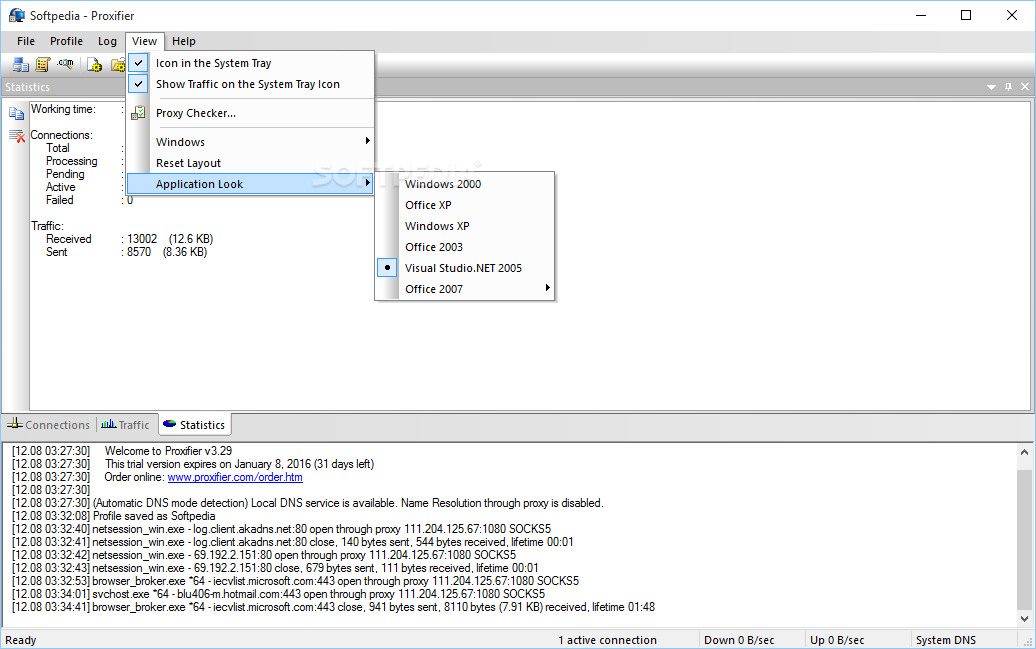
The program comes with an intuitive interface, so it’s unlikely you will have troubles configuring or managing proxy settings. In the upper section you can add and manage the proxy severs, you can explore more about their specific connections, traffic and other statistics from the lower tabs.
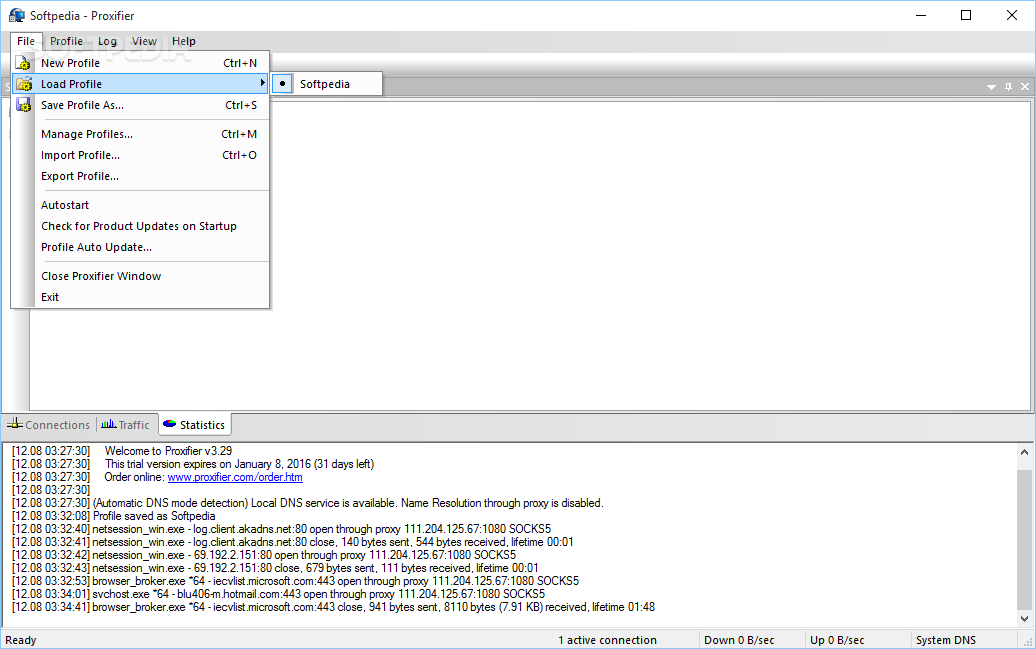
You can get started by adding the proxy servers and specifying the required information about them, namely type, server address, port number, username and password, if necessary. Afterward, you need to specify the rules, meaning whether the proxification should be applied for specific apps or for all programs attempting to connect to the Internet.
You can configure the IP addresses that the rules should apply, as well as if the traffic should be sent to a specific server or follow the global rules. Depending on your needs, you may easily re-route certain apps through faster routers. The tool supports chain proxy servers, meaning that if the first one fails, it moves to the next ones until it can bypass the restrictions.
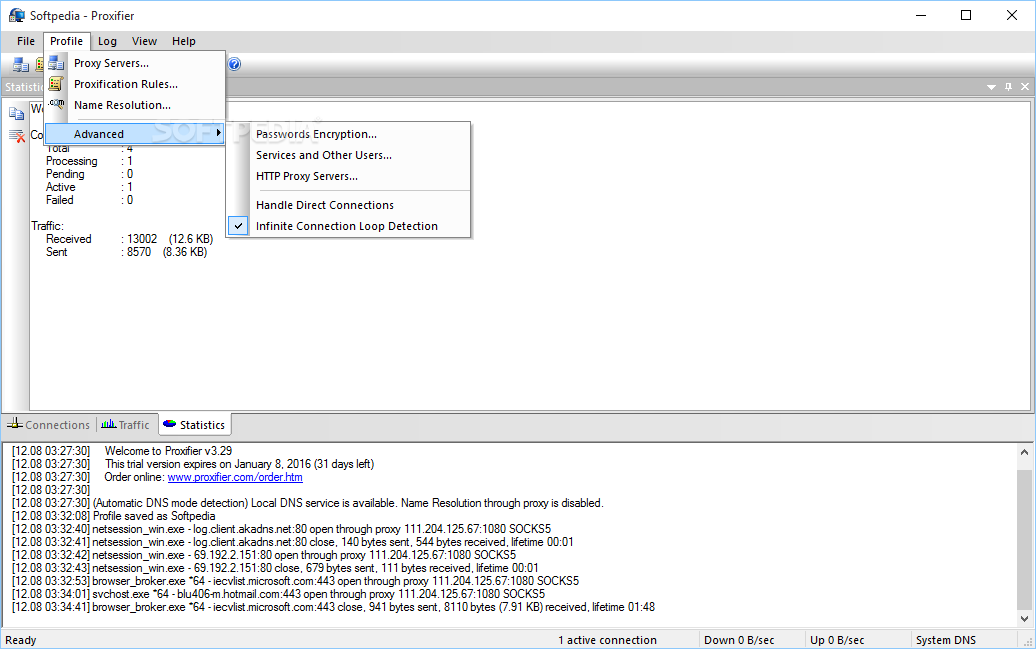
In addition to bypassing and re-routing traffic, the application can also secure your online activity via encryption. Regardless of whether you use SOCKS or HTTPS servers, having encrypted traffic may make it harder for snoopers to intercept your data.
Lastly, it is worth mentioning that Proxifier can be safely used in the corporate environment, providing that the tool is in compliance with the company’s policies. Re-routing your traffic in this case can help ensure the protection of the confidential information, safeguard intellection property and allow the monitor of employee Internet usage, while restricting potentially dangerous websites and protocols.
Download Hubs
Proxifier is part of these download collections: Proxy Servers, Server Managers
What's new in Proxifier 4.12:
- Network driver updated to meet the latest Microsoft requirements
- Driver installation problem on ARM platform fixed
- Improved error reporting
- Minor network and UI improvements
Proxifier 4.12
add to watchlist add to download basket send us an update REPORT- portable version
- Proxifier Portable
- runs on:
-
Windows 11
Windows Server 2022
Windows Server 2019
Windows Server 2016
Windows 10 32/64 bit
Windows Server 2012
Windows 2008 32/64 bit
Windows 8 32/64 bit
Windows 7 32/64 bit - file size:
- 5.2 MB
- filename:
- ProxifierSetup.exe
- main category:
- Internet
- developer:
- visit homepage
Microsoft Teams

7-Zip

Windows Sandbox Launcher

IrfanView

calibre

Zoom Client

paint.net

Bitdefender Antivirus Free

4k Video Downloader

ShareX

- Bitdefender Antivirus Free
- 4k Video Downloader
- ShareX
- Microsoft Teams
- 7-Zip
- Windows Sandbox Launcher
- IrfanView
- calibre
- Zoom Client
- paint.net