Softpedia
 

WINDOWS CATEGORIES:


GLOBAL PAGES >>
SOFTPEDIA REVIEWS >>
MEET THE EDITORS >>

WEEK'S BEST

  • DAEMON Tools Pro (...
  • FlashFXP [ DISCOUN...
  • PowerISO 4.9
  • WebcamMax [DISCOUN...
  • Zemana AntiLogger ...
  • System Mechanic Pr...
  • Glary Utilities Pr...
  • All My Movies [DIS...
  • Ad-Aware Internet ...
  • Atlantis Word Proc...
  • Home > Windows > Internet > WEB Design > Flash
     Report malware

    Adobe Flash CS5.5 Professional 11.5.1

    Softpedia Pick Award
    download button

    Part of the Create SWF download hub
    Downloads: 1,288,489  View global page  Tell us about an update
    User Rating:
    Rated by:
    Very Good (4.1/5)
    1527 user(s)
    Developer:

    License / Price:

    Size / OS:

    Last Updated:

    Category:

    Trial / USD 699.00 buy button
    857 MB / Windows XP / Vista / 7
    [view history]
    C: \ Internet \ WEB Design \ Flash

     Read user reviews (13)  Send to friend   Follow (11 users)

    EDITOR'S RATING

    Softpedia Editor's Review for Adobe Flash CS5.5 Professional

    Create effective rich content and applications across desktops and devices

    Written by Elena Opris on October 21st, 2011

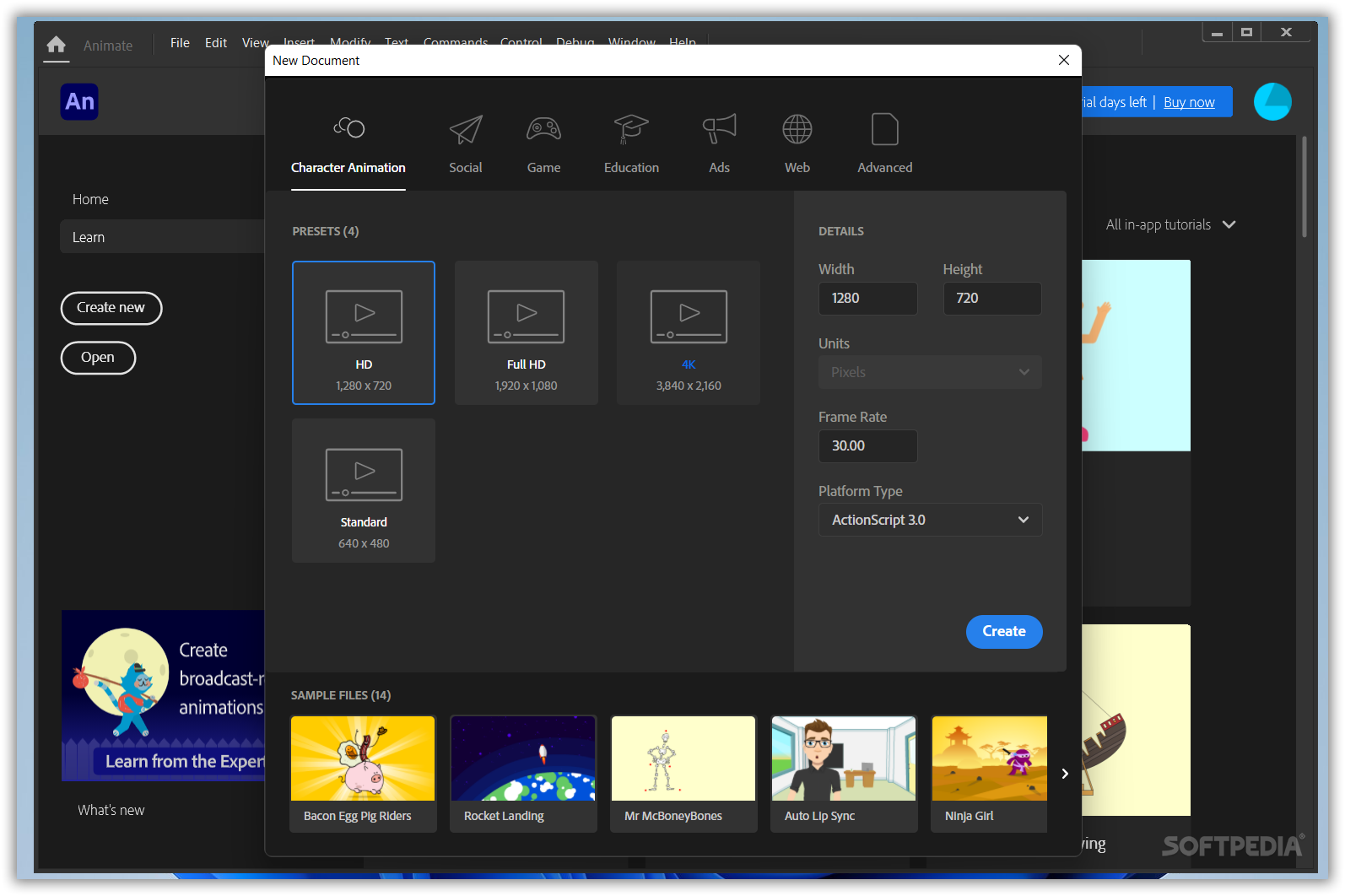
    Adobe Flash CS5.5 Professional 11.5.1 is a multimedia tool which you can use to create rich and interactive content for digital, web, and mobile platforms.

    Choosing to download Adobe Flash will redirect you to Adobe.com where you can select your desired language, and download the trial version. But before installing the actual software itself, you need a little tool called Adobe Download Assistant.

    Once that part is complete, enter Adobe Download Assistant. You are required to enter your Adobe ID (creating one doesn't require you to confirm email, but it sure takes some time to get it done).

    In the following step, you must select the folder where you wish Adobe Flash to be installed, then wait some more time → software failure → restart software → software failure → restart software again → installation begins (it seems that Creative Suite 5.5 Design Premium did not like the location we had chosen for it in Program Files).

    To make matters worse, just when the installation is 100% complete, the progress bar jams (we had to pause and un-pause to get it to the “extracting” point).

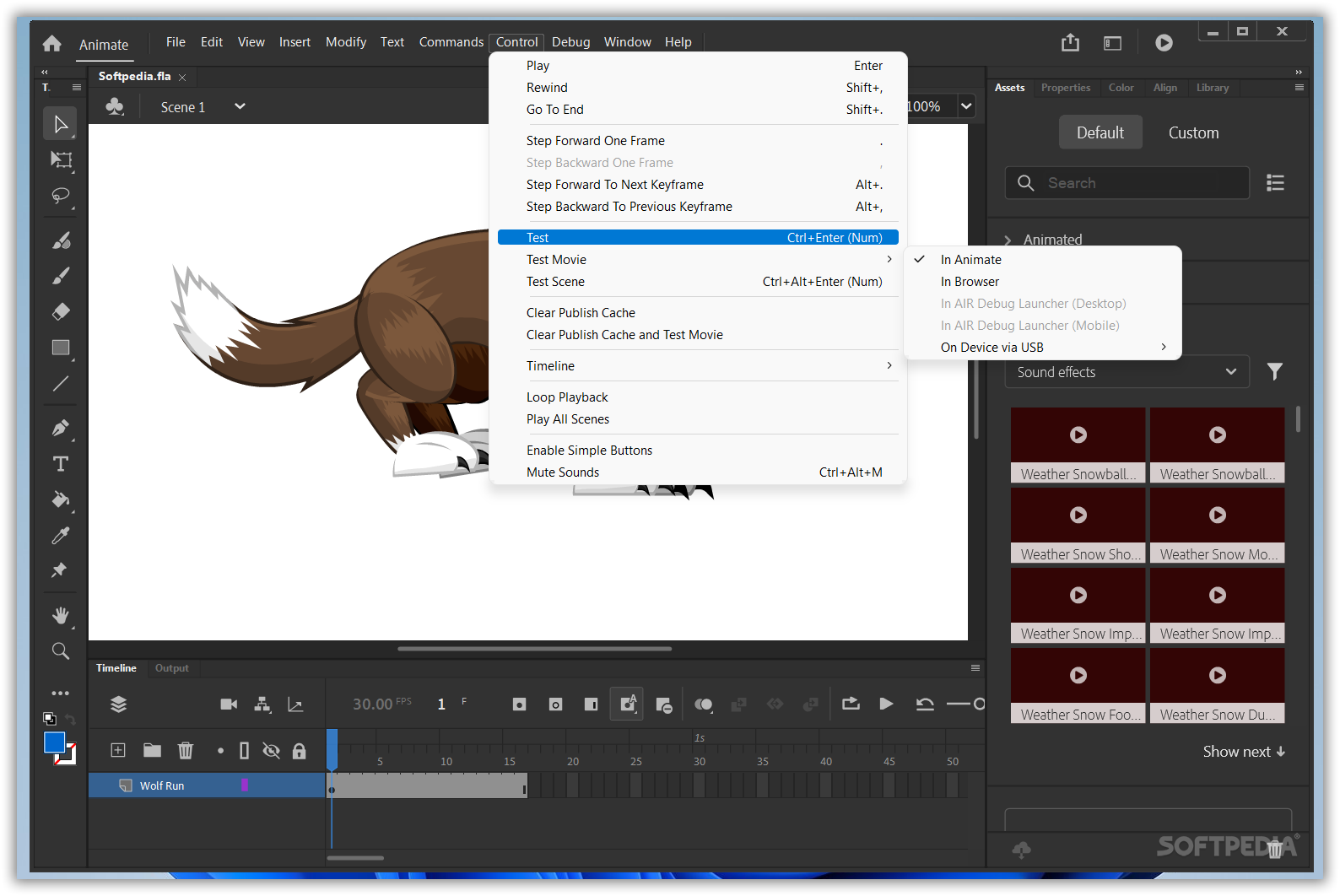
    Anyway, after the whole process is completed, you can finally enter and user Adobe Flash. New features found in this software include an expanded platform and device support, efficient workflows for developing mobiles, content scaling during a process of resizing, as well as an enhanced layer control... a lot of awesome stuff!

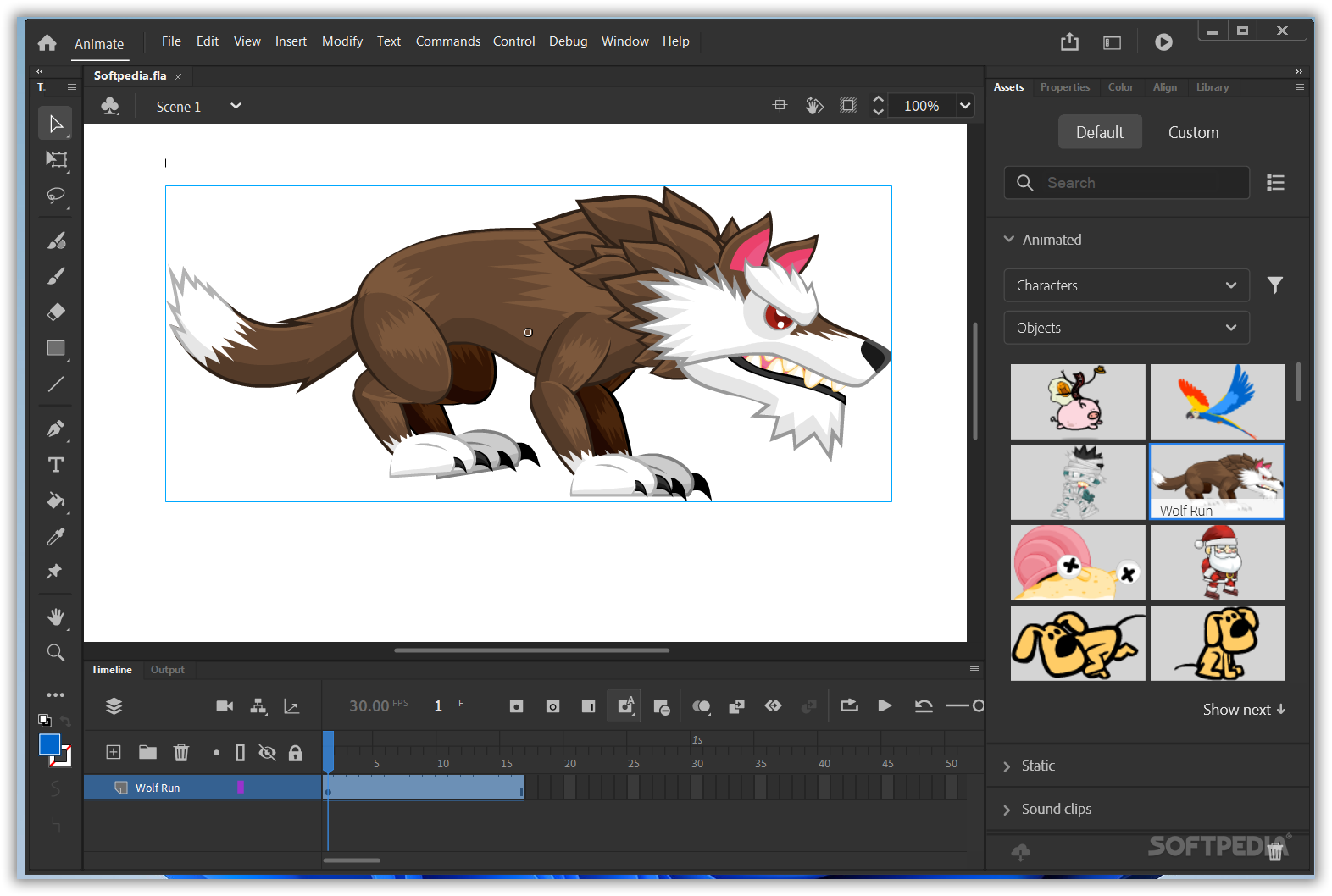
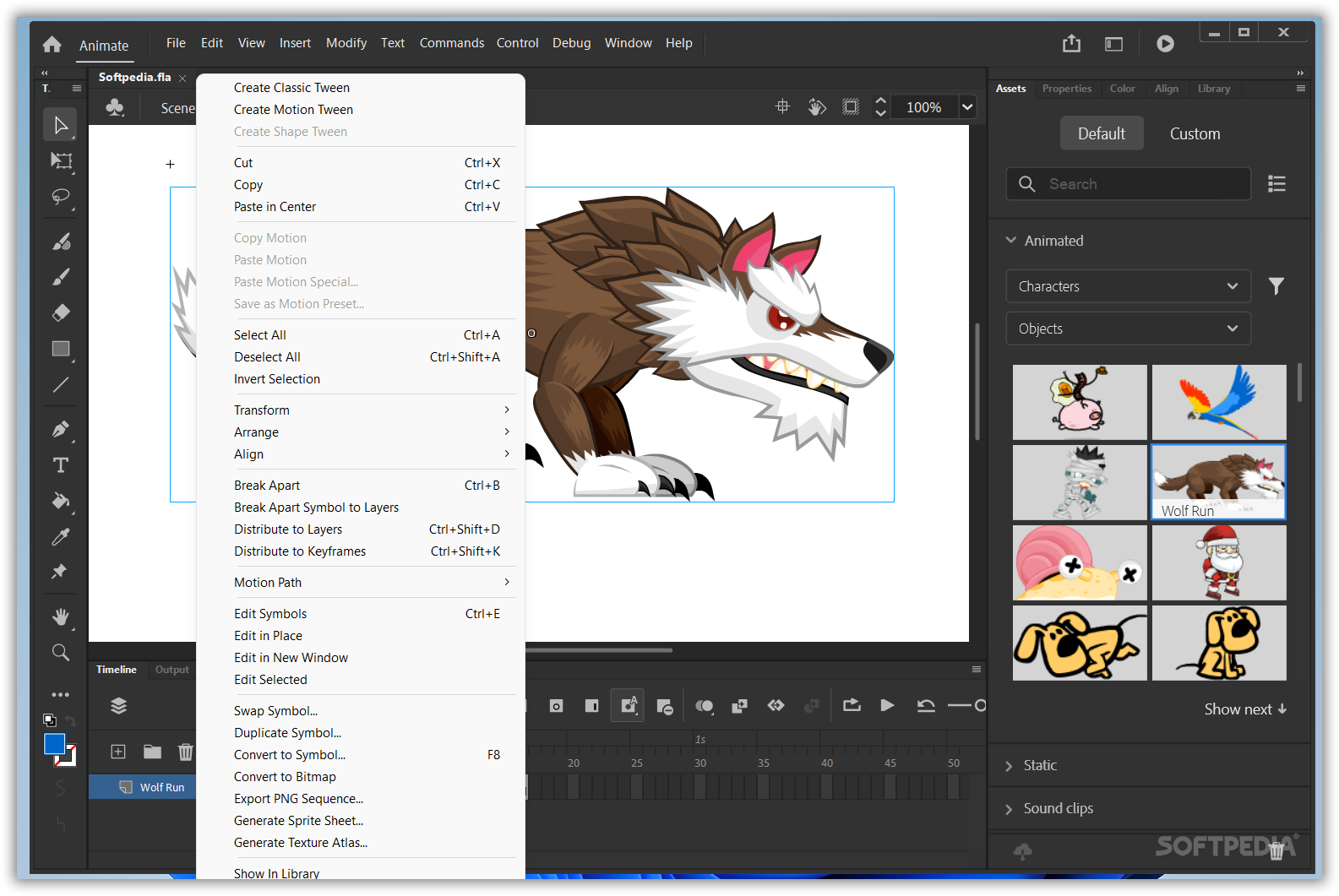
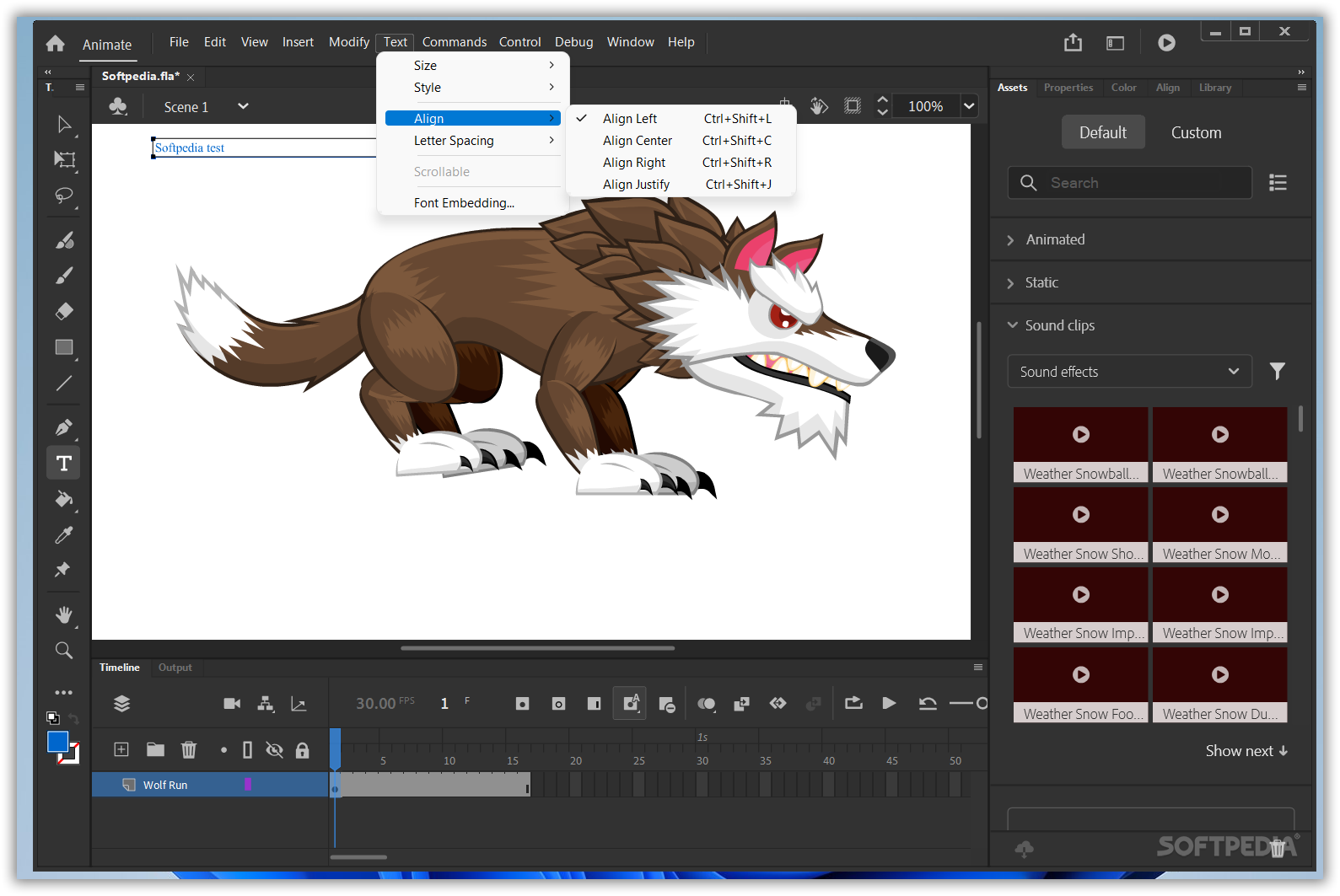
    Among favorite features we must mention the animation tools (Timeline, Motion Editor, inverse kinematics), advanced tools for drawing, advanced text engine, and Filter and Blend effects that will help you create stunning visuals.

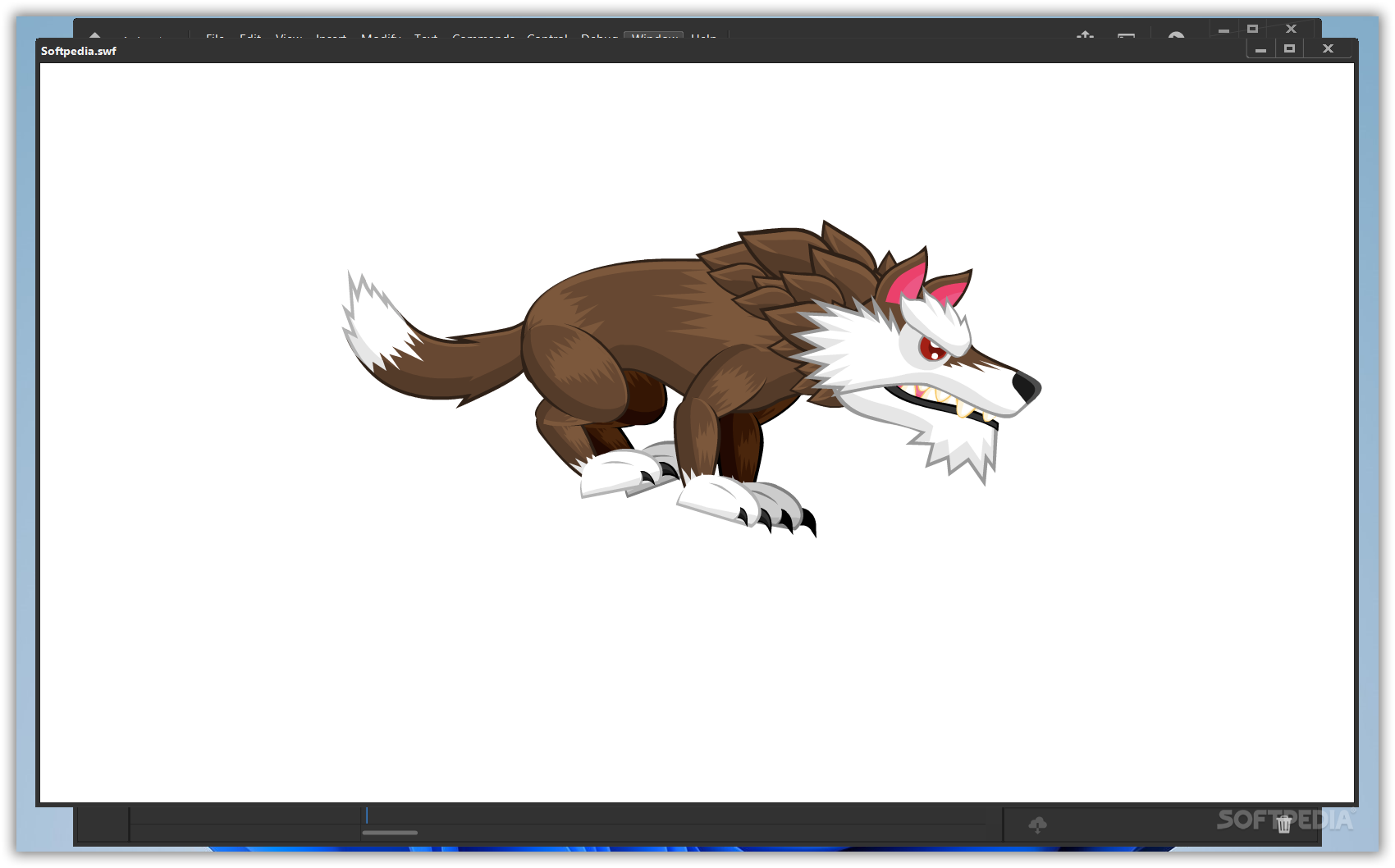
    All in all, Adobe Flash CS5.5 Professional 11.5.1 is a great software tool which you can use to create amazing animations with top of the line special effects. Highly recommended for web developers, visual artists, and other fans of the genre.

    Adobe Flash CS5.5 Professional description

    Here are some key features of "Adobe Flash CS5.5 Professional":

    Adobe Photoshop and Illustrator import:
    · Import Adobe Photoshop (PSD) and Adobe Illustrator (AI) files, while preserving layers and structure, and then edit them in Adobe Flash CS3 Professional. Optimize and customize the files during import with advanced options.

    Frame-based timeline:
    · Quickly add motion to your creations with the easy-to-use, highly controllable, frame-based timeline inspired by traditional animation principles such as keyframing and tweening.

    Shape primitives:
    · Easily create pie wedges, round off rectangle corners, define an inner circle radius, and do much more. Visually adjust shape properties on the stage. And create custom shapes with the included JavaScript API.

    ActionScript 3.0 development:
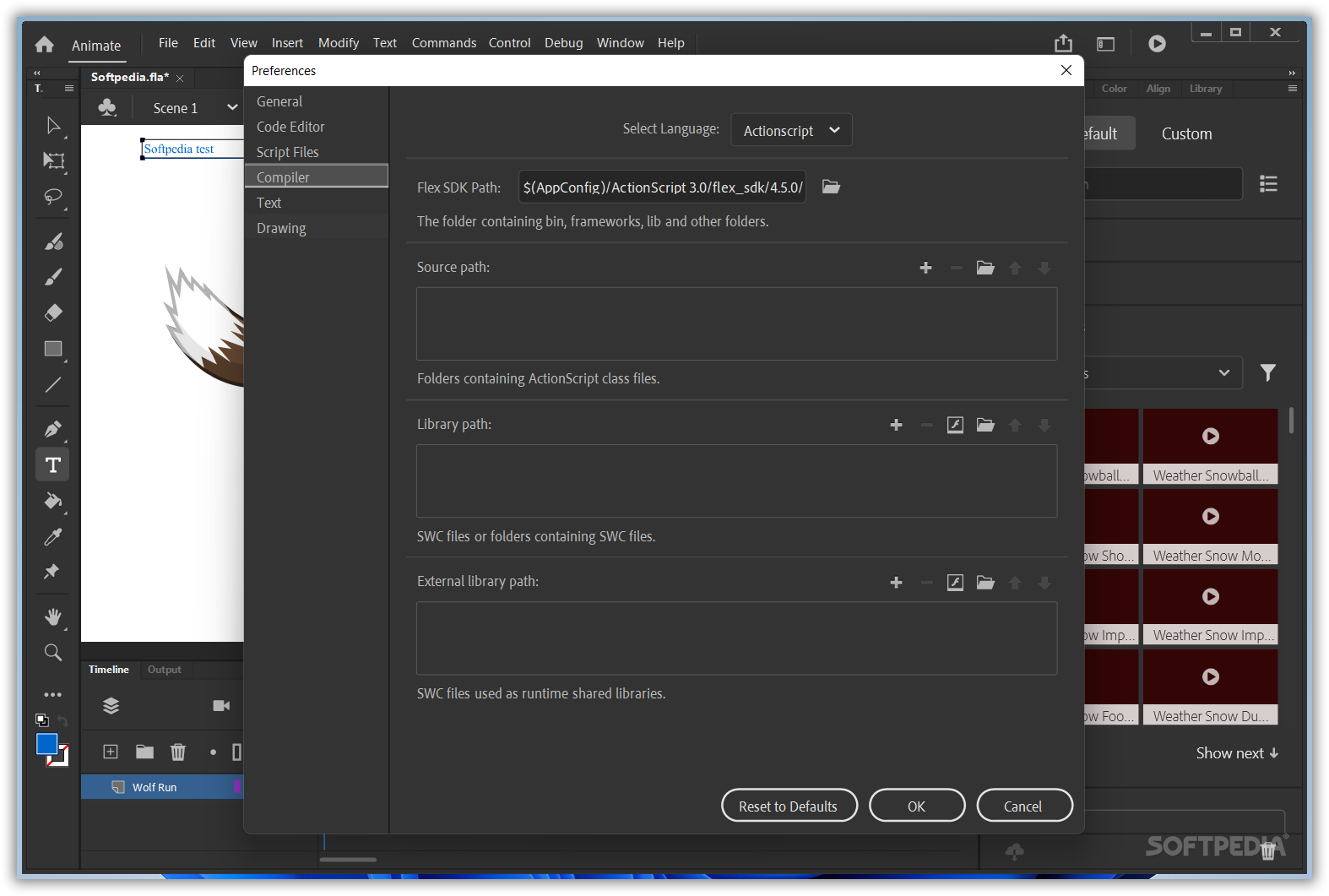
    · Save time with the new ActionScript 3.0 language, featuring improved performance, increased flexibility, and more intuitive and structured development.

    Sophisticated video tools:
    · Create, edit, and deploy streaming and progressive-download FLV content with comprehensive video support. Ensure the best video experience with a standalone video encoder, alpha channel support, a high-quality video codec, embedded cue points, video import support, QuickTime import, closed captioning, and much more.

    MP3 audio support:
    · Integrate audio into your projects by importing MP3 files. Integration with Adobe Soundbooth makes it easy to edit files as needed, without requiring audio production experience.

    Rich drawing capabilities:
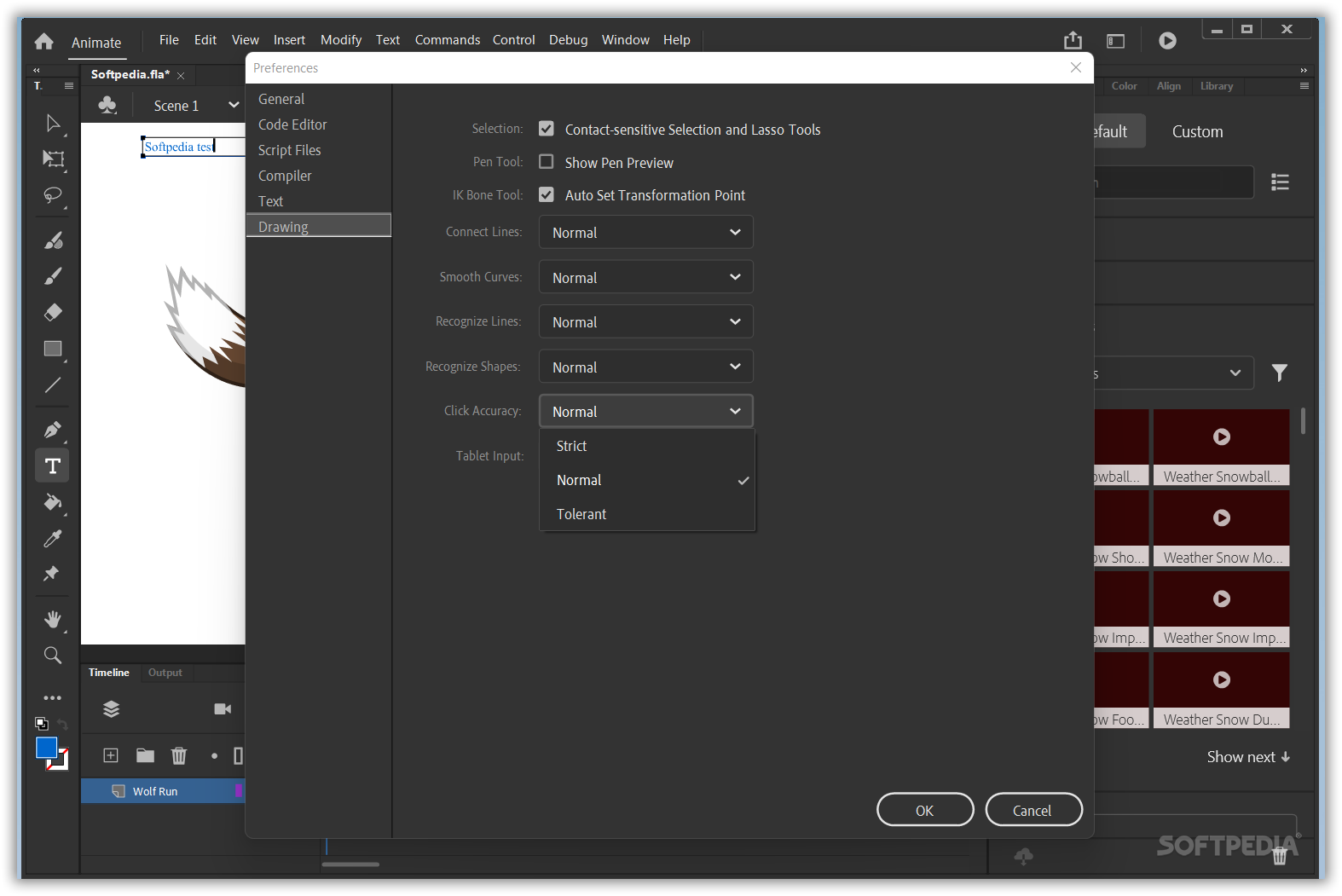
    · Visually adjust shape properties on the stage with smart shape drawing tools, create precise vector illustrations with the new Pen tool inspired by Adobe Illustrator, paste illustrations from Illustrator CS3 into Flash CS3, and more.

    Extensible architecture:
    · Leverage the Flash application programming interfaces (APIs) to easily develop extensions that add custom functionality.

    Convert animation to ActionScript:
    · Instantly convert timeline animations into ActionScript 3.0 code that can be easily edited, reused, and leveraged by developers. Copy animations from one object to another.

    Adobe Device Central:
    · Design, preview, and test mobile device content using Adobe Device Central CS3, now integrated throughout Adobe Creative Suite 3. Create and test interactive applications and interfaces viewable with Flash Lite software.

    Requirements:

    · Intel Pentium 4, Intel Centrino, Intel Xeon, or Intel Core Duo (or compatible) processor
    · 512MB of RAM (1GB recommended)
    · 2.5GB of available hard-disk space (additional free space required during installation)
    · 1,024x768 monitor resolution with 16-bit video card
    · DVD-ROM drive
    · QuickTime software required for multimedia features
    · Internet or phone connection required for product activation
    · Broadband Internet connection required for Adobe Stock Photos and other services

    Limitations:

    · 30-day trial
    · Nag screen

    What's New in This Release: [ read full changelog ]

    Expanded platform and device support:
    · Reach audiences on the latest Adobe Flash Player and Adobe AIR runtimes and on Android and iOS devices.

    Efficient workflows for mobile development:
    · Manage FLA project files that target multiple devices. Share code and assets across documents and device targets to efficiently create, test, package, and deploy content for a wide range of screens and devices.

    Content scaling when resizing stage:
    · Save time when sharing symbols and motion paths across documents that are optimized for different screen sizes.

    Enhanced layer control:
    · Preserve important document structure when copying layers across multiple files and projects.

    Symbol rasterization and better performance:
    · Use new tooling options, on-stage symbol rasterization, and the Property Inspector to improve CPU, battery, and rendering performance on mobile devices.

    Enhanced code snippets handling:
    · Use the new pick whip to preview and visually add more than 20 new code snippets...

     Softpedia guarantees that Adobe Flash CS5.5 Professional 11.5.1 is 100% CLEAN, which means it does not contain any form of malware, including spyware, viruses, trojans and backdoors. [read more >]


    TAGS:

    Flash Creator | Flash Editor | Edit Flash | Creator | Designer | Builder


    HTML code for linking to this page:


    Go to top

    WindowsGamesDriversMacLinuxScriptsMobileHandheldNews

    SUBMIT PROGRAM   |   ADVERTISE   |   GET HELP   |   SEND US FEEDBACK   |   RSS FEEDS   |   UPDATE YOUR SOFTWARE   |   ROMANIAN FORUM