
Create Flash banner ads and intros in SWF with the help of this intuitive piece of software that lets you easily customize your projects. #Banner creator #Banner generator #Create banner #Banner #Button #Create

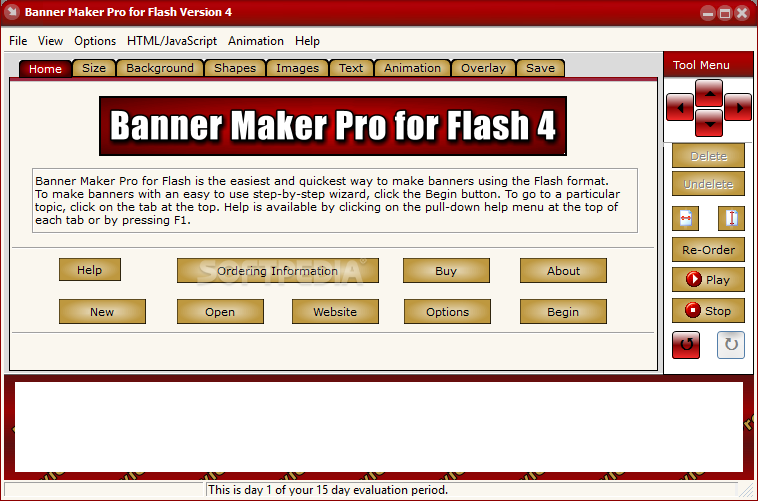
Since we live in a world dominated by visual experiences, having at our disposal tools that let us express ourselves properly is of critical importance. In this regards, Banner Maker Pro for Flash is a piece of software that should be considered since it allows you to seamlessly create banners, ads and others, in Flash.
The interface of the program is user-friendly, so beginners shouldn't have a hard time figuring out how to use Banner Maker Pro for Flash.
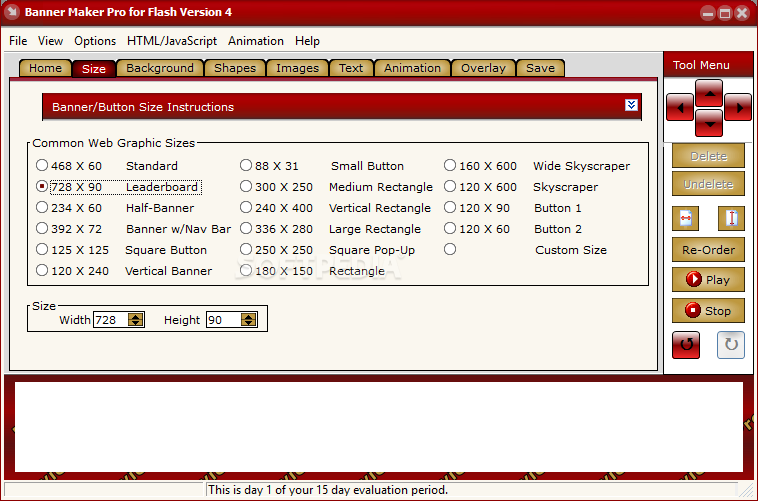
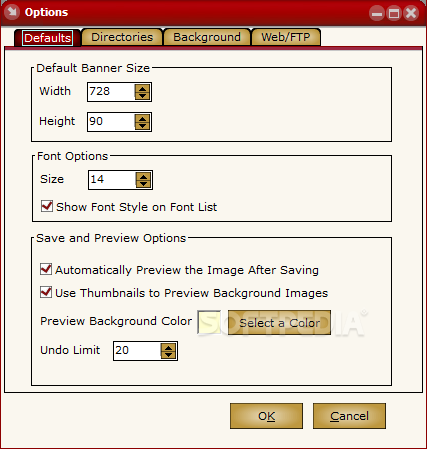
You can get started by setting the size of your banner or button. This can vary from standard, leaderboard, half-banner and square button to vertical banner, rectangle, skyscraper and custom size.
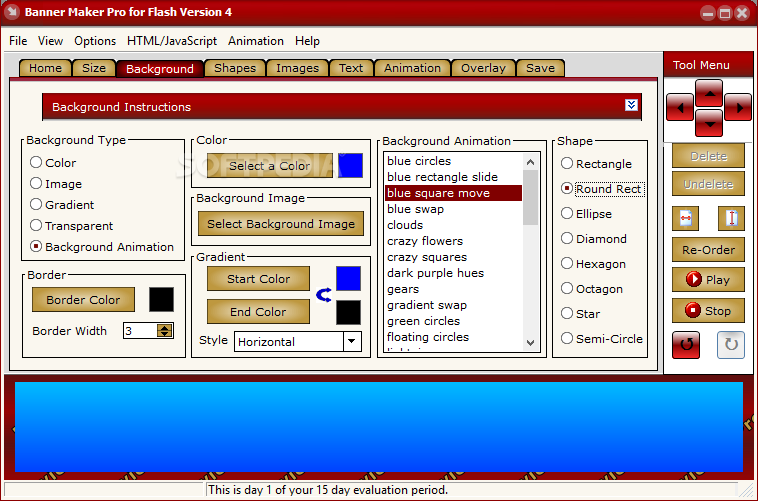
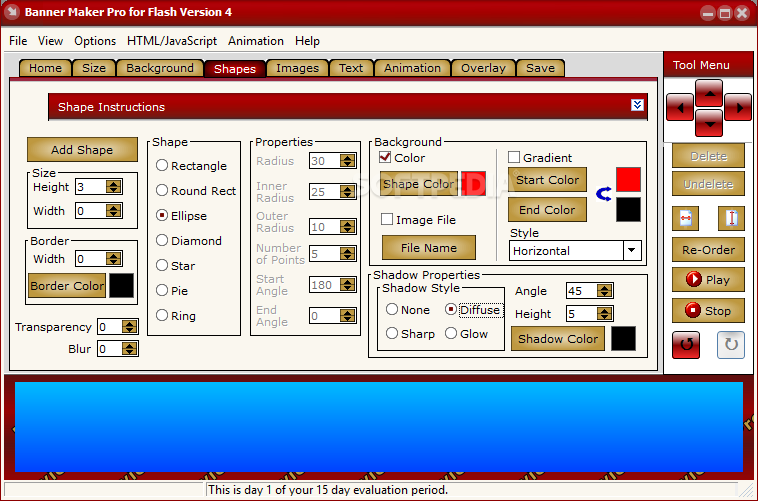
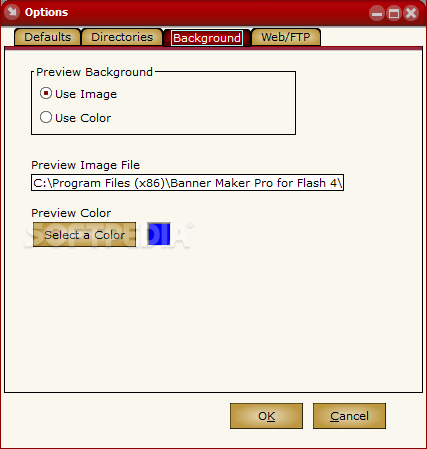
You can change the background options (e.g. color, image, gradient, transparent, animation) and shape (e.g. rectangle, ellipse, diamond, octagon, star, semi-circle), as well as select from several templates, in the case of background animations (e.g. clouds, blue rectangle slide, gears, lightning).
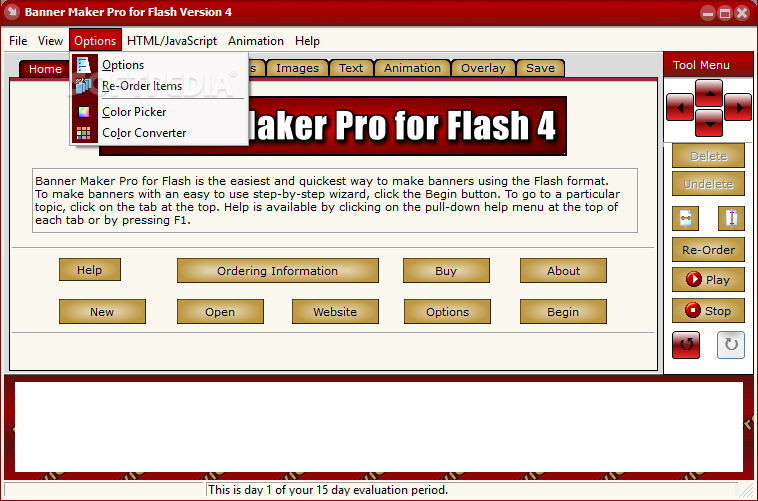
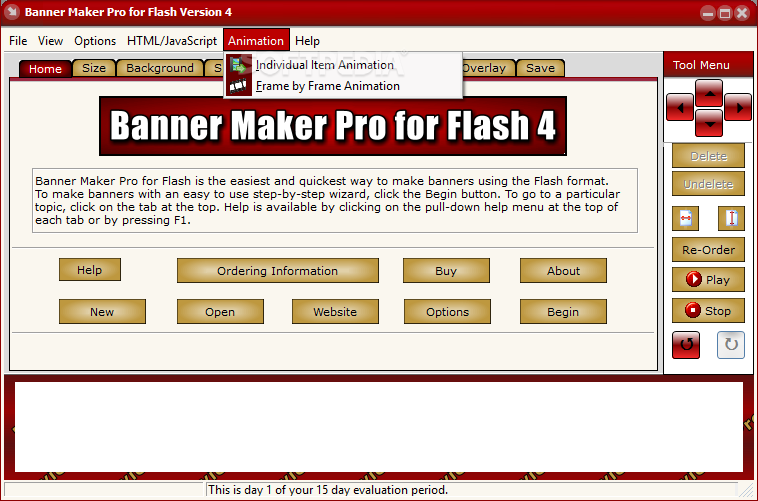
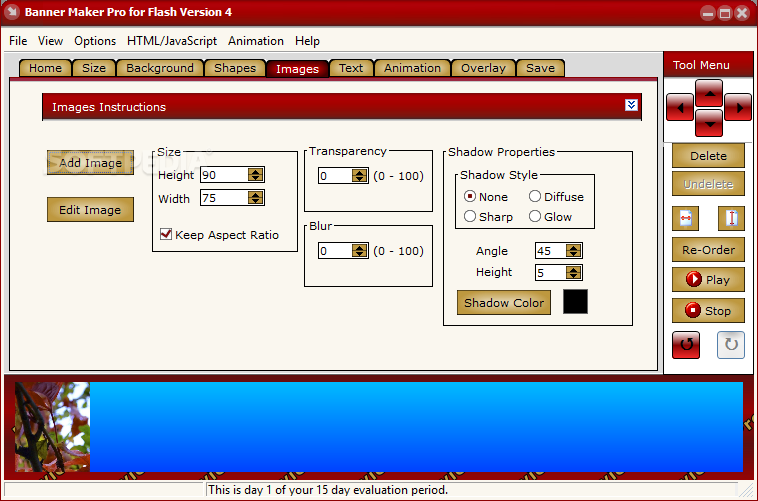
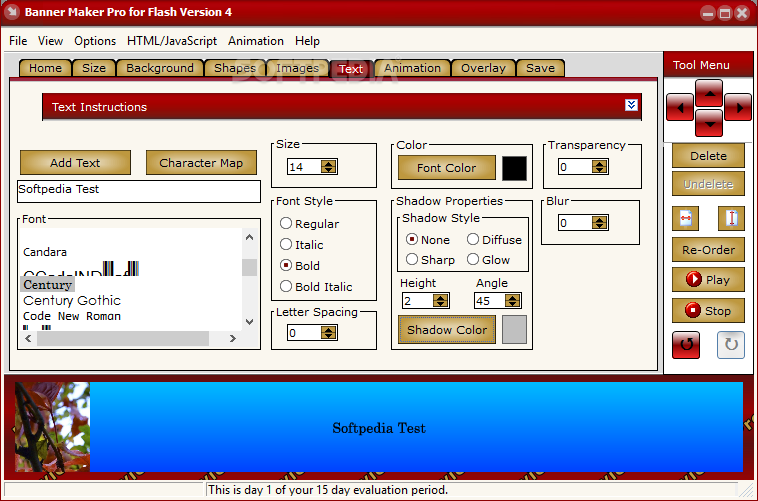
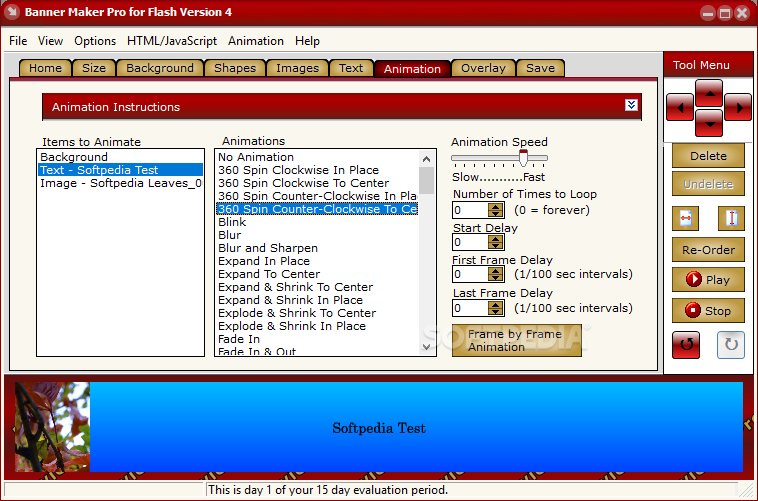
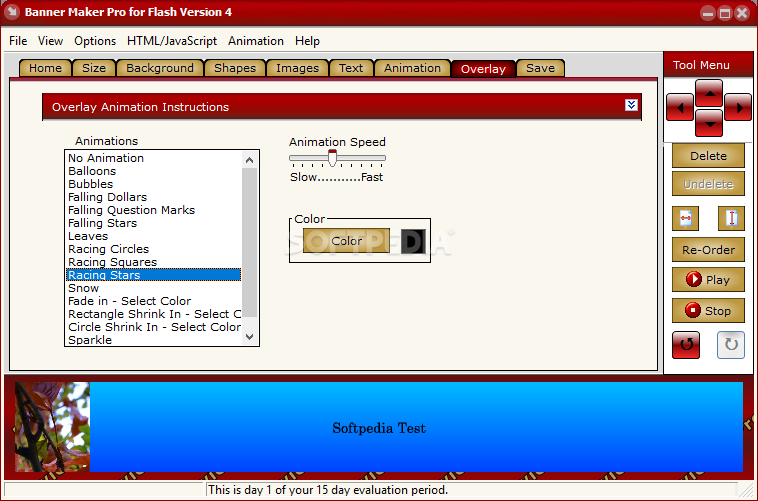
Moreover, you can add shapes and configure their properties (e.g. radius, start angle), images (set size and transparency level), text (set font attributes, color, shadow color and transparency level), animations (e.g. blink, fade, explore and shrink in place), as well as overlay animation instructions (e.g. falling dollars, leaves, snow).
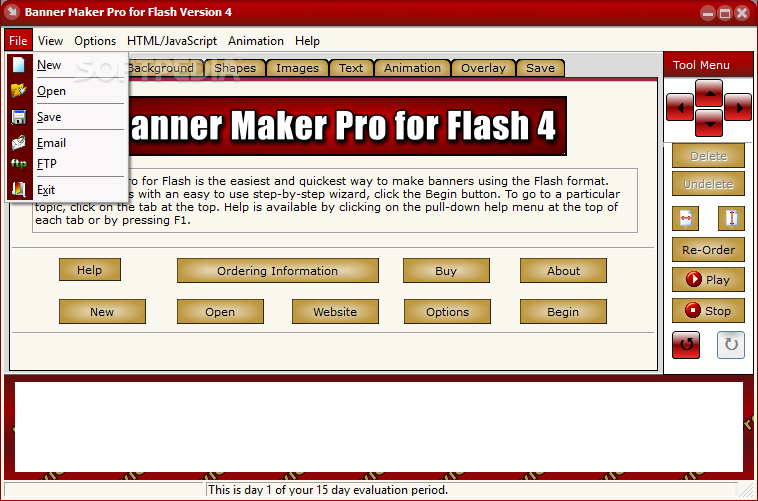
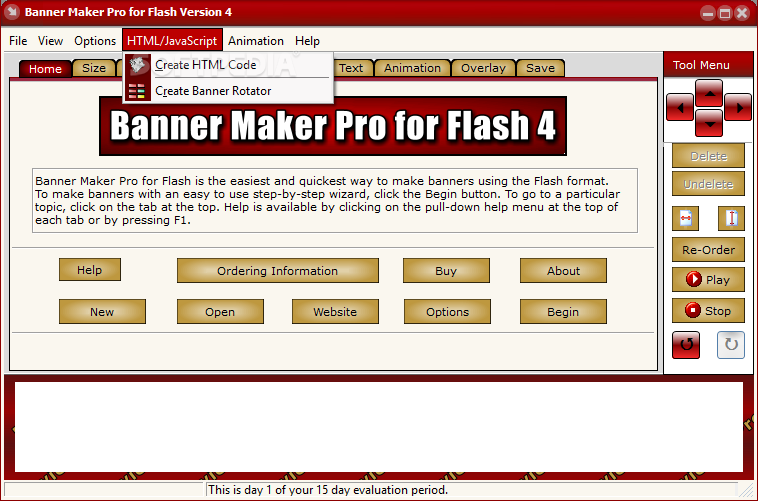
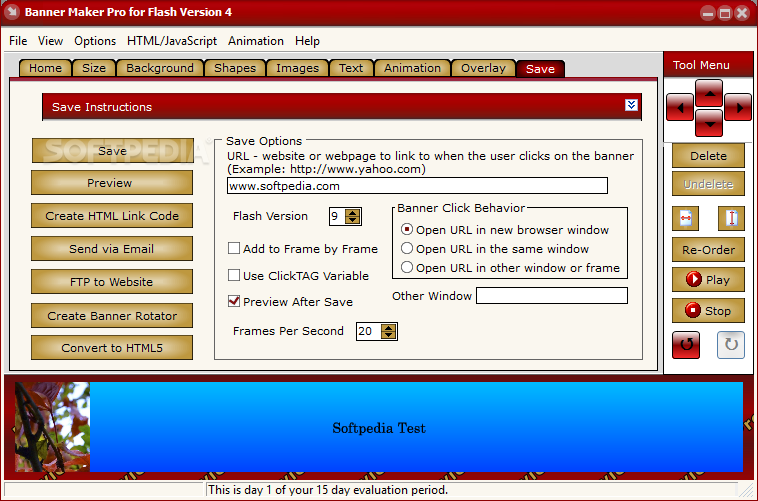
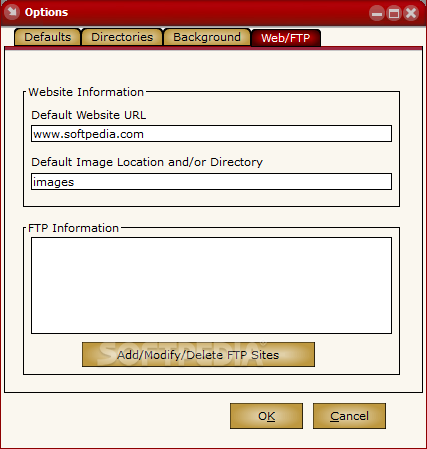
Once you are satisfied with the results, you can save your project as a SWF file, create an HTML link code, send via email or FTP, or create a banner rotator.
The program uses a very low amount of system resource, includes a well-written help file, and we haven't experienced any kind of problems during our tests.
Banner Maker Pro for Flash may not offer tools for designing professional banners and ads, but it's a great opportunity for beginners to learn how to work with this kind of program. We strongly recommend it.
Download Hubs
Banner Maker Pro for Flash is part of these download collections: Banner Managers
Banner Maker Pro for Flash 4.03
add to watchlist add to download basket send us an update REPORT- runs on:
-
Windows 10 32/64 bit
Windows 8
Windows 7 32/64 bit
Windows Vista 32/64 bit
Windows XP
Windows 2K - file size:
- 5.5 MB
- filename:
- bmpf4-trial.exe
- main category:
- Internet
- developer:
- visit homepage
7-Zip

Bitdefender Antivirus Free

Microsoft Teams

IrfanView

Zoom Client

4k Video Downloader

Windows Sandbox Launcher

calibre

paint.net

ShareX

- calibre
- paint.net
- ShareX
- 7-Zip
- Bitdefender Antivirus Free
- Microsoft Teams
- IrfanView
- Zoom Client
- 4k Video Downloader
- Windows Sandbox Launcher