
A powerful software utility that promises to download video files at the highest quality and convert to a large variety of formats. #Download FLV #FLV downloader #FLV converter #Download #Convert #Downloader
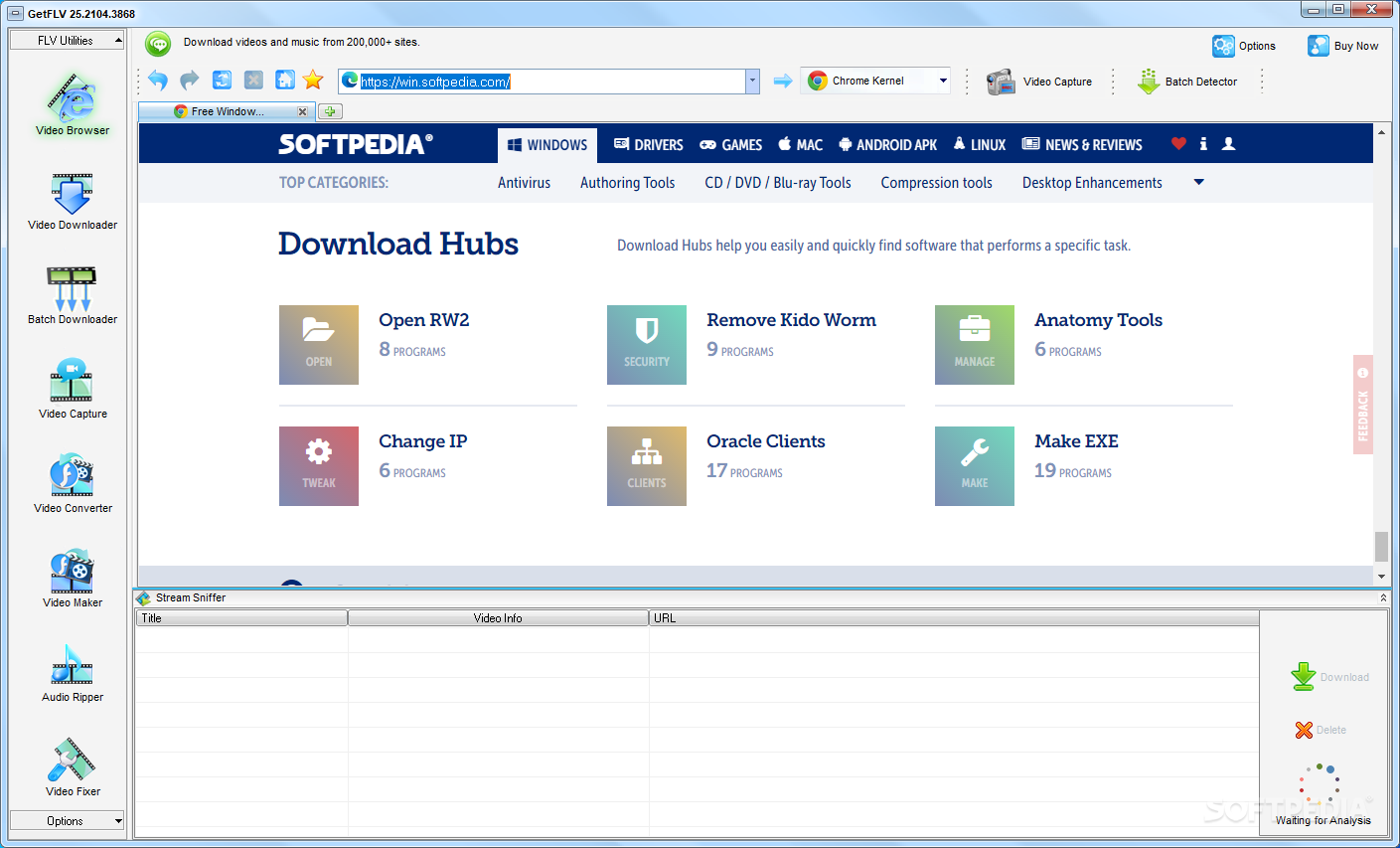
It's extremely difficult to resist the temptation of taking a pit stop on an entertainment website while browsing the Internet. However, even for work related projects, you might need videos found on such web pages which mostly lack a download function. Luckily, with the help of applications like GetFLV you can easily get ahold of videos from the Internet in no time.
Running the application is no big deal for anyone. Once brought up, a little getting used to is required, but the application comes equipped with a step-by-step user guide, that pops up once in a while to get you out of sticky situations.
A side panel is home to all major features the application has to offer. Amongst the fist, there is “FLV Browser” which allows you to go online using an integrated web browser. Depending on your configuration, operating system and Internet connection, you can test out several Kernels for better performance.
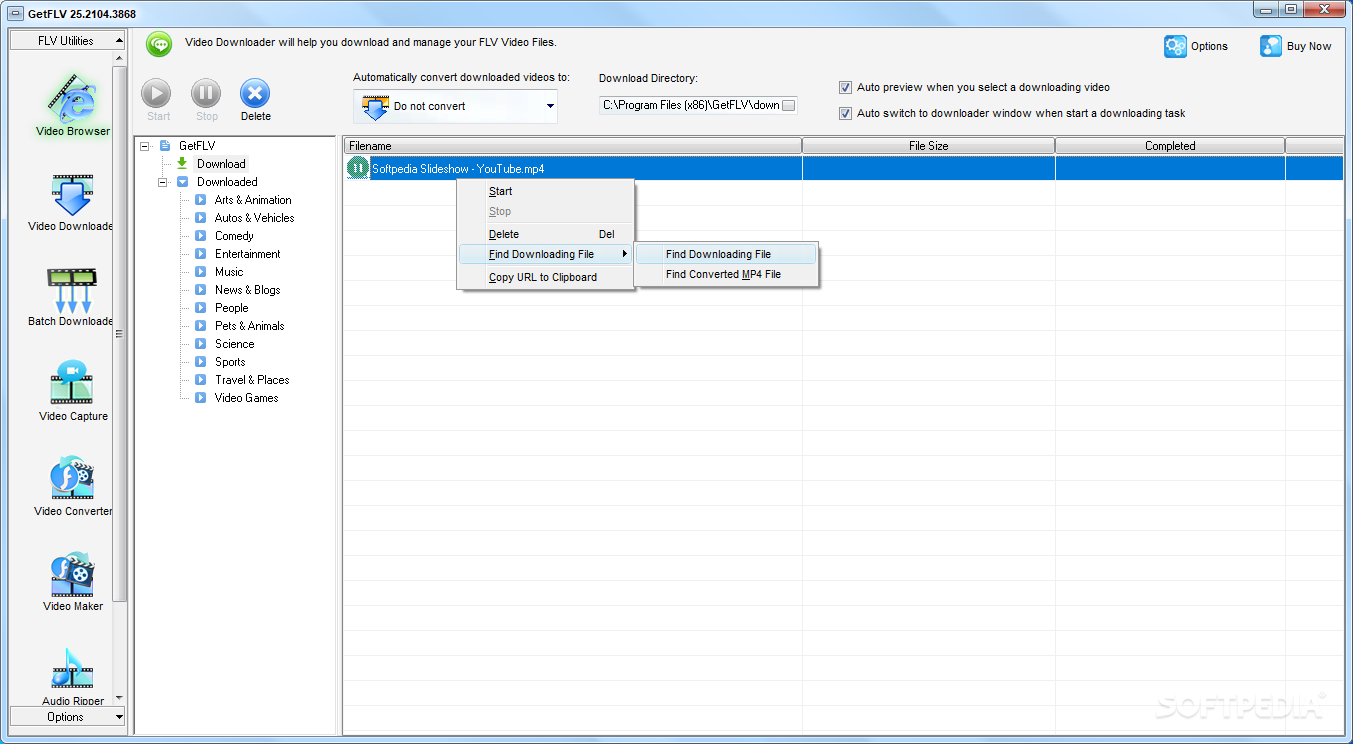
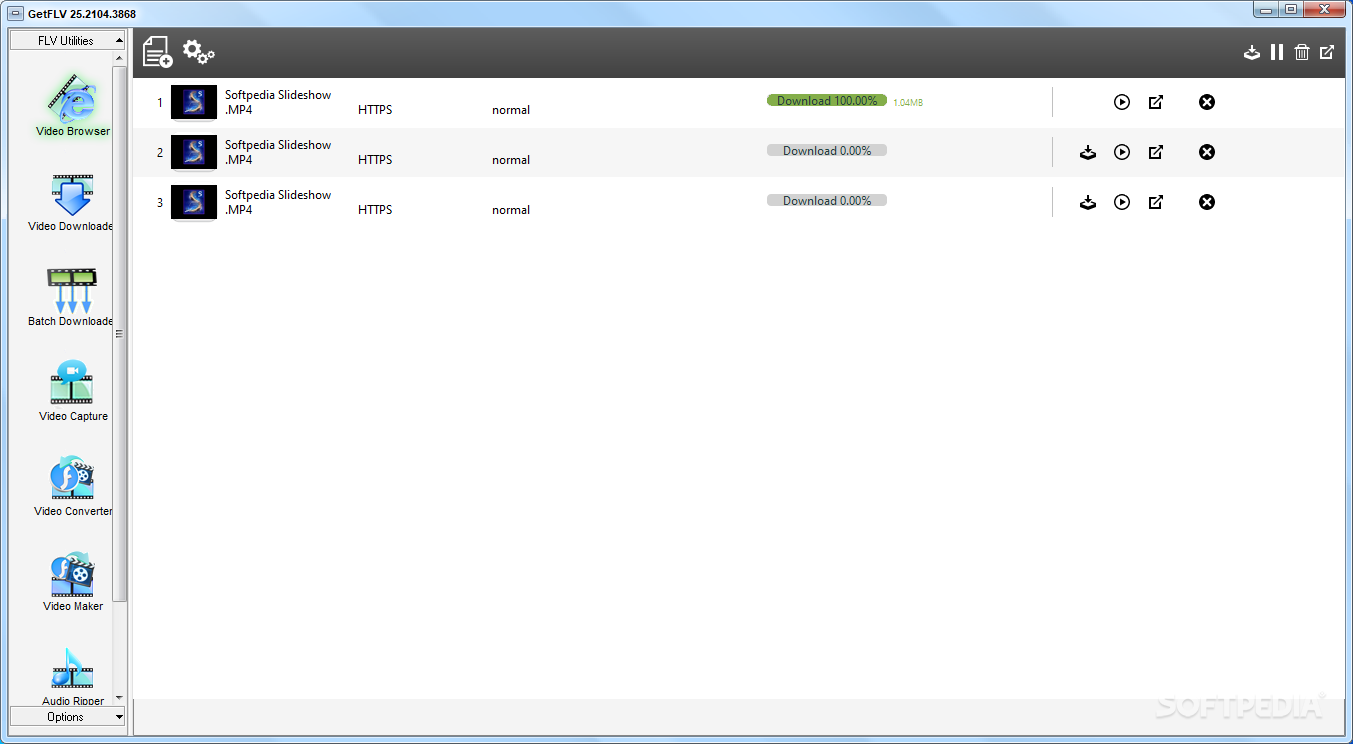
Once you manage to find a desired video, the link is automatically displayed in a bottom list, prompting you with several output quality and destination requirement fields. Files are then downloaded at speeds that are only limited by your connection type.
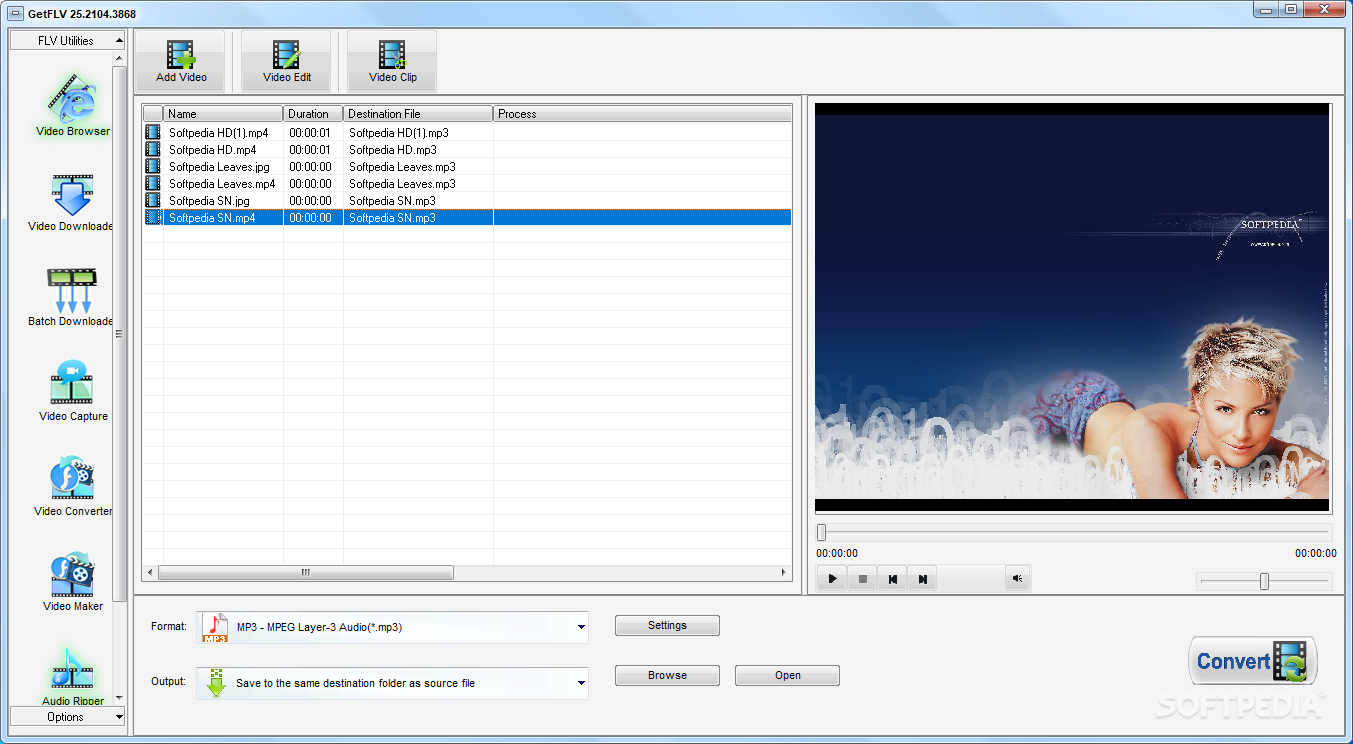
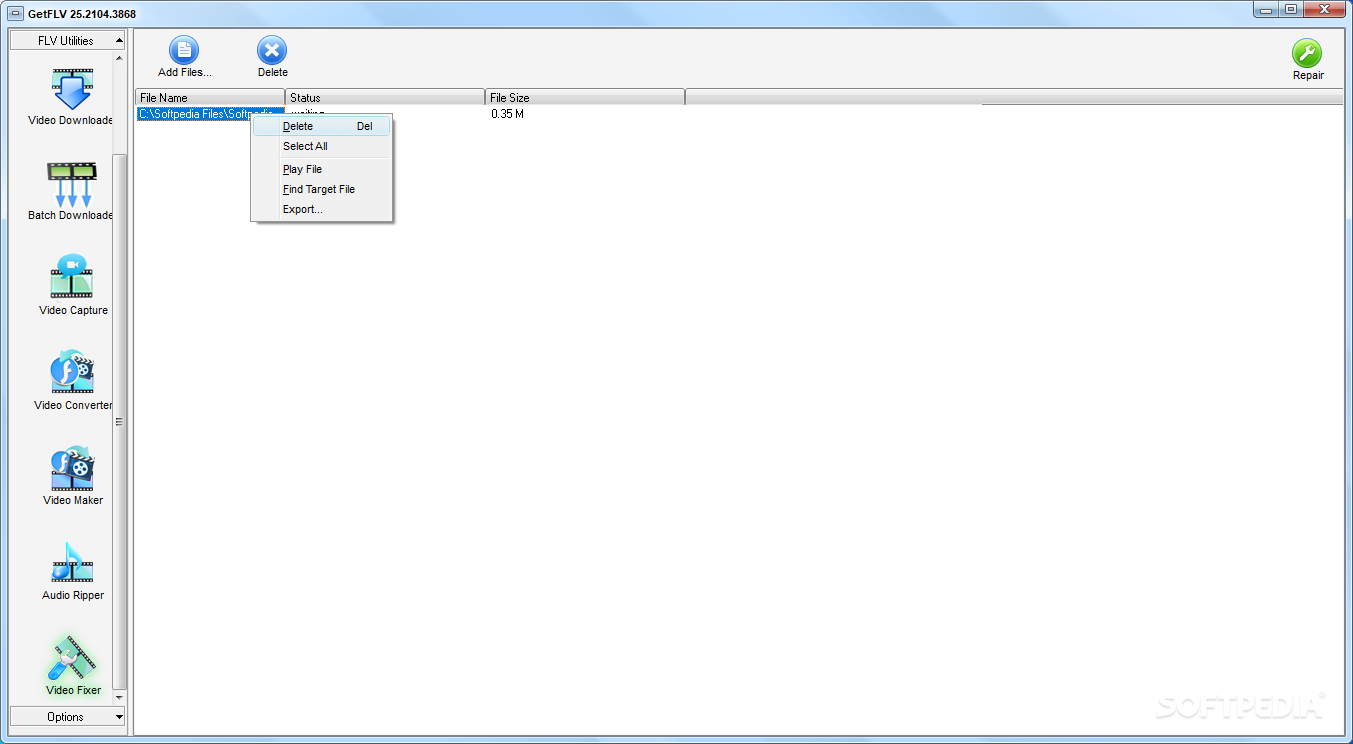
The application does not limit you to just downloading video files. Further browsing through the side panel, you notice several more useful tools such as “FLV Converter”, “FLV Maker” and “FLV Audio Ripper”.
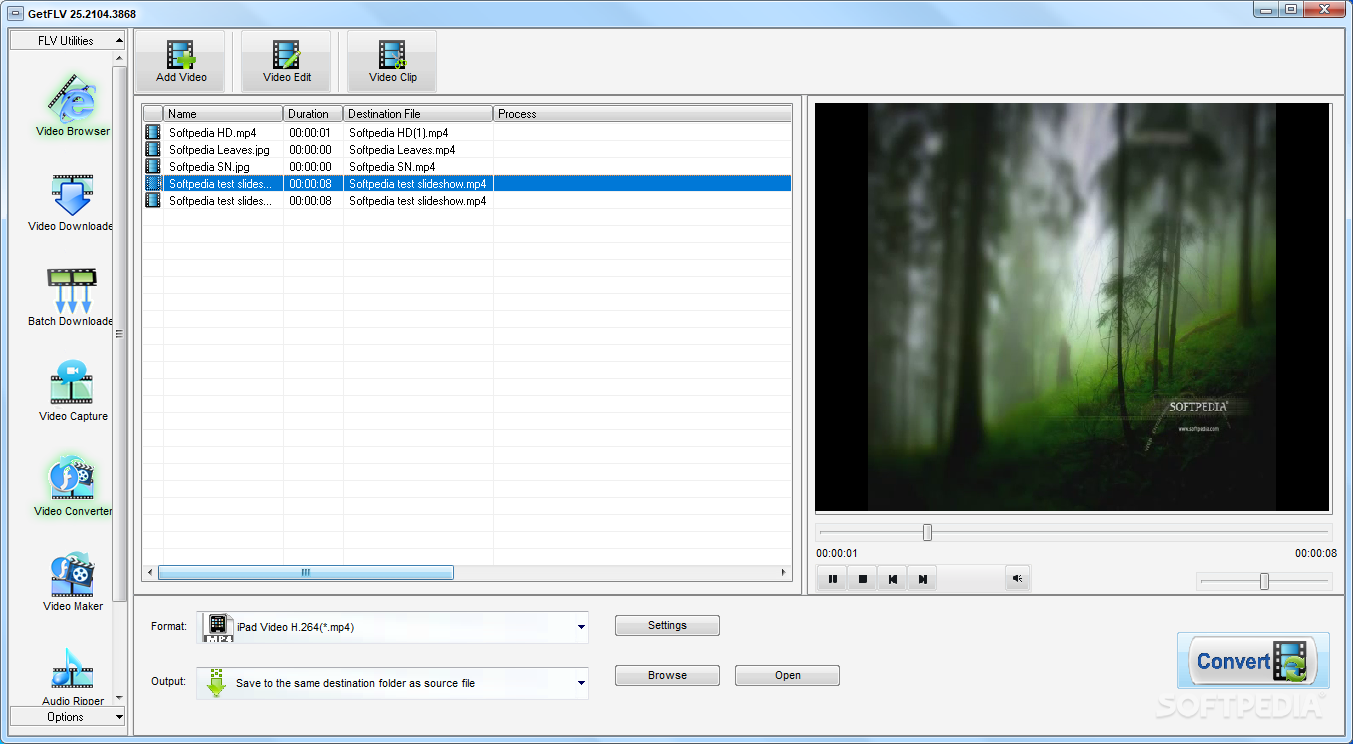
In contradiction to what the name suggests, you are able to make use of a surprising amount of video file formats. You can add multiple files to the process and start conversion afterward. Available formats are stored in categories, carefully optimized for some of the most commonly used mobile devices and more. You can fully customize quality settings to suit your needs.
You can import multiple video files and have them converted to FLV. Unfortunately, there is no integrated option that allows you to merge all items in the list into a single video. On the other hand, you are able to carefully, trim, crop and enhance any video by adjusting color sliders or even adding watermarks.
GetFLV lives up to expectations and is a lot more that what the name suggests. It needs a little more work on functionality, as we encountered small issues in our tests on two operating systems. However, it lets you quickly accommodate and gets the job done well, with little else to be desired.
GetFLV 31.2404.20
add to watchlist add to download basket send us an update REPORT- runs on:
-
Windows 11
Windows 10 64 bit
Windows 8 64 bit
Windows 7 64 bit - file size:
- 152 MB
- filename:
- gf_full.zip
- main category:
- Internet
- developer:
- visit homepage
IrfanView

paint.net

4k Video Downloader

Zoom Client

Bitdefender Antivirus Free

ShareX

calibre

7-Zip

Windows Sandbox Launcher

Microsoft Teams

- 7-Zip
- Windows Sandbox Launcher
- Microsoft Teams
- IrfanView
- paint.net
- 4k Video Downloader
- Zoom Client
- Bitdefender Antivirus Free
- ShareX
- calibre