
Design your web page in the programming language of your choice like HTML, PHP, Javascript, and more, in a powerful, intuitive environment. #Source code editor #Html source code #HTML snippet #Source code #Editor #Html
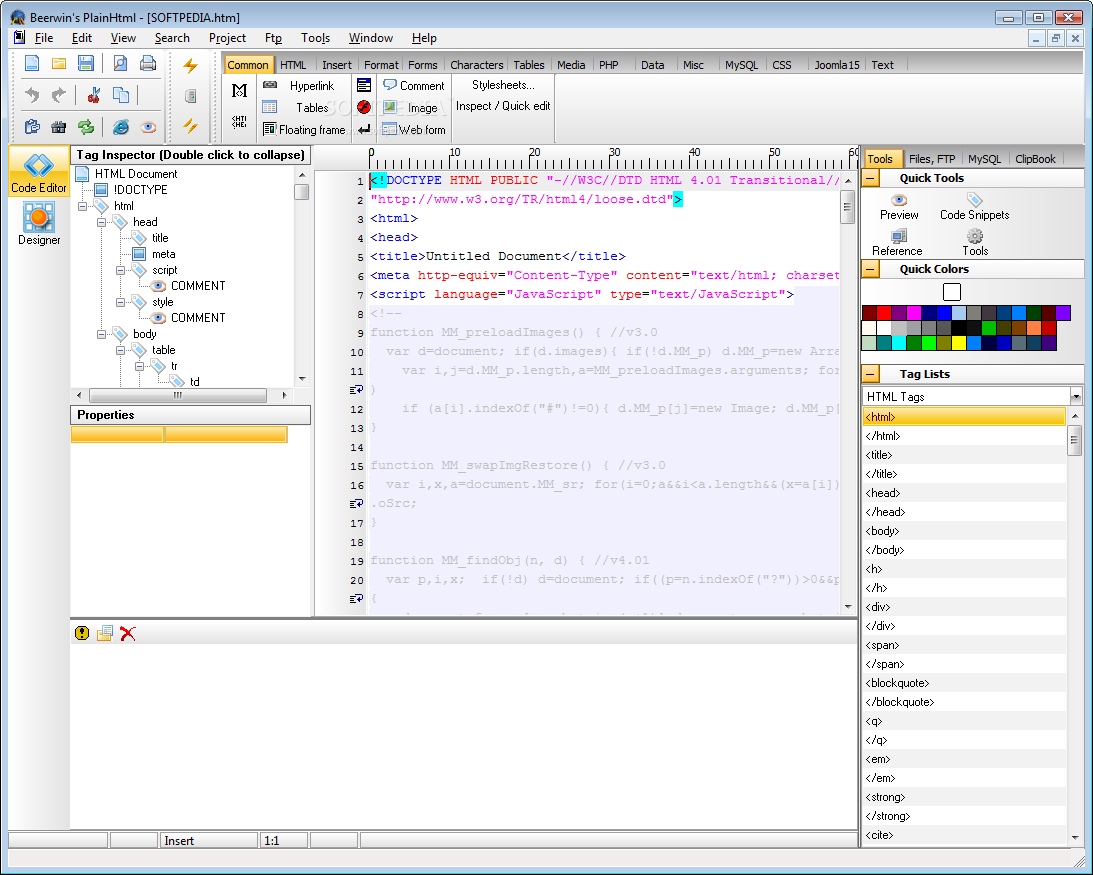
Behind every website you visit there lies tons of lines of code, letting you interact with all the web page has to offer. Building a website is not an easy task, but this mostly depends on your skill, and the development platform of choice. For instance, Beerwin's PlainHtml can help you build just about any kind of web project.
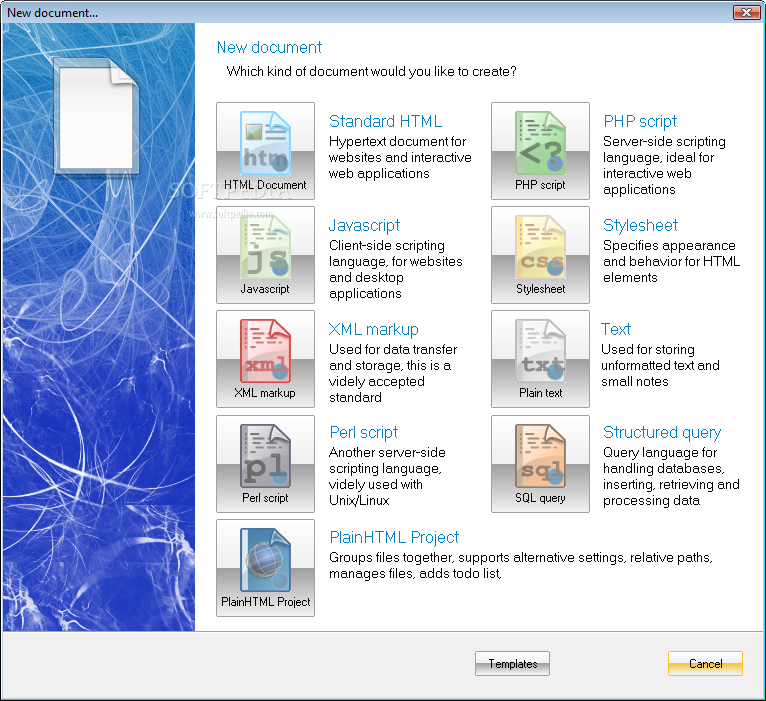
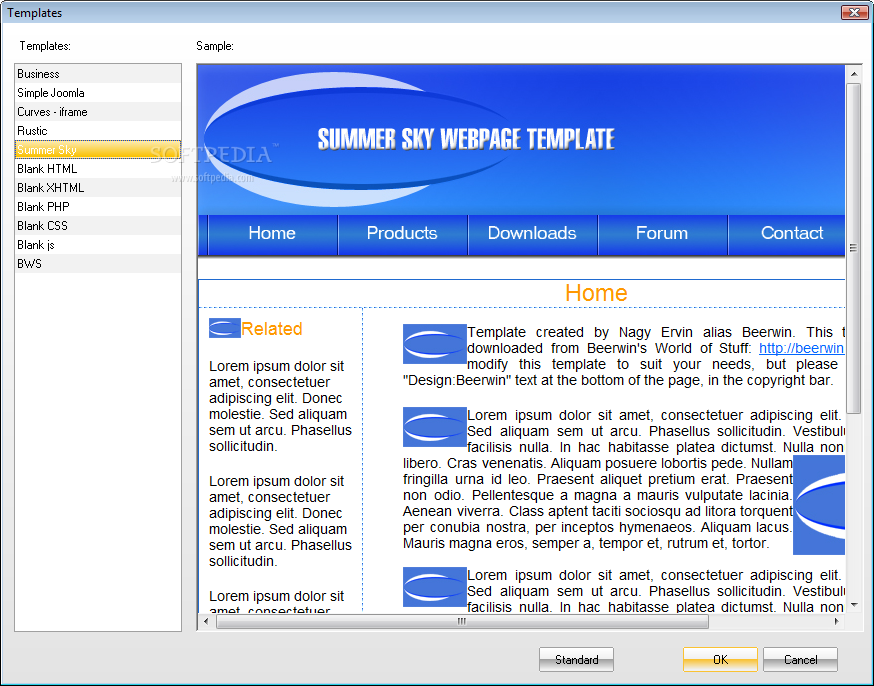
A major advantage is file support, and the variety of programming languages you can work in. Even starting a new project brings up a new window selection for different templates. Depending on your knowledge, you can start working on existing projects, or run new HTML, PHP scripts, Javascript, HTML stylesheets, XML markup, Perl scripts, structured query, as well as plain text for taking notes.
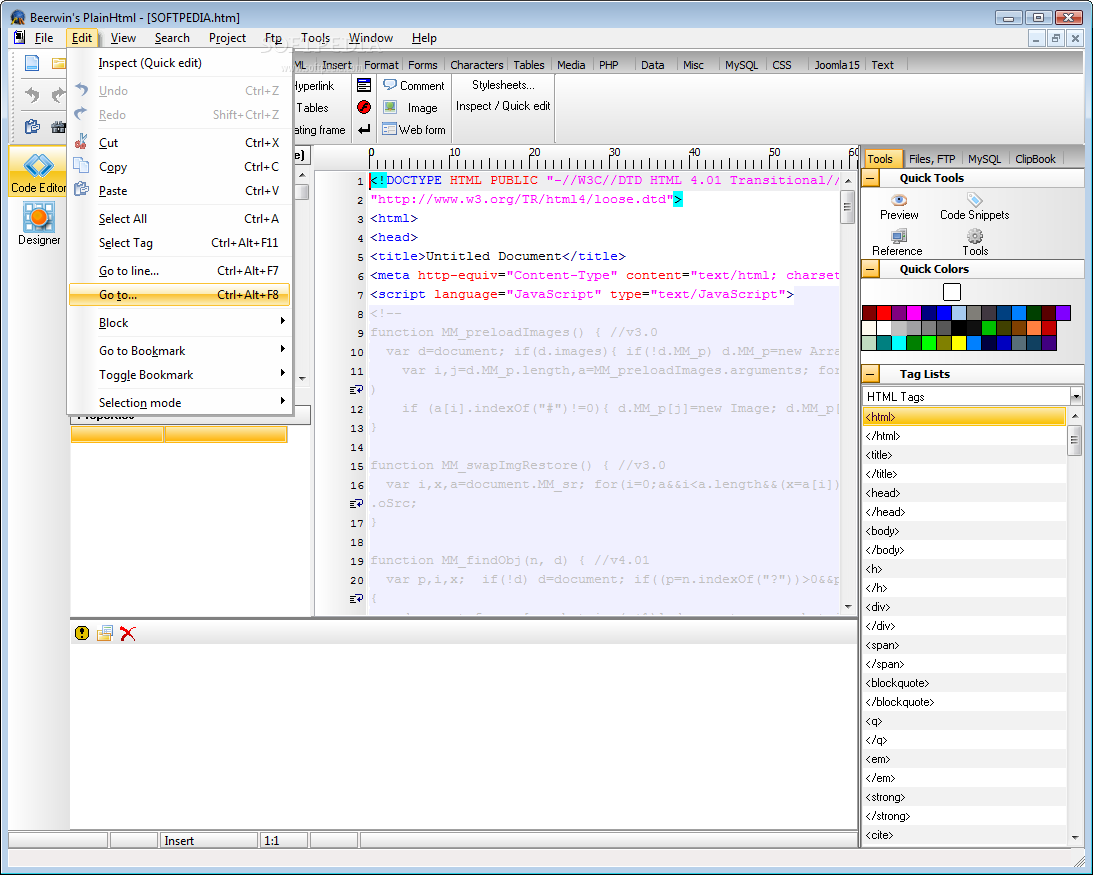
The application adjusts all of its functions according to your initial choice. One helpful feature in this regard is the syntax highlighter, which, together with line numbering make it easy to keep track of all codes, and detect typos, or other errors.
On the other hand, a side panel allows you to insert functions, and snippets to eliminate the risk of errors. These are selected from a tree list, with categories for all supported languages. You can switch to a file browser or FTP navigator, MySQL database connections to grab info, or ClipBook to handle all copied text items.
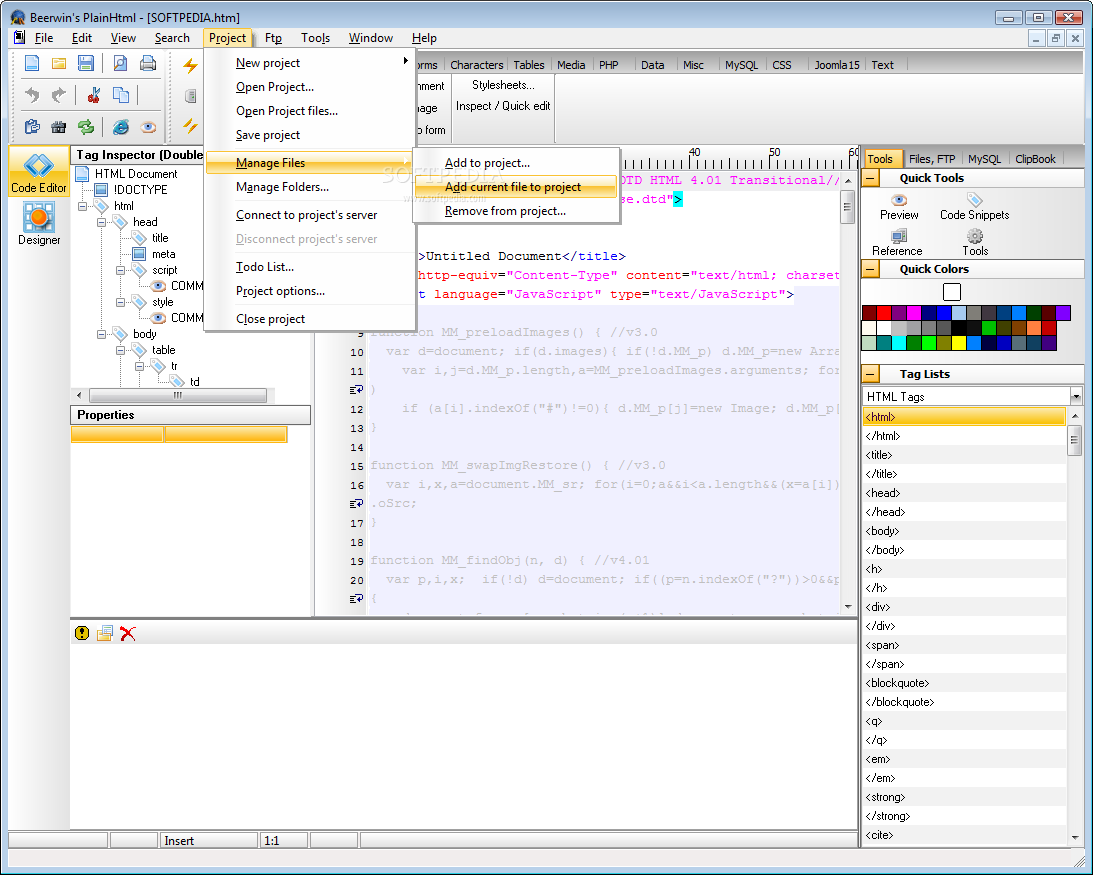
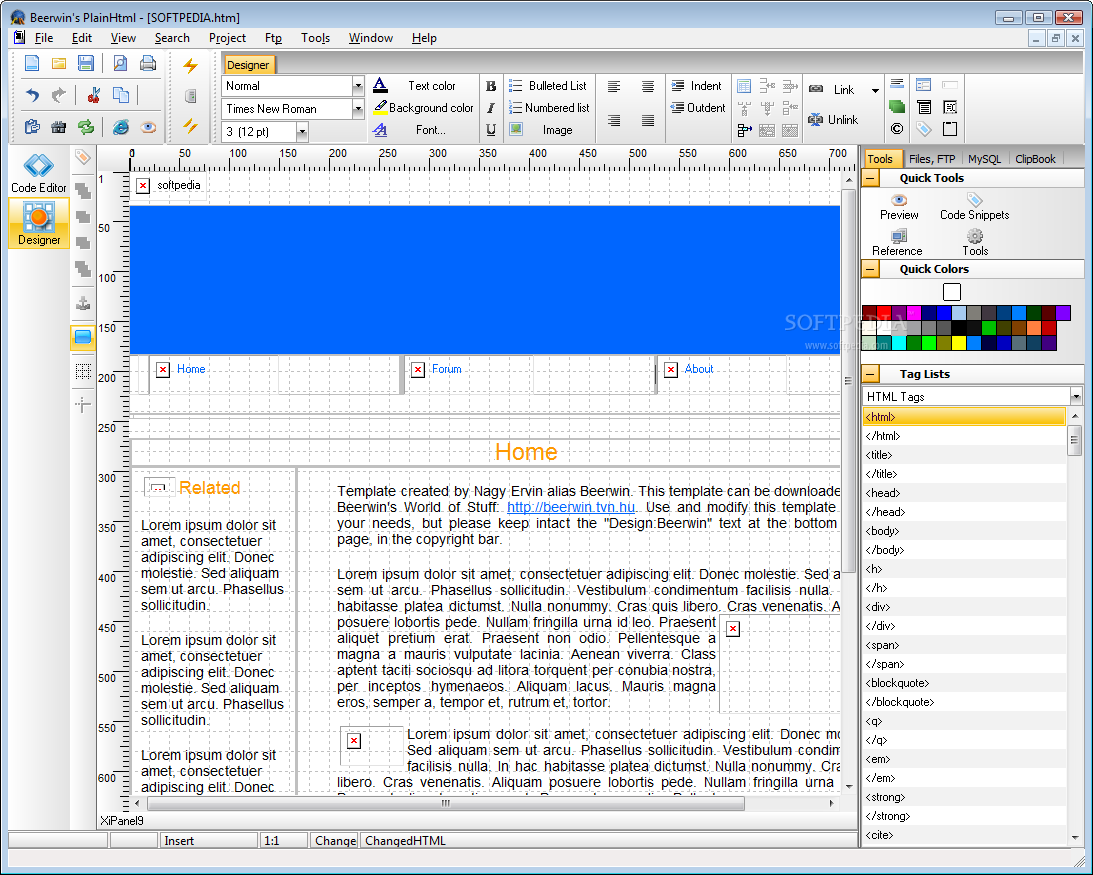
You can work on multiple projects at a time, and each can either be kept active in a different tab, or window. Besides code, the application also allows you to work with a visual designer, skipping you some effort of code writing.
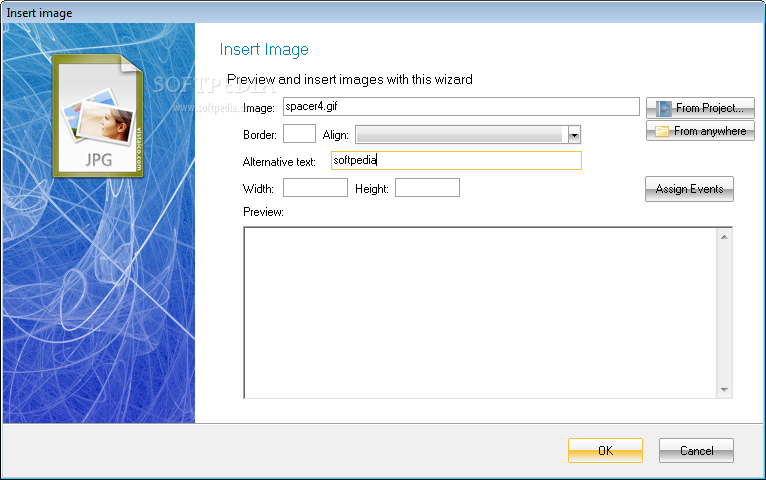
Resources you can use can be accessed from different menus, like HTML, insert options for hyperlinks, images, tables, anchors, text format options, forms, characters and symbols, tables, media PHP, and more. You can connect to a FTP database to use external bits of info, and files.
Bottom line is that a powerful development environment, just like Beerwin's PlainHtml reduces the difficulty of the project you’re working on in half. With support for an impressive variety of programming languages, as well as an abundance of internal objects, resources, and snippets at your disposal, the application is sure not to disappoint.
What's new in Beerwin's PlainHtml 7.0:
- Added: WYSIWYG editor for HTML documents
- Added: Wizards for WYSIWYG
- Added: Joomla! 1.5 templating extensions
- Added: Extensions for css editing
Beerwin's PlainHtml 7.0.1
add to watchlist add to download basket send us an update REPORT- runs on:
- Windows All
- file size:
- 39.1 MB
- filename:
- ph45_ENU_Setup.exe
- main category:
- Internet
- developer:
- visit homepage
Microsoft Teams

calibre

7-Zip

IrfanView

4k Video Downloader

Zoom Client

paint.net

Bitdefender Antivirus Free

ShareX

Windows Sandbox Launcher

- Bitdefender Antivirus Free
- ShareX
- Windows Sandbox Launcher
- Microsoft Teams
- calibre
- 7-Zip
- IrfanView
- 4k Video Downloader
- Zoom Client
- paint.net