Search Perform an advanced search query SOFTPEDIA
 
SOFTPEDIA
Updated one minute ago
HomeSubmit a program for being reviewedAdvertise on our websiteGet help on surfing our websitesSend us your feedbackGet information about our XML/RSS backend and how to use itBrowse the news archiveVisit our discussion forumVizitati forumul in limba romana


Program Finder NormalFreeware onlyShareware only

TopStyle Pro 3.12 Report spyware 

Click to download TopStyle Pro
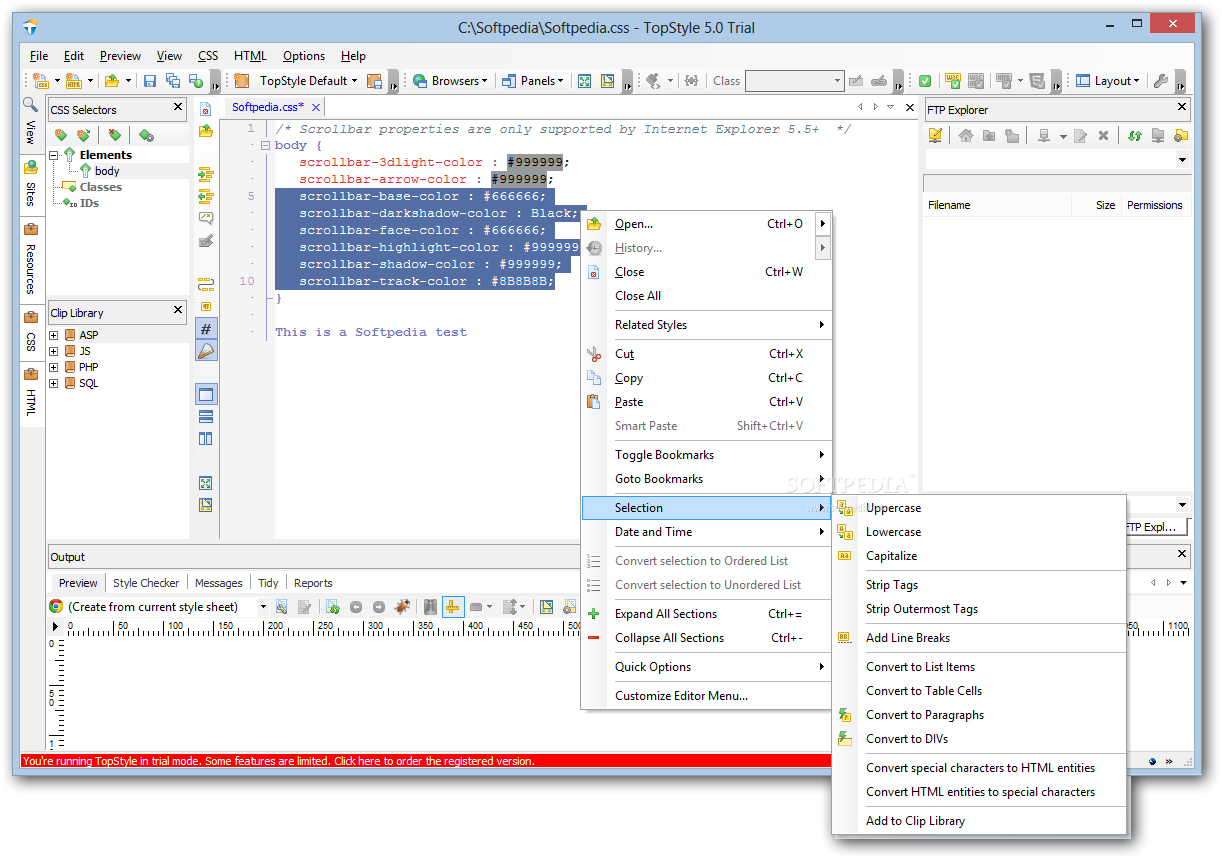
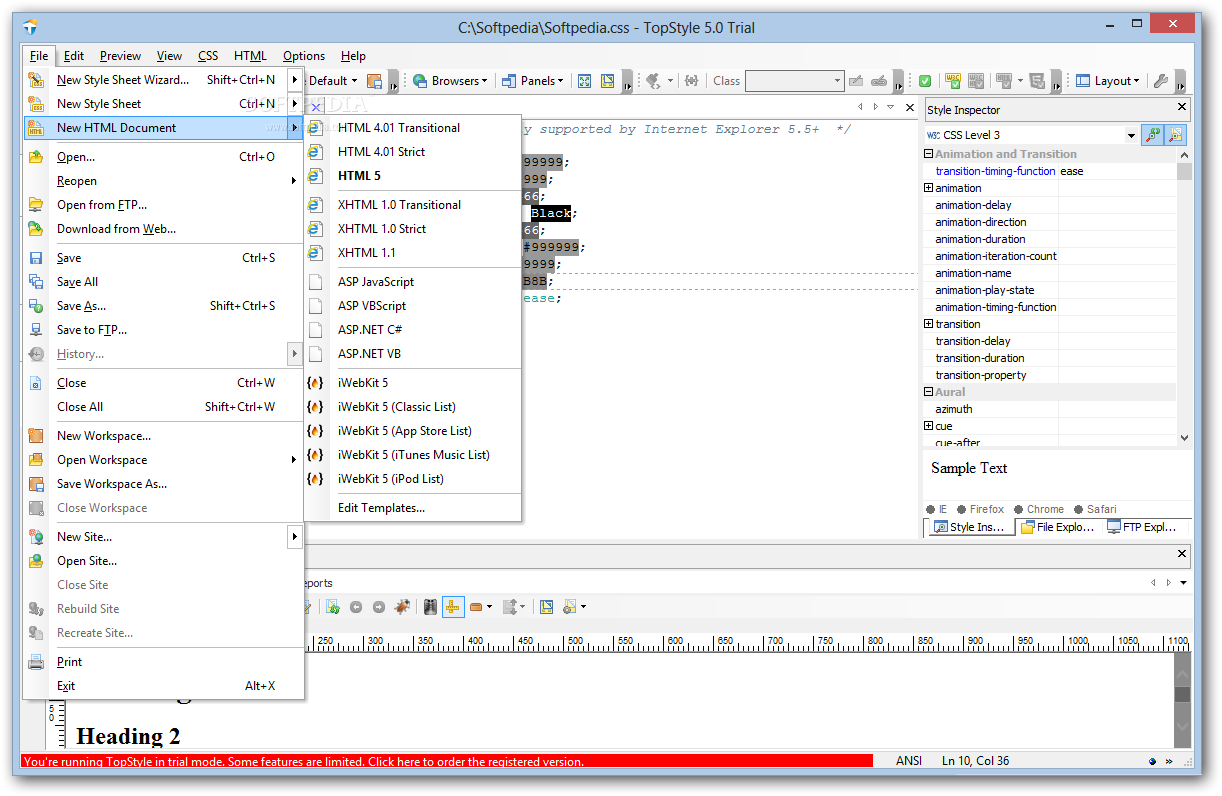
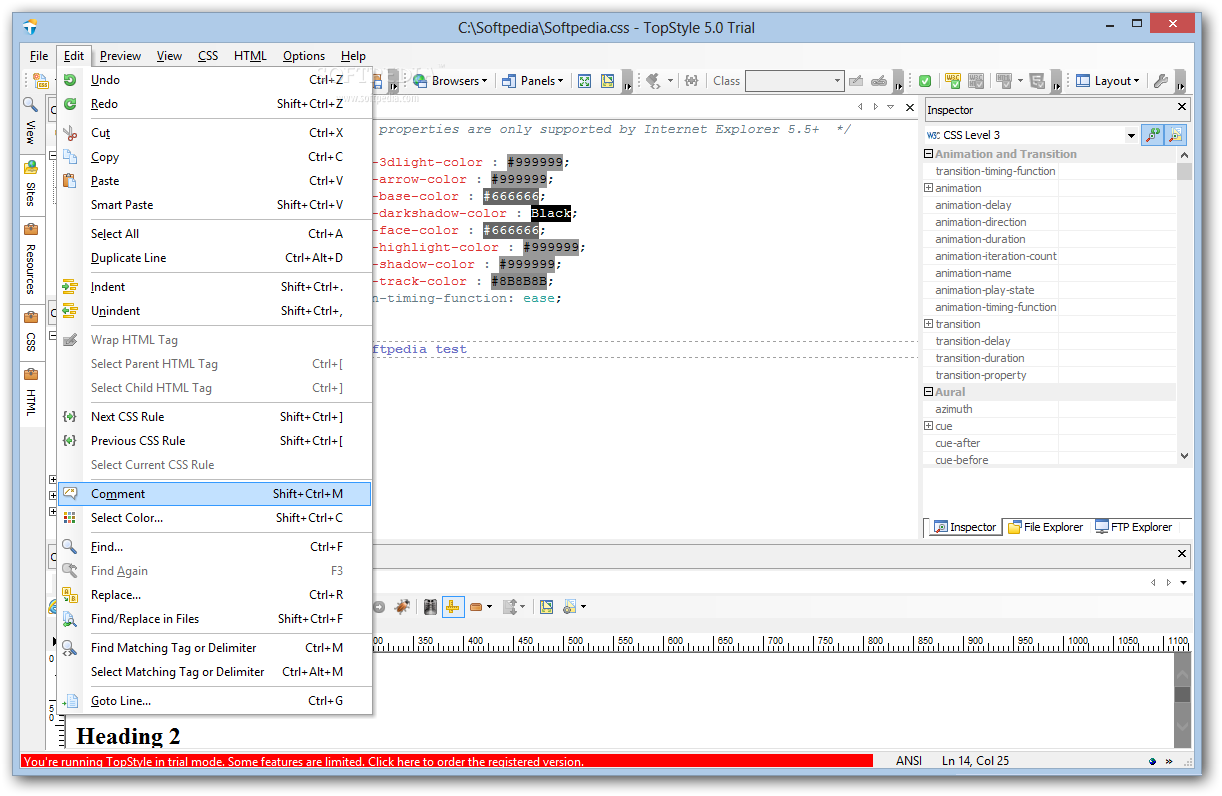
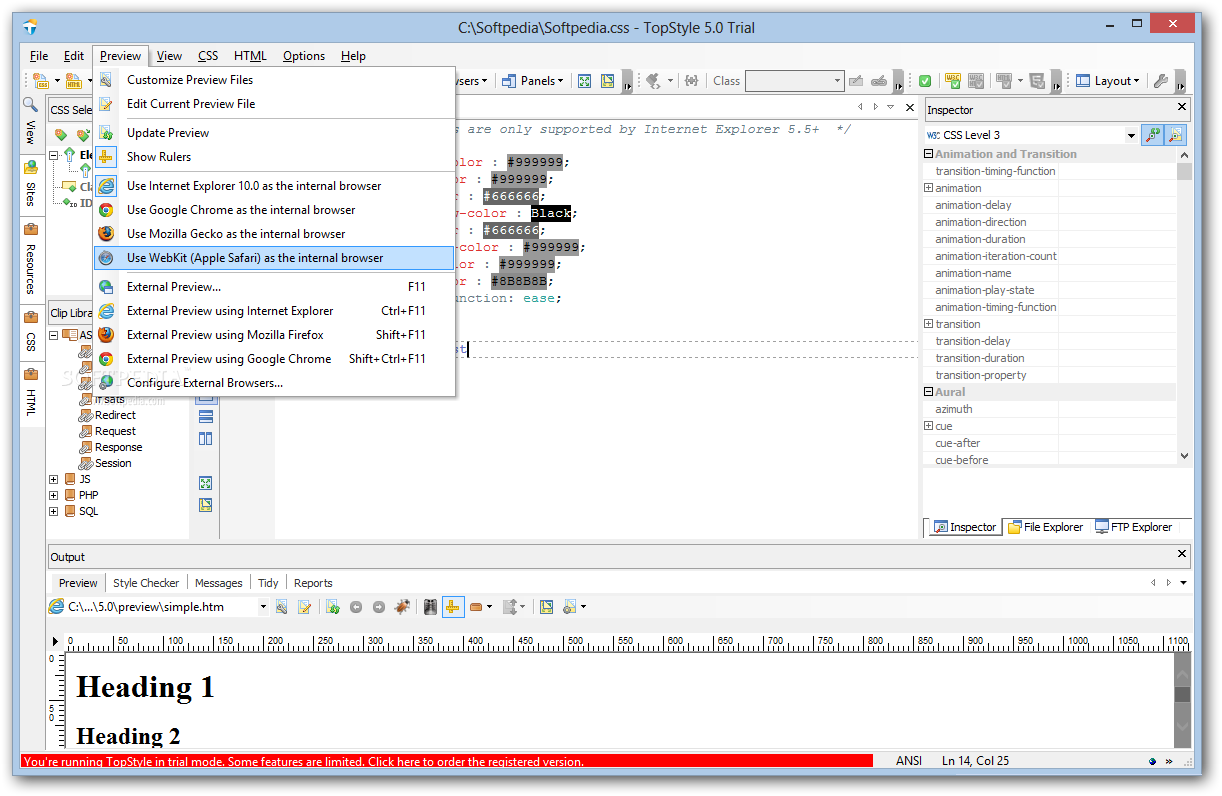
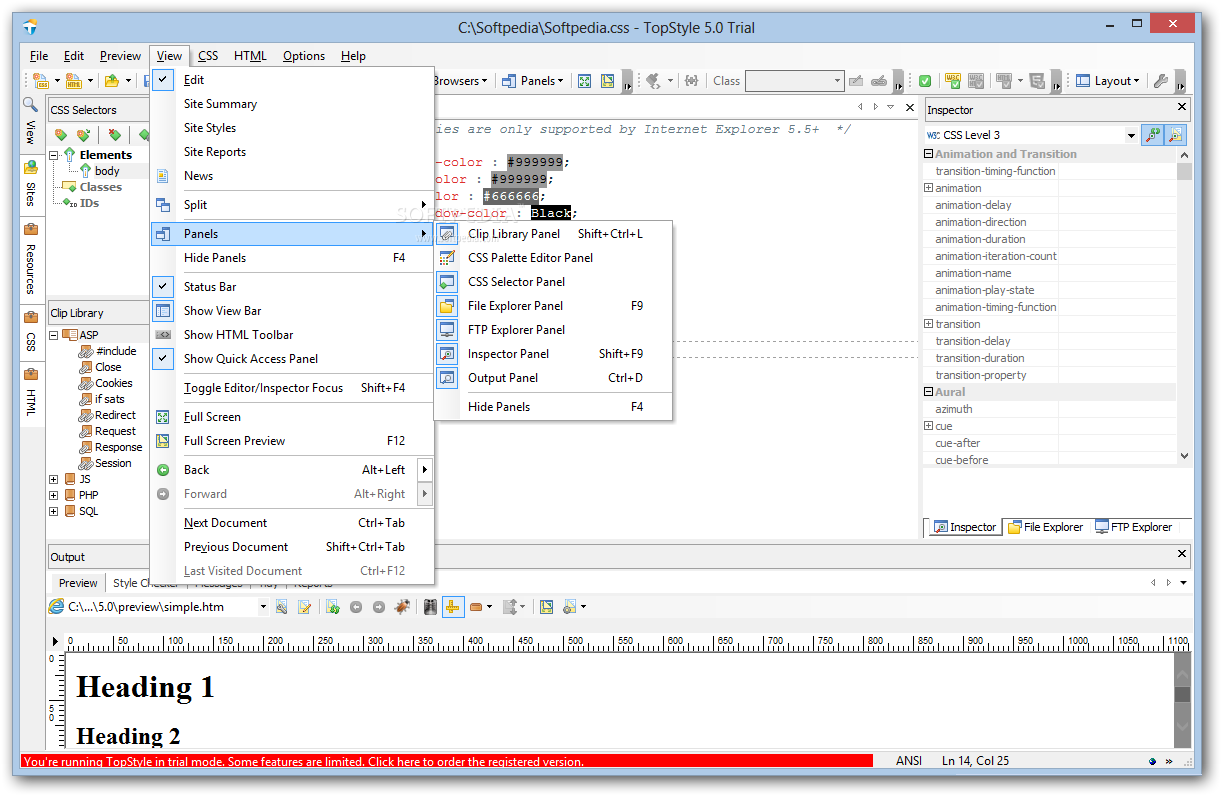
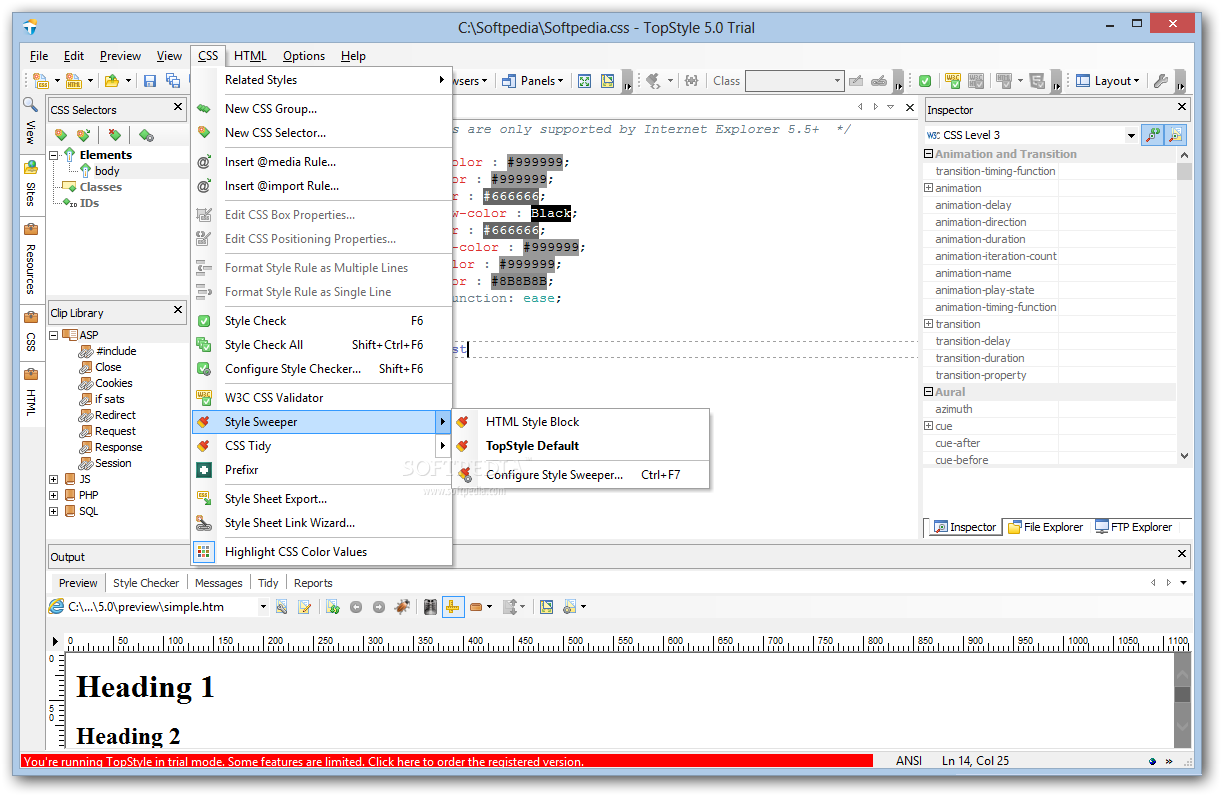
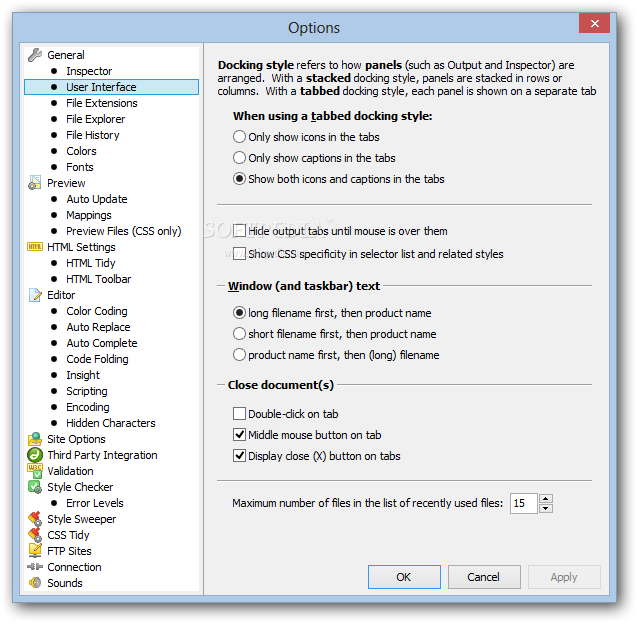
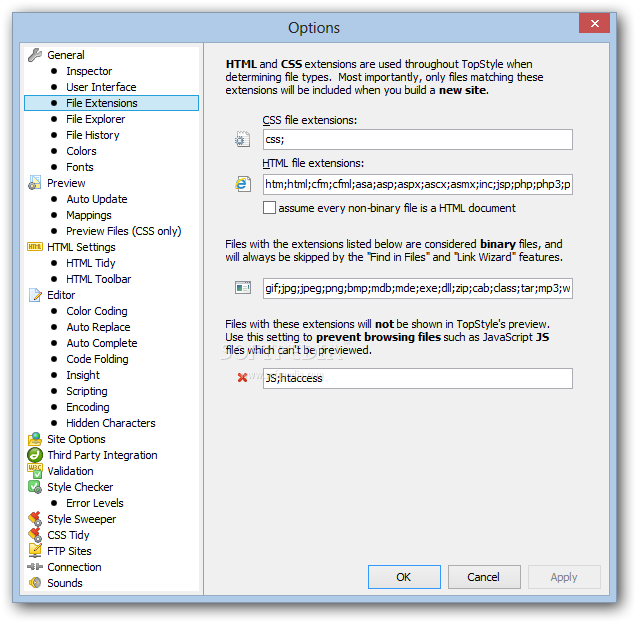
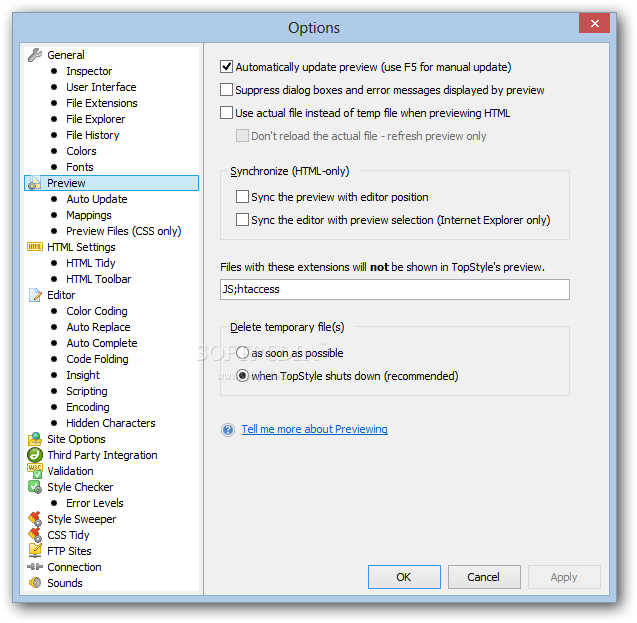
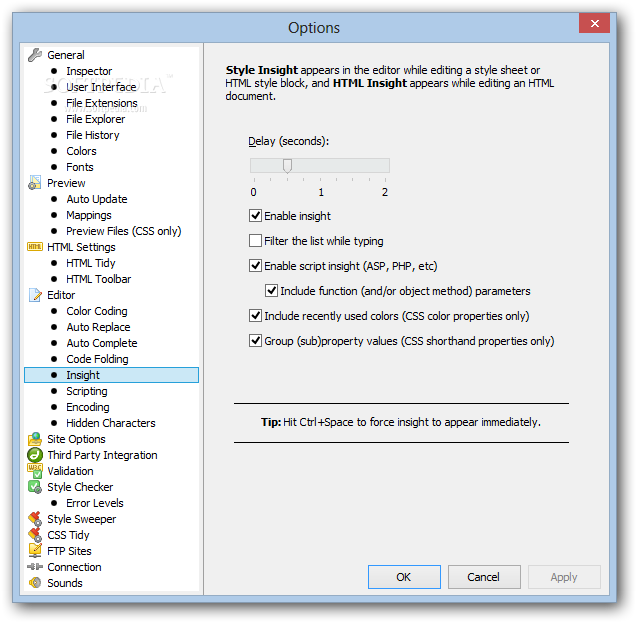
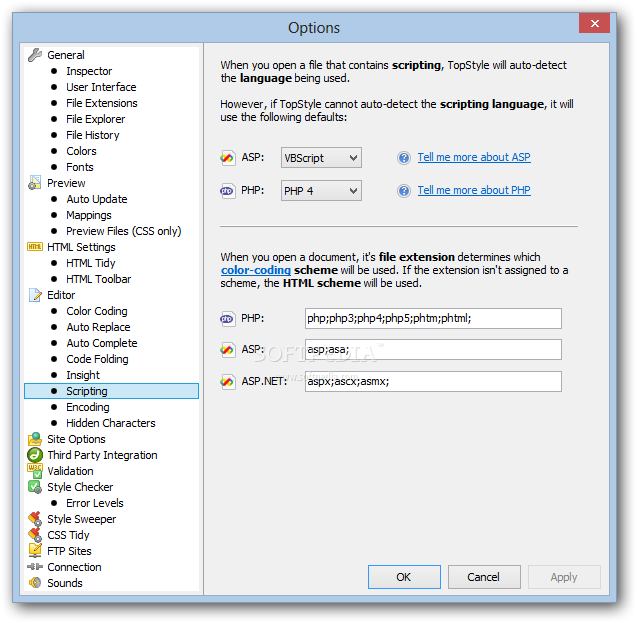
View more TopStyle Pro screenshots (5)
 Downloads: 4,442
Rating: Good (3.0/5) | Rated by: 31 user(s)
Add to download basket     Send us update information
 Developer: NewsGator Technologies Inc | More programs by this producer
 License: Trial , 79.95 $ to buy 
 Size / OS: 3.24 MB, Windows All
 Last Updated: January 11th, 2008, 14:21 GMT
 Category: C: \ Internet \ WEB Design \ HTML Editors
 Read user reviews (0) Add a review Refer to friend Subscribe
    Download TopStyle Pro

TopStyle Pro description
Helps web developers create Cascading Style Sheets

Looking for a powerful tool for creating standards-compliant sites? Consider TopStyle, written by the creator of HomeSite, the world famous HTML-editor.

You can edit your HTML, XHTML and CSS in a single program.
· Preview CSS while you write it.
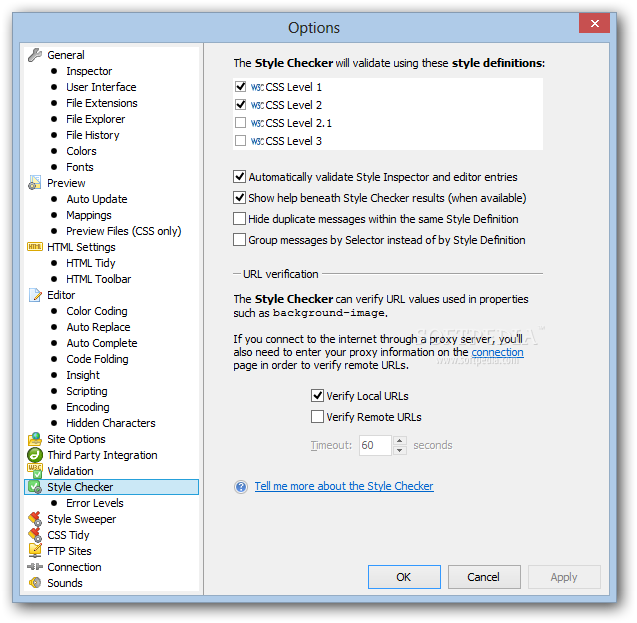
· Style Checker to validate style sheets against multiple browsers.
· Style Upgrade tool to quickly replace all outdated HTML code.
· Site Reports to see at-a-glance where styles are used in your site.

TopStyle offers many unique features, including the option to upgrade your HTML documents by replacing outdated markup with equivalent styling.

You can also convert HTML to XHTML and check your CSS syntax against multiple browsers, using a side-by-side preview. A harmonious colors feature allows you to easily create pleasant color schemes for your site and more.

TopStyle Pro offers complete site management with the built-in File Explorer, clip libraries and resource manager and integrates with existing web authoring tools.

Here are some key features of "TopStyle Pro":

· HTML,
xHTML and CSS Editing in a Single Program:
HTML attributes are categorized so you can quickly see which are required, and it generates XHTML-compliant markup with a simple toggle.
· Easy Navigation Between Documents: Click an HTML class attribute to navigate to the definition of that class in an external style sheet or click an anchor tag or CSS link to open the linked file for editing. You can even click on an < img > tag to open the image file in your favorite image editor.
· Element and Attribute Validation as You Type: All of the classes are defined in your style blocks and external style sheets, so assigning a class to an HTML tag is a very simple task.
· Style Checker: Validate your style sheets against multiple browsers, flagging any invalid properties or values it finds. You can also pass your style sheets directly to the W3C's CSS Validation Service, so you can quickly check against the official CSS specifications.
· Style Upgrade: A quick, reliable way to replace all deprecated (outdated) HTML markup - including the long-abused HTML < font > tag - with equivalent CSS.
· HTML Tidy Integration: Make the move to XHTML painless with the built-in Tidy configuration, which converts HTML to XHTML with a single click!
· Site Reports: See at a glance where styles are used in your site. Find out where you've applied style classes that aren't defined in any style sheets, or see what style classes you've defined that aren't being used.
· Full Screen Preview: Split the preview between Internet Explorer and Mozilla for an immediate look at browser differences. You can even change the !DOCTYPE of each preview panel on-the-fly to see how different document type declarations affect your layout.
· Integration with W3C HTML Validation: Results of the validation are displayed within TopStyle, with hyperlinked line numbers that synchronize with TopStyle's editor.


Requirements:

· Pentium 300 MHz or higher processor
· 64MB RAM or OS minimum (whichever is greater)


Limitations:

· 20 days trial
· nag screen


What's New in This Release:

· Added "Box Spy" - exposes an HTML tag's margins, padding and content box as you mouse over it in the preview
· Added External URLs may now be used as preview files when editing CSS documents (IE only) (28922)
· Added "Find in Files" now supports replace (Edit>Find/Replace in Files)
· Added Style definition for Firefox 2 (73921)
· Added Style definition for Internet Explorer 7
· Added Style definition for Safari 2 (36348)
· Added Style definition for Opera 9
· Added Style definition for Outlook 2007 (HTML email)
· Added IE7, FF2 and O9 added to property help
· Added Support for PNG images in the thumbnail viewer
· Added Site Reports now supports multiple class names within a single class attribute (ex <p class="one two three">). The first time you open a site created in a previous version, TopStyle will quickly scan its HTML files for multiple class names, and if any exist, you'll be prompted to upgrade the site. Note that the upgrade must be performed in order to open the site in v3.5.
· Added Progress bar added to site-related operations (reports, etc.)
· Added Insight now displays HTML entities when & pressed in content
· Added Navigation buttons added to full screen preview (27891)
· Added Color picker now enables entering (or pasting) a six-digit hex value (58995)
· Added Hitting TAB when text is selected now indents the selected lines of text
· Added Preview files dialog now enables multi-select (for deleting multiple preview files)
· Added Preview files "Add Url" dialog now automatically inserts "http//"
· Added Safari for Windows auto-detected as external browser
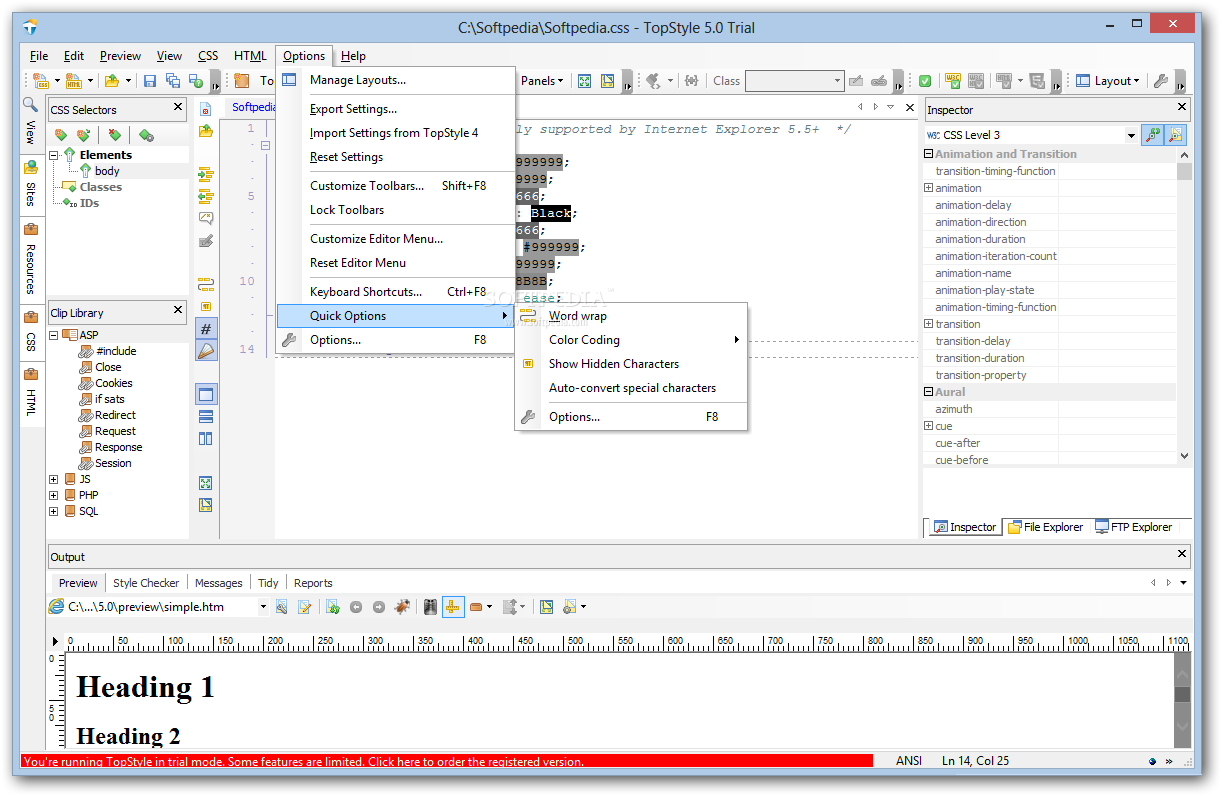
· Added "Quick Options" added to Options menu and editor context menu
· Added Support for printing in color (72294)
· Added "Close other tabs" added to editor context menu
· Added TopStyle now uses the same error reporting feature that's used by FeedDemon
· Added "Reopen" added to File menu
· Added "Refresh" button added to file panel
· Added Performance improvements throughout (hat tip to FastMM)
· Added Ctrl+M now supports PHP comments
· Added Hitting TAB when text is selected now indents the selected lines of text
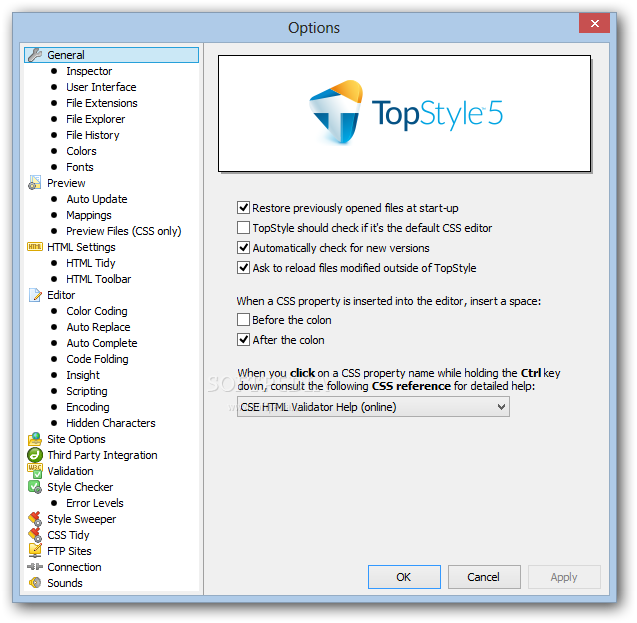
· Added "Automatically check for new versions" added to General page in Options (checks once a week for new versions of TopStyle)
· Added "Edit All in Group" added to site summary context menu (ex opens all files in selected folder)
· Added The editor tab tooltip for HTML documents now includes the <title>
· Added Find/replace in files now enables searching just the current document
· Added Confirmation dialog when using "Replace All" now moves to avoid obscuring the selection
· Added Find/replace now scrolls the matched text to the middle of the screen, to provide better context
· Added Clicking the "Edit" toolbutton below a site report now highlights the selected class or ID in the editor
· Changed "File list panel" renamed to "File explorer panel"
· Changed The thumbnail viewer is now embedded below the file explorer. Selecting a thumbnail will highlight it in the file list, and selecting an image in the file list will highlight it in the thumbnail viewer.
· Changed HTML Tidy (Tidy.exe) upgraded to June 13, 2007 version
· Changed Style definitions for Safari 1.0, Opera 8, Netscape 4 (Mac), Konquerer, and Netscape 8 are no longer included in the install (but they won't be removed if you already have them)
· Changed Comment tags no longer inserted when selecting HTML|Insert Style Block
· Changed "Remove existing styles before previewing" moved from Options dialog to preview options toolbutton
· Changed "File list panel" renamed to "File explorer panel"
· Changed Thumbnail viewer moved to file explorer panel
· Changed Color values (both named and hex) are now inserted in lowercase by default (this can be changed on the "Colors" page in TopStyle's options)
· Changed When "auto-convert special characters" is enabled, the conversion is now skipped when typing inside a comment
· Fixed TopStyle's help fails to load on Windows Vista (75255)
· Fixed "Color grabber" (eyedropper icon) in TopStyle's color picker fails on Windows Vista (95879)
· Fixed Style checker incorrectly flags 'inline-block' as an invalid display value in CSS 2.1 (52804)
· Fixed Style checker incorrectly gives generic family name warning when 'inherit' used for font-family
· Fixed Content-type doesn't include 'text/html' when using W3C HTML Validator (72220)
· Fixed Style sweeper removes last declaration in rule when it doesn't end with a semi-colon (51045)
· Fixed Style sweeper fails to move at-rules to the top when sorting selectors logically (78484)
· Fixed "Open from Web" needs to insert HTML comment after DOCTYPE or XML prolog, and CSS comment after @charset declaration (52460)
· Fixed Find dialog doesn't accommodate user-modified system font sizes (50155)
· Fixed TopStyle may start partially obscured on multimon systems when secondary monitor is "higher" than the primary (49389)
· Fixed Exception when loading trial version if older version of TopStyle Lite installed after installing trial version (63211)
· Fixed Embedded browser doesn't support Ctrl+C and other standard shortcuts (63743)
· Fixed Class names containing hyphens aren't color-coded correctly (61205)
· Fixed Can't cut, copy or paste color values in color picker
· Fixed Files with no extension can't be opened from the file panel (69428)
· Fixed Default keyboard shortcuts can be deleted (72183)
· Fixed Access violation when using TopStyle over VNC (71285)
· Fixed Clicking +/- buttons in palette editor selects that color in the editor (50731)
· Fixed Changes aren't reflected when "Synchronize the preview with editor position" is enabled and IE7 is installed
· Fixed Status bar shows the wrapped line number instead of the unwrapped line number when word-wrap is enabled (30539)
· Fixed Form controls don't reflect current XP theme
· Fixed Insight doesn't accommodate multiple class names (35819)
· Fixed Files which use the Mac EOL format are converted to PC EOL format when saved in TopStyle
· Fixed Opera 9 not auto-detected as external browser
· Fixed Safari for Windows doesn't show current document when selected from external browser list
· Fixed Install fails to warn when TopStyle is already running
· Fixed TopStyle Lite consistently fails to start on limited accounts
· Fixed Refresh toolbutton on file panel doesn't refresh folders
· Fixed Invalid thumbnail images show up as empty boxes (changed to write "Error" on the thumbnail)
· Fixed TopStyle Lite consistently fails to start on limited accounts
· Fixed Refresh toolbutton on file panel doesn't refresh folders
· Fixed Invalid thumbnail images show up as empty boxes (changed to write "Error" on the thumbnail)
· Fixed Thumbnail viewer shows wrong size when large fonts are used (102914)
· Fixed Auto-generated CSS preview doesn't handle definition lists correctly (104260)
· Fixed Hex values typed into the color picker don't honor the "Lowercase hexadecimal color values" setting
· Fixed Crash at closing when preview is showing an active embedded object (such as a running YouTube video)
· Fixed Panel captions too large when using large fonts
· Fixed Thumbnail viewer doesn't reload when hitting refresh
· Fixed "Edit Preview Files" doesn't show filenames in tooltip
· Fixed "Edit Preview Files" leaves multiple files selected after re-ordering
· Fixed Error when checking for hyperlink at cursor (99261)
· Fixed Error attempting to make TopStyle the default CSS editor under non-admin Vista (102104)
· Fixed Error adding TopStyle to IE's list of HTML editors under non-admin Vista (107382)
· Fixed Exception when clicking an empty link in the preview
· Fixed TopStyle's "user" folder not always successfully copied to "Application Data" folder when the multi-user install option was chosen
· Fixed "File in use" error when style sheet displayed in dual full screen preview
· Fixed Color-coding of <link> tags doesn't account for embedded PHP/ASP
· Fixed Invalid <script> tag inserted when JavaScript filed drag-and-dropped onto XHTML document
· Fixed Color picker shows previous color selection
· Fixed "Read only file" warnings in message panel appear under the wrong filename when doing a replace in files
· Fixed Insight for the current CSS property doesn't automatically appear if there are no spaces between the cursor position and the close brace
· Fixed Sibling selectors incorrectly appear in orphan classes report
· Fixed Style Sweeper adds extra ";" to end of style rule when preceded by a comment
· Fixed Style Sweeper removes double-spacing inside comments even when "remove blank lines" isn't selected
· Fixed Style Sweeper removes comments that appears right after a declaration if immediately preceded by another comment
· Fixed Style Sweeper fails to correctly indent comments that appear above indented declaration
· Fixed Style Sweeper removes comments that appear before a declaration's semi-colon when reformatting color values
· Fixed Can't use Ctrl+C in site reports editor
· Fixed If a style rule isn't closed, subsequent rules don't color-code correctly even after typing a "}" to close the rule
· Fixed When building a site, @import statements are ignored in HTML documents which use Eric Meyer's highpass filter hack (109347)
· Fixed "Find/Replace in Files" fails with search strings longer than 255 characters
· Fixed File error when switching between embedded IE and the Mozilla Control
· Fixed Crash under Windows Vista when using the default style preview if the current style sheet contains an applet selector... [ read full changelog ]


Softpedia guarantees that TopStyle Pro 3.12 is 100% CLEAN, which means it does not contain any form of malware, including but not limited to: spyware, viruses, trojans and backdoors.

This software product was tested thoroughly and was found absolutely clean, therefore it can be installed with no concern by any computer user.

However, it should be noted that this product will be retested periodically and the award may be withdrawn, so you should check back on this page from time to time. (click here for more information)


Related downloads IT News Popular downloads New additions   Latest reviews  
Astyle CSS Editor 3.5 Beta 5
A CSS editor that allows you to design style sheet (CSS) code from a visual interface
Cascade DTP 4.0 Build 0278
Harnesses the powerful features of cascading style sheet (CSS) layout and formatting commands
JustStyle CSS Editor 1.3.1
JustStyle CSS Editor is full-featured yet easy-to-use software for webmasters.
TopStyle Lite 3.10
Helps web developers create Cascading Style Sheets
Archetype 2.1.0.28334 Beta
Personal Website Content Mangagement System
Focus On CSS 1.8 Build 49
Focus On CSS is a powerful CSS editor which require no knowledge from the user side of Cascading Style Sheets
EngInSite CSS Editor 1.2.4.321
CSS Editor will help you to work with CSS in a fast and convenient manner
StyleSpread 2.3.7.711
StyleSpread helps you to send different styles to different visitors based on their browser, their language
Ranfo Cascading Style Sheet Editor 1.0
Ranfo Cascading Style Sheet Editor - create Cascading Style Sheets for Web pages.
ThinkCascade 1.0
ThinkCascade is a CSS editor that uses a spreadsheet like interface

go to top Use the following code to link to this page:


Welcome!
Hello, Guest

Login if you have a Softpedia.com account.

Otherwise, register for one.

Main categories:
  • Antivirus
  • Compression tools
  • CD/DVD Tools
  • Office tools
  • Programming
  • Authoring tools
  • File managers
  • Desktop Enhancements
  • Internet
  • Network Tools
  • IPOD TOOLS
  • Mobile Phone Tools
  • Multimedia
  • Tweak
  • System
  • Security
  • Others
  • Science / CAD
  • UNIX
  • Windows Widgets
  • PORTABLE SOFTWARE

  • Week's best:
  • Adobe Media Player 1...
  • Registry Mechanic 8....
  • BitSpirit 3.3.2.263
  • AnyDVD 6.4.5.6
  • Firefox 3.0.1 / 2.0....
  • AutoCAD 2009
  • Norton AntiVirus 200...
  • Norton Internet Secu...
  • The Bat! Professiona...
  • WinRAR 3.80 Beta 3 /...
  • GMail Drive shell ex...
  • DAEMON Tools Lite 4....
  • UBCD4WIN 3.2.0
  • Adobe Reader 9.0.0 /...
  • Total Commander Ulti...
  • System Mechanic 8.0....
  • Adobe Acrobat Profes...
  • iPhone PC Suite 1.0....
  • Portable Firefox 3.0...
  • MPlayer for Windows ...
  • Vista Codec Package ...
  • Windows Live Messeng...
  • WinBubble 1.73
  • Kaspersky Anti-Virus...
  • Malware Removal Tool...
  • Royale Noir Theme fo...
  • IBM Lotus Symphony 1...
  • Adobe Dreamweaver 10...
  • Adobe Fireworks 10.0...
  • BitDefender Total Se...
  • © 2001 - 2008 Softpedia. All rights reserved.
    Softpedia™ and Softpedia™ logo are registered trademarks of SoftNews NET SRL.
    Copyright Information | Privacy Policy | Terms of Use | Contact Softpedia | Update your software | Archive