
Versatile software that provides users with an environment for web development: write HTML, PHP, CSS, JavaScript in its full-featured editors and take your work to the next level. #Code Editor #HTML Editor #Web Editor #Editor #Builder #Create

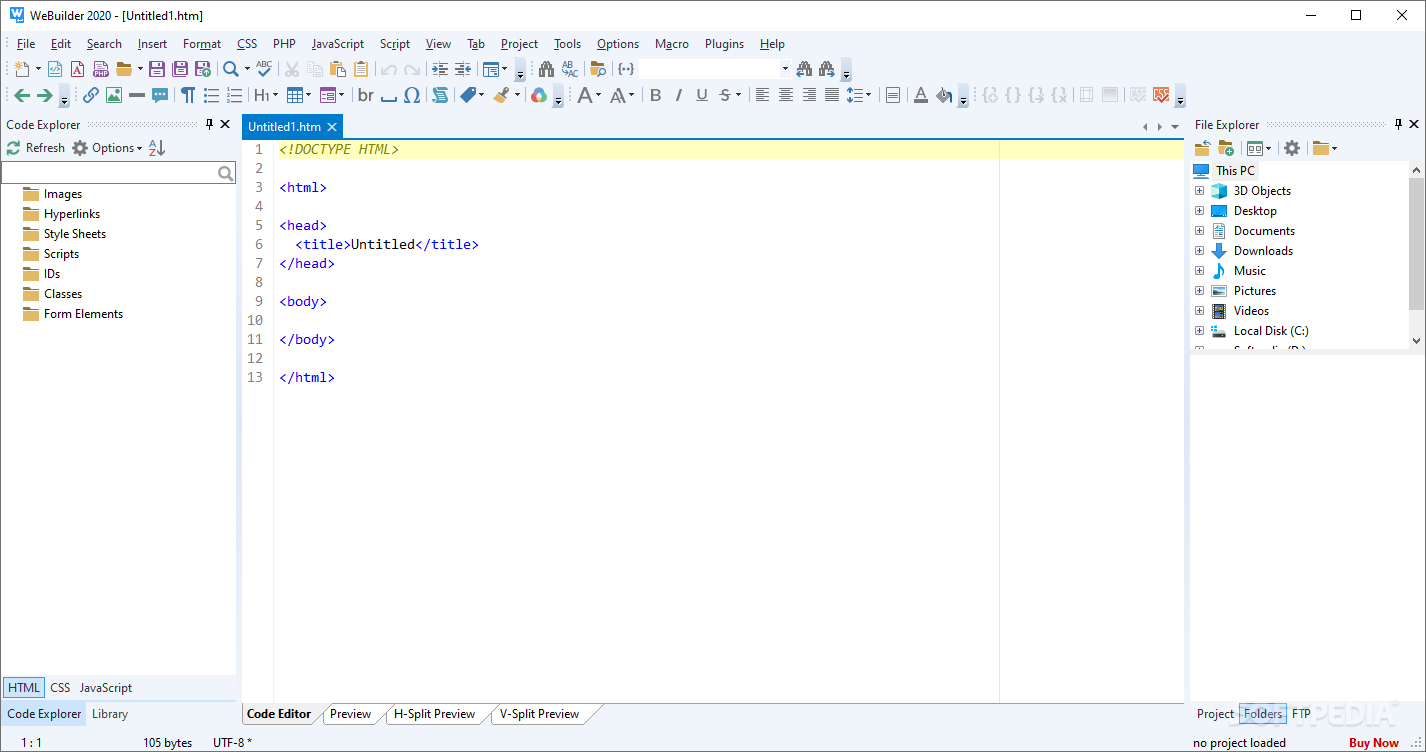
Web developers have a lot of code to look through and optimize, and that's why potent code editors are in high demand. Especially with websites becoming increasingly more intricate, there's a lot that can go wrong in development, so an environment where users can compile and debug their code is much needed.
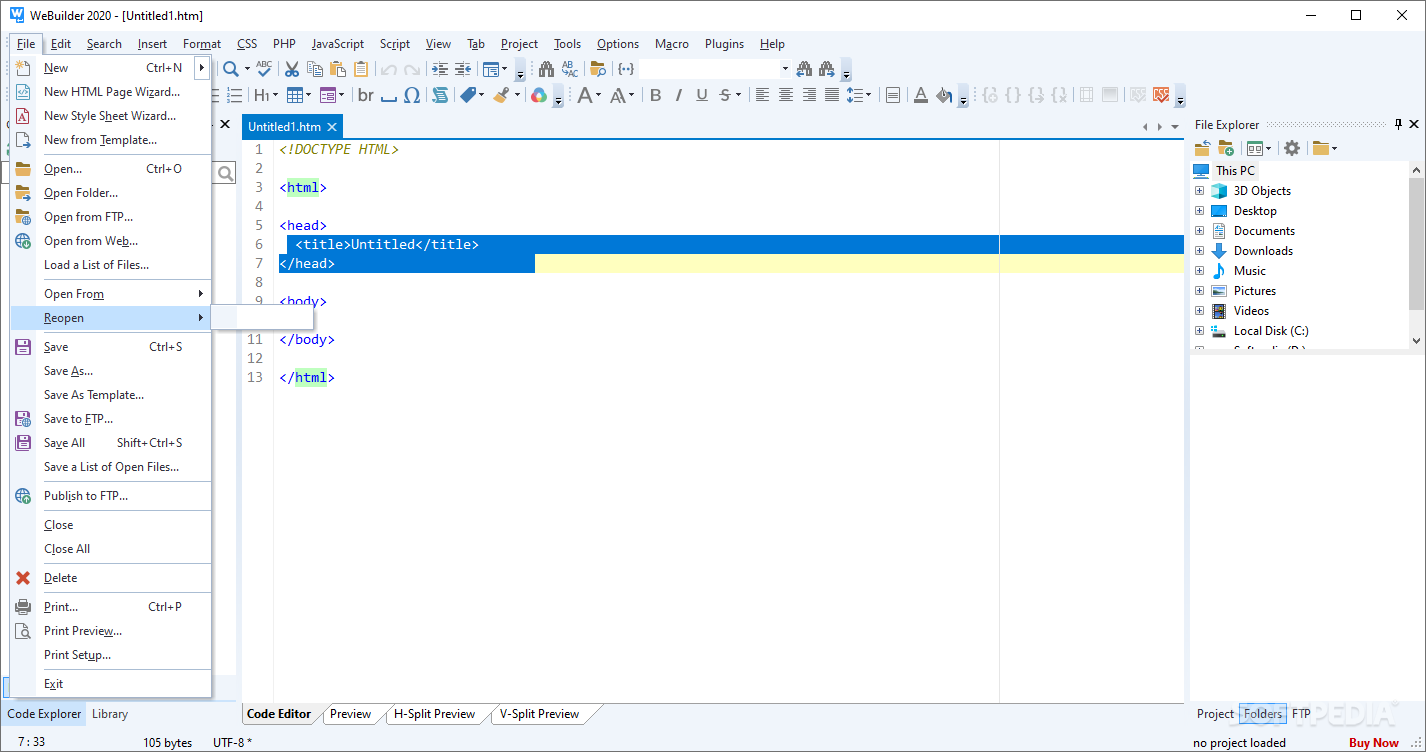
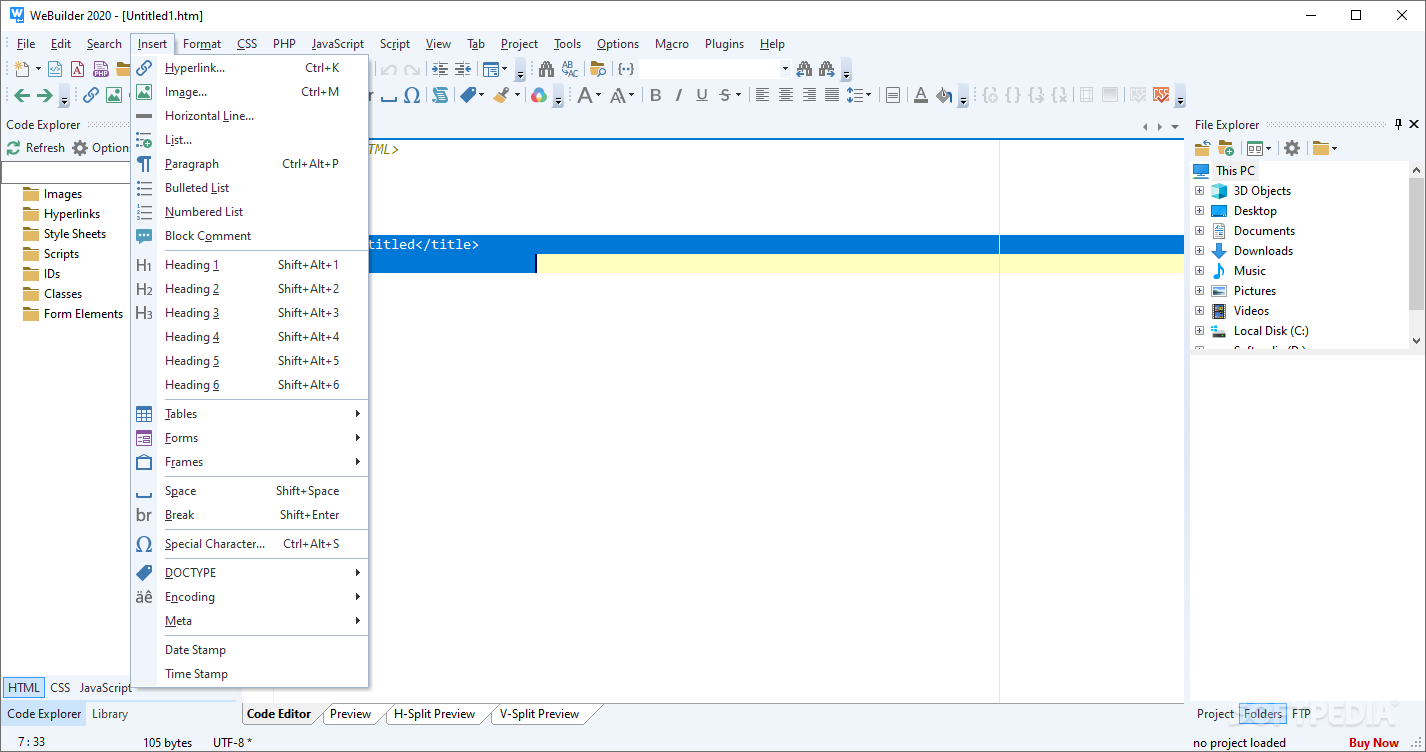
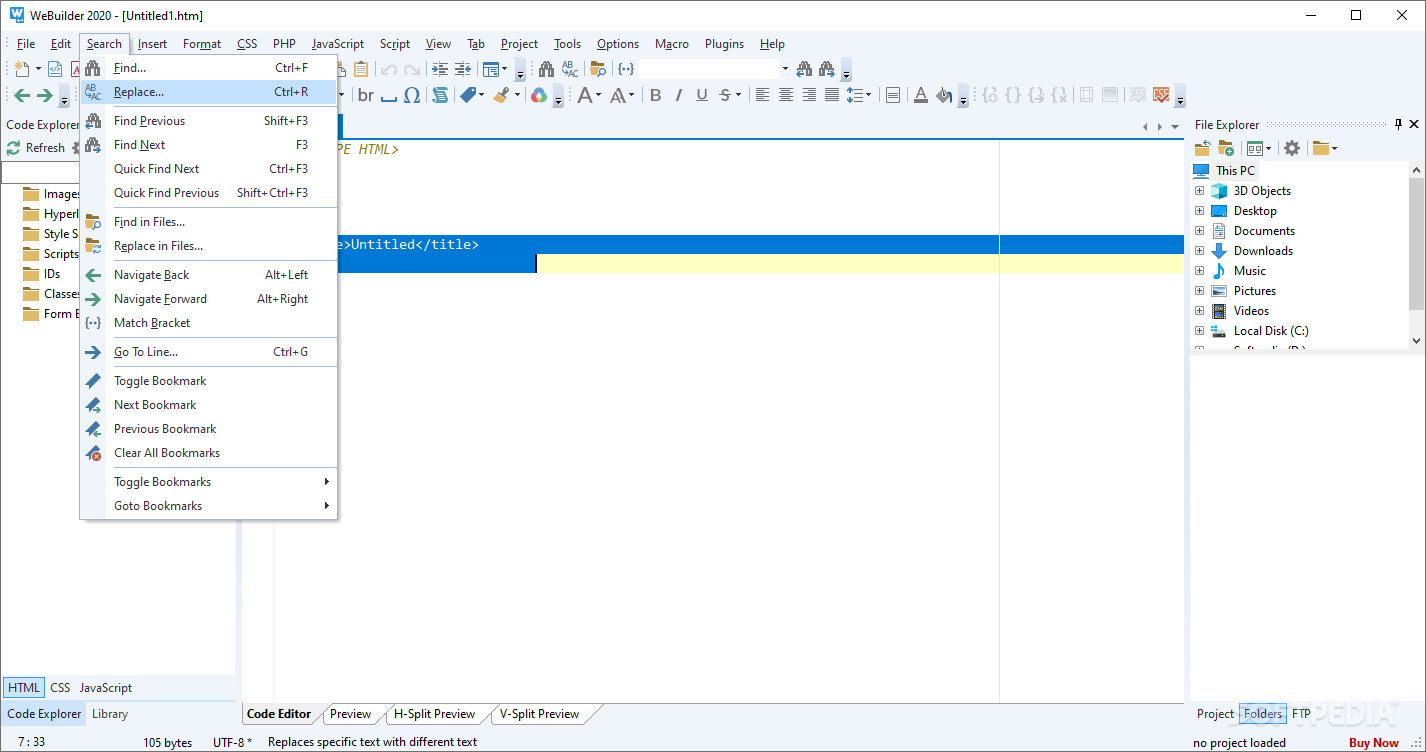
WeBuilder provides an environment in which coders can write and test out their work. It comes equipped with full-featured HTML, CSS, PHP, and JavaScript editors, a code snippet library with many templates, autofill capabilities, and houses everything under a functional interface.
The program is not coincidentally named WeBuilder: it's all about web development in here, and the tool manages to comprise a set of functions to facilitate building the site you've been meaning to.
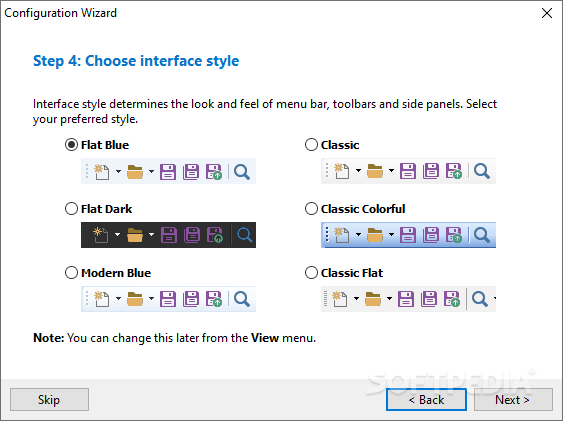
Right off the gate, you'll notice the functional, modern interface, which can be modified to fit your workflow. There's the conventional Code Editor layout, and there's also the vertical/horizontal preview mode, which splits the editor in half to accommodate a preview page in the other. When used properly, this can save you a lot of development time as it decreases the likelihood of unnoticed errors.
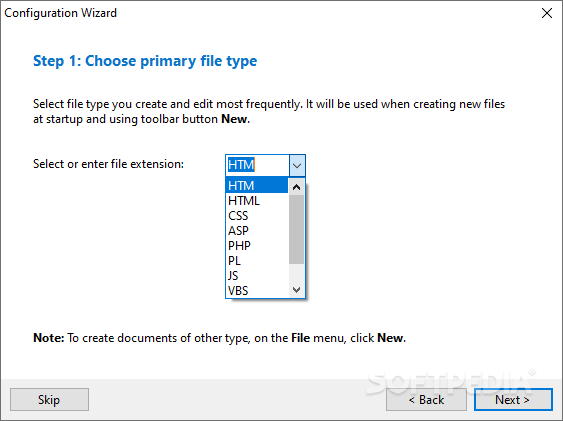
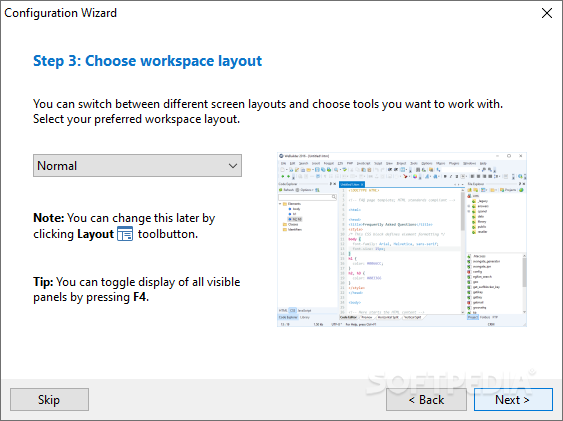
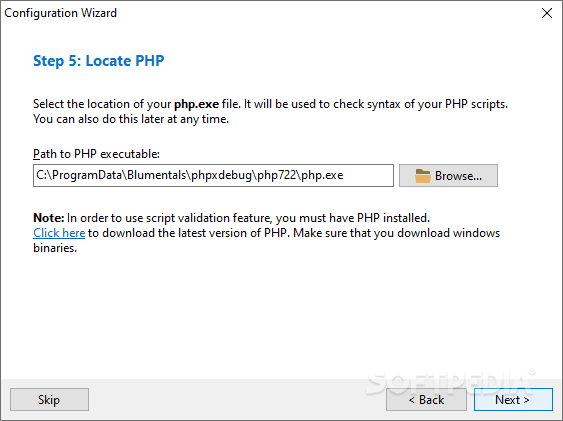
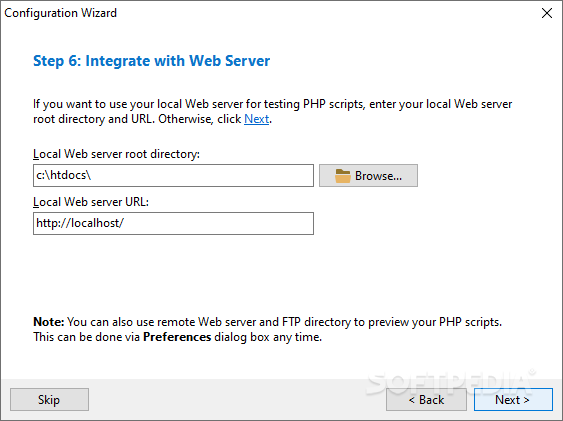
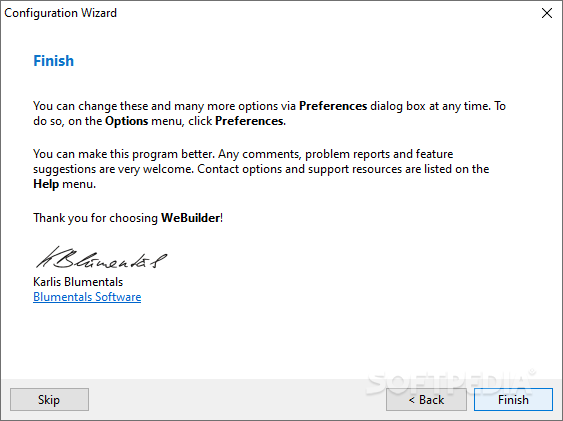
Moreover, the initial set-up has the program prompt you to choose the language you dabble in most often: HTM/L, CSS, PHP, JS, and many others. To further optimize your workspace, you're also given the choice of picking the most fitting layout.
With the tools on offer, seasoned web developers will feel right at home here. The program's syntax highlighting provides a watchful eye to make sure your code is pristine, and the autocomplete doubles down on that by improving your productivity.
It's also worth taking advantage of the code snippet library, whose functionality enhances one's efficiency. Have any string of code you find yourself using frequently? Store it in the library, and have it at the ready whenever you need it, through a shortcut. In the same vein, templates are also of note. JavaScript, HTML, CSS, ASP, and Ruby code presets are freely available for users to get started right away.
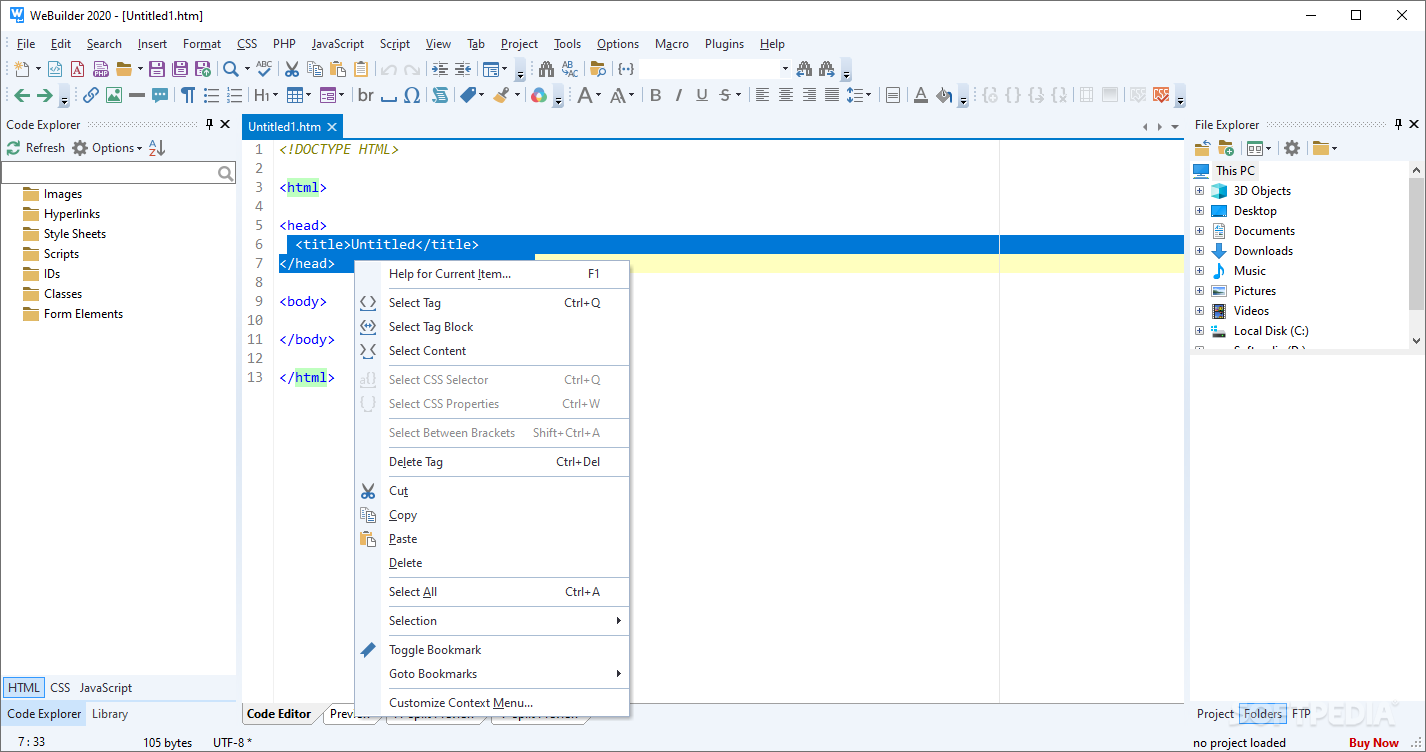
Even if you're an aspiring web developer, the program also offers a learning environment. Highlighting a code, then pressing F1, brings up Mozilla's Developer Library page with thorough explanations for the element's usage.
WeBuilder is worth a shot: it's snappy, versatile, and provides an environment that aids its users in creating the best version of their web development.
Download Hubs
WeBuilder is part of these download collections: HTML Editors, PHP Managers
What's new in WeBuilder 2025 18.0.0.263:
- Experimental, but game-changing AI:
- In-house we are using AI all the time, every day. We believe, it is a major breakthrough in the programming industry. So the new version has integration with AI chat, but there are some notes:
- Technology is new, it will contain bugs
- AI is not perfect, it may produce wrong answers sometimes
WeBuilder 2025 18.0.0.263
add to watchlist add to download basket send us an update REPORT- runs on:
-
Windows 11
Windows 10 32/64 bit
Windows 8 32/64 bit
Windows 7 32/64 bit - file size:
- 119 MB
- main category:
- Internet
- developer:
- visit homepage
Context Menu Manager

Zoom Client

Windows Sandbox Launcher

4k Video Downloader

ShareX

Microsoft Teams

IrfanView

calibre

Bitdefender Antivirus Free

7-Zip

- calibre
- Bitdefender Antivirus Free
- 7-Zip
- Context Menu Manager
- Zoom Client
- Windows Sandbox Launcher
- 4k Video Downloader
- ShareX
- Microsoft Teams
- IrfanView