
Use HTML Font Colorizer tool to recolor your website text, or chat text.. #Font Colorizer #HTML Font #Font color #Colorizer #Font #Color
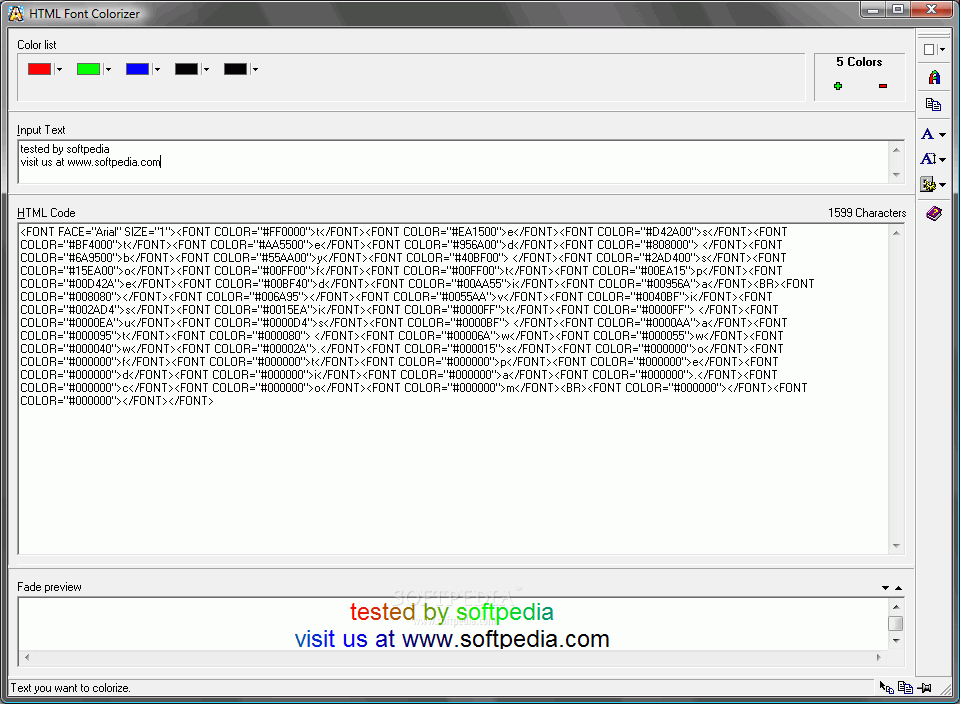
Use HTML Font Colorizer tool to recolor your website text, or chat text.
First of all, you type the text your want to colorize into Input text window. It's possible to write multiple lines too, e.g. if you want to colorize your postal address. Line breaks will automatically be inserted in the generated HTML code.
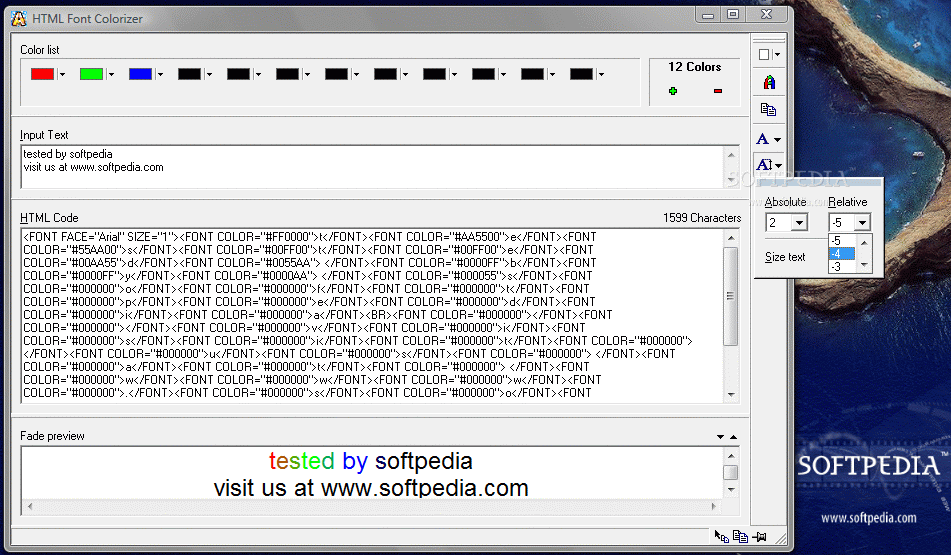
The Color list shows all colors used in a colorize. If you want to add or remove some colors, click on '+' or '-' to the right of the list. It's possible to hold down the mouse cursor to add/remove multiple colors at once. To change colors, click the appropriate one and select a new color from the popup-menu -or- click 'Others' to view the standard Windows color dialog. If all colors can't fit in the Color list window, a horizontal scrollbar will appear. Move this scrollbar left or right to get access to all colors in the list.
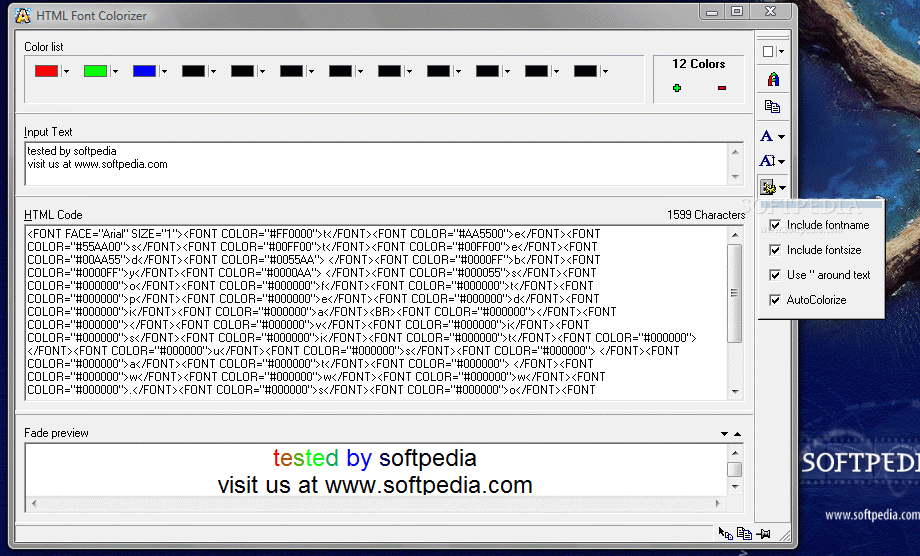
To colorize your text, press F2 on your keyboard or click on the RGB colored A-button. The HTML code will be generated and shown in the HTML Code window. The Fade preview window shows you how the colorize will present itself when inserted into a standard HTML document.
What's new in HTML Font Colorizer 2.04:
- Generated wrong tag when using quotation-marks around colors.
- Concatenates FACE and SIZE tag if both is in use.
- Close Font Popup if you double-click a font.
- Doesn't hide Popups automatically if they're undocked.
HTML Font Colorizer 2.04
add to watchlist add to download basket send us an update REPORT- runs on:
- Windows All
- file size:
- 235 KB
- filename:
- hfc.zip
- main category:
- Internet
- developer:
- visit homepage
Context Menu Manager

Bitdefender Antivirus Free

Microsoft Teams

Windows Sandbox Launcher

7-Zip

4k Video Downloader

calibre

Zoom Client

IrfanView

ShareX

- Zoom Client
- IrfanView
- ShareX
- Context Menu Manager
- Bitdefender Antivirus Free
- Microsoft Teams
- Windows Sandbox Launcher
- 7-Zip
- 4k Video Downloader
- calibre