
An easy-to-use application that allows you to view weather conditions around the globe, while offering the possibility to add a widget to your desktop. #Weather Forecast #Weather Prediction #Temperature Forecast #Weather #Forecast #Prediction
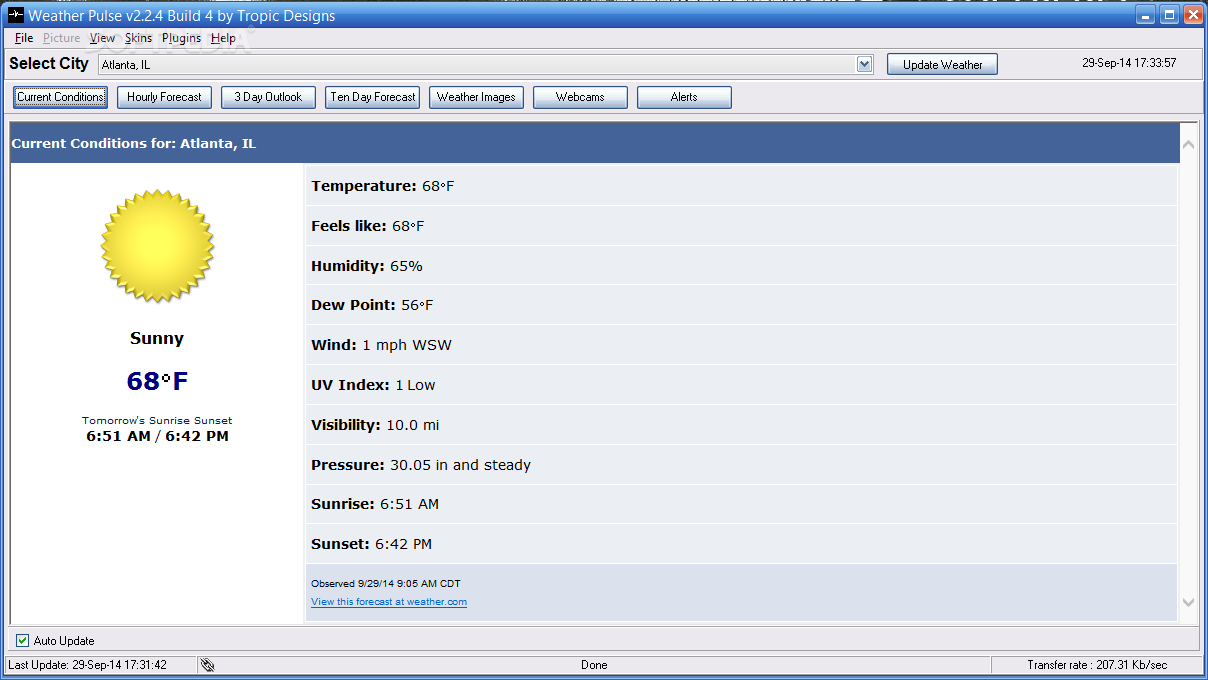
Many people are interested in the evolution of weather because it impacts a variety of aspects in out lives. From clothing to health problems, the ever changing atmospheric conditions influence choices we make. There are many ways to stay informed and get the latest forecast, the easiest for computer users being a dedicated software like Weather Pulse.
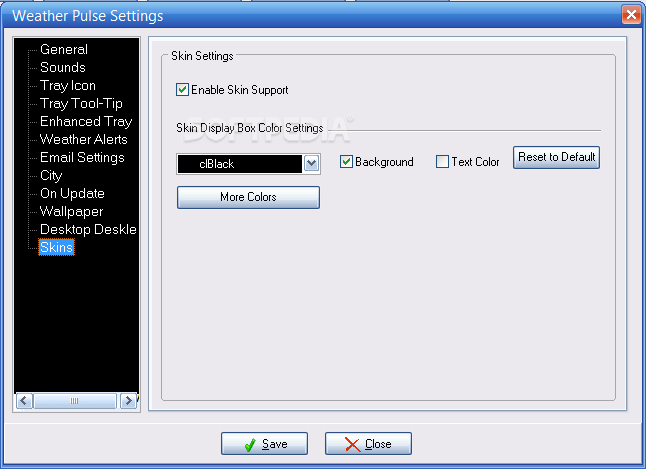
This application installs smoothly and when you start it for the first time, you'll be able to input the desired location for which you want to get weather information. The interface is very easy to understand and use, even if not too appealing at first glance. Worry not, though, because it comes with a great deal of built-in skins you can choose to make it more to your liking.
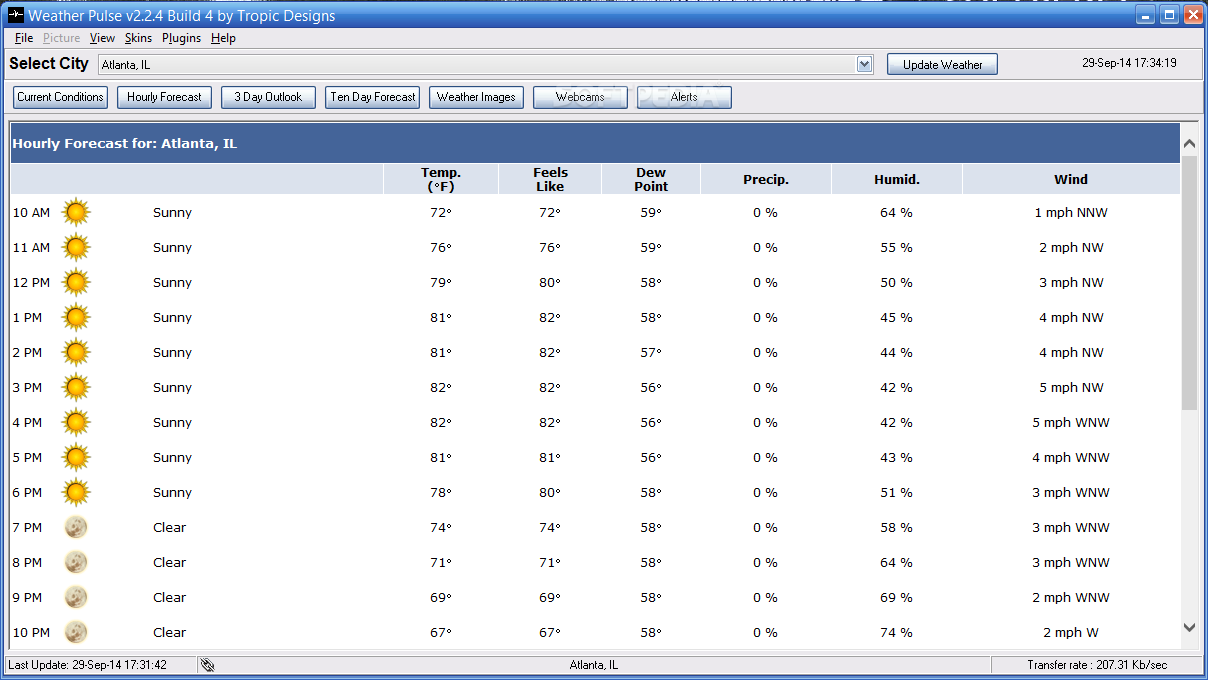
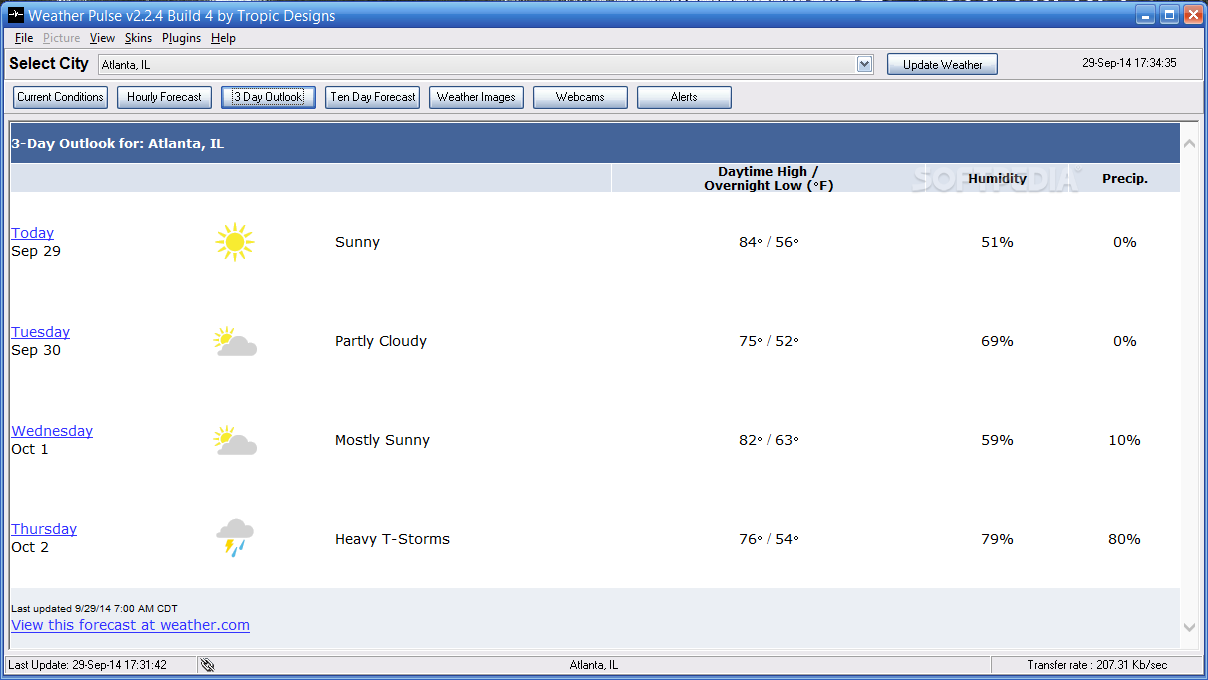
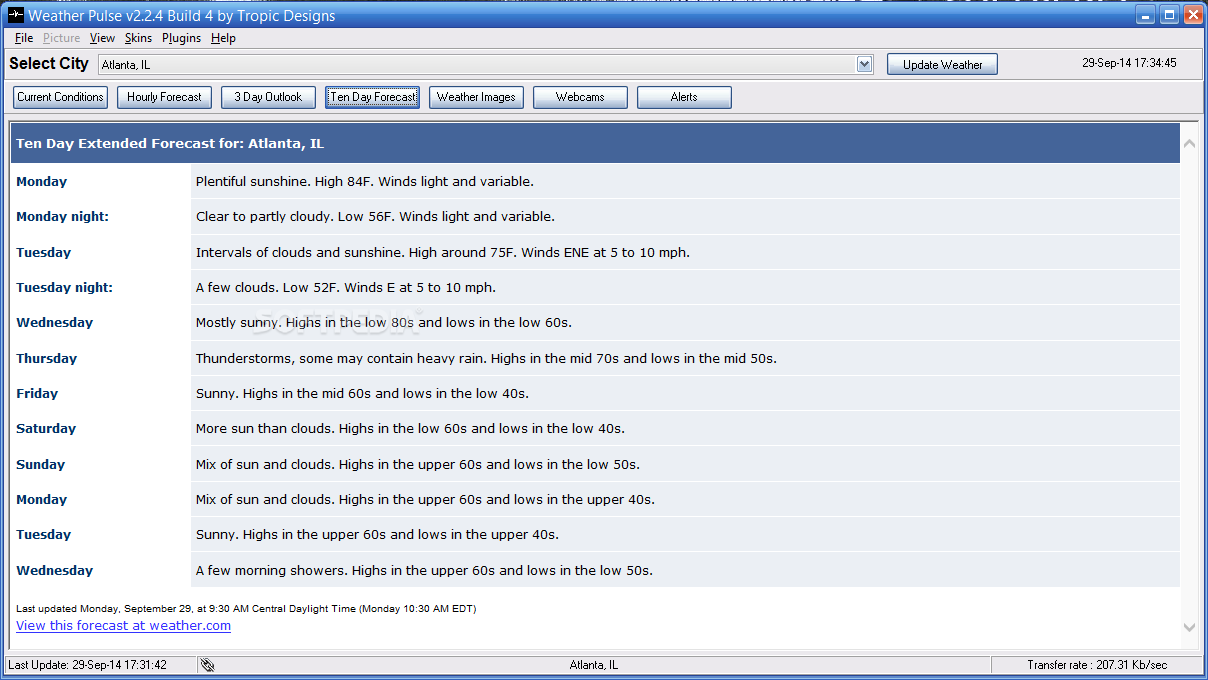
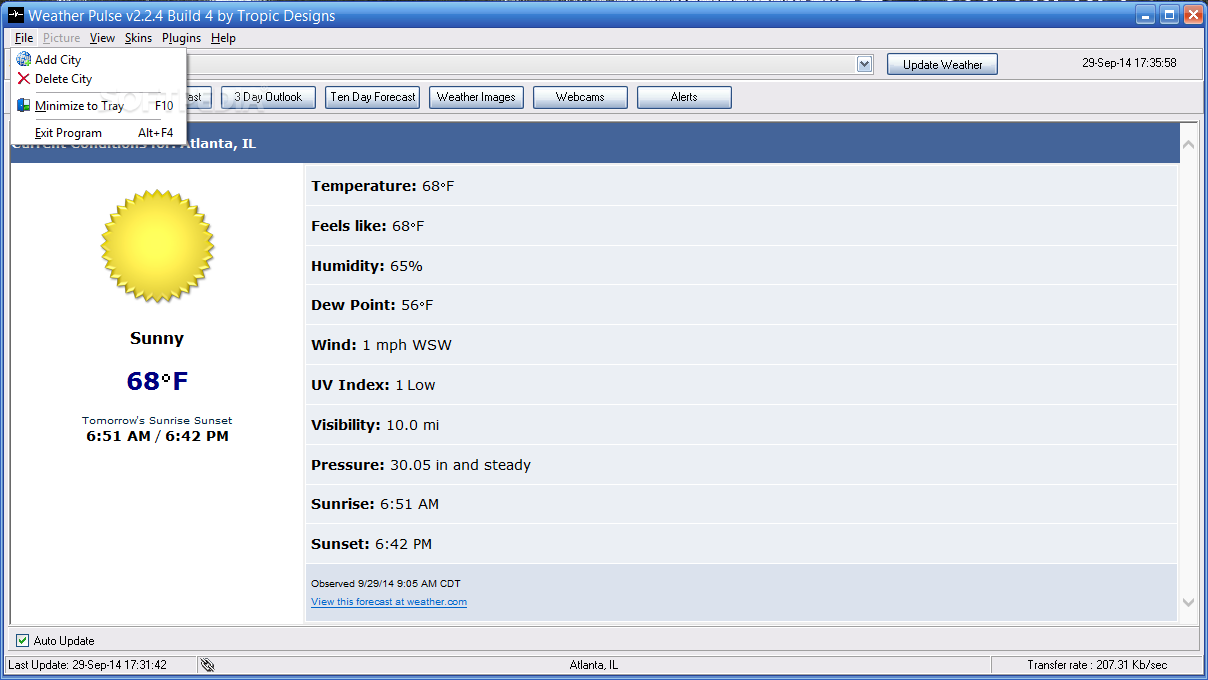
The current weather conditions are displayed in the main window and include details such as temperature, humidity, wind speed and direction, UV index. You can activate the hourly forecast with a single mouse click and Weather Pulse will download and show you the information in a jiffy. Other types of forecast are a 3-day outlook and a 10 day prognosis.
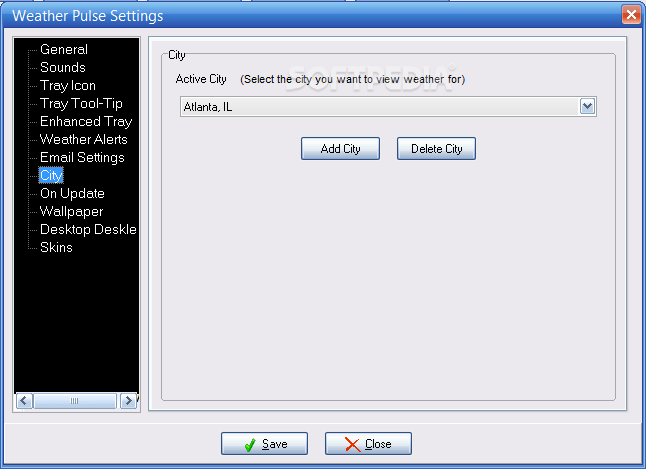
A very nice and handy feature is the application's ability to manage several cities, even though not simultaneously. You have a drop-down list on the upper side of the GUI that allows you to pick the city and view the weather conditions for that location. It's also worth mentioning that the utility searches and identifies very promptly the city you input, regardless of the continent it belongs to.
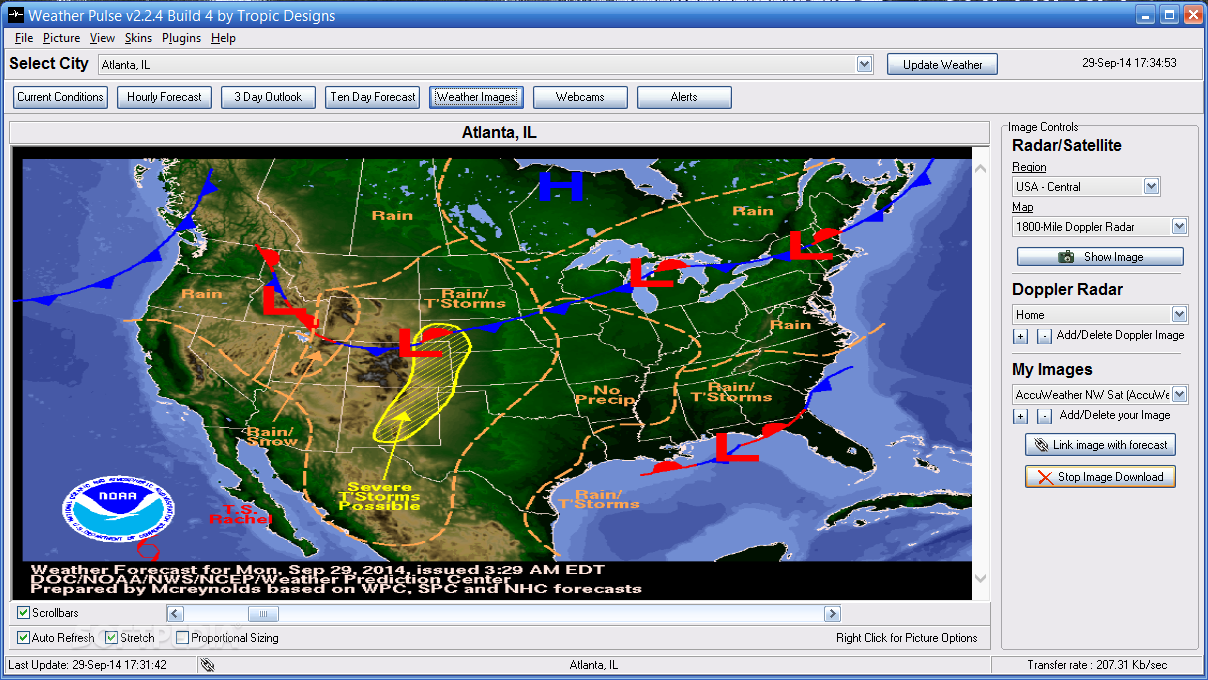
There is an interesting section you might want to take a closer look at, namely the 'Weather Images'. Here you will find dozens of satellite and radar animated or still images that are downloaded and shown in a matter of seconds.
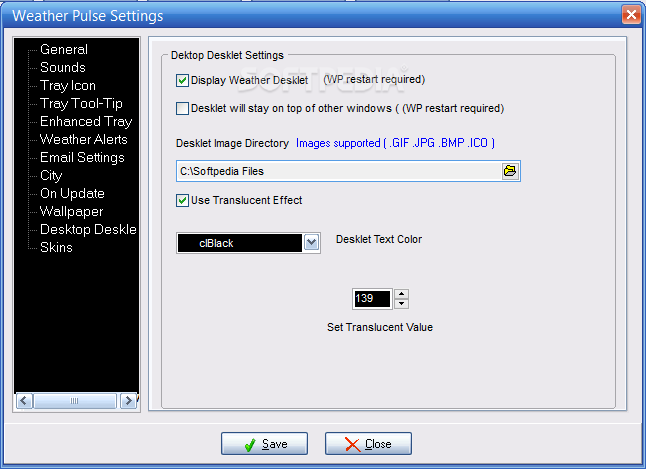
Weather Pulse features a transparent desklet, a gadget-like thingy that sits on your desktop and displays the temperature for the selected location. This is particularly useful when you don't want to see the main window on your screen.
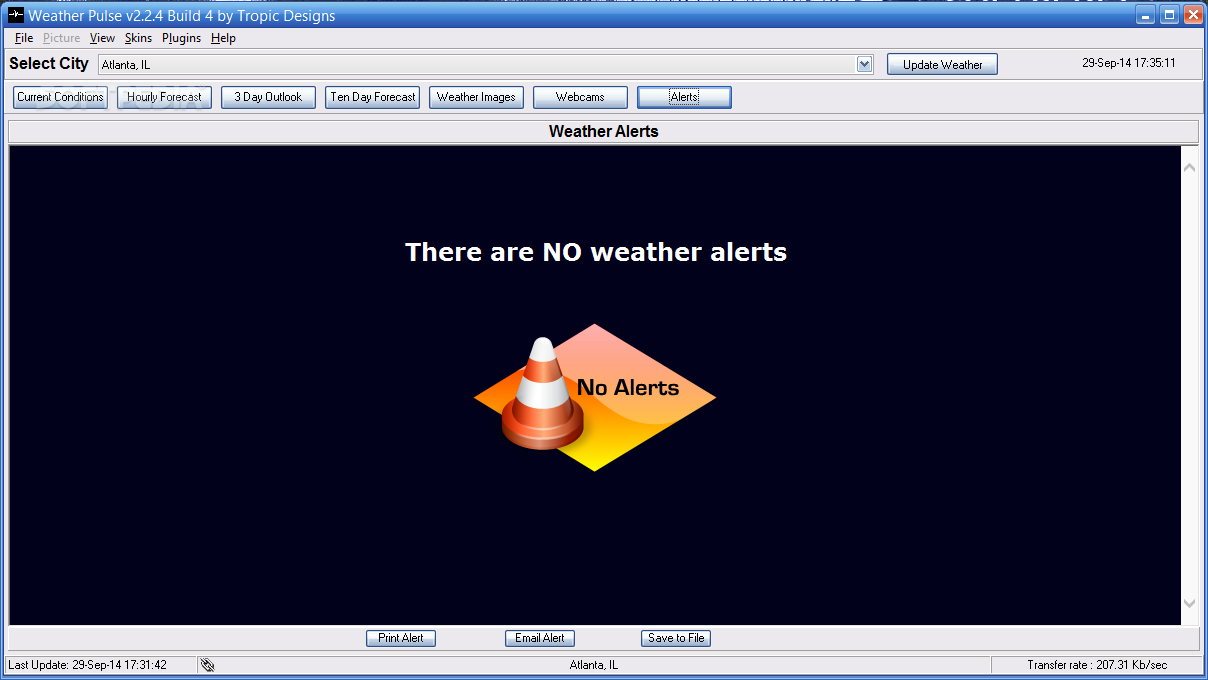
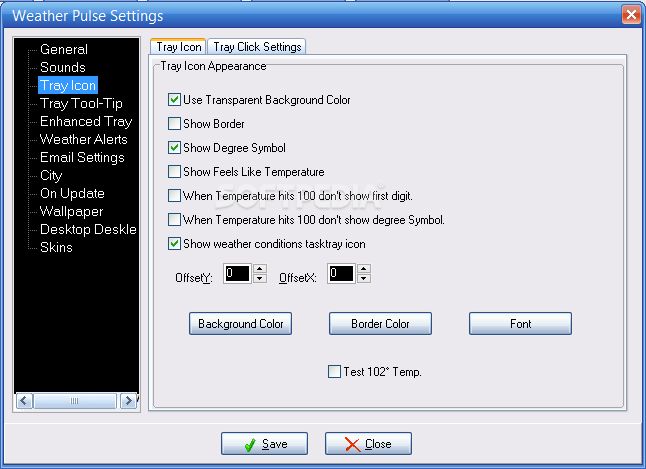
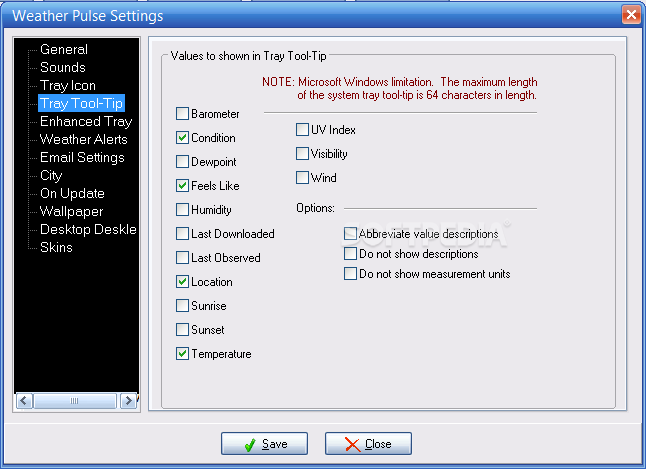
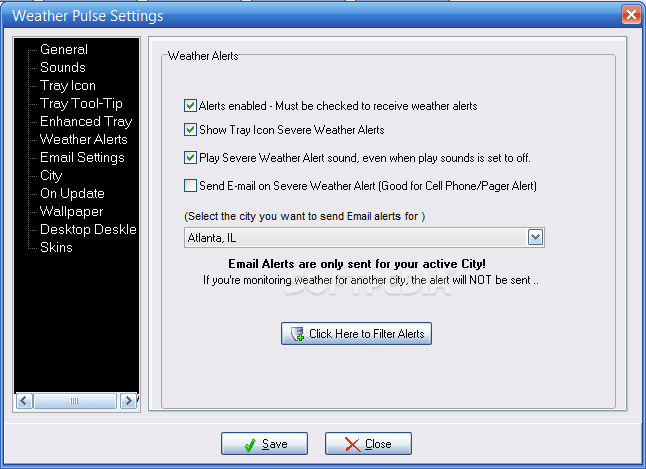
In the tray area, next to the clock, you'll also find the current temperature and hovering the cursor over it will reveal the rest of the details. When it comes to sever weather, you can configure the program to keep you informed about any alerts and it even features a special section.
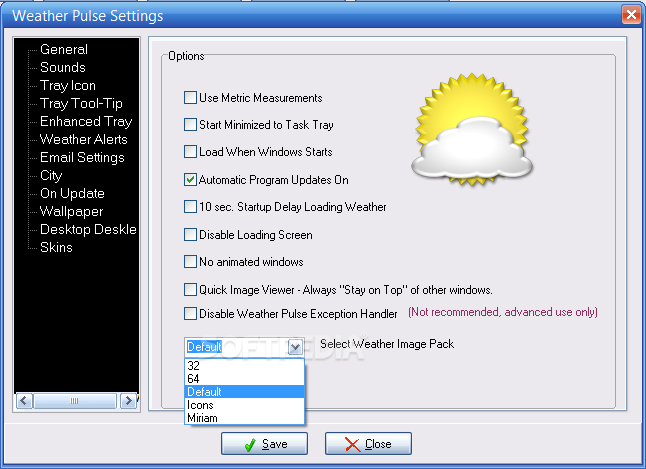
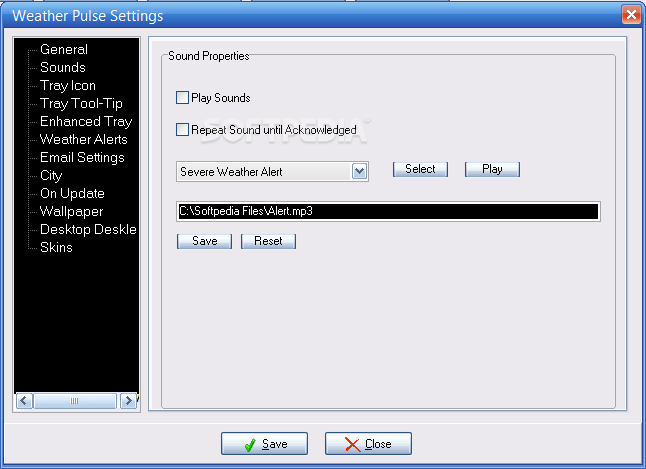
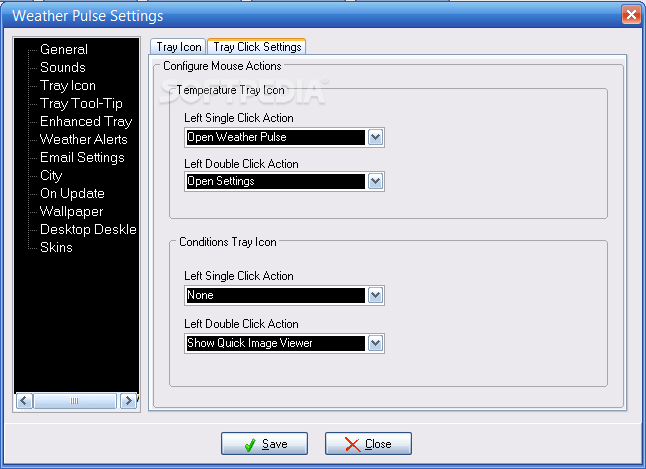
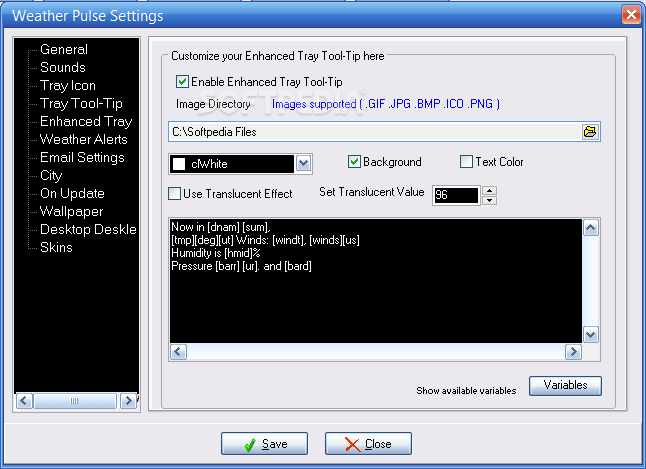
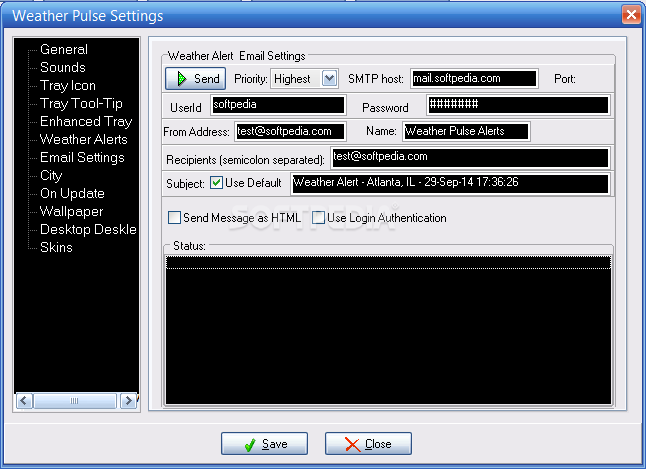
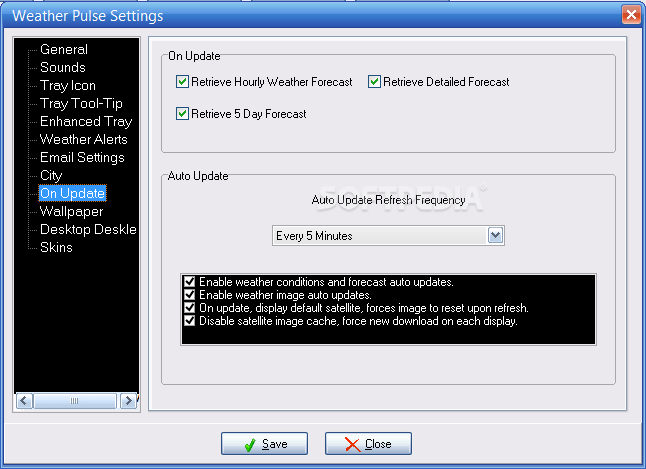
The configurations available in the 'Settings' menu are extensive and include interface, sounds, alerts and email settings, just to name a few. A nonfunctional item we discovered while testing this utility is the plugin download button that opens a webpage without a single add-on in sight.
Apart a few shortcomings, Weather Pulse does very well the job it's supposed to do and will surely prove an asset for all users thanks to the good feature pack and extensive configurations that it offers.
Download Hubs
Weather Pulse is part of these download collections: Weather Notifiers
What's new in Weather Pulse 2.2.4 Build 4:
- Fixes:
- Patch to fix Alerts, raw html in some alerts
- Additions:
- All new MyImage maps completely revised
Weather Pulse 2.2.4 Build 4
 Softpedia Editor's Pick
add to watchlist
add to download basket
send us an update
REPORT
Softpedia Editor's Pick
add to watchlist
add to download basket
send us an update
REPORT
- runs on:
- Windows All
- file size:
- 4.9 MB
- filename:
- WeatherPulse2244.exe
- main category:
- Internet
- developer:
- visit homepage
Bitdefender Antivirus Free

7-Zip

Zoom Client

Windows Sandbox Launcher

ShareX

Microsoft Teams

IrfanView

4k Video Downloader

calibre

Context Menu Manager

- 4k Video Downloader
- calibre
- Context Menu Manager
- Bitdefender Antivirus Free
- 7-Zip
- Zoom Client
- Windows Sandbox Launcher
- ShareX
- Microsoft Teams
- IrfanView