
A powerful application that you can use to take screenshots and record videos through a webcam device connected to your computer. #Video capture #Photo capture #Video recorder #Capture #Recorder #Record
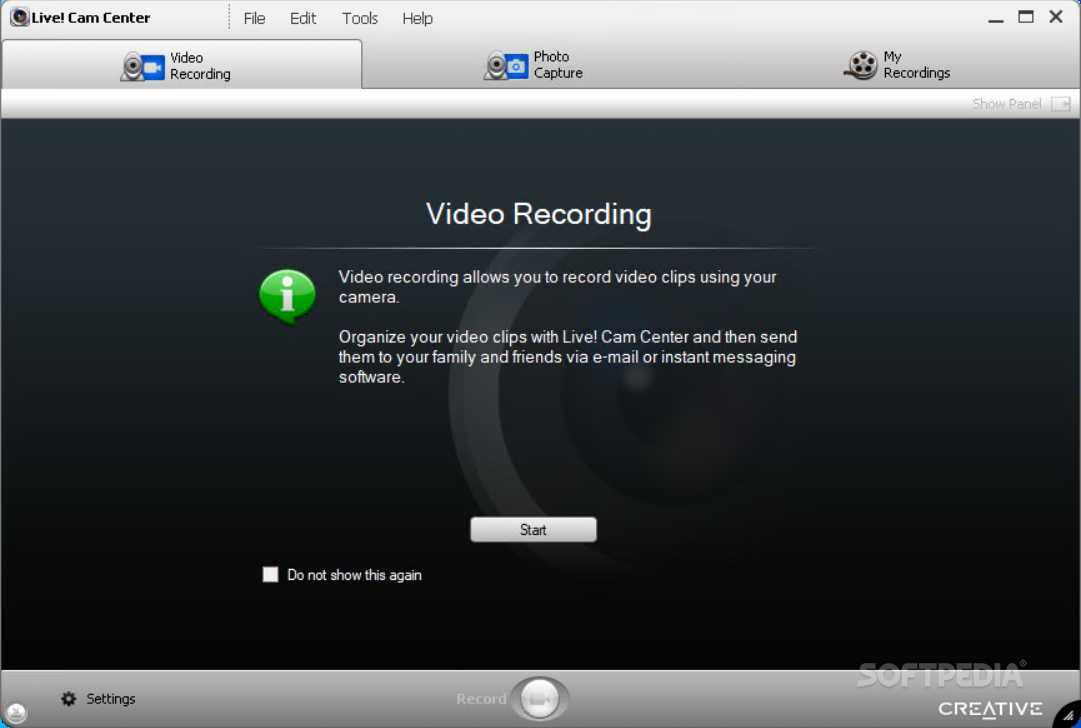
Most branded webcams are accompanied, when leaving the factory, by some utilities that are meant to ease the setup and configuration of the device. Oftentimes, inside the package one will find a software solution that is especially designed to emphasize some special functions of the camera and facilitate tasks like recording and managing the captured content.
Owners of Creative webcams can really make the most of their devices thanks to a powerful dedicated utility called Creative Live! Cam Center. Through a nice and friendly interface, this tool will allow you to take screenshots and capture videos on the spot.
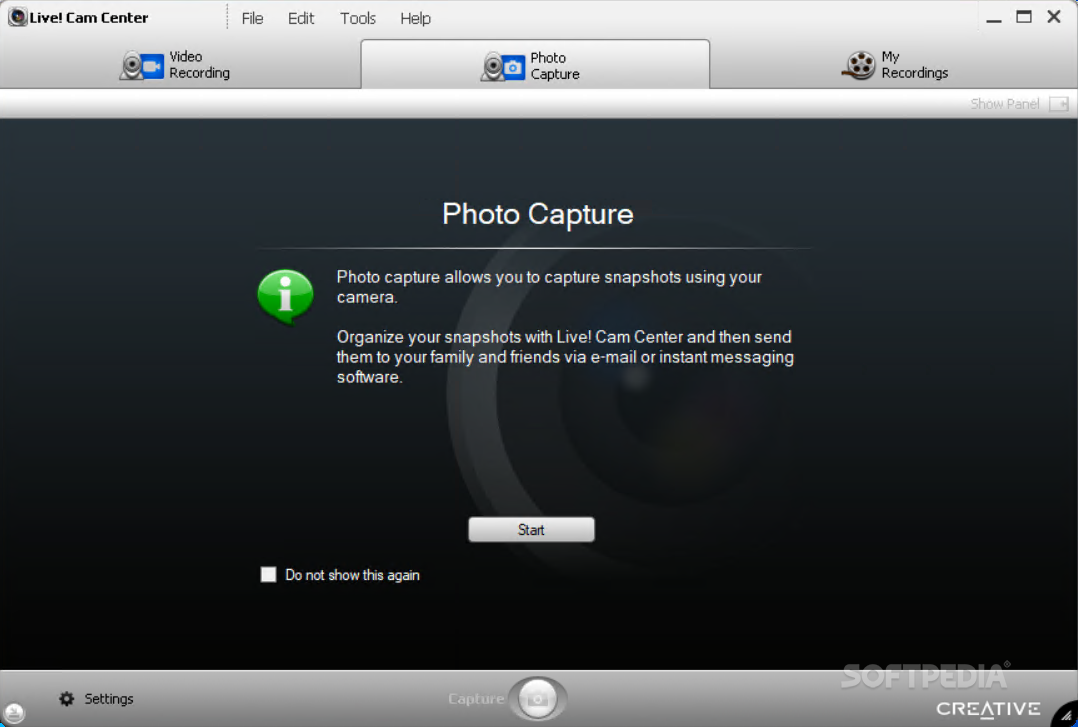
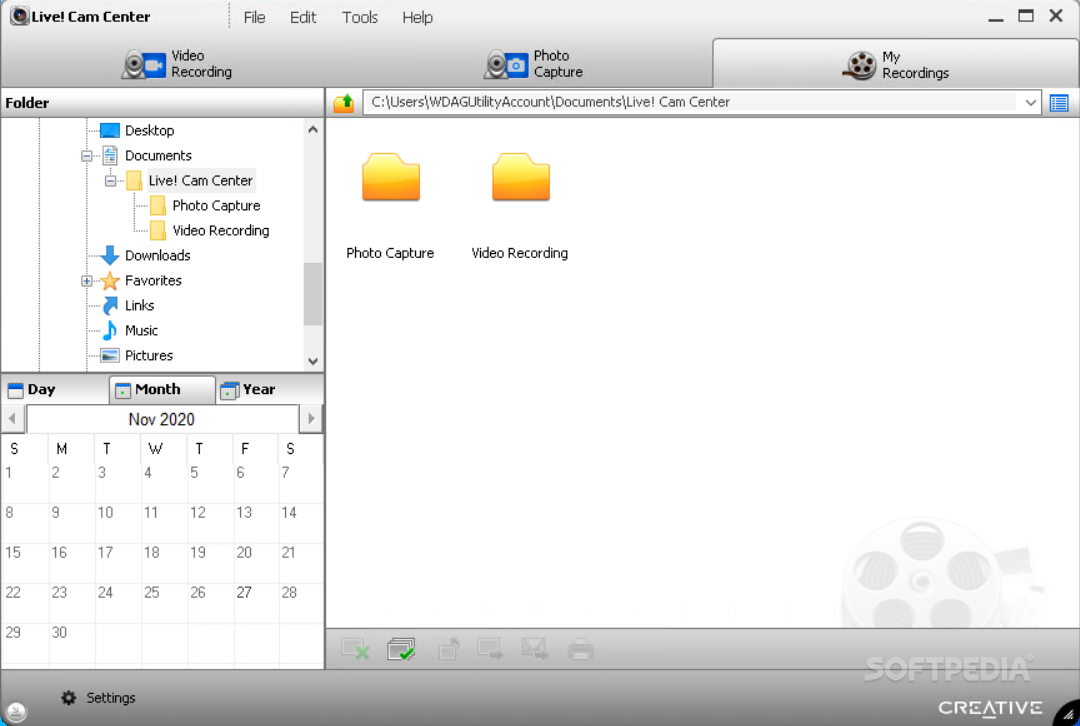
As soon as the camera is connected to your PC, you can start the program and access the appropriate module for the task you want to carry out. There are 3 main areas for you to access, namely the Video Recording, the Photo Capture and My Recordings tabs.
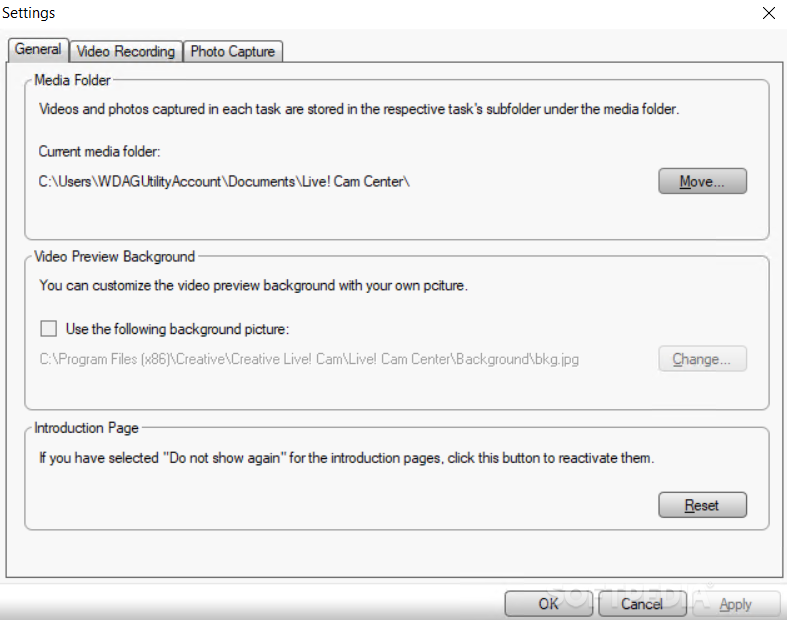
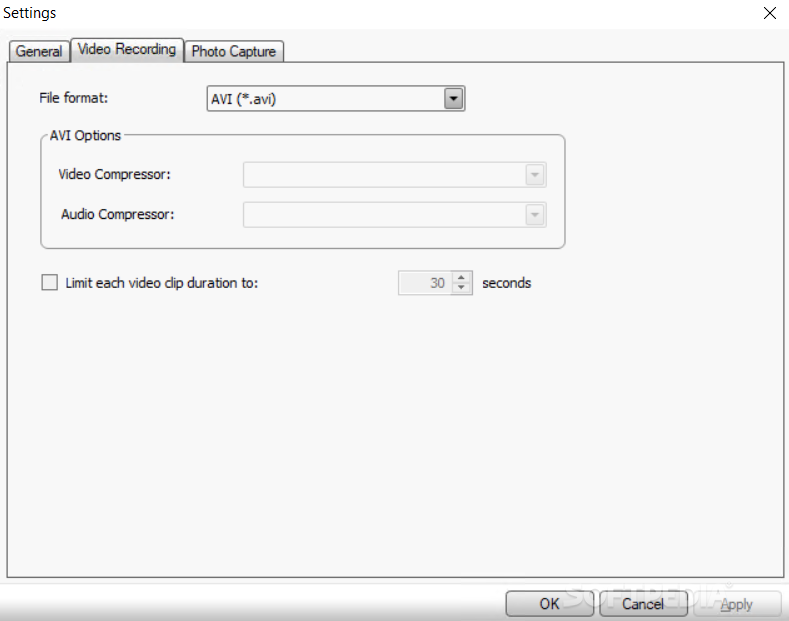
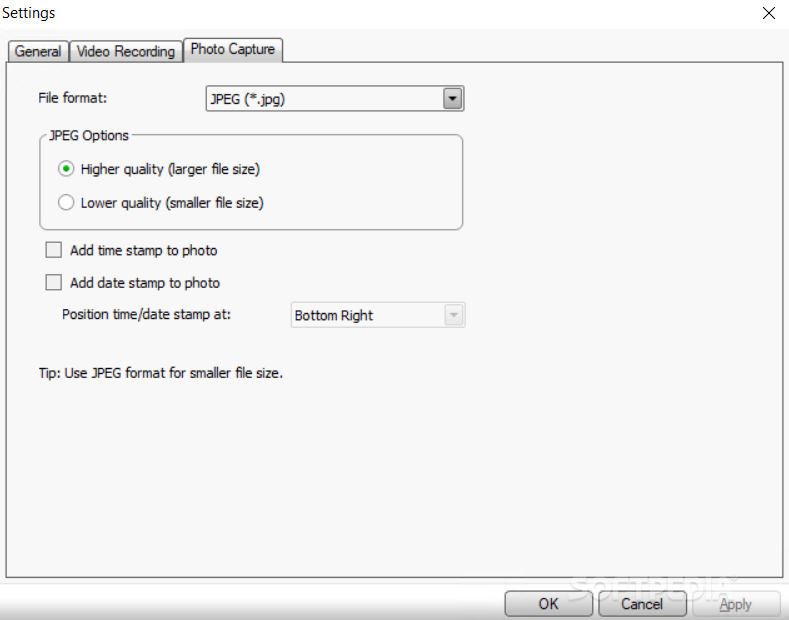
With Creative Live! Cam Center there are several options insofar as the output formats are concerned, for both videos and images. Thus, you will be able to save the recorded content as either AVI or WMV files.
There are also some customization settings for the first format, so you have the possibility to decide which video and audio compressors should be used. In case you want to limit the length of the captured clips, Creative Live! Cam Center has this options as well.
The supported graphic formats are just as limited and include only JPG and BMP images, with some really basic choices, for high and low quality content. The upside is the ability to imprint timestamps and dates on the screenshots which can be placed on the top left or right, as well as on the corresponding bottom sides.
To sum things up, Creative Live! Cam Center can be a really helpful tool for the supported cameras, but, unfortunately, the limited number of output formats can deter some users from utilizing it.
What's new in Creative Live! Cam Center 2.02.05:
- Supports Microsoft Windows Vista
- Improves keyboard support.
- Improves file browsing in My Recordings mode.
- Simplifies audio source selection in Video Recording and Motion Detection modes.
Creative Live! Cam Center 2.02.05
add to watchlist add to download basket send us an update REPORT- PRICE: Free
- runs on:
-
Windows Vista
Windows XP 32/64 bit - file size:
- 31.8 MB
- filename:
- LCC_PCAPP_LA_2_02_05.exe
- main category:
- Internet
- developer:
- visit homepage
Zoom Client

Bitdefender Antivirus Free

ShareX

calibre

7-Zip

Microsoft Teams

4k Video Downloader

Windows Sandbox Launcher

Context Menu Manager

IrfanView

- Windows Sandbox Launcher
- Context Menu Manager
- IrfanView
- Zoom Client
- Bitdefender Antivirus Free
- ShareX
- calibre
- 7-Zip
- Microsoft Teams
- 4k Video Downloader