
A user-friendly application that allows you to add dynamic effects for video chats and webcams, featuring a surveillance and a face login module. #Webcam Capture #Webcam Recorder #Webcam Effect #Webcam #Capture #Recorder
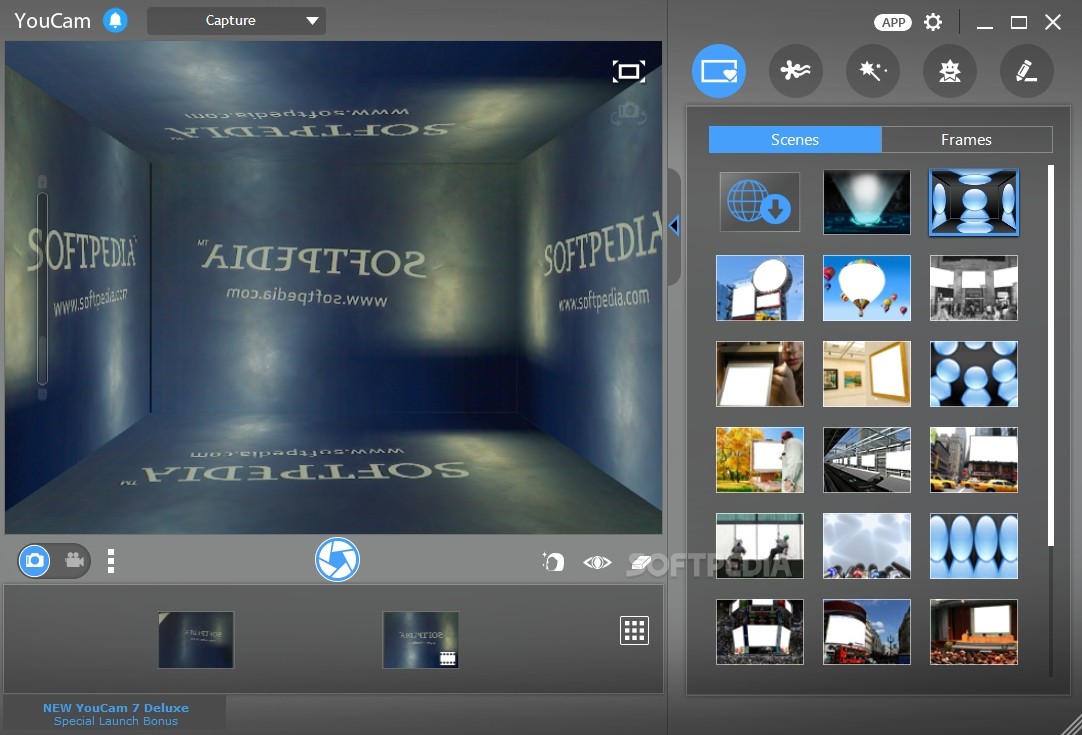
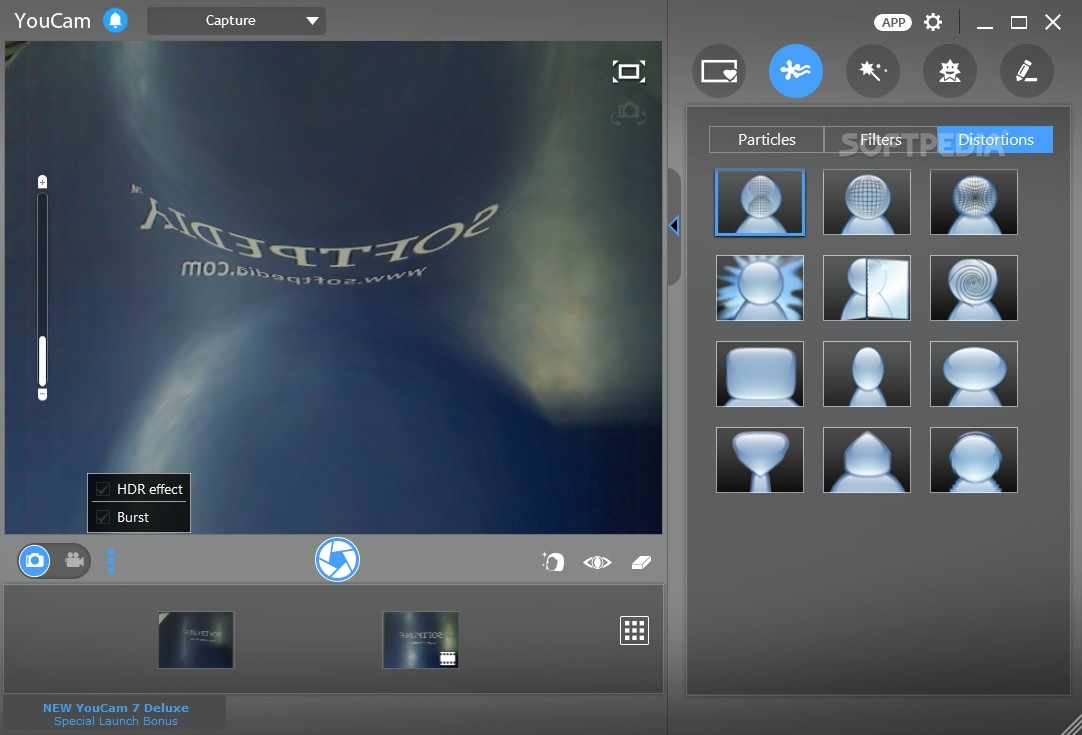
Using a webcam you can reach out to people all over the world and with the aid of a microphone, you can also engage in live conversations. To do it the fun way, you can start using software such as YouCam, designed to enhance your webcam experience with a rich collection of effects, gadgets and avatars.
Cyberlink YouCam serves as a multi-purpose webcam application, since you can it use it to have fun while chatting, but you can also rely on it to create presentations and tutorials or to take your computer to a new level of security, with the aid of the face recognition algorithm.
The installation process of the application takes a fair amount of time, due to the wide range of templates encased in the deployment package. Towards the end of the installation, the application offers the Google Toolbar, but you can decline it if you don’t fancy any third-party tools.
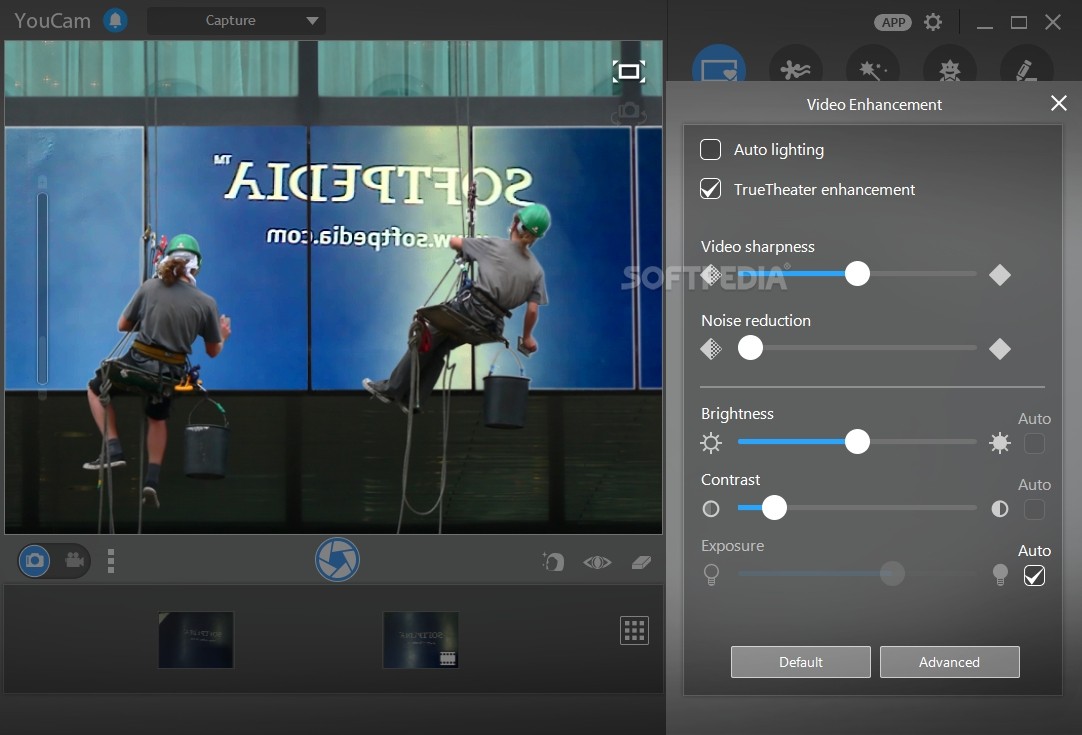
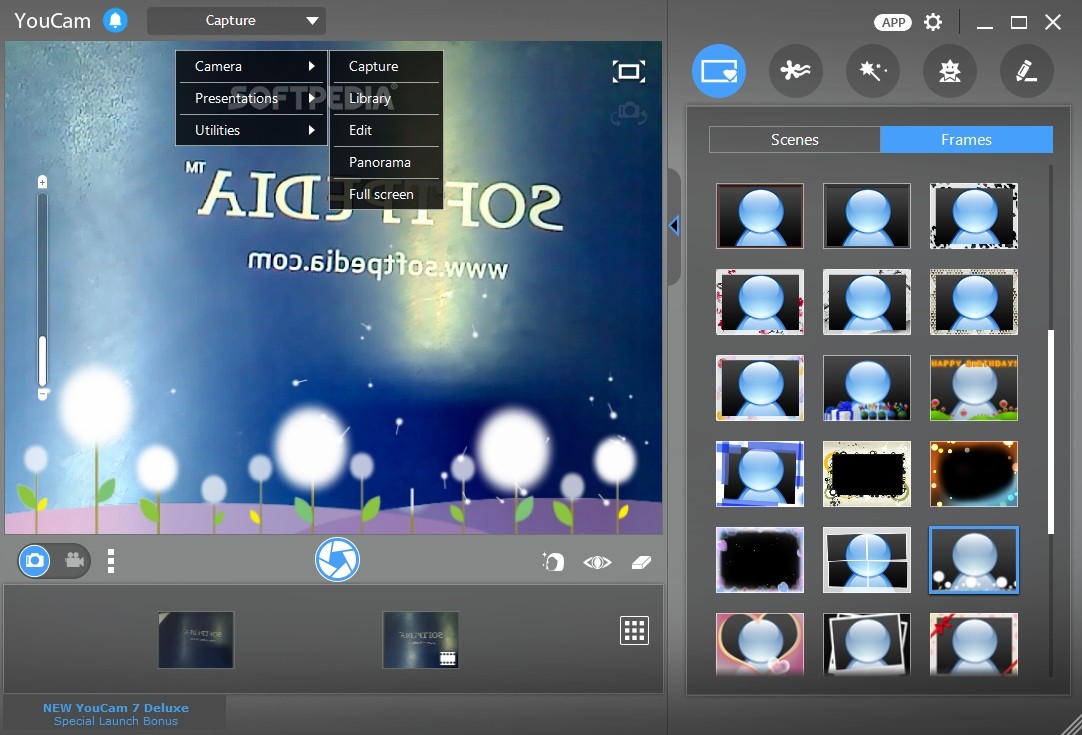
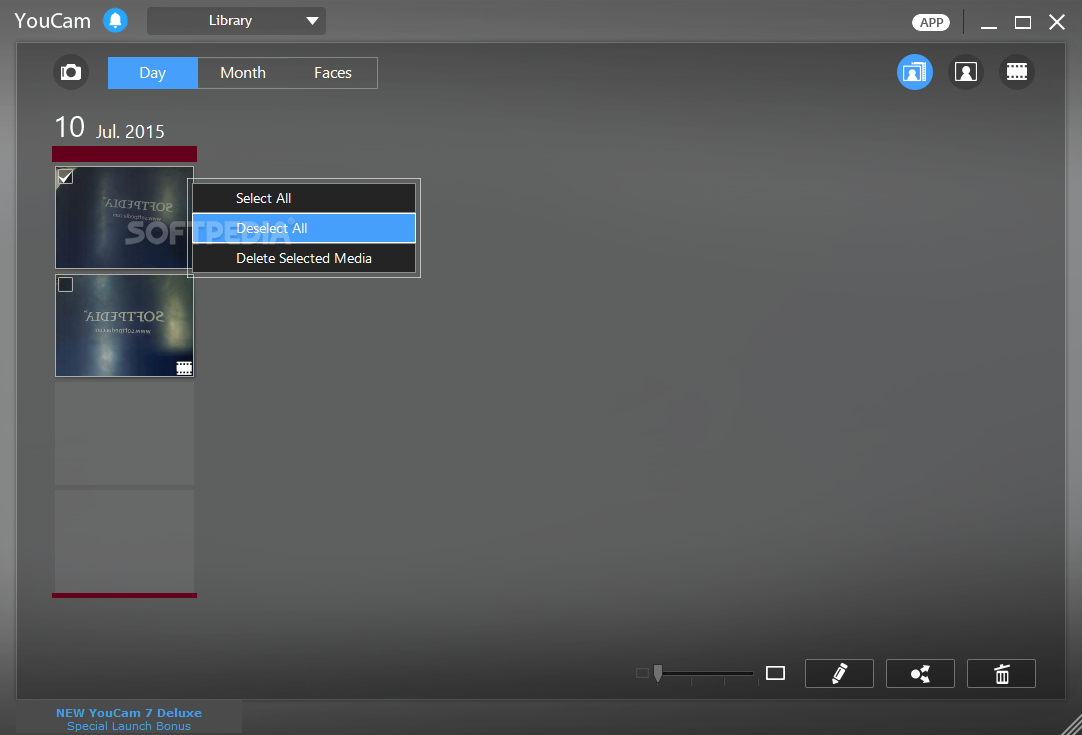
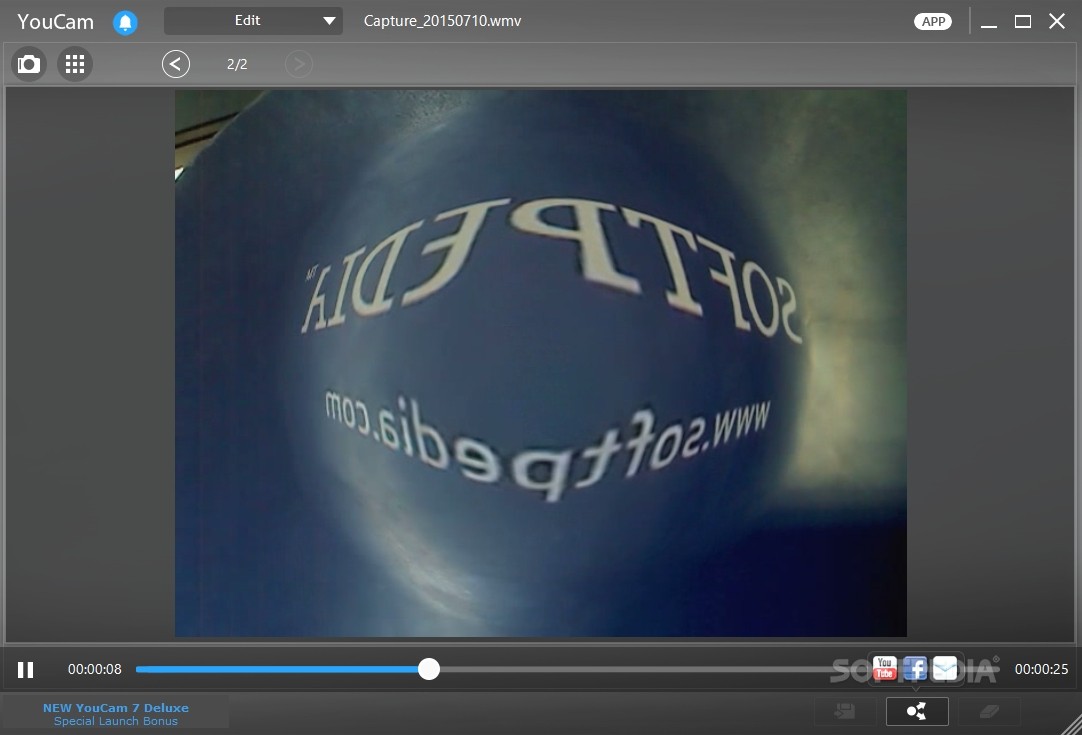
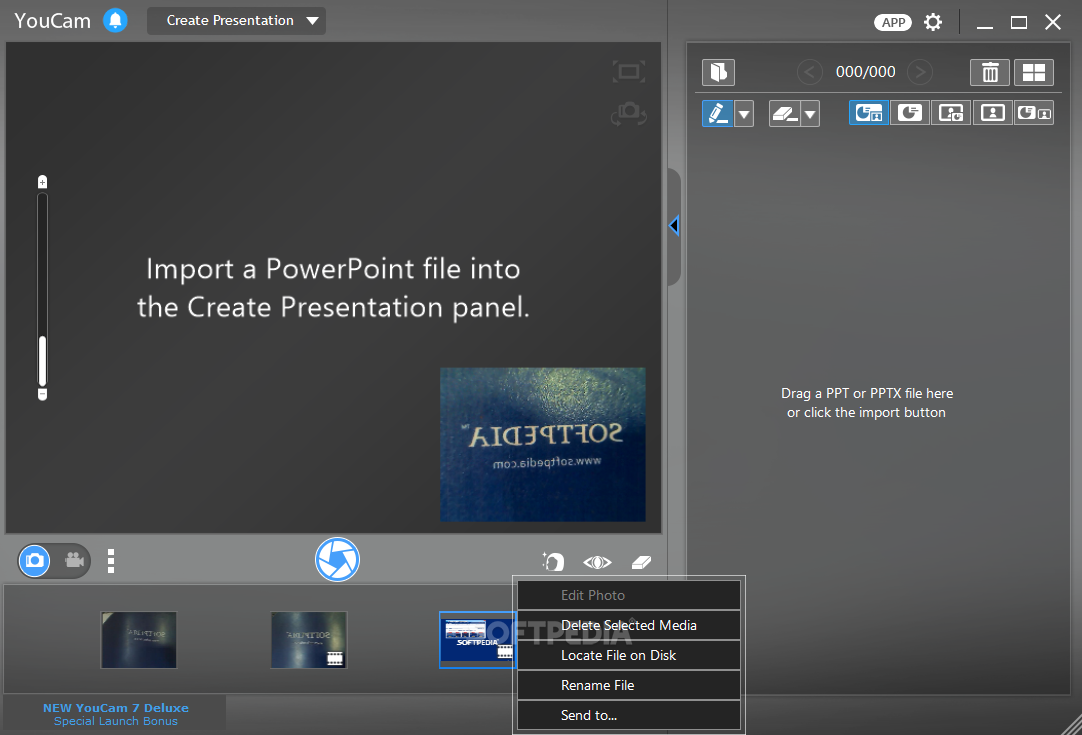
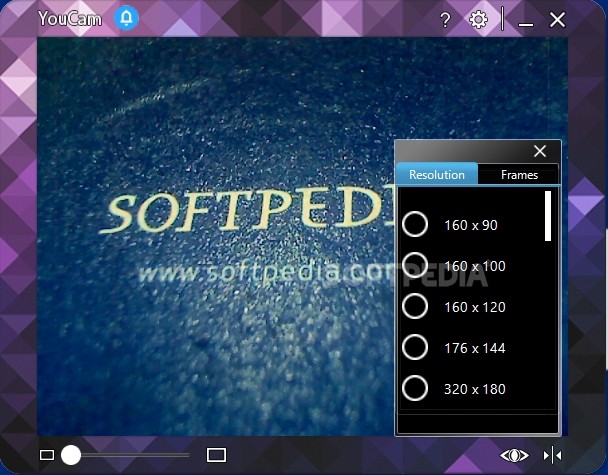
The main window of the program is simple and stylish; most of the space is dedicated to the webcam image, while the remaining area is reserved for the management of the snapshots and recorded videos.
From the adjacent control panel, you can trigger image effects, the presentation designer and other utilities that include face recognition for Windows login and a webcam surveillance application.
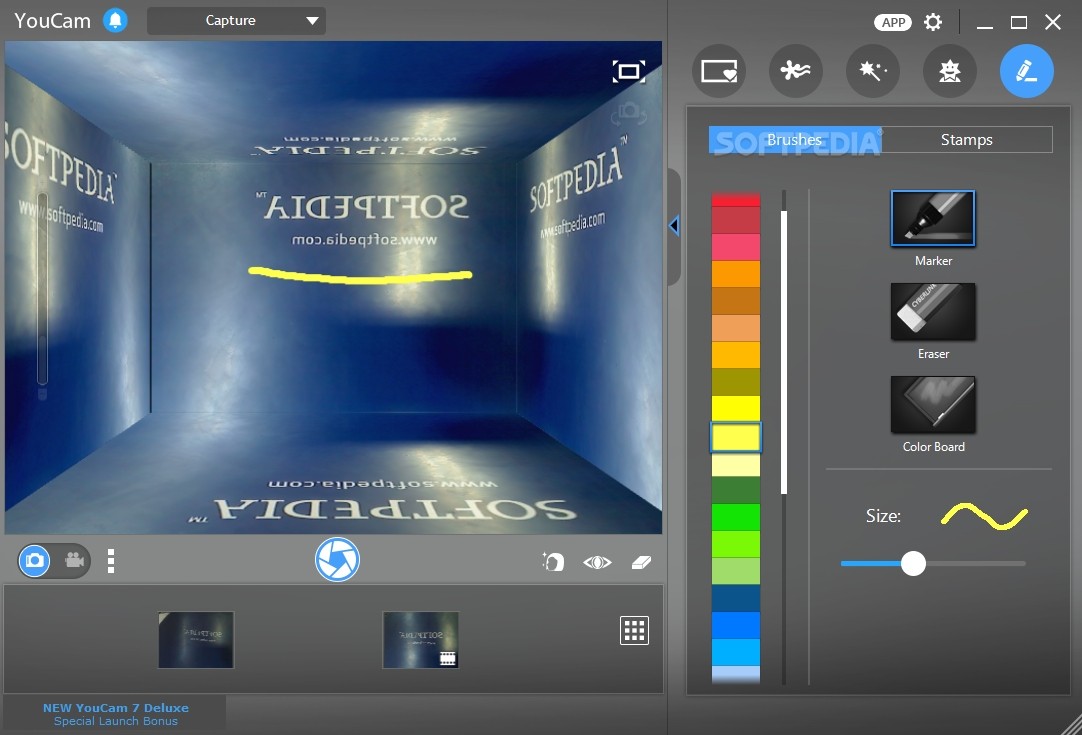
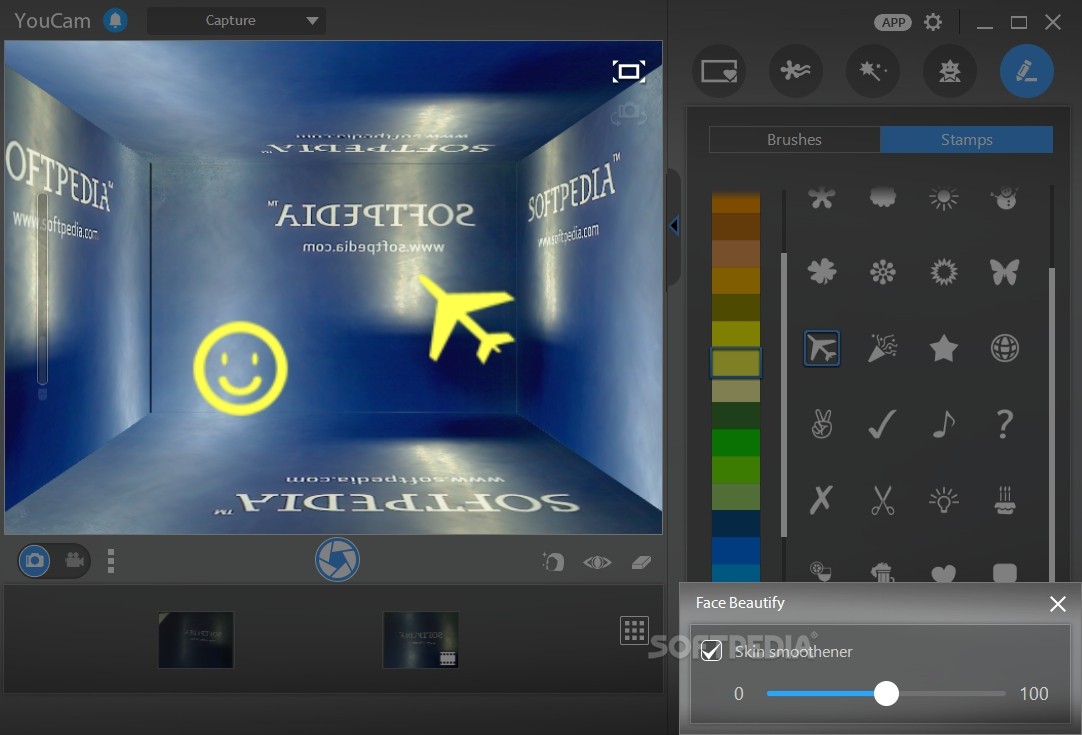
The richest and most attractive section is the one that incorporates image effects and avatars. A few quick examples are the confetti elements, 3D virtual objects, animated emoticons, unique frames and the most appealing one, the possibility to transport yourself to virtual locations all over the world (New York, Paris).
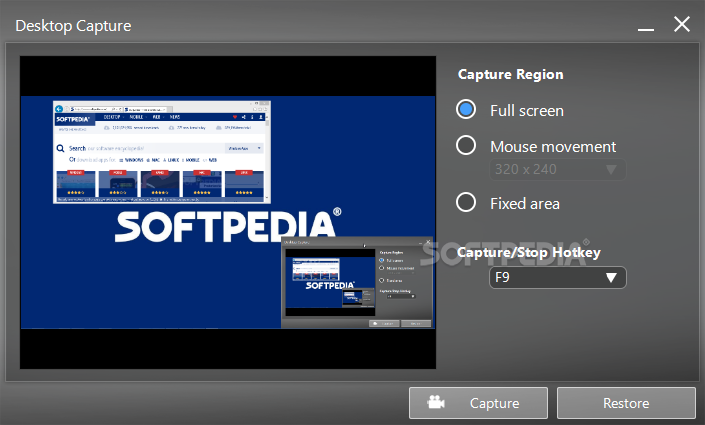
Leaving the fun part aside, Cyberlink YouCam can be of great assistance when creating educational material, such as tutorials. By using PowerPoint files, combined with live captures of your PC screen, you should be able to create outstanding video presentations.
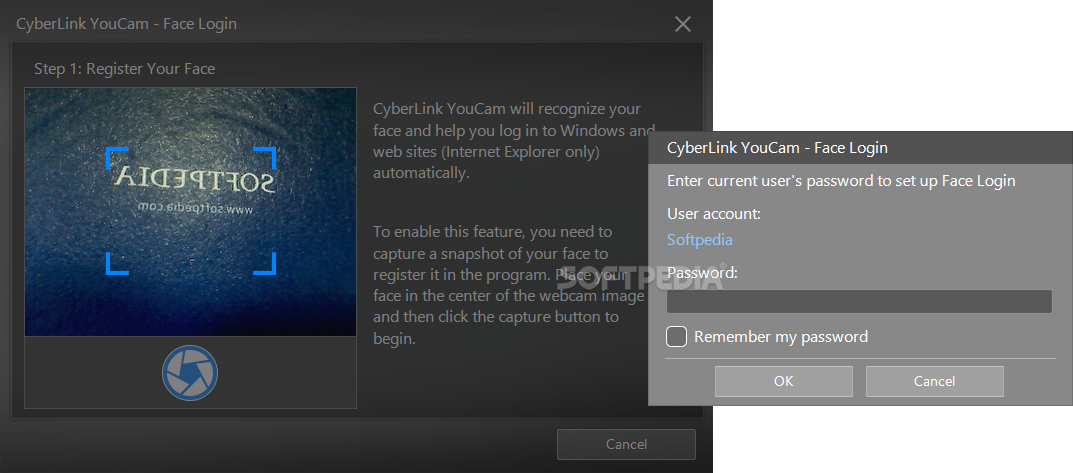
With the aid of the Face Login feature, you no longer need to type usernames and passwords, but instead, you just look at the webcam and the recognition algorithm instantly logs you into your computer, no additional data needed.
Cyberlink YouCam makes the most of your webcam. You can use it for fun, educational and security purposes and this is what makes it the ultimate webcam software application.
Download Hubs
YouCam is part of these download collections: Webcam Recorder, Webcam Managers, Customize Avatars
YouCam 10.1.2717.1
add to watchlist add to download basket send us an update REPORT- runs on:
-
Windows 11
Windows 10 64 bit
Windows 8 64 bit
Windows 7 64 bit - file size:
- 1.1 MB
- filename:
- CyberLink_YouCam_Downloader.exe

- main category:
- Internet
- developer:
- visit homepage
4k Video Downloader

ShareX

Microsoft Teams

7-Zip

Bitdefender Antivirus Free

Context Menu Manager

Windows Sandbox Launcher

IrfanView

Zoom Client

calibre

- IrfanView
- Zoom Client
- calibre
- 4k Video Downloader
- ShareX
- Microsoft Teams
- 7-Zip
- Bitdefender Antivirus Free
- Context Menu Manager
- Windows Sandbox Launcher